ChatGPT & OpenAI
ChatGPT Pro vs Plus: Is Pro $100, $200 or $500 Worth It in 2026?
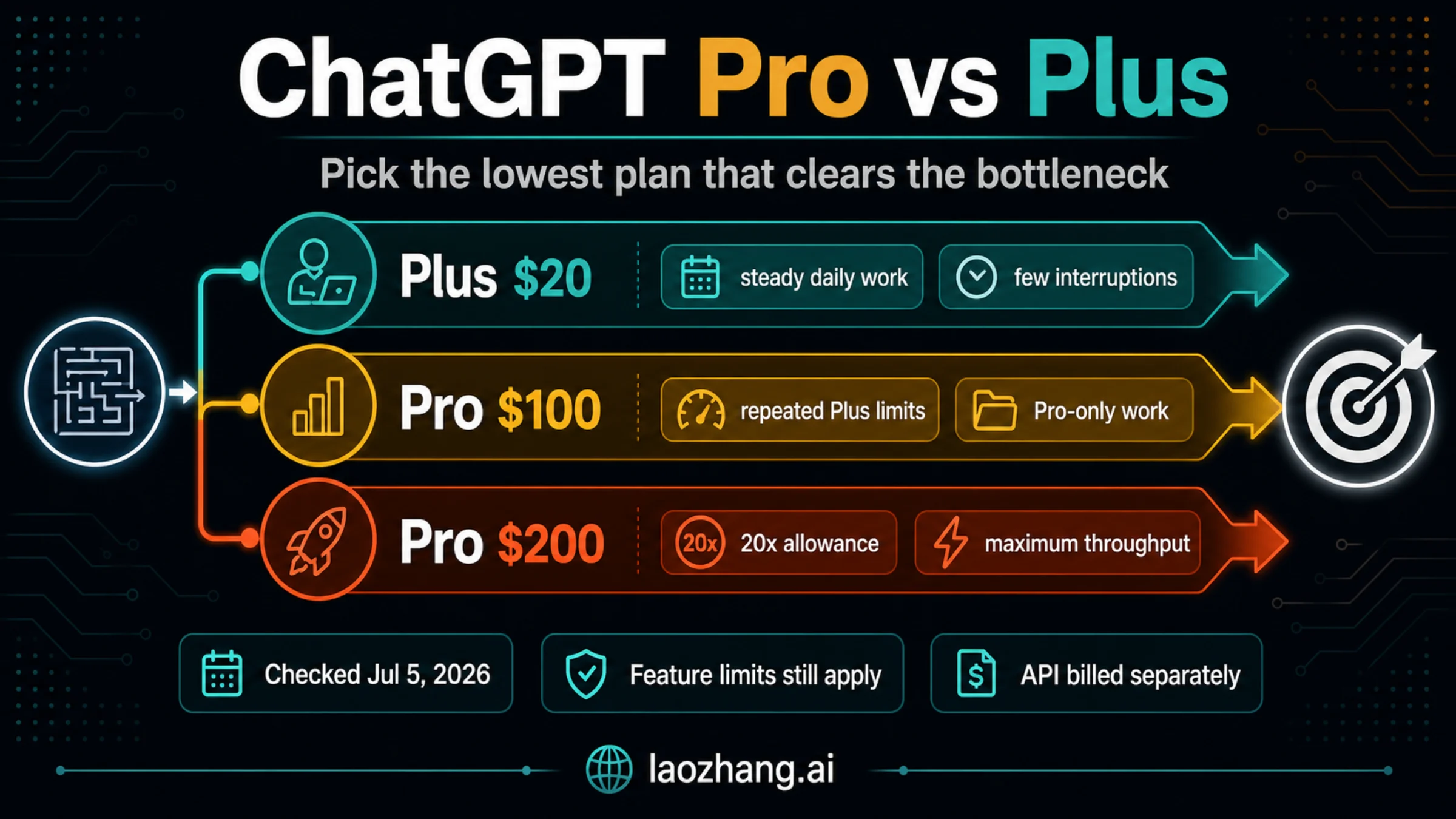
ChatGPT Pro costs $100, $200 or $500 a month, and OpenAI's help pages dropped the 5x and 20x figures. Stay on Plus unless a named limit keeps blocking work.
19 min
ChatGPT Pro costs $100, $200 or $500 a month, and OpenAI's help pages dropped the 5x and 20x figures. Stay on Plus unless a named limit keeps blocking work.
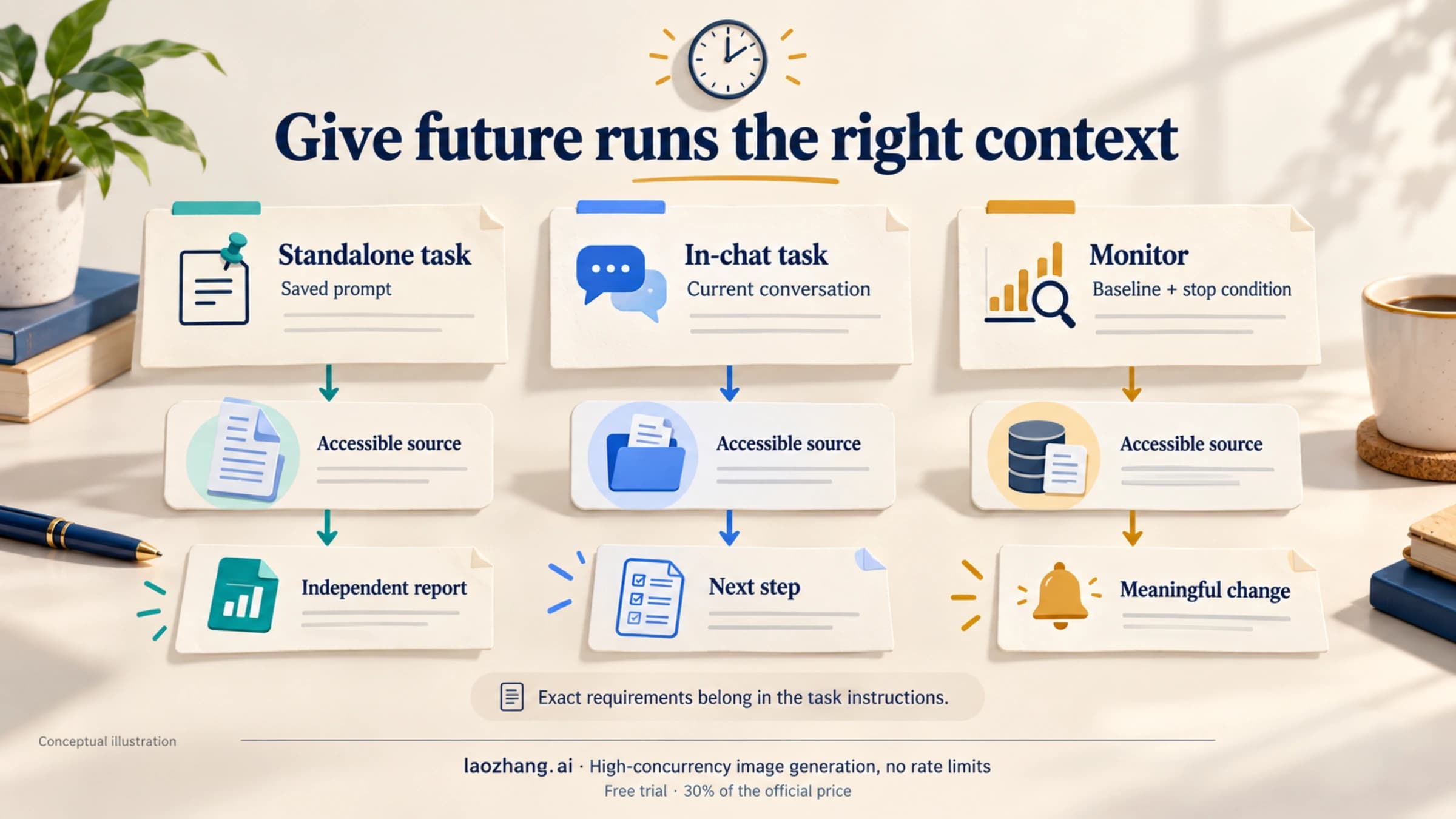
A future task needs explicit instructions and accessible sources. Use an existing chat for ongoing work, treat Memory as supporting context, and give shared copies their own inputs and app access.
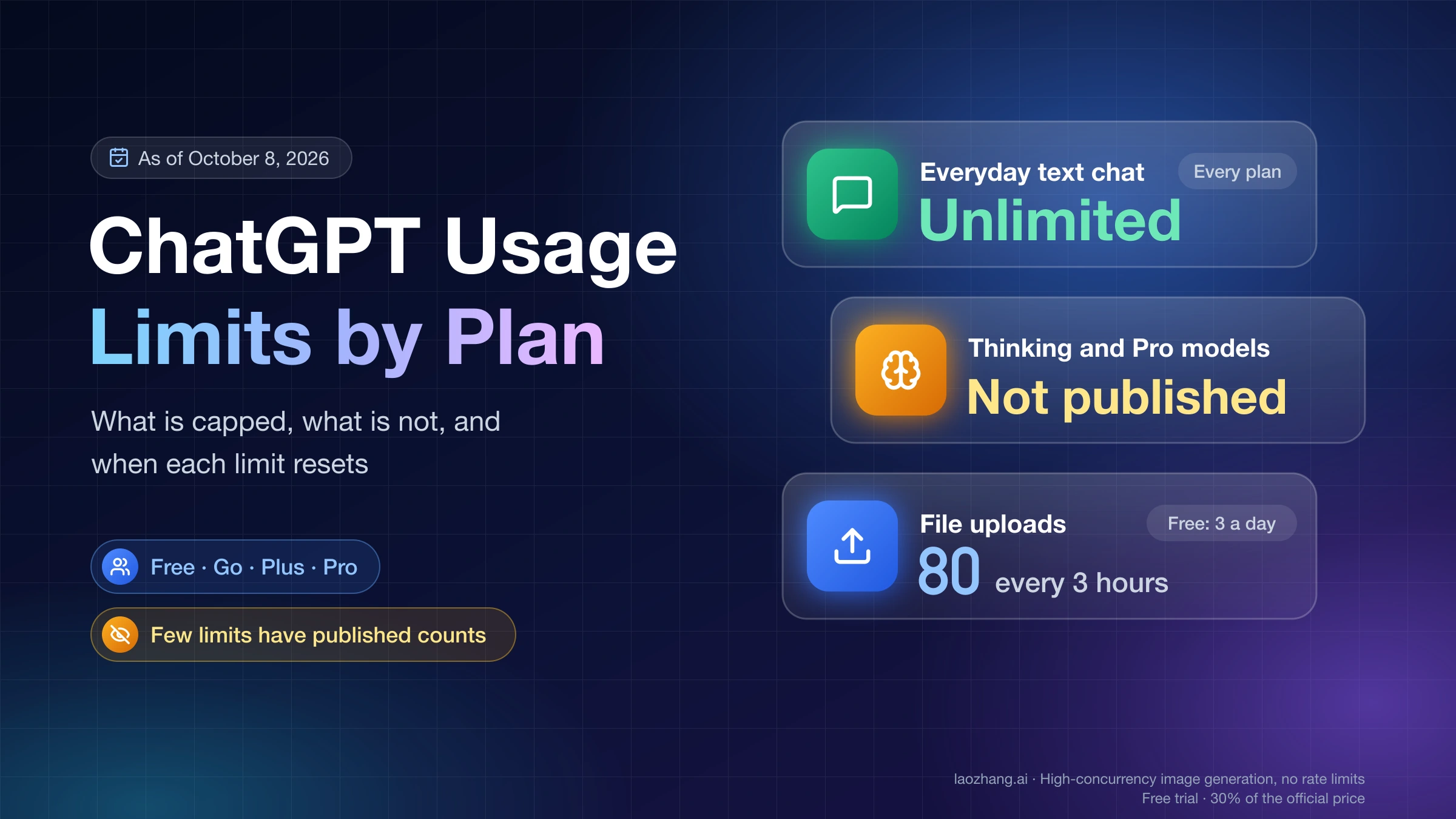
As of October 8, 2026, everyday ChatGPT text chat is unlimited on every plan. Thinking, tools, Work and Codex have separate caps; few have published numbers.
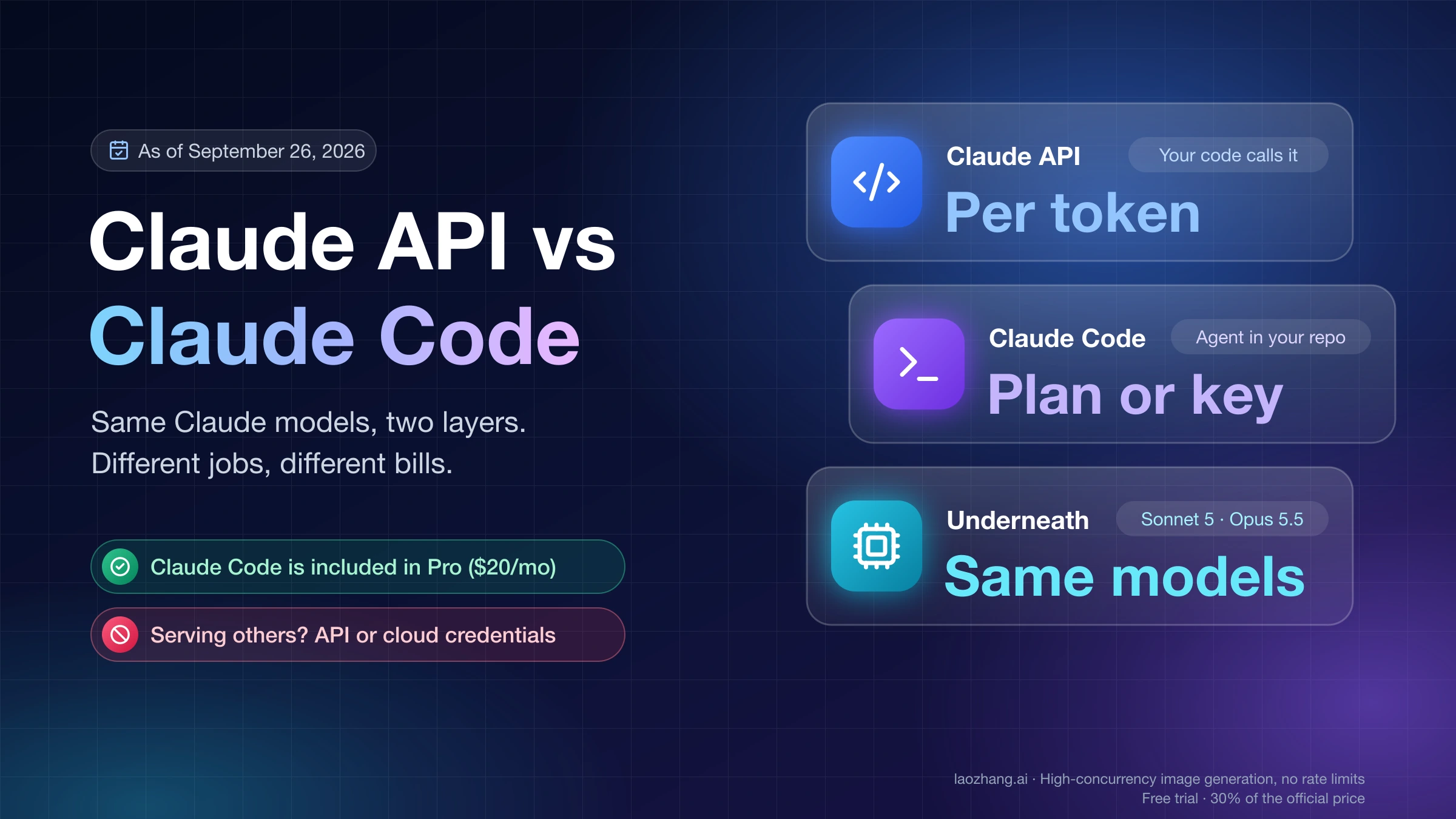
The Claude API bills your own code per token; Claude Code runs on Pro, Max or an API key. Max's new monthly API credits don't cover interactive Claude Code.
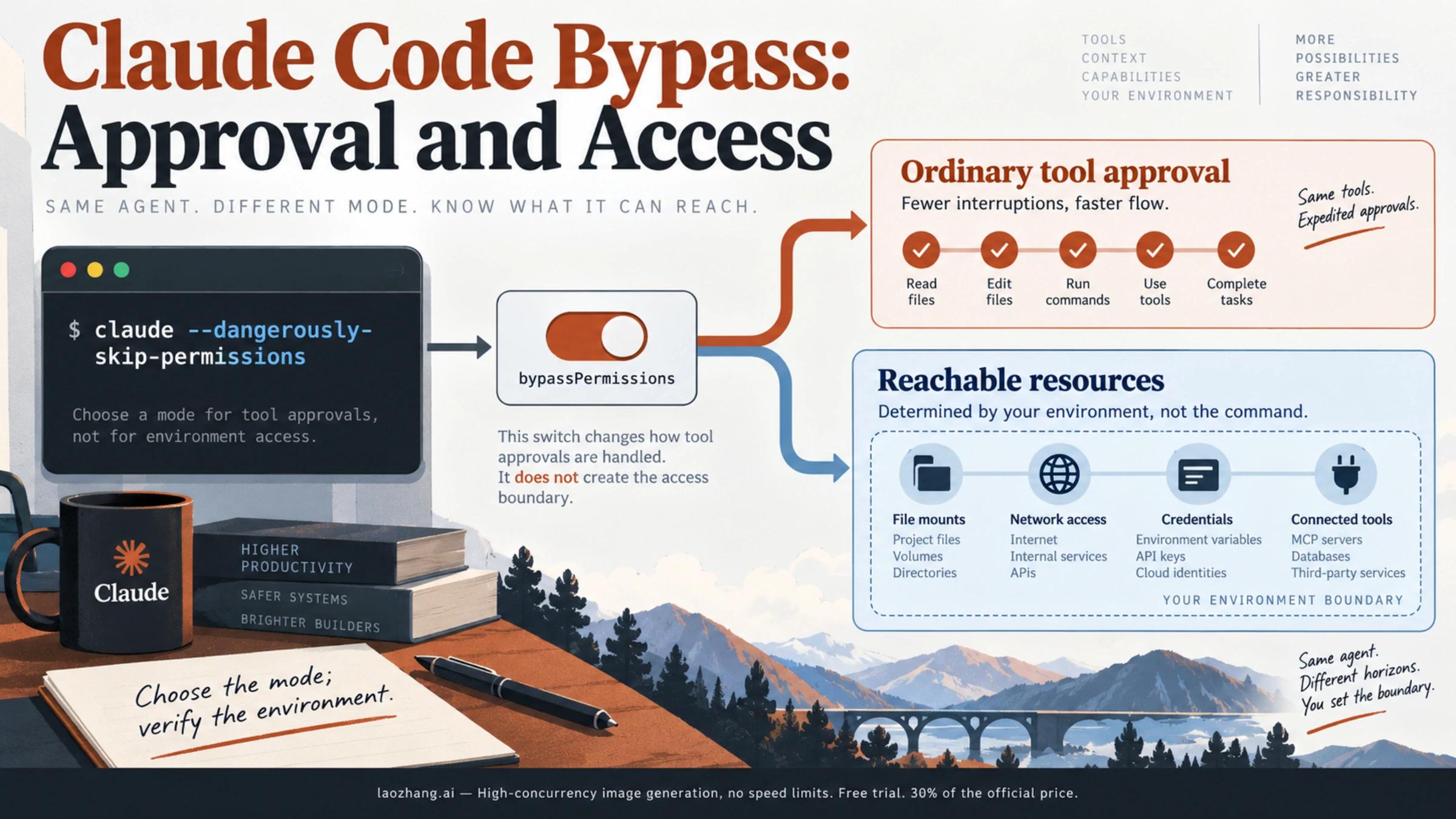
claude --dangerously-skip-permissions starts bypassPermissions. The --allow variant only enables mode selection; neither confines filesystem or network access. Use explicit modes and check how your surface restores sessions.
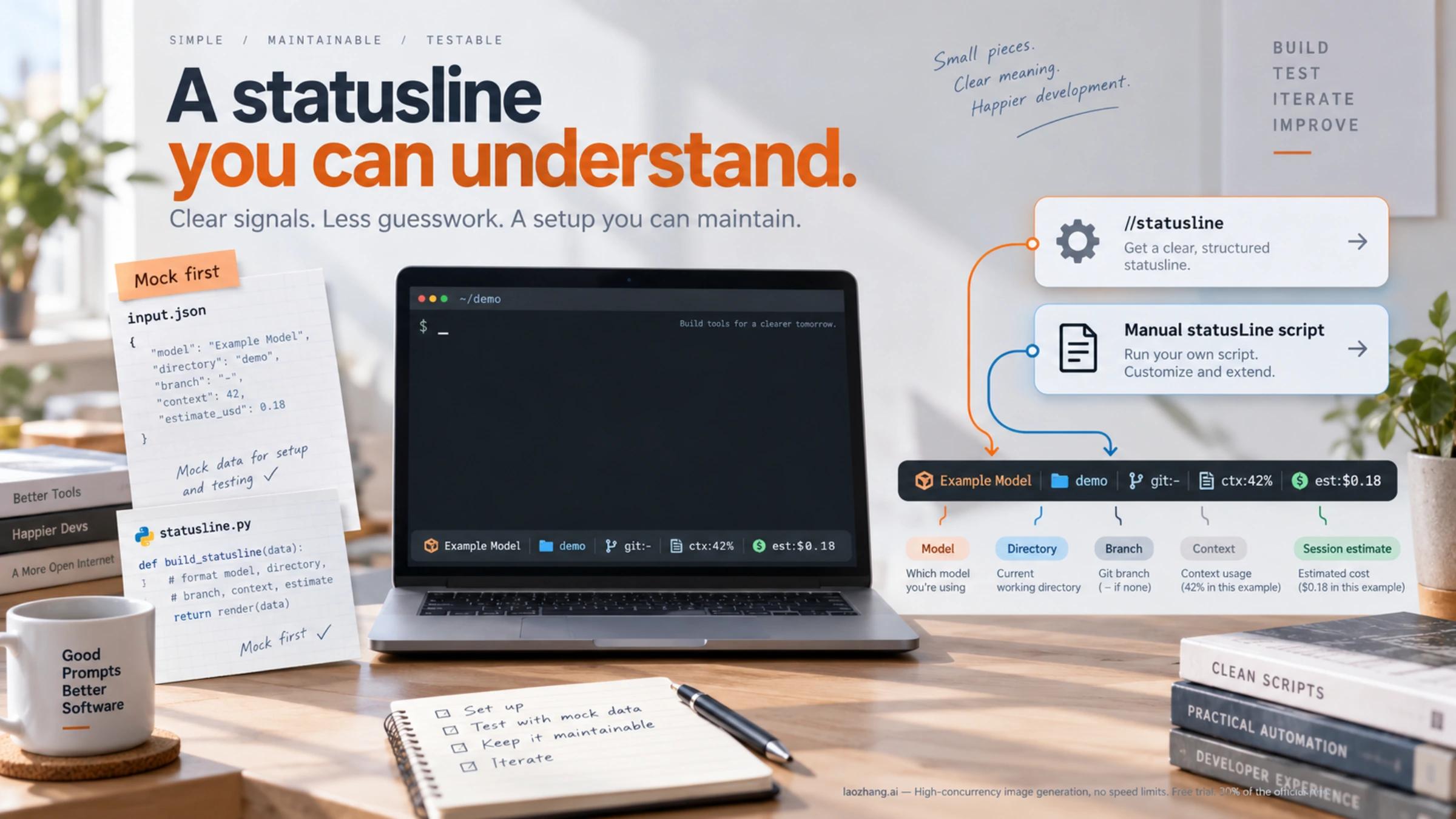
Use /statusline for a quick personal setup, or connect a small Python script for a configuration you can maintain. Test it with mock JSON before troubleshooting settings, update triggers, or Windows paths.
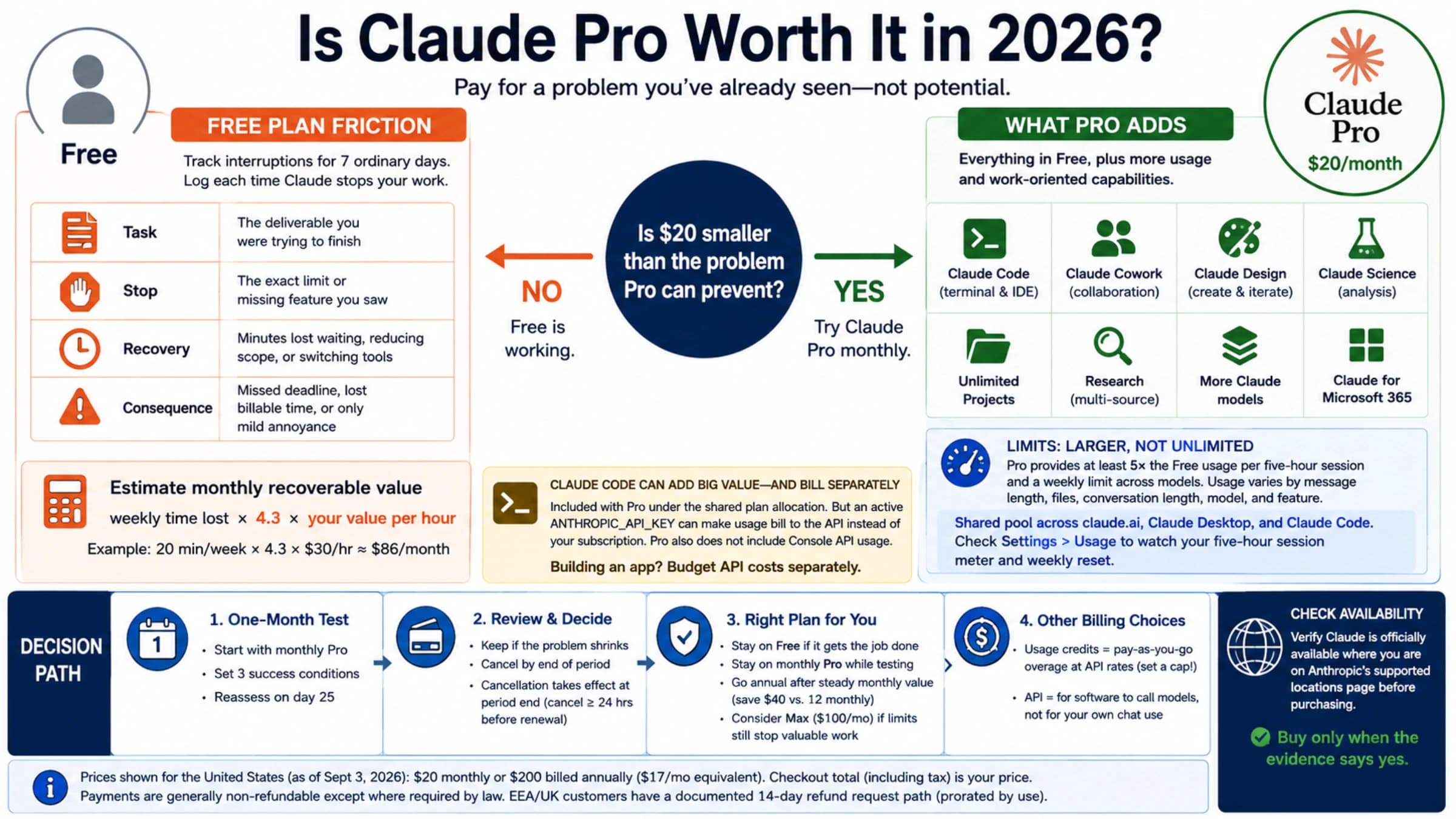
Claude Pro is worth it when Free repeatedly breaks a task you value or when a paid-only capability becomes part of your weekly work. If neither is true, Free is the better plan.
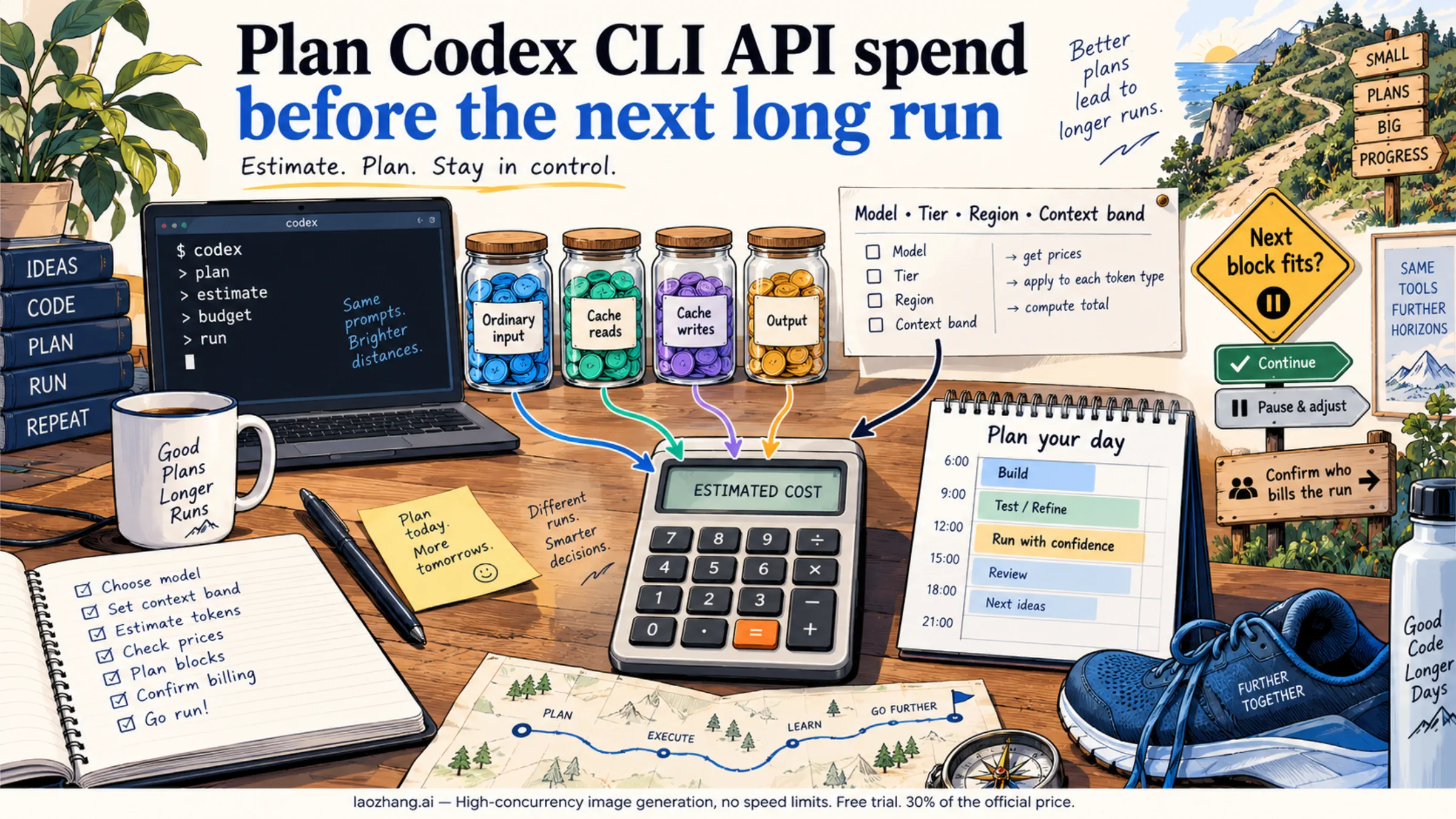
For API-billed Codex CLI work, price ordinary input, cache reads, cache writes, and output separately. A planned day can then be compared with your budget before the next long task starts.
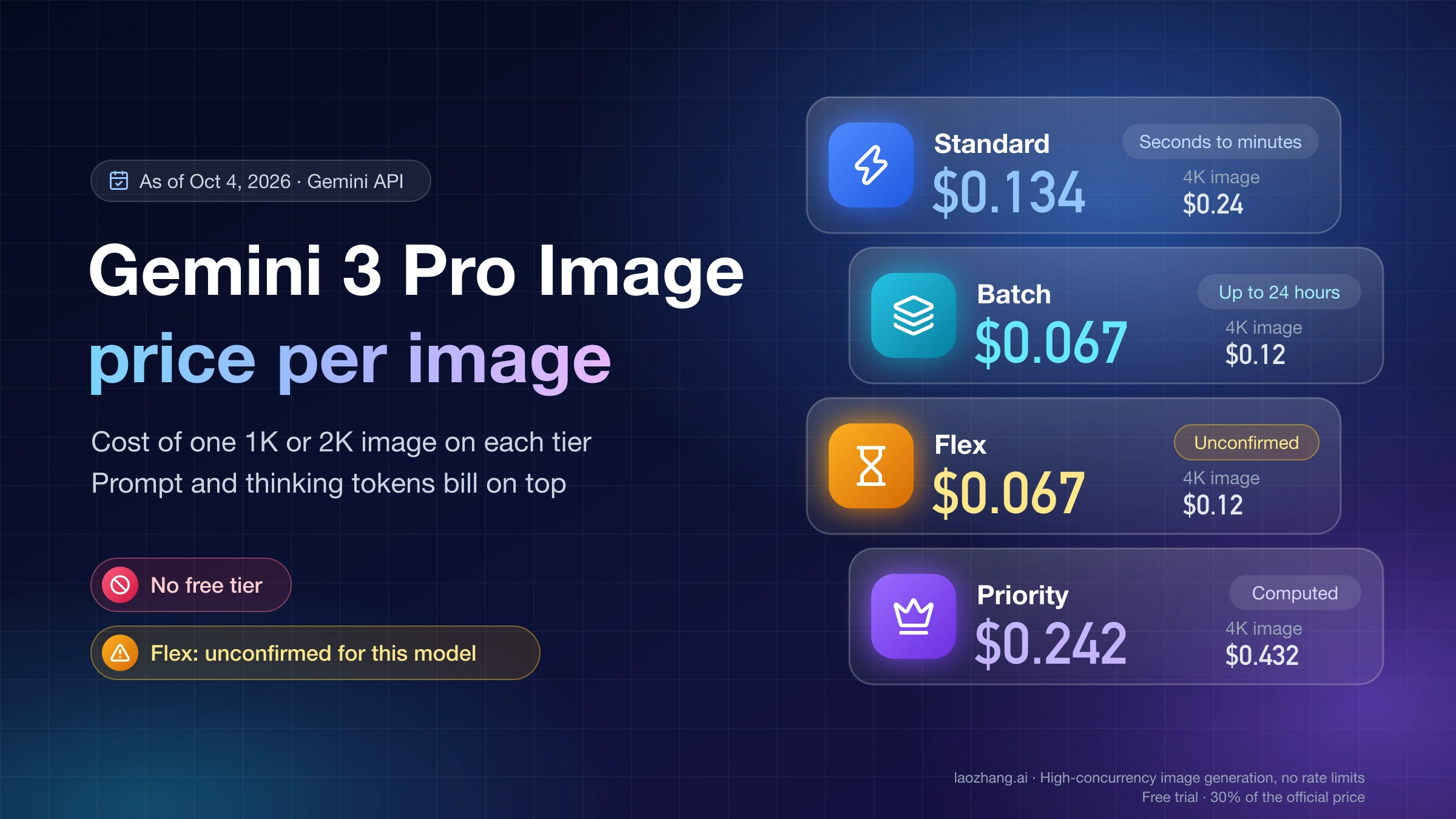
As of October 8, 2026, Gemini 3 Pro Image costs $0.134 per 1K/2K image, $0.24 at 4K, half on Batch, no free tier. Nano Banana 2.1 costs $0.0336 at 1K.
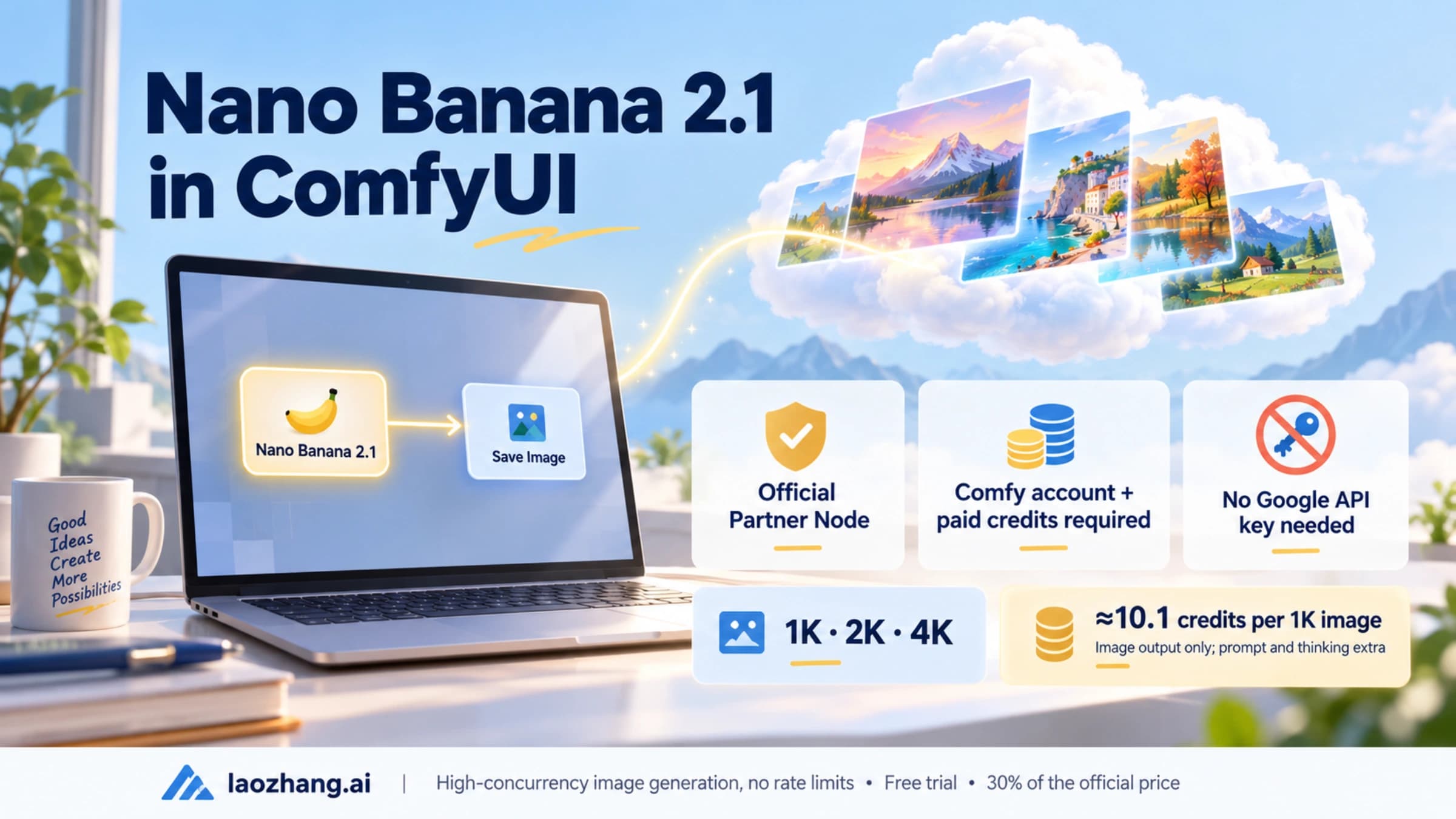
Use ComfyUI's official Nano Banana 2.1 Partner Node (0.39.1+), paid in Comfy credits. Old workflows sending preview model IDs have failed since June 25, 2026.
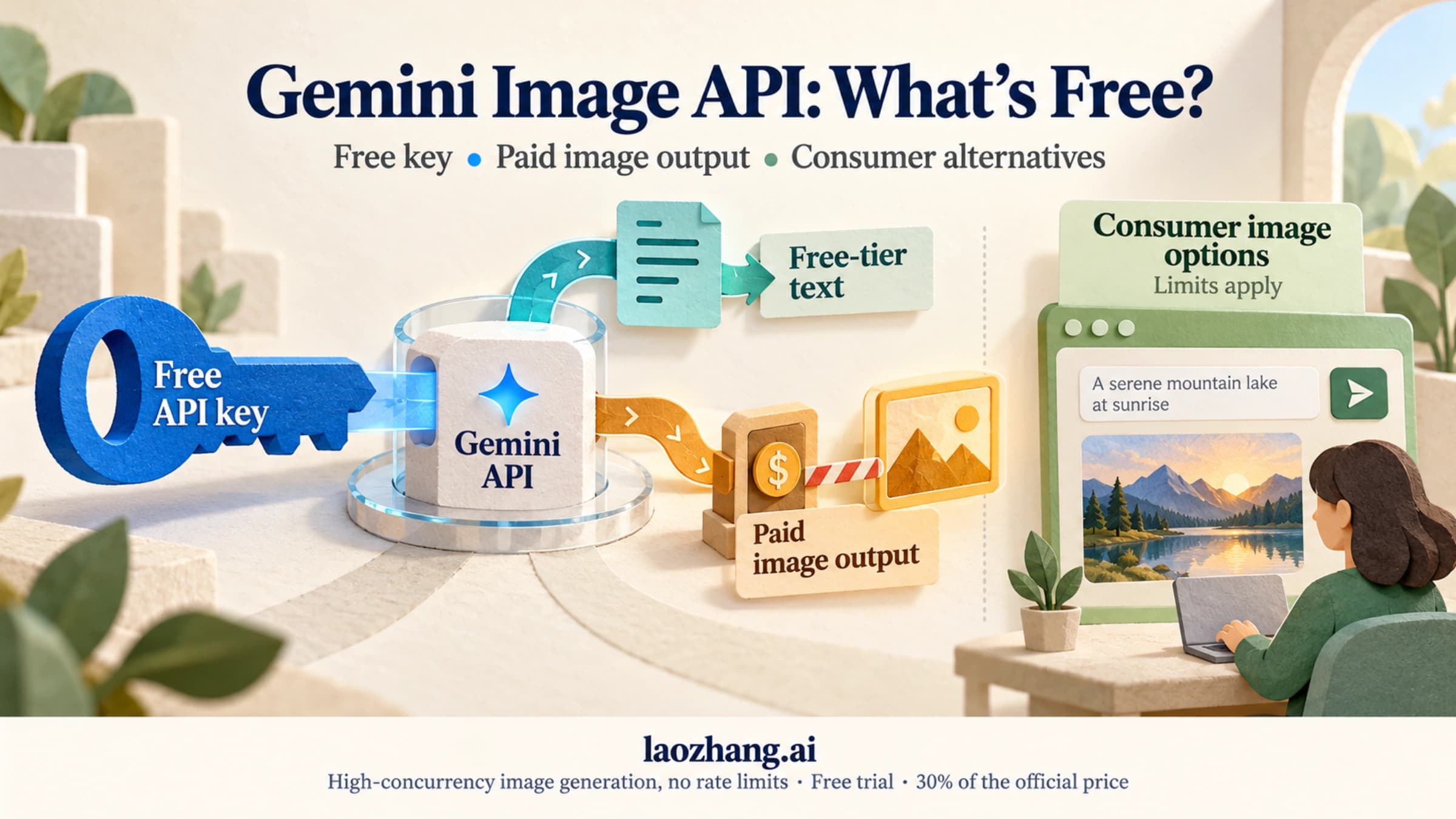
No. As of October 8, 2026, no Gemini image model, Nano Banana 2.1 included, has free API output. $5 covers up to 148 images at 1K on 2.1 or 2 Lite.
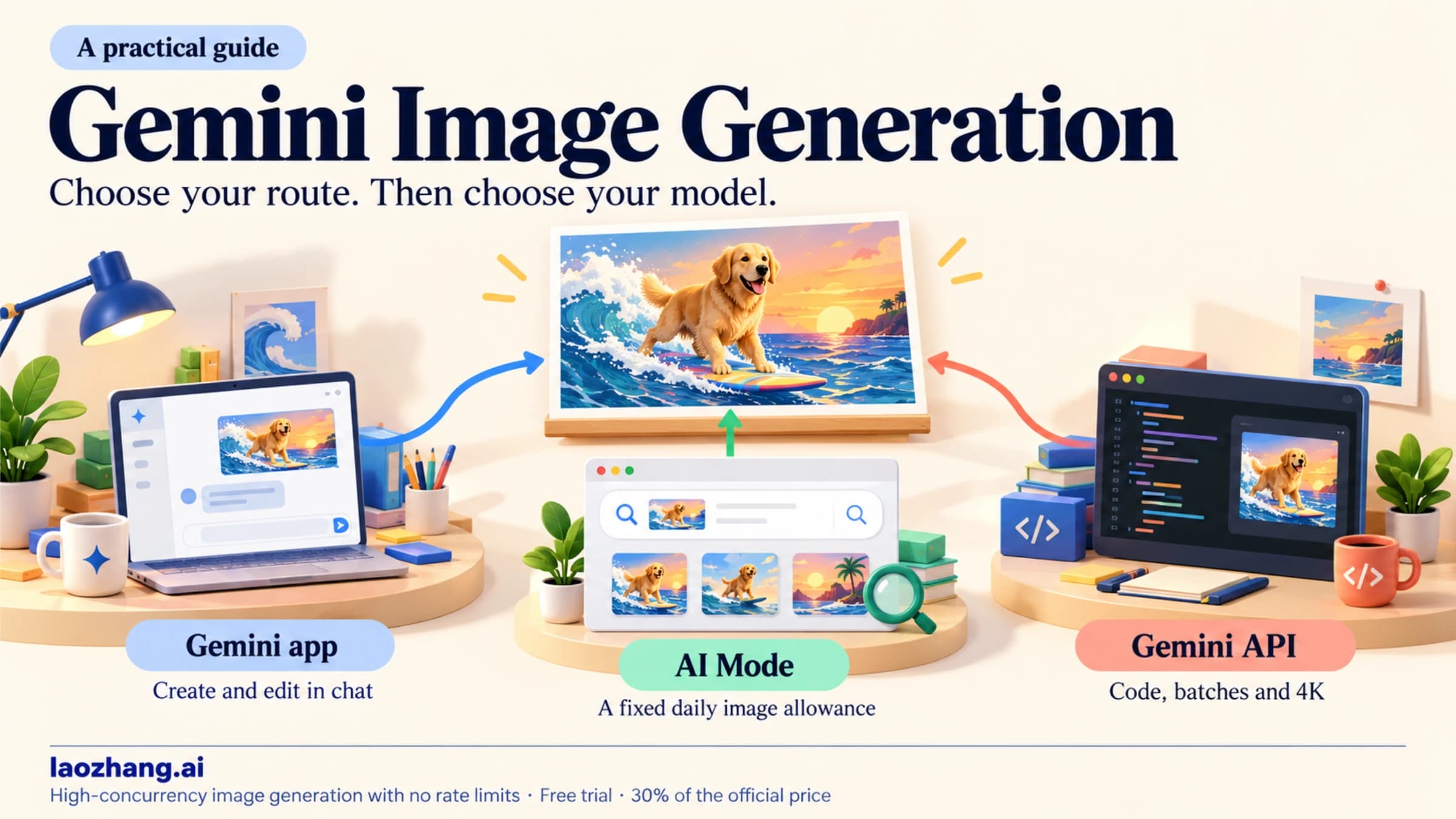
As of October 8, 2026, the free Gemini app runs Nano Banana 2, Google AI plans get Nano Banana 2.1, and API images are billed: $0.0336 per 1K image on 2.1.
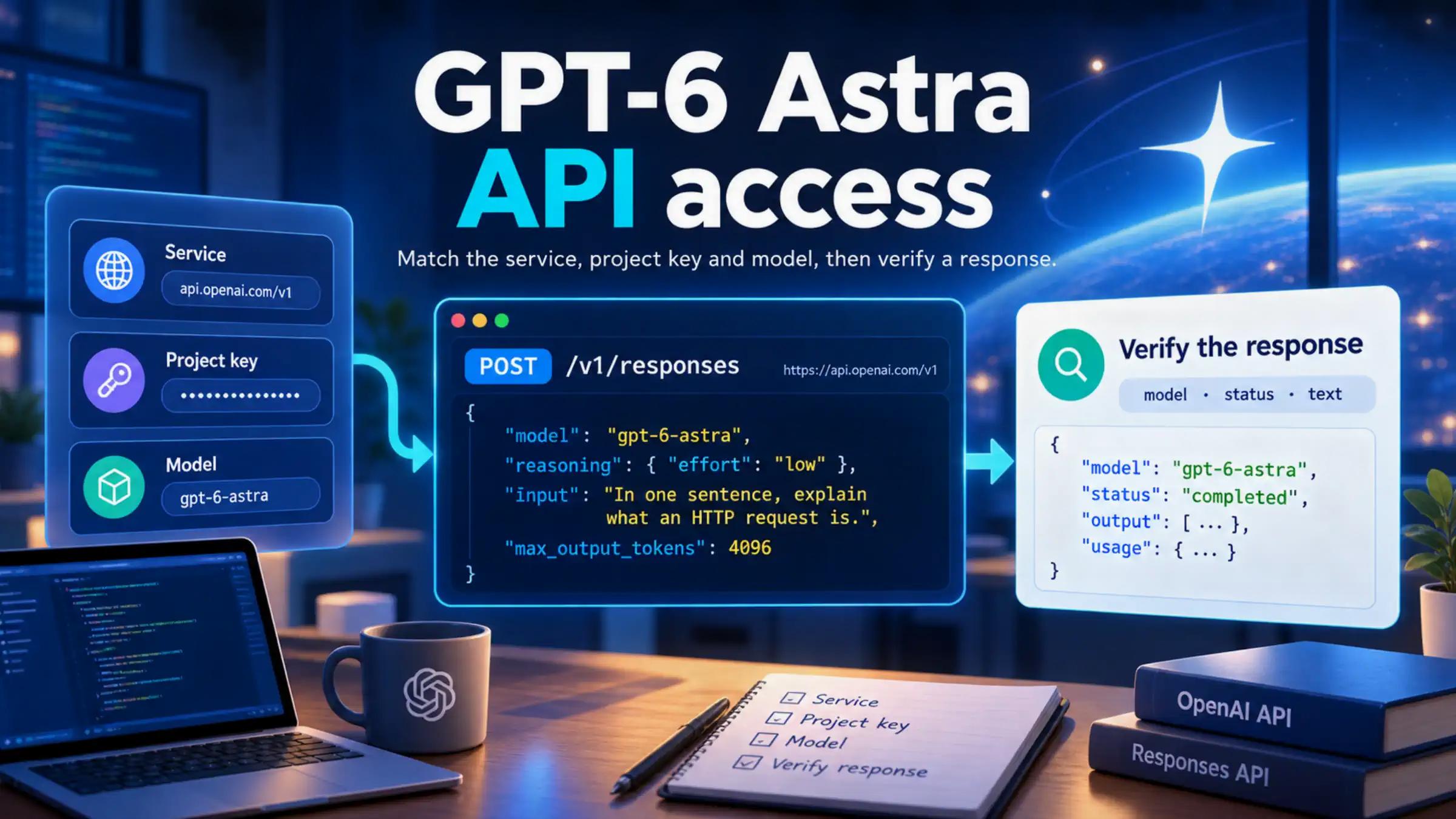
GPT-6 Astra API access depends on the service, organization, and project behind your key. Use a complete first-request example to check access, read the response correctly, and identify the next step when a call fails.
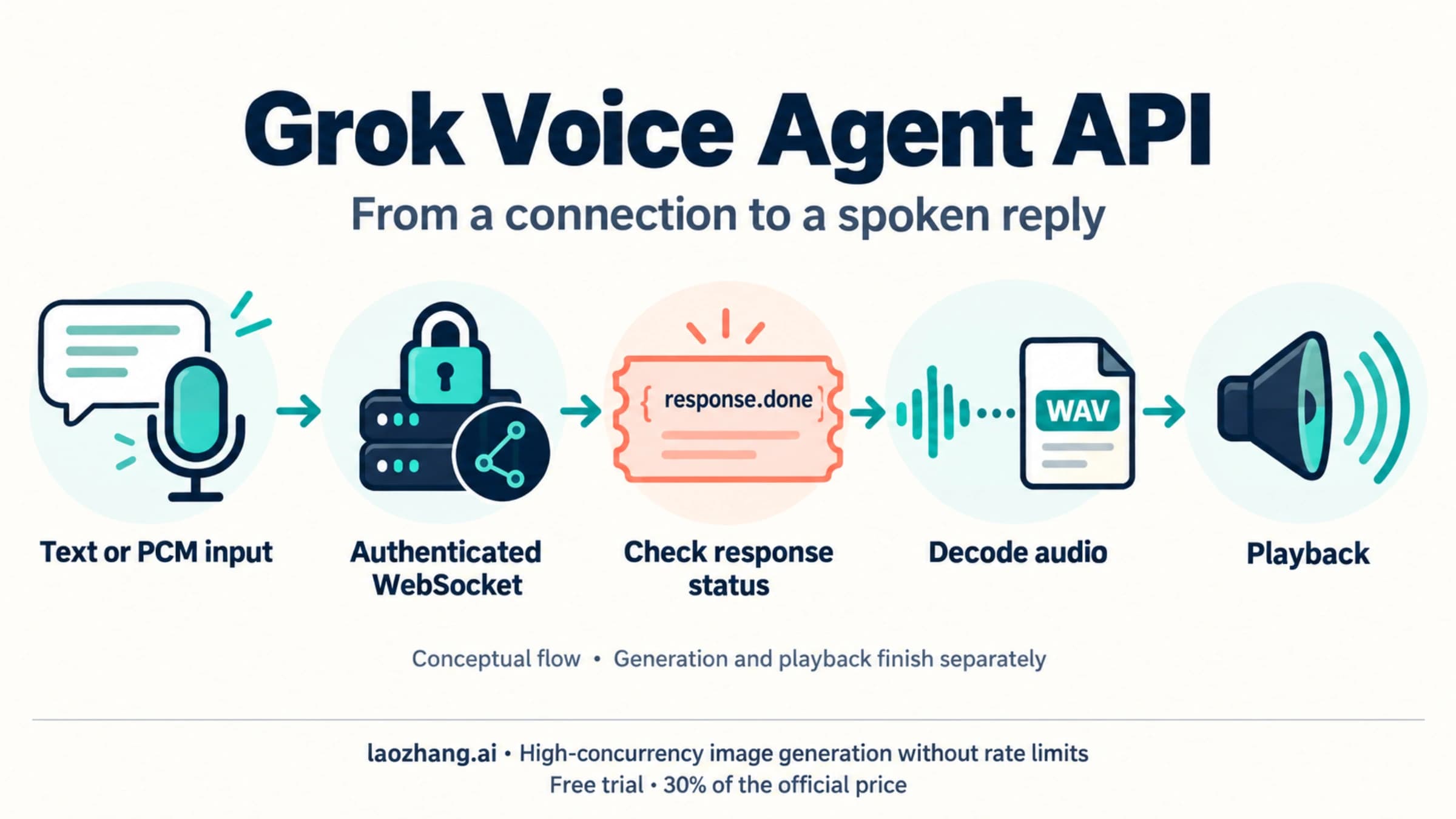
Use wss://api.x.ai/v1/realtime for a live Grok voice agent. Start with a server-side text or PCM turn, decode the audio reply, and use short-lived client secrets for browser connections. Current audio pricing is $0.08 per minute, with different duration meters for server VAD and push-to-talk.
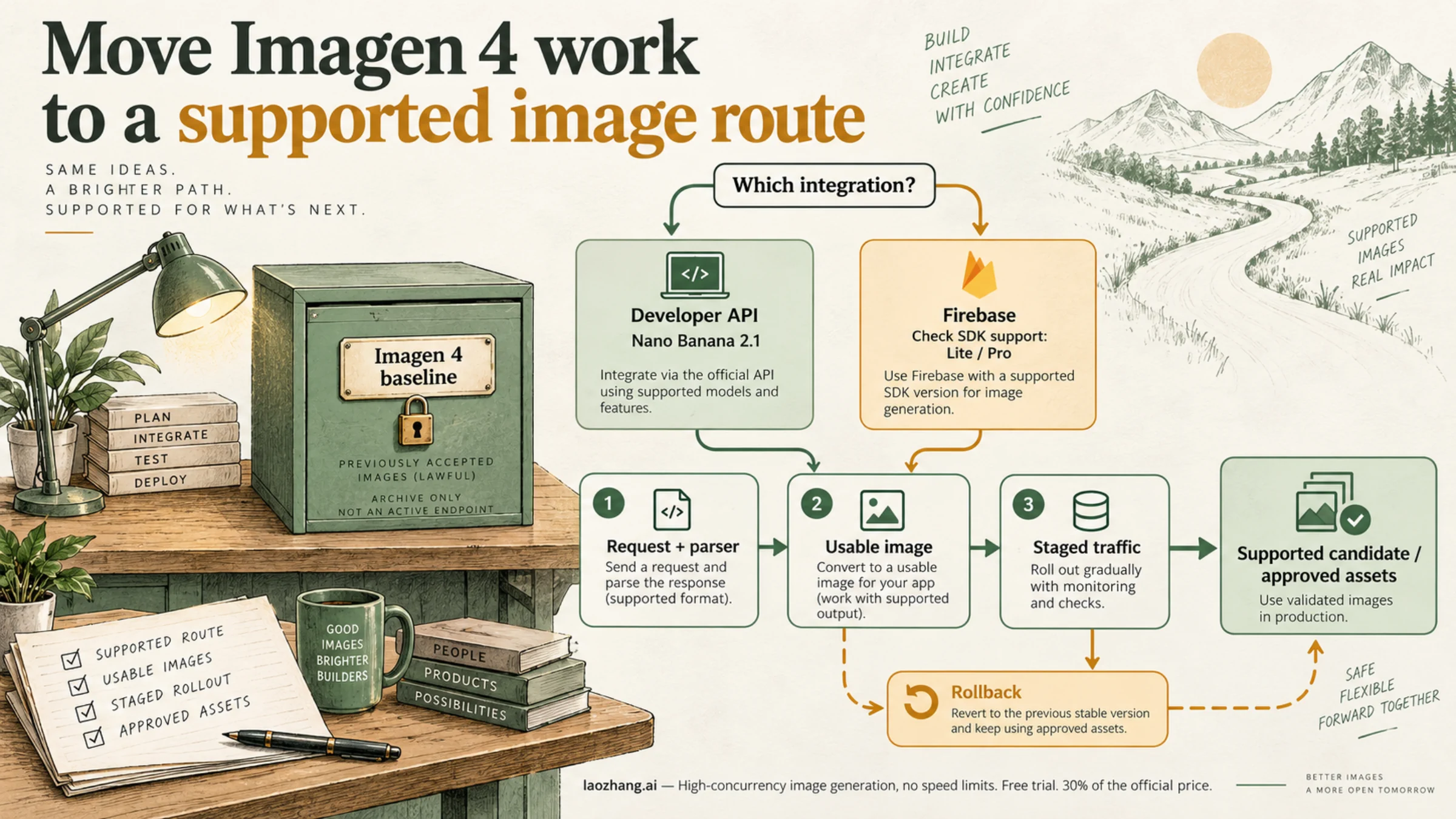
Imagen 4 shut down on August 17, 2026. Move Gemini API jobs to gemini-nano-banana-2.1, replace the request and image parser, and confirm Firebase's model list.
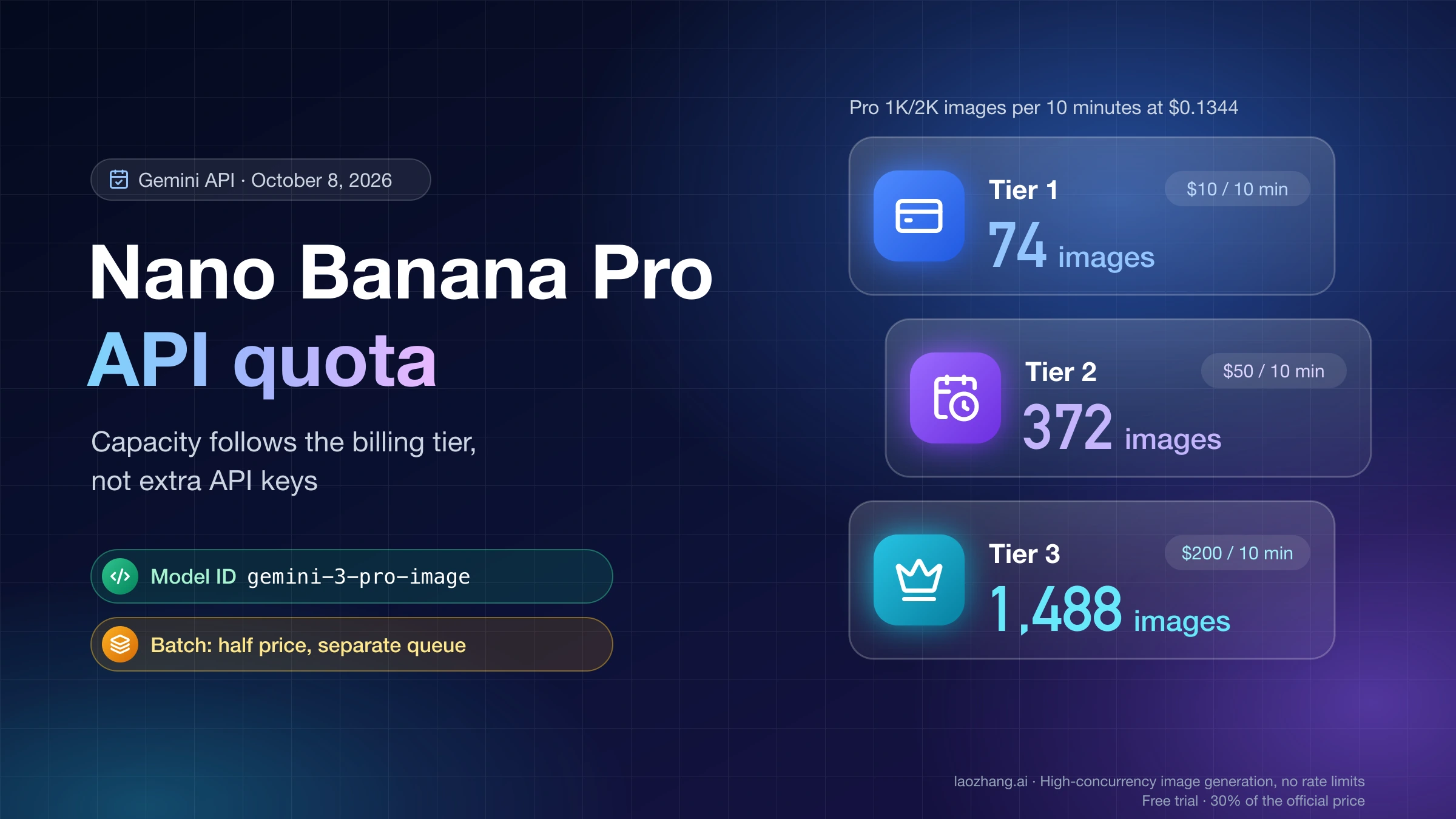
Nano Banana Pro API quota grows with your billing tier, not with extra keys: Tier 1's $10 per 10 minutes buys about 74 Pro images, Tier 3's $200 about 1,488.
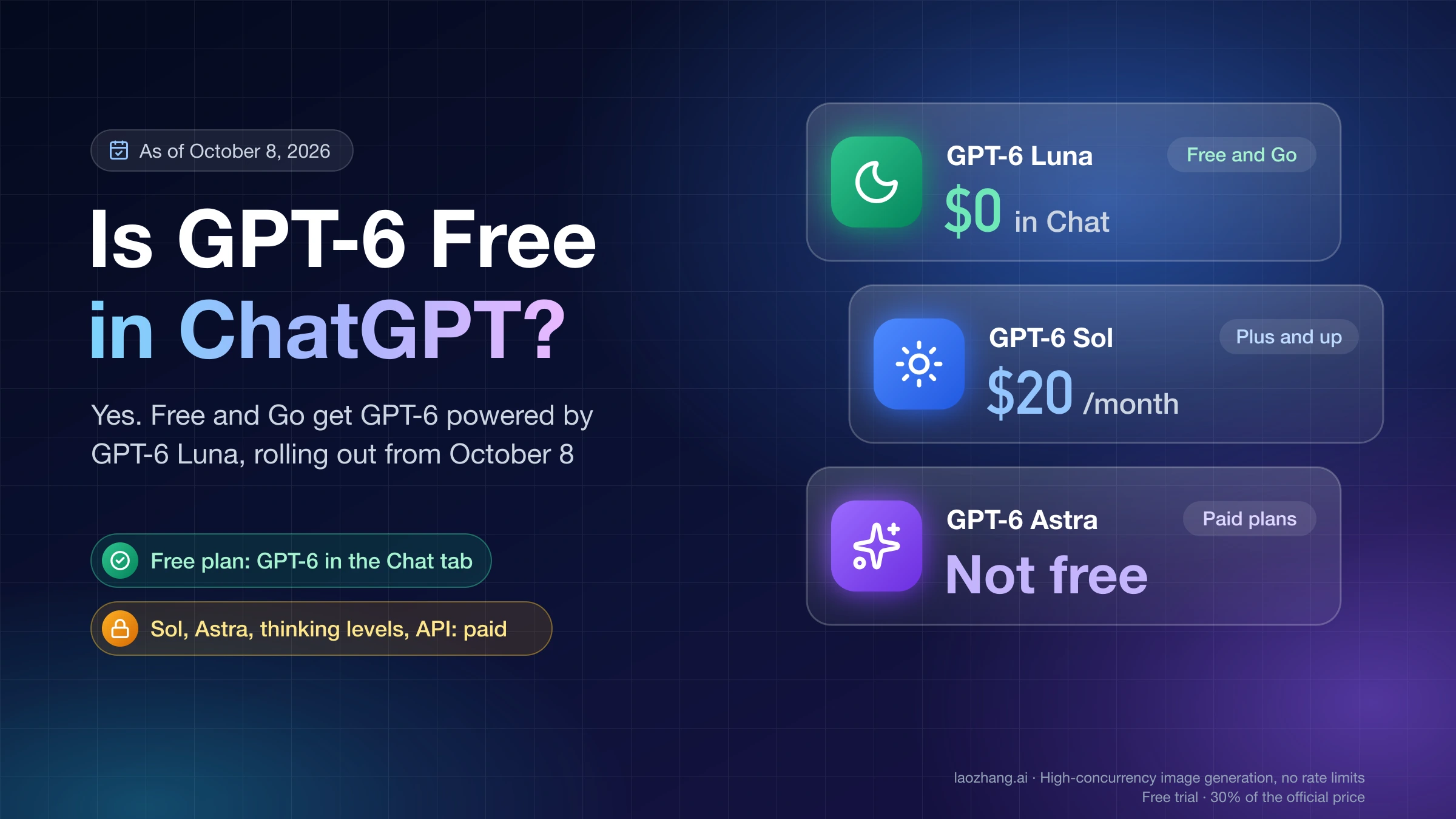
Yes. GPT-6 began rolling out to ChatGPT Free on October 8, 2026, powered by GPT-6 Luna. GPT-6 Sol, Astra and higher thinking levels still require a paid plan.
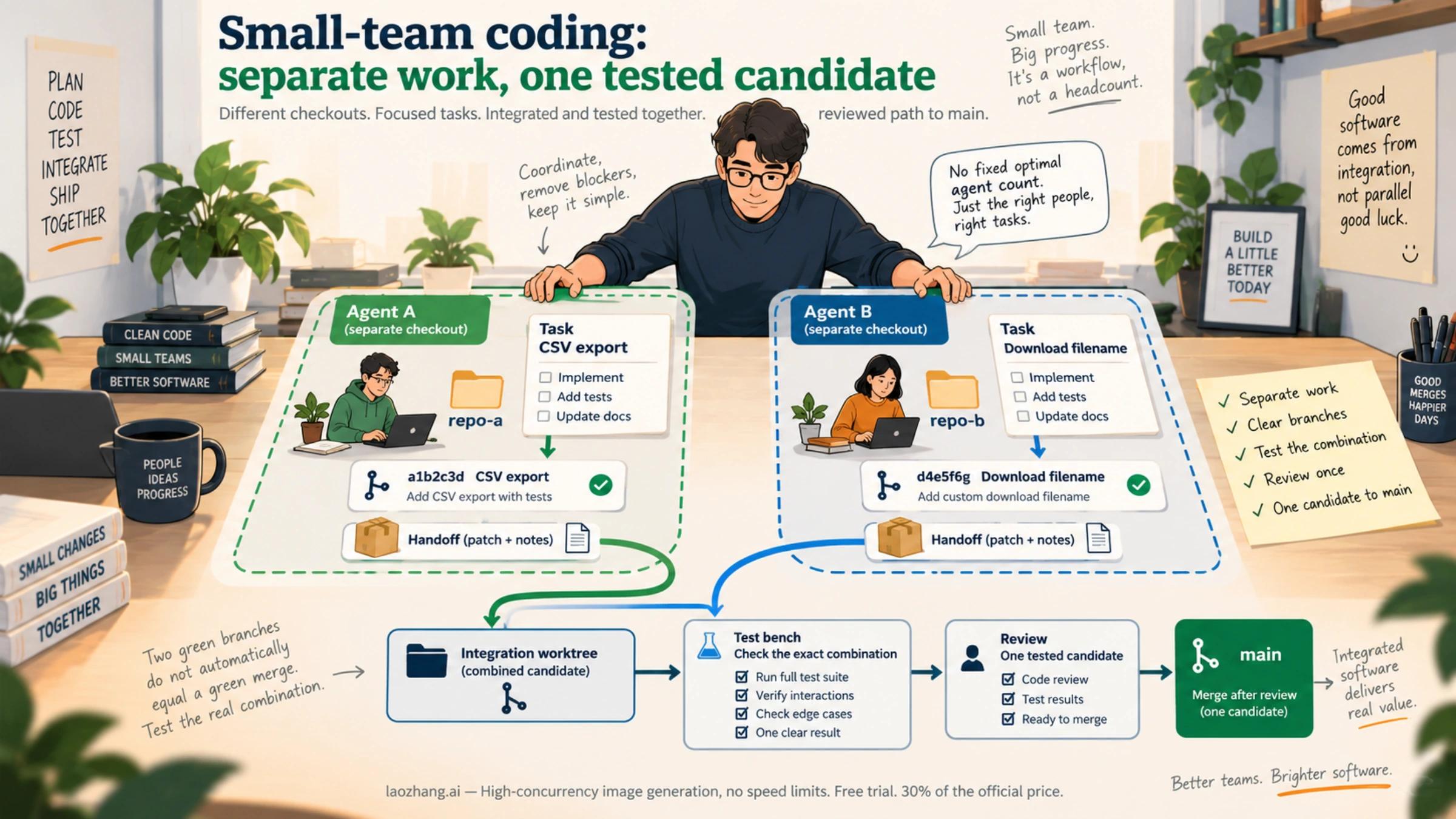
Start with one implementer and a separate review pass. Add parallel writers only when their tasks have stable boundaries, and test their combined candidate before it reaches main.
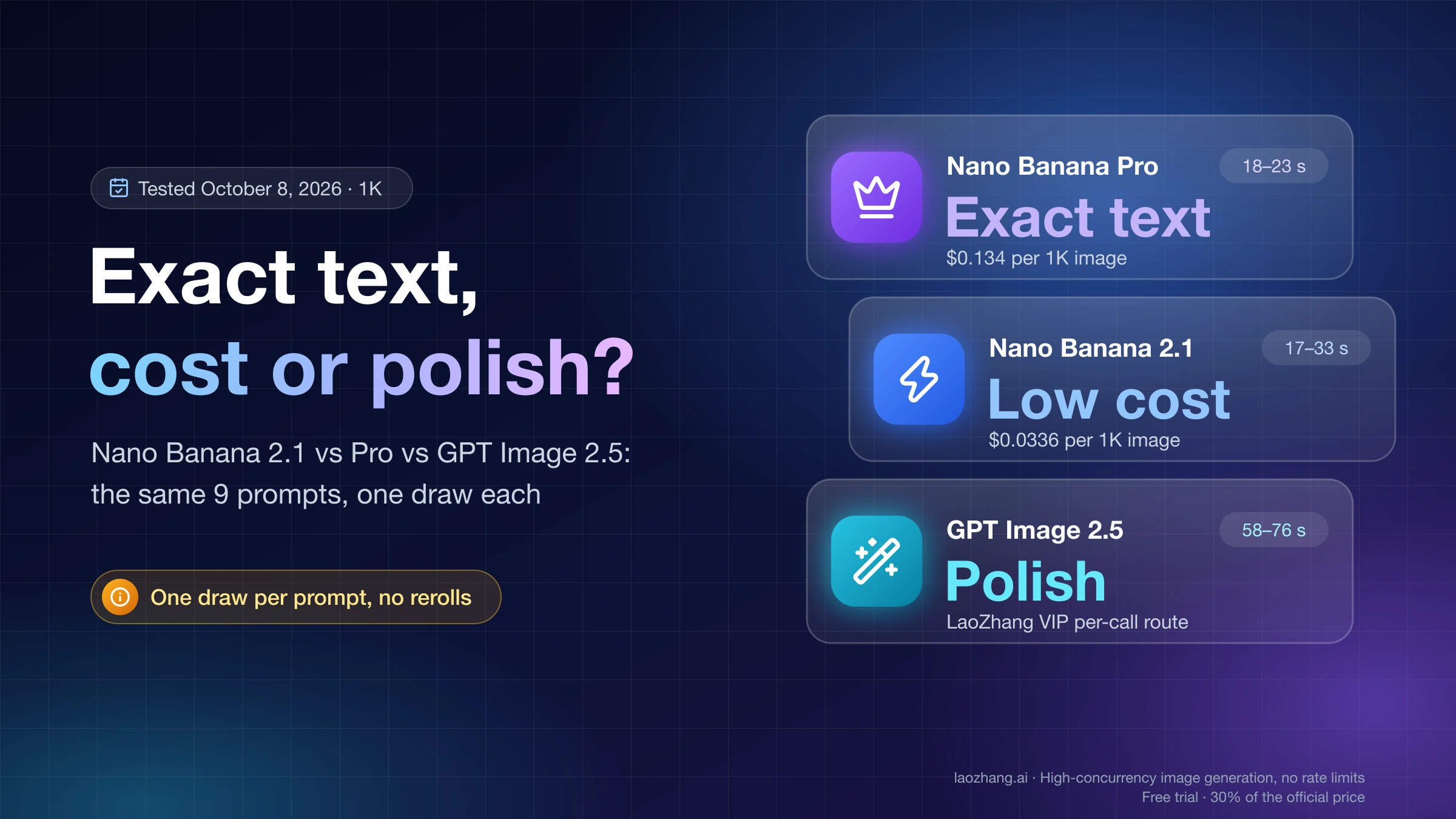
Same 9 prompts, one draw each at 1K: Pro and GPT Image 2.5 matched the requested wording; Nano Banana 2.1 slipped on text but costs a quarter of Pro.
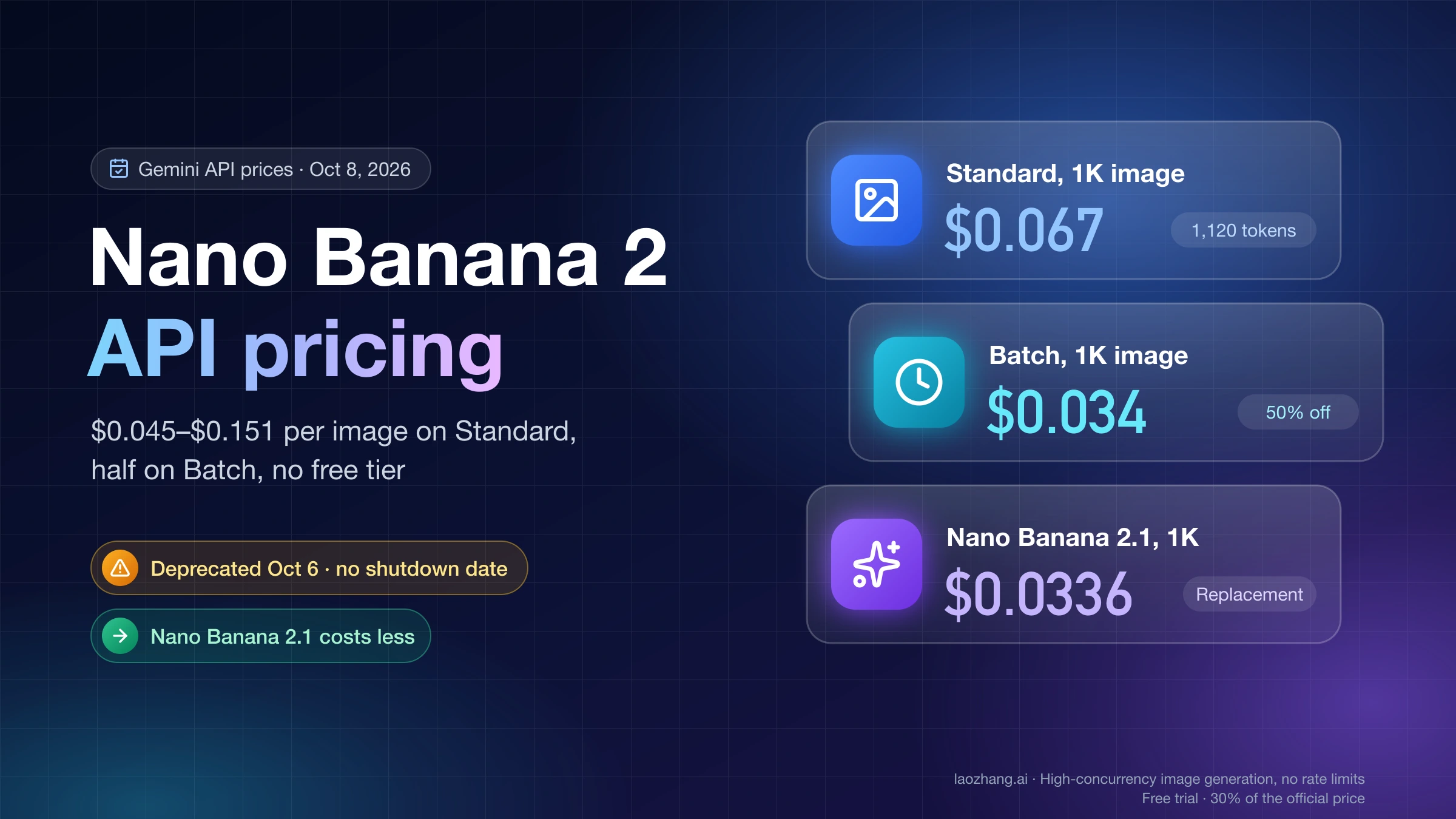
Nano Banana 2 (gemini-3.1-flash-image) costs $0.067 per 1K image and $0.151 per 4K, half on Batch. It is deprecated; Nano Banana 2.1 costs half at 1K and 2K.
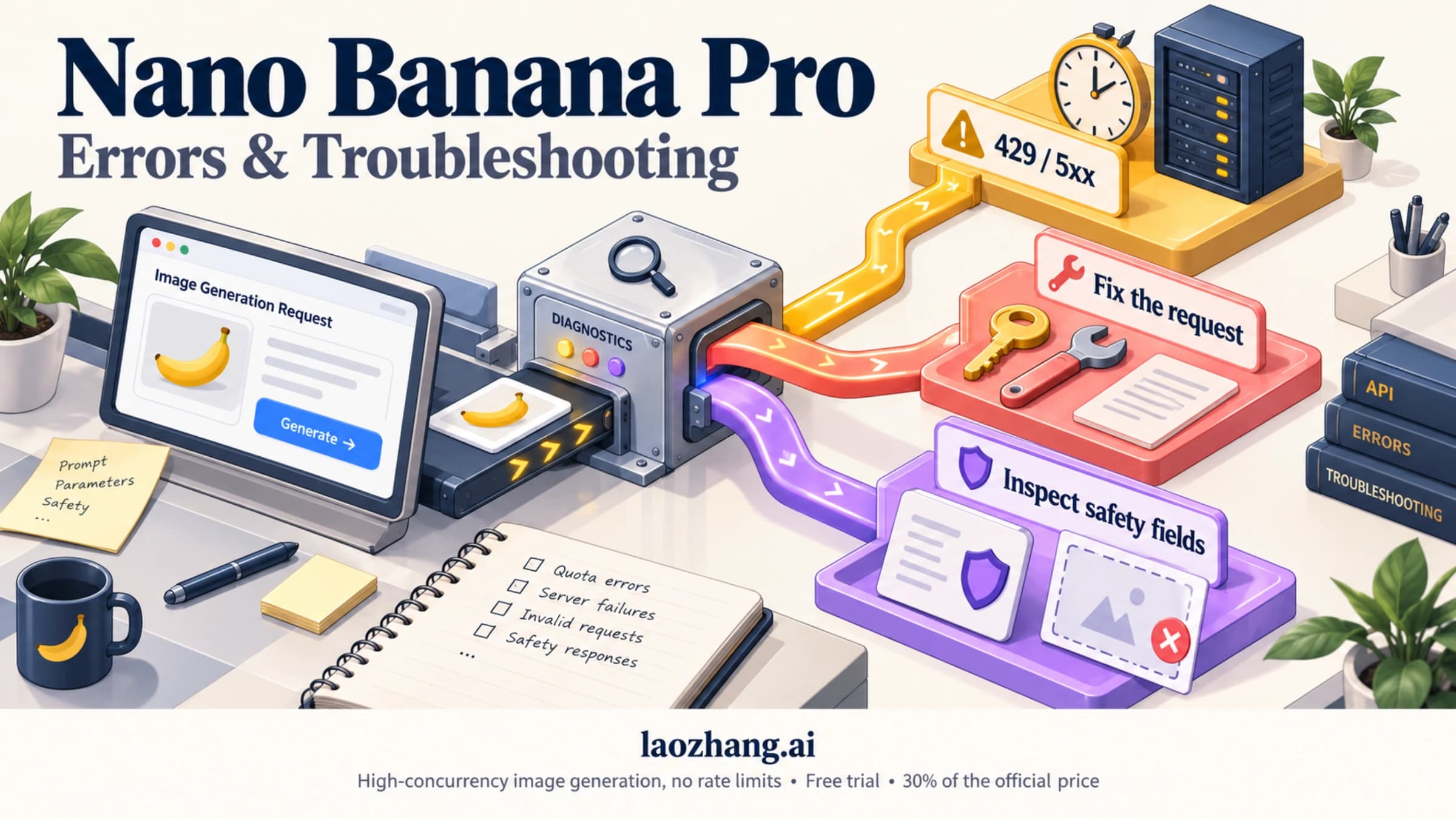
Nano Banana Pro (gemini-3-pro-image) error codes split three ways: retry 429 and 5xx with backoff, fix 400–404 first, and rewrite prompts for IMAGE_SAFETY.
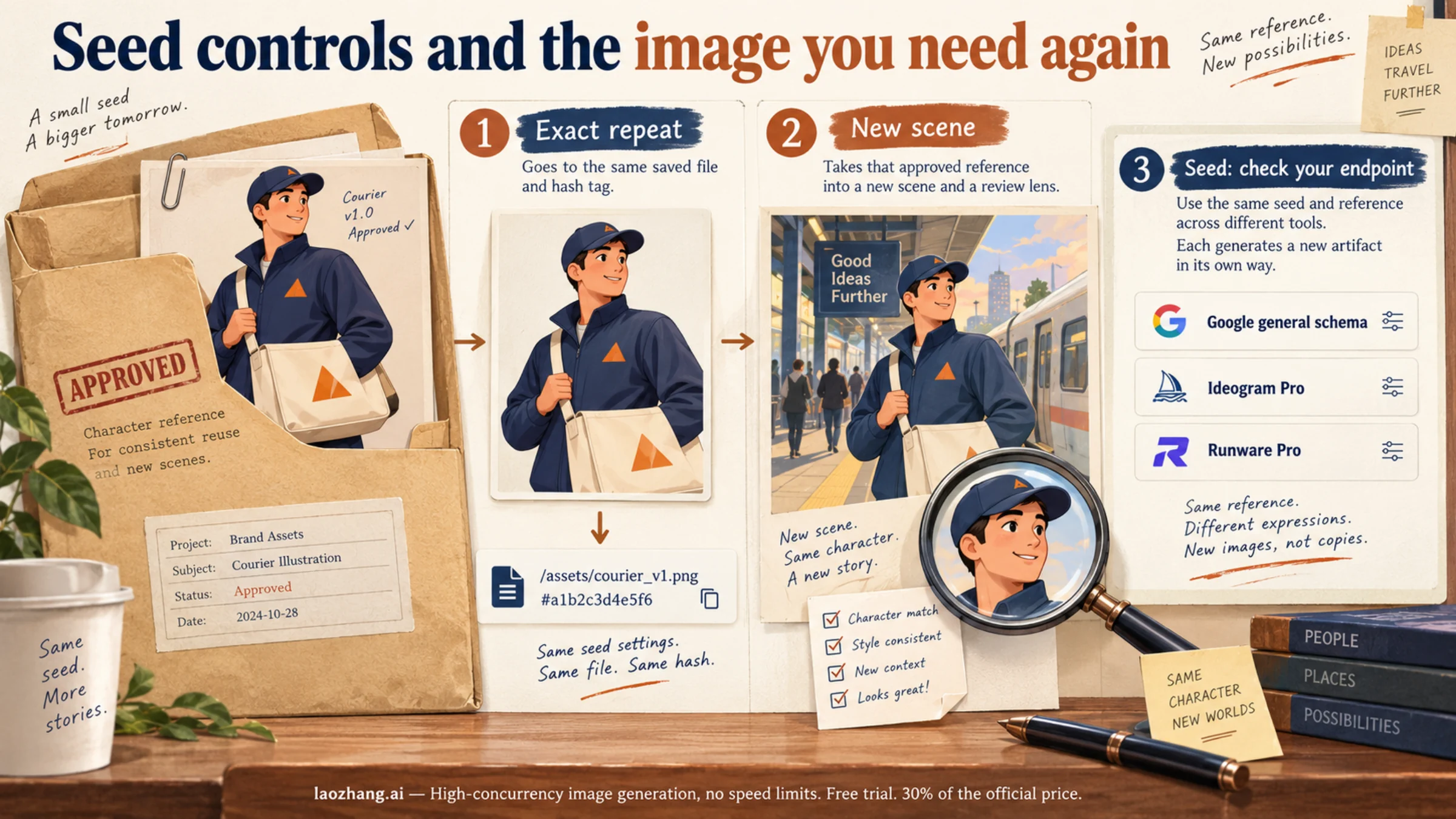
Nano Banana Pro seed support depends on the interface: Google documents a general seed field, while Ideogram and Runware document it for their Pro offerings. Reuse the approved file for an exact repeat; use references and explicit change instructions for new scenes.
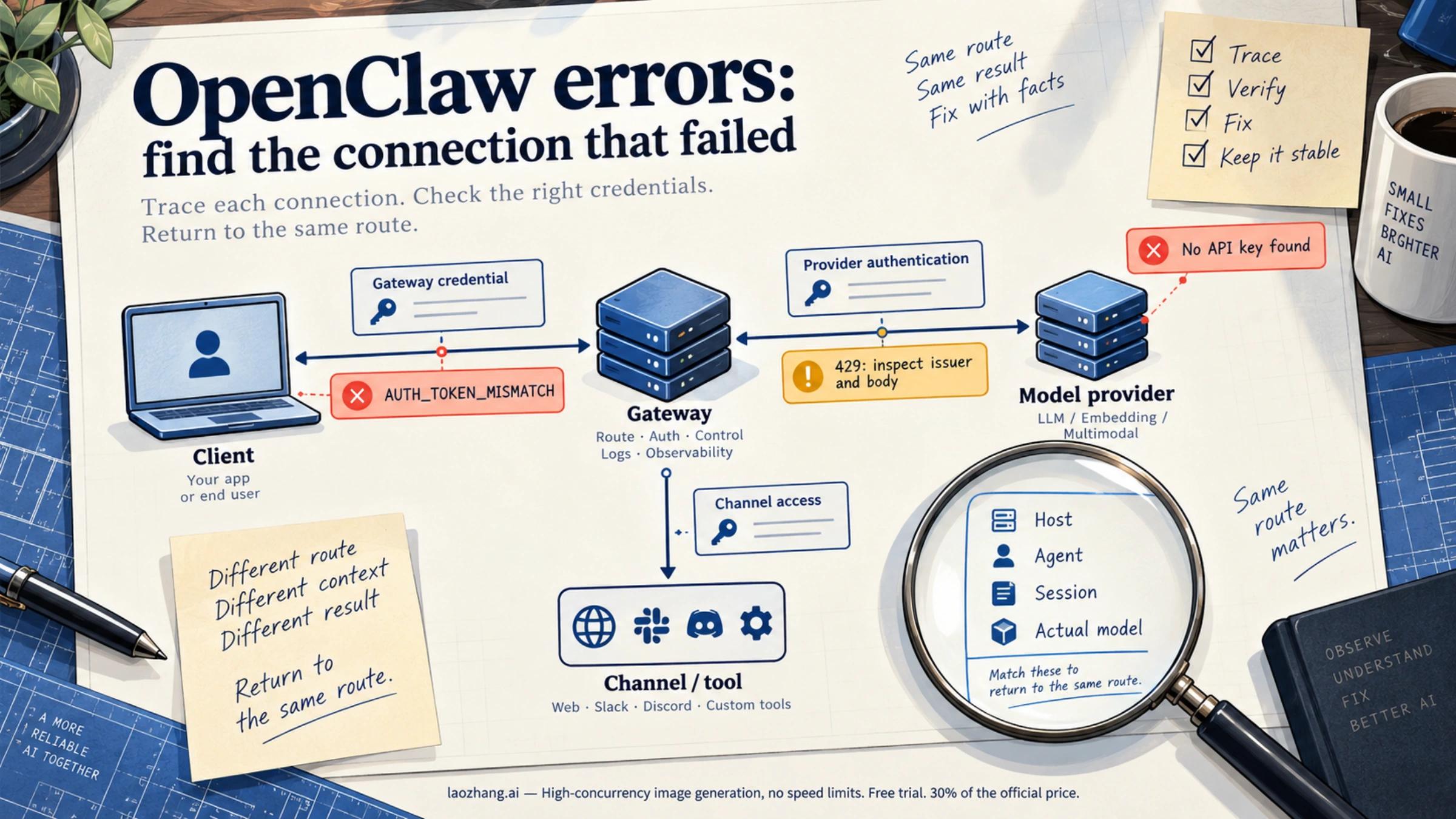
For an OpenClaw API key error, identify the connection that rejected the request before changing credentials. A missing provider key, a Gateway token mismatch, and a provider rate limit need different repairs. Verify recovery in the same agent, session, and model that failed.
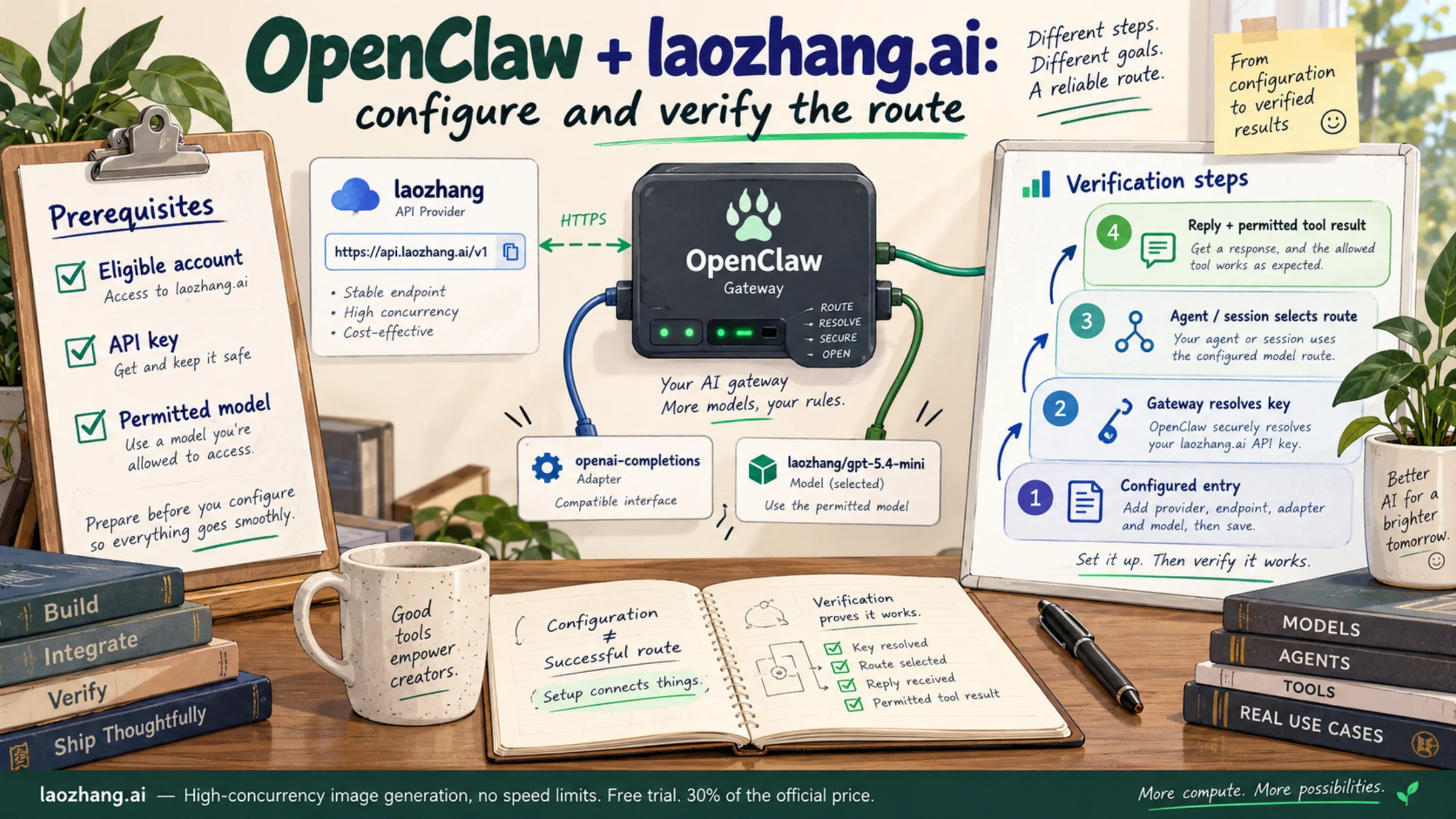
Add laozhang.ai as an OpenClaw custom provider using https://api.laozhang.ai/v1 and the openai-completions adapter, then select an accessible model. A configured entry is only the first step: the Gateway must resolve its API key, and the agent and session must actually use that route.