AI Model & API Guides · Page 13 of 26

Source-linked guidance for AI models, API integration, and developer workflows—turning fast-changing prices, quotas, capabilities, and limits into decisions you can verify.
Qwen3-30B-A3B model choices for a local setup
Model Comparisons

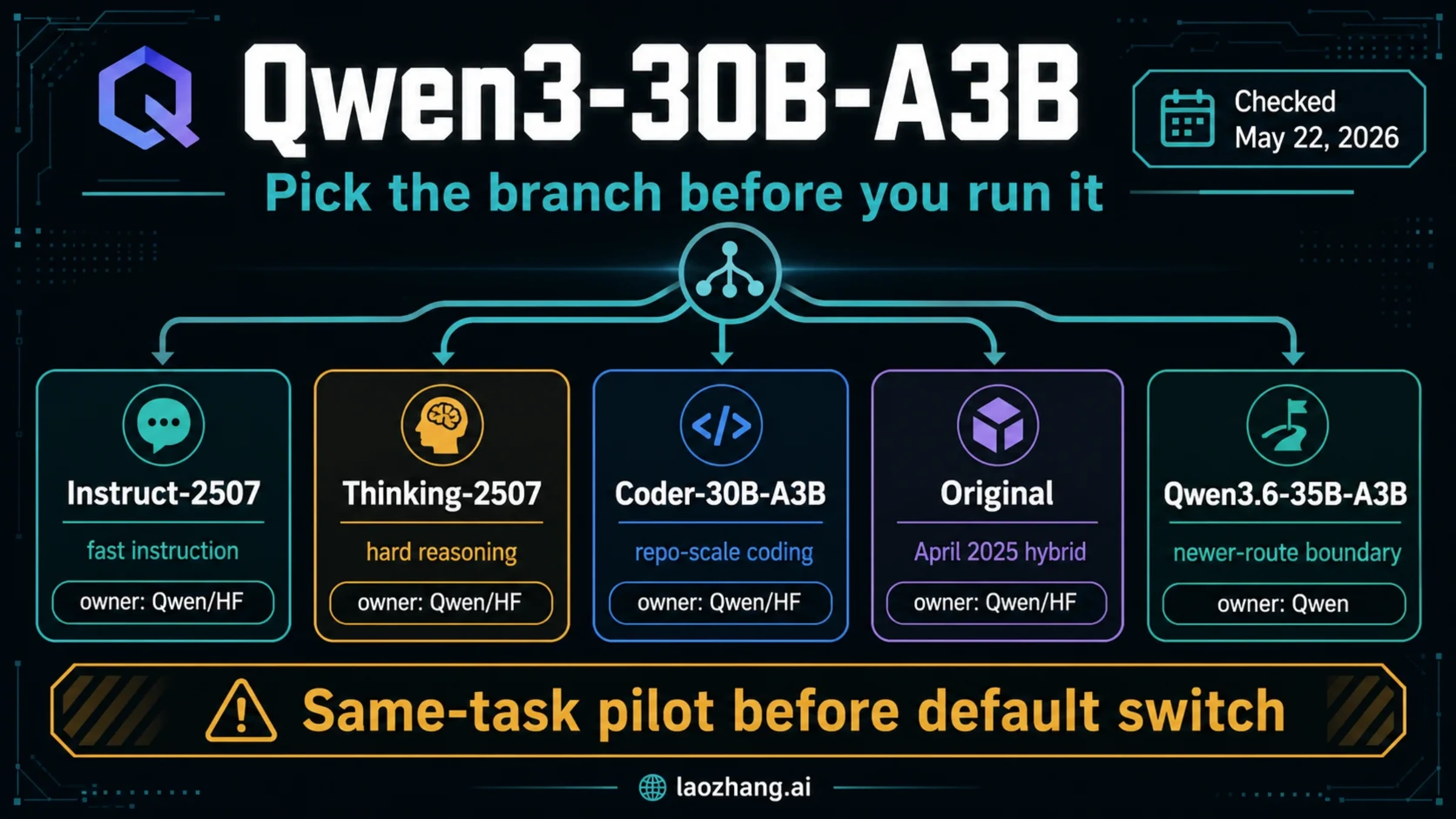
Qwen3-30B-A3B: Which Version Should You Run Locally?

Use Instruct-2507 for everyday instructions, Thinking-2507 for reasoning-focused work, Coder for code, or the original when you need switchable thinking. An explicit model tag and a short context window make the first local check easier to interpret.

11 min

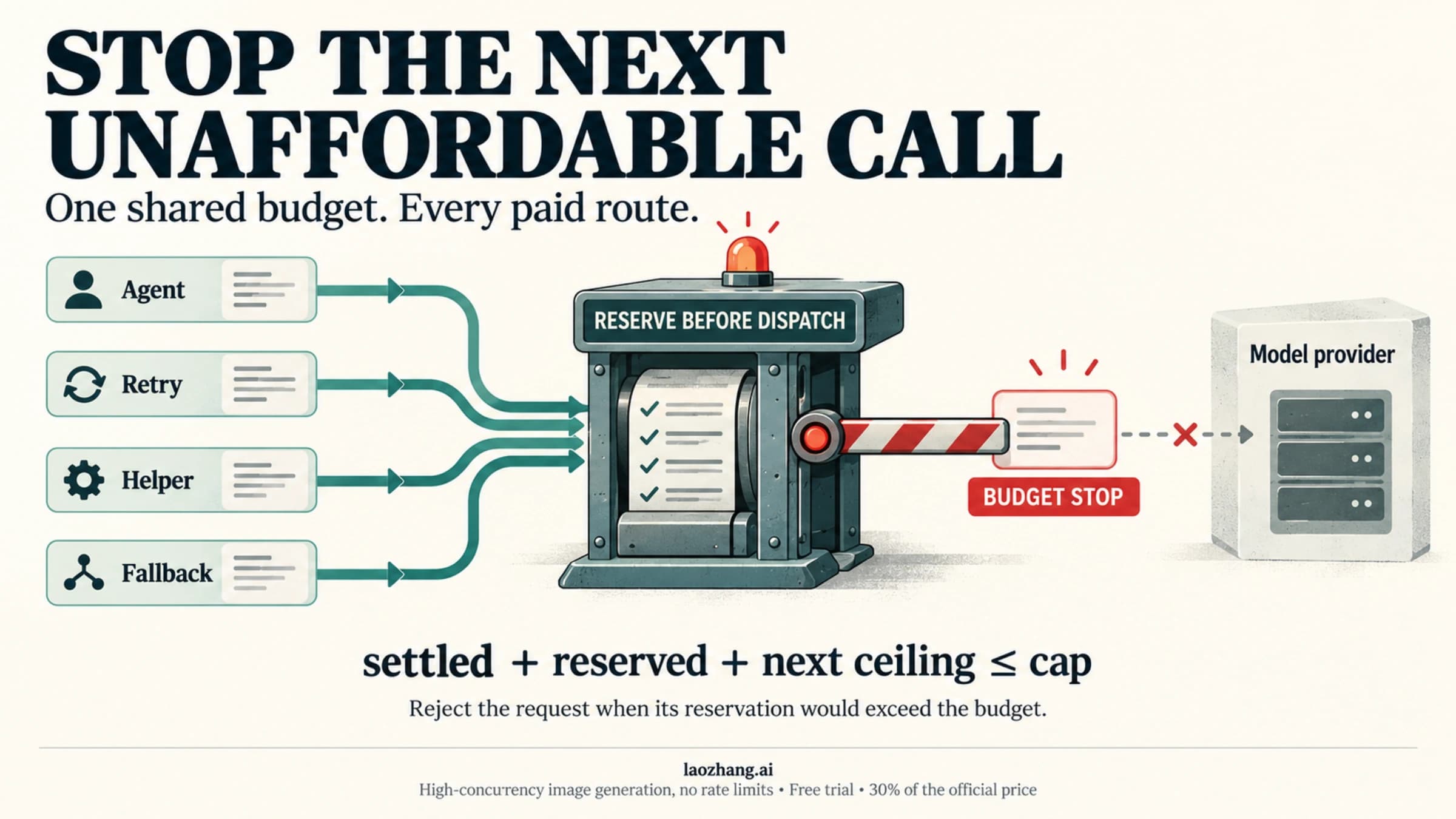
An agent execution checkpoint blocks new calls, preserves validated work, and separates uncertain writes for reconciliation.
API Guides

How to Stop an AI Agent Tool Loop—and Keep It Stopped

Stop new tool execution, preserve verified results, and reconcile any uncertain write before resuming. A turn limit contains a loop; progress checks and operation records make recovery safer.

12 min
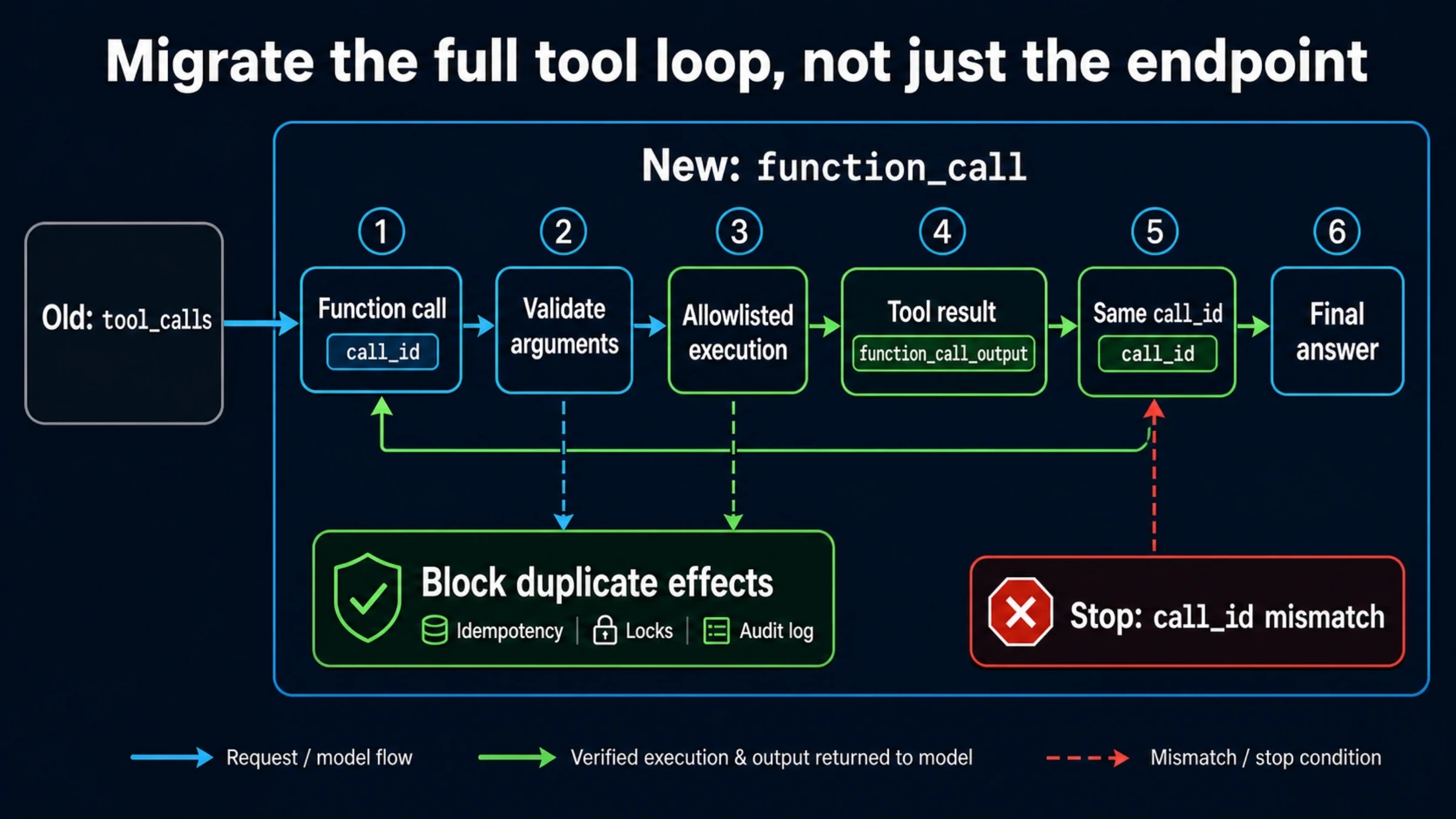
Function-calling migration flow linking application execution and the returned result through the original call_id
API Guides

Migrate Function Calling from Chat Completions to Responses API

Move the whole function-calling loop: validate the model’s arguments, run the authorized handler, return the result with its original call_id, and continue until the user gets a final answer. The JavaScript example preserves typed state and handles failed or unfinished responses.

14 min
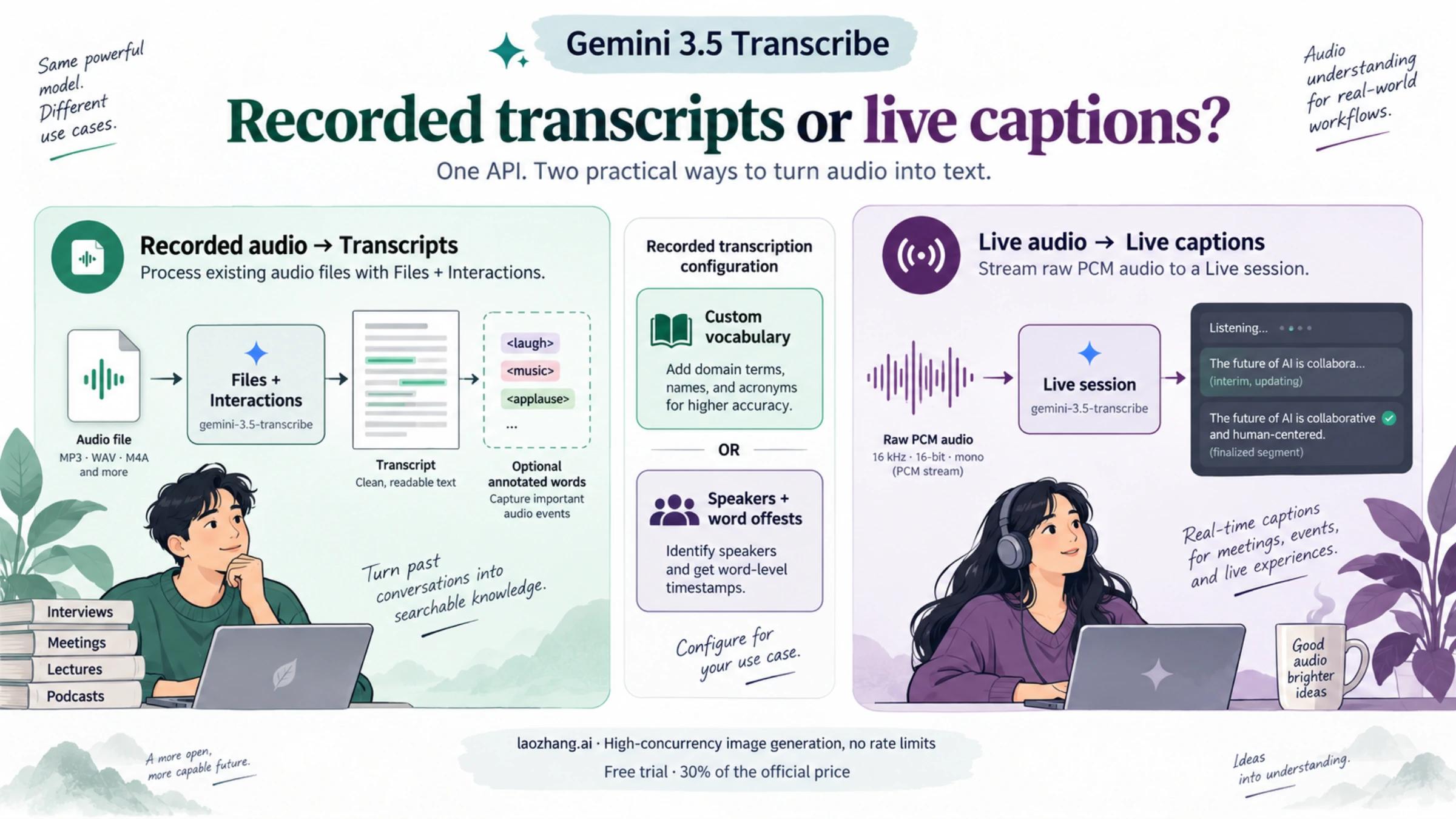
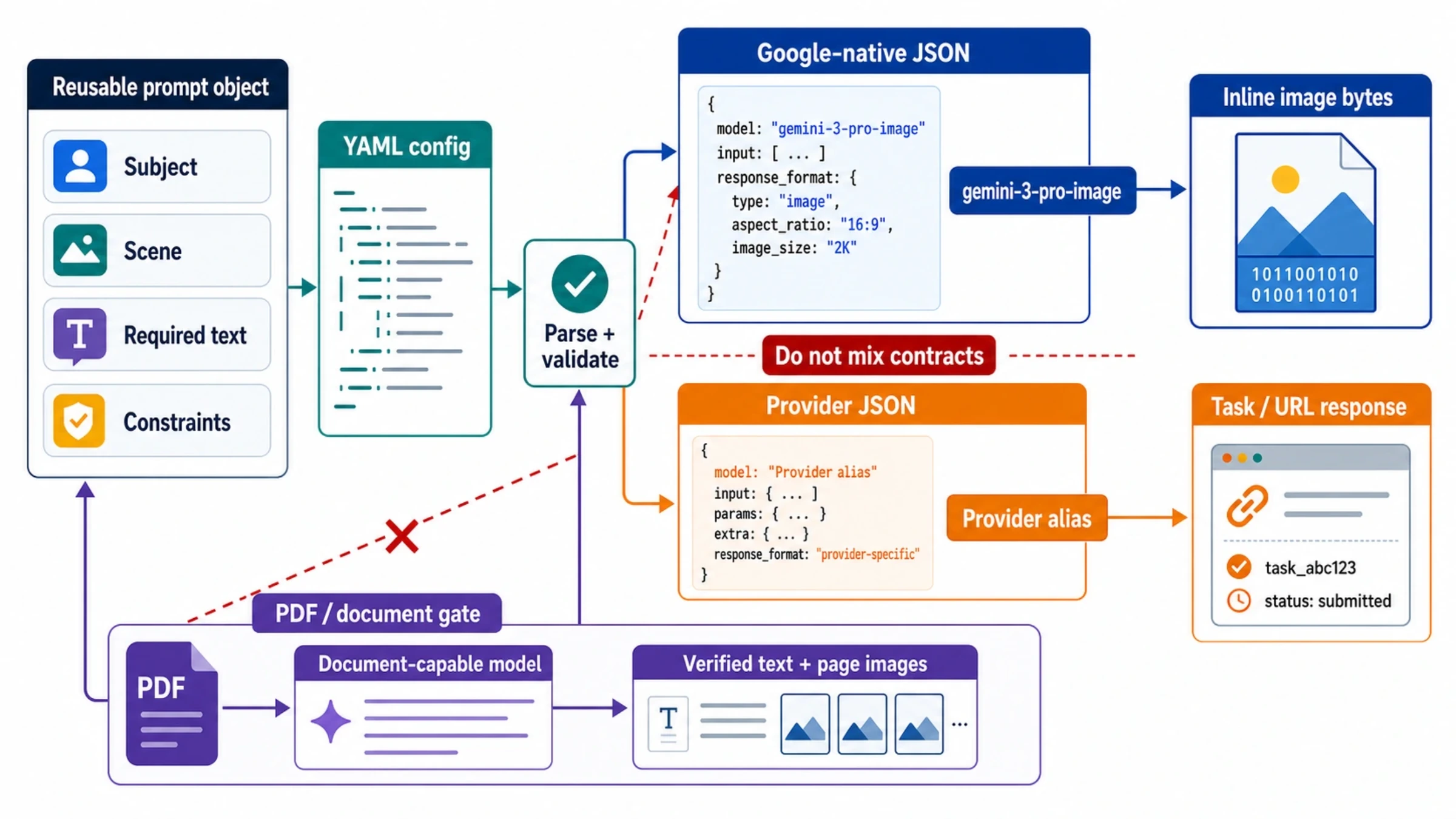
Diagram connecting application JSON and YAML to an image API request, with a separate PDF document-processing step
API Guides

Nano Banana Pro API Guide: JSON, YAML, Image Saving, and PDFs

Call gemini-3-pro-image through Google Interactions, save image bytes from the full response, and compile your own JSON or YAML job settings. PDFs need a document-capable model before Pro receives the verified facts and page images.

12 min
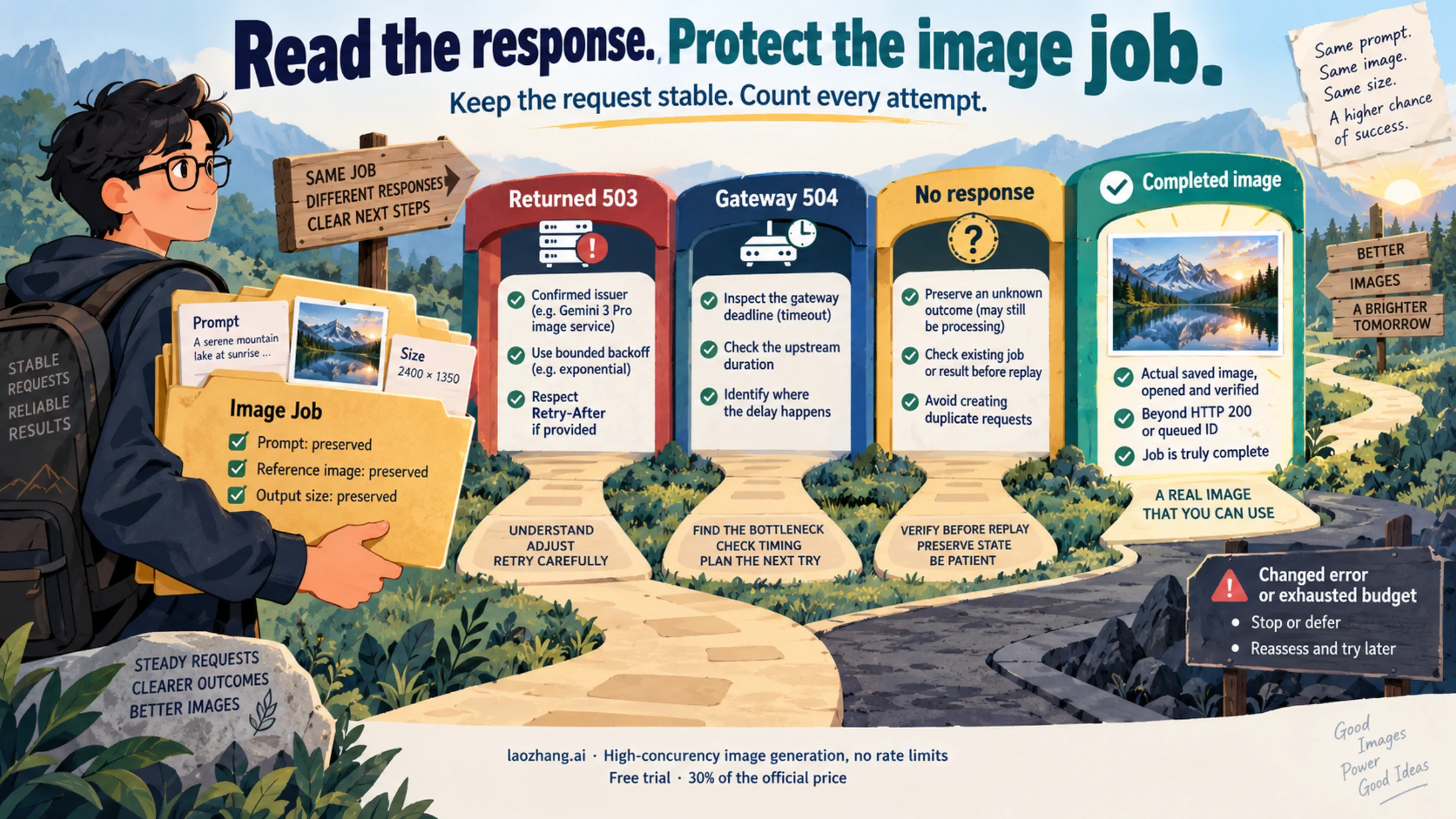
Pro image access differs across Gemini Apps, AI Mode, and native API, followed by separate response-feedback checks.
Troubleshooting

Nano Banana Pro `RESTRICTED by System Instructions`? Check the Gate First

If Pro returns a restriction message or no image, first recover the correct Pro route: More → Redo with Pro in Gemini, the Pro menu in eligible AI Mode accounts, or gemini-3-pro-image in the API. Then check the actual response before calling the failure a policy block.

10 min
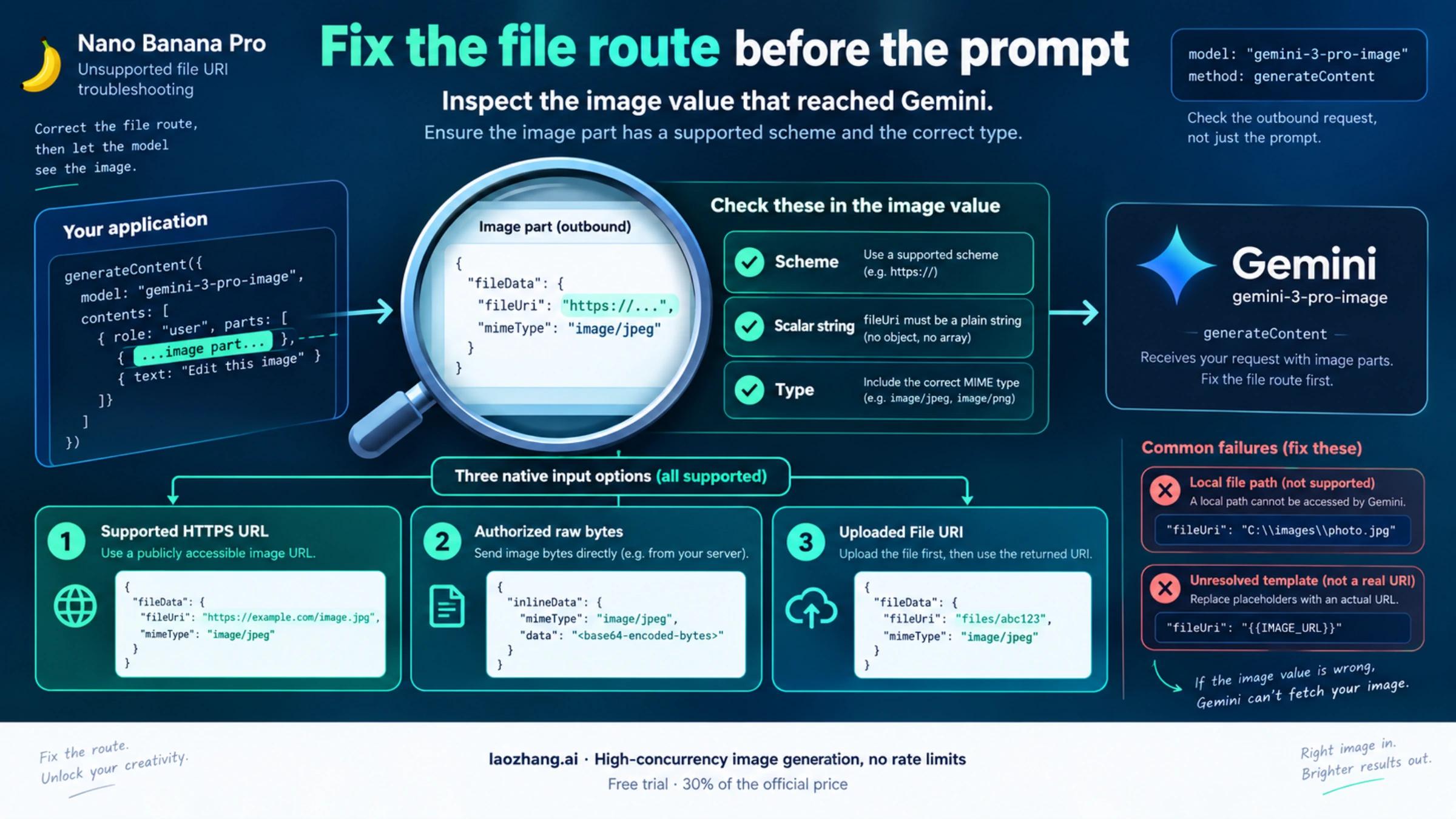
Gemini image references can use supported HTTPS, inline bytes, or upload URIs after checking the actual outgoing value.
Troubleshooting

Nano Banana Pro "Unsupported File URI Type"? Fix the Gemini File Route

For "Unsupported file URI type," check the exact image value your app sent and the endpoint that rejected it. Native Gemini can accept supported HTTPS URLs; local paths, unresolved templates and base64 data URLs need a different payload. Verify the repair by getting an edited image from the same Pro request.

11 min
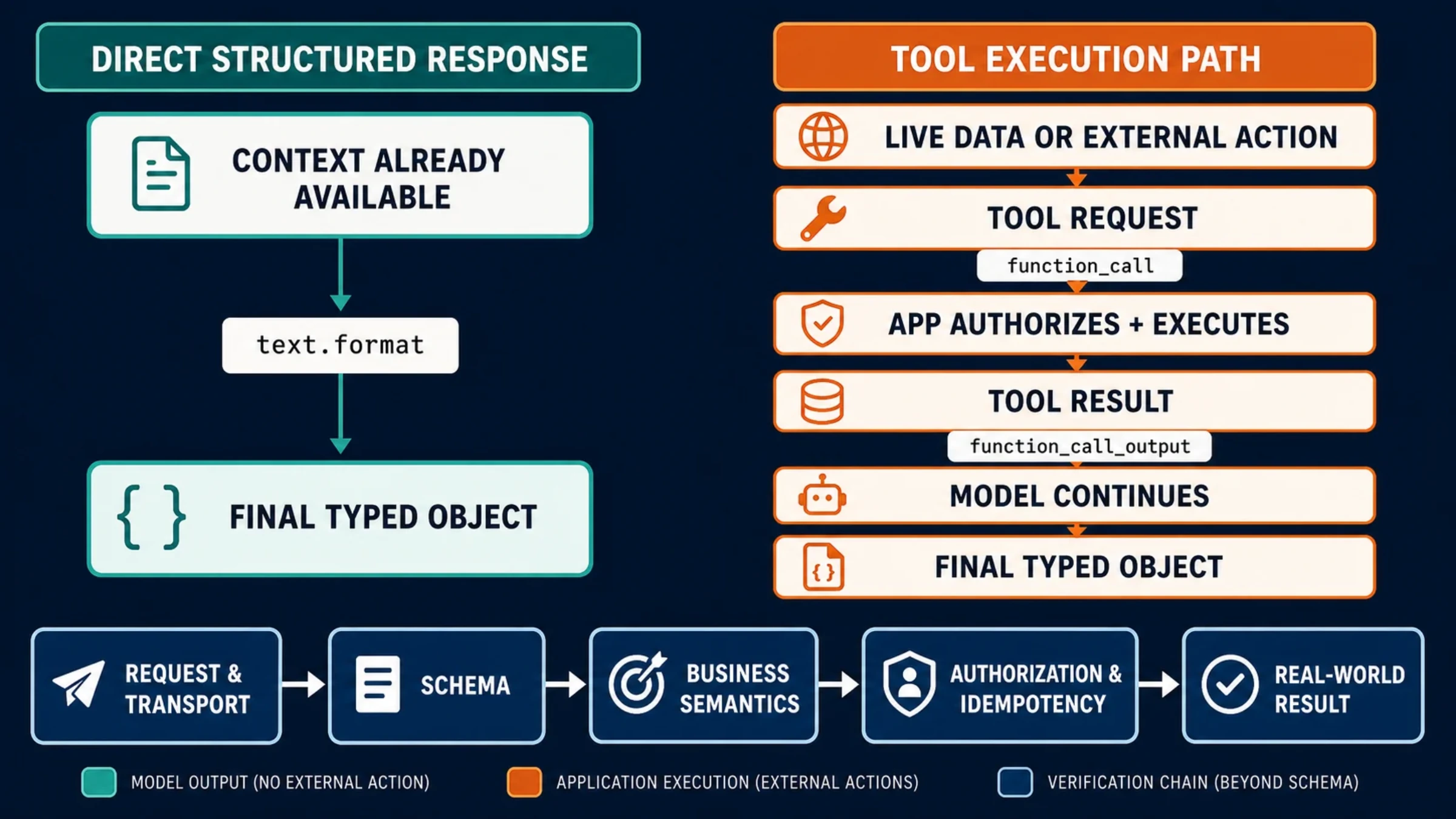
A decision map comparing a direct typed response with application-executed tools and a final typed object
API Guides

Structured Outputs vs Function Calling: Choose the Right OpenAI API Contract

Use text.format when your application needs the model's final typed answer. Use function calling when the answer requires application data or an action. Combine them when a real tool result must become a schema-controlled object; then check both the schema and the business result.

11 min