Built for real engineering decisions

AI Model & API Guides

Practical tutorials · Cost boundaries · Troubleshooting

Source-linked guidance for AI models, API integration, and developer workflows—turning fast-changing prices, quotas, capabilities, and limits into decisions you can verify.

  • Primary sources first
  • Reproducible steps and failure boundaries
  • Volatile facts carry review dates
424
Localized guides
6
Language markets
Sep 2, 2026
Latest update

424 articles

Guide to checking a ChatGPT Plus trial invitation, redemption terms, and renewal riskChatGPT

ChatGPT Plus Free Trial: How to Verify an Offer on Your Account

OpenAI may offer limited-duration Plus invitations to selected users, but the terms vary by campaign and account. Verify the benefit, end date, renewal, and cancellation effect on your own redemption page before accepting.

Guide to checking ChatGPT Plus purchase terms before subscribingChatGPT Tutorials

How to Pay for ChatGPT Plus: Check the Checkout Before You Subscribe

Before paying for ChatGPT Plus, confirm the plan, amount due, renewal terms, billing platform, and account that will receive the receipt. This guide explains what to check on the web, in the App Store, and in Google Play without relying on payment workarounds.

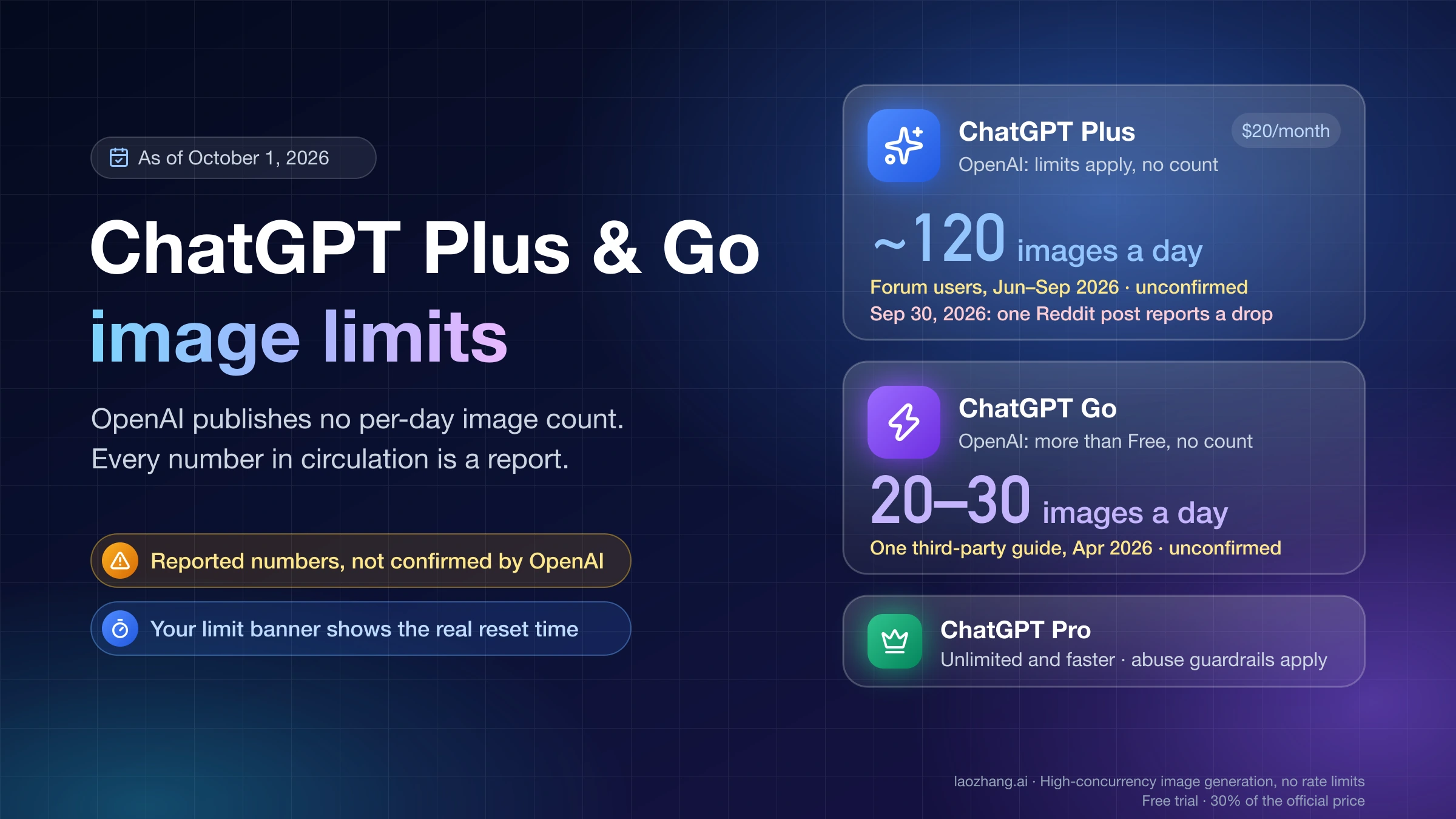
Guide to reading a ChatGPT Plus message-limit notice, reset, and safe recoveryAI Tools

ChatGPT Plus Message Limit: Check the Reset and Keep Working

ChatGPT models and tools do not share one permanent message count. Save unsent work, follow the displayed reset or fallback, and use a new chat only to test a single long thread.

Codex token exchange failed 403 diagnostic board with login, proxy, region, and cached-auth branchesAI Development Tools

Codex Token Exchange Failed 403: Diagnose Login, Proxy, Region, and Cached Auth

A rapid, evidence-first recovery path for Codex sign-in 403 that protects credentials and replaces random fixes with proof.

Local deployment decision board comparing Qwen3.8 Flash-Next with Qwen3.8-27BAI Model Comparison

Qwen3.8 Flash-Next vs 27B: Which Model Should You Run Locally?

Start with Qwen3.8-27B when fit, simple dense serving, and Apache-2.0 matter most. Pilot Flash-Next when you can absorb a far larger resident model for stronger agent and coding signals.

Codex CLI installation and configuration checkpoints across Windows, macOS, and LinuxAI

Install and Configure Codex CLI on Windows, macOS, or Linux

Choose native Windows, WSL2, or a Unix install path, then verify the executable, billing owner, safe configuration, and first repository task.

Codex route selector for OpenAI API-key sign-in, an OpenAI base URL override, and a separate custom providerAI Development Tools

Codex Custom Provider Setup: API Key, Base URL, and Auth

Choose the credential and endpoint owner before editing TOML. The right route may be API-key sign-in, openai_base_url, or a separate provider—and each failure has a different owner.

Codex request passing through authentication, limit, provider, and response-stream checkpointsAI

Codex 401, 429, and Stream Disconnected: Find the Failing Layer

The final Codex error line is a symptom, not a root cause. Identify the active account and provider route, then act on the first failure you can prove.

Codex in VS Code checkpoints for extension, authentication, provider, model, and code resultAI Development Tools

Codex in VS Code: API Keys, Custom Models, and a Clean First Run

A working sidebar is only checkpoint one. Prove the authentication owner, endpoint, model, editor context, and final diff before trusting the setup.

Codex usage overview separating the signed-in dashboard, CLI usage and status commands, four billing contracts, resets, credits, and API-key usageAI Development Tools

How to Check Codex Usage: Dashboard, /usage, Resets, and Credits

Use the signed-in dashboard for remaining limits, /usage for account activity or an available reset, and /status for the active session—not as one interchangeable meter.

Google Antigravity 2.0 Remote Control guide cover showing browser, host, and remote access boundariesAI Development Tools

Antigravity Remote Control: Set Up Browser Access Without Losing the Host Boundary

Choose the right remote boundary before you install anything: official Remote Control drives an Antigravity session, while Remote SSH, remote desktop, and third-party companions solve different jobs.

Cancellation routes for Codex and ChatGPT billing sourcesChatGPT Tutorials

Cancel Codex or ChatGPT Billing: Find the Charge First

Codex may use access included with a ChatGPT plan or usage billed to an API key; it is not always a separate personal subscription. Check the receipt and authentication method, then cancel in ChatGPT, Apple, Google Play, Business, or Platform Billing.

Cost decision board for Claude Code and Codex subscriptions, API billing, and accepted workAI Development Tools

Claude Code vs Codex Cost: Plans, Limits, and the Real API Bill

Both tools sell $20, $100, and $200 tiers, but equal sticker prices do not buy equal capacity. Identify the bill first, then measure accepted work before upgrading.

GLM-5.3 and GLM-5.3-Flash contract, API price, open-weight, and first-route comparisonAI Model Comparison

GLM-5.3 vs GLM-5.3-Flash: Which One Should You Test First?

Start with GLM-5.3-Flash for multimodal or cost-sensitive work. Keep GLM-5.3 as the text-only quality ceiling for long-horizon tasks, then choose by cost per accepted result.

Kiro GPT-5.6 model selection, credit, effort, and verification guideAI Development Tools

How to Use GPT-5.6 in Kiro: Models, Credits, and a Safe Test

GPT-5.6 is a built-in premium model choice in Kiro, not an OpenAI API key setup. Confirm access, pick a tier and effort level, then measure accepted-task cost on your own repository.

Infographic comparing 16GB GPUs and a workflow for testing VRAM, context, power, latency, and repository-accepted work.AI Hardware

Best 16GB GPU for Local LLM Coding: Buy for Accepted Work, Not TOPS

The RTX 5070 Ti is the strongest all-round 16GB shortlist pick, but the right purchase is the least expensive card that fits your real context and completes accepted repository work fast enough.

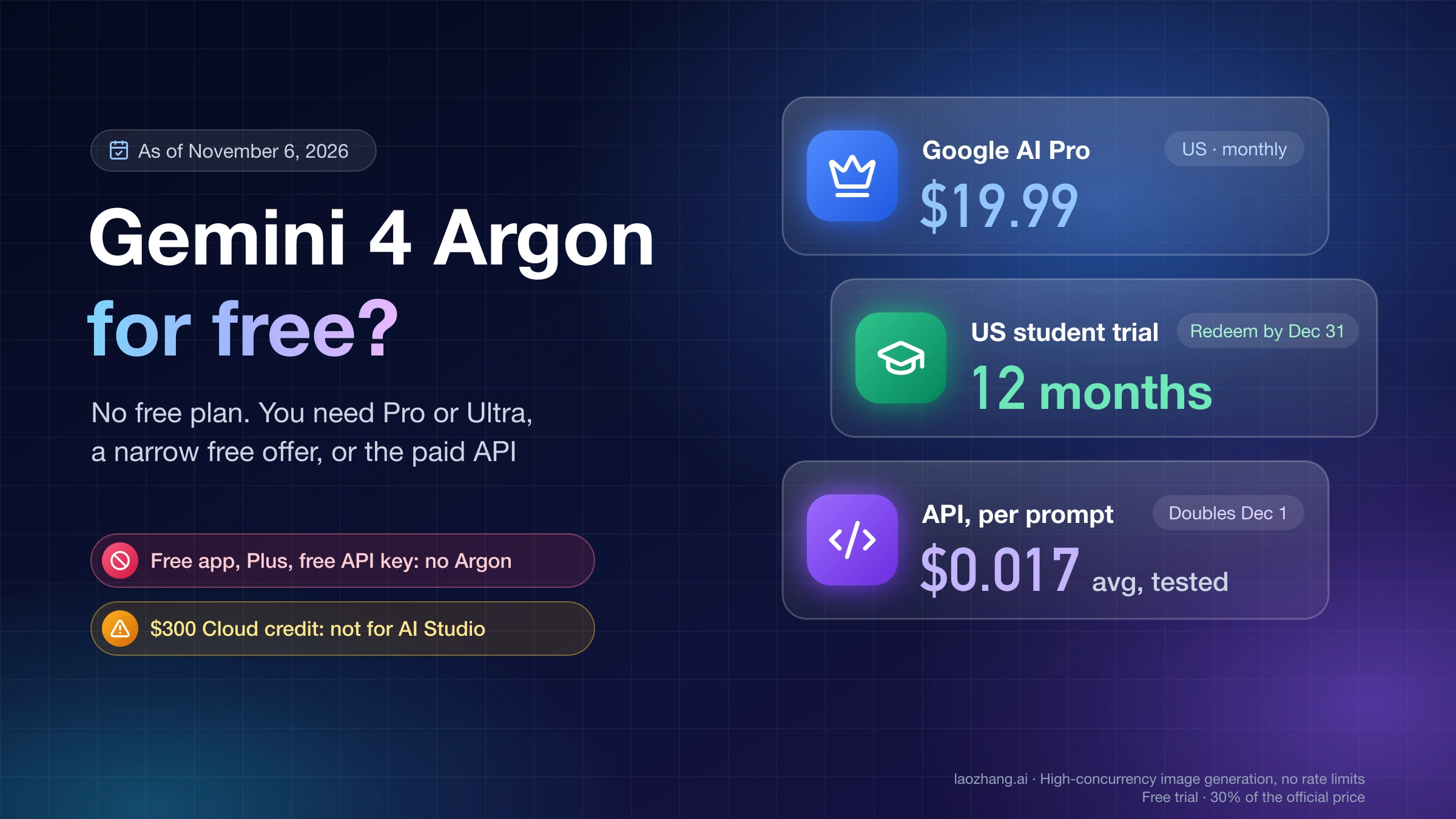
Infographic showing the U.S. Google AI Pro student offer, eligibility rules, official claim steps, 5 TB benefits, and the $19.99 renewal warningAI Student Tools

Google AI Pro Is Free for Eligible U.S. College Students for 12 Months

Google has reopened a live student offer: eligible U.S. college students can redeem 12 months of Google AI Pro at no charge through December 31, 2026. Eligibility is account-specific, a payment method is required, and the plan renews at $19.99 per month unless cancelled.

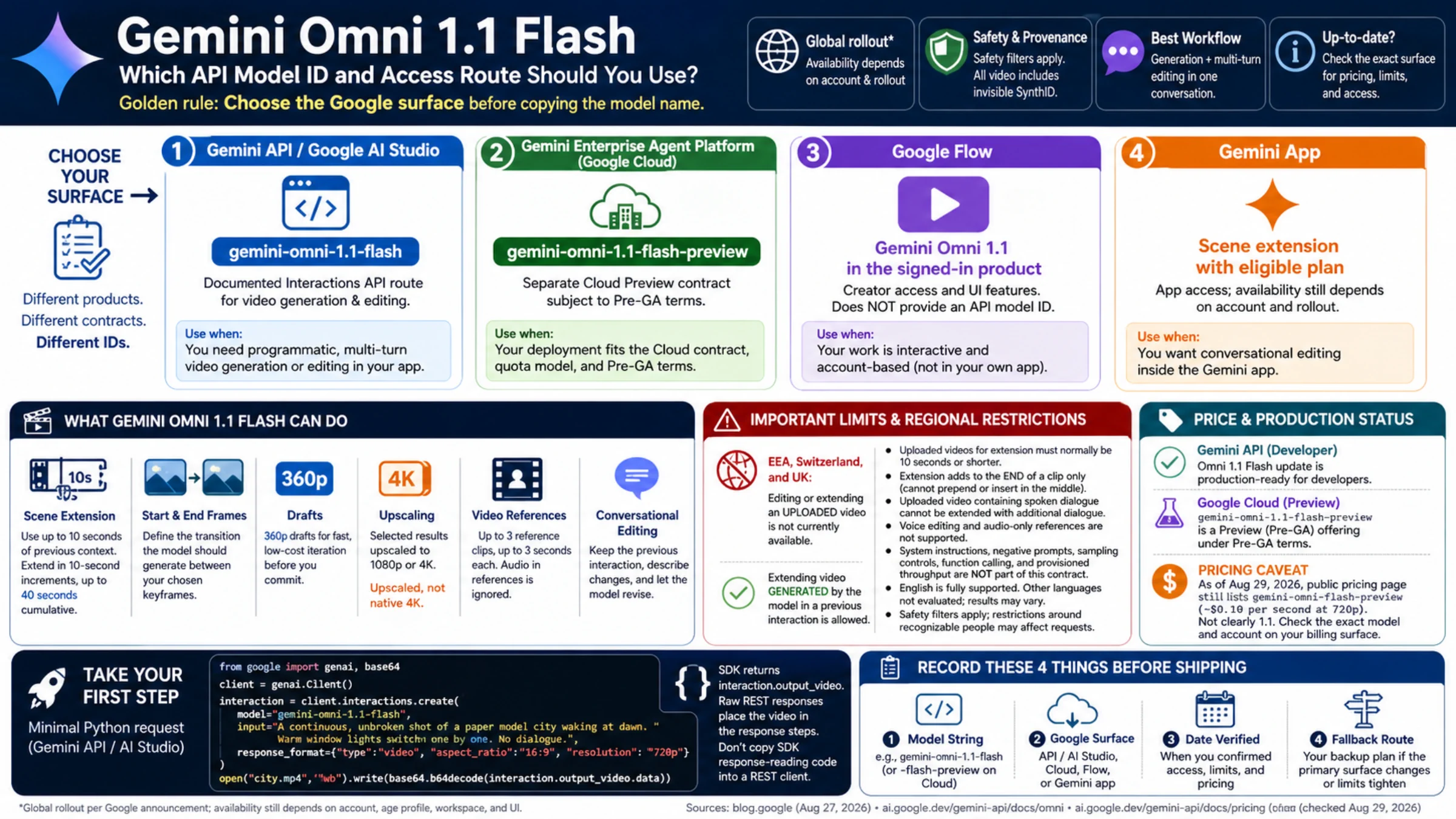
Gemini Omni 1.1 Flash access guide comparing Gemini API, Cloud Preview, Flow, the Gemini app, video controls, limits, pricing evidence, and a pre-ship checklistGemini API

Gemini Omni 1.1 Flash: Which API Model ID and Access Route Should You Use?

Gemini Omni now has an official developer route, but Google exposes different model IDs and lifecycle terms across its products. Choose the surface first, then copy the matching identifier.

Developer path from a controlled Google Cloud project to a protected Gemini API key and a successful first requestAI API

Google AI Studio API Key: Create It, Secure It, and Verify Your First Call

A Gemini API key is a project credential, not a subscription or a quota bundle. Create the current key type in AI Studio, keep it server-side, and prove the setup with one small request.

GLM-5.3, Kimi K3, DeepSeek V4 Flash and Pro route, pricing, and promotion-test dashboardAI Model Comparisons

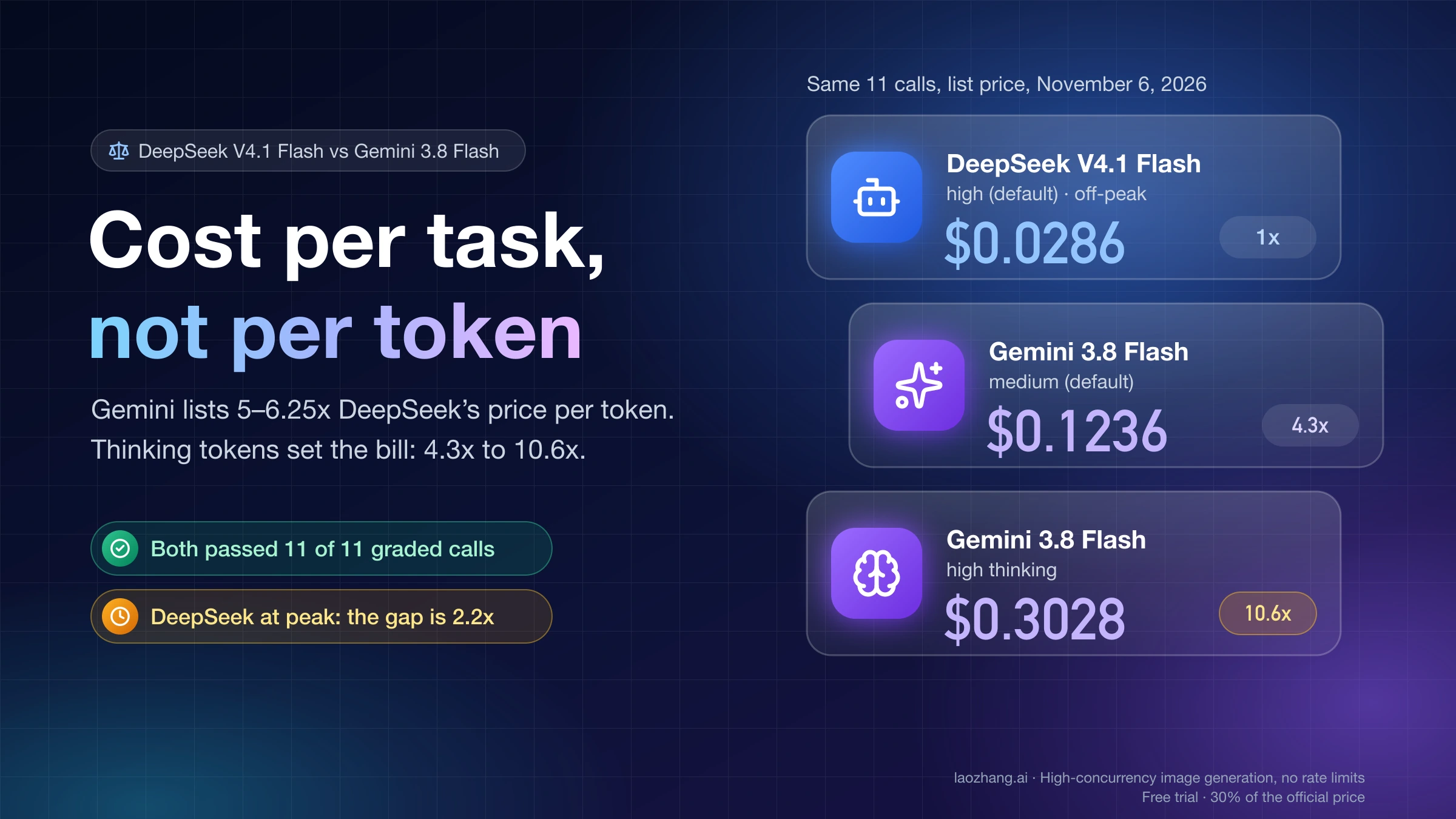
GLM-5.3 vs Kimi K3 vs DeepSeek V4: Choose the Right First Test

Start with GLM-5.3 for text-only long-horizon engineering, Kimi K3 when vision belongs inside the model loop, and DeepSeek V4 Flash when cheap repeated coverage matters; use V4 Pro as the harder-task control.

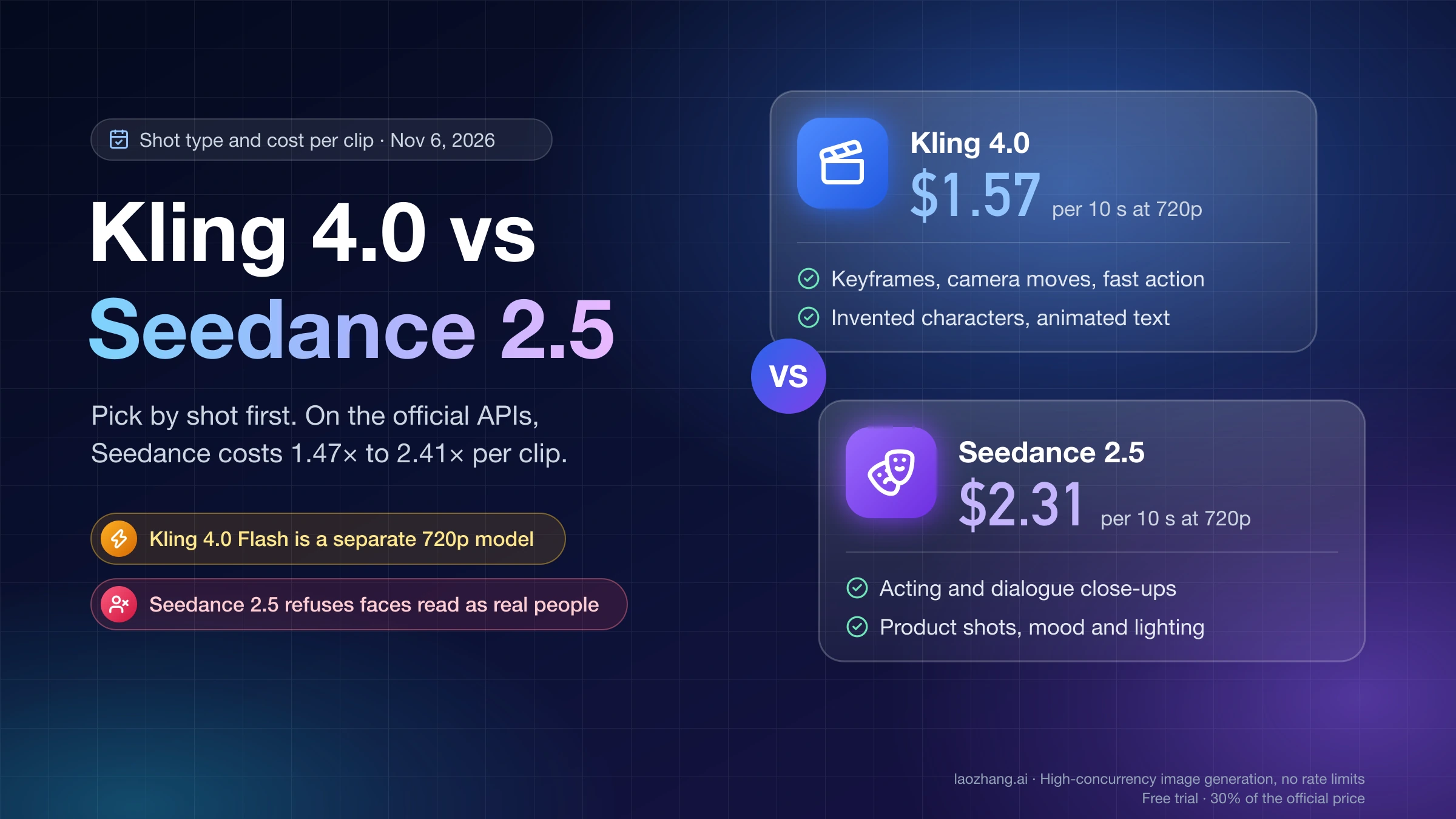
Delivery-first comparison cover for Wan 3.0, MiniMax H3, and Seedance 2.5AI Video Generation

Wan 3.0 vs MiniMax H3 vs Seedance 2.5: Pick the First Model to Test

There is no task-free winner: Seedance 2.5, MiniMax H3, and Wan 3.0 optimize different delivery constraints. Choose a first test from your hard requirements, then compare cost per approved shot.

Gemini 3.5 Transcribe recorded and live API routes, limits, pricing, and safe-build checksAI API Guides

Gemini 3.5 Transcribe API: Recorded Audio, Live Captions, and a Safe First Build

Gemini 3.5 Transcribe has separate contracts for files and live streams. This guide shows how to choose one, verify the output you actually need, and test the preview safely before production.

Gemini 3.7 Flash and Gemini 3.1 Pro on two production model routesAI Models

Gemini 3.7 Flash vs 3.1 Pro: Choose by Cost, Workload, and Release Risk

Start most new evaluations with Gemini 3.7 Flash, but keep 3.1 Pro Preview as a measured exception for difficult workloads. The right answer depends on accepted outputs, not the model tier name.

Settings path from Gemini Apps to the Media Watermark controlGemini Image

How to Turn Off Gemini’s Visible Watermark in Gemini Apps

Use Gemini Apps’ Media Watermark control for new media, see which provenance signals remain, and check the documented limits if the setting is unavailable.

Showing 24 / 424