Nano Banana Pro Limits in 2026: Gemini, AI Mode, Workspace, Flow and API Quotas
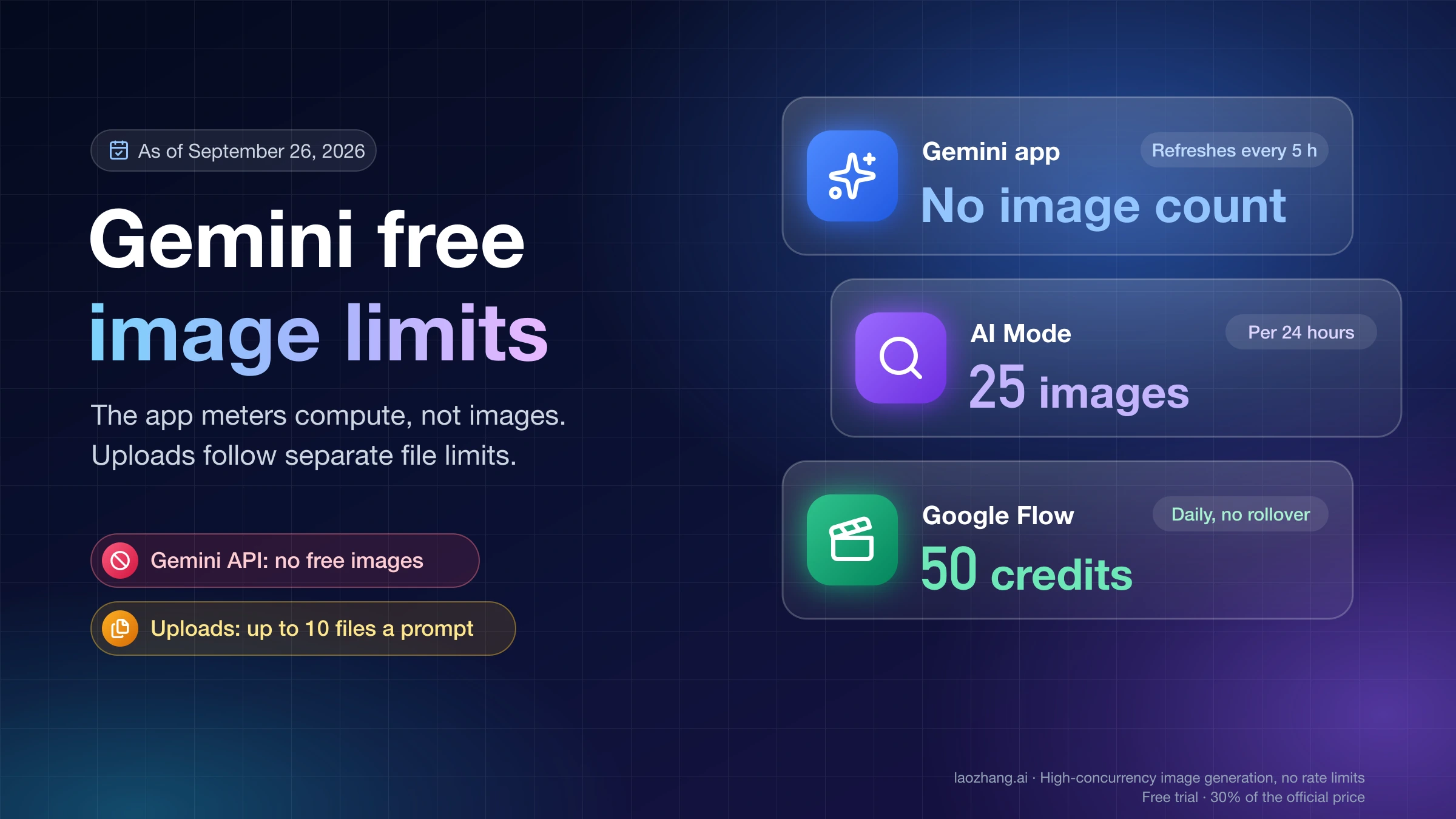
There is no single Nano Banana Pro limit per day. Personal Gemini uses five-hour compute windows plus a weekly ceiling, AI Mode uses a separate 24-hour image cap, Workspace uses edition-specific daily rows, Flow uses credits, and the Gemini API meters each project independently.
On this page
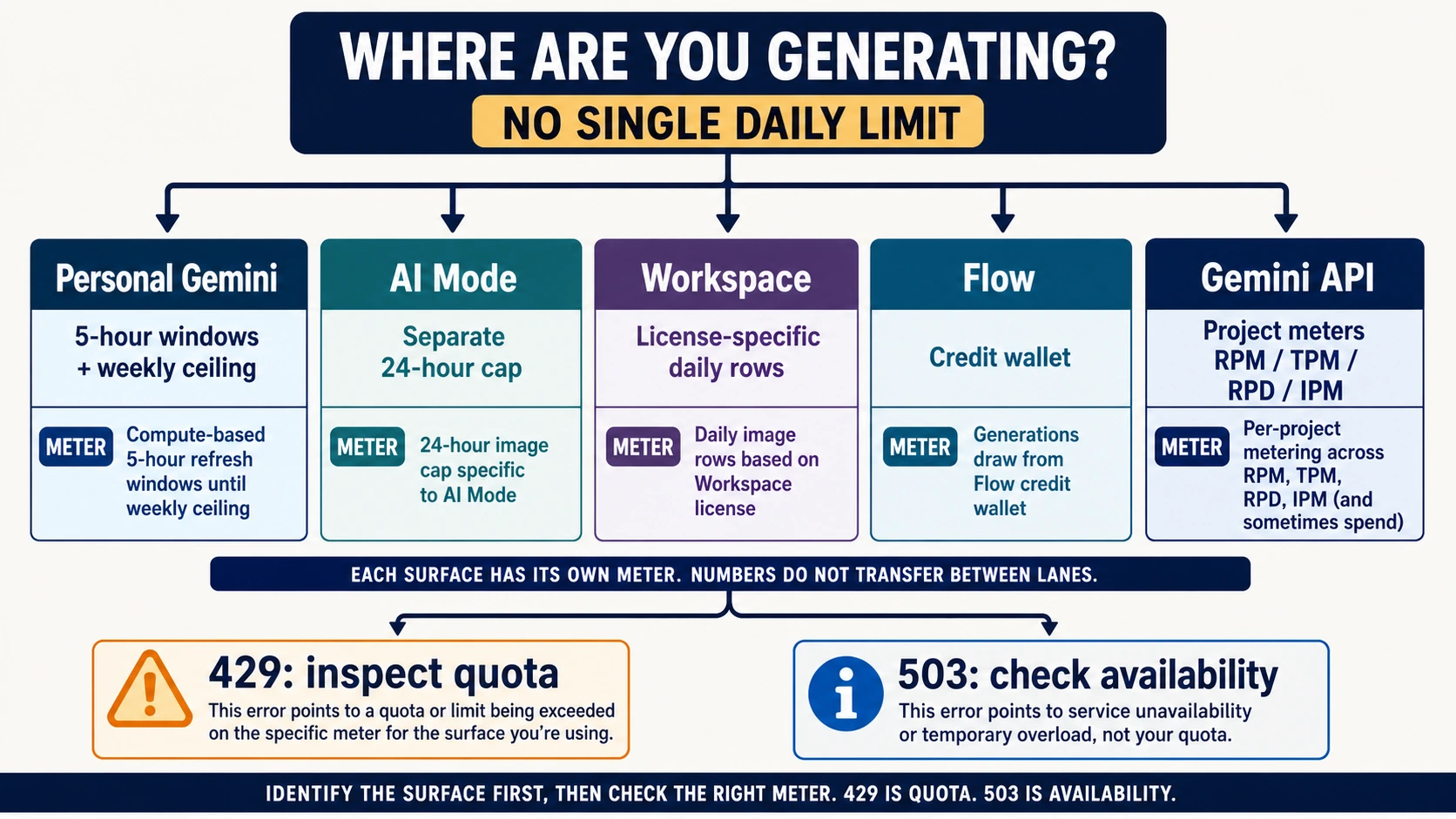
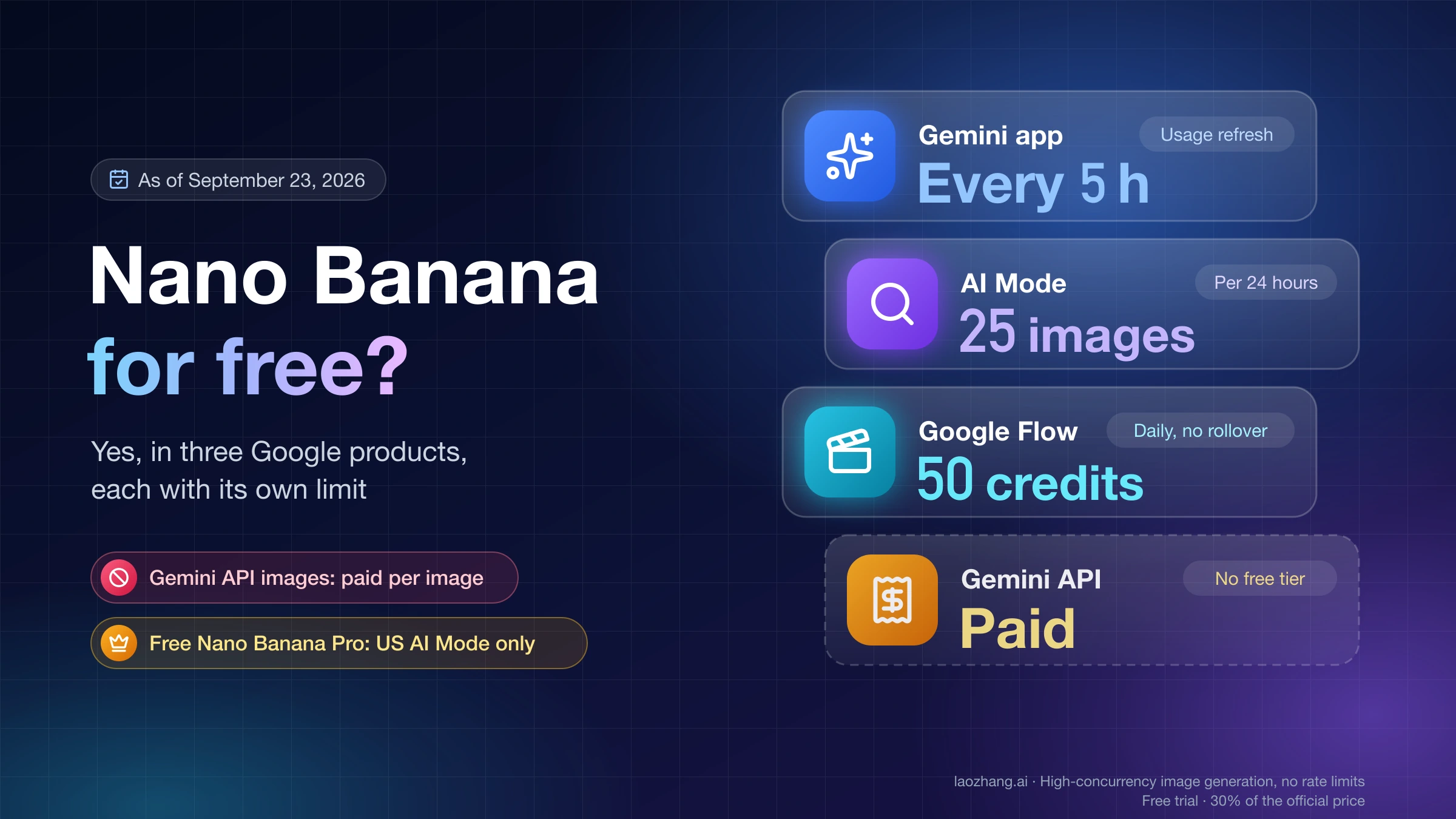
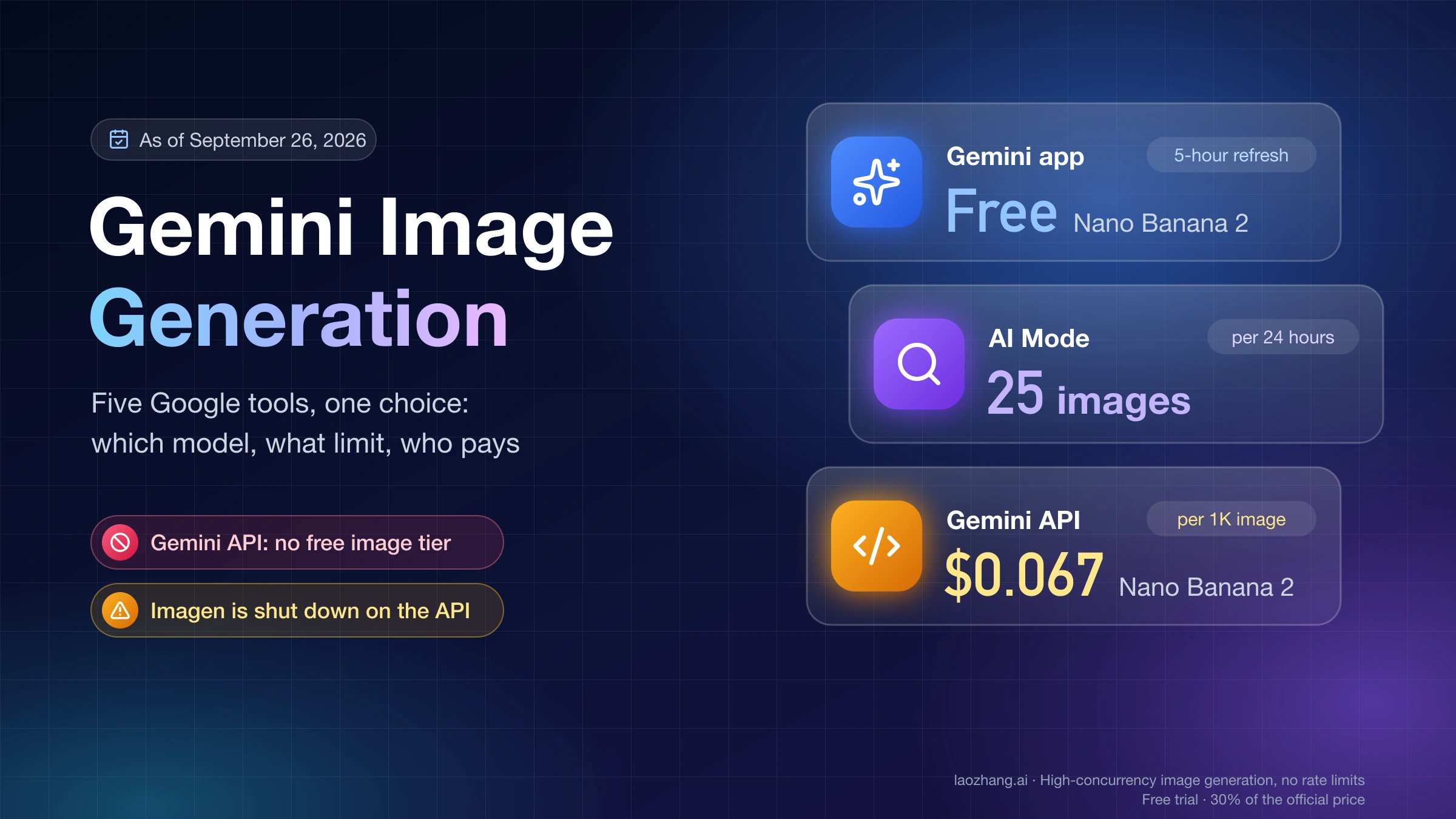
There is no universal Nano Banana Pro limit per day. Google currently applies five different contracts: personal Gemini Apps use compute-based limits that refresh every five hours until a weekly ceiling is reached; image creation in AI Mode has a separate 24-hour cap; Workspace accounts use license-specific daily rows; Flow uses a separate credit wallet; and the Gemini API meters RPM, TPM, RPD, IPM, and spend per project. A number from one surface does not describe the others.
If you are already blocked, first copy the exact notice or HTTP status. A Gemini app usage notice is not an API 429, and an API 503 is not proof that your quota is exhausted.
The five Nano Banana Pro limit contracts
| Where you use it | What currently controls usage | Where to verify it | What does not transfer |
|---|---|---|---|
| Personal Gemini Apps | Compute usage; five-hour refreshes until a weekly limit | Settings → Usage limits and the reset shown in the notice | No fixed public Nano Banana Pro images/day number; a Google AI plan does not raise API project quota |
| AI Mode in Google Search | Images in a rolling 24-hour period, subject to plan, region, account, and capacity | AI Mode limit notice and current Search Help | AI Mode counts are not Gemini Apps, Flow, Workspace, or API limits |
| Gemini for Workspace | Daily Nano Banana Pro redo allowance depends on the Workspace edition and license | The official Business/Enterprise edition table and admin entitlement | A personal Google AI plan table does not describe a work or school account |
| Google Flow | A separate credit wallet whose subscription allocation refreshes with the billing cycle | Flow credit balance, credit activity, and the live model selector for the current generation cost | Credits do not transfer to Gemini Apps or the API; the free 50-credit grant applies only to the Veo routes listed by Google |
| Gemini Developer API | RPM, TPM, RPD, image-specific IPM, and possibly a rolling spend limit, all per project | Google AI Studio Usage & Limits, the response details, and billing tier | Extra API keys in one project share the same pool; a consumer subscription does not increase it |
Google’s current Gemini Apps limits page explicitly describes the personal-account contract as compute-based: prompt complexity, feature choice, model choice, and chat length all matter. It does not publish the old universal 2/day, 100/day, or 1,000/day Nano Banana Pro table. That is why two people on the same plan can reach a notice after different workflows without either observation becoming a new official quota.
The one surface with a public 24-hour image table: AI Mode
Google Search currently publishes these AI Mode image-creation ceilings:
| AI Mode plan | Images per 24 hours |
|---|---|
| No Google AI plan | Up to 20 |
| Google AI Plus | Up to 50 |
| Google AI Pro | Up to 100 |
| Google AI Ultra | Up to 1,000 |
These figures come from Google Search Help, which also warns that limits can change with capacity, demand, plan, region, and account type. In the United States, Nano Banana Pro in AI Mode requires an eligible signed-in personal account, age eligibility, supported language, and the applicable plan conditions. Do not paste this table into a support reply about Gemini Apps or the API.
Workspace is a license table, not a personal-plan multiplier
Work and school accounts have a separate contract. Google’s current Business and Enterprise comparison shows edition-specific daily Nano Banana Pro redo rows, ranging from low standard access to much higher allowances on eligible editions. Check the exact license column instead of quoting one Workspace number. If an admin assigned the wrong edition or the account is using a different identity, waiting for a reset will not fix the entitlement mismatch.
Personal Gemini: five-hour compute windows plus a weekly ceiling
For a personal Google Account, “daily limit” is now often the wrong mental model. Since May 17, 2026, Gemini Apps usage refreshes every five hours until the account reaches its weekly ceiling. Expensive prompts, long chats, advanced features, and higher-compute models consume the pool differently. Google can also change access because of capacity.
When Gemini shows a limit notice:
- Open Settings → Usage limits.
- Record the feature or model named in the notice and its displayed reset time.
- Check whether the request was normal Nano Banana 2 generation or Redo with Pro.
- If the five-hour window refreshes but the feature remains blocked, check the weekly ceiling and account plan.
- Stop counting images from one session as proof of a universal cap.
The current Gemini image help also separates the consumer output contract: main-lane downloads are 1K without a Google AI plan and 2K with a plan. Paid subscribers can use Redo with Pro for more detail, but the page does not promise a universal 4K consumer download or a fixed Pro redo count.
If your real question is whether the paid consumer route is worth it, use the dedicated free-versus-Pro limit comparison. This page owns the cross-surface quota diagnosis, not subscription value.
Flow credits are a fifth, separate bucket
Google Flow can create and edit images with Nano Banana Pro, but Flow uses its own credit wallet and model-cost display. It is not an overflow extension of Gemini Apps. Subscription allocations refresh with the billing cycle and unused monthly credits do not roll over. Before generating, check the active image model, requested output count, remaining credits, and current cost in the live prompt selector. Google tells users to do this because model costs can change; the Flow image guide and credit guide own that contract. The current free 50-credit grant is limited to listed Veo video routes, so it must not be described as free Nano Banana Pro image quota.
If Gemini Apps is exhausted, switching to Flow does not “reset” Gemini. It starts a request against a different product counter, assuming Flow and the selected model are available to the account and region.
Gemini API quota: inspect the project, not the key
The current stable official model ID is:
gemini-3-pro-imageGoogle shut down the former preview identifier on June 25, 2026 and directs developers to the stable replacement in its deprecation table. The official Nano Banana Pro API has no Free Tier price row; billing and an active project are required for this model. Consumer Google AI subscriptions are separate products.
The Gemini API rate-limit documentation defines several possible meters:
- RPM: requests per minute, the burst rate;
- TPM: input tokens per minute;
- RPD: requests per day, reset at midnight Pacific time;
- IPM: images per minute for image-capable models;
- spend rate: a rolling 10-minute charge guard that may apply based on billing history and tier.
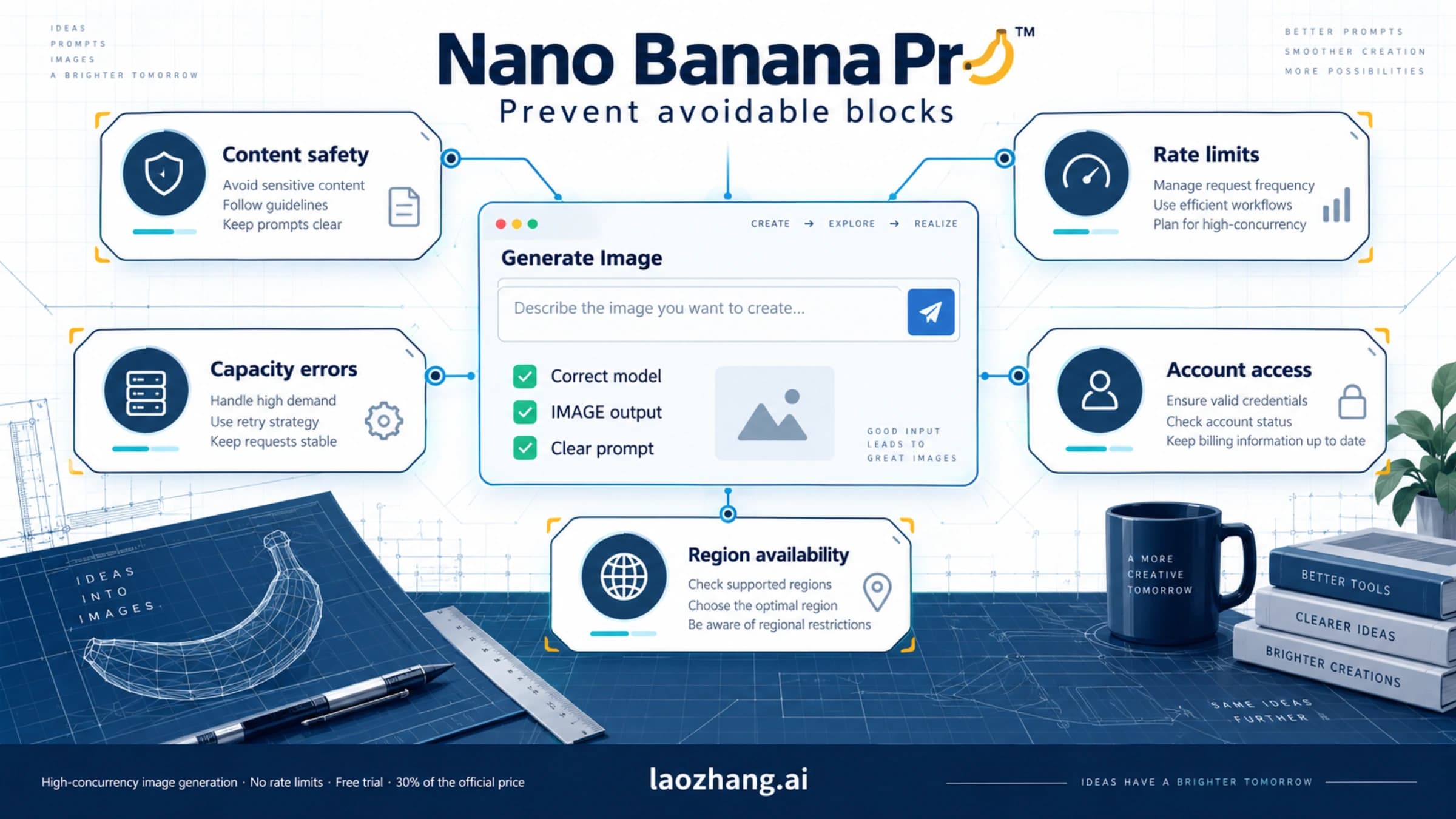
Exceeding any one can fail a request even when the others have room. Limits are attached to the project, not the API key, and the published values are not guaranteed capacity. Creating more keys inside the same project does not create more quota.
Use this verification order:
- Confirm the request actually uses
gemini-3-pro-image. - Open the same project in Google AI Studio.
- Read its active model limits under Usage & Limits.
- Match the error detail to RPM, TPM, RPD, IPM, or spend.
- Check whether billing tier or account state changed.
- Only then decide whether to pace, wait, reduce work, or request more quota.
For escalation requirements, continue to how to increase Nano Banana Pro API quota. For cost planning, use the current Nano Banana Pro pricing guide.
“Quota exhausted” in 60 seconds
Use this quick triage before retrying:
0–10 seconds — identify the surface. Is the failure in Gemini Apps, AI Mode, Workspace, Flow, AI Studio, the Gemini API, or a third-party gateway?
10–20 seconds — preserve the exact signal. Copy the full app notice or API status, message, request time, model ID, and project ID. Do not reduce everything to “daily limit.”
20–35 seconds — match the class.
- App usage notice: read its reset and Usage limits screen.
- Flow credit notice: read the Flow balance and active model cost.
- API
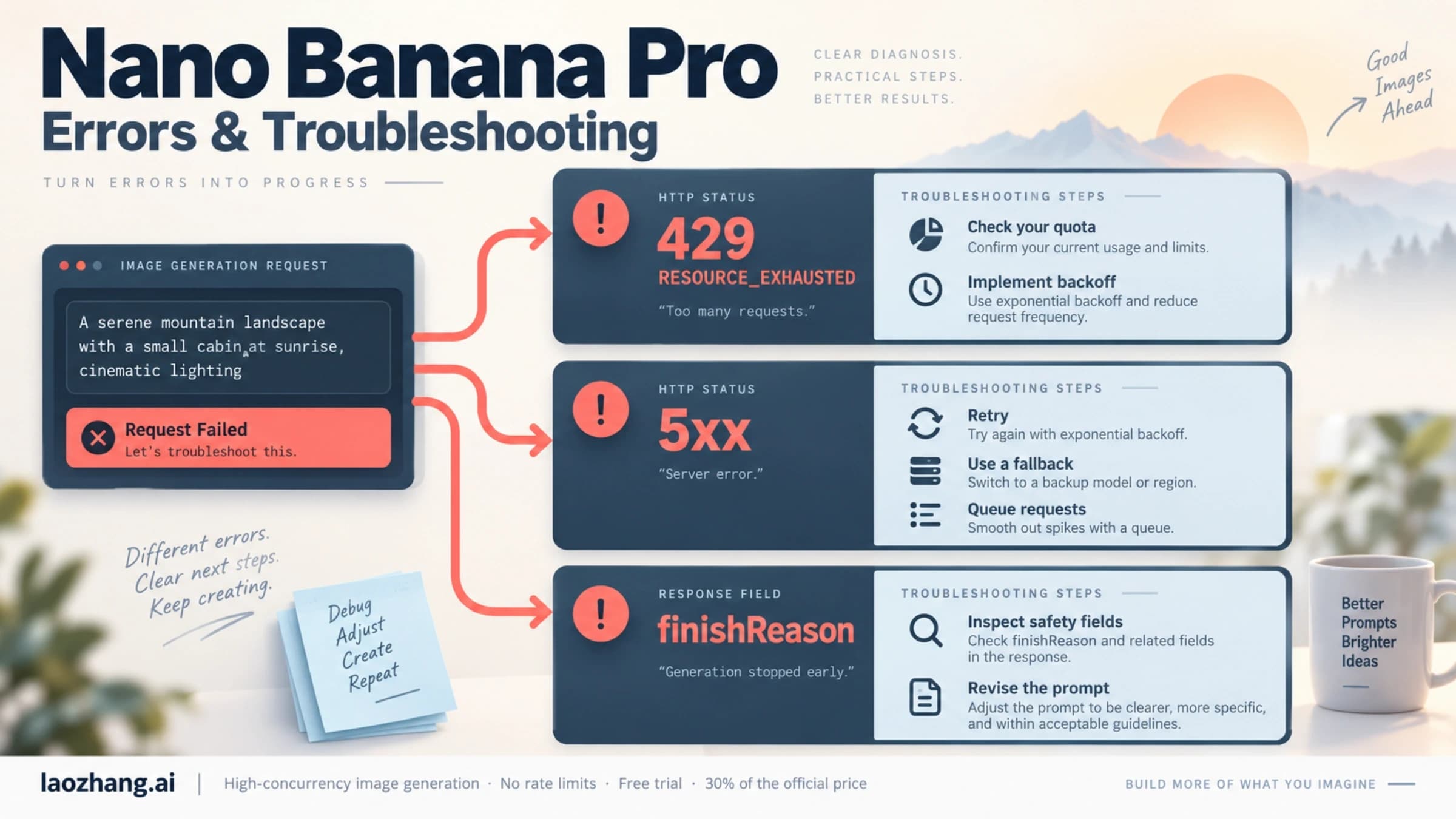
429 RESOURCE_EXHAUSTED: inspect which project meter was exceeded. - API
503 UNAVAILABLE: capacity or service availability; it is not quota evidence. 400 FAILED_PRECONDITION: billing or free-tier regional eligibility may be the issue.403 PERMISSION_DENIED: verify the key, project, and model permission.- Safety refusal: changing quota or waiting for midnight will not make the prompt allowed.
35–50 seconds — choose a bounded action. Pace a burst, reduce unnecessary outputs, wait for the named window, switch only to an approved model, or open the quota-increase path.
50–60 seconds — set the stop rule. Stop retries if the error is RPD/spend exhaustion, permission, billing/region, or safety-related. A retry loop cannot repair those states.
Google’s API troubleshooting guide separates 429 RESOURCE_EXHAUSTED from 503 UNAVAILABLE. Use bounded exponential backoff with jitter only for a retryable short-window condition. Do not assume a Retry-After header always exists, and do not retry beyond the displayed reset or a small operational budget.
The deeper API branch belongs to the RESOURCE_EXHAUSTED troubleshooting guide.
Resolution limits: consumer 1K/2K is not API 1K/2K/4K
Three different claims are often collapsed:
- Gemini Apps currently documents 1K downloads without a plan and 2K with a Google AI plan for its main Nano Banana 2 lane.
- The official Gemini Developer API supports 1K, 2K, and 4K for Gemini 3 Pro Image when the request uses the documented uppercase image-size value.
- Neither fact proves that 4K consumes exactly twice an account’s quota.
The official image-generation guide publishes aspect-ratio-specific 1K, 2K, and 4K dimensions. It does not support the old claim that 2K always consumes 1.5 quota units or 4K always consumes 2. Treat resolution as an output capability and pricing choice; use the project’s active limits and real response data for throughput planning.
For request parameters and output dimensions, use the dedicated Nano Banana Pro 4K guide.
When a gateway is a reasonable tradeoff
A developer gateway can be considered when the actual problem is official-project billing, quota administration, or the need to switch among models behind one operational contract. It does not increase Google’s quota; it replaces the route owner with a provider’s billing, support, availability, privacy, and governance contract.
As checked on July 20, 2026, LaoZhang API’s public Nano Banana Pro documentation still displays Google’s retired preview model ID. Therefore this page does not claim a current provider route ID, price, quota, or “unlimited” capacity. Verify the provider console and current documentation before switching, run a low-risk test, and stop if model identity or retention terms cannot be confirmed.
Decision rules that survive the next quota change
- Personal creator: trust the Usage limits screen and displayed reset, not an old daily number.
- AI Mode user: use the official 24-hour table only for AI Mode and confirm eligibility.
- Workspace user: match the exact license column; involve the admin for entitlement problems.
- API developer: monitor project meters and budget for variation; do not multiply keys to evade a shared limit.
- 4K workflow: separate output support, per-image cost, and measured throughput.
- Repeated 503s: check service status and capacity; stop treating them as quota.
- Provider evaluation: verify current model identity, billing unit, data handling, and support before moving traffic.
The durable answer to “What is the Nano Banana Pro quota?” is not one number. It is: name the surface, read the counter it owns, and act on the exact reset or error class.
Sources10
External pages this guide links to, in the order they appear. Last updated Jul 20, 2026.
Sources10
External pages this guide links to, in the order they appear. Last updated Jul 20, 2026.
- 1.Gemini Apps limits pagesupport.google.com/gemini/answer/16275805
- 2.Google Search Helpsupport.google.com/websearch/answer/16649374
- 3.Business and Enterprise comparisonsupport.google.com/gemini/answer/14620100
- 4.Gemini image helpsupport.google.com/gemini/answer/14286560
- 5.Flow image guidesupport.google.com/flow/answer/16729550
- 6.credit guidesupport.google.com/flow/answer/16526234
- 7.deprecation tableai.google.dev/gemini-api/docs/deprecations
- 8.Gemini API rate-limit documentationai.google.dev/gemini-api/docs/rate-limits
- 9.API troubleshooting guideai.google.dev/gemini-api/docs/troubleshooting
- 10.image-generation guideai.google.dev/gemini-api/docs/image-generation