Troubleshooting
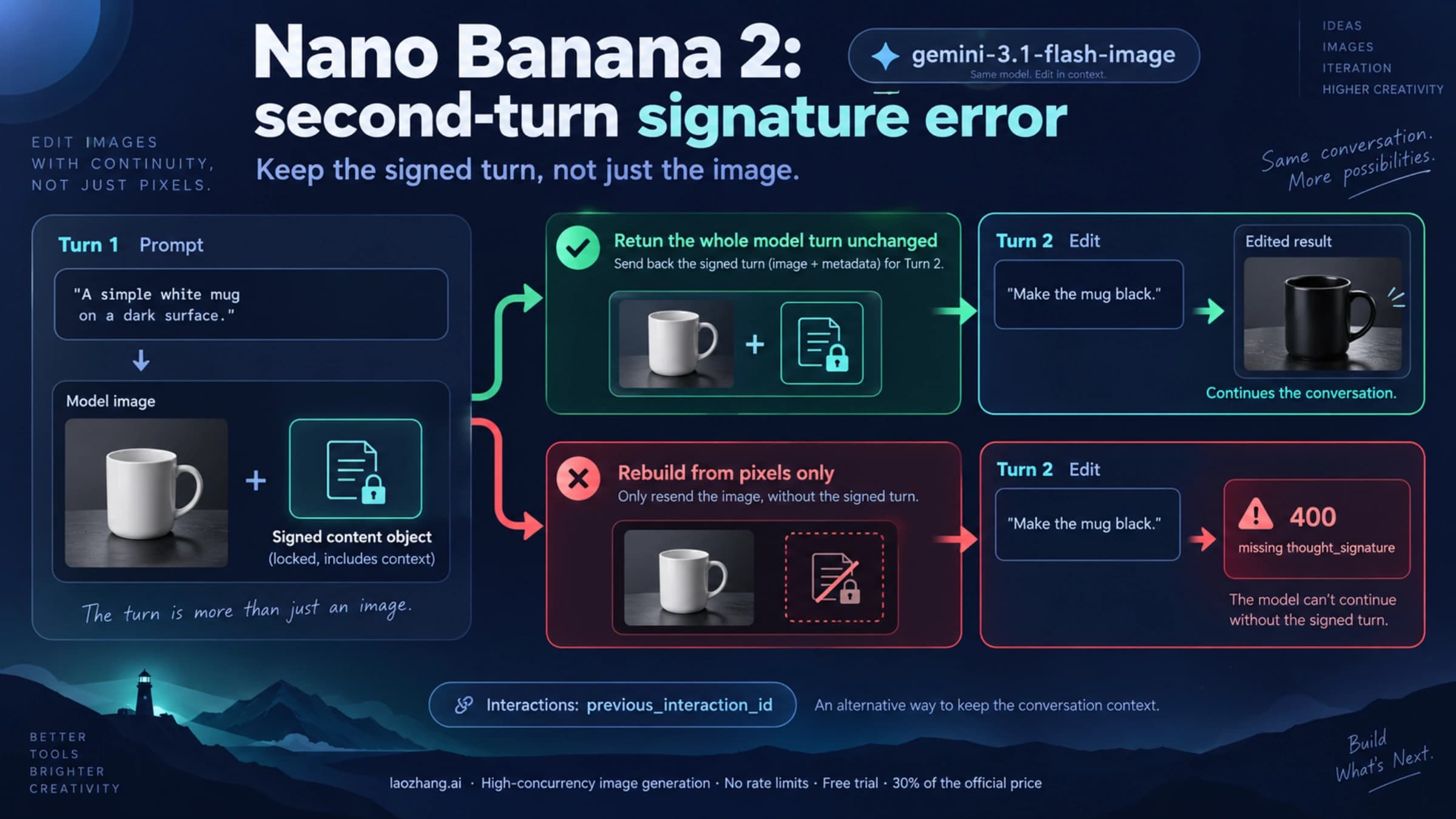
Nano Banana 2 Thought Signature Error: Fix the Second-Turn 400
Nano Banana 2 returns 400 when a follow-up edit resends its earlier image without the thought signature. Use previous_interaction_id or SDK chat history.
9 min
Nano Banana 2 returns 400 when a follow-up edit resends its earlier image without the thought signature. Use previous_interaction_id or SDK chat history.
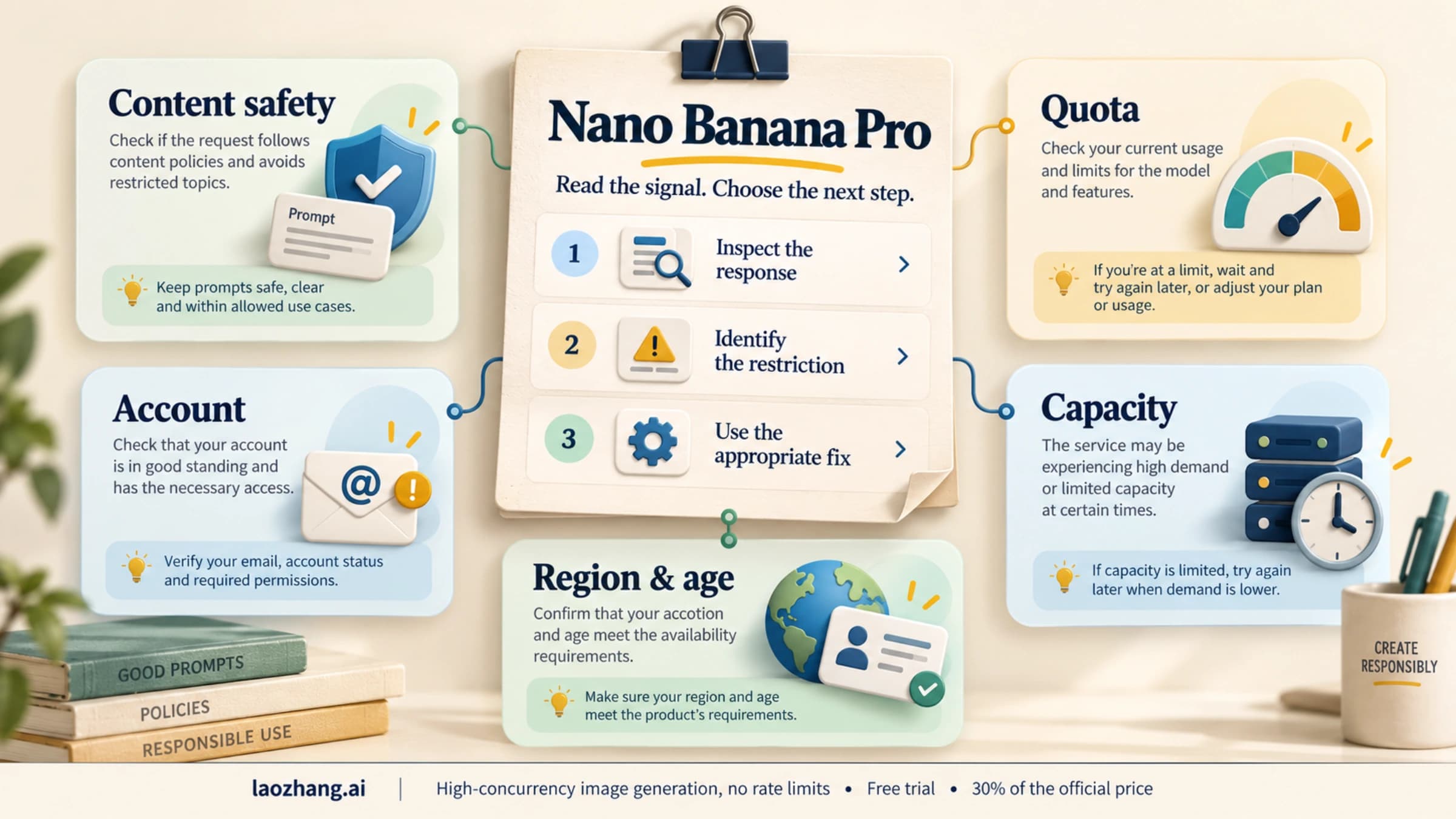
A blocked prompt or a 429 error is not an account penalty. Google acts on accounts for policy violations: email, temporary limits, suspension, then closure.
Nano Banana Pro (Gemini 3 Pro Image) transforms ecommerce product photography by generating studio-quality images from mobile snapshots with official output pricing from $0.134 per image or LaoZhang billing of $0.09 per call. This guide covers the complete workflow from API setup to production pipeline, with dedicated sections on diagnosing and solving IMAGE_SAFETY errors that block legitimate fashion and apparel photography.
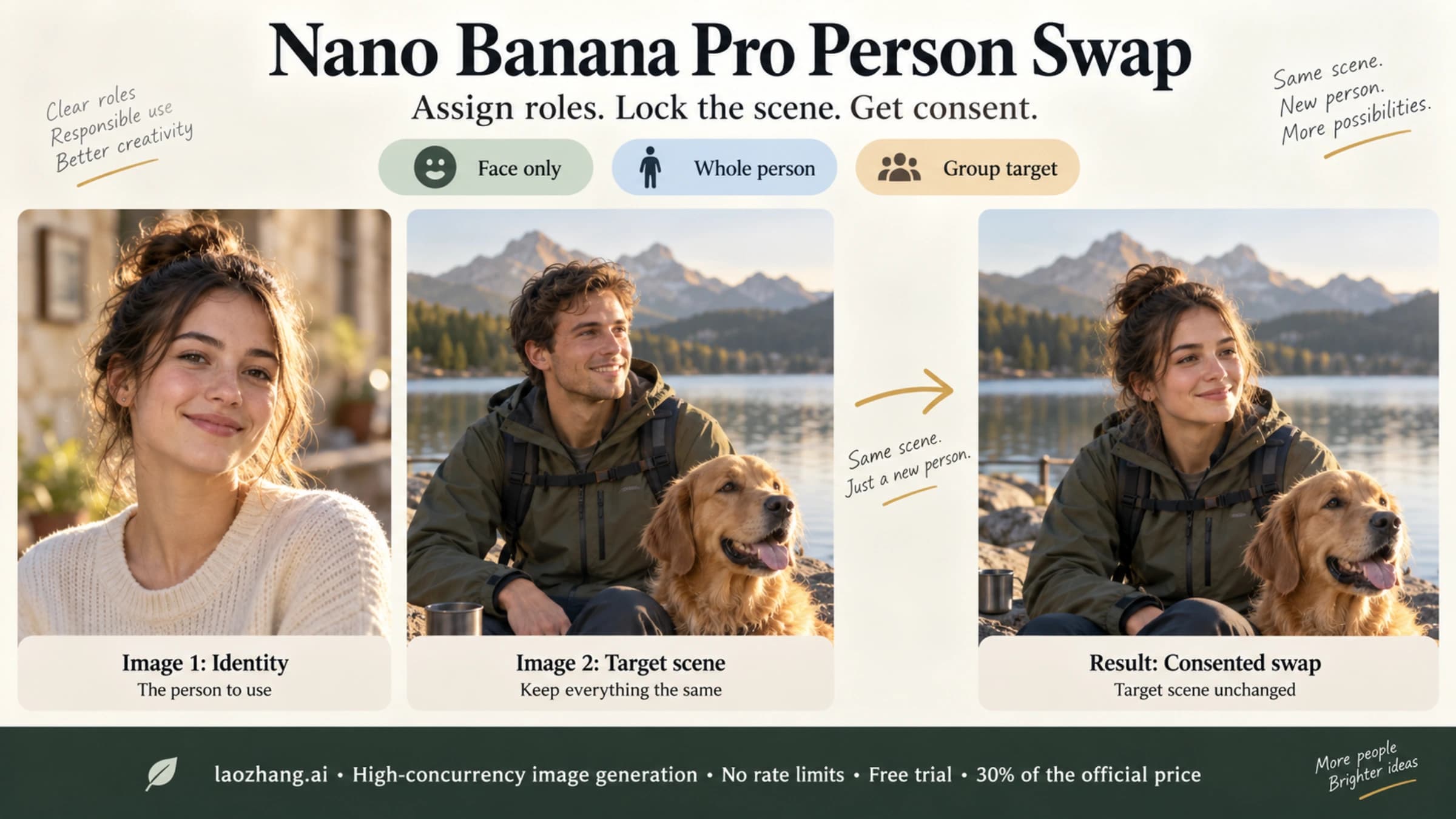
Label Image 1 as the identity and Image 2 as the scene, swap only the face or the whole person, and keep the rest. Only for photos you have consent to edit.
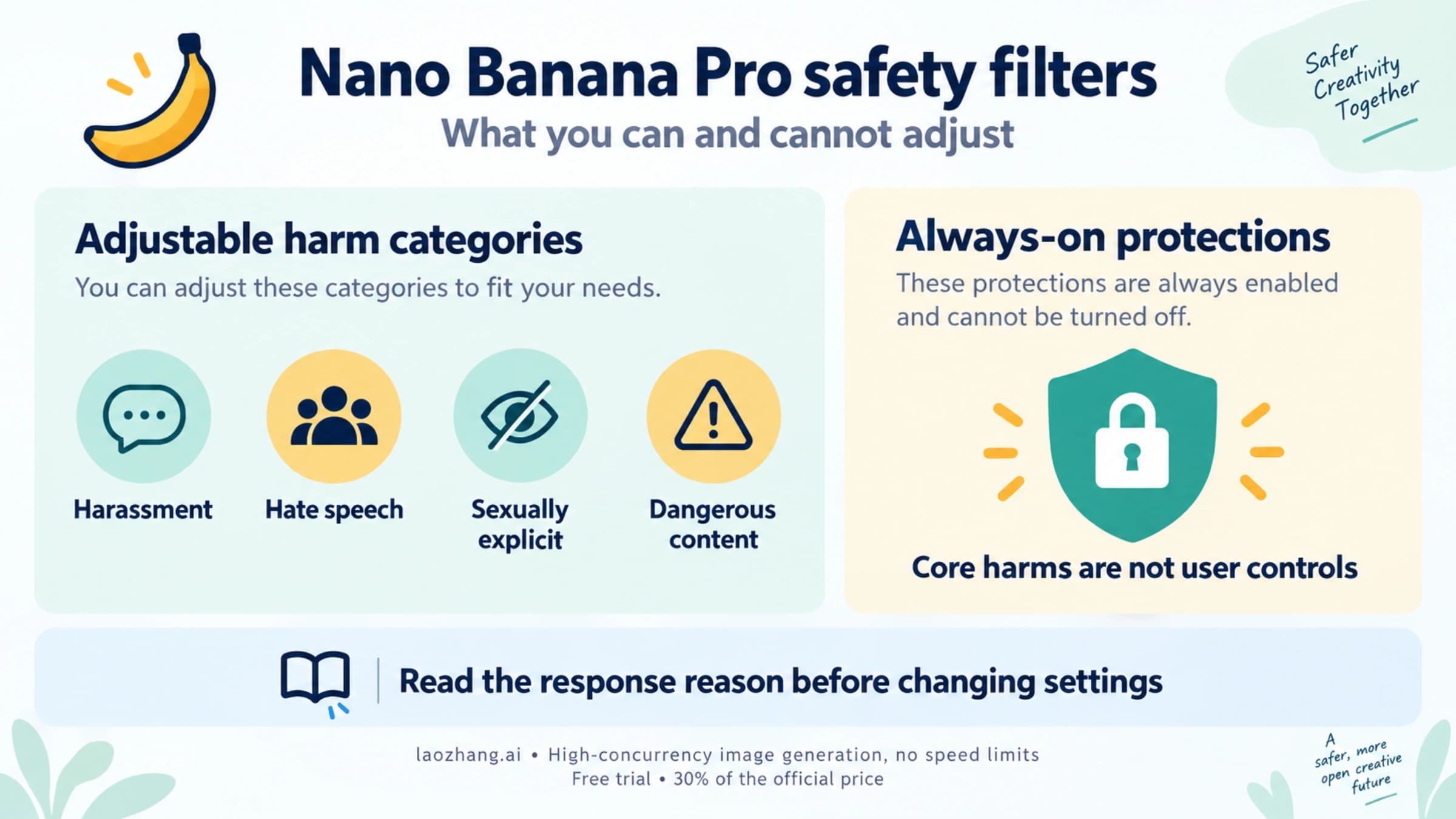
Nano Banana Pro's adjustable safety filters are Off by default. IMAGE_SAFETY, PROHIBITED_CONTENT and OTHER blocks come from checks no setting changes.
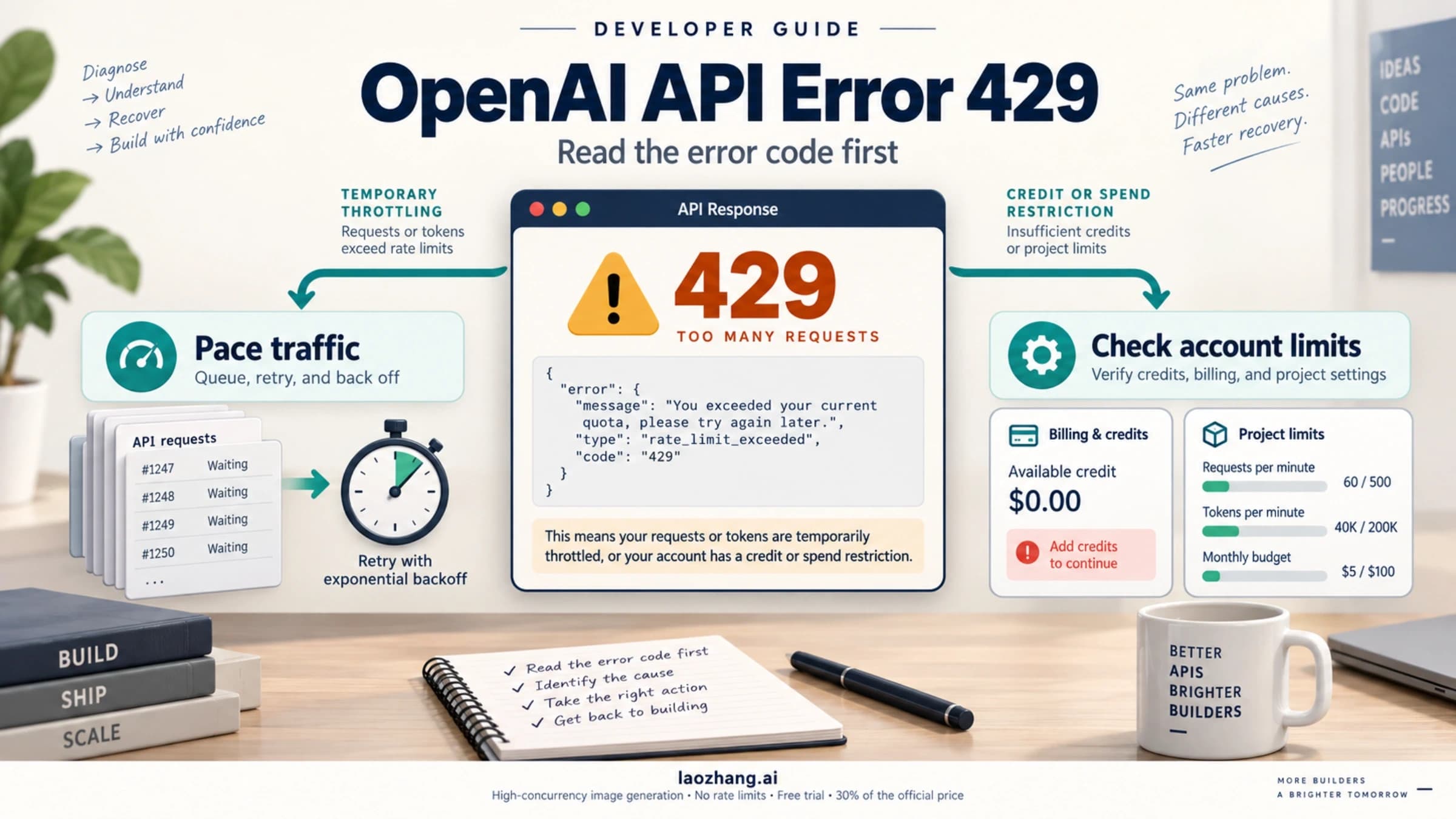
An OpenAI API 429 can mean temporary throttling, depleted credits, or an enforced account limit. Read the error code before deciding whether to wait, change billing, or reduce traffic.
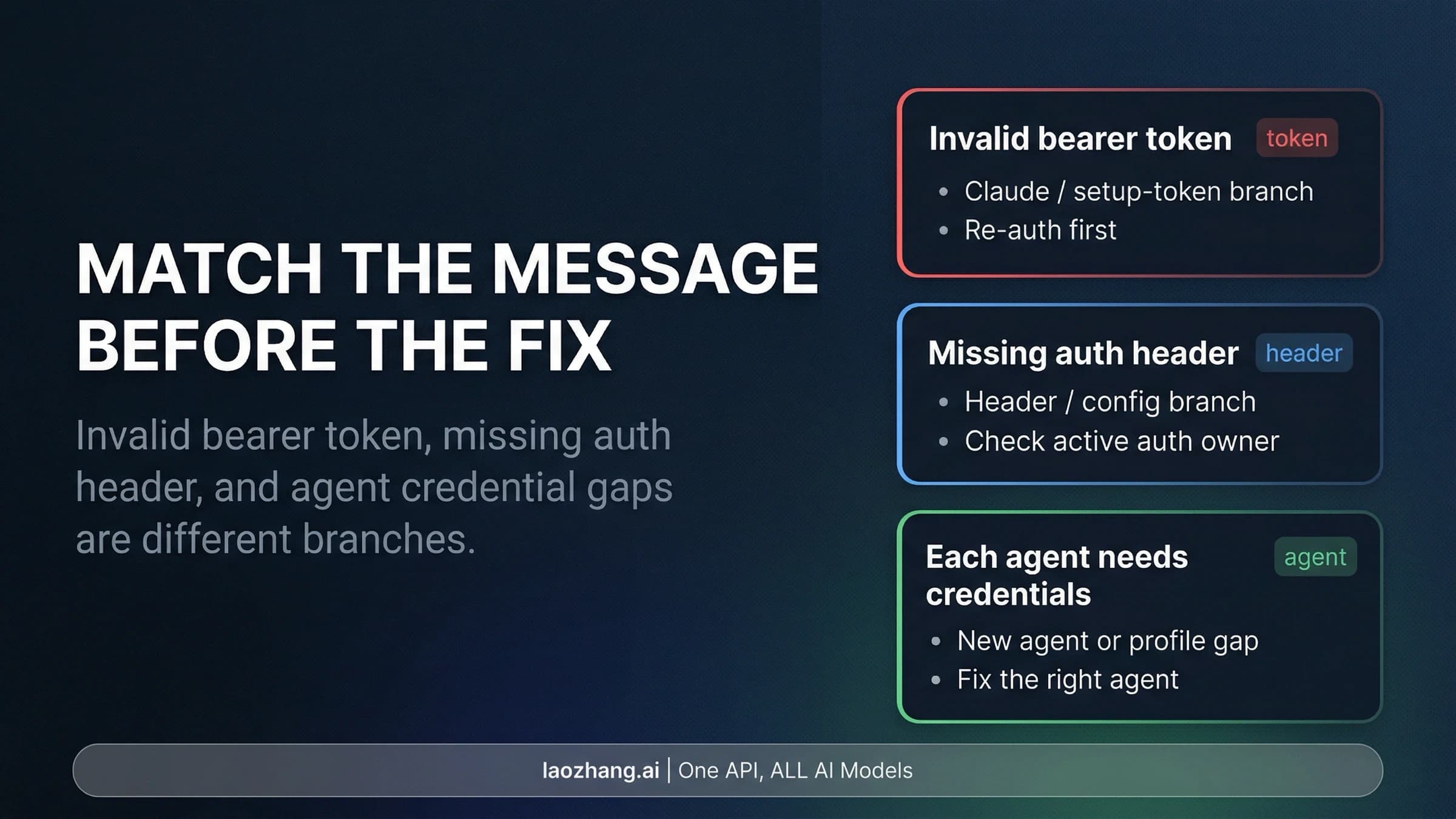
For an OpenClaw 401, first identify who rejected the request. An invalid provider token, a missing outgoing auth header, and a Gateway or device-token mismatch require different fixes. Check the failing agent and session before replacing credentials.
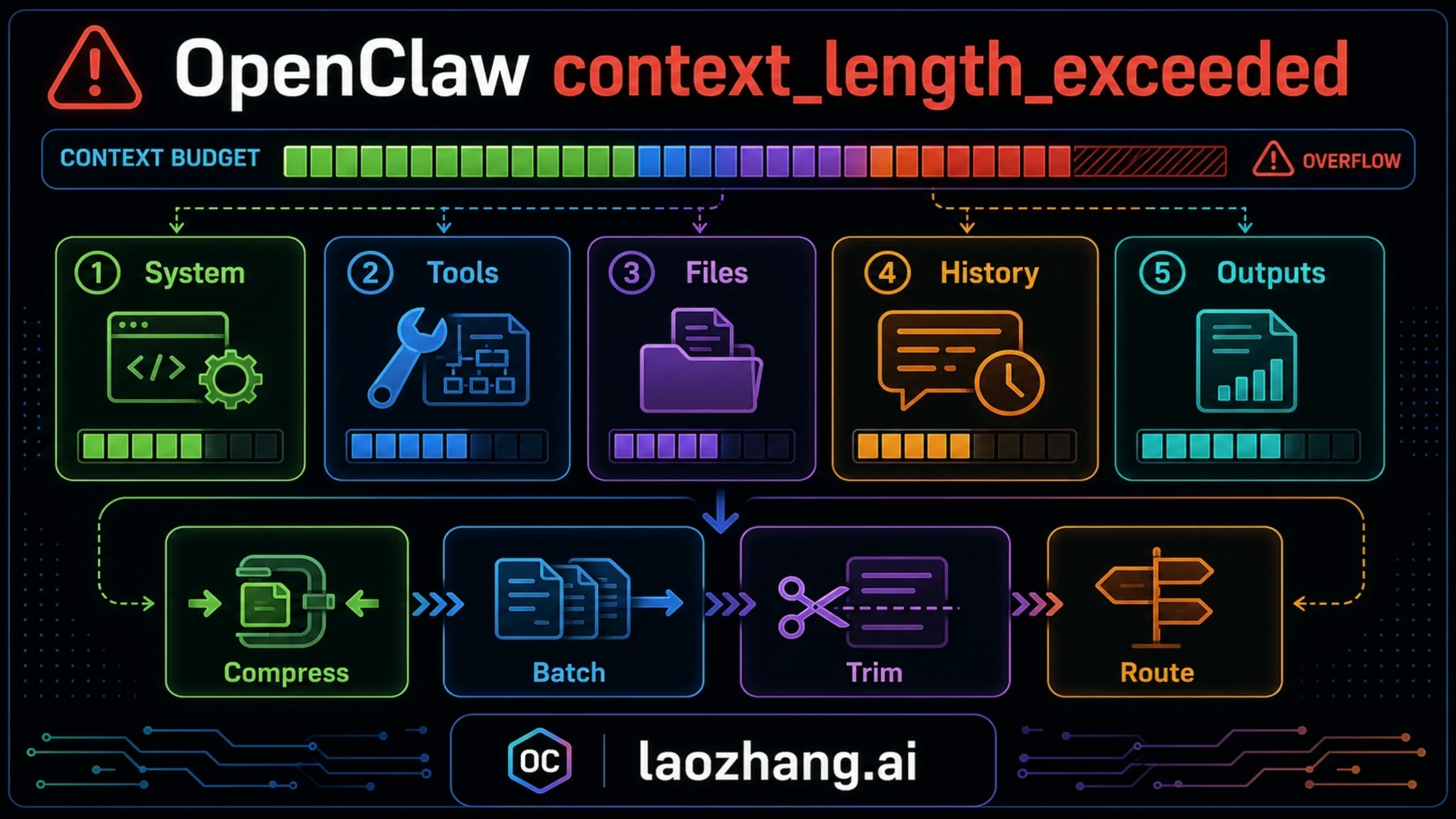
For a large OpenClaw session, save the task state and try supported manual compaction. If the summary request also exceeds its limit, resume in a fresh session from a short record of completed work. Fresh-session failures require checking fixed overhead and the local model's loaded context.
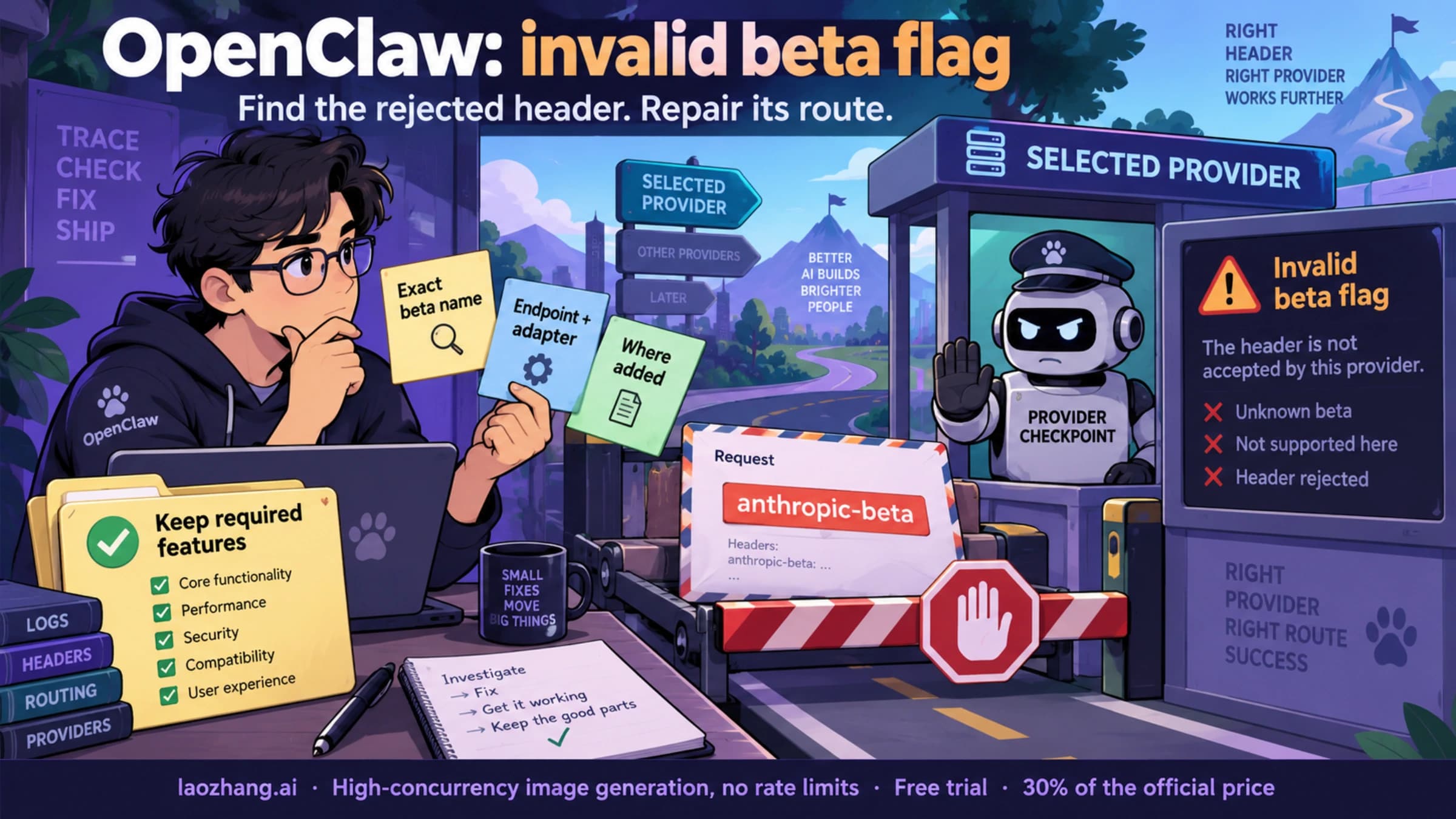
Repair an OpenClaw invalid beta flag error by identifying which feature header the selected provider rejected and where it was added. Remove an unsupported optional flag, or repair the required feature's route, then confirm both configuration loading and a completed request.
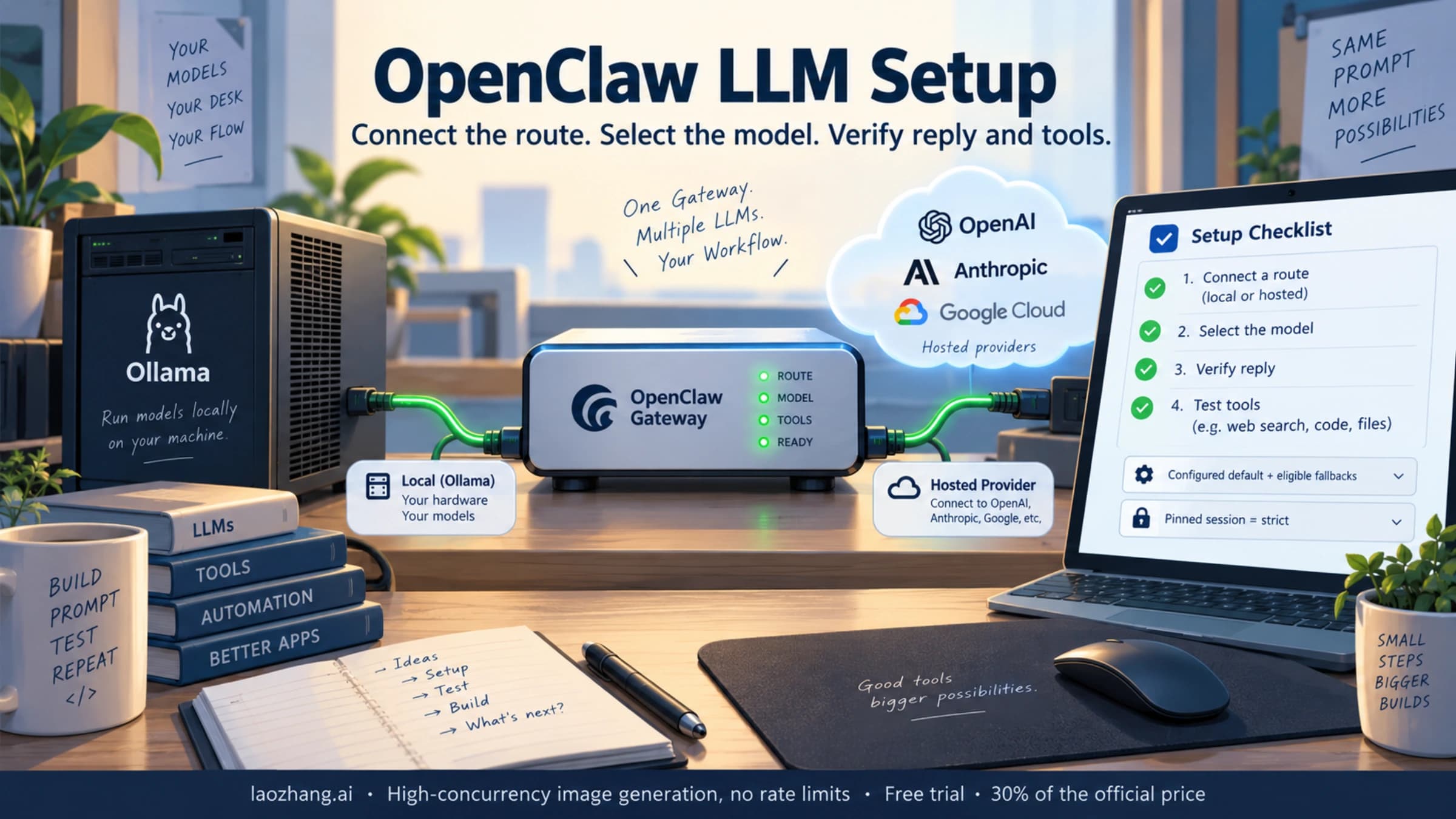
Run OpenClaw onboarding on the Gateway host, connect the provider or local server, then select an exact model from its catalog. Verify both a short reply and a harmless tool task. Configured defaults can use fallbacks; a manually pinned chat model remains strict.
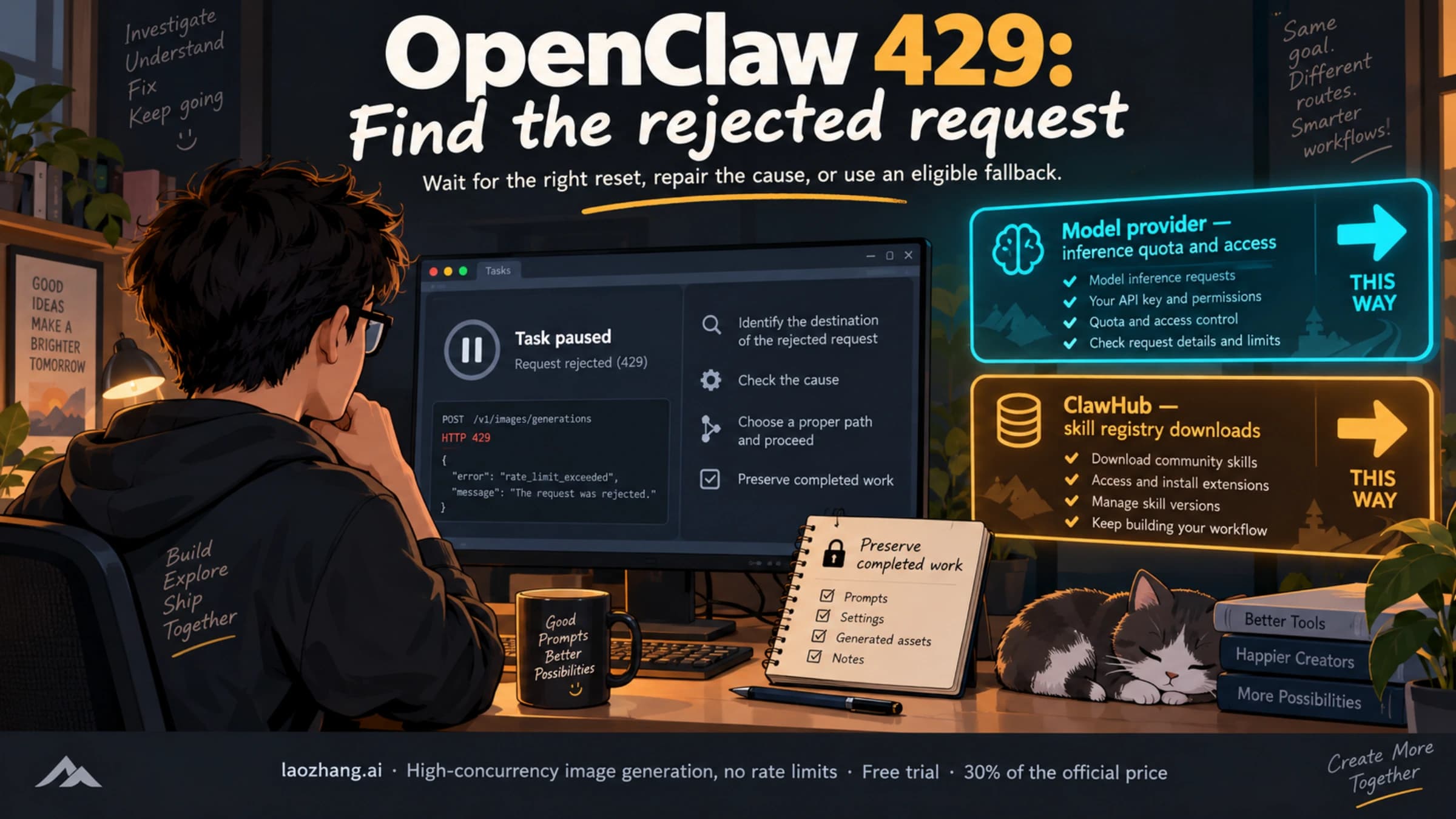
When OpenClaw reports a 429, pause extra requests and identify whether the rejection came from the model provider or ClawHub. Wait for a temporary limit, repair exhausted quota or access, and check whether the current selection permits fallback. Preserve completed work before continuing.
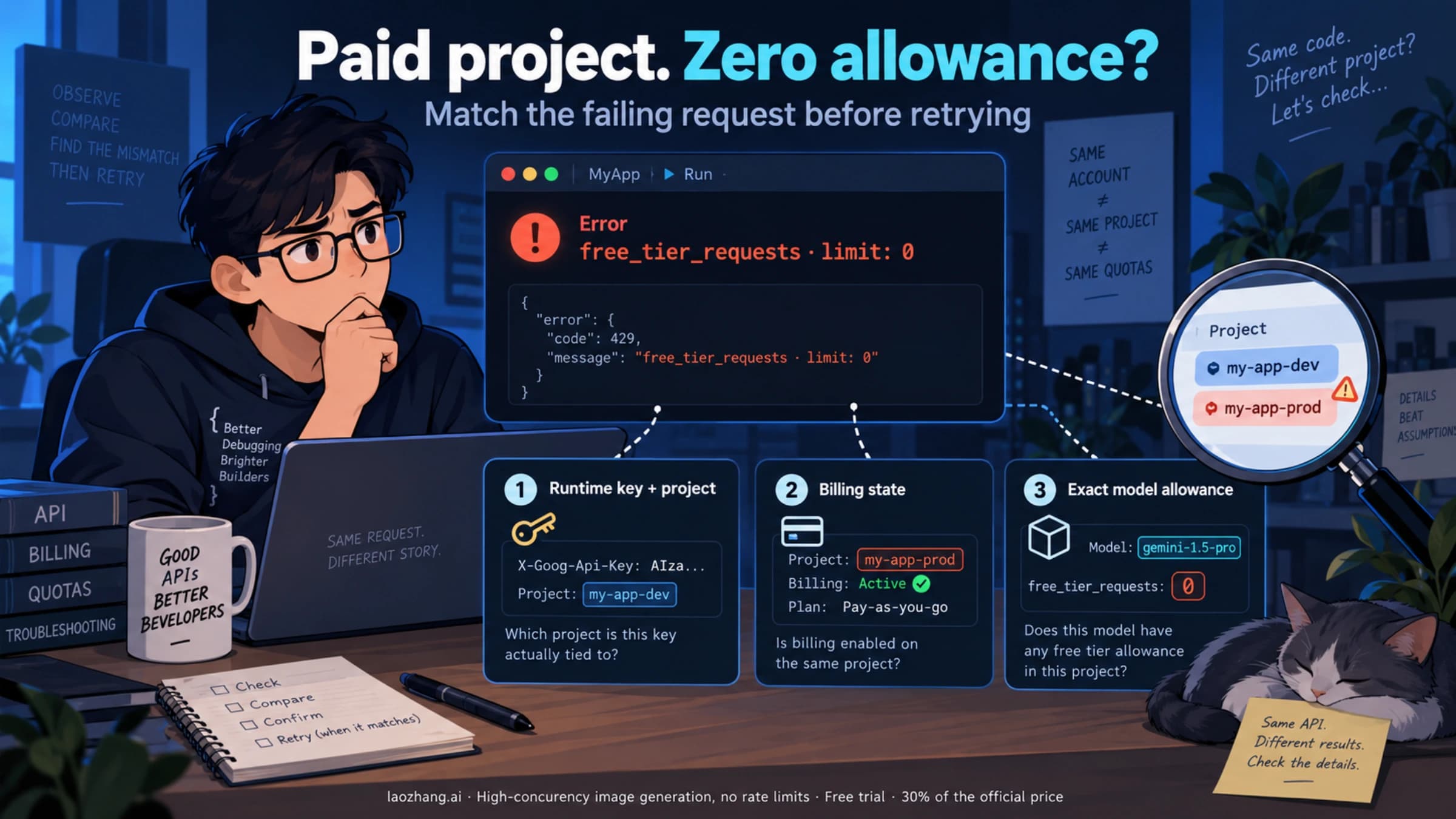
A paid Gemini project can still return free_tier_requests limit 0 if the running app uses another project's key, billing setup is incomplete, or the requested model has no usable allowance. Match the request to AI Studio's project, billing status, and active model limits before retrying or replacing keys.
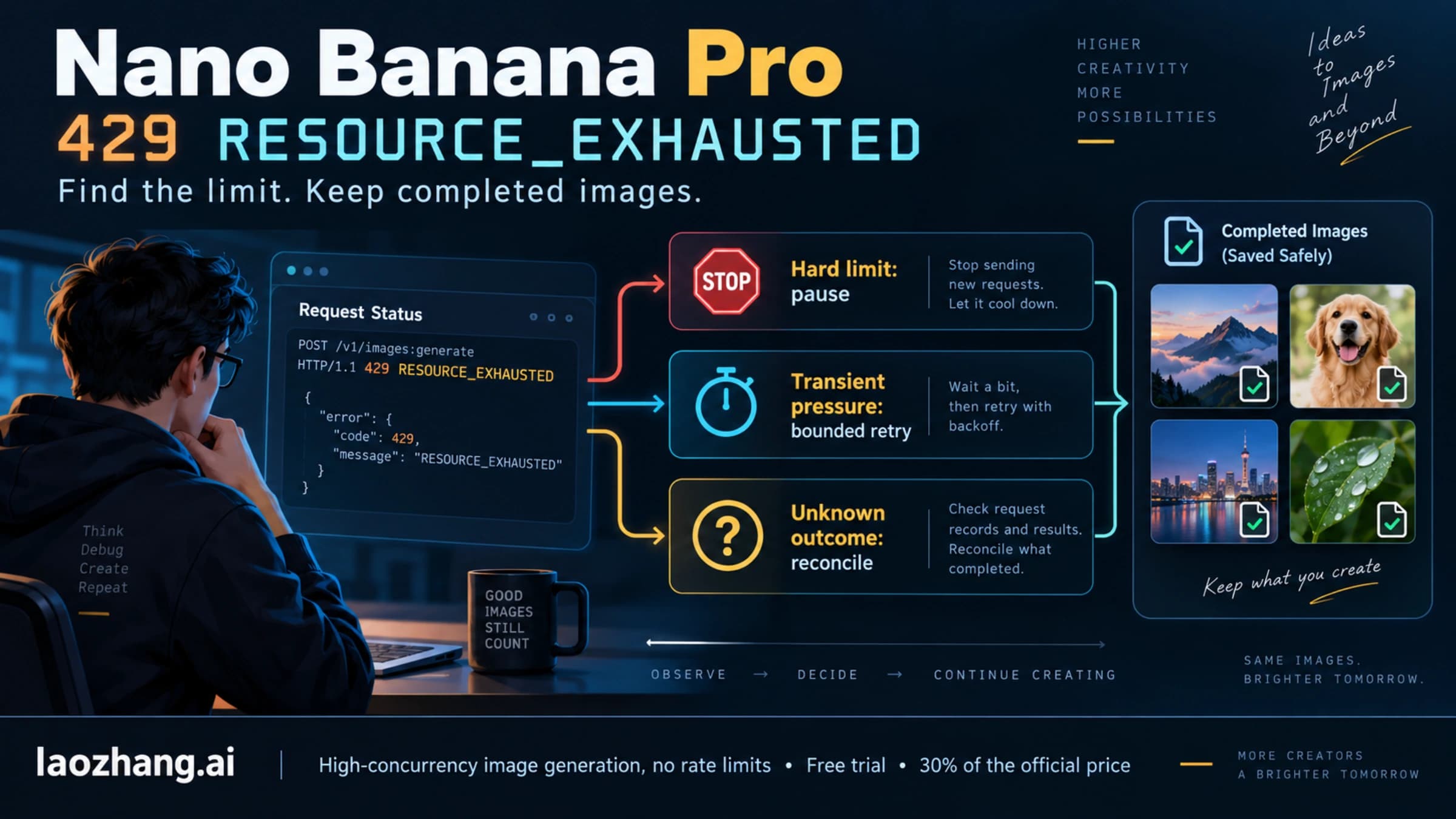
For Nano Banana Pro RESOURCE_EXHAUSTED errors, check the actual project, model, and exhausted limit before retrying. Pause zero allowances, daily limits, and billing blocks; retry transient pressure within a time budget and save confirmed images so a restart does not generate them again.
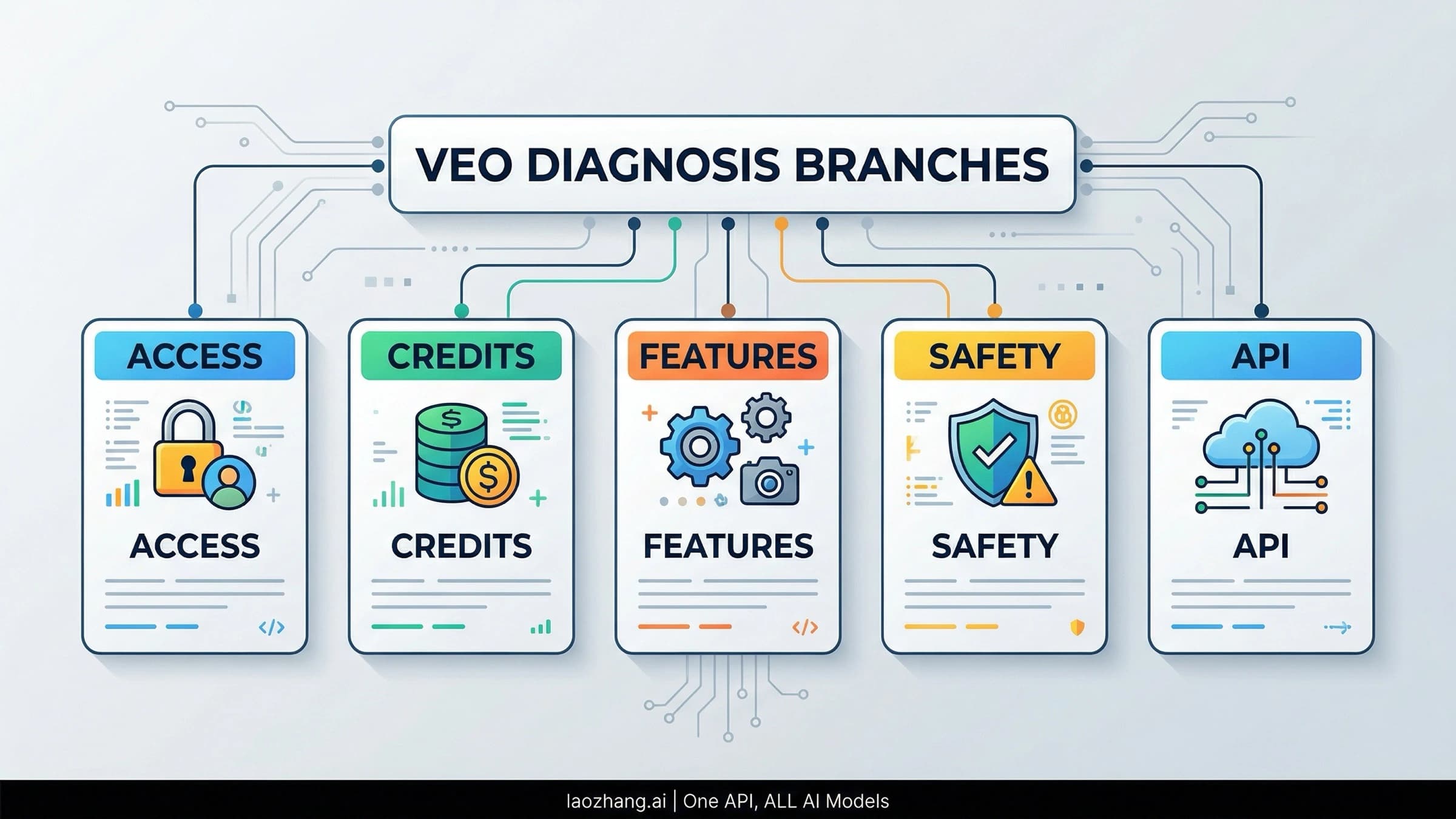
If Veo 3 keeps failing to generate, the problem is usually not one generic bug. This guide shows how to separate Flow and Gemini credit issues, unsupported Veo 3.1 feature combinations, audio-generation failures, policy blocks, and Vertex AI 429/503/504 errors.
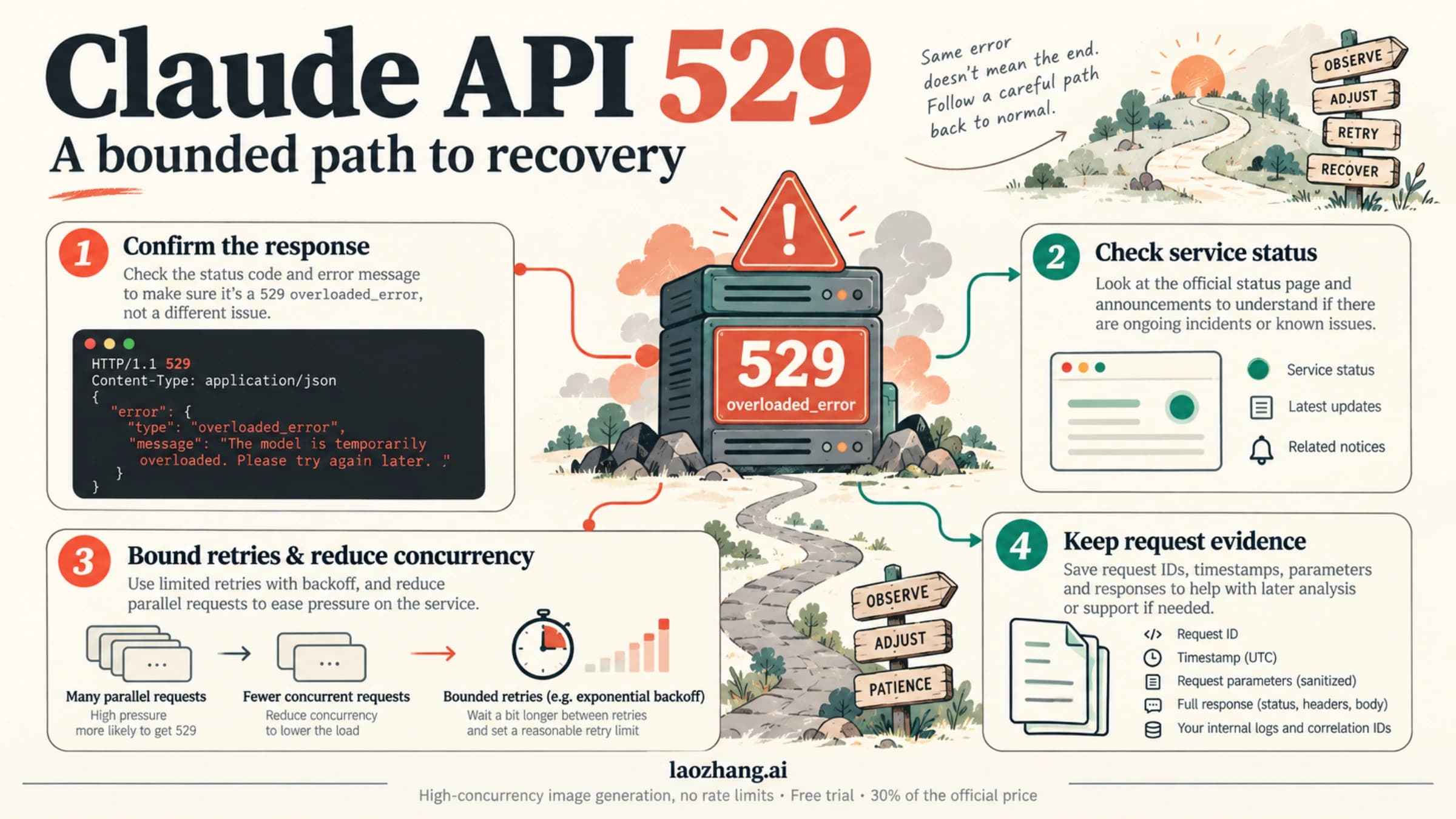
A Claude API 529 signals temporary overload. Count existing retries, honor server wait times, reduce concurrent calls, and stop when the request's retry window expires.
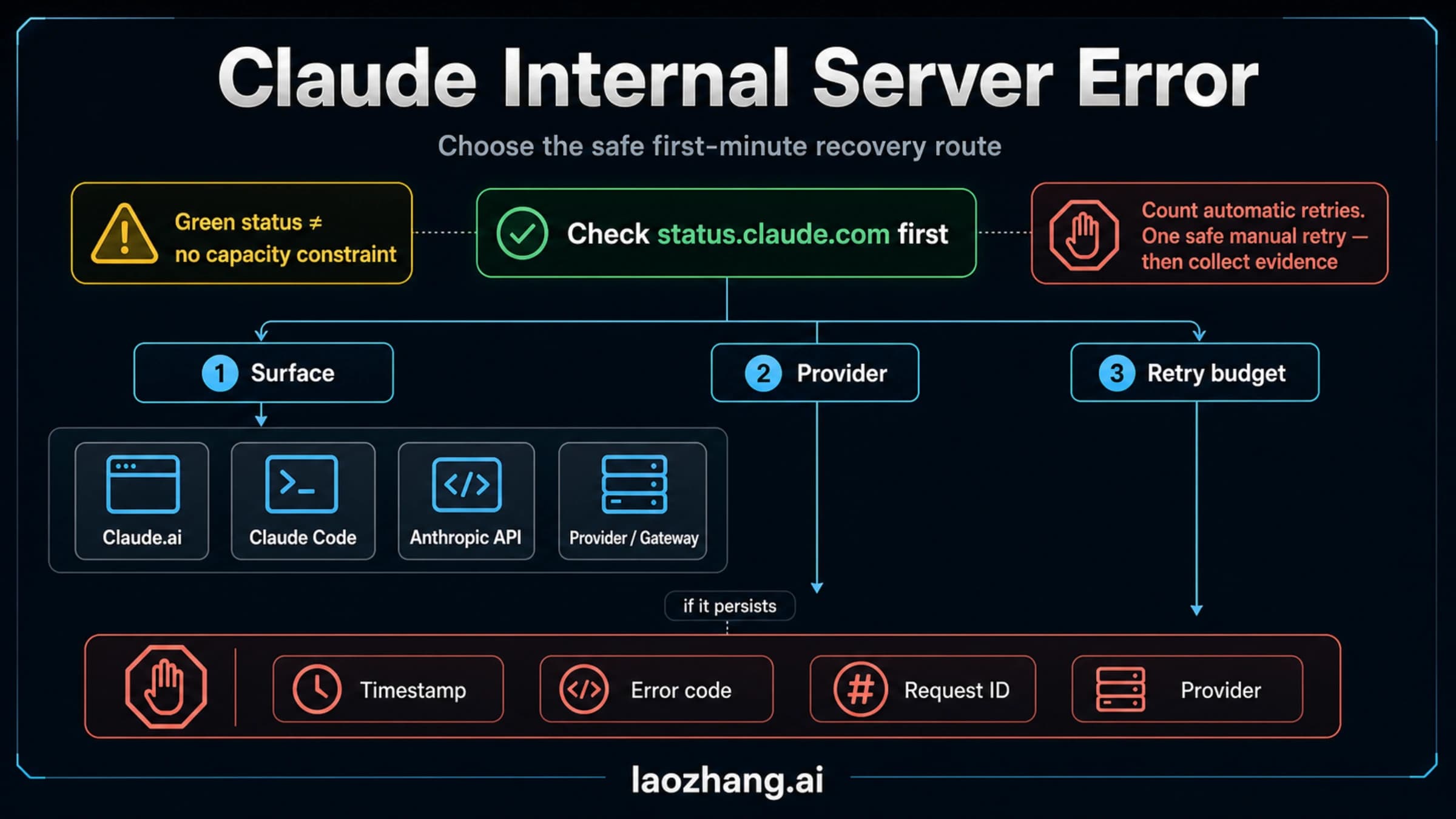
Check the service behind your Claude error, count automatic retries, and choose a safe resend or continuation without repeating completed tool actions.
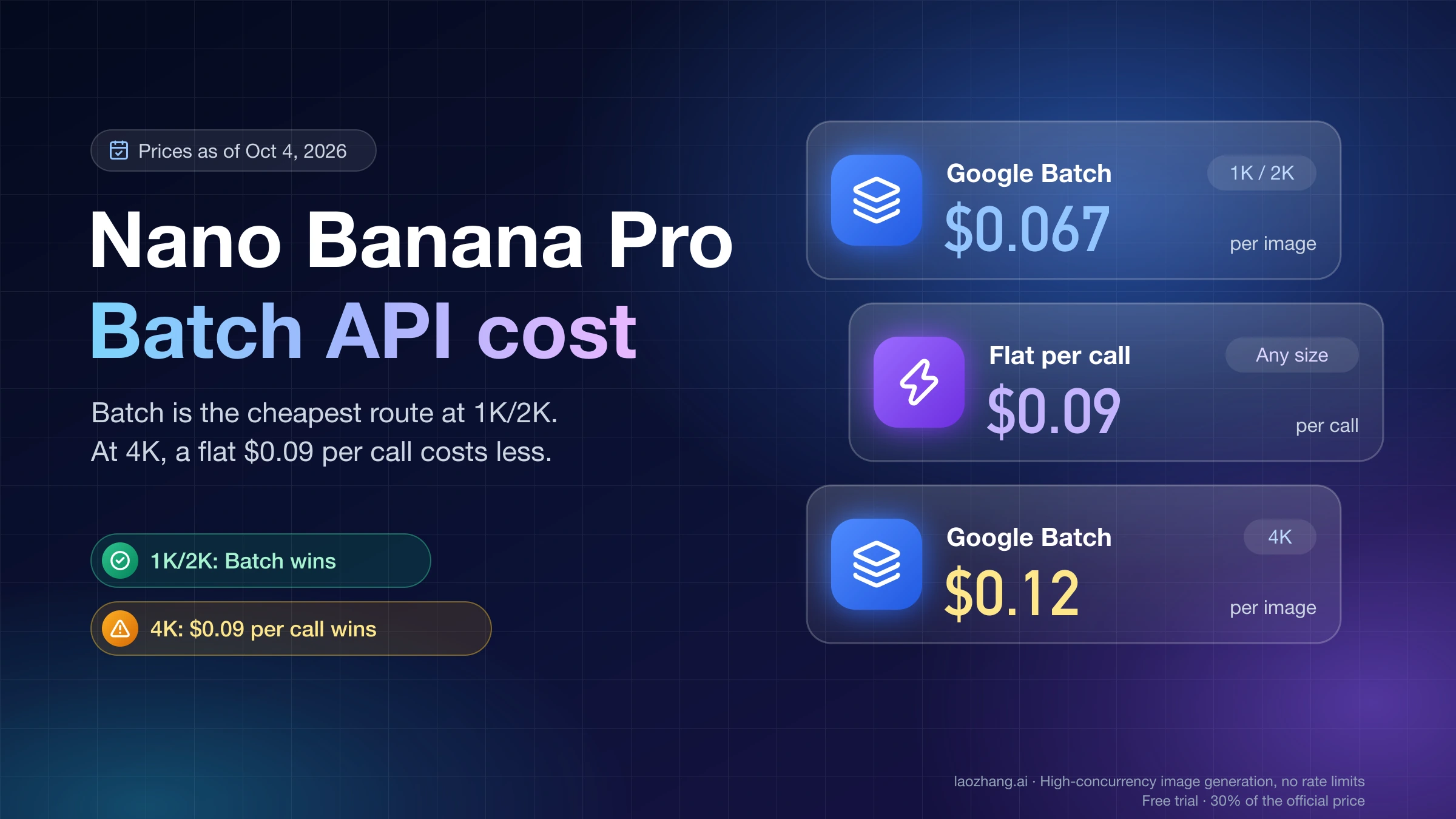
Google's Batch tier bills Nano Banana Pro at $0.067 per 1K/2K image and $0.12 per 4K image as of October 4, 2026. At 4K, a flat $0.09 per call is cheaper.
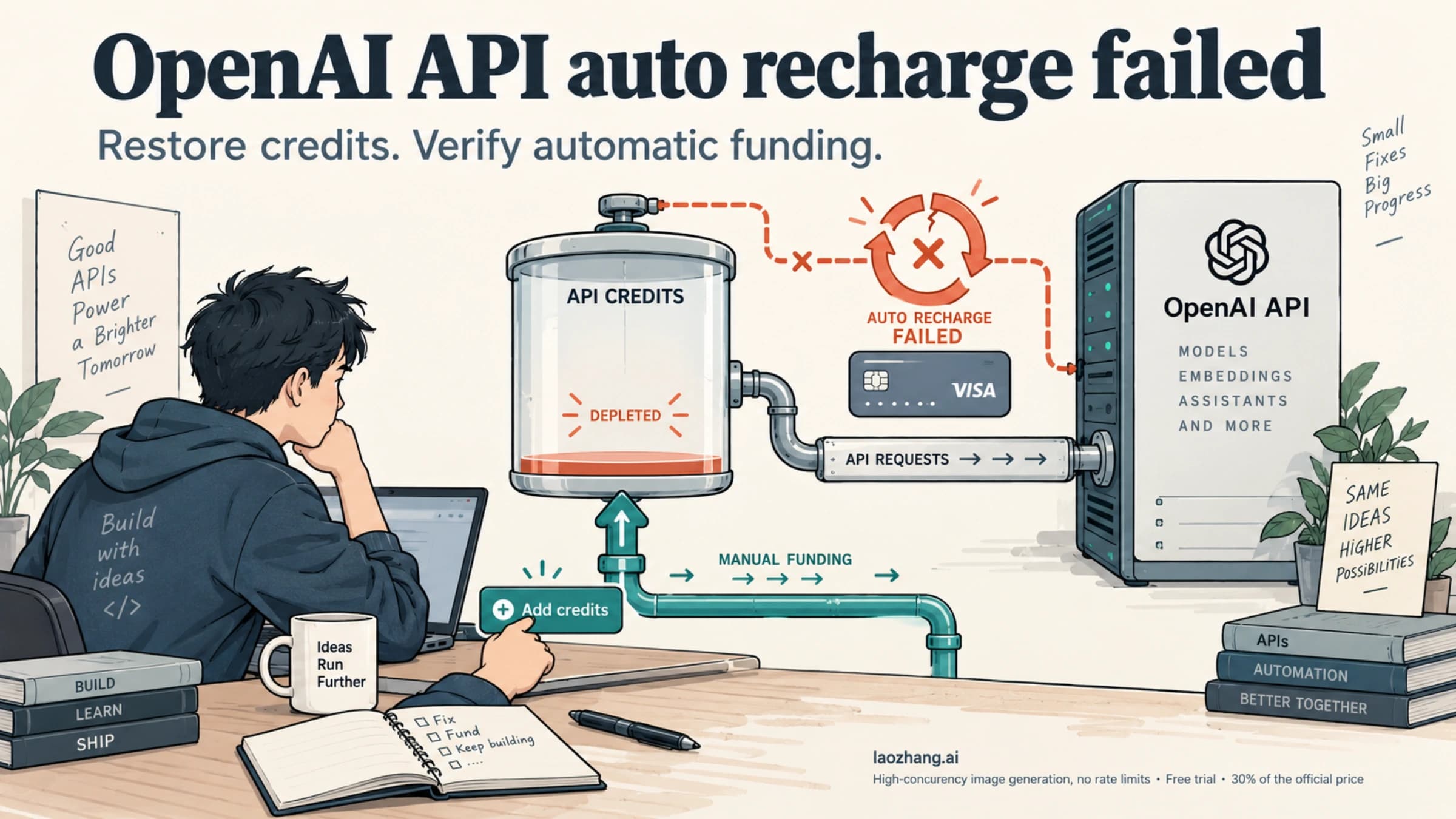
If OpenAI API auto recharge fails, restore the correct organization's balance, then check the payment attempt, saved settings, and monthly recharge cap. A successful manual top-up restores funds but does not prove automatic recharge is working.
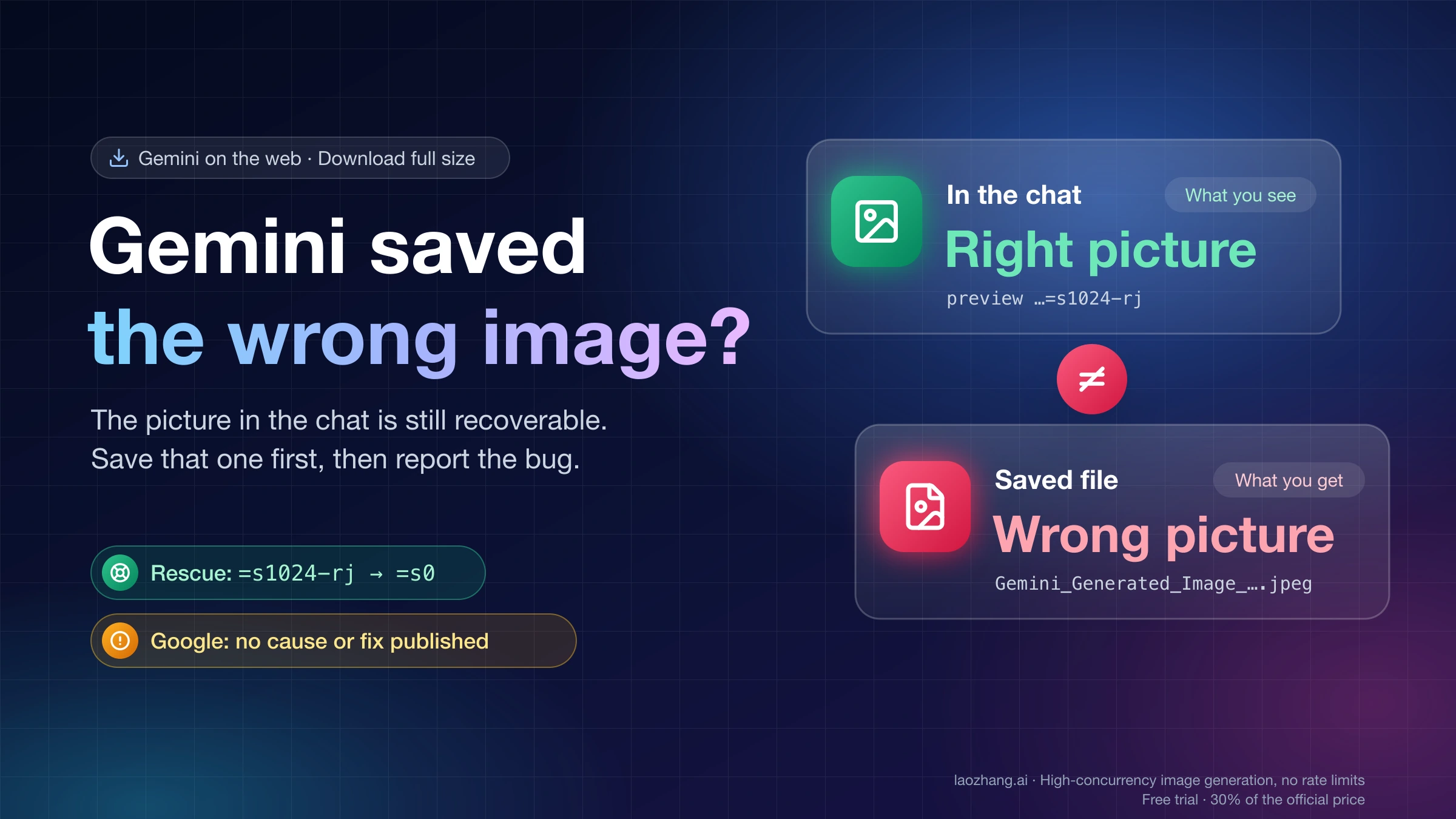
If Gemini's Download full size saves an older, uploaded or garbled file, you can still save the image in the chat. Google hasn't published a cause or a fix.
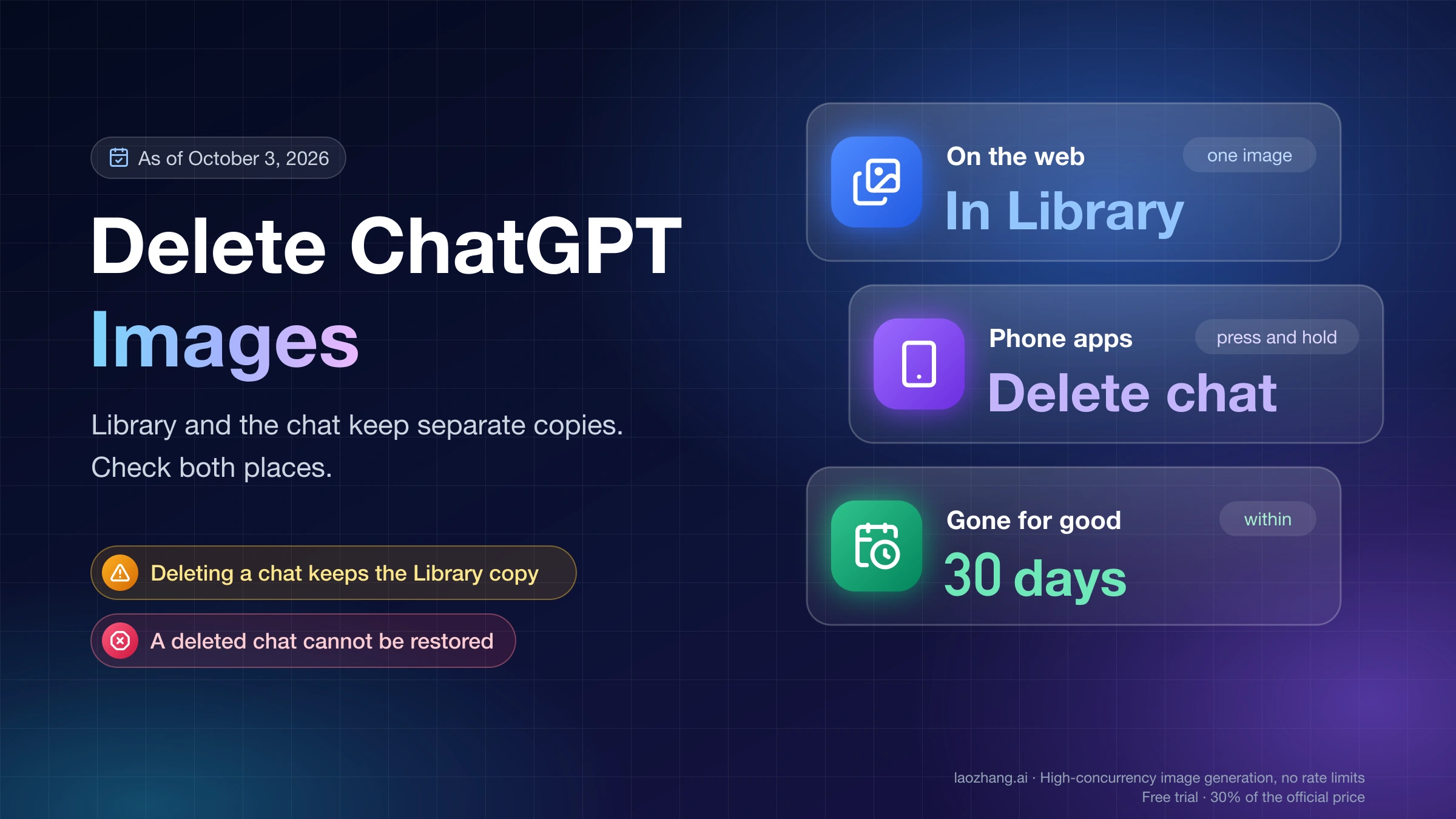
On the web, delete a ChatGPT image from Library. On a phone, delete its chat. The two copies are separate, and permanent removal takes up to 30 days.
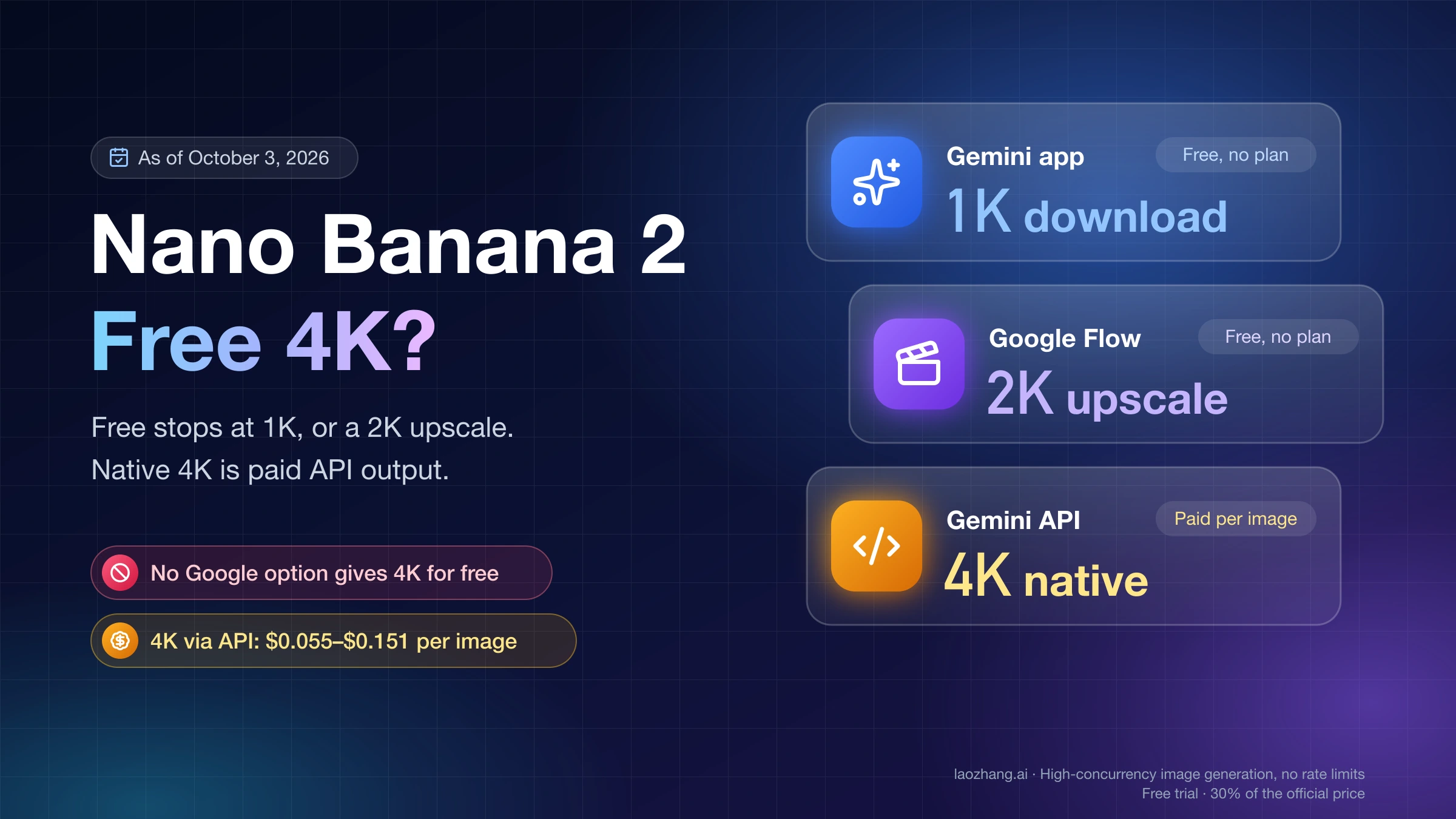
No Google option gives Nano Banana 2 4K for free: without a plan the Gemini app downloads at 1K. Native 4K is paid API output at $0.055–$0.151 per image.
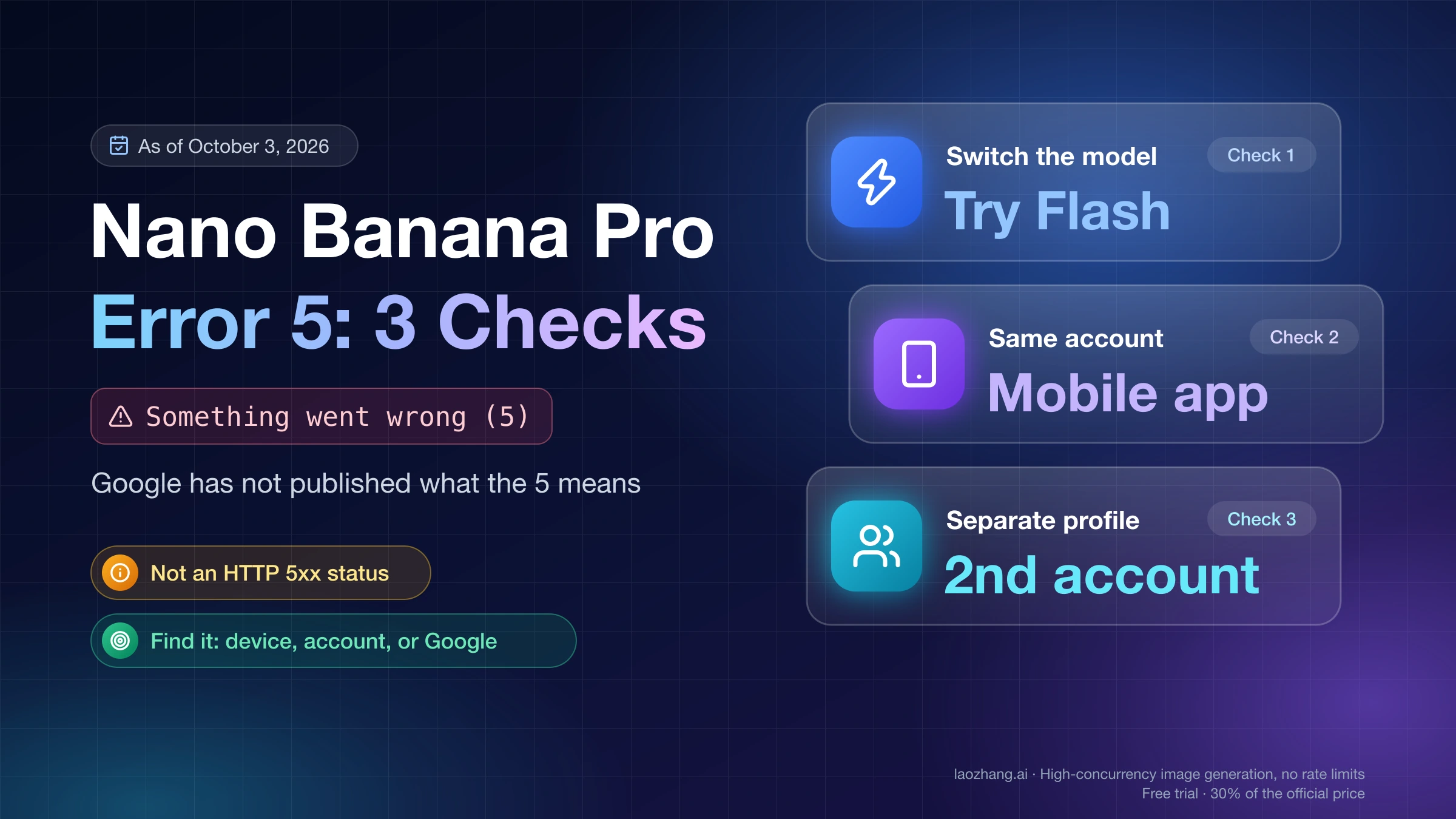
Gemini's Something went wrong (5) has no published meaning. Try Flash, the mobile app, and a second account to see if the fault is local or on Google's side.
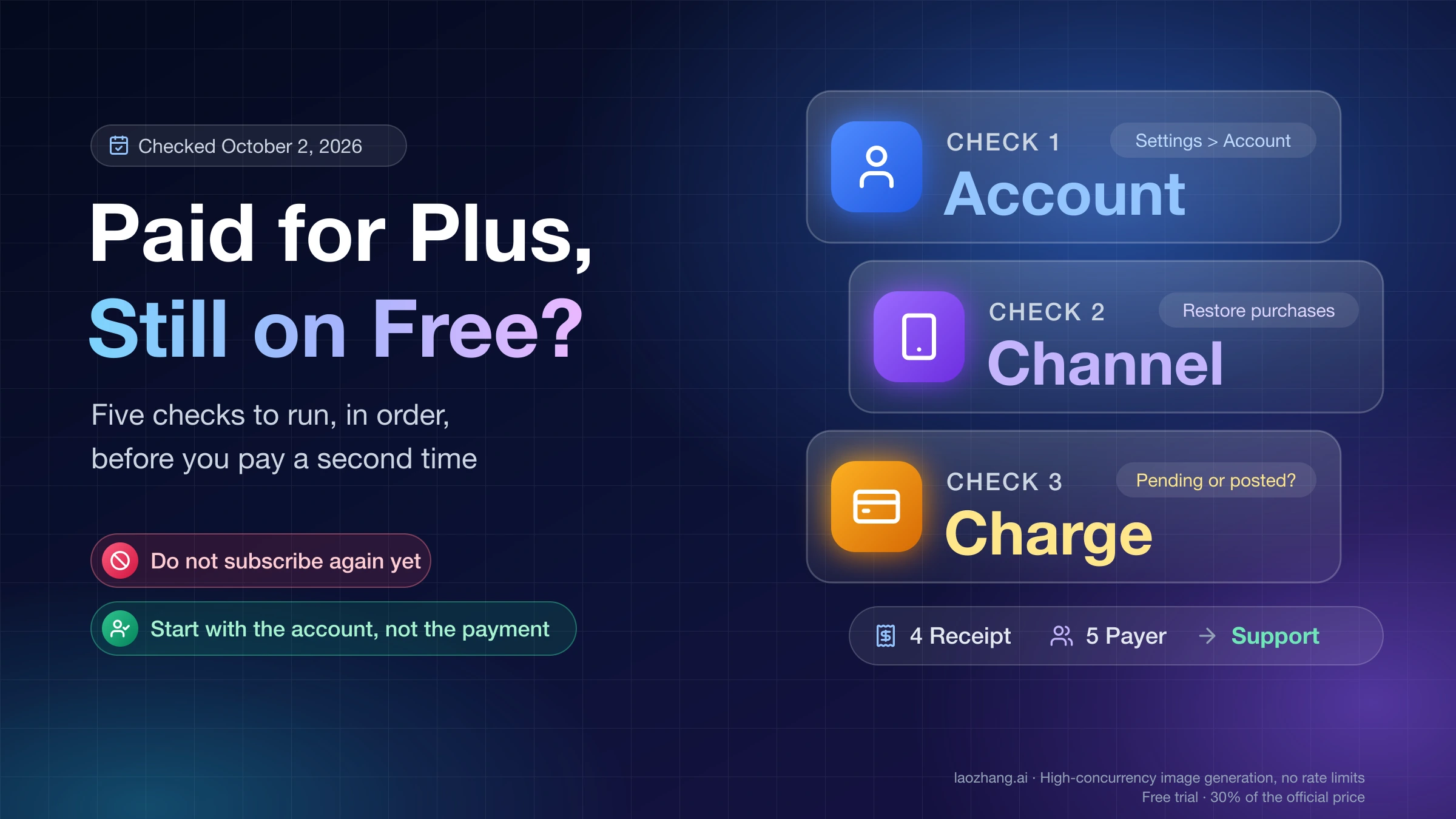
Charged for ChatGPT Plus but still on Free? Find which ChatGPT account and store hold the plan first. Five checks to run before you pay a second time.
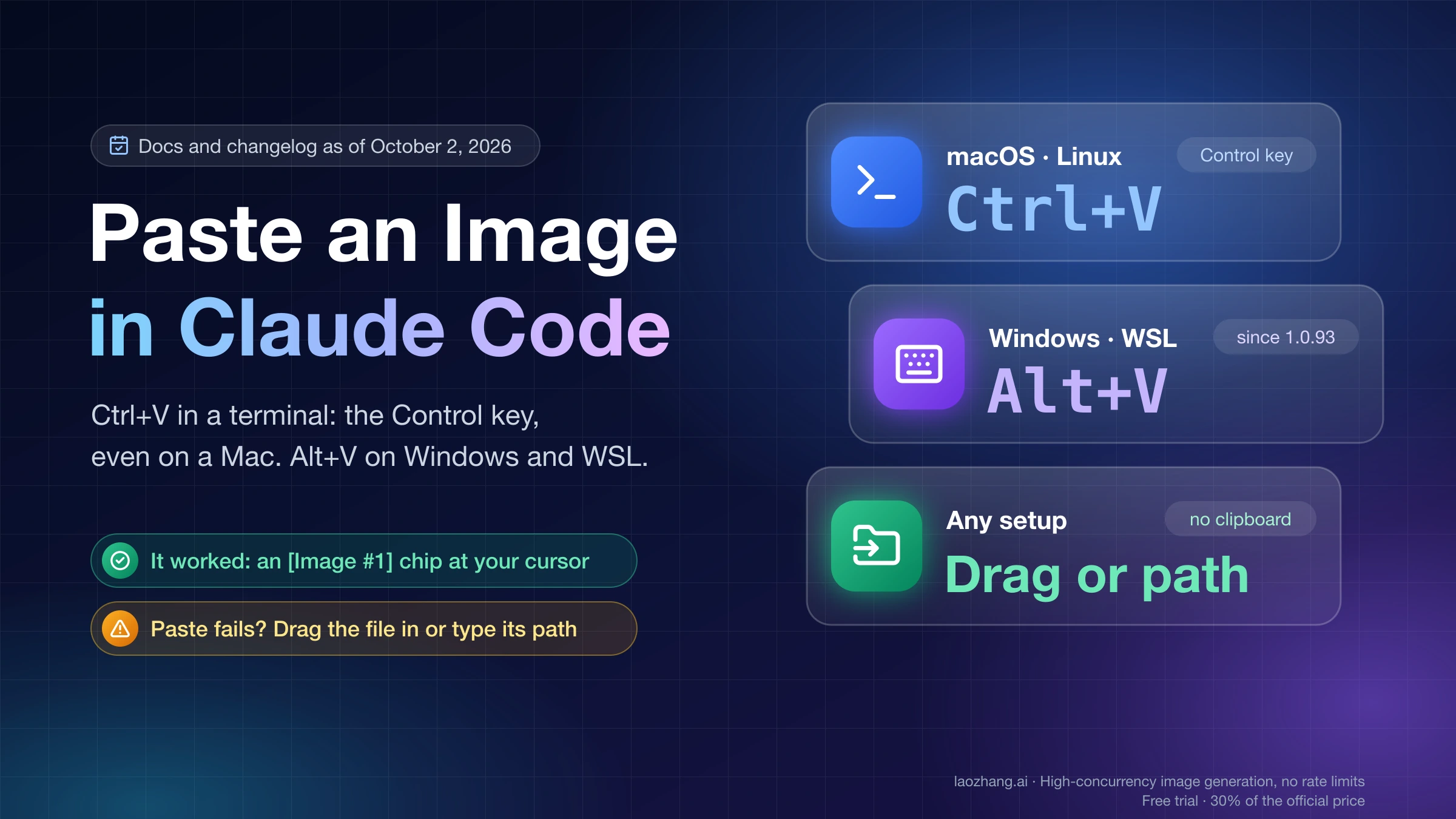
In the Claude Code terminal, Ctrl+V pastes an image (the Control key, even on a Mac); Windows and WSL use Alt+V. If it fails, drag the file or give its path.