OpenAI API Auto Recharge Failed: Restore Credits and Check the Cause
If OpenAI API auto recharge fails, restore the correct organization's balance, then check the payment attempt, saved settings, and monthly recharge cap. A successful manual top-up restores funds but does not prove automatic recharge is working.
On this page
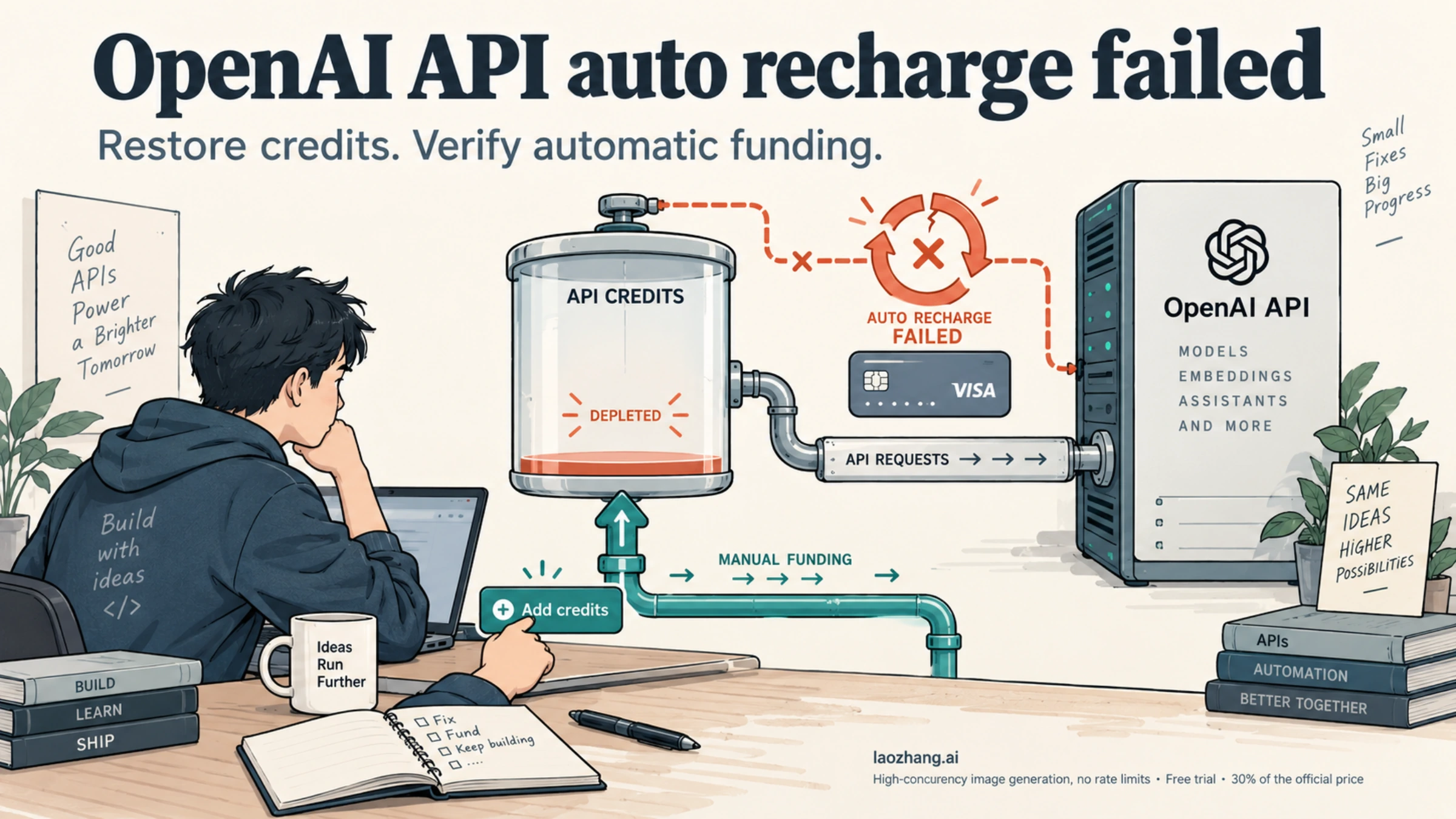
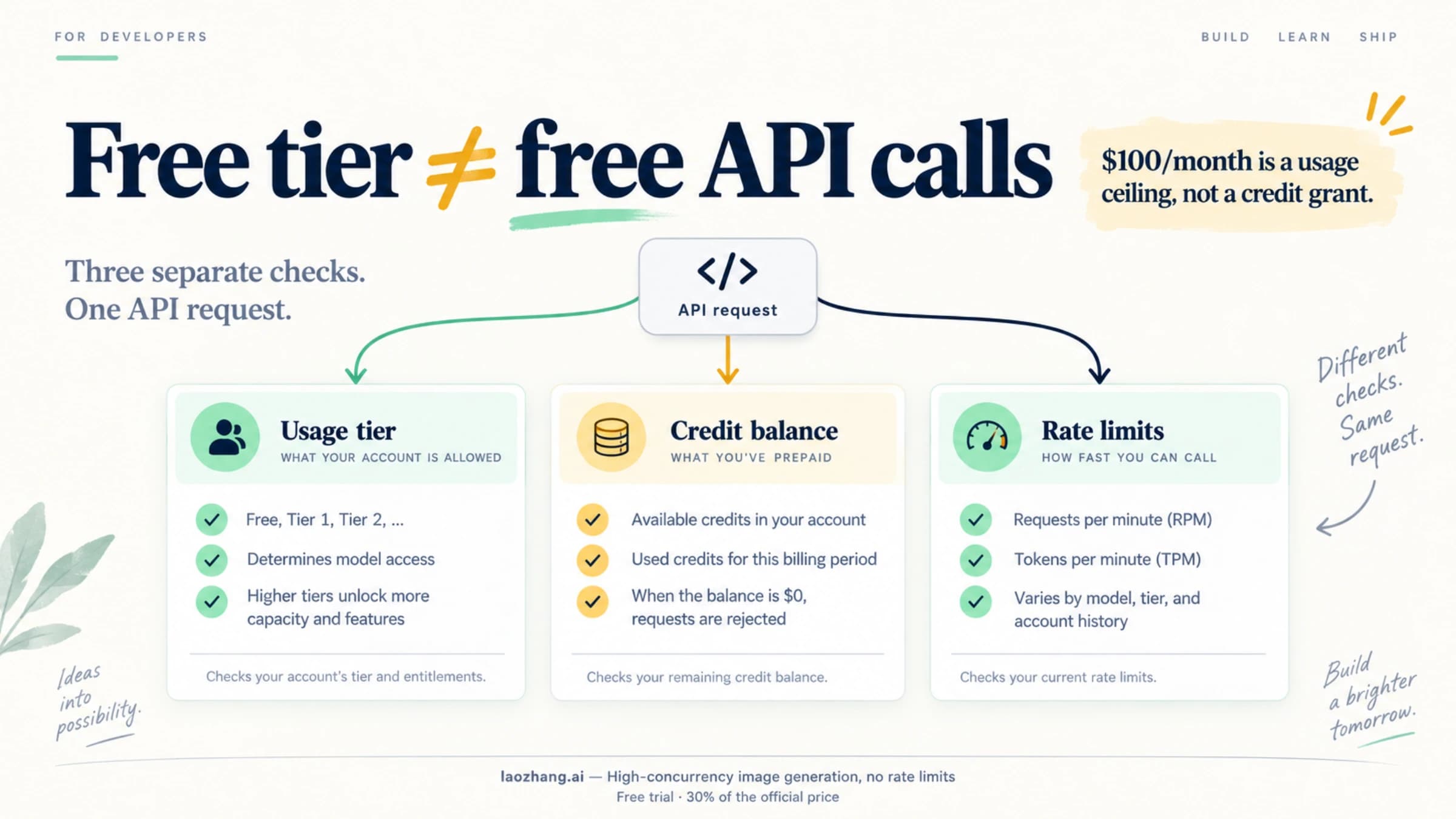
If OpenAI API auto recharge failed and your prepaid balance is depleted, open the affected organization's API billing page and make a manual credit purchase if you are authorized to do so. Allow a few minutes for the balance to update, then test one small request through the same project as the failing application. Next, investigate automatic recharge separately: a declined payment, a missed trigger, and a reached monthly recharge cap require different actions.
Manual payment success proves that you added funds. It does not prove that the next automatic recharge will run. Keep those two recovery checks separate, especially when the same card works manually but automatic payments fail.
This guide applies to prepaid billing for OpenAI's direct API. The billing rules and error-code documentation below were checked on October 3, 2026. It does not diagnose an outage or payment failure in your account.
Restore API access without losing the failure details
Before changing anything, save the current balance, organization and project, recharge settings, and the time of the failure. Keep the failed-payment email if one arrived. If the application returns an error, capture its code, message, and request ID without recording your API key. These details help distinguish what failed from what you later changed.
Then work through the recovery in order:
- Confirm the organization used by the application. A balance in another organization will not fund the failing request. Check the project's key assignment and the application's configured provider before purchasing credits.
- Open API billing and add credits. The control may appear as Buy credits or Add to credit balance. Complete the payment and any authentication prompt. If the purchase fails, move to the card checks below; repeated submission is not a diagnosis.
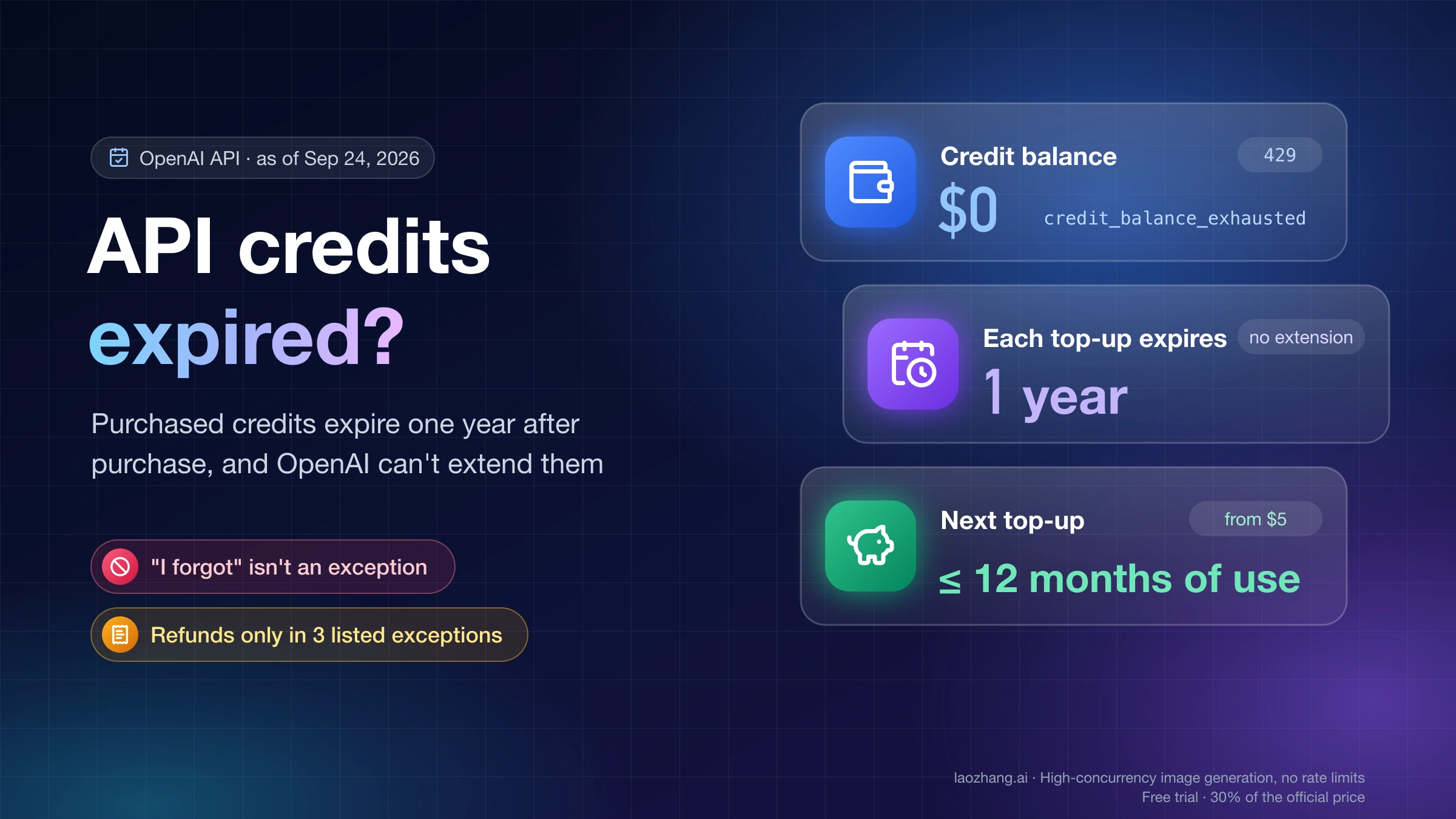
- Wait for the balance to update. OpenAI says a credit purchase can take a few minutes to appear. If the balance was negative, part of the purchase will offset that negative amount. A card notification alone is not the same as a posted API credit balance.
- Send one small request using the affected project and model. If it succeeds, resume work gradually. If it fails, inspect the new error rather than assuming the original billing problem is still the cause.
The purchase and balance behavior comes from OpenAI's prepaid billing guide. It also warns that delayed usage cutoff can leave a negative balance. Automatic recharge should therefore not be treated as a guarantee that a busy application can never run out of credit.
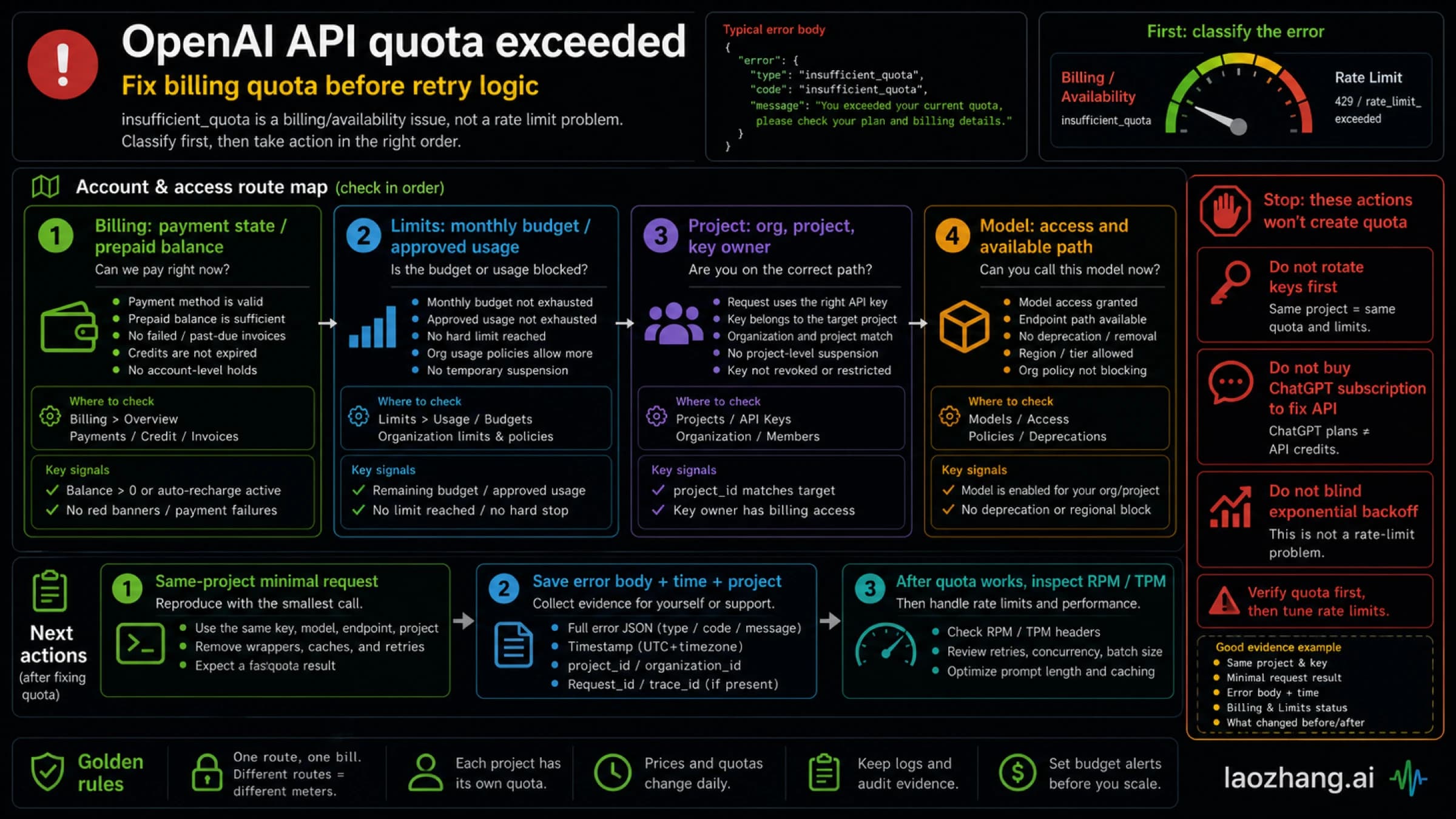
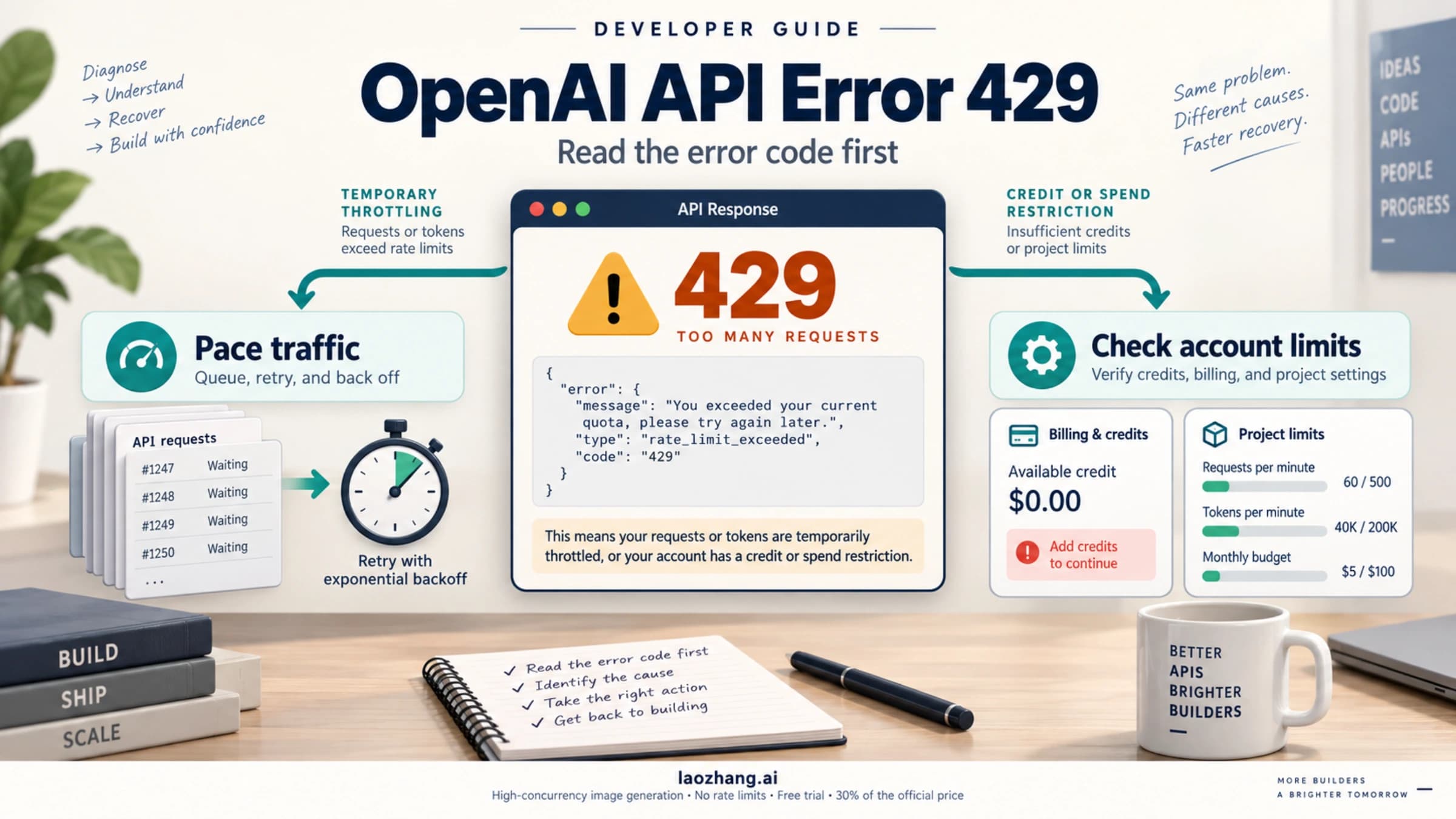
Still getting 429 after adding credits?
Read the response body's error.code. HTTP 429 alone does not identify the cause, and the broader error.type may still be insufficient_quota.
| Error detail | What to check next |
|---|---|
credit_balance_exhausted | Whether credits posted to the organization actually used by the request |
organization_spend_limit_exceeded | The organization's enforced spend cap |
project_spend_limit_exceeded | The affected project's enforced spend cap |
organization_usage_limit_exceeded | The organization's OpenAI-approved usage limit |
A request/token rate-limit message, or slow_down | Traffic pacing and any returned Retry-After instruction |
Only a broad insufficient_quota message | Balance, account limits, and organization/project selection; the cause is not yet specific |
These distinctions follow OpenAI's error-code reference. An authorized administrator can review whether a cap matches the intended budget; buying more credits does not remove that cap. Repeated calls or a new API key do not replenish a depleted balance. For a confirmed traffic limit, follow the separate OpenAI API 429 troubleshooting guide.
Find which part of automatic recharge failed
Start with evidence of a payment attempt, then inspect the saved configuration and the automatic-purchase allowance. Avoid changing all three at once: doing so makes it harder to tell which correction mattered.
| What you can observe | What it establishes | Next action |
|---|---|---|
| A failed automatic-payment email or identifiable declined recharge | A payment attempt failed | Review the payment method and the specific failure message |
| Balance below the threshold, but no identifiable automatic attempt | A recharge is missing from the records you can see; the cause is still unknown | Check the saved switch, threshold, target balance, and remaining monthly allowance |
| Monthly automatic-purchase cap reached | Further automatic purchases are blocked by that cap | Review the cap with the billing owner or use an authorized manual purchase for immediate funding |
| Manual purchase succeeded | Funds were added manually | Continue checking automatic recharge independently |
OpenAI's prepaid guide says a failed recharge payment generates an email. That statement concerns a failed payment, however; it does not establish that every missing recharge involved a declined charge. No email is therefore insufficient evidence that billing is healthy. Check the billing account's inbox and spam folder, then use payment records and settings to establish what happened.
Check the saved switch, threshold, and target balance
Open the automatic recharge settings for the affected organization. Confirm that automatic recharge is enabled and that the settings remain saved after reopening them. Read any failure email for instructions specific to that event rather than assuming a purchase automatically re-enabled the feature.
The threshold determines when the balance is low enough to trigger a recharge. The target balance is the balance the recharge aims to restore. They serve different purposes. For example, a hypothetical balance of USD 8 and a target balance of USD 30 implies a USD 22 purchase before other limits apply; it does not imply a fixed USD 30 charge.
OpenAI documents a USD 5 minimum automatic purchase, with maximum recharge and balance amounts dependent on the account's trust tier. Its setup guide does not give a universal retry schedule after failure. Do not rely on a promised retry in five, ten, or thirty minutes, or repeatedly toggle the setting as though that were a documented repair.
The monthly recharge cap can block a top-up even when the card works
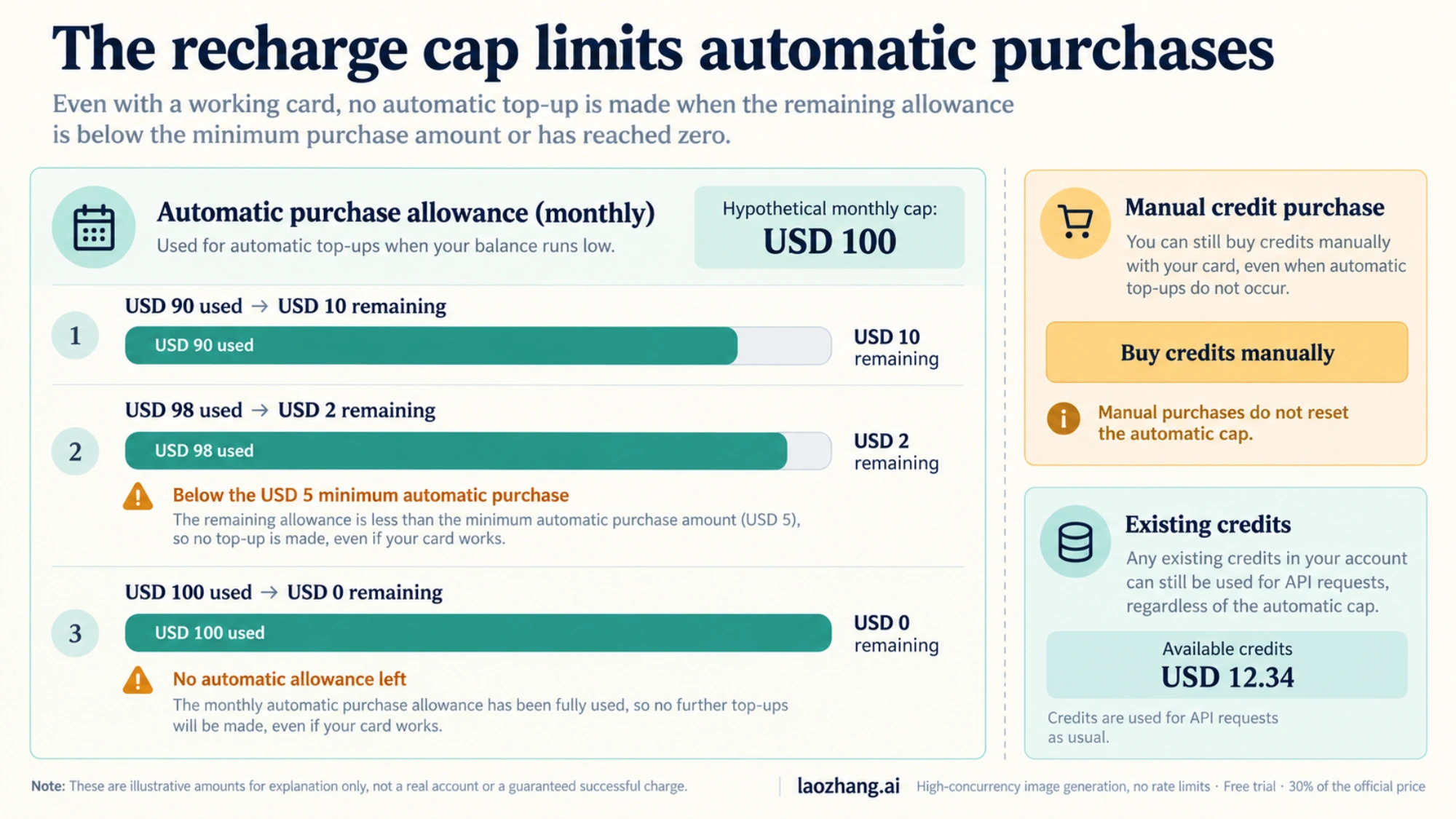
The monthly automatic-purchase cap limits how much can be bought automatically. It is distinct from an API spend cap and from the credits already available to use.
Consider a hypothetical USD 100 monthly recharge cap:
| Automatic purchases already made this month | Remaining automatic-purchase allowance | Consequence under the documented minimum |
|---|---|---|
| USD 90 | USD 10 | A recharge may be limited to the remaining USD 10, if other conditions are satisfied |
| USD 98 | USD 2 | The remainder is below the USD 5 minimum automatic purchase |
| USD 100 | USD 0 | No further automatic purchase is available until the next month unless the cap is changed |
This is an illustration of the rules, not an account transaction or a promise that a charge will trigger. OpenAI says a recharge exceeding the remaining cap may be reduced to the remainder if that amount meets the minimum. Manual purchases do not count toward the automatic recharge cap, and they do not reset what has already been used. The official explanation also makes clear that this purchase cap does not stop you from consuming credits already in the account.
If the automatic payment was declined
Use the decline message and the issuing bank's information to narrow the problem. Check the card number, expiration date, billing address and postal code, available funds, and any authentication prompt. Ask the bank whether it blocked the specific transaction and, where relevant, whether online, international, or recurring payments are allowed.
OpenAI's card-decline guidance says that API credit purchases support standard credit or debit cards, not prepaid cards. Both the access region and the card-issuing bank's region must be supported. The bank will often have more detail about the decline than OpenAI can provide. Use accurate billing details and an eligible payment method rather than trying alternate addresses or location workarounds.
Why does the same card work for a manual payment?
A successful manual purchase is useful evidence, but it does not reveal why an automatic attempt failed. It establishes that that particular manual transaction completed. It does not establish that recurring-payment approval, an authentication requirement, a recharge trigger, or an account-side problem caused the earlier failure.
There are historical reports matching this symptom. In a March 2026 community thread, a user reported automatic payments failing while manual payments with the same card worked. A later participant emphasized that manual top-ups had been mistaken for automatic ones during troubleshooting. Those are individual reports, not proof of a current cause or a universal fix.
Likewise, a July 2026 report of silent recharge failure later received a July 19 reply from the OpenAI_Support account saying a fix had been deployed. The original report should not be read as evidence that the same incident is still ongoing. Check OpenAI's status page for current service information and your own billing records for account-specific evidence.
Verify that automatic recharge actually works again
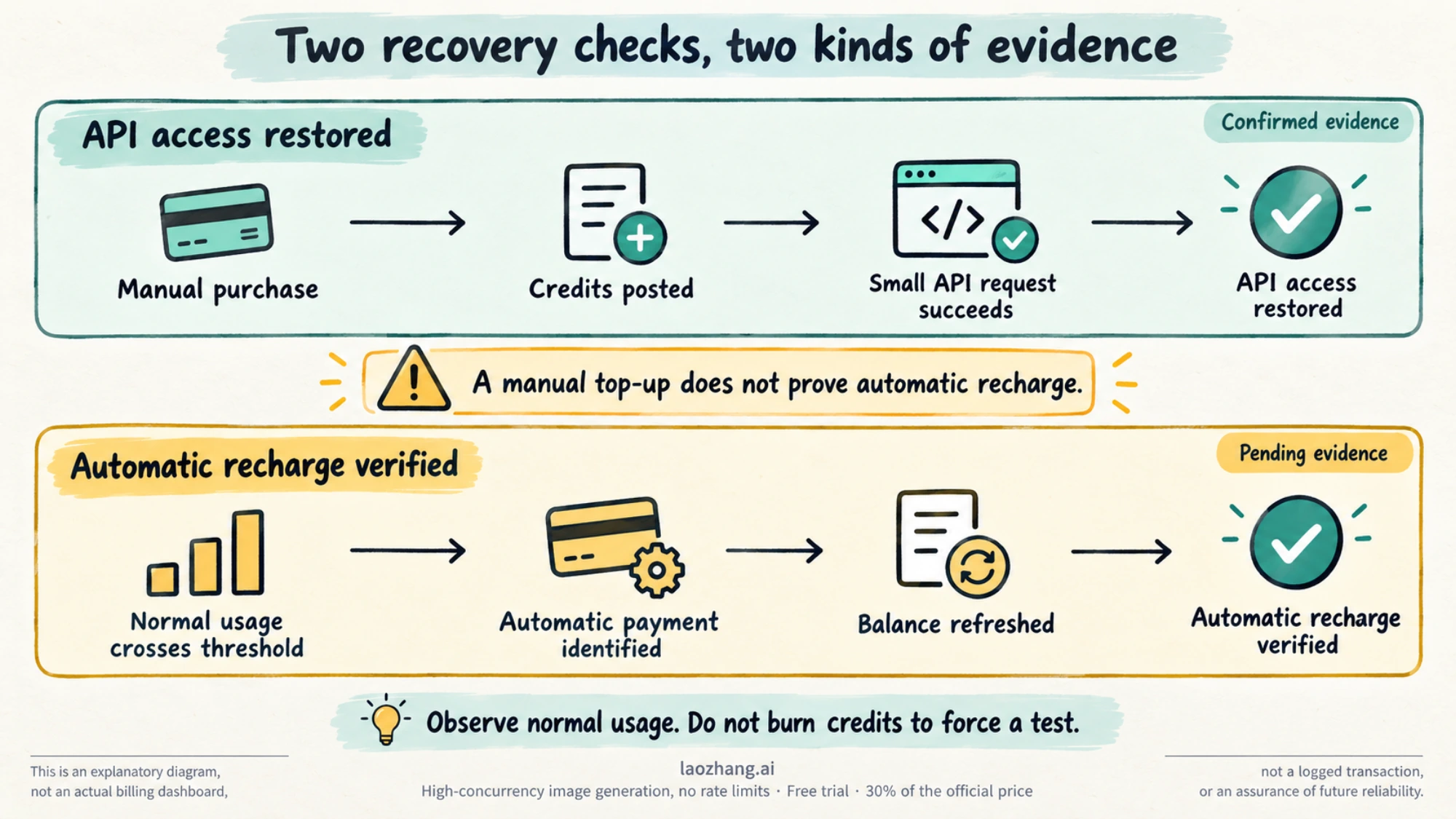
After correcting an identified payment or configuration problem, verify two separate outcomes:
| Recovery check | Evidence to look for | What it proves |
|---|---|---|
| API access restored | Posted credit balance and a successful small request from the affected project | The application can use the current funds |
| Automatic funding restored | An identifiable automatic purchase after a normal threshold crossing, followed by a refreshed balance | Automatic recharge completed on that occasion |
For the second check, save the enabled setting, threshold, target balance, and remaining monthly allowance. As normal usage takes the balance below the threshold, compare the timing of the credit increase with the payment event. Make sure the event is identifiable as automatic; a receipt or balance increase caused by your manual purchase cannot answer this question. If the available records do not distinguish the event, ask support to confirm it.
Do not deliberately consume credits to force a test. Until an automatic event is observed, describe the state accurately: API access restored; automatic recharge still unverified. One successful automatic event confirms that occurrence, not a guarantee against future failures. This verification method is an operational recommendation based on the billing rules, rather than an OpenAI promise about execution timing.
For a production application, keep low-balance and payment-failure alerts independent of the recharge feature. Choose a threshold that leaves time for someone to respond. Your own observed spending rate multiplied by the time needed to respond, plus a buffer for bursts, is a useful planning estimate. There is no universal safe threshold: an amount that lasts days for one project can disappear quickly in another.
Escalate with a timeline that separates manual and automatic payments
Contact OpenAI through the chat bubble on help.openai.com, following its support instructions. Provide a short timeline, with timestamps and a time zone, rather than only saying “auto recharge is broken.” Include:
- The affected organization and project, and the account email in the private support conversation.
- The balance, saved recharge settings, and remaining monthly automatic-purchase allowance when the problem occurred.
- Any failed automatic-payment event or email, plus each later manual purchase labeled explicitly as manual.
- The posted balance after the purchase, the exact API error if it persists, and a relevant request ID.
- Sanitized screenshots and the corrective steps already attempted.
Do not include API keys, full card numbers, or security codes. If the same card works manually, say so alongside the two transactions' times and amounts. If no automatic attempt is visible, state that observation without labeling it a bank decline. This gives support the evidence needed to investigate the missing trigger or failed payment while keeping successful manual recovery separate from the remaining automatic-recharge problem.