Nano Banana Pro Error 5: 3 Checks for Something Went Wrong (5)
Gemini's Something went wrong (5) has no published meaning. Try Flash, the mobile app, and a second account to see if the fault is local or on Google's side.
On this page
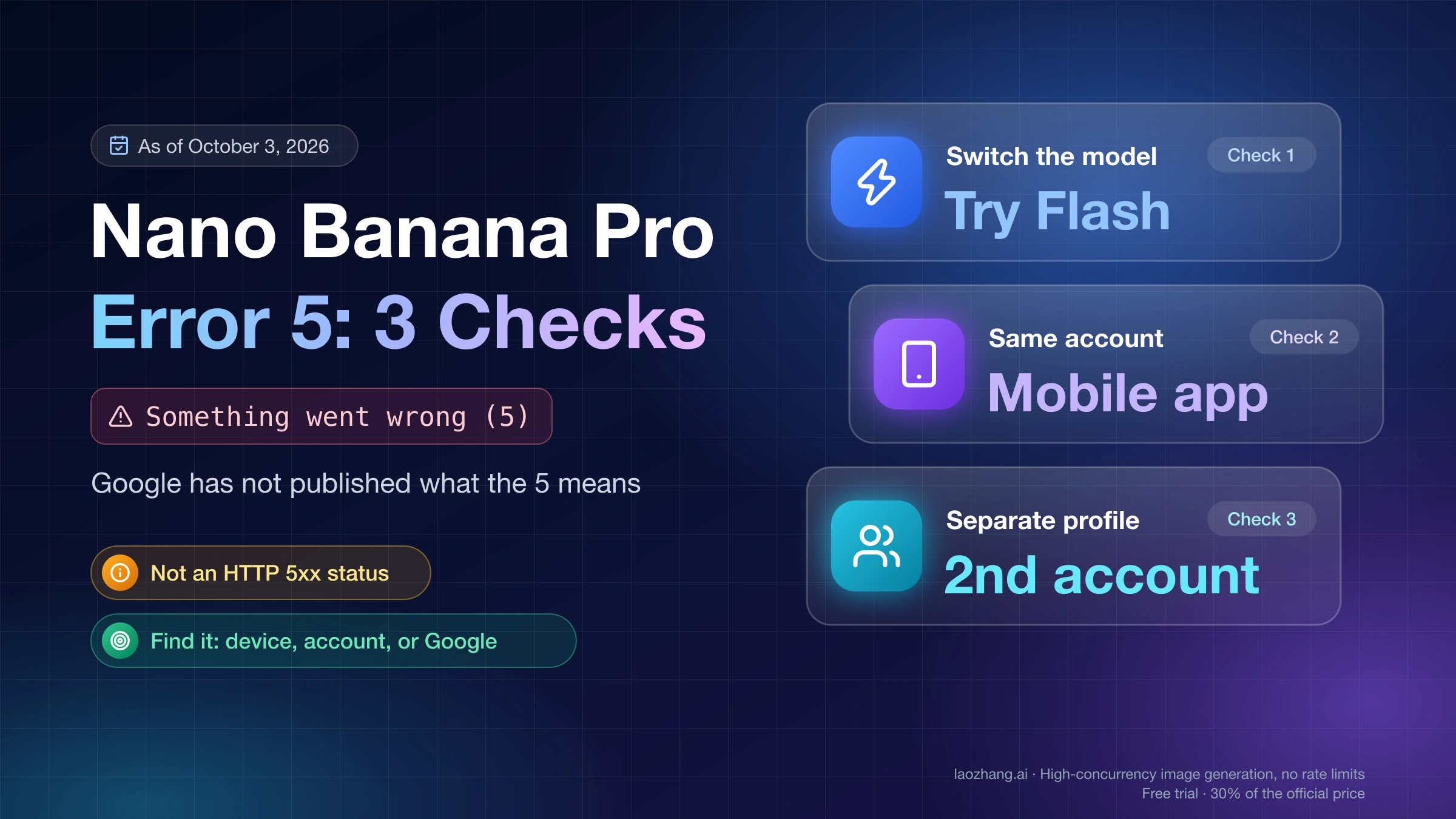
"Something went wrong (5)" is a Gemini app message, and Google has not published what the number in brackets means. It is not an HTTP 5xx status, which belongs to Gemini API calls. What you can establish in a few minutes is where the failure sits: on your device or session, on your Google account, or on Google's side. Three observations do that. Does the Flash model still answer while Pro fails? Does the mobile app work while the browser does not? Does a second Google account work on the same device?
If Flash, the mobile app, or another account works, your browser and network are not the cause. Clearing caches again will not change the result. If nothing works anywhere, run the local steps once, then check Google's status page and report the problem.
The checks and steps below come from Google's Gemini help pages and its community threads as they stood on October 3, 2026. The error was not reproduced for this guide and no step was tested against it. Each step is therefore a way to rule something out, with no promise that it clears the message.
What "Something went wrong (5)" means: Google has not said
As of October 3, 2026, no Gemini help page defines the number, and no Google employee explains it in the community threads where hundreds of users reported it. Community posters guessed it was a usage limit or a server fault. Those are guesses. The same holds for the sibling numbers people report, such as "Something went wrong (9)" and "(13)": none has a published definition.
The only first-party text about a "Something went wrong" message sits on the sign-in requirements page. It says that when the message appears "while trying to access or sign in to the Gemini web app, your account can't access the app at the moment," for reasons "including location, age, or type of account, among others," and that "you can try again later." That passage is about access and sign-in. It contains no number and does not mention image generation, so Google itself does not connect it to a "(5)" that appears in the middle of an image request.
What is on record is a pattern. In November 2025, two threads in Google's Gemini community collected "I have the same question" counts of 518 and 280. Most reporters saw "(5)" in the web app when the Pro model was selected while the faster model kept answering. The model names in those threads are from that period. Today's picker reads Flash-Lite, Flash, and Pro, and the reports have continued with it: a further help thread dates from February 18, 2026.
Three checks that locate error 5: Flash, the mobile app, a second account
Run these in order. Each is a single prompt, and each result narrows the cause.
- Switch the model to Flash and send a short text prompt in a new chat. A new chat matters because a single conversation can get stuck repeating an error.
- Open the Gemini mobile app on the same account and send the same prompt with Pro selected.
- Sign in with a different Google account in a separate browser profile and try Pro.
| What you observe | What it tells you | What to do next |
|---|---|---|
| Flash answers, Pro returns "(5)" | Your connection and browser reach Gemini. The failure is tied to the Pro model on this account or surface. | Skip further cache clearing. Go to the mobile and second-account checks. |
| Mobile app works, browser returns "(5)" | The account can use Pro. The failure is on the web surface. | Do the local steps once. If they change nothing, work in the mobile app and report it. |
| Second account works, your main account does not | The device and browser are fine. The failure follows the account. | Report it. Nothing on your device addresses an account-side failure. |
| Nothing works on any model, device, or account | Either a local network problem or a wider Google incident. | Run the local steps, then check the status dashboard. |
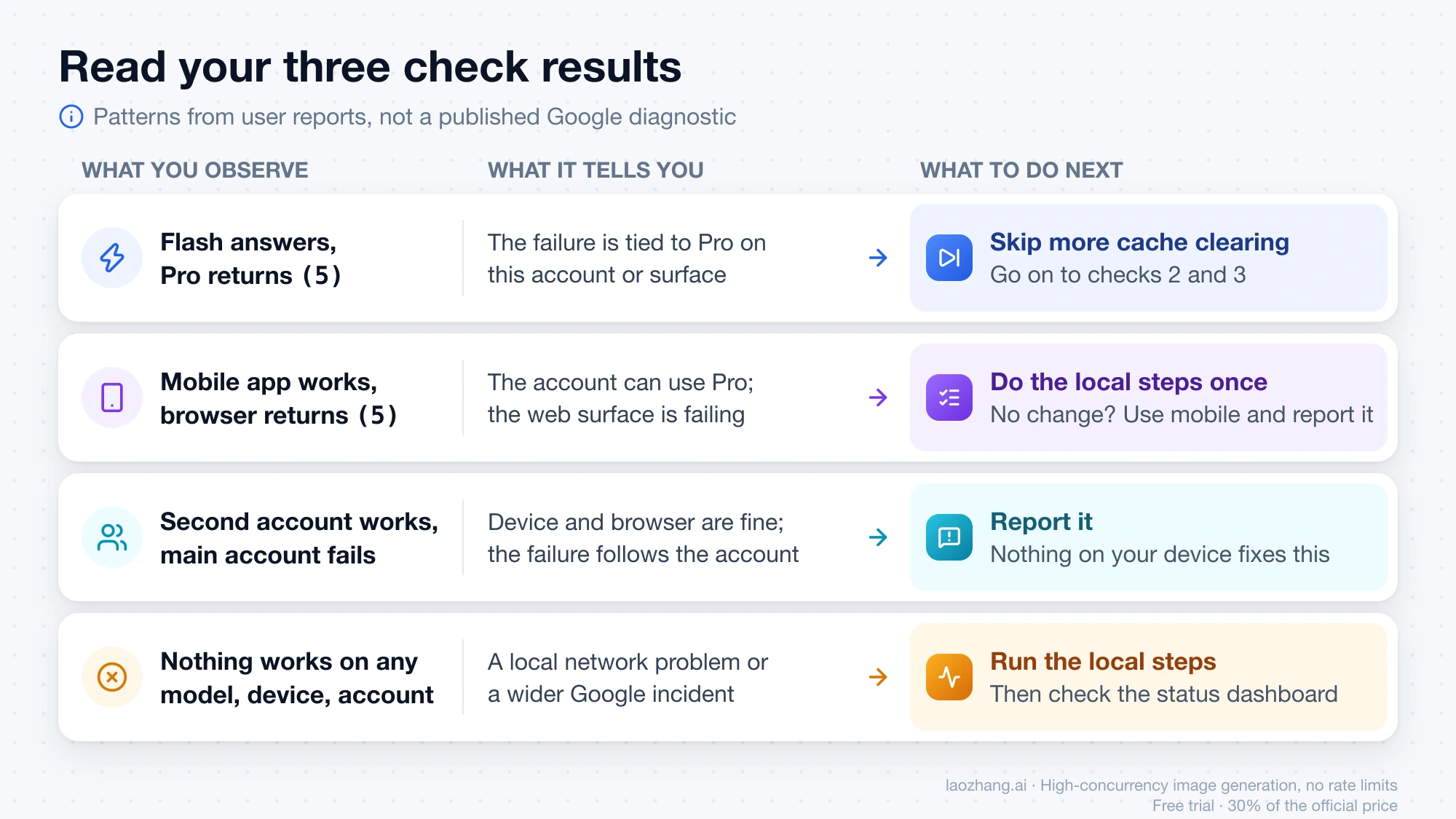
These splits come from what users reported in the November 2025 threads, not from a published Google diagnostic. The person who started the second thread could use Pro on another account but not the primary one, across three browsers including Safari, and concluded it was "an account-related issue from Google side." Several users said the mobile app kept working while the browser failed. One user reported the opposite model pattern on November 26, 2025, with the fast model failing and Pro working, so treat the table as a way to read your own result and not as a rule about which model breaks.
Where the Nano Banana Pro attempt fails: first image or Redo with Pro
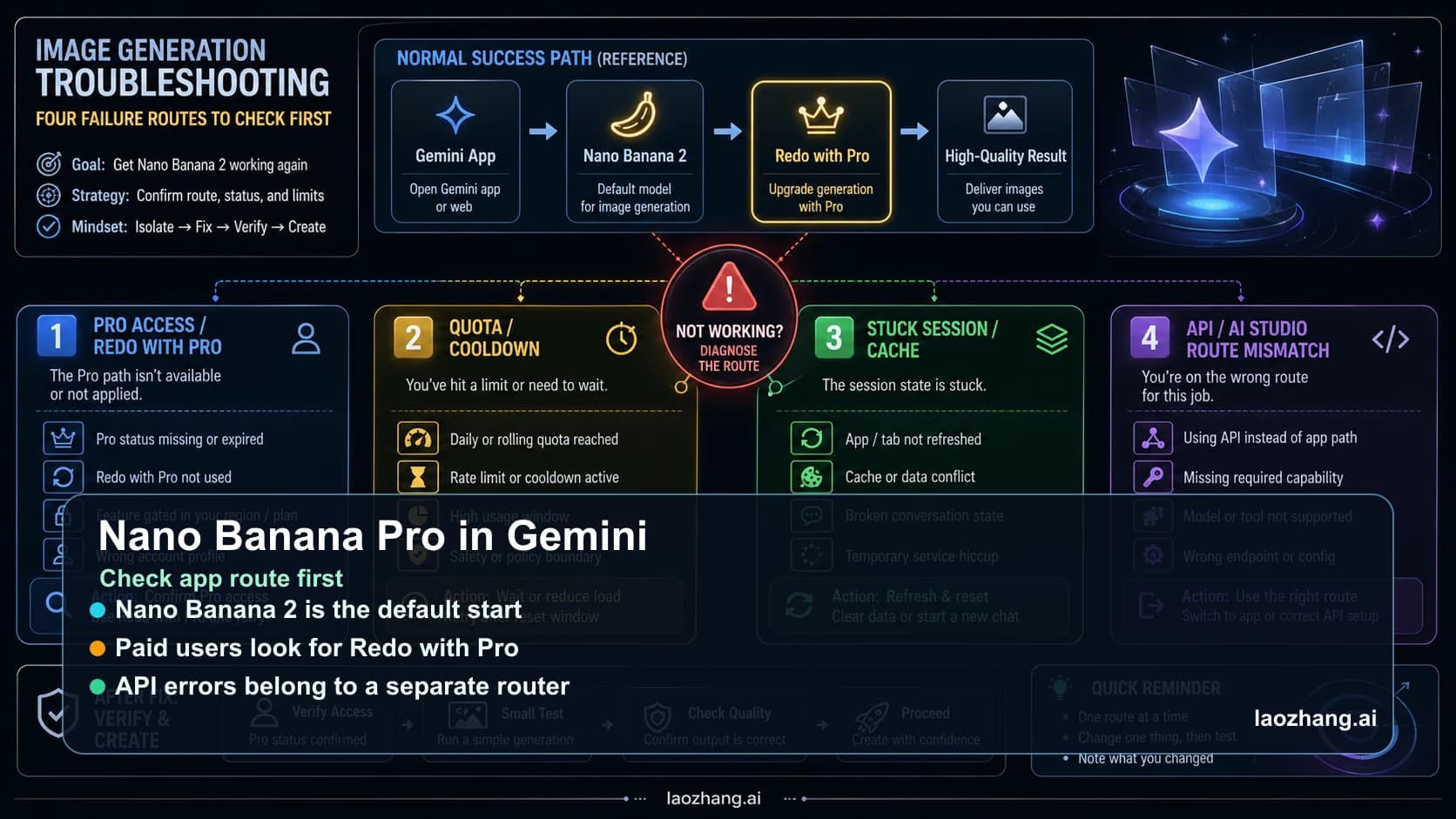
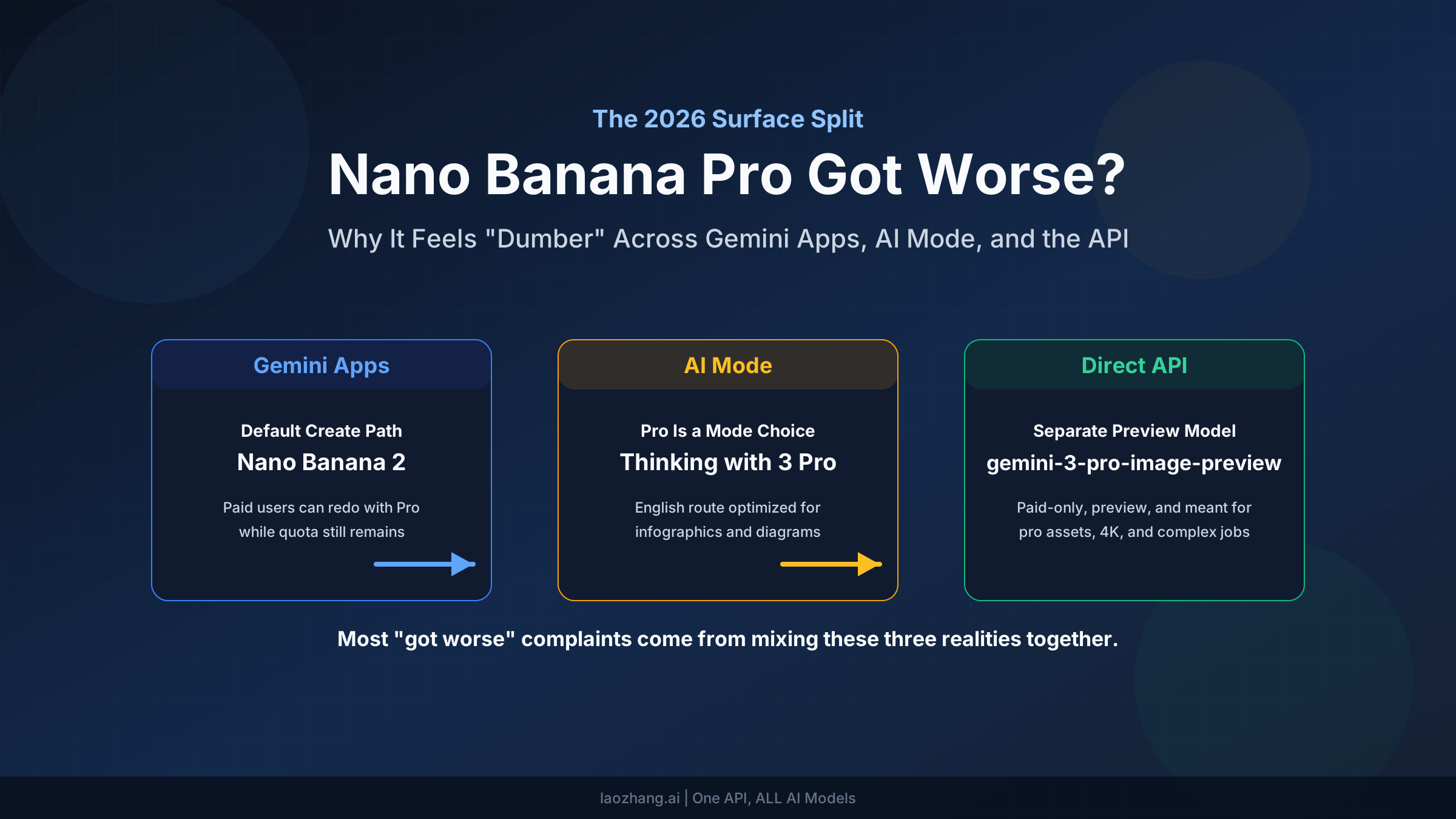
A Nano Banana Pro image in the Gemini app takes two steps, and "(5)" can interrupt either. Google's image generation help page describes the current flow: Nano Banana 2 "is selected when you make an image request with the Gemini model set to Flash or Pro," and Nano Banana Pro is "available when you have the Gemini model set to Pro and want to redo an image when additional detail is needed." On a computer you create the image first, then click More and choose Redo with Pro at the bottom right. Those steps are from the page's Computer tab, and the button may sit elsewhere on a phone. Redo with Pro requires a Google AI plan.
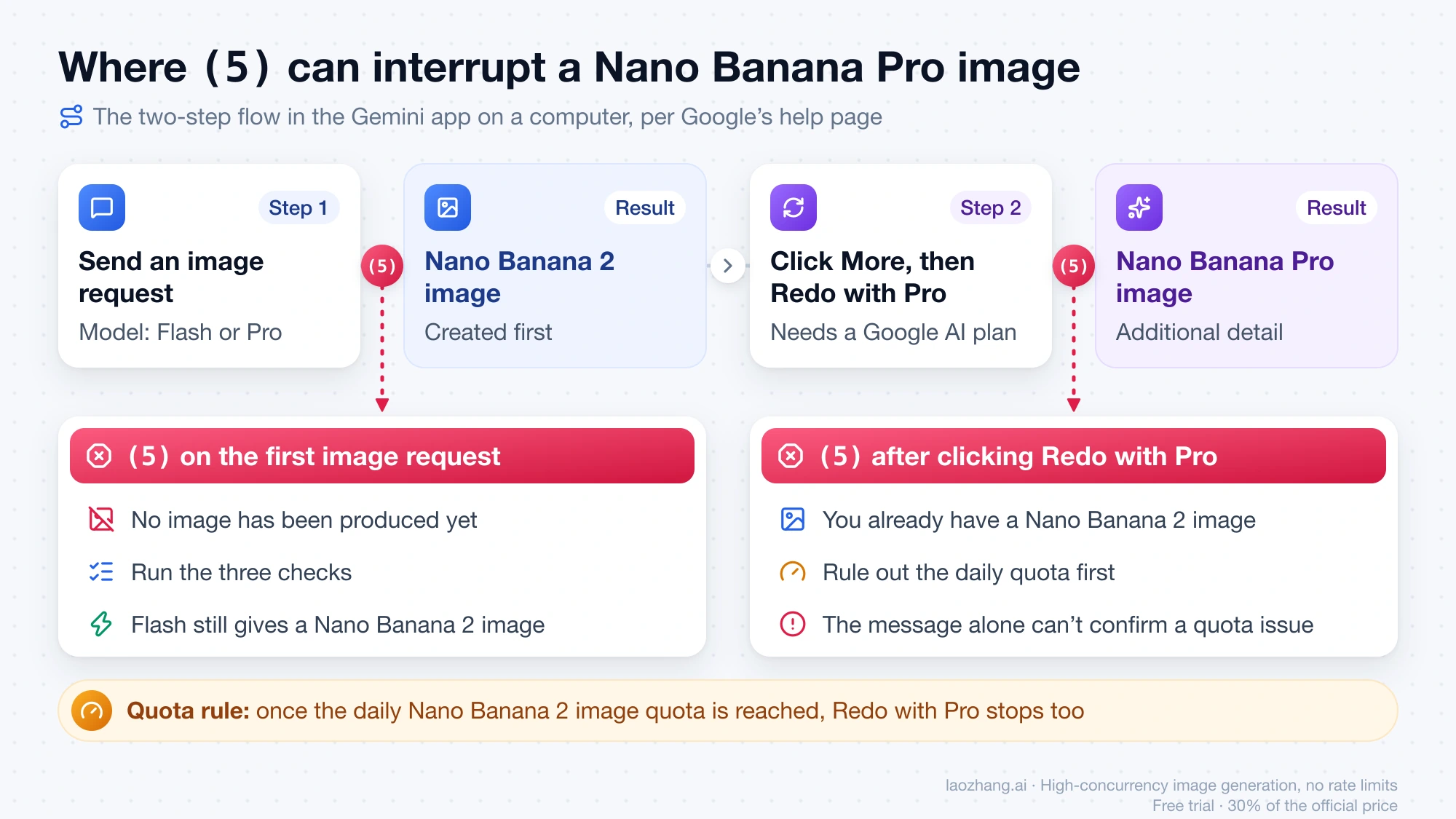
That gives two situations to tell apart:
- "(5)" on the first image request with Pro selected. No Nano Banana model has produced anything yet. Run the three checks above. If Flash works, an image request on Flash still gives you a Nano Banana 2 image, though not the Pro redo.
- "(5)" after clicking Redo with Pro. You already have a Nano Banana 2 image, and the redo is what failed. Before blaming the error, rule out the daily quota. Google states: "If you reach your daily quota of Nano Banana 2 images, you can't redo any additional images with Nano Banana Pro."
The help page does not say what message a used-up quota shows, so a quota problem cannot be confirmed from the "(5)" text alone. If the Redo with Pro option is missing or grayed out instead of failing with a message, that is a different problem, covered in Nano Banana Pro Not Working in Gemini? Fix the App Route First.
Local steps worth doing once, and what users said did not help
The steps below are what volunteer Product Experts in Google's community recommend for "(5)." Product Experts are community volunteers, not Google staff. Do each step once, in this order, and stop as soon as the error clears:
- Start a new chat.
- Refresh the page, then restart the browser or app.
- Open
https://gemini.google.com/appdirectly instead of the bare domain. - Try an incognito window or another supported browser. Google lists Chrome, Safari, Firefox, Opera, and Edge. This rules out extensions.
- Turn off an active VPN, or switch between Wi-Fi and mobile data.
- Clear the browser's cache and cookies for Gemini.
- Sign out and sign back in.
- If your prompt includes an uploaded file, check that its format is supported.
The same threads record how often this list failed when the cause was not local. During the November 2025 wave, users wrote that clearing cache and cookies, three different browsers, incognito mode, temporary chats, signing out on every device, and changing the password all left the error in place. One wrote that "logging out resolves the issue for 2mins then it returns." In the February 2026 thread, the reply to this advice was "Did all that error still showing up."
So the list has one job: confirming that your side is clean. If Flash, the mobile app, or a second account already works, repeating it is wasted time. Canceling and re-subscribing to a Google AI plan is not among the steps anyone in these threads reported as helping, and it removes the plan that Redo with Pro depends on.
Is Nano Banana Pro down right now? What the status page can tell you
The Google Workspace Status Dashboard has a Gemini row with incident history. As of October 3, 2026, it showed no incidents for September 25 through October 2. An incident listed there means waiting is the right move.
A clean row is weaker evidence. The November 2025 wave was acknowledged in the community thread, where a volunteer relayed on November 13, 2025 that the support team had reported the issue as fixed and that the fix was rolling out. Users in that thread still reported the error on November 26 and November 29. A failure limited to certain accounts can last for days without the dashboard row changing, so a green row does not prove your account is healthy. For how to separate an official incident from a failure on your side, see Is Nano Banana 2 Down? Check the Right Status Page First.
Keep working while "(5)" persists on Pro
Your checks already told you which surface still works, so use that one:
- The mobile app works. Make the image request and the Pro redo there.
- Flash works in the browser. Generate with Flash. You get a Nano Banana 2 image now and can redo it with Pro once the Pro model responds again.
- Only a second account works. It can carry urgent work, but Redo with Pro needs a Google AI plan on that account.
One workaround from November 2025 keeps circulating: selecting the Canvas tool together with Pro. A reply saying "Choosing a 'Canvas' in combination with Pro works for me" was marked helpful 52 times, and a Workspace user said Canvas or a document upload got requests through. Those reports were about text chat in that month. Nothing shows it works for image requests or in 2026, and one user suspected the workaround was silently answering with the faster model.
Report error 5 with Send feedback, or through your Workspace admin
On a personal account, Google's feedback page gives the route on a computer: at the bottom of gemini.google.com, click Settings & help, then Send feedback, describe the problem, optionally add a screenshot, and click Send. The conversation you are in is attached to the report, so send it from the chat that shows the error.
Volunteers in the threads ask reporters to include a screenshot with personal details removed, the device's operating system and version, the browser version, and the country or region. Add the results of your three checks. "Pro fails on web, works on mobile, works on a second account" is more useful than "it doesn't work."
Work and school accounts are different. Google states that "users with a work account that has access to Pro, and users with a school account, will not be able to add additional feedback or attach content." A Workspace user in the community found Send feedback missing altogether and was told to go through the Workspace administrator, who can raise it with Google through admin support channels. That advice came from a volunteer. If you are on a managed account, send your administrator the same details listed above.
Problems that look like error 5 but belong elsewhere
Redo with Pro is missing or disabled. There is no error message, just no button. That points to plan eligibility, the model picker, or the daily Nano Banana 2 quota, not to "(5)."
You may be at a usage limit. Gemini's usage limits are compute-based, refresh every 5 hours until a weekly limit is reached, and media generation consumes more of them. Google does not say what message appears at a limit and does not link limits to "(5)." If the error started after a heavy session, trying again after the next refresh is a cheap way to rule a limit in or out. The details are in Nano Banana 2 Limits: How Gemini Usage and API Rate Limits Work.
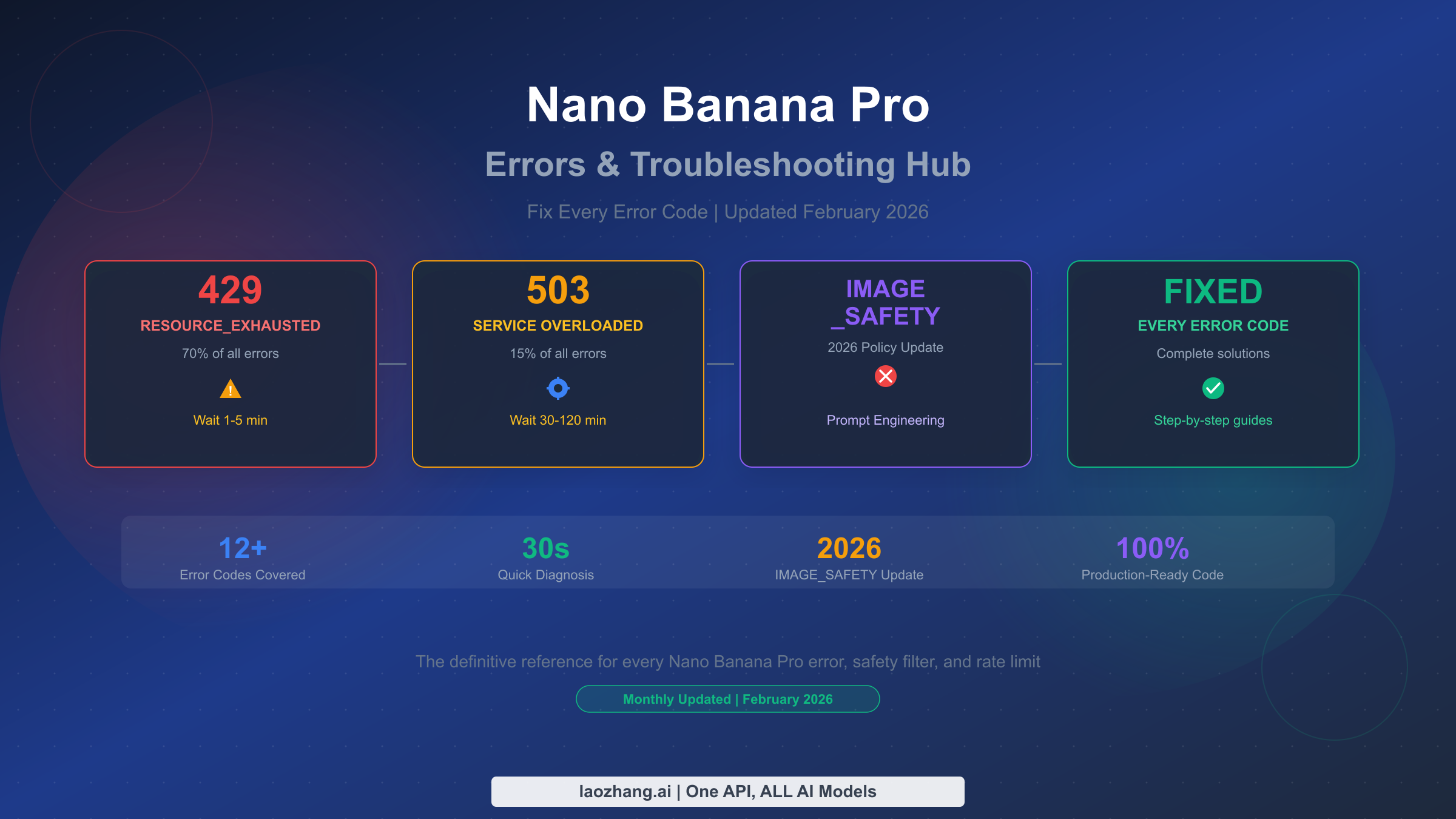
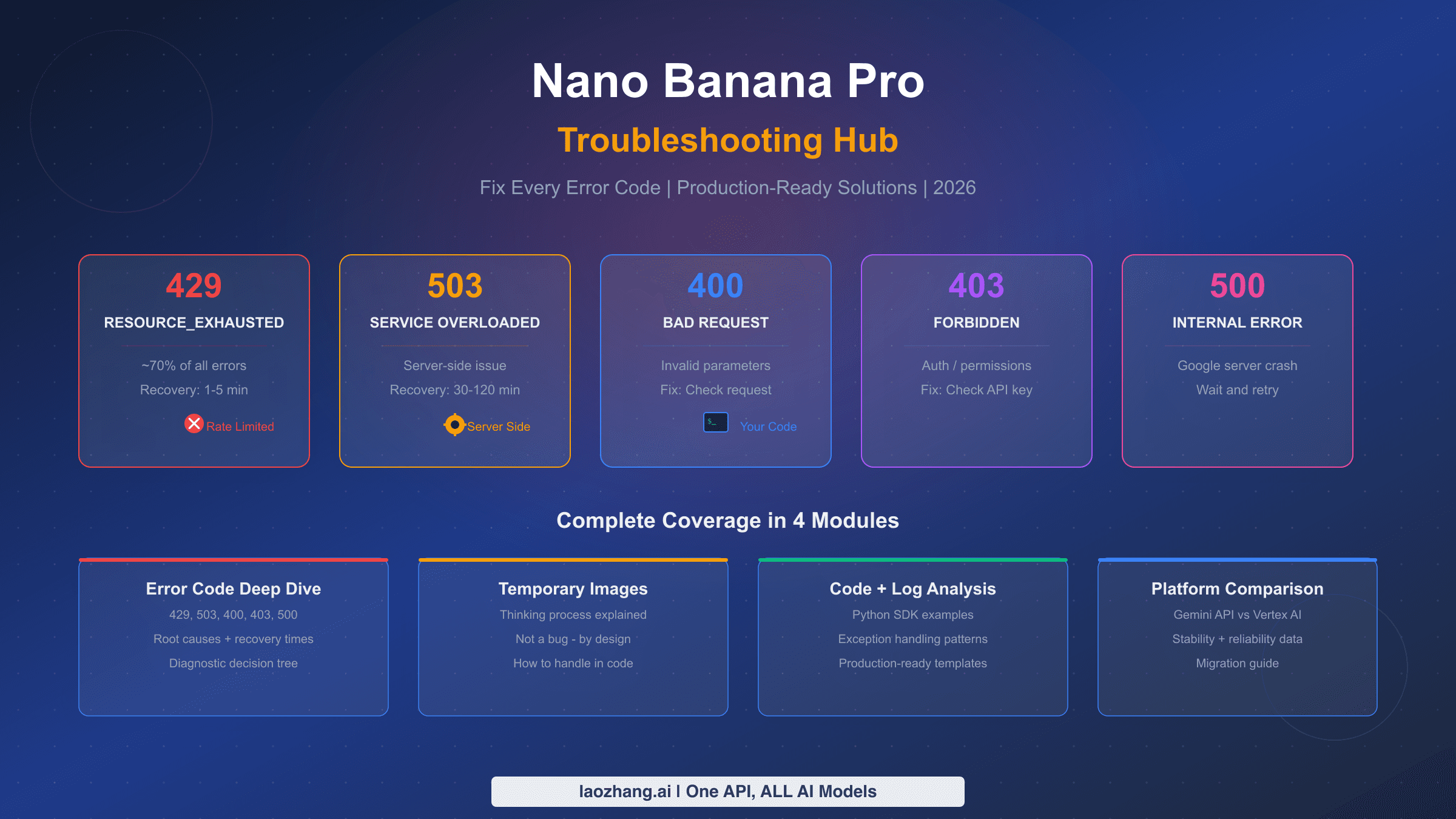
You are calling the API and got a status code. A 429, a 503, an empty image response, or a denied request comes from the Gemini API and has its own causes. Those are covered in Nano Banana API Not Working? Fix 429, 503, No Image, and Request Denied.
The number in brackets is different. "(9)," "(13)," and the others are as undocumented as "(5)." The three checks still apply, because they test where the failure sits and do not depend on what the number means.