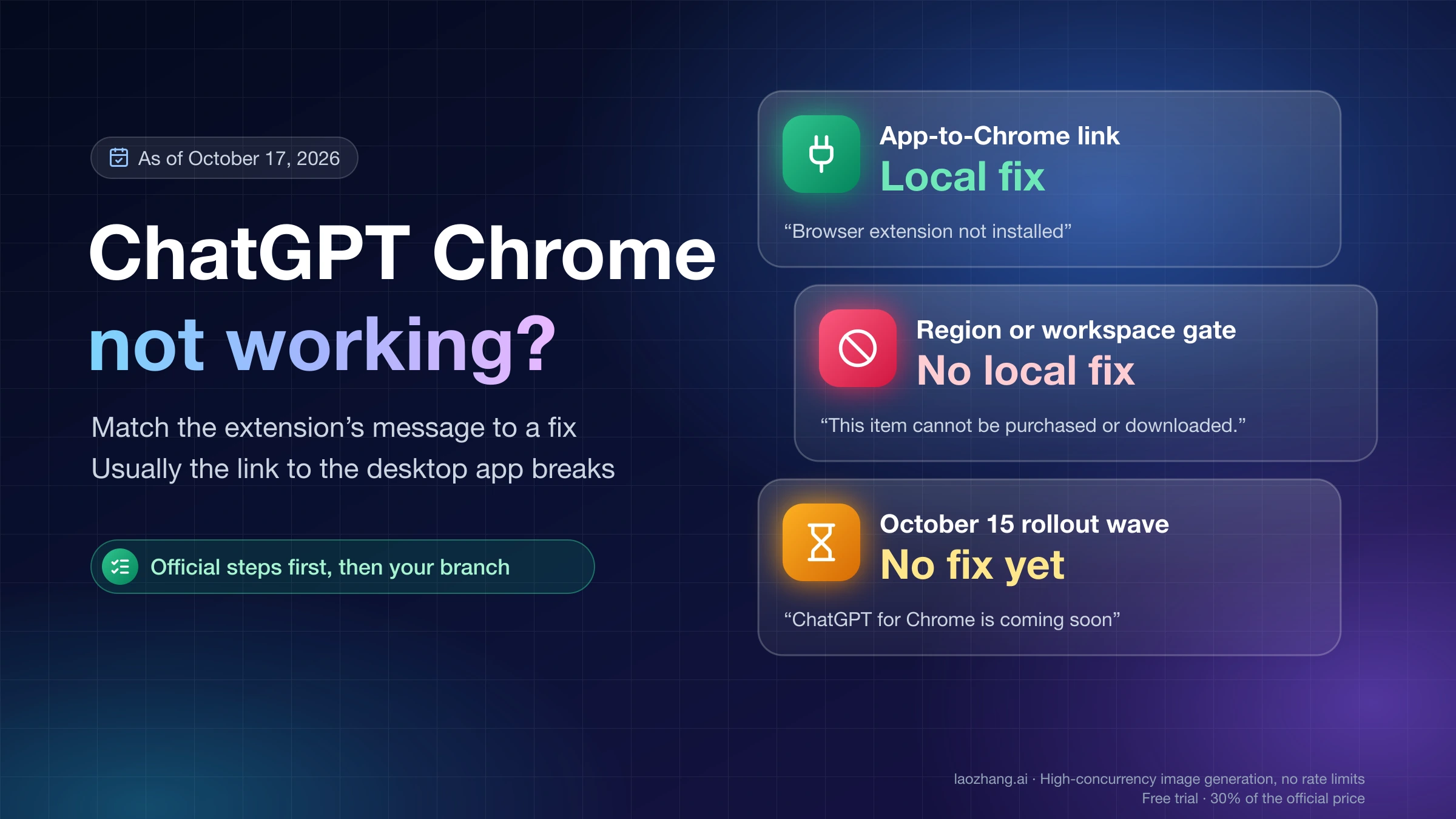
ChatGPT Chrome Extension Not Working: Match the Message to a Fix
Most failures sit between the extension and the ChatGPT desktop app, not Chrome. A Web Store "This item is not available" is a region gate with no local fix.

Most failures sit between the extension and the ChatGPT desktop app, not Chrome. A Web Store "This item is not available" is a region gate with no local fix.

For a 16GB VRAM GPU, start with gpt-oss-20b. Try Qwen3.8-27B only as a 3-bit file with a q8_0 cache, and use Gemma 4 12B when you need long context.

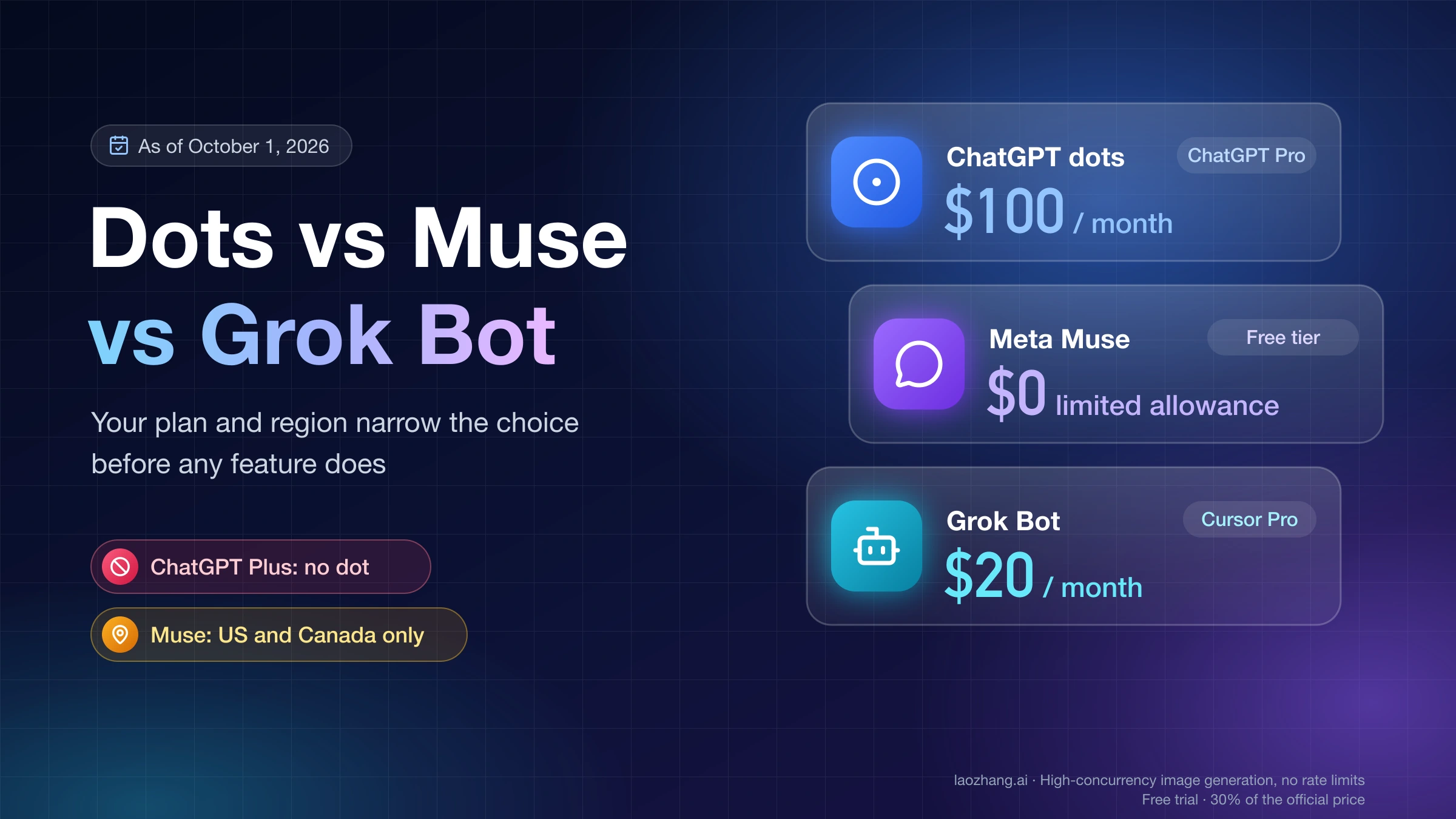
Meta Muse starts free, Claude Duet comes with $20 Claude Pro by US waitlist, Grok Bot now starts at $30 for new customers, and ChatGPT dots need $100 Pro.

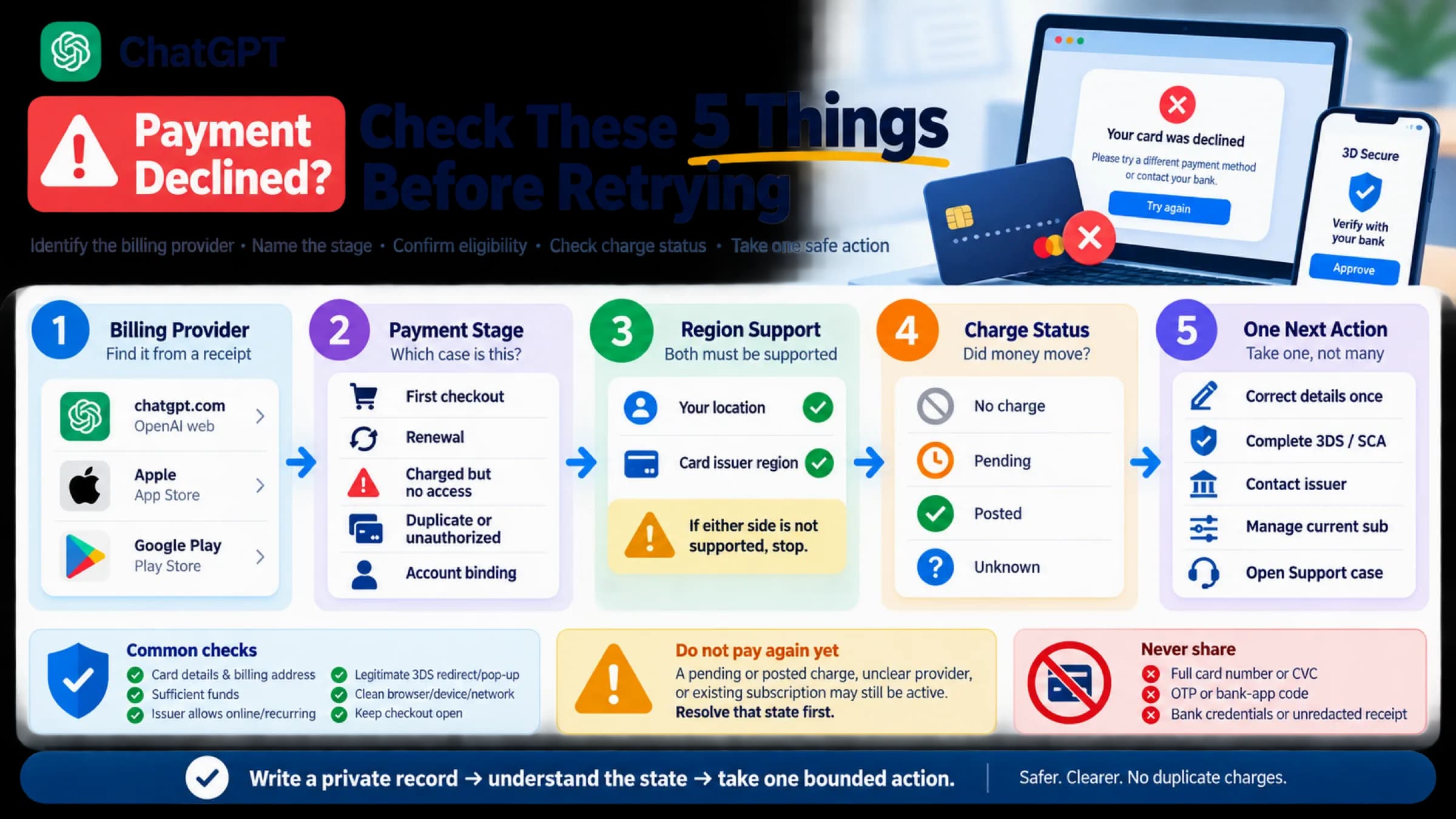
“Payment was not approved.” and “Your card has been declined.” say a ChatGPT payment failed, not why. Check who bills you, the stage, and any charge first.

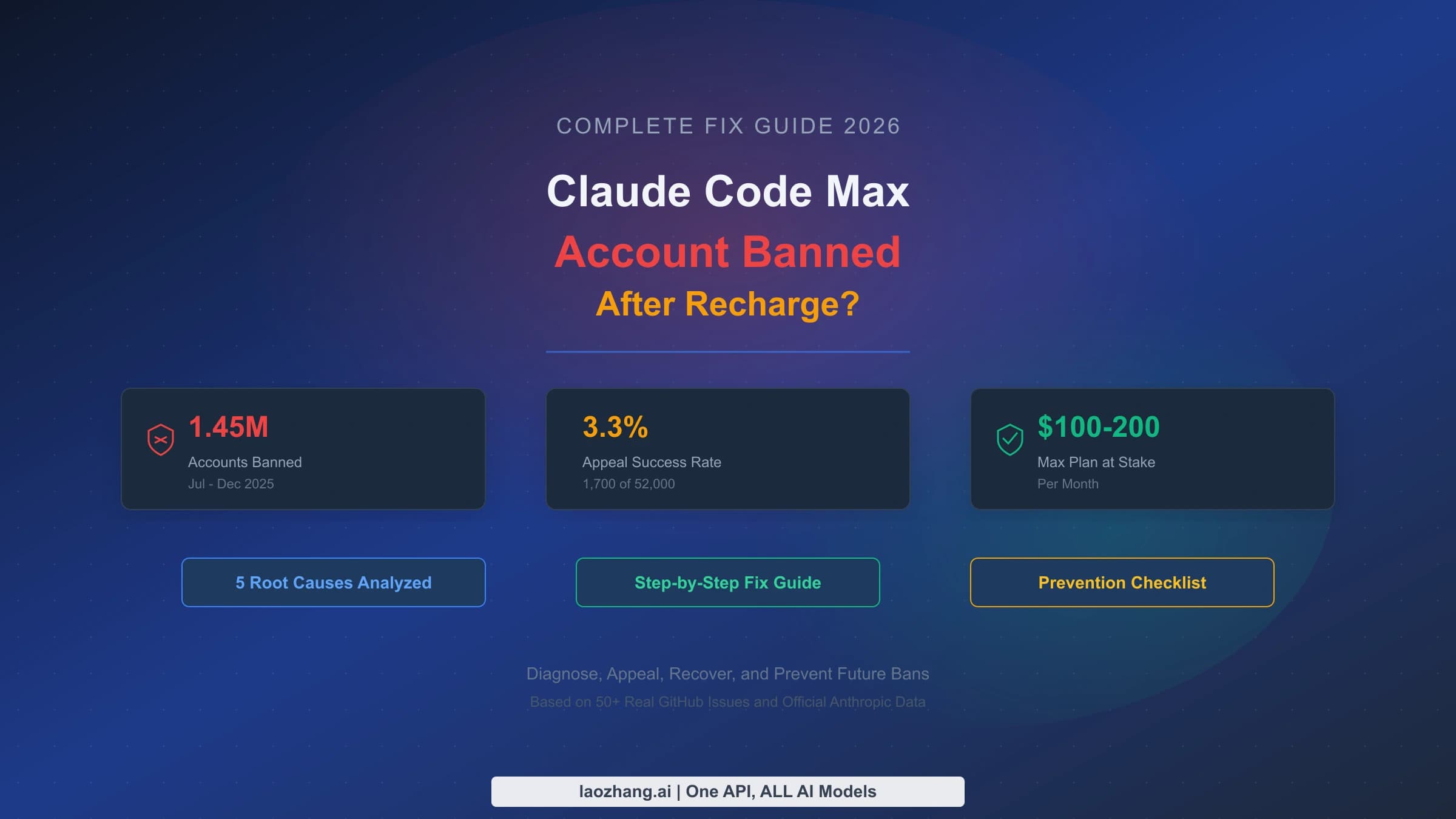
A ban after paying for Claude Max usually existed before the charge. Appeal at claude.ai/restricted while logged in and request any refund separately.

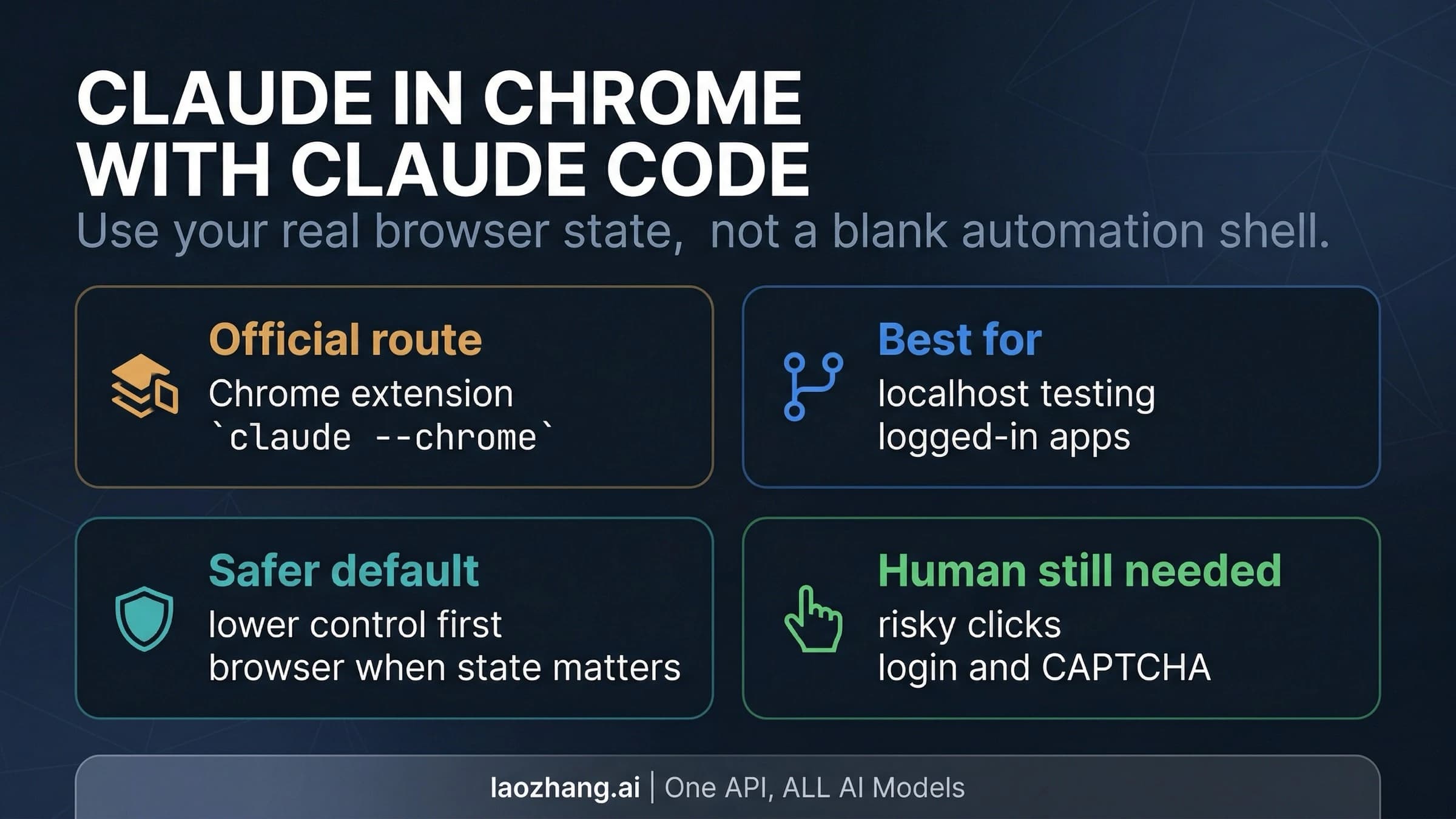
Claude in Chrome, also called Claude for Chrome, connects to Claude Code via claude --chrome, /chrome, or @browser in VS Code. It needs a paid plan and /login.

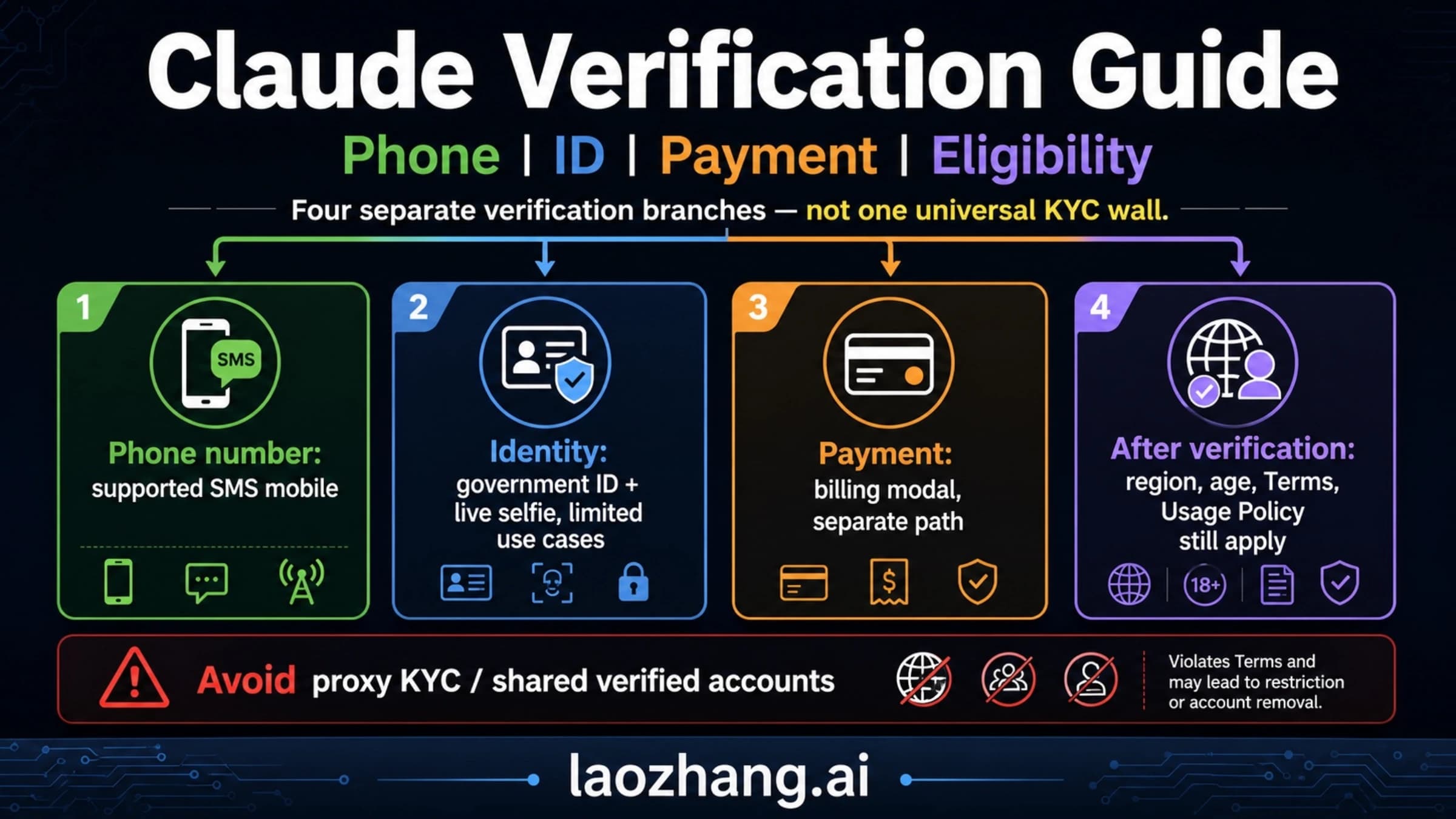
Claude has no single KYC step: every new account verifies a phone, some get a Persona ID-and-selfie check, Yoti handles age checks, and none lifts a ban.

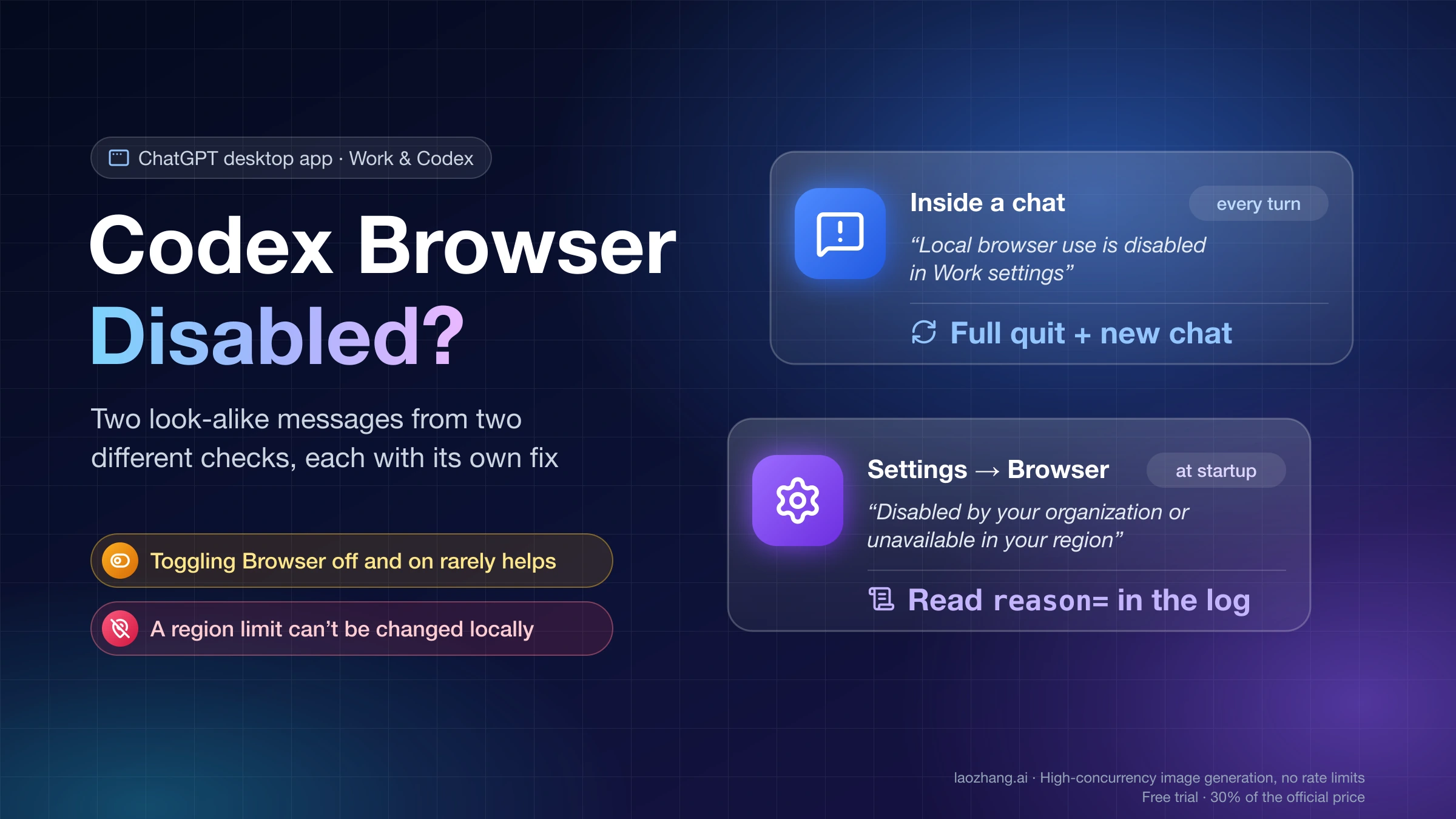
Browser on but Codex says it is disabled? Fully quit and reopen the ChatGPT app, continue in a new chat, then check Work preferences → Local browser use.

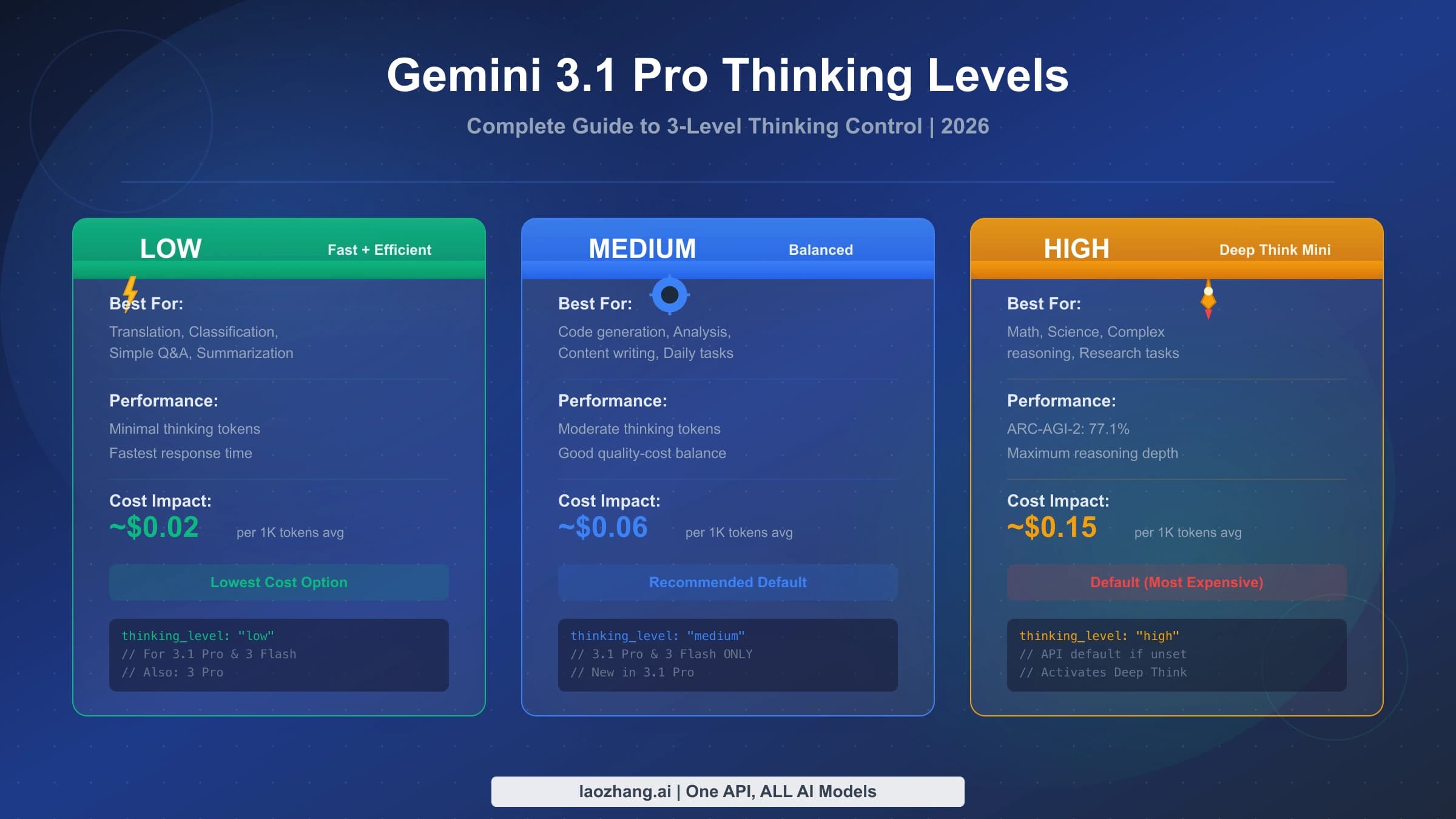
Gemini 3.1 Pro takes thinking_level low, medium, or high and defaults to high; minimal errors. Gemini 4 Argon defaults to medium, the Gemini app to Low.

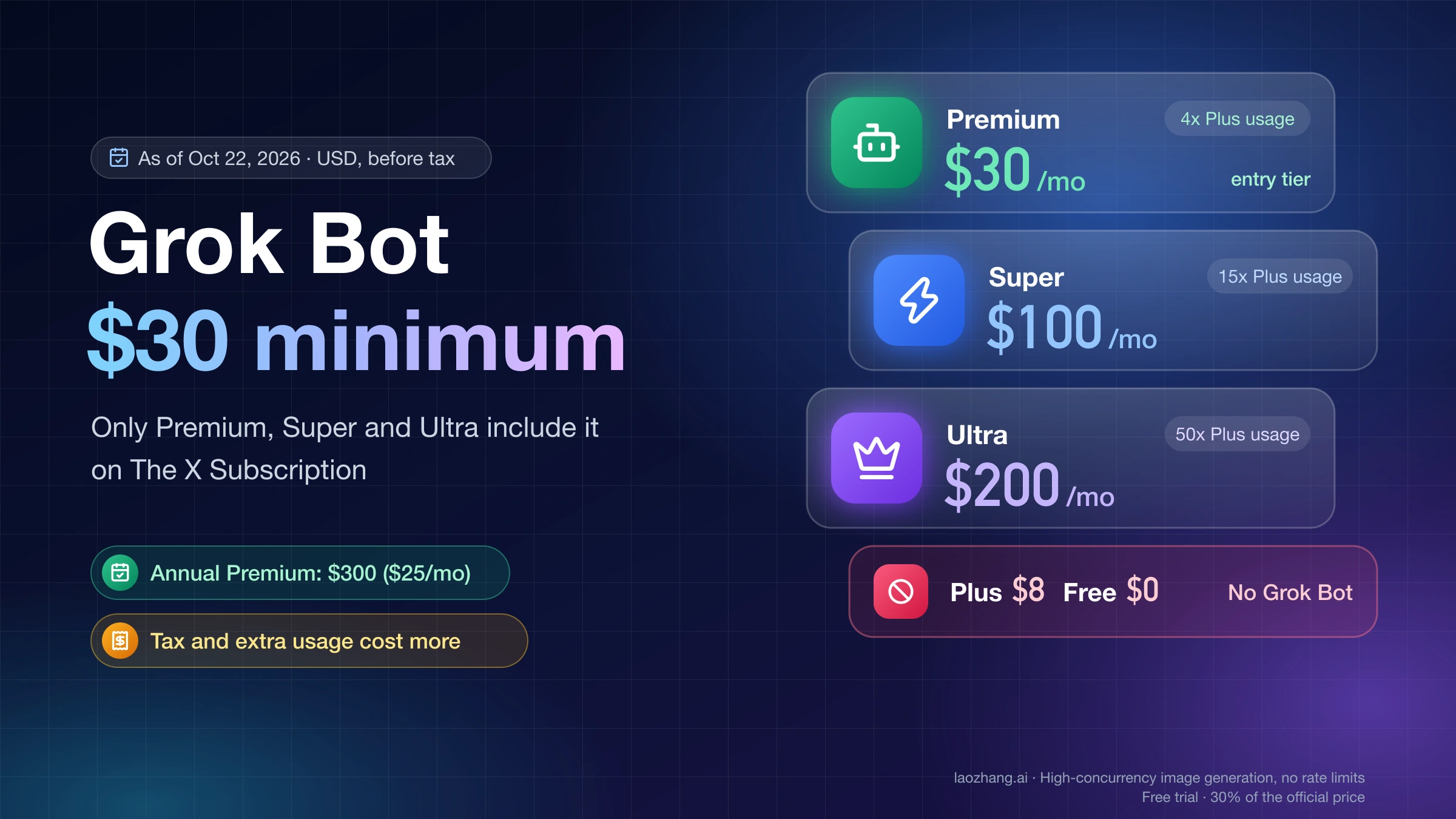
New customers get Grok Bot only on The X Subscription Premium ($30/mo or $300/yr) or higher. Plus and Free exclude it; tax and top-ups cost extra.

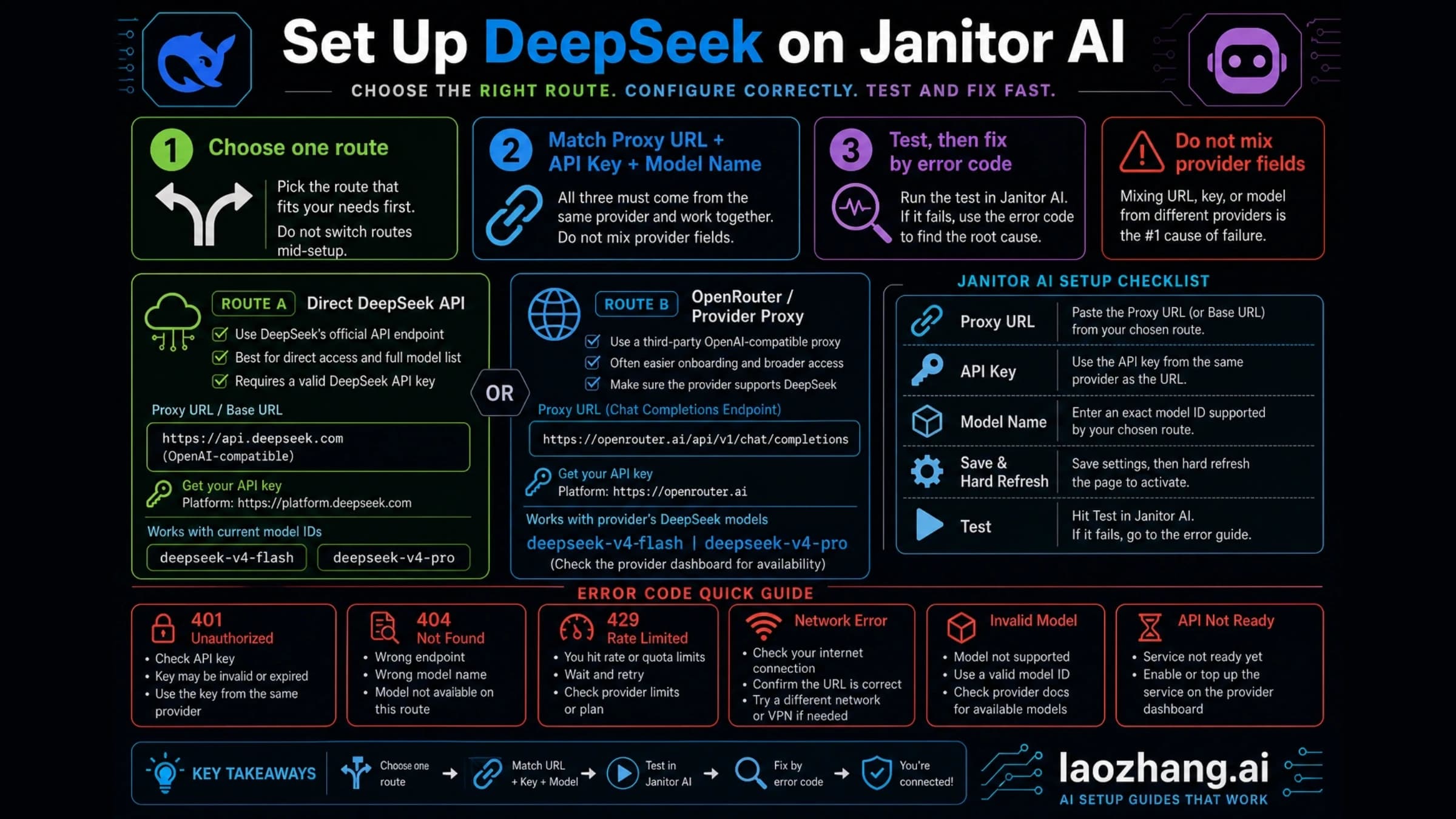
For DeepSeek in Janitor AI, enter https://api.deepseek.com/chat/completions and the model deepseek-flash. deepseek-chat was discontinued on July 24, 2026.

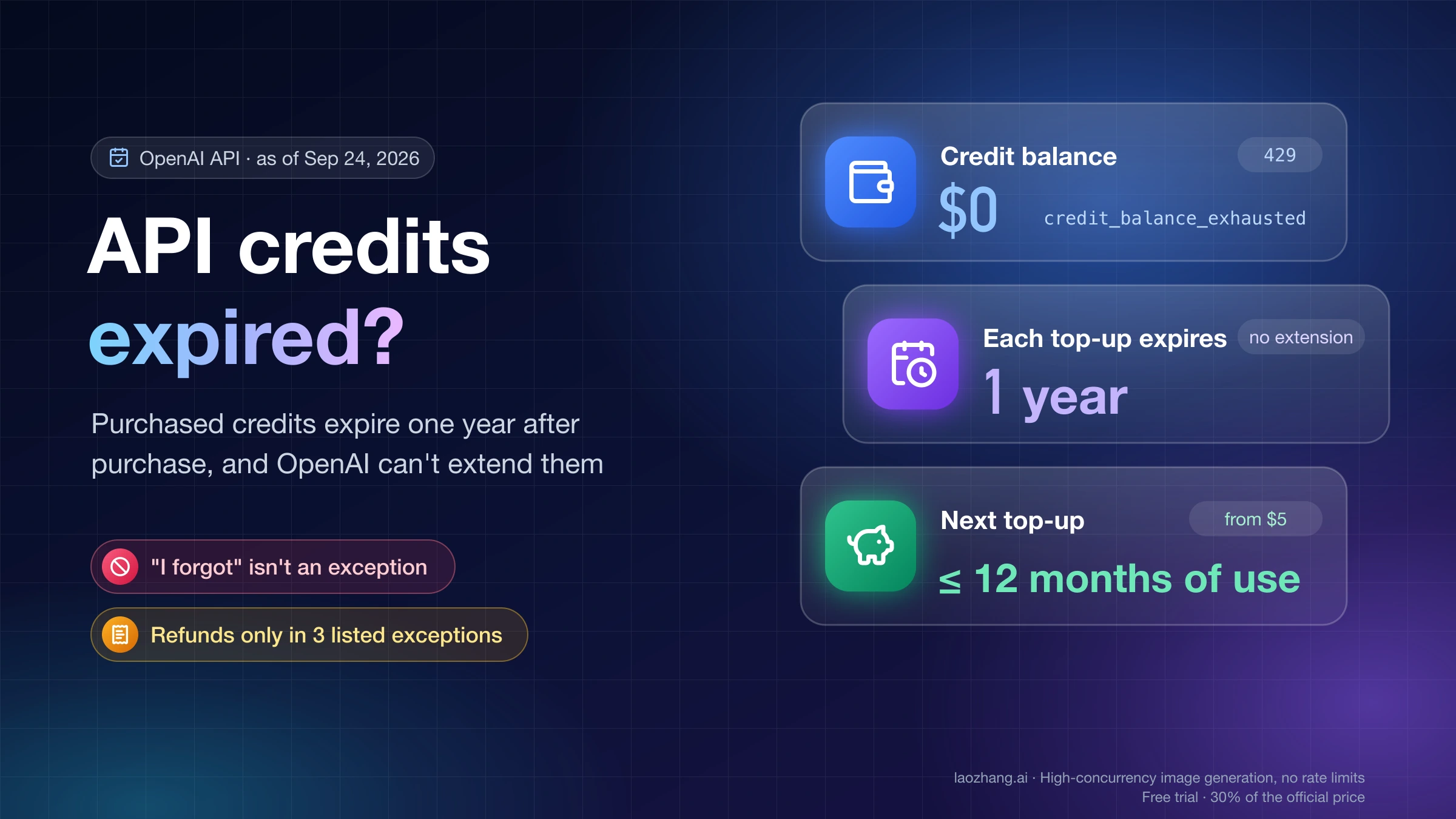
OpenAI API credits expire a year after each purchase and can't be extended. Expired credits return only for billing errors, unauthorized use, or OpenAI faults.

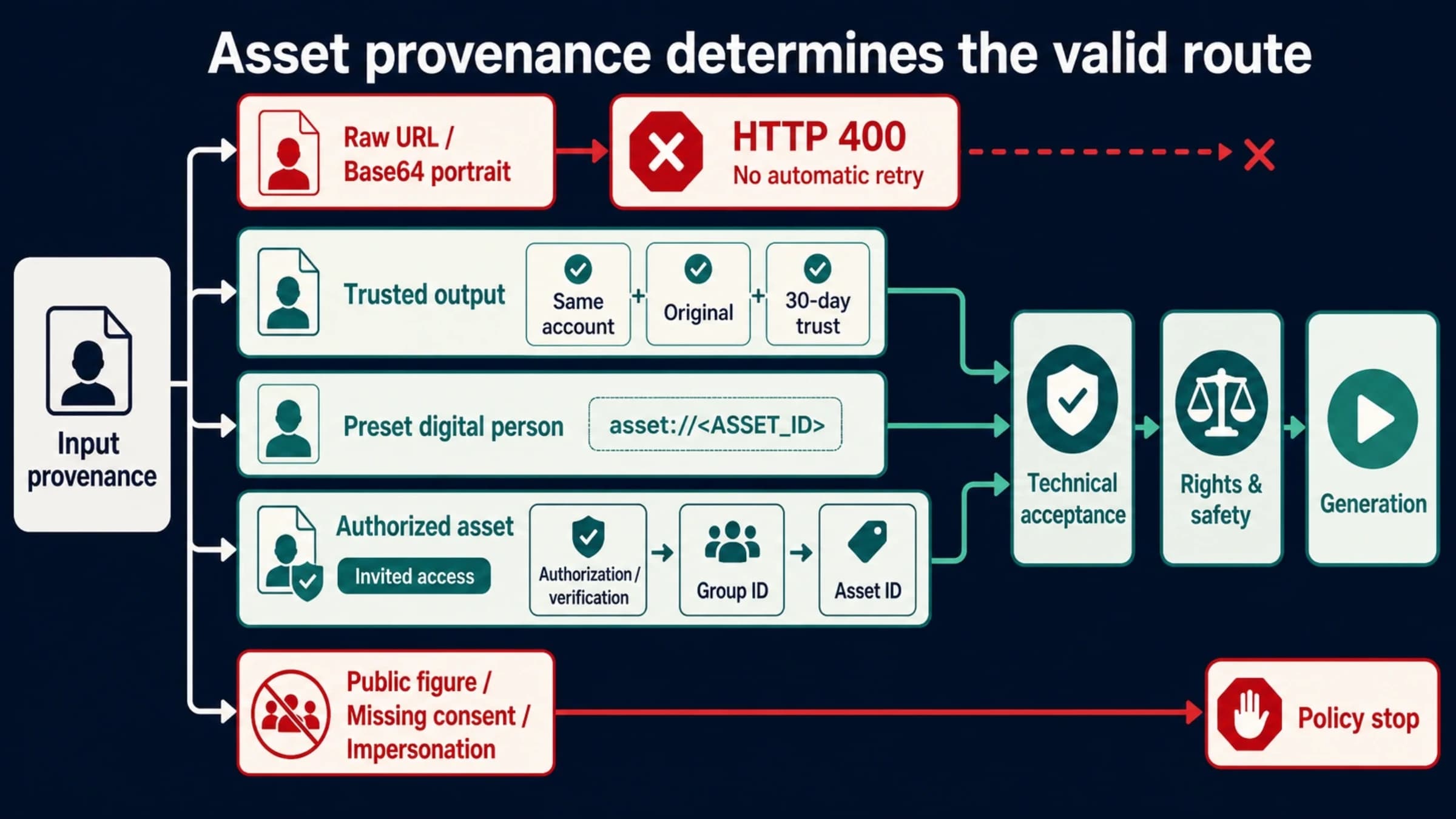
Seedance 2.5 keeps the 2.0 ban on real-face references. Retrying won't help: swap the image, reuse a trusted output, or use a preset or authorized asset ID.

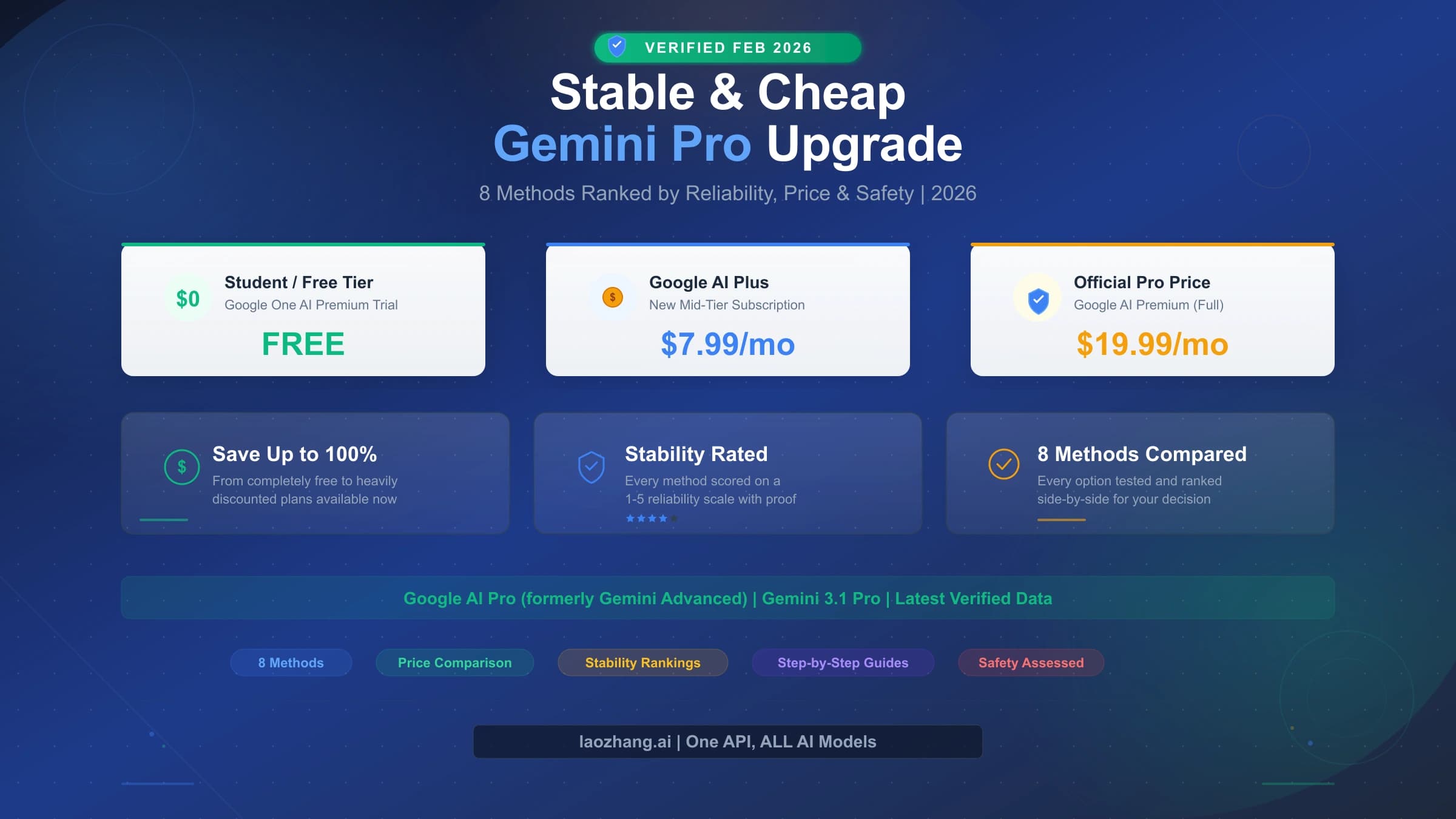
Google AI Pro is $19.99/month in the U.S. and Plus is going Flash-only. Pay less only through Google's student, Pixel, Verizon, family or annual offers.

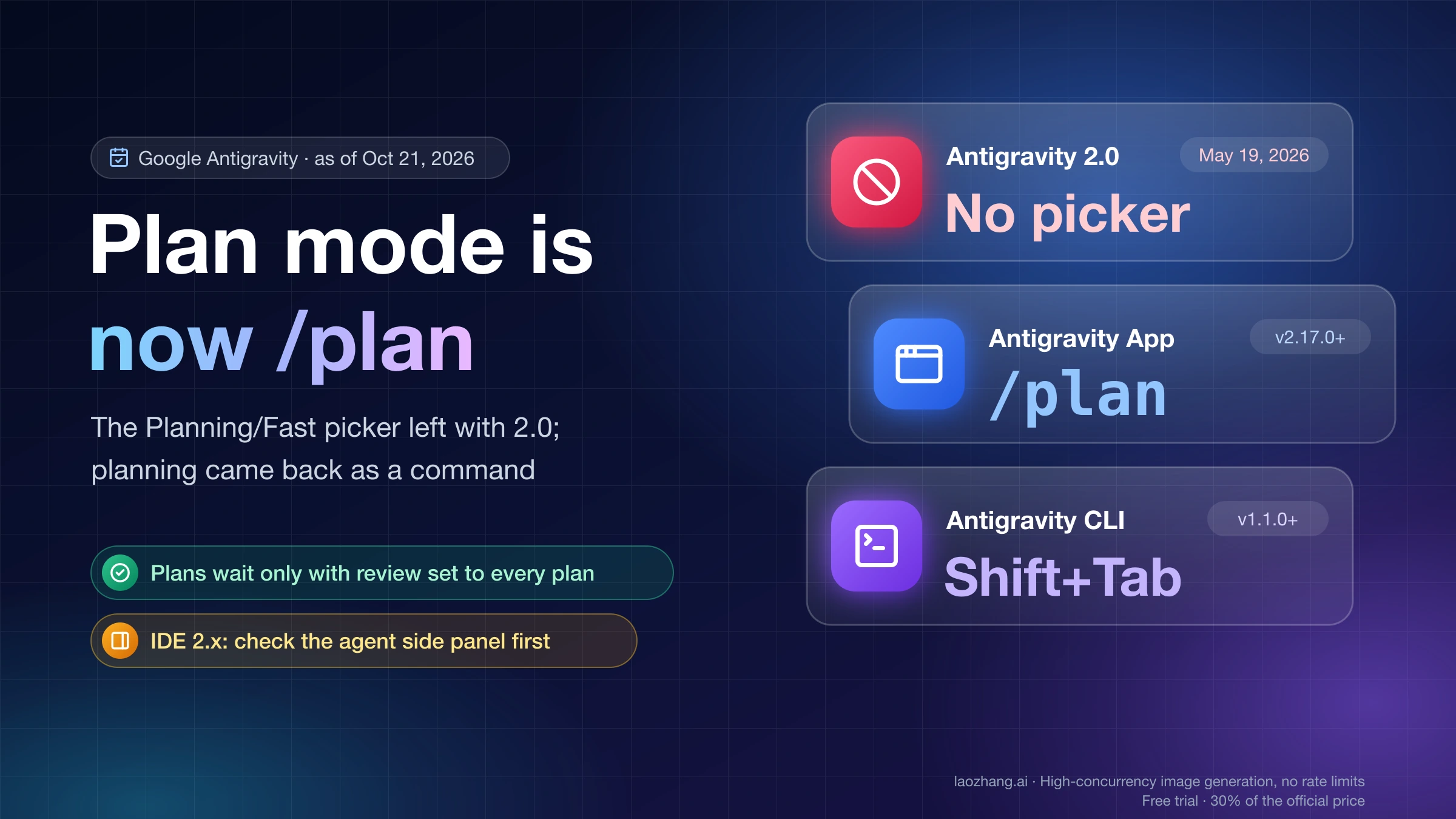
Antigravity's 2.0 app dropped the Planning/Fast picker on May 19, 2026. Use /plan in App v2.17.0+ or Shift+Tab in the CLI, and set plans to always need review.

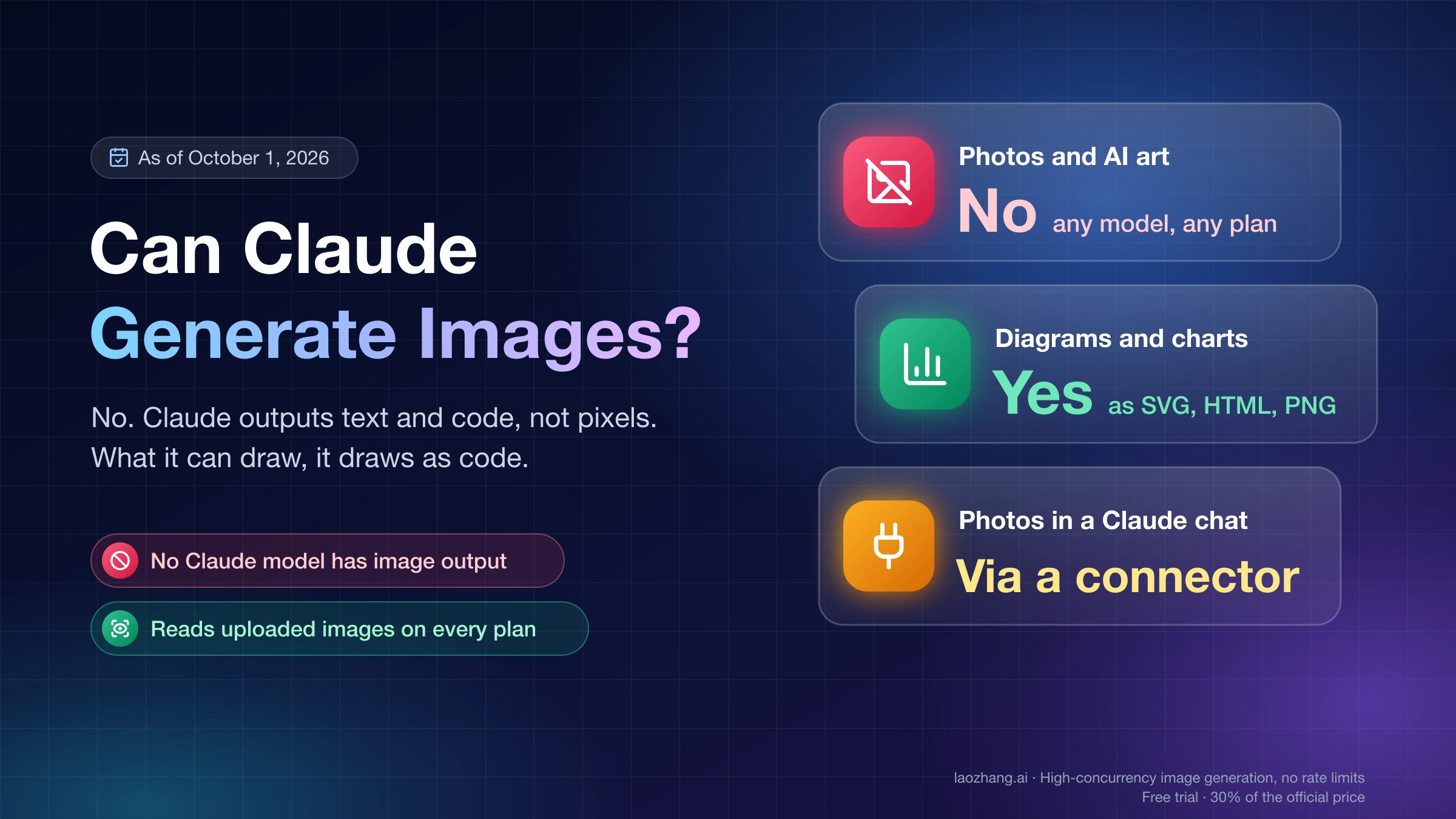
No. Claude outputs text and code, not pixels, on every model and plan. It draws SVG diagrams and charts itself; photos need a connector or an image API.

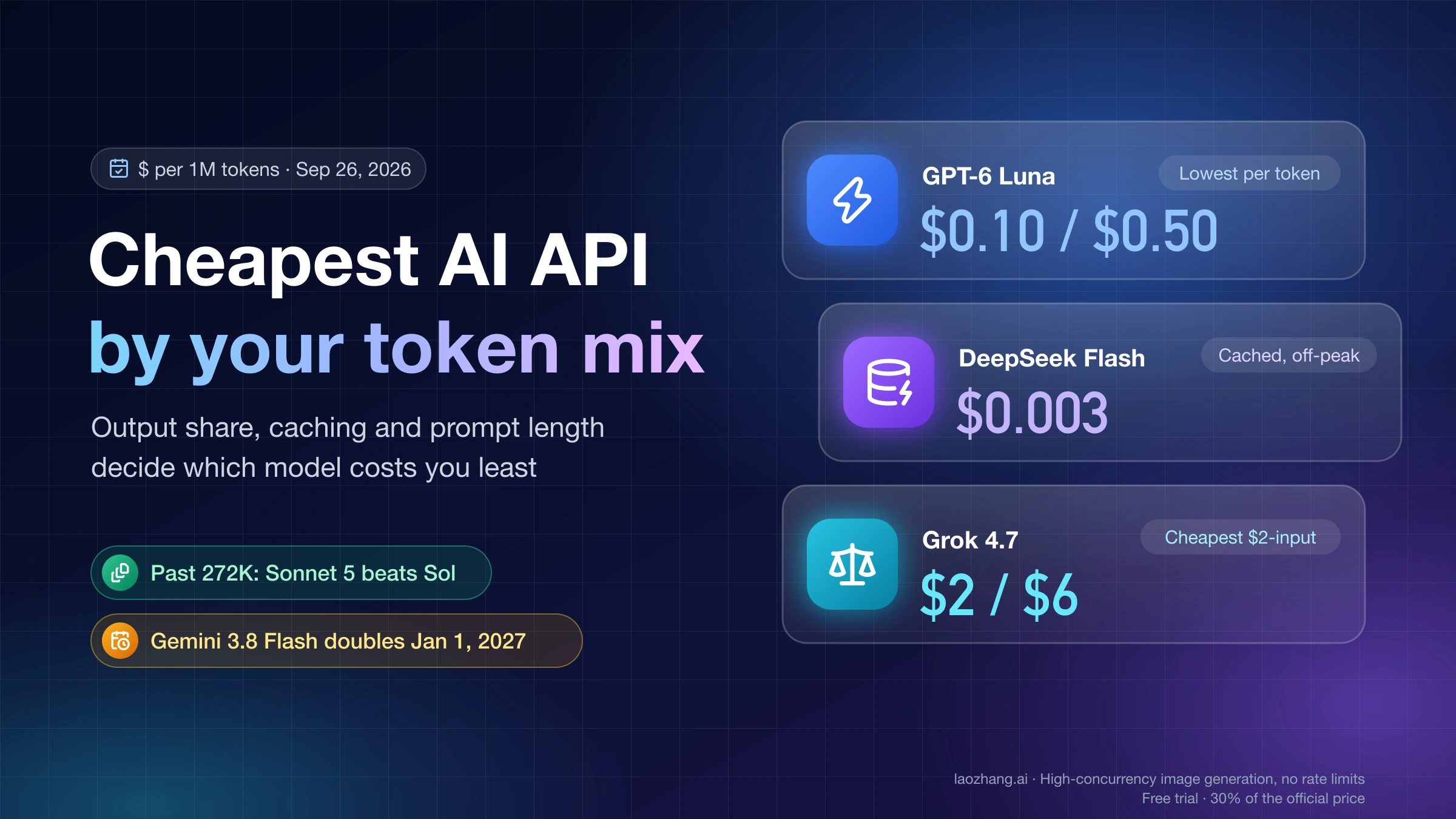
As of September 26, 2026, GPT-6 Luna and DeepSeek Flash cost least per token. Among $2-input models, Grok 4.7 is cheapest; past 272K tokens, Sonnet 5 beats Sol.

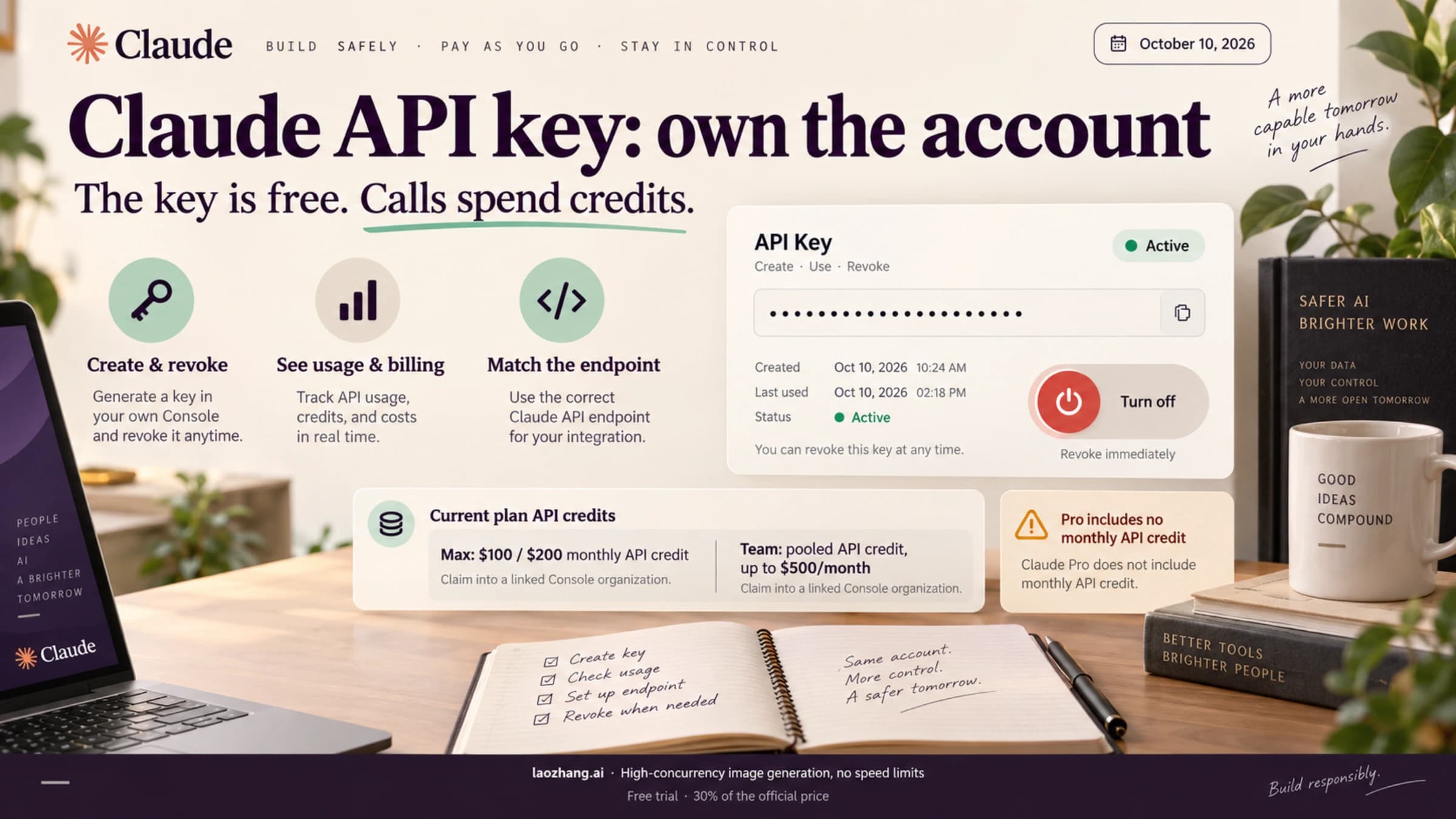
Creating a Claude API key is free; calls spend prepaid credits. New users get a small test credit, Max and Team add monthly API credits, and Pro adds none.

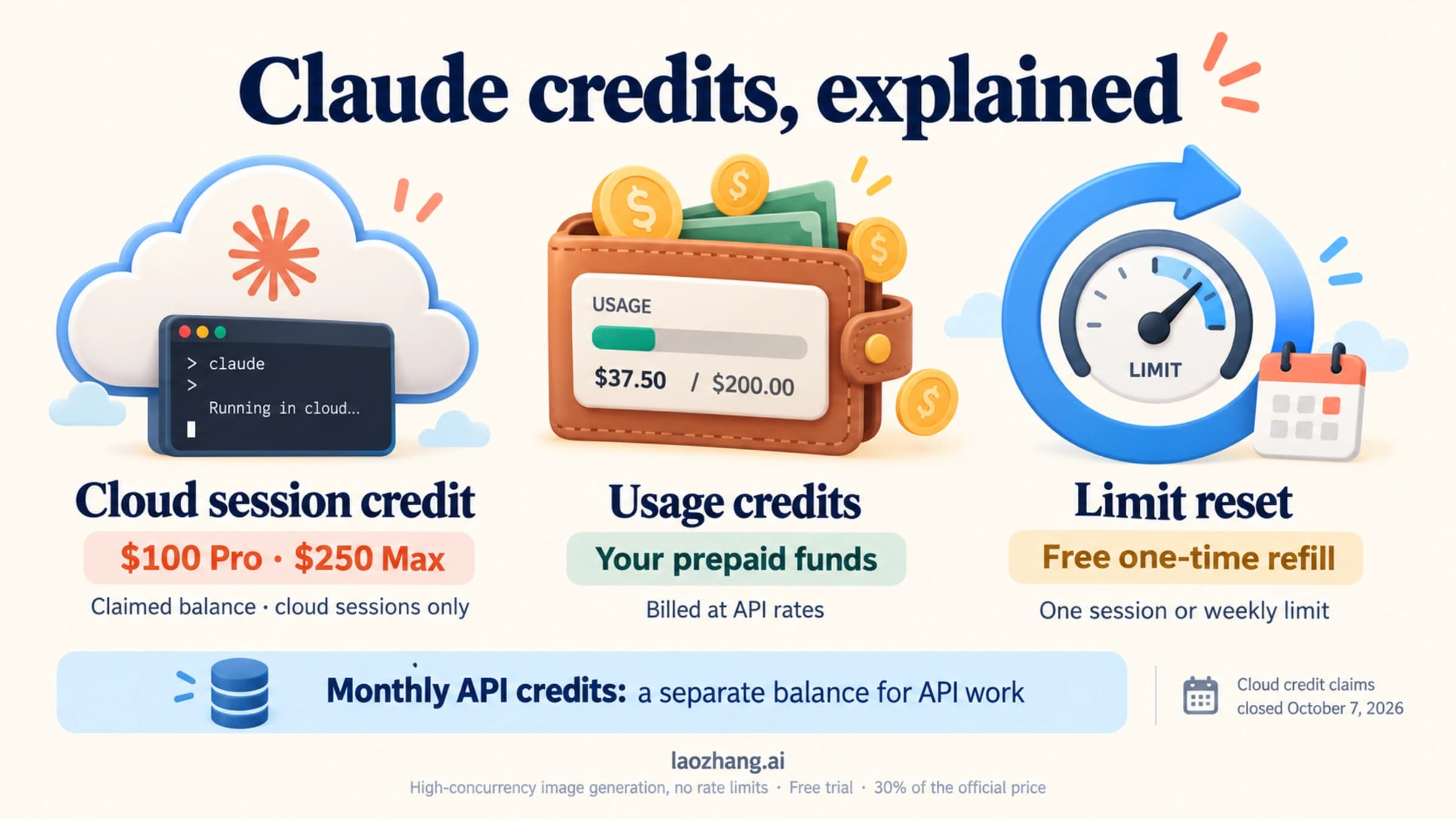
Cloud session credit claims closed October 7, 2026; claimed balances still pay for cloud runs. Usage credits bill API rates; Max/Team API credits fund the API.

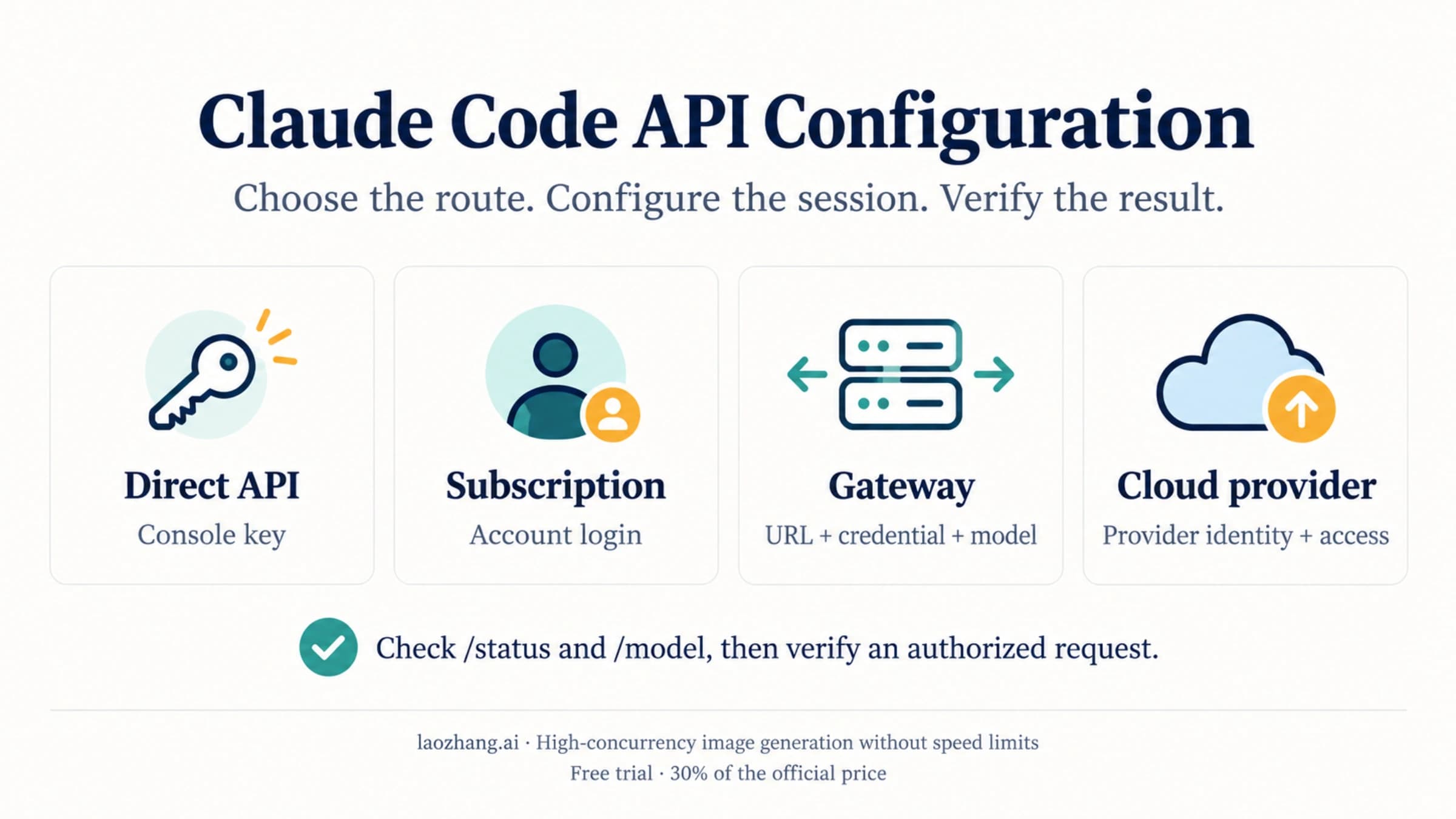
For direct Anthropic API access, set ANTHROPIC_API_KEY and approve it in the interactive CLI. Gateways need their own endpoint and credential; cloud providers and Desktop use separate configuration paths.

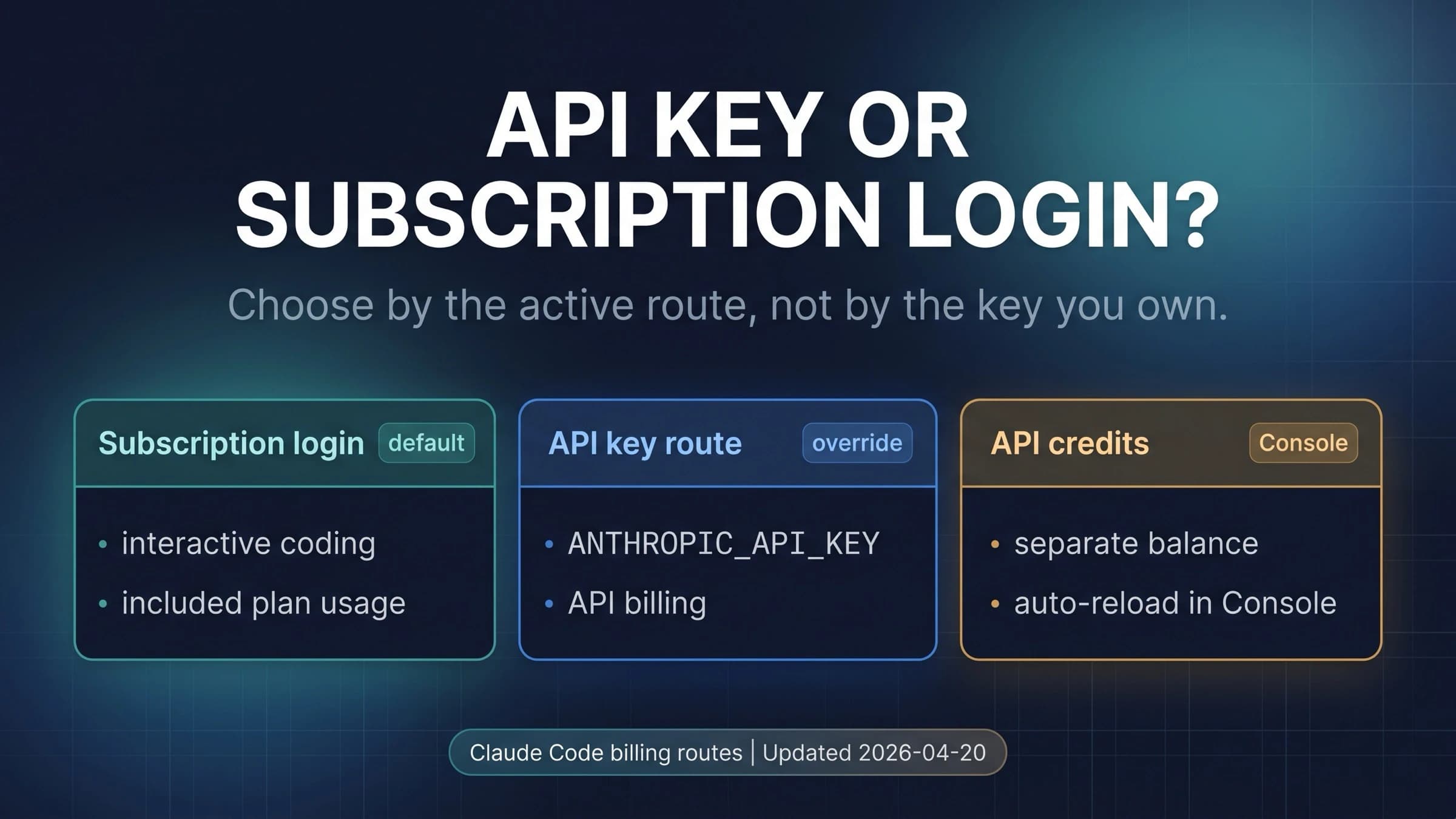
Once you approve ANTHROPIC_API_KEY, Claude Code bills that key instead of your Pro or Max plan, and claude -p always uses it. /status shows which one pays.

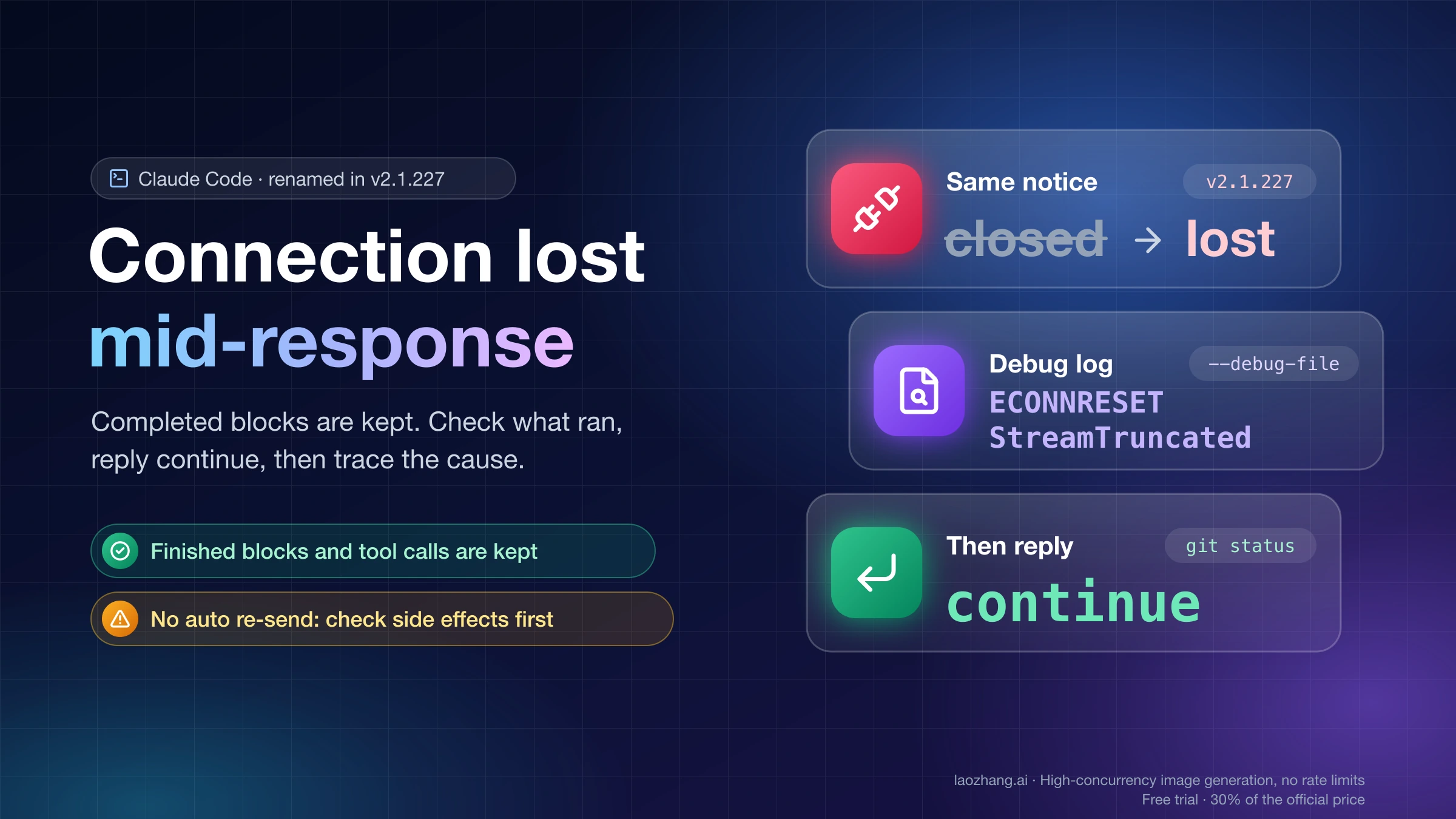
Claude Code renamed this error Connection lost mid-response in v2.1.227. Completed blocks are kept: check what ran, reply continue, then trace the cause.

As of October 10, 2026, no Claude Code coupon exists. Pro annual saves $40, bundles cut overflow credits up to 30%, and guest passes give 7 free days of Pro.

Claude Code installs with a single command on macOS, Windows, and Linux using the native installer — no Node.js required. To use it you need a paid Claude plan (Pro at $20/month or higher) or a Claude Console account billed per API use. This guide covers every installation method, platform-specific steps, security warnings about fake installers, and fixes for the most common problems.