Best Claude Code MCP Servers to Install First (2026): Starter Picks by Workflow
The best Claude Code MCP setup is not the biggest setup. Start with the one integration that closes your biggest external workflow gap, prefer official or vetted surfaces first, and only move to shared project MCP when the workflow is real enough to justify it.
On this page
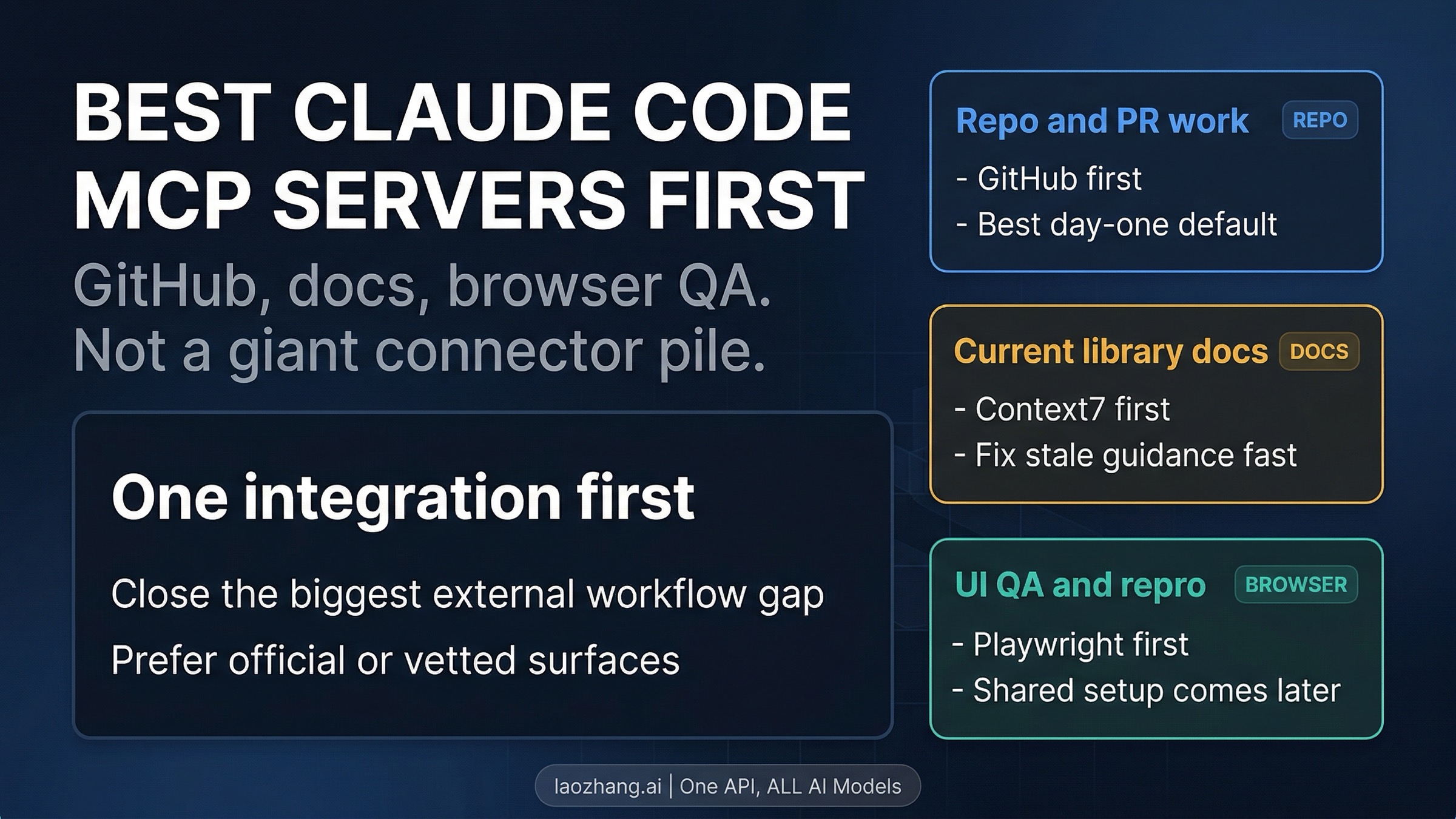
If you want one default answer, do not start by installing every popular Claude Code MCP you can find. Start with the integration that closes your biggest external workflow gap. Today that usually means GitHub if repo and PR work are the bottleneck, a current-docs MCP such as Context7 when stale library docs keep slowing you down, Playwright for browser QA and reproduction, and an observability connector such as Sentry only when production debugging is the real job. Prefer official or vetted surfaces first, and only move to project-scoped .mcp.json or plugin-bundled MCP when the workflow is important enough to share across the whole repo.
That is a narrower answer than most long server lists give, but it is usually the more useful one. The expensive mistake is not failing to discover another server name. It is turning Claude Code into a connector pile before one integration has clearly paid for itself.
As of April 8, 2026, Anthropic's current docs separate official connectors, remote MCP servers, local or project-scoped MCP configs, and plugin-bundled MCP instead of treating them as one flat marketplace. Anthropic's current Claude Code MCP docs also say project-scoped servers live in .mcp.json, prompt for approval before use, and carry explicit warnings around third-party trust and prompt-injection risk. That means the right first move is not just a tool choice. It is also a packaging and trust choice.
Evidence note: this guide reflects Anthropic's current Claude Code MCP docs, Connectors overview, and connector help-center guide, checked on April 8, 2026, plus current search-result language on how developers frame the first Claude Code MCP decision.
A fast route board for the first decision
Before you compare a dozen server names, decide which workflow is actually broken today.
| If your bottleneck is... | First MCP to try | Best first surface | Stop rule |
|---|---|---|---|
| repo, issues, and PR work | GitHub | official or vetted GitHub integration | stop after GitHub if repo work is the only missing context |
| stale framework or API docs | Context7 or another current-docs MCP | vetted remote server | do not add more docs tooling until one docs path proves useful |
| browser QA, UI checks, repro steps | Playwright | trusted automation server, usually personal first | move to project scope only if the team truly shares the workflow |
| incident and production debugging | Sentry or another observability connector | only if incident response is a recurring job | skip it entirely if incidents are not your real daily constraint |
The point of this board is not to canonize four names forever. It is to force the one decision most tool directories avoid: what should you add first, and what should you refuse to add yet?
The first decision is not which server. It is which surface.
Most developers arrive here looking for a shopping-style list of server names. In practice, the first mistake usually happens one step earlier. They treat every Claude Code integration as if it were the same kind of thing.
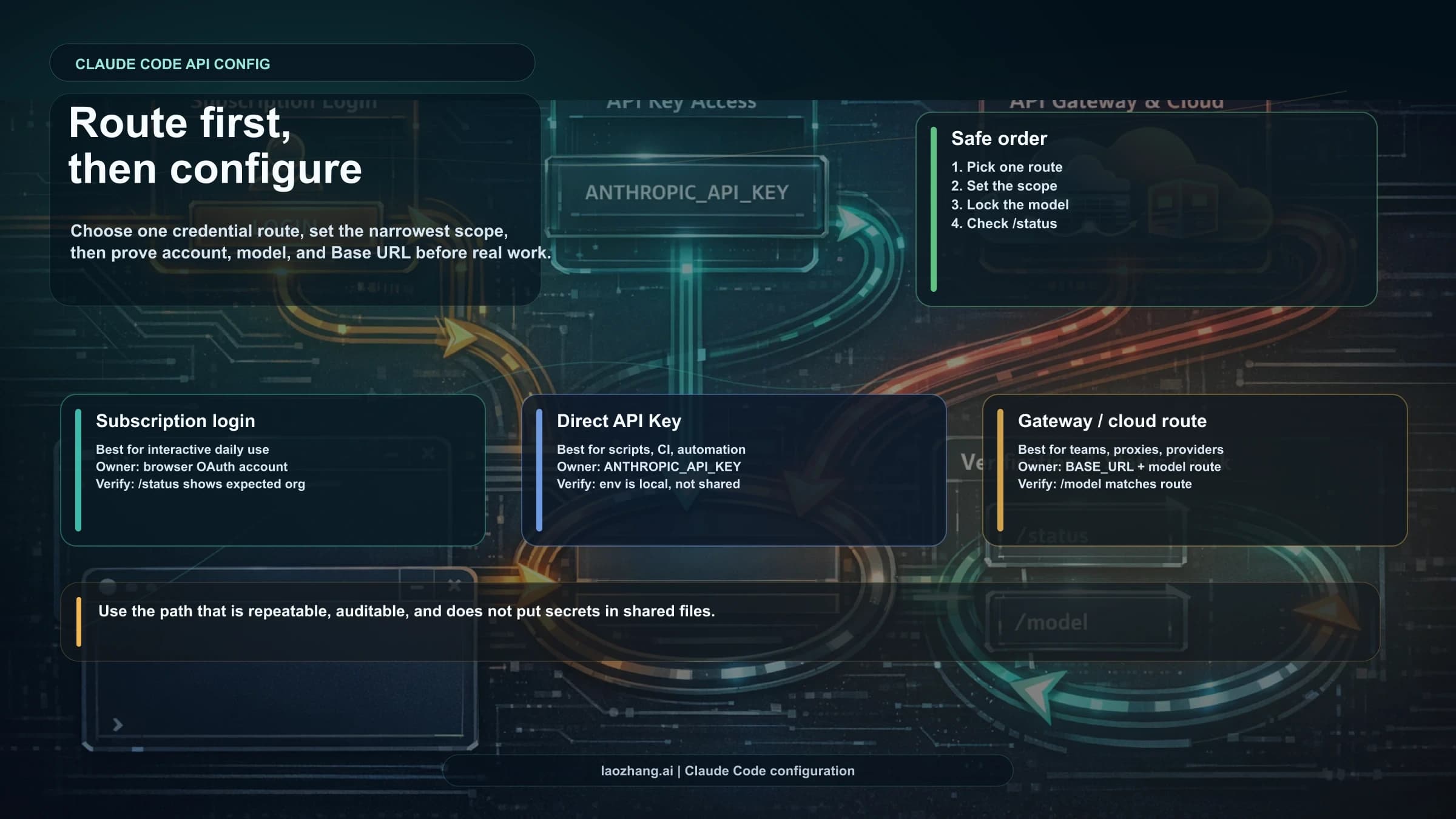
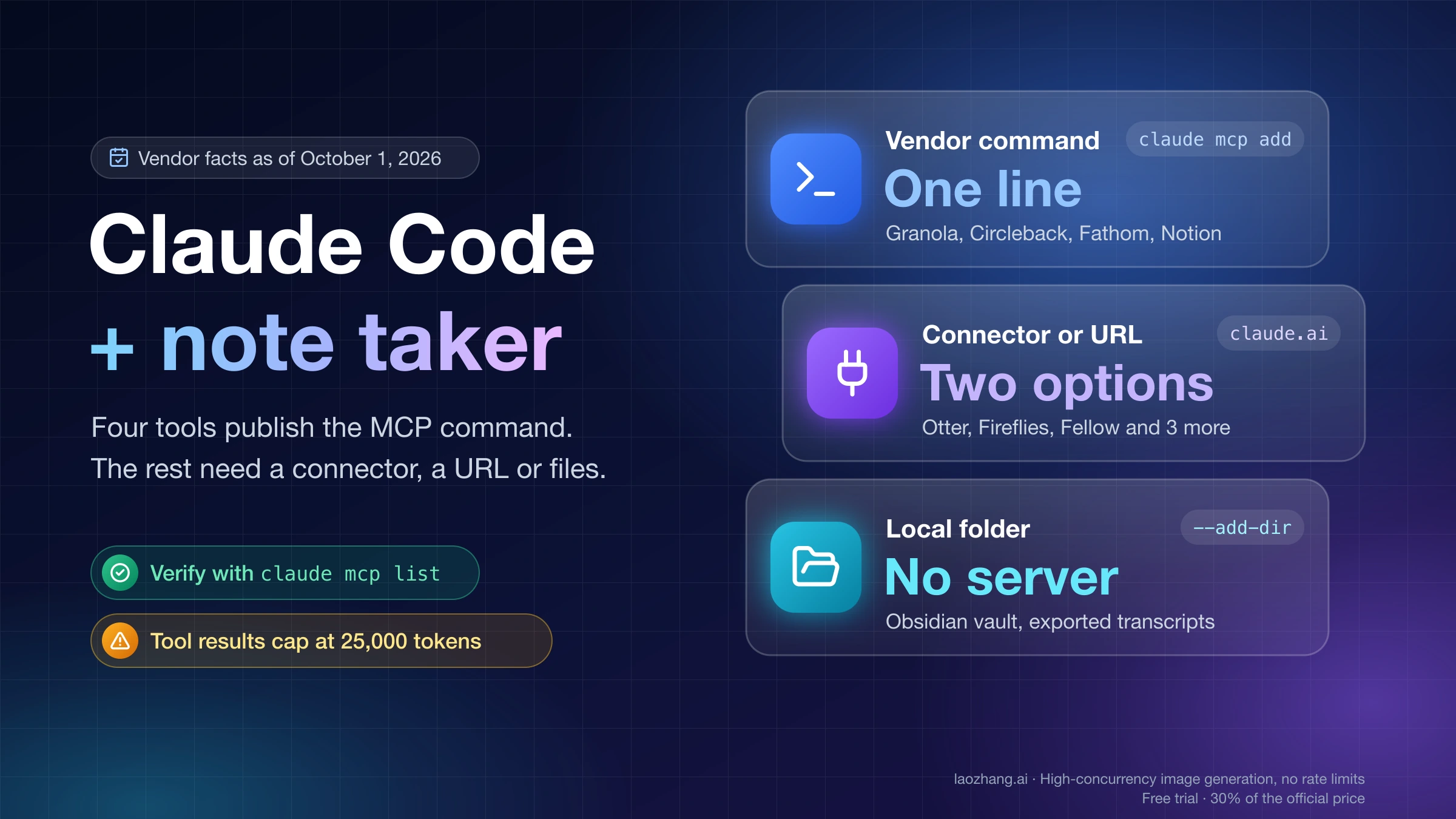
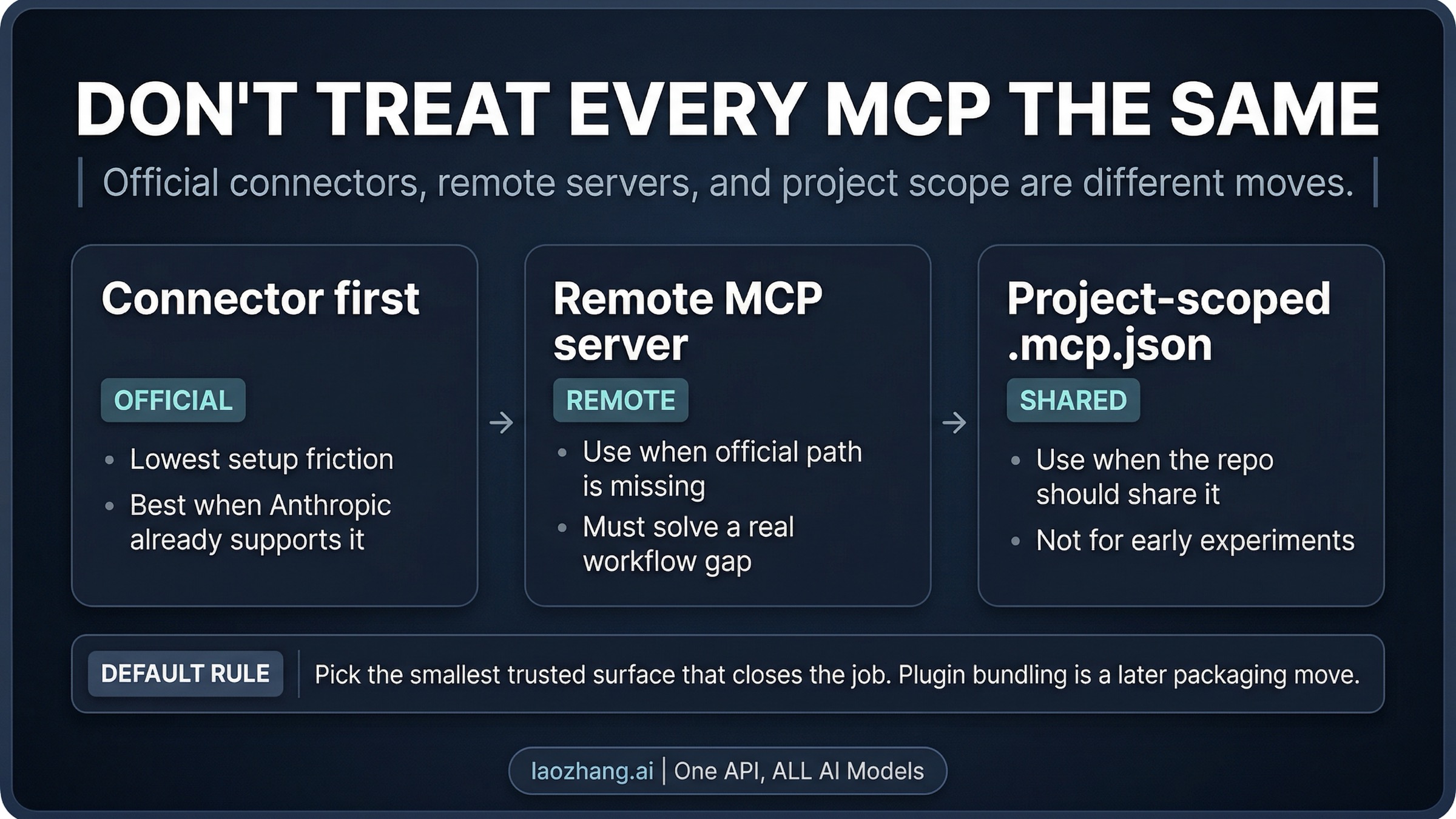
It is not. Anthropic's current ecosystem already separates several surfaces that behave differently enough to change the recommendation. An official connector is the cleanest starting point when Anthropic already supports the service directly, because it gives you the lowest-friction path to a real system without forcing you to own extra configuration on day one. A remote MCP server is different: it usually makes sense when you need a tool or data source that Claude Code does not expose as a first-party integration, but it also asks you to trust the operator behind that server. A project-scoped .mcp.json setup is different again, because now the repo is deciding the integration, not just one developer. And a plugin-bundled MCP is the packaging answer for the moment when the setup itself needs lifecycle management rather than ad hoc local experimentation.
This is why a giant top-20 list is such a weak starting point. It assumes the real problem is discovery. More often, the real problem is choosing the smallest surface that closes the missing workflow safely.
A useful way to think about the order is:
- Is there an official connector or clearly vetted surface for the service you need?
- If not, is there a remote MCP server that solves a real recurring gap?
- If yes, is this still your personal workflow, or should the repo own it?
- If the repo should own it, do you only need project-scoped config, or does the whole setup now deserve plugin-style packaging?
If you answer those four questions honestly, the server-name choice becomes easier. If you skip them, every integration will look equally plausible.
The starter MCPs that actually earn day-one space
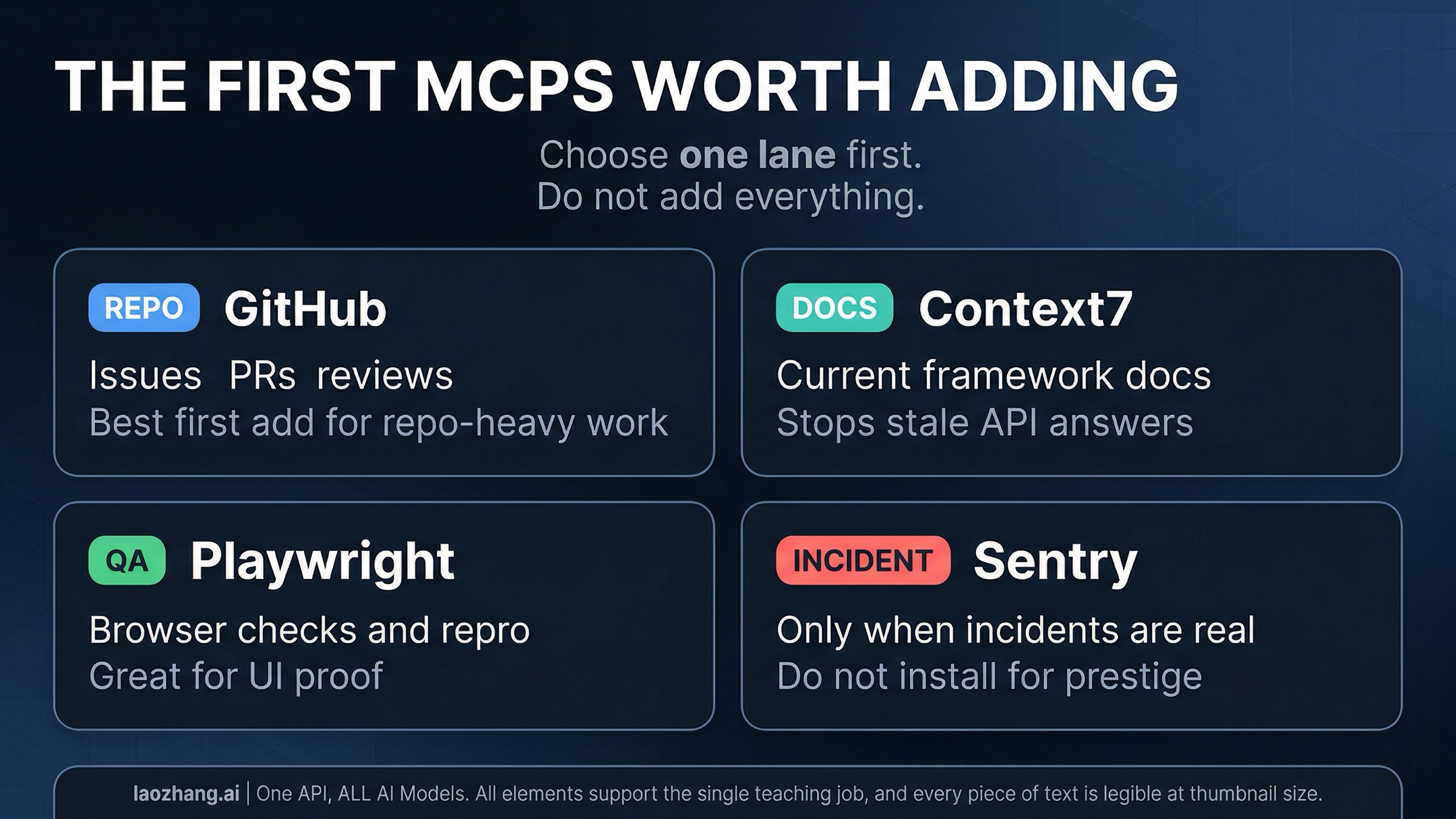
The best starter path depends less on popularity and more on what keeps interrupting your work. That is why a workflow-first guide is more useful than a leaderboard.
GitHub is the best first MCP for most repo-heavy workflows
If your day keeps breaking around issues, pull requests, diffs, review context, or repository metadata, GitHub is the strongest first integration for most developers. It closes a real loop that Claude Code cannot fully solve from local files alone: reading the current state of work that lives outside the repo checkout.
This is also the kind of integration that becomes useful immediately. You do not need an elaborate theory to justify it. If you keep leaving Claude Code to inspect PR comments, issue threads, or repository context, the GitHub path is probably your best first move.
The reason GitHub beats many flashier MCP picks is that it shortens a workflow you already know is real. That matters more than novelty. A good first MCP should remove context switching from an existing bottleneck, not create a new experimental playground you now feel obligated to maintain.
If GitHub is the only thing you were missing, stop there for now. You do not need a second or third integration just because the first one helped.
A current-docs MCP is the best first non-official add when stale docs are the real tax
Plenty of developers do not actually need another issue tracker or browser tool first. They need Claude Code to stop answering from stale model memory when the framework, library, or SDK changed recently.
That is where a current-docs MCP such as Context7 earns its place. It is usually the first third-party server worth adding because the value is obvious: better implementation guidance, fewer hallucinated APIs, and less manual alt-tabbing to verify current docs yourself.
This kind of docs integration is easy to underestimate because it does not look as dramatic as browser automation. But if wrong or outdated documentation is the thing forcing retries across your week, it can be the highest-leverage first add. It improves the quality of many later Claude Code interactions rather than solving only one narrow action.
There is also a good stop rule here. If a current-docs MCP fixes the doc freshness problem, do not immediately add more doc tools. One clean docs path is usually enough. The goal is not to give Claude five different ways to read the same documentation. The goal is to stop losing time to stale guidance.
Playwright is the best first add when UI behavior is the missing proof
Browser automation is the clearest first MCP when your bottleneck is not writing code, but verifying that the code actually behaves correctly in the browser.
Playwright-style integrations earn day-one space because they turn vague frontend discussion into observable behavior. That makes them different from many "nice to have" servers. If Claude Code can actually open the app, step through a flow, inspect the page state, and help reproduce a bug, the integration changes what work becomes possible, not just what information becomes available.
This is especially useful for teams that spend too much time in the loop of "I think this should work" followed by manual browser checking. Once browser automation becomes part of the workflow, Claude can help validate UI fixes, reproduce regressions, and shorten the path from hypothesis to evidence.
The caution is packaging. Do not jump to a shared project setup just because Playwright is valuable. If only one developer is still proving the workflow, keep it personal first. Move to project-scoped .mcp.json only when the browser-testing pattern is stable enough that the repo should own it.
Sentry and other observability connectors only belong early if incident work is actually your job
Observability access is powerful, but it is not a universal day-one add. It belongs early only when production debugging or incident response is already part of your real weekly workflow.
If your day regularly revolves around exceptions, traces, error triage, or on-call investigation, a monitoring connector like Sentry can be a high-value first or second integration. It gives Claude Code access to the operational context that local code alone cannot provide, which is exactly what incident work usually lacks.
But this is also where many setups become too ambitious too fast. Monitoring integrations feel impressive, so teams install them before they have even proved that Claude needs live observability access for the work they are actually doing. If incidents are occasional rather than central, do not let observability become a prestige add. Keep it out until the workflow makes the case for you.
When official connectors beat raw servers, and when project scope beats personal setup
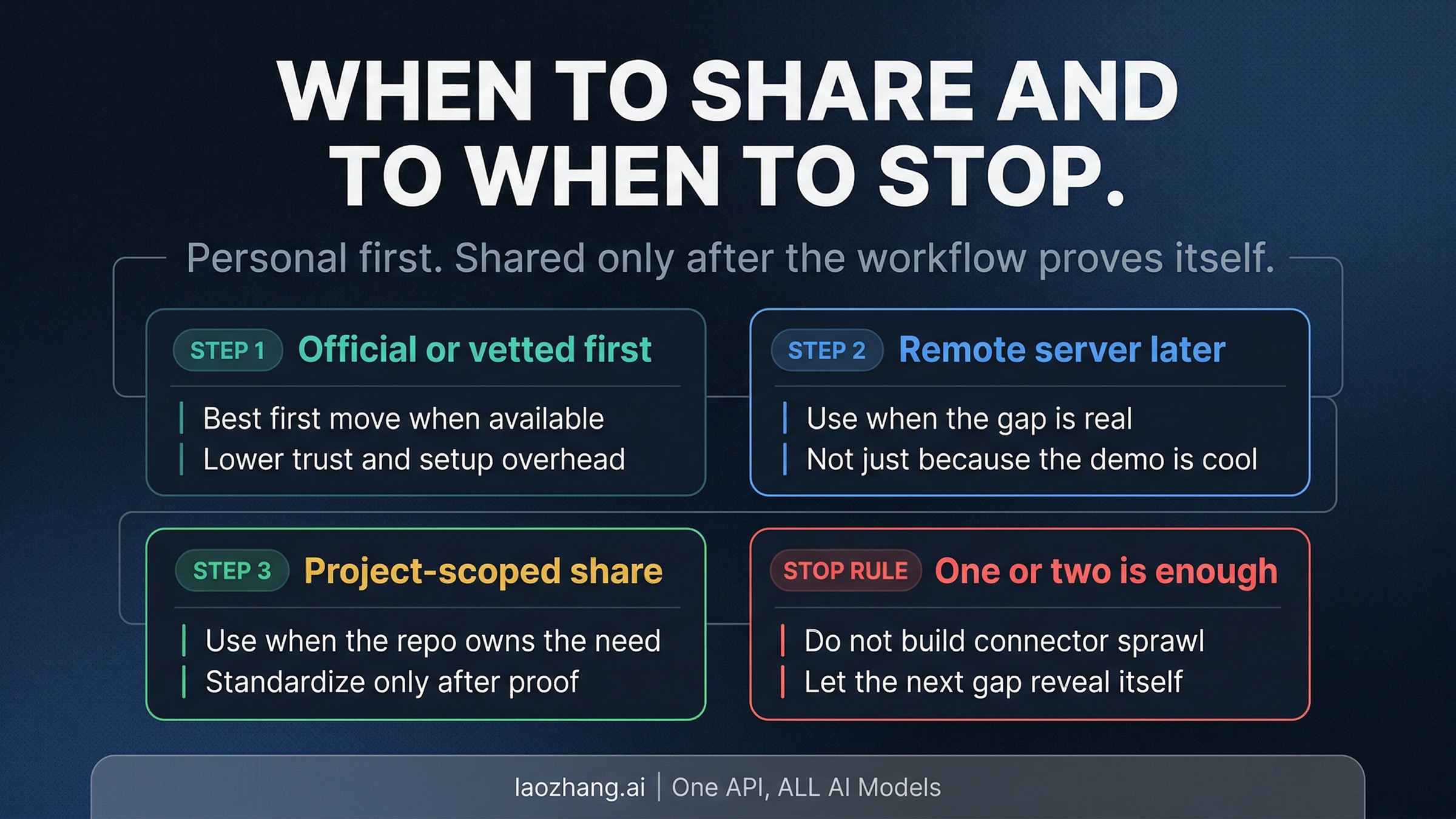
Once you know the workflow, the next decision is who should own the integration.
Use the official or clearest vetted surface first when it exists. Anthropic's current connector surfaces are already good enough that you should not default to raw server config just because it feels more technical. A first-party route is not always available, but when it is, it usually reduces setup ambiguity and trust overhead. That is a meaningful advantage for a first integration.
Use a remote MCP server when the workflow is real but the official surface does not exist. This is the normal case for many third-party tools. It is also where trust matters more. Anthropic's current Claude Code MCP docs explicitly warn that Anthropic does not verify the correctness or security of all third-party servers, and they call out prompt-injection risk when a server can surface untrusted content. That does not mean "never use third-party MCP." It means a third-party server should solve a real recurring workflow, not just satisfy curiosity.
Use project-scoped .mcp.json when the repo should own the integration. This is the decision many developers get wrong because they treat shared config as a badge of seriousness instead of as a workflow signal. A project-scoped server only makes sense when multiple people working in the repo benefit from the same integration and the setup is stable enough to standardize. If the answer is still "I am experimenting," keep it personal.
Use plugin-bundled MCP when the integration now has packaging and lifecycle needs. This is not the first step for most teams. It is the later step for the case where the setup itself is now part of the productized team workflow. Plugin bundling matters when distribution, startup behavior, or consistent enablement across the team have become part of the problem.
The practical sequence is simple: personal first, shared config second, packaged distribution later. If you reverse that order, you are usually solving for sophistication before solving for usefulness.
The wrong first move is connector sprawl
The easiest way to make Claude Code feel more powerful in the wrong way is to keep adding integrations because each one looks individually reasonable.
Connector sprawl creates three kinds of cost.
The first is trust cost. Anthropic's current MCP docs are explicit that third-party server trust is not automatic. If a server can fetch or transform untrusted data, it can also become part of a prompt-injection path or broader workflow risk. A third-party server should be justified by real workflow value, not just by a clever demo.
The second is attention cost. More integrations do not just add capability. They also add another thing to remember, another setup to debug, another approval path, and another habit to maintain. If a server only helps once in a while, the maintenance burden can exceed the value.
The third is usage cost. Claude Code is already context-heavy. Tool definitions, tool results, and broader automation loops can all make sessions noisier and more expensive. If the workflow is not important enough to justify that cost, the integration is not helping as much as it looks.
That is why the right stop rule is so valuable: if one integration already closes the real missing workflow, pause. Let the next gap reveal itself naturally. A compact stack that you actually use beats a broad stack you mostly admire.
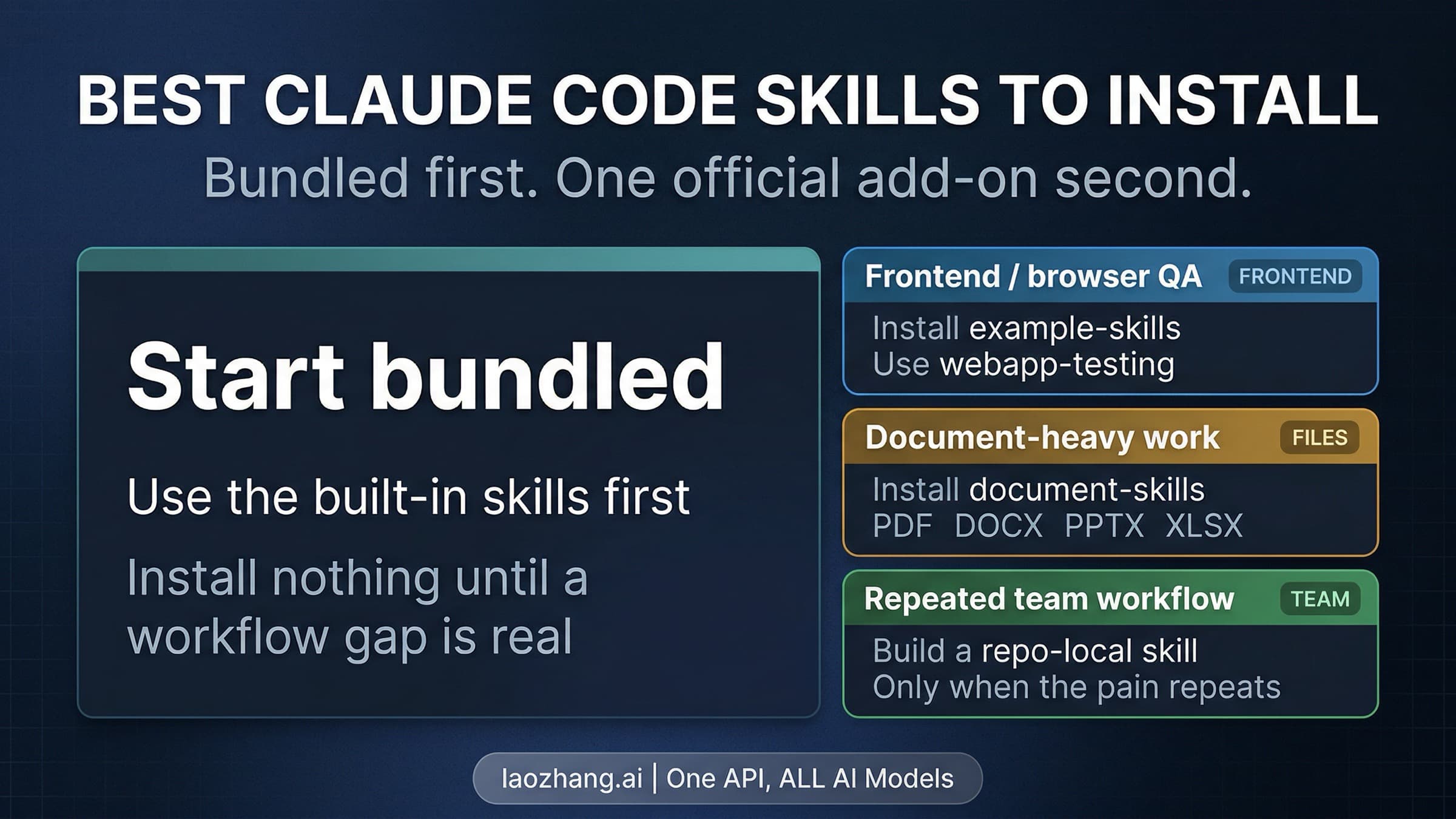
There is one more boundary worth making explicit. If your real problem is not external tool access but internal workflow knowledge, read our Claude Code skills guide. Skills are the better answer when the missing piece is reusable procedural knowledge inside the repo. MCP is the better answer when the missing piece is external access.
And if you still need the broader tool setup path before any integration choice matters, start with the full Claude Code install guide. This page should stay narrower than that guide. The point here is first-integration judgment, not rebuilding the whole environment.
FAQ
Which Claude Code MCP should I add first?
Start with the one that closes your biggest external workflow gap. For most repo-heavy developers, that is GitHub. For doc freshness problems, it is usually a current-docs MCP such as Context7. For frontend verification, it is Playwright. Do not pick by novelty. Pick by interruption cost.
Should I use connectors or raw MCP server configs?
Use the simplest trusted surface that gets the job done. If an official or clearly vetted connector exists, that is usually the best first move. Reach for raw or third-party server config when the workflow is real and the official route does not exist.
When is project-scoped .mcp.json the right move?
When the repo, not just one developer, needs the integration. If you are still proving whether the workflow matters, keep it personal first. Shared config should reflect a stable repeated need, not an early experiment.
Are third-party MCP servers safe?
Not automatically. Anthropic's current Claude Code MCP docs explicitly warn that Anthropic has not verified the correctness or security of all third-party MCP servers and call out prompt-injection risk for servers that can expose untrusted content. Treat third-party servers like real workflow dependencies, not like harmless browser extensions.
How many MCPs should I add?
Usually one or two at first. If the first integration already solves the main missing workflow, stop. The best early setup is the smallest one that clearly pays for itself.
Is this just another way of choosing Claude Code skills?
No. Skills solve internal workflow knowledge and reusable procedural guidance. MCP solves external tool and data access. The overlap is real only at the boundary where you are deciding whether the missing piece is knowledge or access.
The best Claude Code MCP strategy is smaller than it sounds. Start with the workflow bottleneck, not the ecosystem map. Prefer official or vetted surfaces first. Move to shared project setup only when the workflow is real enough to justify it. Everything else is mostly noise.
Sources3
External pages this guide links to, in the order they appear. Last updated Apr 8, 2026.
Sources3
External pages this guide links to, in the order they appear. Last updated Apr 8, 2026.