Nano Banana Pro "Unsupported File URI Type"? Fix the Gemini File Route
For "Unsupported file URI type," check the exact image value your app sent and the endpoint that rejected it. Native Gemini can accept supported HTTPS URLs; local paths, unresolved templates and base64 data URLs need a different payload. Verify the repair by getting an edited image from the same Pro request.
On this page
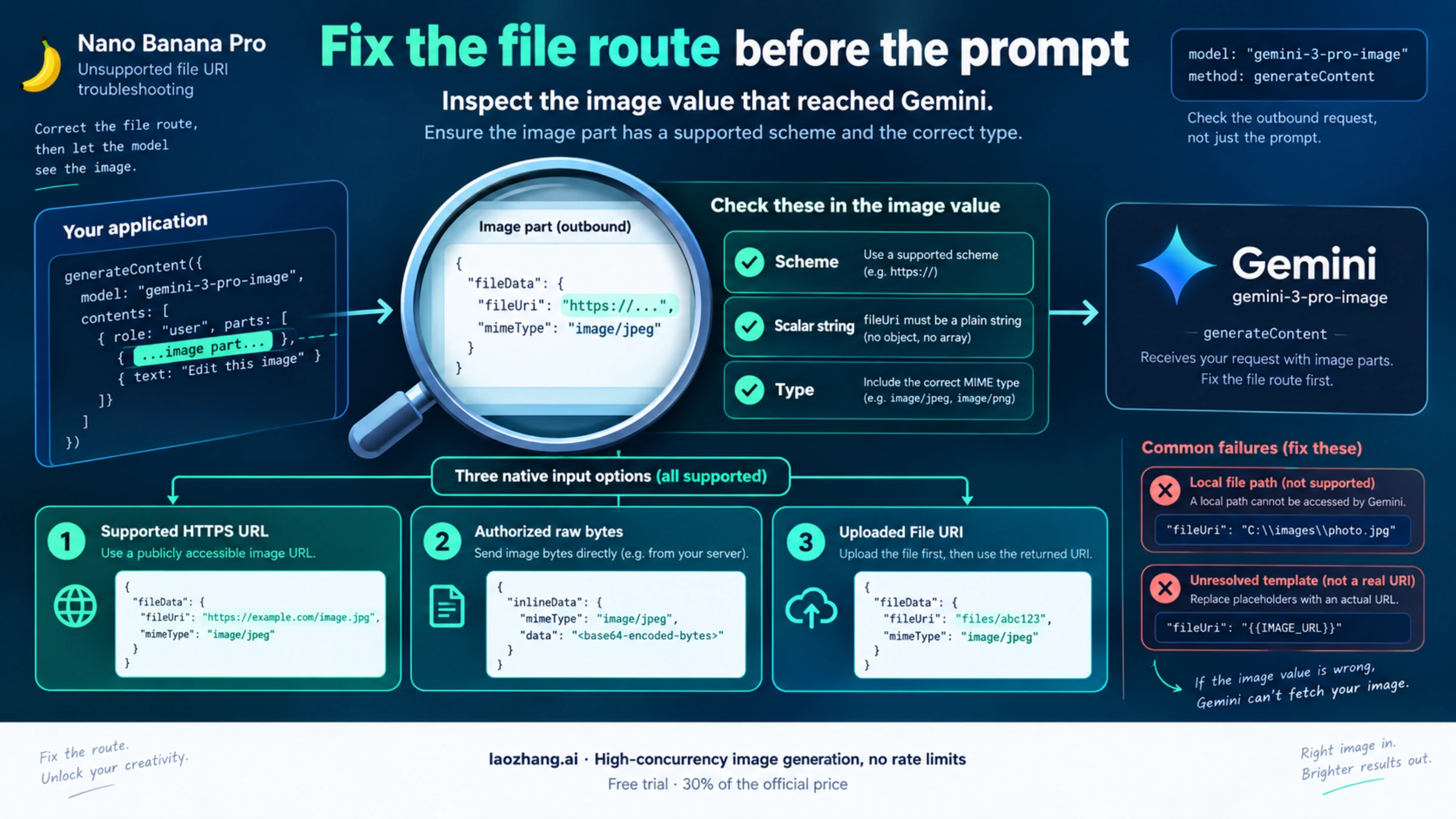
If Nano Banana Pro returns "Unsupported file URI type" or "Invalid or unsupported file uri," inspect the image reference in the final outgoing request before changing the prompt. A workflow expression such as {{ $json.imageUrls }}, an array, a local path or a data: URL can end up where the API expects one URI string.
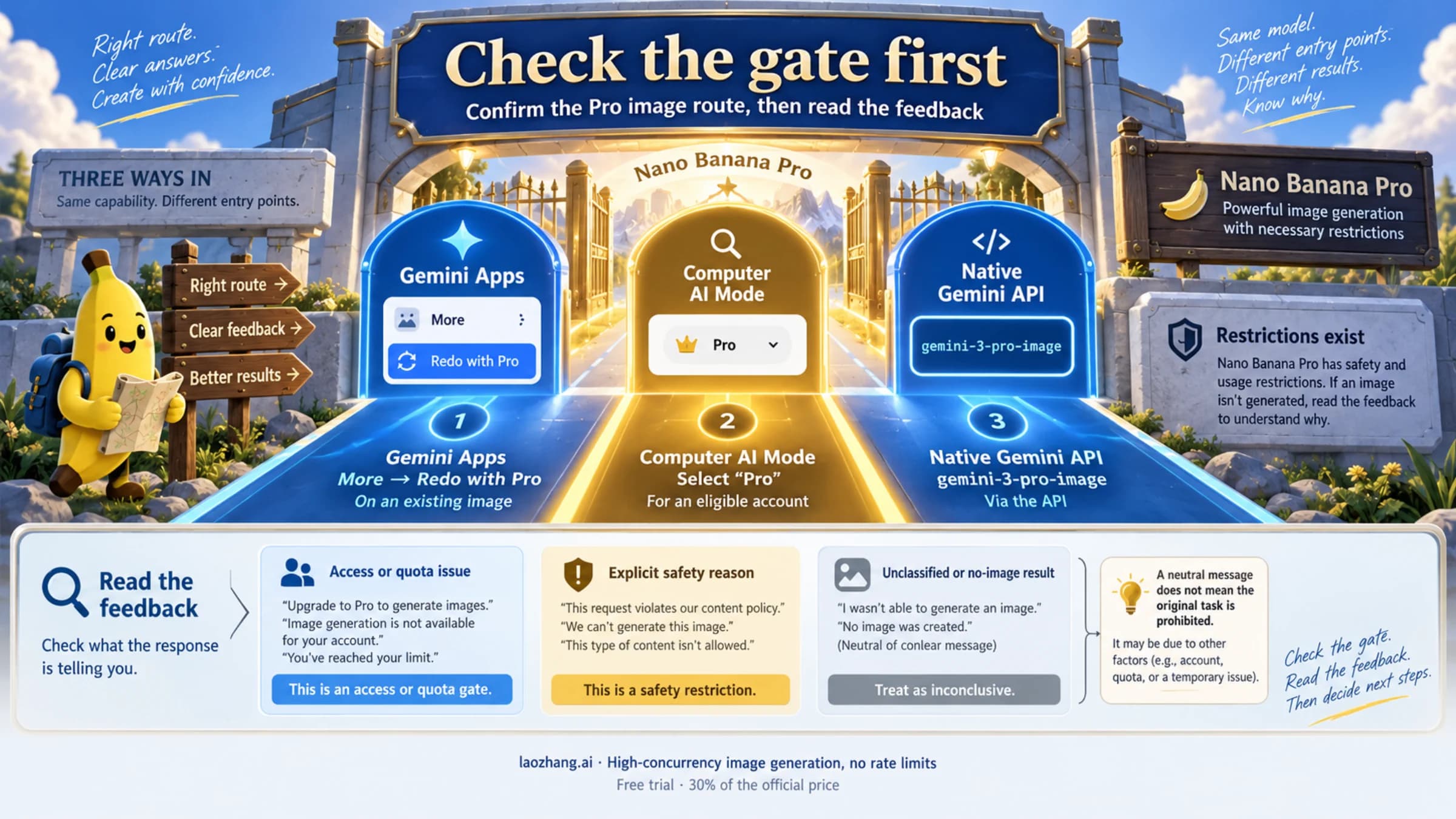
Native Gemini can accept supported public HTTPS and presigned URLs. Google's current file-input guide, updated October 1, 2026, documents this alongside inline bytes, uploaded files and registered Google Cloud Storage objects. Advice that every native HTTPS image must be uploaded first is outdated. The URL still has to satisfy the selected model's input support, retrieval rules, access conditions and size limits.
For a native Nano Banana Pro image-editing request, keep the generateContent endpoint and the intended Pro model, currently gemini-3-pro-image in Google's image-generation guide. Send an image as either a supported scalar fileData.fileUri or raw base64 bytes in inlineData. Then check that the response contains a final image and that it performs the requested edit. A text description of the input is not proof that image editing works.
30-Second Route Board
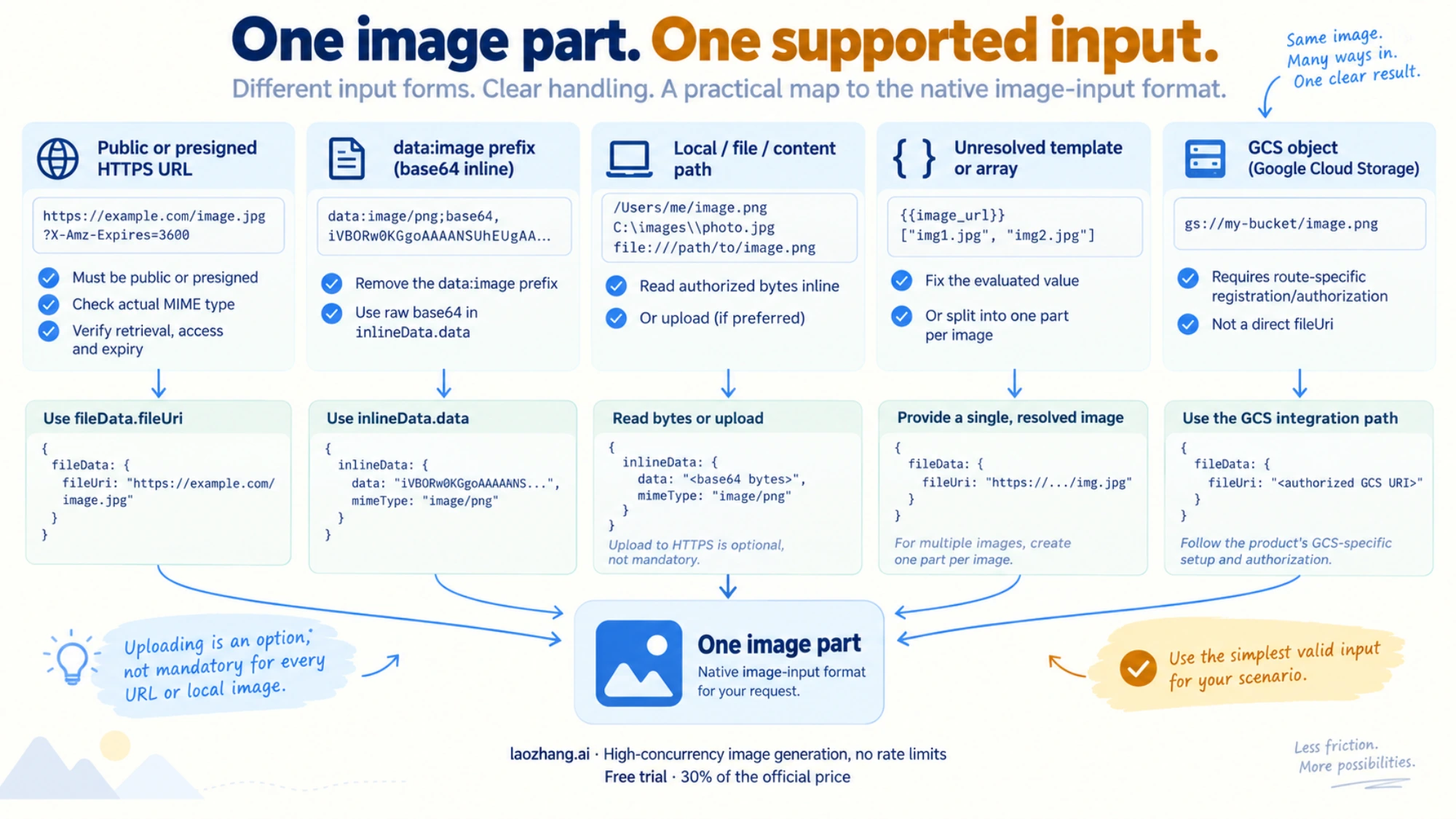
First identify the host, model, method and image field actually sent by your application. An SDK's input object or a workflow's preview is useful, but it may differ from the serialized request.
| Final image input | What to check | Smallest useful repair |
|---|---|---|
{{ $json.imageUrls }} or similar template text | Did the workflow evaluate the expression before sending it? | Fix expression mode and the source field; confirm the outgoing value is the intended string. |
An array or a string such as ["https://…"] | Does one file URI field contain multiple values? | Create one image part per image, each with one URI string. |
| Public or presigned HTTPS URL | Does this model and endpoint support URL input? Can Gemini retrieve the image before the link expires? | Keep a supported URL, correct its access/MIME conditions, or use approved local bytes to isolate retrieval. |
data:image/png;base64,… in native fileUri | Was a compatibility-style data URL placed in a native URI field? | Put raw base64 in native inlineData.data, with mimeType, and remove the data-URL prefix. |
/tmp/input.png, file://… or Android content://… | Is this only accessible to the device running your app? | Read the image into inline bytes or upload it and use the returned URI. |
| A Gemini upload URI that worked earlier | Is the File still available and ACTIVE? | Check its state and expiry; upload again if the resource expired. |
gs://bucket/object.png | Are you using Gemini registration or a Vertex-specific request? | Follow the actual route's storage and authorization contract; on Gemini, use the supported registration flow. |
The field names and accepted data shapes come from Google's native generateContent reference. One Part holds one data kind: text and image belong in separate parts. A valid PNG does not fix an invalid URI, and a syntactically valid URI does not guarantee the server can retrieve its image.
Inspect the Value That Reached the API
Before retrying, inspect the final image part without logging the full key, signed query string or private image bytes. You need to know the field name, whether the value is a string, its scheme, and whether it still contains template syntax. For a signed URL, redact the query parameters in diagnostics.
APIYI's April 8 workflow report describes the literal string {{ $json.imageUrls }} reaching an image request. That is a useful clue when your error includes the same expression. It does not establish that every occurrence has a template-related cause or that a particular workflow recipe fixes every provider.
Check three places in the pipeline:
- The source field: confirm the current item actually contains the image value.
imageUrlandimageUrlsare different property names. - The transformation: confirm a template was evaluated and an array was split into separate media parts, rather than converted into one string.
- The outgoing JSON: confirm the actual serializer produced the field and type the endpoint expects.
Missing values deserve their own check. In JavaScript, JSON.stringify({fileUri: undefined}) omits that property; explicit String(undefined) produces the string "undefined". Neither is a usable image reference, but they are different outgoing requests. Diagnose what was sent instead of assuming a variable name proves its value.
If the outgoing part already has the correct shape, move on to image access, MIME, resource lifetime and wrapper behavior. Different mistakes can produce different validation messages; the error text alone does not identify a universal cause.
If You Are Using Native Gemini file_data
The native route is:
POST https://generativelanguage.googleapis.com/v1beta/models/gemini-3-pro-image:generateContentThe JSON below uses the camel-case fields in Google's native schema: fileData, fileUri, inlineData and mimeType. Some REST examples use snake case, and Python SDK objects use their own documented names. Keep the chosen serializer's shape consistent; do not insert OpenAI-style image_url message items into native contents[].parts[].
Send a supported HTTPS image URL
For an image URL your application is permitted to share with Gemini, this is a native editing payload. Replace the illustrative URL with your actual supported image URL before sending it:
{
  "contents": [
    {
      "role": "user",
      "parts": [
        {"text": "Change the background to light blue. Keep the main subject unchanged."},
        {
          "fileData": {
            "mimeType": "image/png",
            "fileUri": "https://media.example.com/input.png"
          }
        }
      ]
    }
  ],
  "generationConfig": {"responseModalities": ["TEXT", "IMAGE"]}
}
Google retrieves the URL during processing. The image must be accessible through that request without your browser's session cookies, and a signed URL must remain valid long enough to be fetched. Confirm it points to image content rather than a login page, an HTML preview or an expired-link response. Set the MIME type to the actual image type, not a guess based solely on a filename.
The file-input guide supports public HTTPS and presigned S3/Azure URLs on applicable models, while excluding the Gemini 2.0 family from this method. It does not promise that every gateway, wrapper or image format shares the same support. A URL that opens in your browser is therefore a useful check, not a complete acceptance test.
For private images, use your approved scoped, short-lived access method or local bytes. Making an entire bucket public is unnecessary. If retrieval returns URL_RETRIEVAL_STATUS_UNSAFE, stop treating that as an ordinary expiry problem: it is a retrieval-policy rejection, and removing protections is not the repair.
Use local bytes to isolate the URL problem
If you have an authorized local copy of the image, inline input removes remote retrieval from the test. Native inlineData.data contains base64 of the raw image bytes, without data:image/…;base64,. This differs from a compatibility image_url data URL. Google's image-generation guide documents native image editing with image input and image output.
Save this as prepare_edit.py. It reads a PNG you supply and writes a complete request body; it makes no API call:
import base64
import json
import sys
from pathlib import Path

if len(sys.argv) != 2:
    raise SystemExit("Usage: python3 prepare_edit.py input.png")

image = Path(sys.argv[1]).read_bytes()
if not image.startswith(b"\x89PNG\r\n\x1a\n"):
    raise SystemExit("This example expects a PNG; use the actual MIME for another format.")

payload = {
    "contents": [{
        "role": "user",
        "parts": [
            {"text": "Change the background to light blue. Keep the main subject unchanged."},
            {"inlineData": {
                "mimeType": "image/png",
                "data": base64.b64encode(image).decode("ascii")
            }}
        ]
    }],
    "generationConfig": {"responseModalities": ["TEXT", "IMAGE"]}
}
Path("request.json").write_text(json.dumps(payload), encoding="utf-8")
Run the preparation step with a small PNG you can recognize. Then, from a terminal where your own authorized GEMINI_API_KEY is already configured, submit the body to the same native Pro endpoint:
python3 prepare_edit.py input.png
curl --silent --show-error --fail-with-body \
  'https://generativelanguage.googleapis.com/v1beta/models/gemini-3-pro-image:generateContent' \
  -H "x-goog-api-key: ${GEMINI_API_KEY}" \
  -H 'Content-Type: application/json' \
  --data-binary @request.json \
  --output response.json
This generation request can incur charges. The examples here were checked offline for payload construction and decoding, not submitted as a live editing test. For the URL variant, save the corrected URL payload as request.json and use the same submission command.
If inline bytes work but the supported URL variant fails on the same endpoint and model, investigate retrieval or the wrapper's handling of URLs. If both fail with malformed-input errors, examine the native payload, MIME and original image bytes first. Keep the comparison on the same Pro model so a successful image-captioning request does not conceal a broken editing route.
Upload an image and reuse the returned File URI
Upload is useful when you want to reuse a file without embedding its bytes in every request. With an already configured Google Gen AI SDK client, the upload step is:
uploaded = client.files.upload(file="input.png")
print(uploaded.uri, uploaded.mime_type)
This is an upload fragment, not a complete client-setup script. Use the returned uri as the native payload's fileData.fileUri and its actual MIME as mimeType. Do not substitute uploaded.name, a guessed files/... path or the original local filename.
Check the File metadata before inference. ACTIVE means ready; PROCESSING means it is not ready yet; FAILED means inspect the file error and stop blindly retrying. If processing is relevant, use bounded polling through files.get, with failure and timeout handling. Standard uploaded files are retained for 48 hours, so old cached references need an expiry check. See the Files API reference and the file-input method limits.
If Your Input Is a GCS Object, Public URL, or Vertex Path
The correct method depends on which service owns the request. Direct HTTPS input, a Gemini upload and a registered GCS object are distinct methods; a storage object's existence does not make every reference to it interchangeable.
For supported GCS registration on the Gemini Developer API, the registration endpoint is POST https://generativelanguage.googleapis.com/v1beta/files:register. Its request takes a uris array of GCS object strings; its response returns File resources. Use a returned File's URI for generation. This registration array does not mean fileData.fileUri itself can be an array.
Registration requires the documented caller OAuth authorization, enabled API/service identity, and appropriate caller and Gemini service-agent access to the objects. Google's guide describes bucket-scoped Storage Object Viewer access for the service agent. An API key alone is not sufficient for registration. Follow the GCS registration prerequisites and register API reference, rather than changing bucket visibility to fix a URI error.
Registered objects are fetched when used and one registration provides access for up to 30 days. That is different from the standard upload's 48-hour storage period. Registration also fails as a whole if any requested object cannot be registered, so inspect the registration response before building the editing request.
If your application actually calls Vertex AI, retain its project, location, publisher and identity contract. Do not silently move a Gemini Developer API request to Vertex because both products use Google models. A March 2025 forum report concerned Gemini 2.0 and GCS/API-key versus Vertex authorization; it does not override the current HTTPS-input and registration documentation.
If You Are Using OpenAI-Compatible image_url
Gemini's own compatibility endpoint uses /v1beta/openai/ and OpenAI-style message content. Its image-understanding documentation supports an image_url item whose url can be a base64 data URL, such as data:image/png;base64,….
That shape belongs to the documented compatibility operation. It does not make a data URL valid in native fileData.fileUri, and an image-understanding example does not establish that your compatibility chat-completions request can produce a Nano Banana Pro edited image. Confirm the provider's supported model, editing action and output format before changing fields.
If compatibility image input fails, check that the data URL was preserved and that the client did not rewrite it into a native URI field. If your intended operation is the native Pro edit demonstrated above, use the complete native payload and endpoint together. Do not combine a native file part with an OpenAI message structure and expect either API to infer your intention.
Verify the Fix and Catch the Remaining Edge Cases
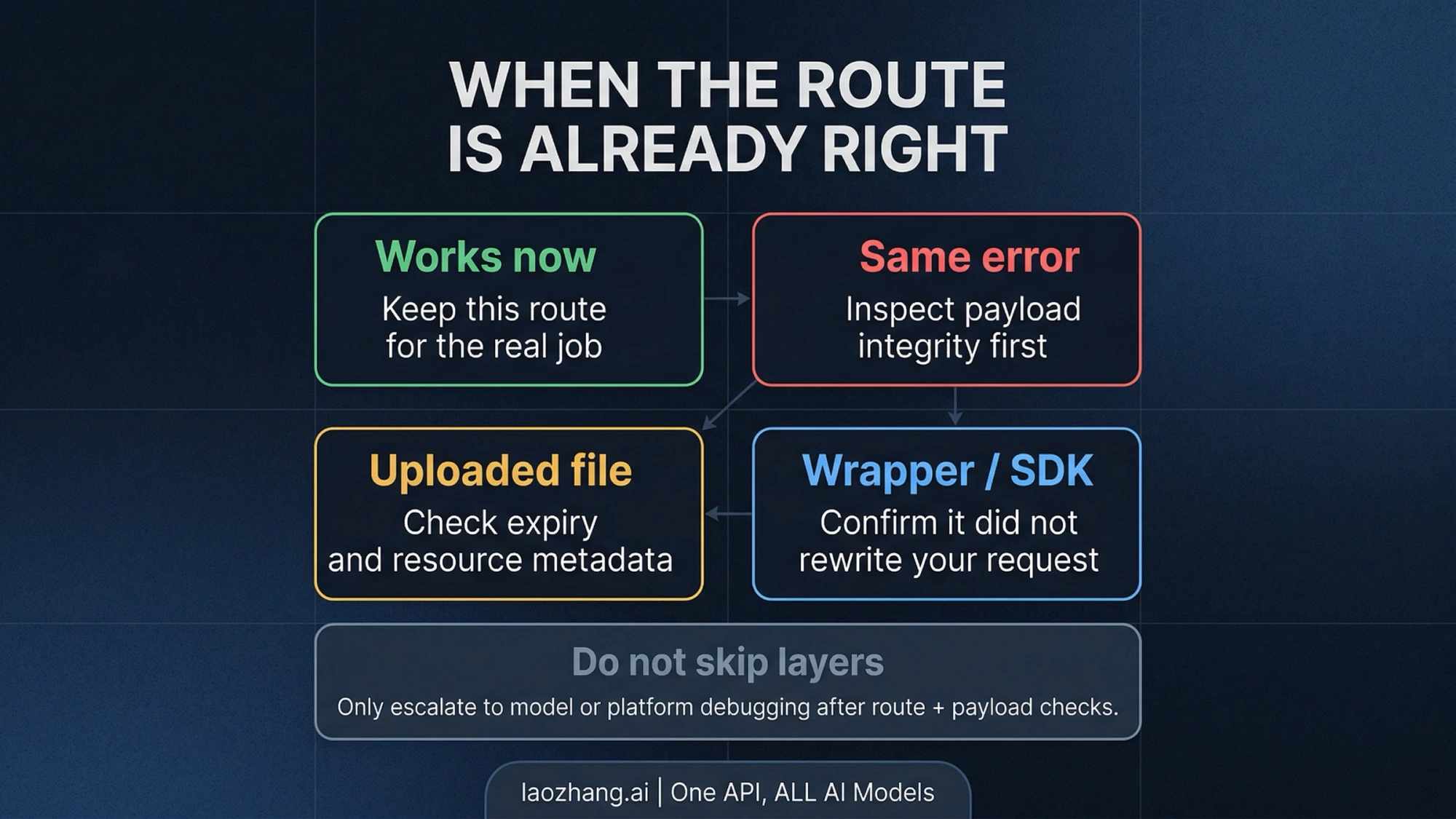
Verification means getting the intended image through the same route that failed. HTTP 200, a successful upload or a response describing the source image is insufficient.
For the native REST response saved above, this decoder extracts non-thought image parts. Save it as save_edit.py and run python3 save_edit.py:
import base64
import json
from pathlib import Path

response = json.loads(Path("response.json").read_text(encoding="utf-8"))
if "error" in response:
    raise SystemExit("The API returned an error; inspect its status and message safely.")

extensions = {"image/png": "png", "image/jpeg": "jpg", "image/webp": "webp"}
count = 0
for candidate in response.get("candidates", []):
    for part in candidate.get("content", {}).get("parts", []):
        if part.get("thought"):
            continue
        image = part.get("inlineData") or part.get("inline_data")
        if not image:
            continue
        mime = image.get("mimeType") or image.get("mime_type", "")
        if mime not in extensions or not image.get("data"):
            continue
        raw = base64.b64decode(image["data"], validate=True)
        if not raw:
            raise SystemExit("The image part decoded to empty bytes.")
        count += 1
        Path(f"edited-{count}.{extensions[mime]}").write_bytes(raw)
if count == 0:
    raise SystemExit("No final image found; inspect finishReason and promptFeedback.")
print(f"Saved {count} image(s). Open them and verify the requested edit.")
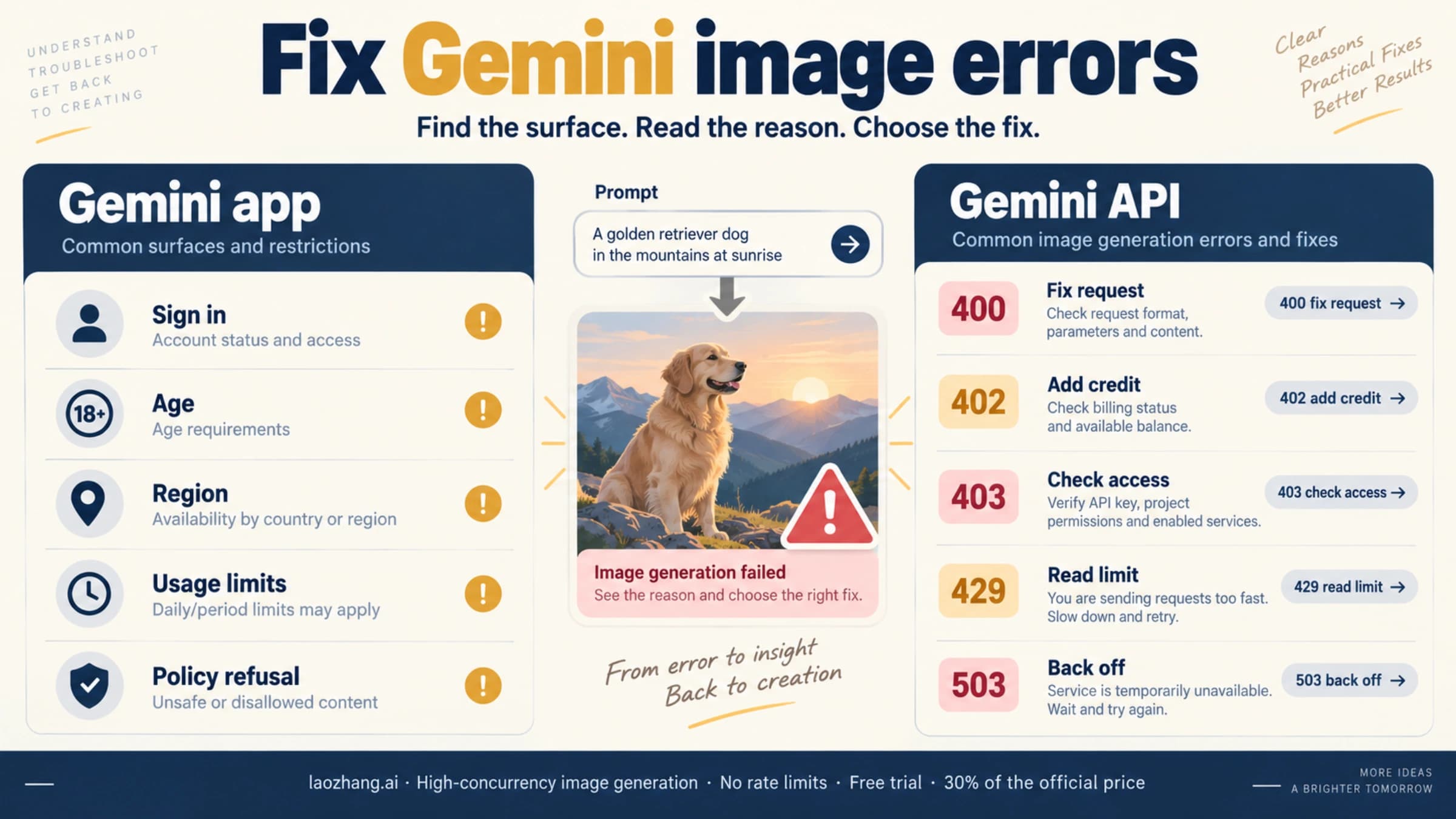
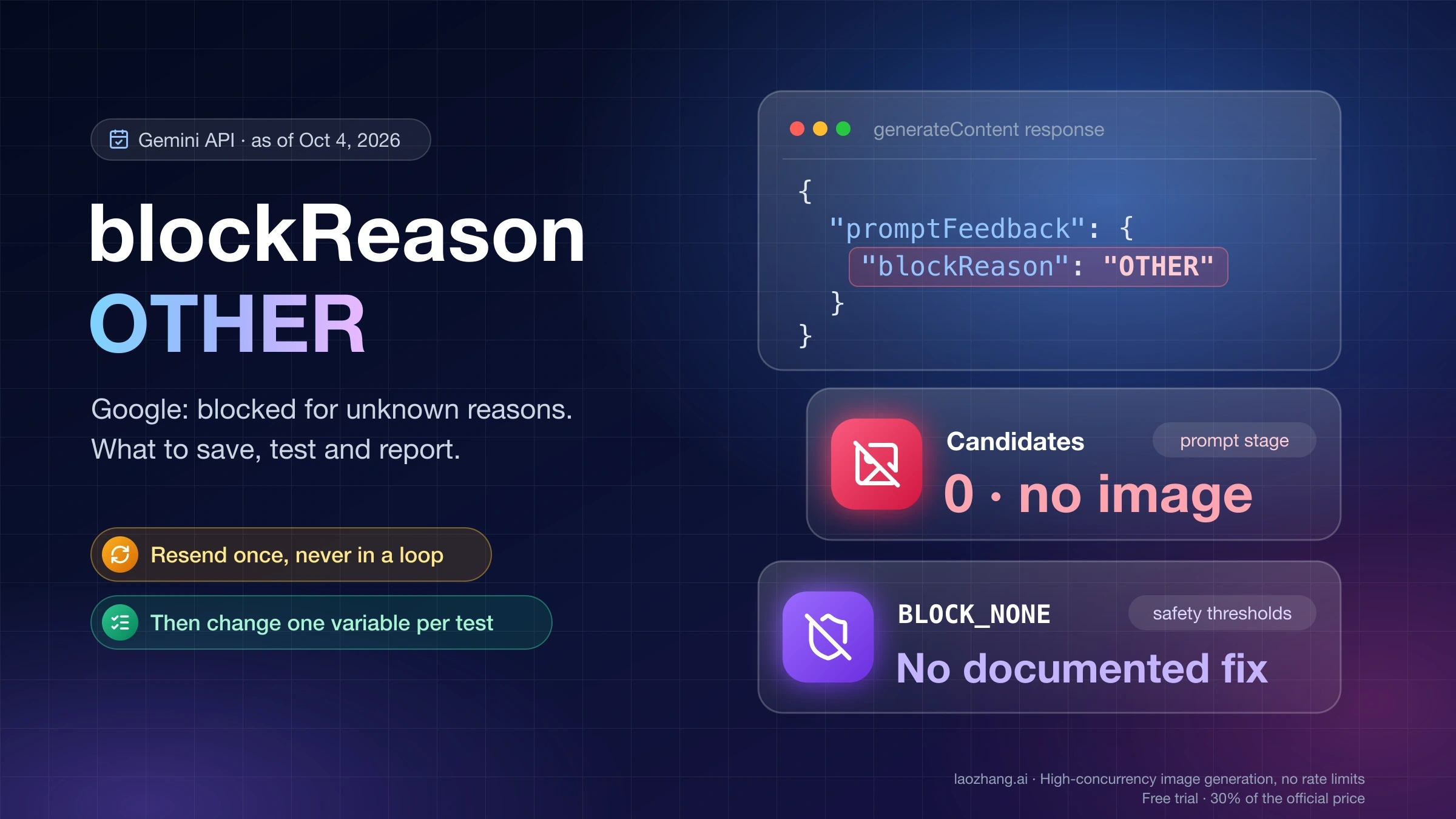
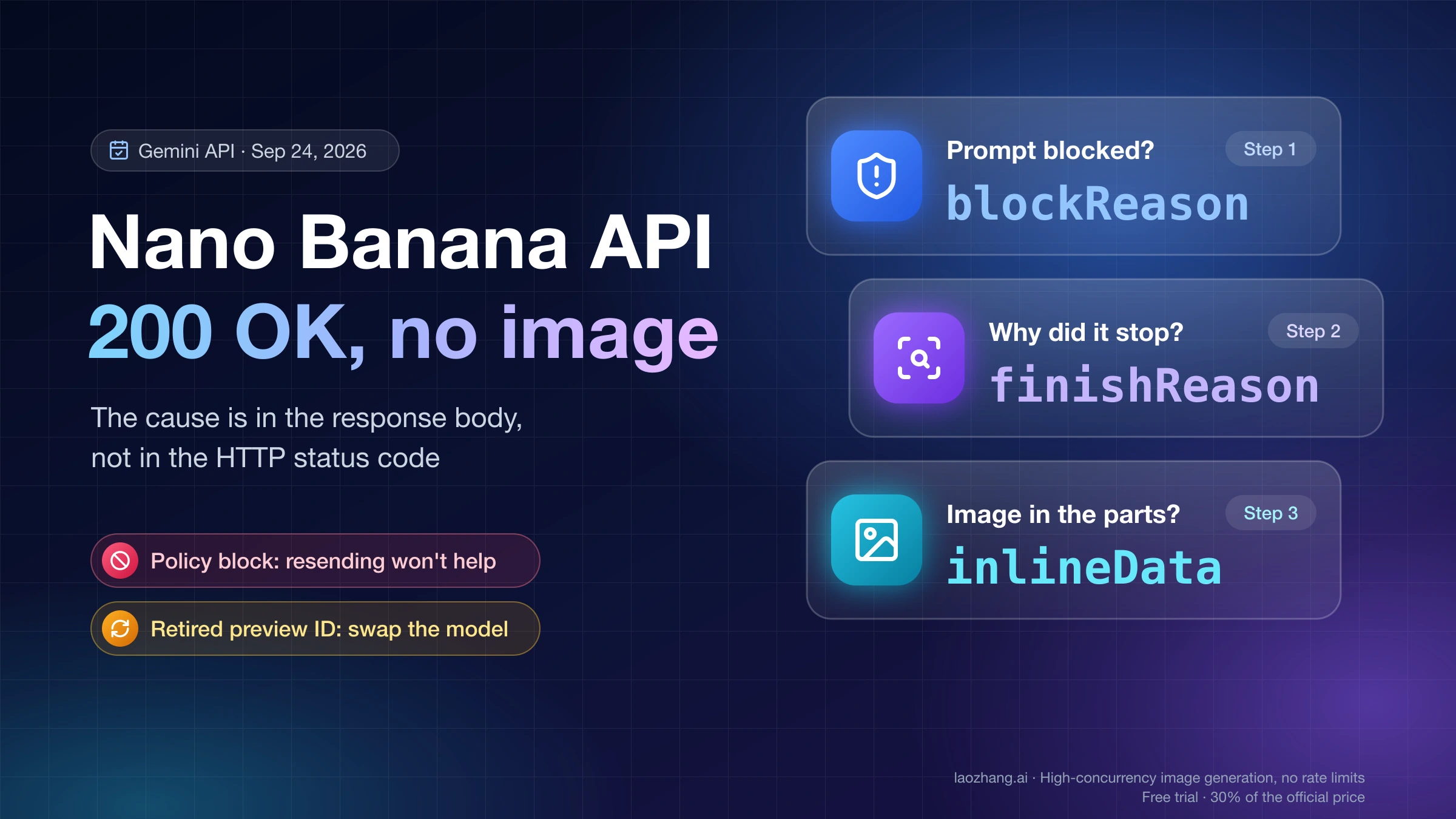
Open the saved image and check the requested background change and retained subject. If no image was returned, read the candidate's finishReason and the response's promptFeedback; do not label a text-only result as a repaired editing workflow. For HTTP errors or blocked/empty image results beyond file routing, continue with Gemini image error codes and retry rules, which distinguishes native status responses from other API shapes.
If the reference remains rejected, compare the failing application's final request with the direct native payload:
- Wrapper conversion: an SDK may download a URL locally and submit bytes, while a gateway may pass the URL through. Those are different input paths even when your application code starts with the same URL.
- MIME and contents: confirm the bytes actually match the declared image type. An HTML response labeled
image/pngis not a PNG. - Lifetime: distinguish a signed input URL's expiry, an uploaded File's expiry and a registered object's access period.
- Provider limits: Google's generic file-method limits are not a universal Nano Banana Pro or gateway allowance. The Comfy Router Pro documentation, for example, specifies 20 MB inline input and 24-hour generated-image signed URLs on its own route. Those are separate from Google's upload retention and registration periods.
Historical Vercel AI issue 10692 and issue 10349 describe URL handling differences in 2025 wrapper versions. They justify checking your actual adapter and wire payload; their closed status does not prove a current 2026 bug, a universal fix or a need to downgrade.
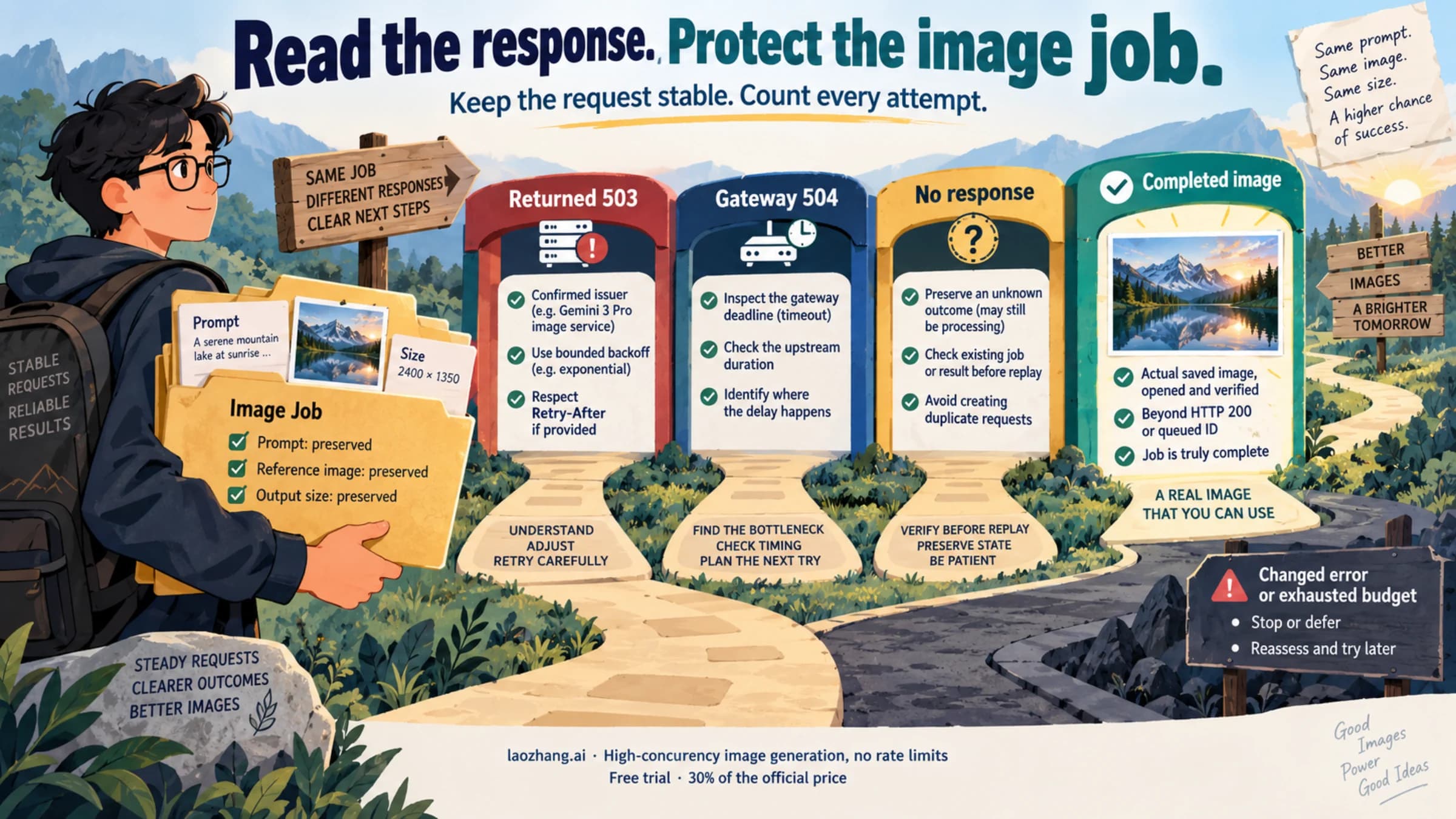
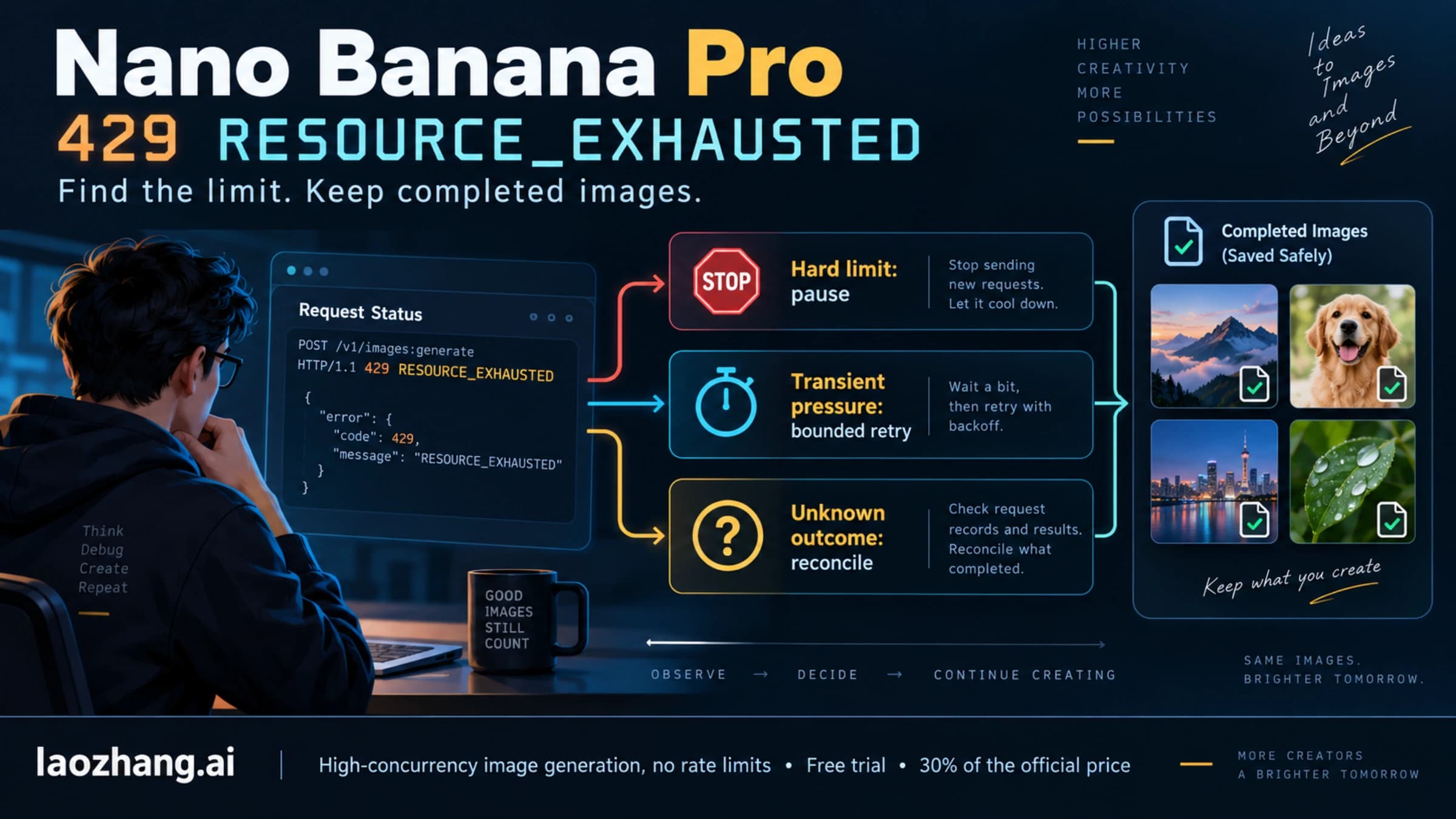
Once the symptom changes to model access, authorization, quota or another error, follow that error's specific instructions. Repeatedly rewriting the image URI will not repair an unrelated 403, model 404 or quota 429.
FAQ
Can I use a public HTTPS URL directly in native Gemini?
Yes, on a supported model and request route, subject to retrieval, permissions, MIME and size conditions. Google's current file-input guide documents public HTTPS and presigned input URLs; it excludes Gemini 2.0 from this method. Uploading is an alternative, not a mandatory step for every HTTPS image.
Does data:image/…;base64,… belong anywhere in Gemini?
Yes, in the documented compatibility image_url operation. For native image input, put raw base64 in inlineData.data with the correct mimeType, without that prefix. See the compatibility guide and native API schema. Neither input shape by itself proves Pro editing output.
Can I pass several URLs in one fileUri?
No. The native schema defines fileUri as a string. Add a separate media part for each intended image, within the selected model's limits. A JSON array and a stringified array are both different from one valid URI.
Do local files have to be uploaded first?
No. Read their bytes into native inlineData, or upload them and reuse the returned File URI. Sending /tmp/input.png, file://… or a device-only content://… as the remote reference does not give Gemini access to the file on your device.
Does every reusable reference expire after 48 hours?
No. Standard Gemini uploads last 48 hours; registered GCS access can last up to 30 days per registration; signed URLs follow their own expiry. Check the metadata and the provider's contract rather than imposing one lifetime on every method. Google's file-input guide distinguishes these methods.
Sources10
External pages this guide links to, in the order they appear. Last updated Oct 7, 2026.
Sources10
External pages this guide links to, in the order they appear. Last updated Oct 7, 2026.
- 1.current file-input guideai.google.dev/gemini-api/docs/generate-content/file-input-methods
- 2.Google's image-generation guideai.google.dev/gemini-api/docs/generate-content/image-generation
- 3.native generateContent referenceai.google.dev/api/generate-content
- 4.APIYI's April 8 workflow reporthelp.apiyi.com/en/nano-banana-pro-unsupported-file-uri-type-error-fix-en.html
- 5.Files API referenceai.google.dev/api/files
- 6.March 2025 forum reportdiscuss.ai.google.dev/t/400-invalid-or-unsupported-file-uri/73951
- 7.image-understanding documentationai.google.dev/gemini-api/docs/openai
- 8.Comfy Router Pro documentationdocs.comfy.org/ja/development/comfy-router/models/google/nano-banana-pro/code
- 9.Vercel AI issue 10692github.com/vercel/ai/issues/10692
- 10.issue 10349github.com/vercel/ai/issues/10349