Nano Banana Pro API: Official Docs, Working JSON, YAML Config, and PDF Rules
Use gemini-3-pro-image through Google's current Interactions API, keep prompt JSON separate from request JSON, and route PDFs through a document-capable model first.
On this page
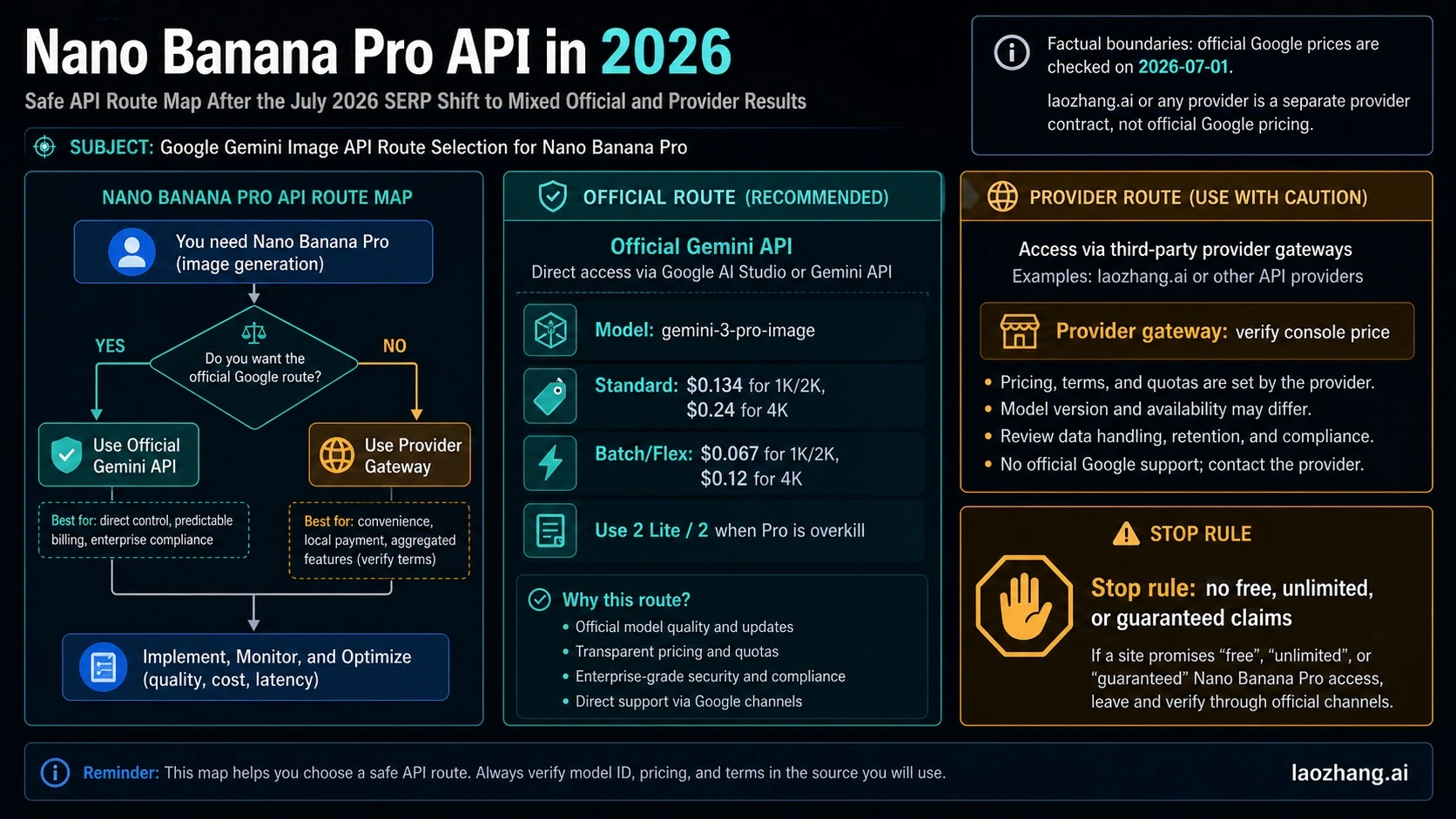
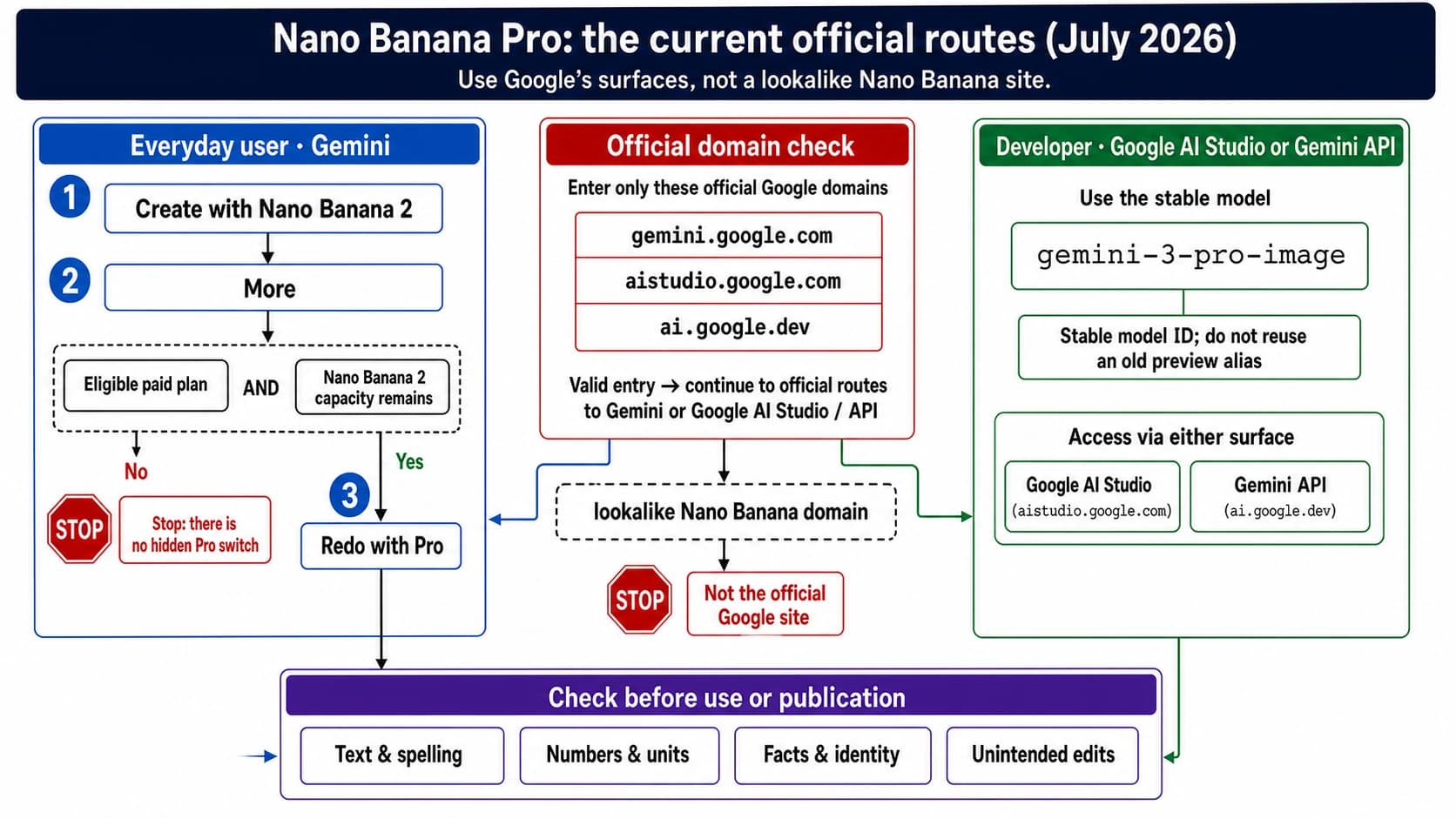
Nano Banana Pro is Google’s Gemini 3 Pro Image model. The current official ID is gemini-3-pro-image. For a new Google-direct integration, start with the generally available Interactions API and its current image-generation request.
Copy this official request first
Put a Gemini API key from Google AI Studio in GEMINI_API_KEY, then run:
curl -sS -X POST \
  "https://generativelanguage.googleapis.com/v1beta/interactions" \
  -H "x-goog-api-key: $GEMINI_API_KEY" \
  -H "Content-Type: application/json" \
  -d '{
    "model": "gemini-3-pro-image",
    "input": [{
      "type": "text",
      "text": "Create a 16:9 poster for a neighborhood night market. Show one illustrated street arch at dusk. Include exactly the words FRIDAY NIGHT MARKET and 6–10 PM. Do not add sponsor logos, prices, or extra lettering."
    }],
    "response_format": {
      "type": "image",
      "aspect_ratio": "16:9",
      "image_size": "2K"
    }
  }'
This refresh checked field ownership and syntax on July 20, 2026. It did not make a paid image request, so “working JSON” here means a current, locally valid contract example—not a fresh latency, quality, or success-rate benchmark.
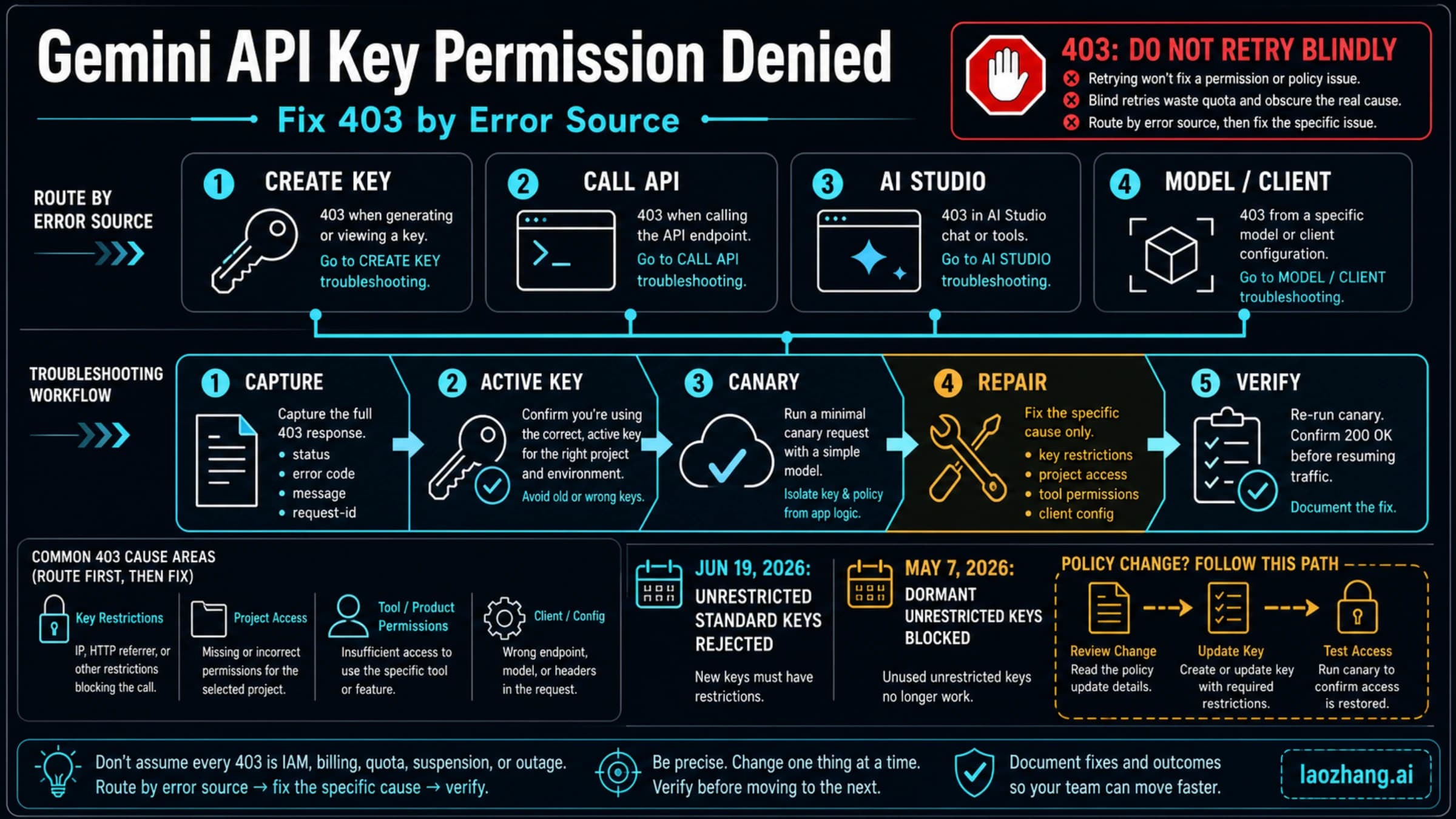
If the request fails, freeze the prompt and verify the endpoint, key issuer, model ID, request body, response shape, and project quota in that order. Changing all six at once destroys the evidence you need to diagnose the call.
The response shape belongs to the endpoint
Interactions returns an interaction object. A single-image SDK response may expose an output_image shortcut; mixed or more complex output can appear in steps and model_output content. Inspect the returned object before declaring “success but no image,” and avoid saving both a shortcut and the same image block twice.
Google also keeps the older generateContent image route documented for existing code. It uses contents[].parts[], generationConfig, and response parts. That is a complete compatibility contract, not a bag of fields to paste into Interactions.
The distinction matters during debugging:
| Contract | Request owner | Expected output | Common mismatch |
|---|---|---|---|
| Google Interactions | model, input, response_format | interaction image output/steps | Parser waits for candidates or a URL |
Google generateContent | contents, generationConfig | candidates[].content.parts[] | Body contains Interactions snake_case fields |
| Async provider | Provider endpoint and body | task ID, polling result, or URL | Google key or model ID is sent to a wrapper |
Request JSON is not a “JSON prompt”
The JSON above is a transport envelope owned by Google. A structured prompt object is an optional artifact owned by your application. It can improve reviewability, but Google does not publish a special Nano Banana Pro JSON prompt language.
For the poster example, an application might store:
{
  "job": "night-market-poster",
  "must_show": ["illustrated street arch", "dusk lighting"],
  "exact_text": ["FRIDAY NIGHT MARKET", "6–10 PM"],
  "forbid": ["sponsor logos", "prices", "extra lettering"],
  "output": {
    "aspect_ratio": "16:9",
    "image_size": "2K"
  }
}
Validate this object, render its semantic fields into natural-language input, then copy only supported output values into response_format. Google’s Structured Outputs constrains a model’s response JSON; it does not turn an arbitrary prompt object into an official image request schema.
A six-field portability check
Before moving code between Google and a gateway, write down these owners:
- Endpoint: exact base URL and API version.
- Model: official Google ID or provider-owned alias.
- Authentication:
x-goog-api-key, Bearer token, or another documented header. - Body: Interactions,
generateContent, OpenAI-compatible, or provider-specific. - Response: inline image, response parts, URL, or async task.
- Output contract: ratio, size, MIME, safety result, and retry behavior.
This check catches most copied-template failures. negativePrompt, seed, cfg_scale, or a Stable Diffusion sampler is not valid merely because another image API accepts it. If the selected contract does not document a field, express the constraint in natural language or stop.
PDFs need a document gate
The current Gemini 3 Pro Image model card lists text and image input. Google’s separate document-processing guide supports PDF workflows on document-capable Gemini models, with general limits such as 50 MB or 1,000 pages. Those capabilities do not make PDF a declared direct input for gemini-3-pro-image.
For a report-to-infographic job:
- Send the PDF to a document-capable model under the documented
application/pdfroute. - Extract only the facts, page references, table values, and labels needed for the visual.
- Verify critical values against the source pages.
- Render selected pages to images when layout or diagrams matter.
- Send verified text and selected page images to Nano Banana Pro.
Stop when the requirement is “preserve every page, footnote, table, and legal statement.” That is document production, not a normal image-generation call. Sensitive documents also need an approved data route before upload.
Keep reusable settings in YAML
YAML is useful for a versioned job library, but it remains application configuration:
route: google-interactions
model: gemini-3-pro-image
credential_env: GEMINI_API_KEY

prompt:
  job: night-market-poster
  exact_text:
    - FRIDAY NIGHT MARKET
    - 6–10 PM
  forbid:
    - sponsor logos
    - prices
    - extra lettering

output:
  aspect_ratio: "16:9"
  image_size: 2K
Parse and type-check the file, resolve the named credential from a secret store, render the prompt, and map the result into the selected JSON contract. Do not POST it as application/yaml. Keep 1K, 2K, and 4K uppercase, and reject a ratio that is not present in the current Pro table.
Current capability and cost boundaries
The official image guide currently lists ten Pro ratios: 1:1, 2:3, 3:2, 3:4, 4:3, 4:5, 5:4, 9:16, 16:9, and 21:9, with 1K, 2K, and 4K output tiers. A generic image-config reference and some providers show additional ratios; do not advertise fourteen as an official Pro guarantee without a route test. “4K” is a tier, not 4096×4096 at every ratio.
Google describes up to fourteen reference images in total, with task guidance of up to six object, five character, and three style references. The same guide also mentions a five-high-fidelity-image boundary. Treat fourteen as a ceiling with category and fidelity limits.
The official pricing page, checked July 20, 2026, lists Standard image output at $0.134 for 1K/2K and $0.24 for 4K. Batch and Flex list $0.067 and $0.12. The Pro row has no Free Tier; input, text/thinking output, grounding, retries, taxes, and other billable components can add cost.
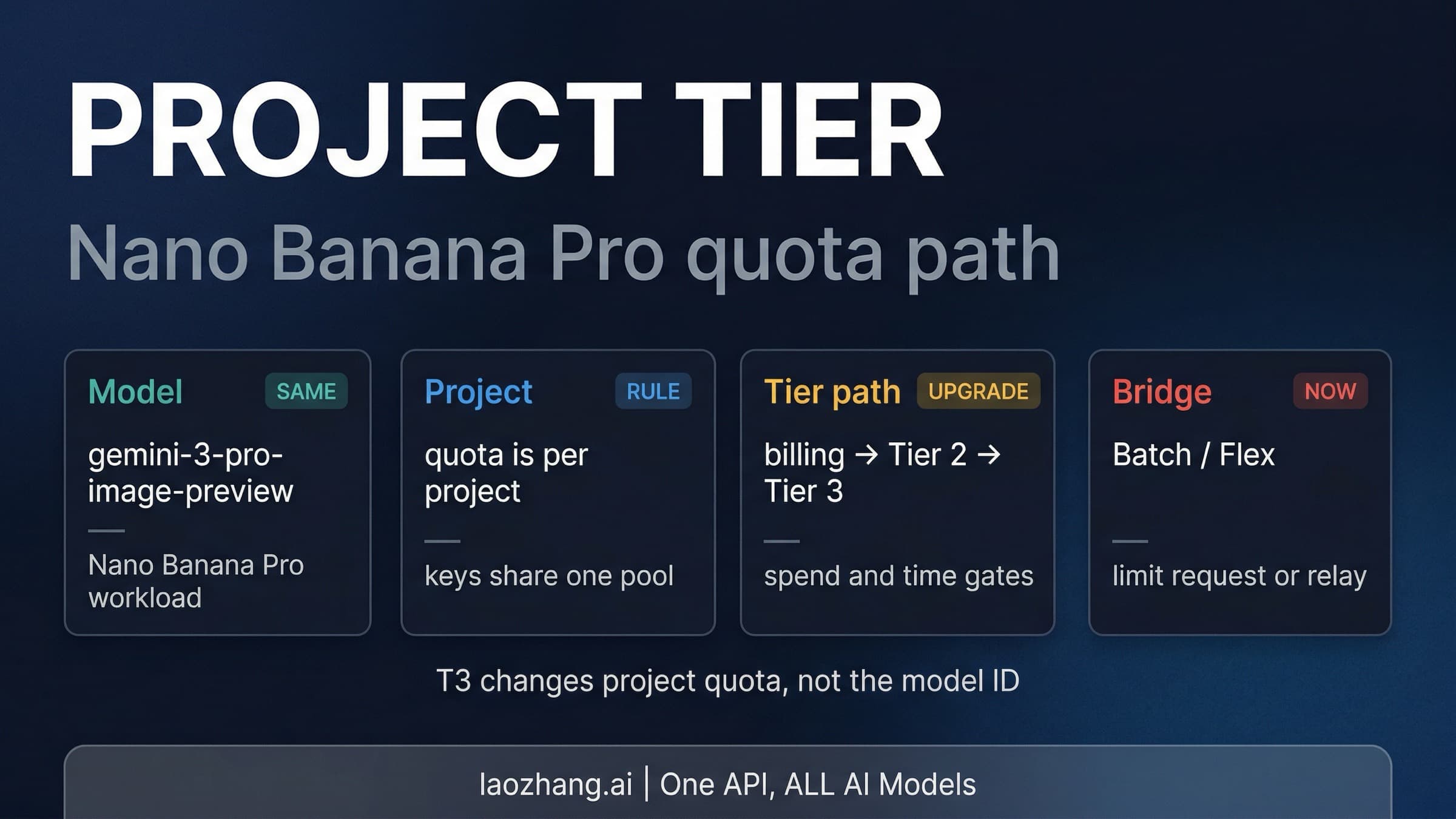
Rate limits are enforced per project, not per key. Check the current rate-limit documentation and the active project view before load testing. Creating more keys does not multiply project quota; use the quota guide for that separate task.
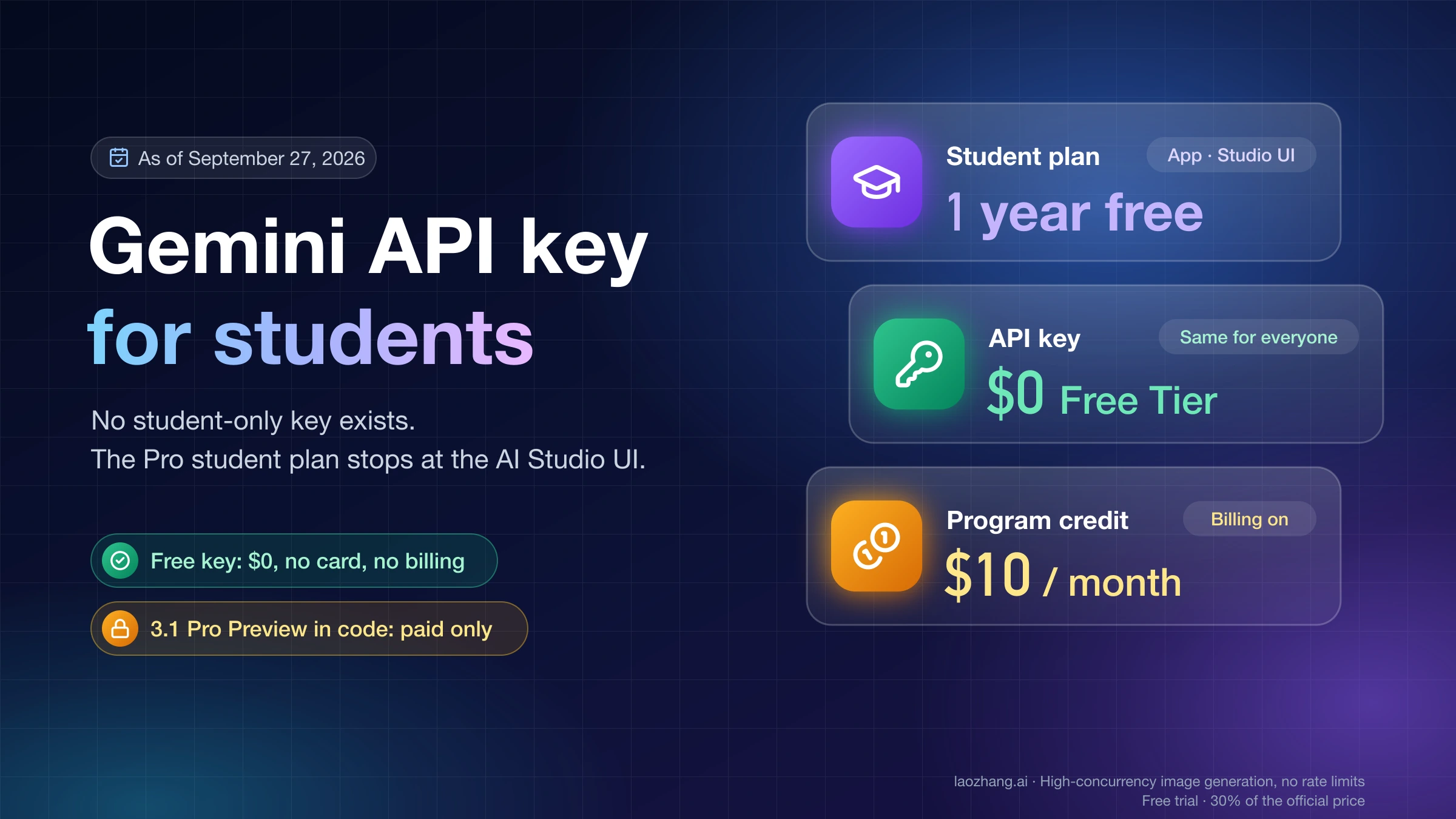
Google’s current API-key documentation says new keys default to auth keys and standard keys will be rejected in September 2026. If your only task is credential setup, use the narrower Nano Banana Pro API key guide.
A provider is a separate operational choice
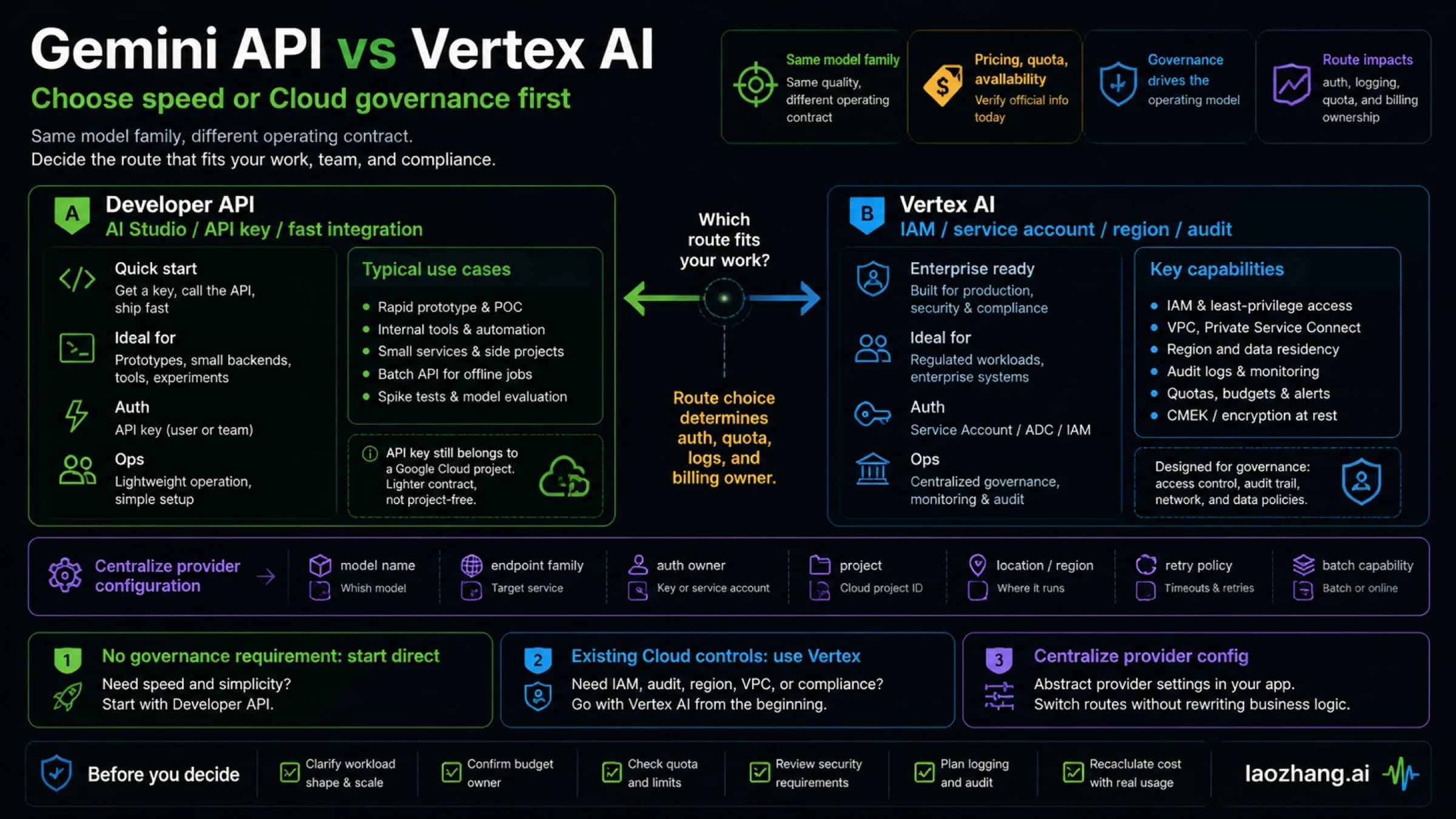
A gateway may be useful for unified billing, model switching, or provider-side logs. Its endpoint, key, alias, price, retention, failed-call rules, and parser remain provider-owned.
Current public laozhang.ai generation docs list alias gemini-3-pro-image and $0.09/call. The simple OpenAI-compatible route is documented for a fixed 1:1/1K path, while custom ratios and 2K/4K use its generateContent-compatible route. These are provider facts, not Google pricing or endpoints.
Before production, compare the live console price, returned model metadata, output dimensions, logs, failed-call billing, and retention terms. If the provider cannot explain an alias or response contract, stop rather than guessing.
The practical production rule is: choose one contract, validate its six owners, make one bounded test, then scale.