Fix Gemini 3 Pro Image 503 Errors: Model Overloaded and Deadline Expired
A Nano Banana Pro 503 can include Deadline expired wording. Check the responding service and error code first, retry with a clear limit, and count recovery only when the same image request produces a usable result.
On this page
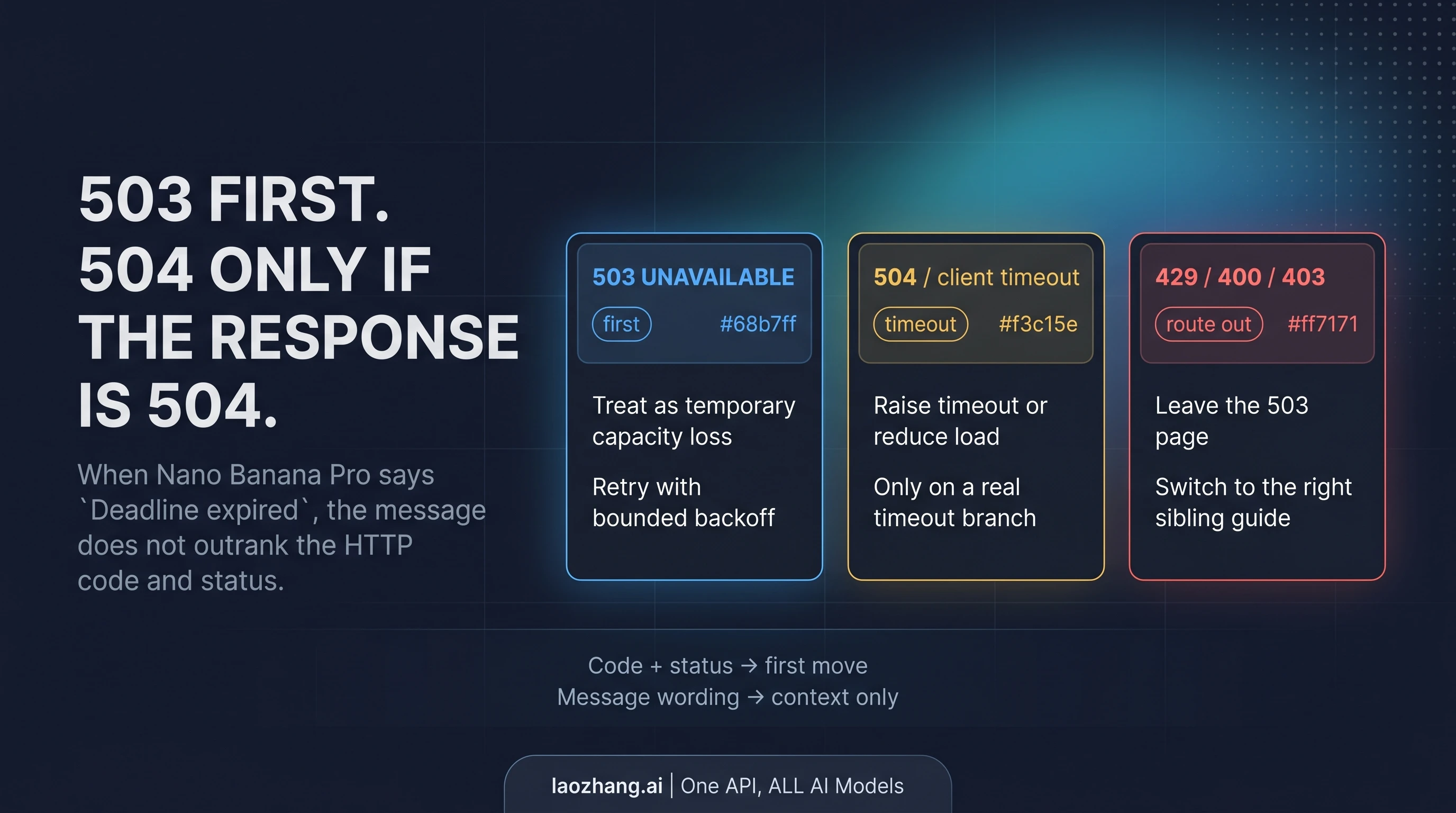
For a Gemini 3 Pro Image 503, first confirm which service returned it, then retry the same request with bounded backoff. The phrase Deadline expired before operation could complete. does not turn an HTTP 503 UNAVAILABLE into a 504. If the response is actually 504, investigate the upstream deadline. If your client disconnected without a response, first check whether the image job completed before sending it again.
For an immediate recovery attempt, keep the endpoint, model, input and required image size unchanged; pause new parallel submissions; and allow only a limited number of retries within the time your application can spend. Stop when the error changes, the wait no longer fits that budget, or the outcome of an earlier request is unknown. A successful HTTP response still needs to contain the image you requested.
The distinctions below follow Google's documentation and the HTTP standard checked on October 7, 2026. The timing example was checked offline with synthetic responses; it is an application design example, not a live API test or a promised recovery time.
Read the response before choosing a fix
A 503 means the service answering your request is temporarily unable to handle it; overload and maintenance are possible explanations. It does not identify a particular GPU shortage, prove a Google-wide outage, or tell you when capacity will return. A 504 means a gateway or proxy did not receive a timely upstream response. These definitions come from HTTP semantics.
Start by recording the endpoint host and API method, model ID, timestamp with time zone, HTTP status, structured error fields, elapsed time and any request ID. Keep credentials and private prompts out of shared logs. Then identify the issuer: Google directly, Vertex AI, a third-party provider, or your own application's gateway. Your application's 503 can describe its own queue or backend; it is not automatically an upstream Google response.
| What you actually received | First action | What ends this branch |
|---|---|---|
| A known issuer's HTTP 503, with a matching availability error | Space out a bounded retry of the same request; honor a supplied Retry-After | Usable image, changed error, retry limit or elapsed-time limit |
HTTP 504, or Interactions deadline_exceeded | Check the responding gateway's deadline and upstream duration | A diagnosed timeout constraint or another error |
| Client timeout or connection loss, with no HTTP response | Check any available job/result record and logs before replay | Confirmed completion, confirmed non-submission, or an explicit decision about an unknown outcome |
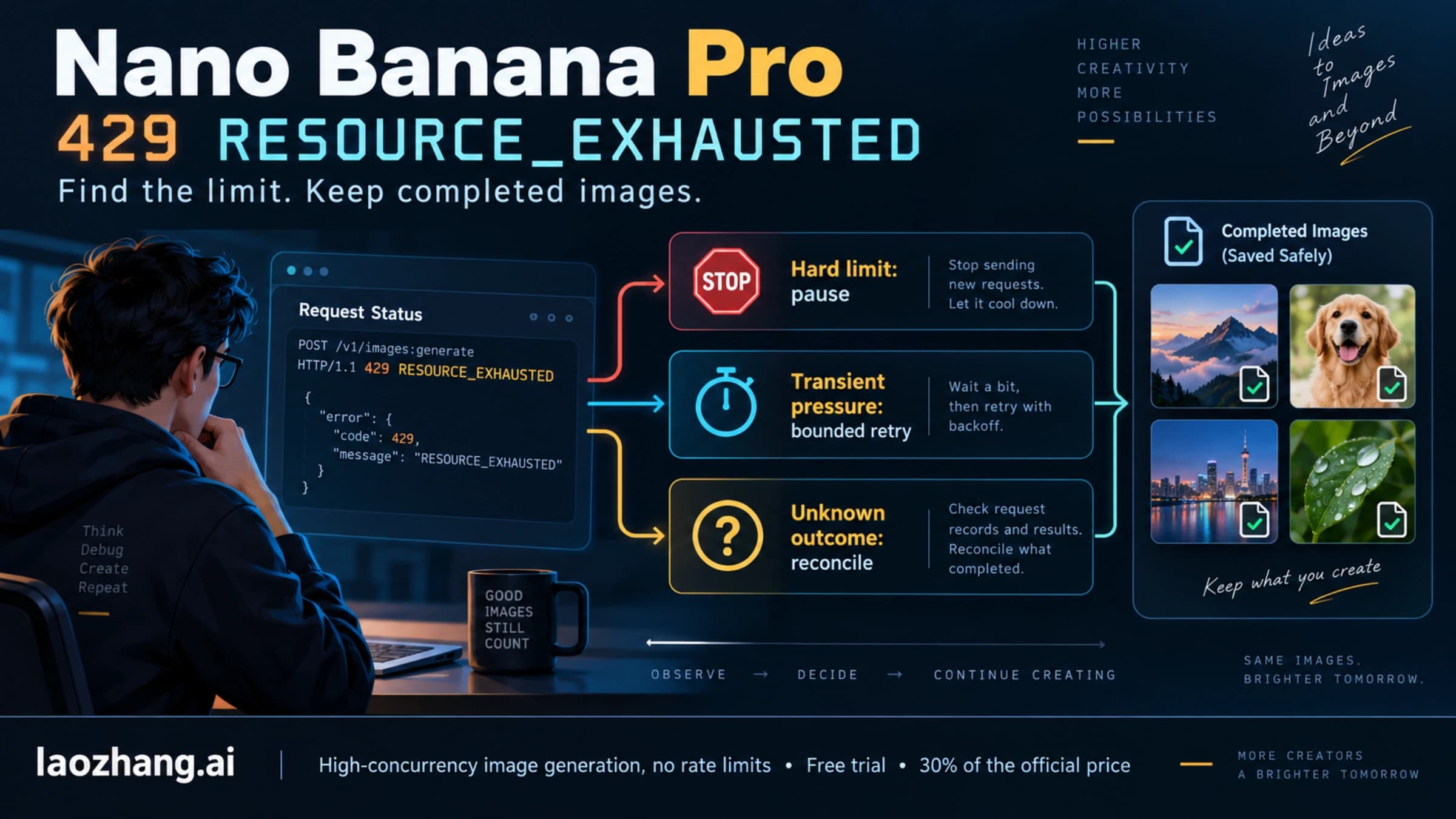
| HTTP 429 | Read the quota details and identify the exhausted limit | The relevant limit is available again; short retries cannot fix every quota |
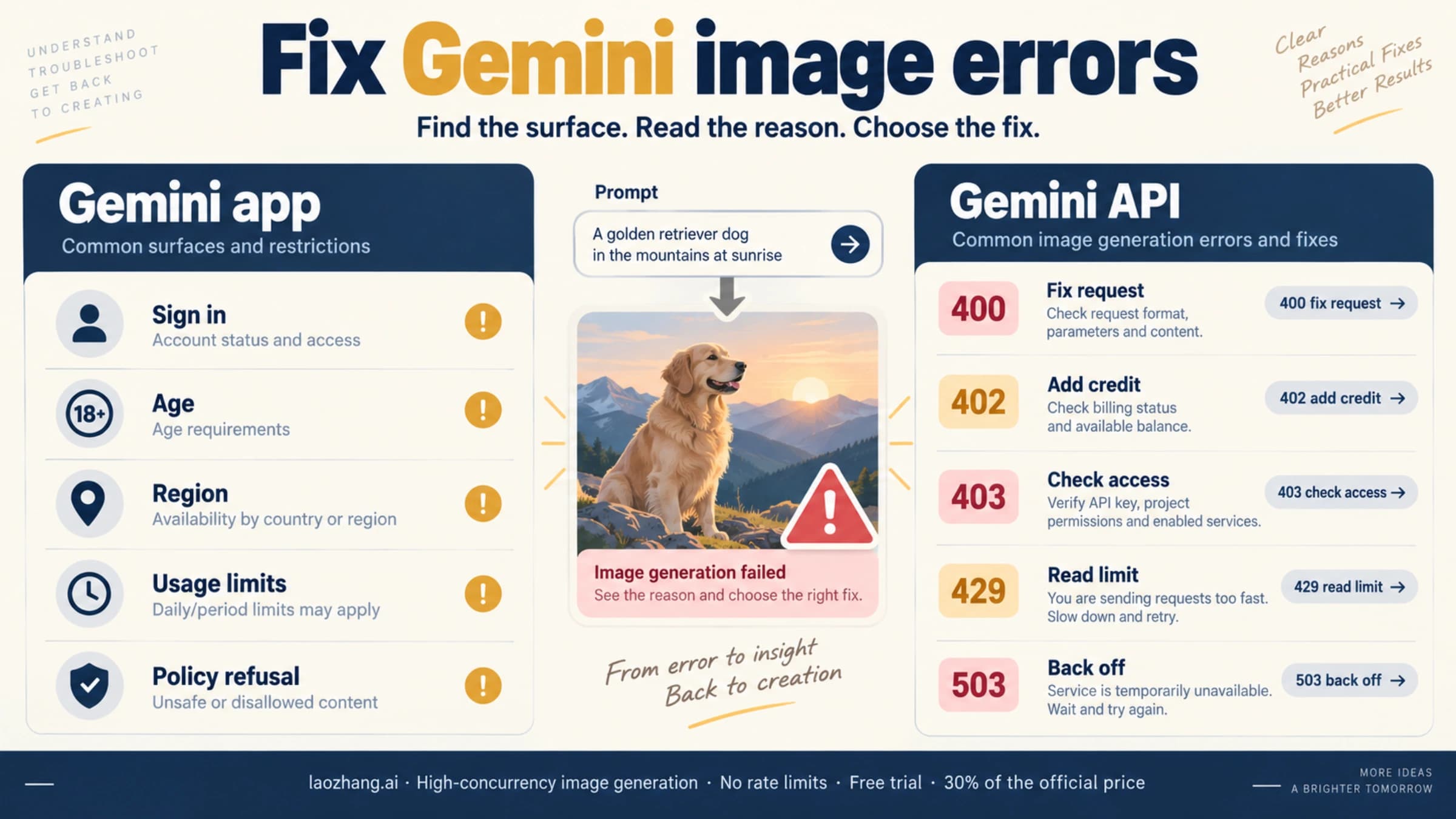
| 400, 401, 402, 403 or 404 | Correct the request, credential/access, payment or model issue identified by the issuer | A corrected request; an unchanged request should not remain in the 503 loop |
| HTTP 200 without a usable image | Inspect the full output, returned text and generation/safety result | An actual usable image or a diagnosed output problem |
Google's troubleshooting guide recommends backoff with jitter and a maximum retry count for transient failures. Its Interactions error reference distinguishes availability, deadline, quota and request errors. Use the documented format for your API rather than treating every logged number as the same kind of code.
Why a 503 can still say “Deadline expired”
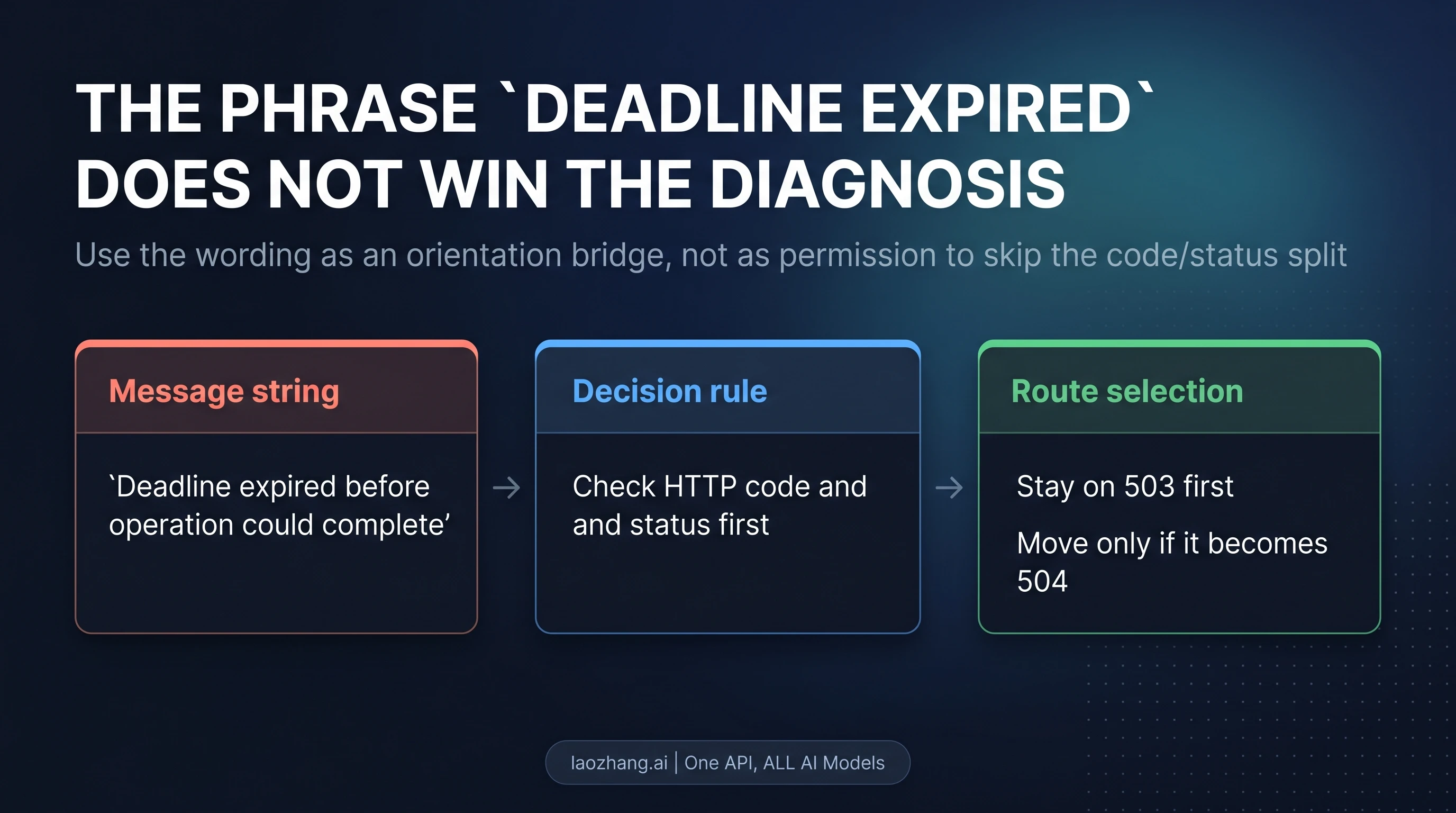
This is a real historical symptom. A December 2025 Google AI Developers forum report showed this error object from a Pro preview request:
{
  "error": {
    "code": 503,
    "message": "Deadline expired before operation could complete.",
    "status": "UNAVAILABLE"
  }
}
It belongs to the 503 availability branch because of its structured code and status. The message helps recognize the symptom; it does not establish the underlying queue mechanism or justify changing timeout settings first. The report is historical evidence of that combination, not a current outage notice.
For native generateContent, the numeric error.code and named error.status shown above are useful fields. In the Google Python SDK source snapshot checked on October 6, 2026, APIError.code is also an integer. Handle that typed field rather than searching an exception string for 503 or deadline—either could appear in an unrelated nested log entry. SDK error definition
Interactions uses a different error format: error.code is a named string such as service_unavailable, while the HTTP status is 503. Its deadline_exceeded corresponds to HTTP 504. Do not require Interactions to contain a numeric error.code, or force its named codes onto a native response. If an outer provider error wraps an upstream JSON object inside message, retain both levels and inspect which service each describes. A conflicting outer status and inner code needs investigation rather than automatic replay. Interactions errors
Recover from a confirmed 503 with a bounded retry
Use one retry policy with a clear owner. An application loop, an SDK and a proxy can each retry; if all three do so invisibly, one user action can generate many upstream attempts.
- Keep the original request stable. Preserve the model, endpoint, input and output requirement. Save the error and elapsed time from each attempt so you can tell whether the same request recovered.
- Reduce pressure from your own application. Pause new parallel jobs or let fewer workers submit at once. This can prevent your retries from adding a burst; it does not prove that your concurrency caused the upstream failure. There is no universal Pro concurrency number that fixes 503s.
- Wait before replaying. Use exponential backoff with random jitter for eligible transient failures. If the issuer provides
Retry-After, do not retry before that interval has passed. - Check the budget before every attempt. Count the original call, every retry, their duration and all waits. If the next wait and call cannot fit, defer the job instead of starting a request your application will immediately abandon.
- Inspect every outcome. Stop the 503 loop on another error class, a response whose issuer you cannot establish, or a disconnect with an unknown outcome. On success, verify the image before marking the job complete.
Automatic retry is also a correctness decision. Image generation is normally a POST operation; the HTTP standard's idempotency rules do not make repeated POSTs automatically safe. Apply the issuer's documented retry behavior and your application's duplicate-output policy. A local job ID can stop two of your workers handling the same job, but it does not create an undocumented Google deduplication guarantee.
A concrete timing budget
Suppose a user-facing operation has a 75-second total budget, with at most three attempts including the original. For this illustration, each attempt returns a confirmed 503 after 20 seconds. Choose waits randomly from 0–2 seconds before attempt two and 0–4 seconds before attempt three. At the upper end of both waits:
| Event | Elapsed time |
|---|---|
| Attempt one returns 503 | 20 seconds |
| Wait 2 seconds; attempt two returns 503 | 42 seconds |
| Wait 4 seconds; attempt three returns 503 | 66 seconds |
| Attempt limit reached | Defer; do not start attempt four |
The arithmetic is 3 × 20 + 2 + 4 = 66 seconds. These are deliberately chosen application limits, not Google defaults or a claim that Pro finishes within 20 seconds. A workflow needing longer image calls should use a budget that accommodates them, or queue the work and let the user return later. If an attempt instead hits your local timeout, its outcome is unknown; this table's confirmed-503 retry path no longer applies.
Now suppose the first 503 includes Retry-After: 60. Waiting 60 seconds after the initial 20-second call would put the next start at 80 seconds, already beyond this example's 75-second budget. Queue or defer; do not shorten the server's requested wait to squeeze in another call. The header can contain either integer seconds or an HTTP date. For a date, calculate the remaining interval relative to the current time, accounting for your clock; it is not a millisecond value. Retry-After definition
Check who is already retrying
Google's current troubleshooting documentation describes up to four automatic Python SDK retries. The public source snapshot checked on October 6 shows a distinction: omitted retry_options gives one attempt in that implementation, while explicitly supplied retry options can use a five-attempt default, including the original call. That source was read locally on October 7 for this update; it was not an installed-package test. SDK retry implementation
Inspect the version and settings you actually deploy. Pick the SDK or your application as the retry owner and account for gateway retries too. Do not add “three application attempts” on the assumption that each means one upstream call. If you configure timeouts, check their units: the cited Python source uses milliseconds for HttpOptions.timeout and seconds for retry delays. SDK HTTP options
A real 504 and a local timeout need different checks
For a returned 504, identify the gateway that timed out. Compare its deadline with the application's deadline and the upstream duration recorded in logs. Raising only the client timeout cannot undo a deadline that another service already enforced. Adjust a deadline you control only if the end-to-end workflow can accommodate the longer wait, then retest with the other variables unchanged. HTTP 504 definition
For a local timeout with no response, establish the request's outcome first. Your client may have stopped waiting after the service accepted the job. If that service provides a job ID, stored result or retrieval feature, check it. Otherwise use the available request logs and provider support evidence; do not invent a retrieval endpoint or assume there was no image and no charge.
If you cannot establish completion, record an unknown outcome and decide whether another generation is acceptable. Preserve any later-arriving result. Replaying immediately can produce a duplicate image and potentially another bill; it should be a deliberate application choice, not an automatic consequence of seeing the word “timeout.”
A smaller input or a lower output size can help isolate a workload issue, but label it as a changed test. If the job requires native 4K output, a successful 1K image does not finish it. Pro currently supports 1K, 2K and 4K output; “4K” also depends on aspect ratio rather than always meaning a 4096-pixel square. Pro image settings
Verify the image, then decide whether to wait or switch
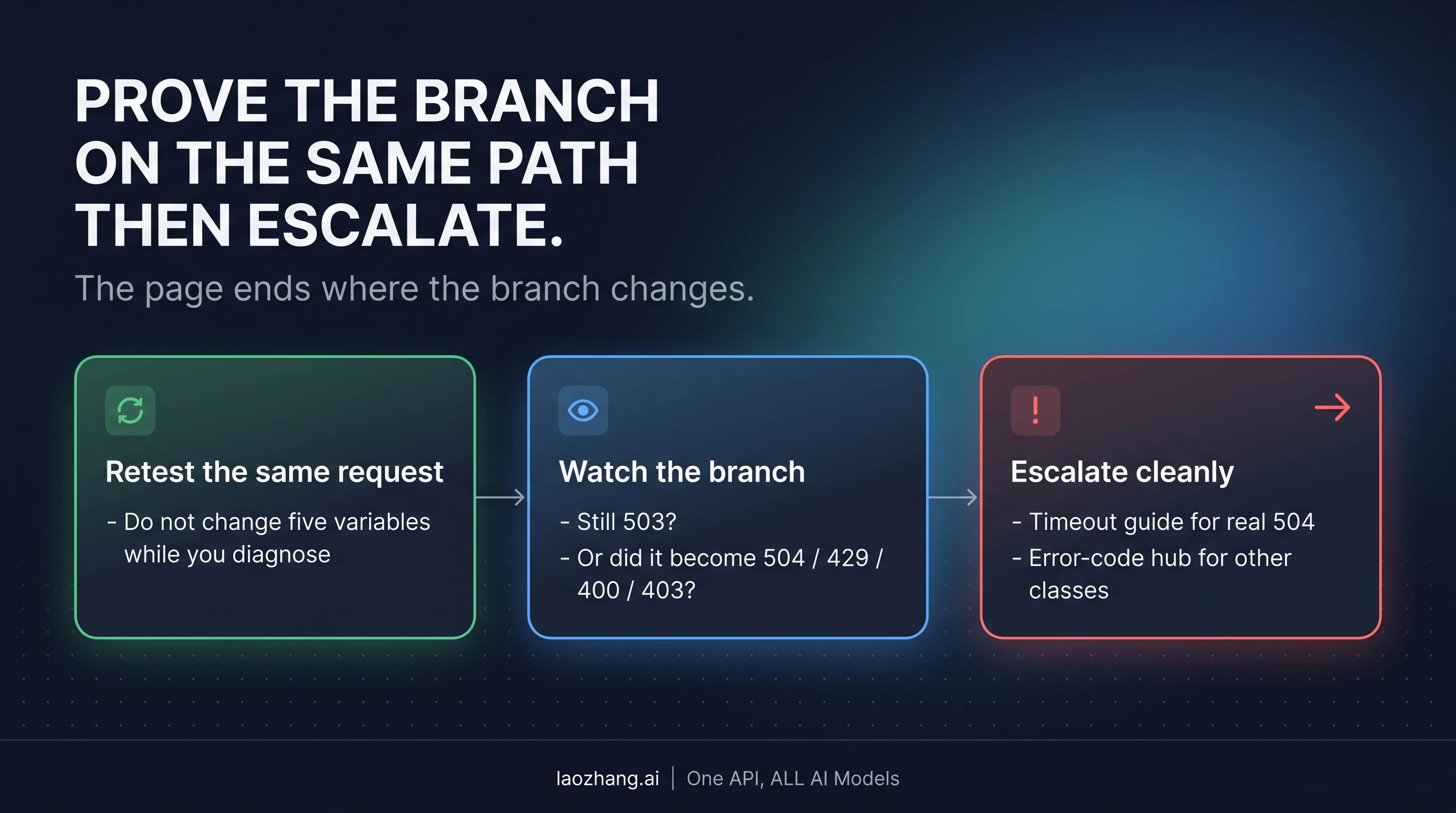
Recovery means the same required image job completes through the route you were testing. Check the full response, decode the returned image data, save it with the matching MIME type, open it and confirm that it meets the requested dimensions and essential task. Text, a queued job ID or HTTP 200 alone is not completion.
Use the parser for that API: native generateContent places output in candidates[].content.parts[], including inlineData; Interactions places model output inside steps, with image content carrying data and mime_type. Inspect all relevant final image blocks rather than assuming the first part is an image. Our Pro API guide for requests and image saving supplies the complete configuration and saving workflow. Google's image documentation defines those response formats.
After the retry budget expires, place the job in a queue or return a deferred state with a clear next check. A queue entry should preserve the original request, attempt count, next eligible time and any unknown outcome; it should not reset the counter into an endless loop. For a stream of failures, pause submissions to the affected endpoint and allow a controlled later probe before releasing queued work. These are application safeguards, not a promise of capacity recovery.
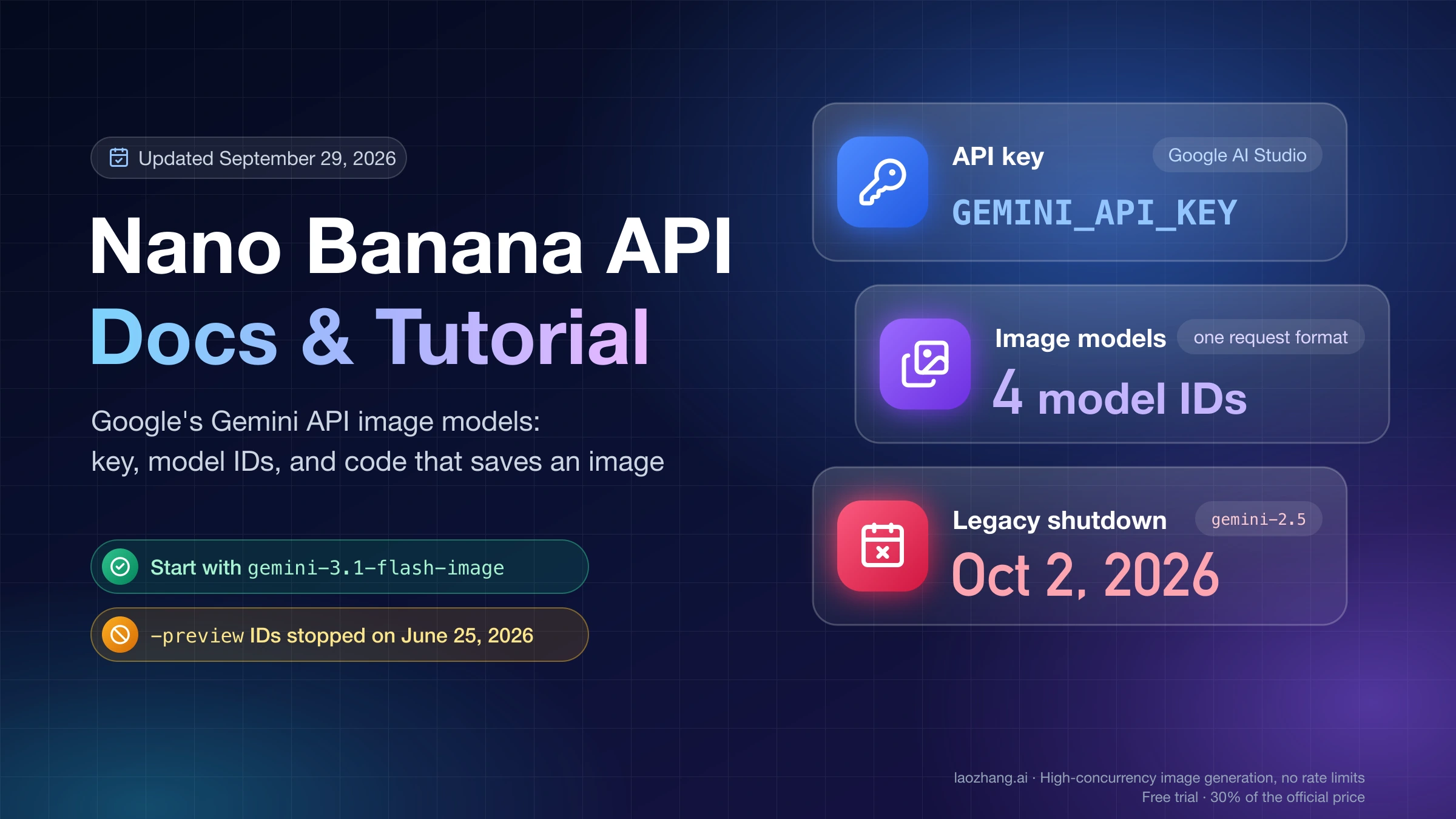
If you choose a fallback, treat it as a separate generation path with its own supported settings, parser, credential issuer, costs and data-handling terms. A different model or provider producing an image may satisfy an amended user requirement, but it does not prove the original endpoint recovered. Pro's current Google model ID is gemini-3-pro-image; the older gemini-3-pro-image-preview was retired on June 25, 2026. Fix a retired ID as a configuration issue rather than endlessly retrying it. Model deprecations
Switching providers is similarly explicit. LaoZhang's published Pro documentation describes its own native-compatible API; it also says an HTTP 200 call is charged even without image output. This site's publisher operates LaoZhang. That documented path is an option when you have decided to use another provider, not evidence of better uptime or a free recovery attempt. Check the applicable price and terms before submitting another job.
When the error changes, take its specific next action:
- 429: identify the limit and reset condition using the Gemini image 429 guide. Quota belongs to the project; another key in that project does not reset it. Google rate limits
- 400 or 404: validate the API's fields and current model ID. Do not mix an Interactions request with a native response parser.
- 401, 402 or 403: inspect the issuer's credential, payment or permission details; retrying unchanged will not supply what is missing.
- Safety rejection or no image: inspect the generation result and returned text. Do not lower safety controls as a 503 repair. Google error reference
FAQ
How long does a Gemini 503 last?
There is no fixed recovery time established by the status code. Honor Retry-After when present; otherwise use bounded backoff and defer once your application budget ends. A historical paid Tier 1 Pro report recovered later, but that single case does not establish an average or guarantee for your request.
Why does “Deadline expired before operation could complete” appear with 503?
That combination was reported for the historical Pro preview API. Its structured response remained 503 UNAVAILABLE, so the availability branch came first. Only a real 504 response or a local timeout warrants the corresponding timeout investigation. Historical response
Will paid access or a new API key fix an overloaded model?
Neither is an established 503 fix. Paid users have reported this symptom, and project quotas are shared across that project's keys. Investigate payment or quota only when the issuer supplies evidence for those branches; do not upgrade or rotate keys solely because a response says overloaded. Paid-user report, project limits
Does increasing the timeout solve a 503?
It does not restore an unavailable service. A longer client timeout can help when that client previously stopped waiting too early, but first check for completion of the earlier job. A returned server deadline needs investigation at the service that enforced it.
Are failed retries always free?
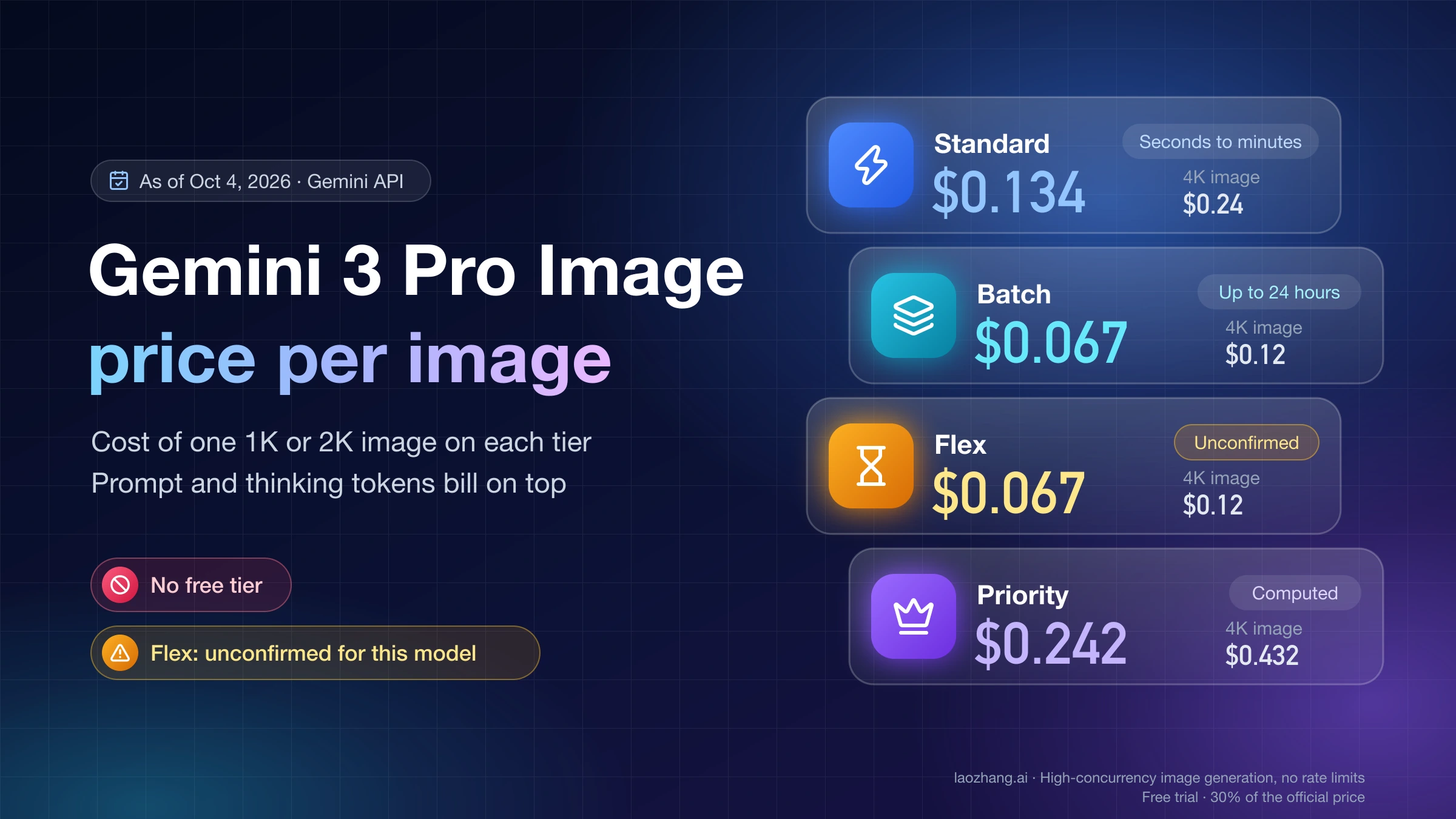
Do not assume so from the error wording, particularly when no response arrived. Billing depends on the provider, operation and recorded outcome. Google's pricing documentation and your provider's terms govern the charges; an unknown transport outcome is not proof that no generation happened.
Can I reduce 4K to 1K just to get past the error?
You can use it as a separate diagnostic or accept it as a changed deliverable. It does not demonstrate recovery of the original 4K job. Keep that distinction visible to the user, especially when the output size is a requirement rather than a preference.
Sources12
External pages this guide links to, in the order they appear. Last updated Oct 7, 2026.
Sources12
External pages this guide links to, in the order they appear. Last updated Oct 7, 2026.
- 1.HTTP semanticsrfc-editor.org/rfc/rfc9110.html
- 2.troubleshooting guideai.google.dev/gemini-api/docs/troubleshooting
- 3.Interactions error referenceai.google.dev/gemini-api/docs/api-errors
- 4.December 2025 Google AI Developers forum reportdiscuss.ai.google.dev/t/servererror-503-unavailable-error-code-503-message-deadline-expired-before-operation-could-complete-status-unavailable/110949
- 5.SDK error definitiongithub.com/googleapis/python-genai/blob/main/google/genai/errors.py
- 6.SDK retry implementationgithub.com/googleapis/python-genai/blob/main/google/genai/_api_client.py
- 7.SDK HTTP optionsgithub.com/googleapis/python-genai/blob/main/google/genai/types.py
- 8.Pro image settingsai.google.dev/gemini-api/docs/image-generation
- 9.Model deprecationsai.google.dev/gemini-api/docs/deprecations
- 10.Google rate limitsai.google.dev/gemini-api/docs/rate-limits
- 11.historical paid Tier 1 Pro reportdiscuss.ai.google.dev/t/503-error-while-generate-content-model-gemini-3-pro-image-preview-tire1-paid/112180
- 12.pricing documentationai.google.dev/gemini-api/docs/pricing