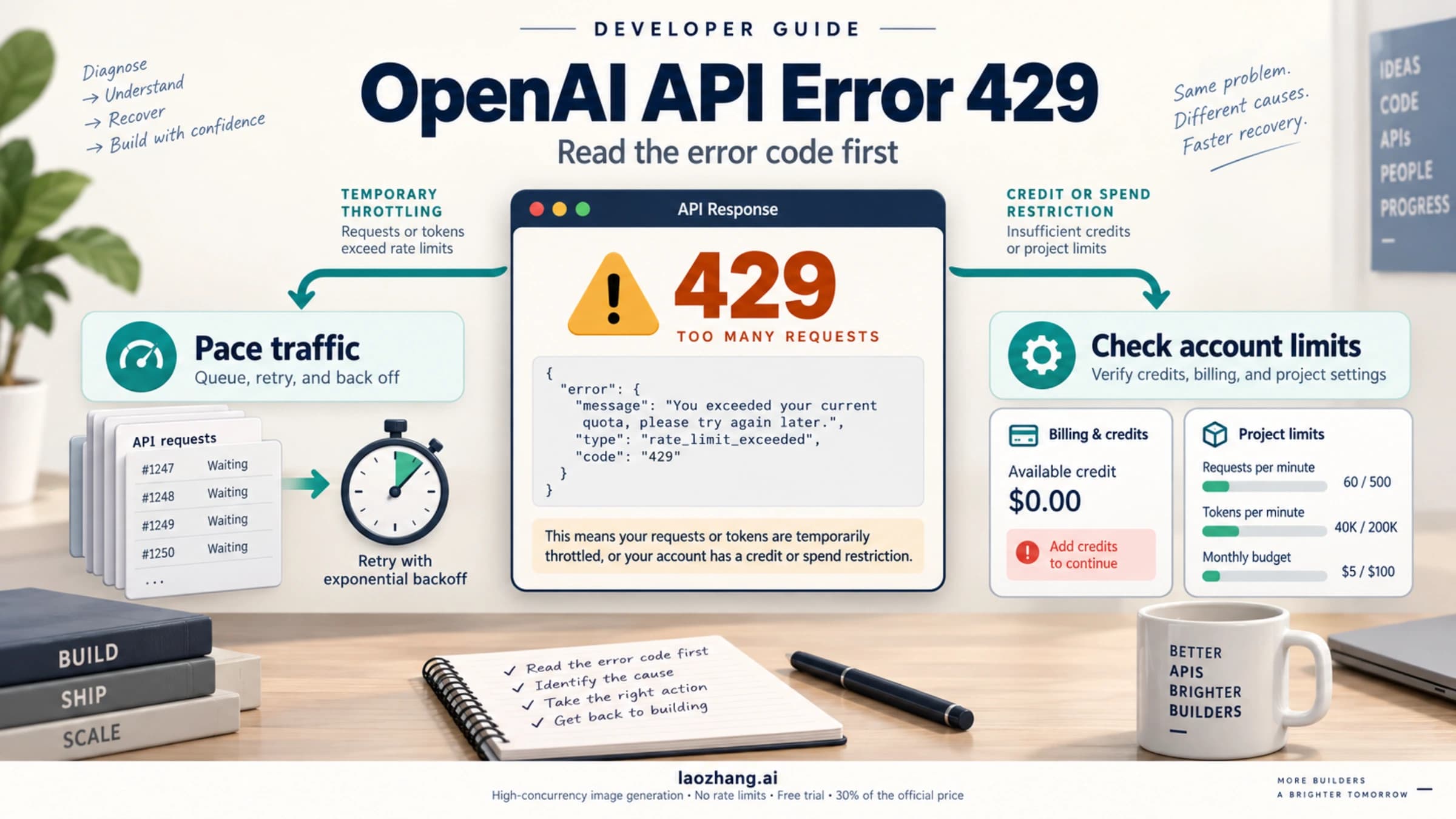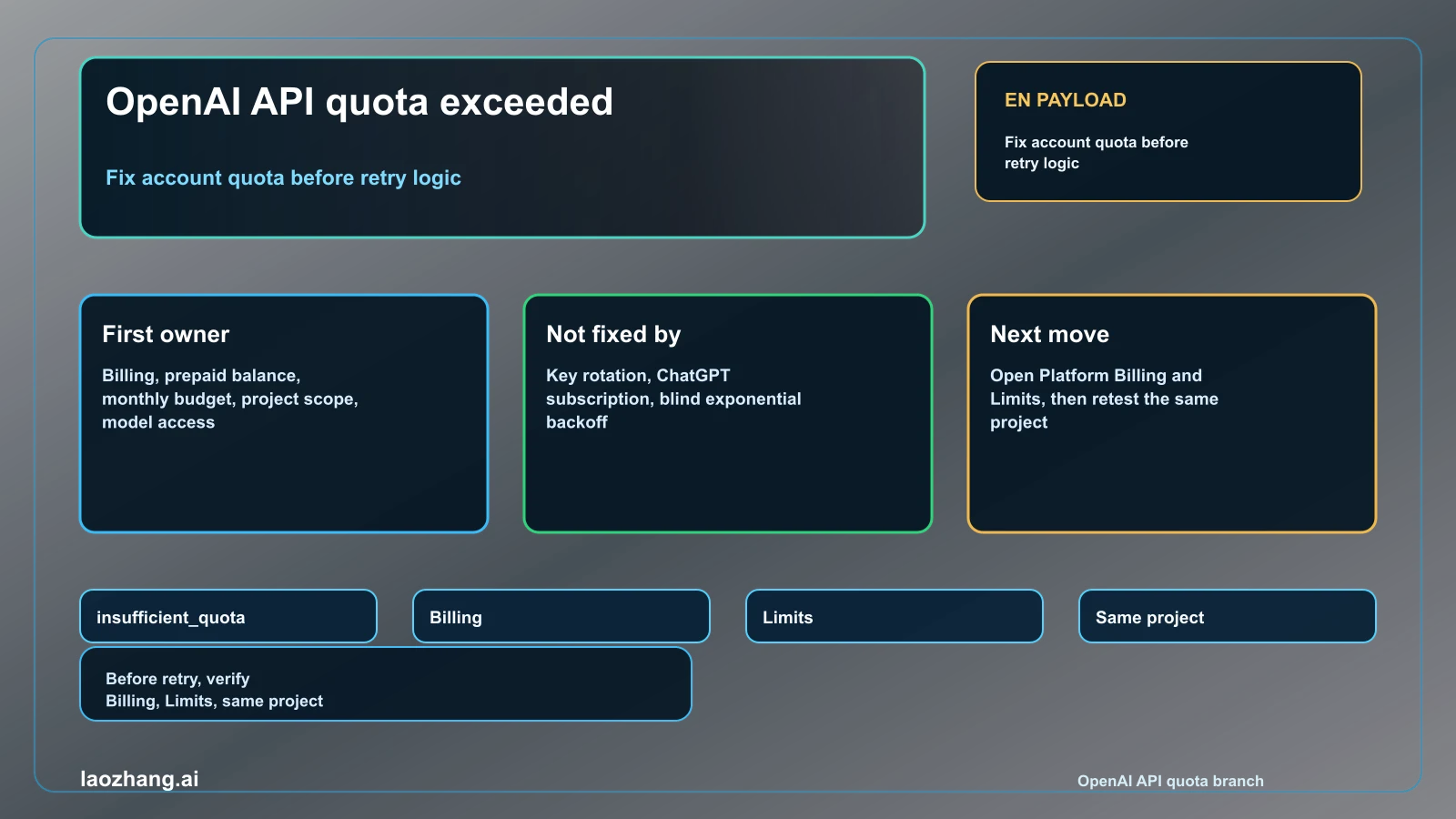
If your OpenAI API call says "You exceeded your current quota" or returns insufficient_quota, start with quota availability, not a retry loop. That message usually means the account, project, monthly budget, prepaid balance, billing state, or model route has no usable API quota for the request. It can share HTTP 429 with rate-limit errors, but a quota owner is not fixed by exponential backoff. Open Billing and Limits in the OpenAI Platform, confirm the organization and project used by the API key, check whether credits or an approved usage limit are actually available, and then send one tiny request on the same project. Only after quota is usable should you move to RPM, TPM, concurrency, or response-header diagnosis. Current as of May 6, 2026, OpenAI's rate-limit guide keeps exact live account ceilings in the Platform Limits page, while the production best-practices guide treats billing limits and approved usage limits as account controls. The operational boundary is simple: inspect account quota first, avoid dead-end retries, and collect evidence before support or a limit-increase request.
TL;DR
| Question | Short answer |
|---|---|
| What does the error usually mean? | The API route has no usable quota, balance, budget, billing approval, project scope, or model access for this request. |
| Is it the same as a rate limit? | No. It may use HTTP 429, but insufficient_quota is a quota/billing branch. RPM and TPM are a separate branch. |
| What should I check first? | Platform Billing, the Limits page, monthly budget, organization, project, key scope, and model access. |
| Does ChatGPT Plus or Pro fix it? | No. ChatGPT subscriptions do not automatically fund Platform API usage. |
| Should I rotate keys? | No. A new key inside the same unfunded project still has the same quota owner. |
| When should I read rate-limit headers? | After billing and quota are usable, or when the error body/header data points to request or token pressure. |
Confirm the Owner Before Changing Code
The important split is between availability and throughput. A throughput problem says the route is allowed but you are sending too much, too fast, or with too many tokens. A quota availability problem says the route does not currently have spend, budget, credit, approval, or access to serve the request.
That distinction changes the first action. If the error body includes insufficient_quota or the message "You exceeded your current quota, please check your plan and billing details", backoff can make the application quieter but it will not create usable quota. Retrying harder can even hide the real incident because failed attempts still consume attention and logs.
Use the existing rate-limit sibling page when your evidence is RPM, TPM, remaining headers, reset windows, burst traffic, or concurrency: OpenAI API rate limits. Stay in the quota branch when the error body points to account quota, billing details, budget, trial state, prepaid credits, organization, project, or model access.
Official OpenAI docs draw the same boundary in practical terms. The rate-limits guide points developers to the Limits page for live account limits and to response headers for request and token windows. The production best-practices billing section tells teams to manage billing limits and approved usage limits as operational controls. The article should not freeze those live values into a timeless table.
Run the Five Checks in This Order
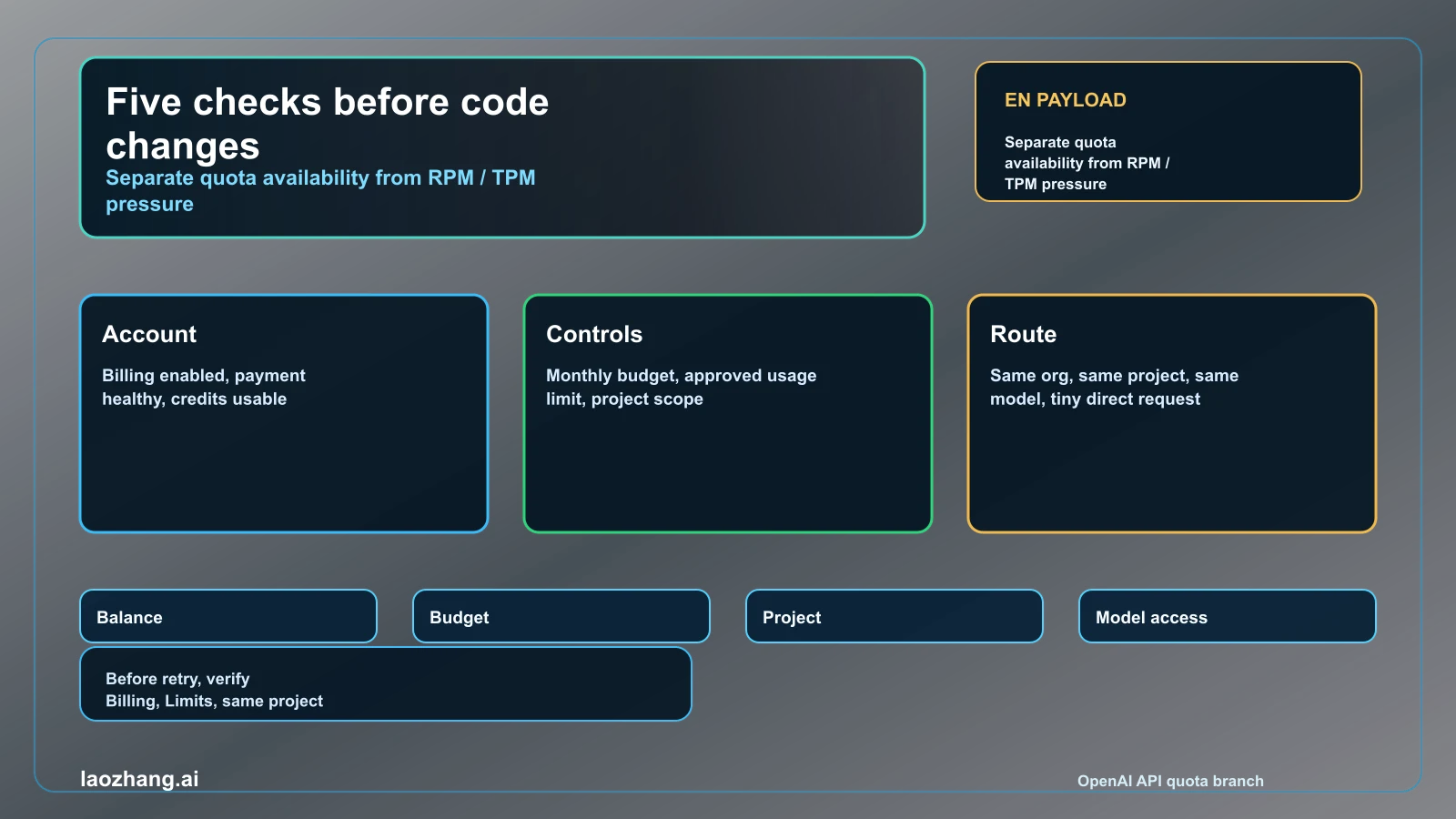
| Check | What to verify | Why it matters |
|---|---|---|
| Billing route | The Platform account has billing enabled and the payment state is healthy. | API usage is billed through Platform, not through a ChatGPT subscription alone. |
| Prepaid balance or credits | Credits exist, have not expired, and are attached to the active account. | A request can fail even when code is correct if no usable balance is available. |
| Monthly budget or approved usage limit | The project or account has not hit a self-imposed cap or approved spend ceiling. | Teams often raise balance but leave a budget cap that still blocks usage. |
| Organization and project | The API key belongs to the same org and project whose billing and limits you inspected. | Checking the wrong org makes a funded account look broken. |
| Model route | The requested model is available to that project and usage tier. | A funded account can still fail on a model route it cannot use. |
Do not merge these checks into one vague "billing is fine" statement. A team can have a valid card but no prepaid balance, a balance but a low monthly budget, a funded organization but a key from another project, or a working cheap model while a gated model fails. Each condition leads to a different fix.
The cleanest test after the dashboard check is one tiny request using the exact same key, organization, project, endpoint family, and model route. If that succeeds, reopen the application path and look for environment-variable drift or wrapper-level configuration. If it still fails with insufficient_quota, the owner is still account quota or route access.
Recovery Ladder
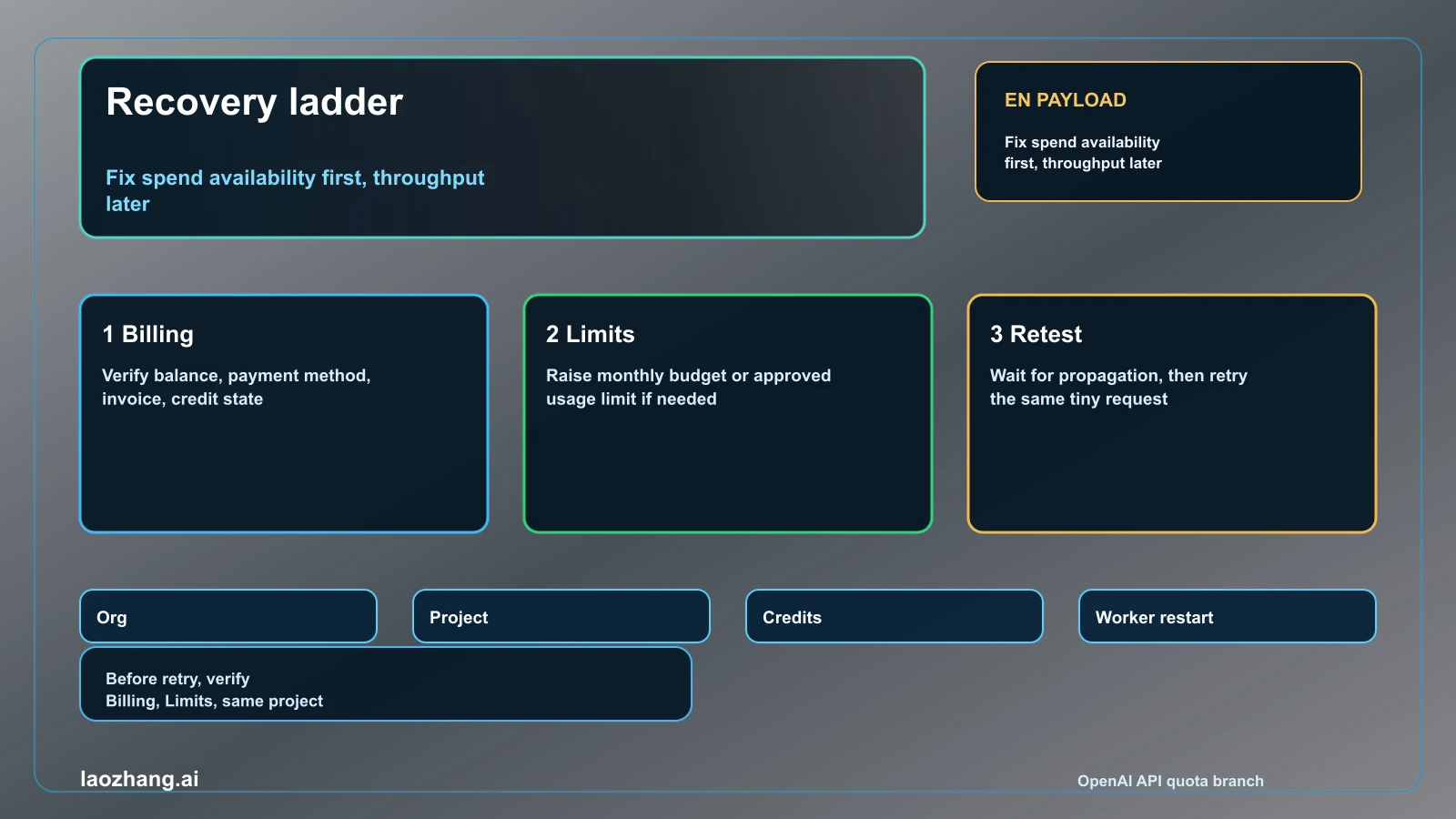
Fix the branch in the same order you diagnosed it.
- Confirm you are in the correct Platform organization and project.
- Open Billing and verify balance, payment method, credit state, and invoice health.
- Open Limits and verify approved usage limit, monthly budget, model availability, and project scope.
- If you added prepaid credits, wait for propagation before declaring the fix failed.
- Re-run a tiny same-project API request before restarting queues or production workers.
- Only then tune RPM, TPM, concurrency, token budget, or response-header backoff.
This ladder is intentionally conservative. It prevents two expensive mistakes: buying more credit into the wrong account and shipping retry code for an account-state problem. It also keeps volatile details where they belong. If the exact minimum credit purchase, expiration policy, or usage tier matters, verify it in OpenAI's live billing and Help Center pages during the incident rather than copying an old table.
For new keys or unclear account setup, the related OpenAI API key free trial and OpenAI API organization ID guides help separate trial expectations, project ownership, and environment variables from the quota error itself.
Wrapper and Integration Cases
Zapier, Make, n8n, internal gateways, and OpenAI-compatible providers can surface an OpenAI-style quota message even when the billing owner is not obvious. The key question is who owns the credential actually sent to OpenAI.
If the integration uses your own OpenAI API key, diagnose your Platform account first. If the integration uses a managed provider account, diagnose the wrapper's plan, connector quota, or workspace budget first. If the integration lets you choose either mode, test the same minimal request directly against the OpenAI Platform with your key so you know whether the OpenAI account or the wrapper is the failing owner.
Do not assume the user-facing app has the same budget as your local script. Production may use a different project, a stale key, a separate organization, or a gateway route with its own cap. In real incidents, the direct API test is valuable because it removes the wrapper and proves whether Platform quota is available at all.
Stop Rules
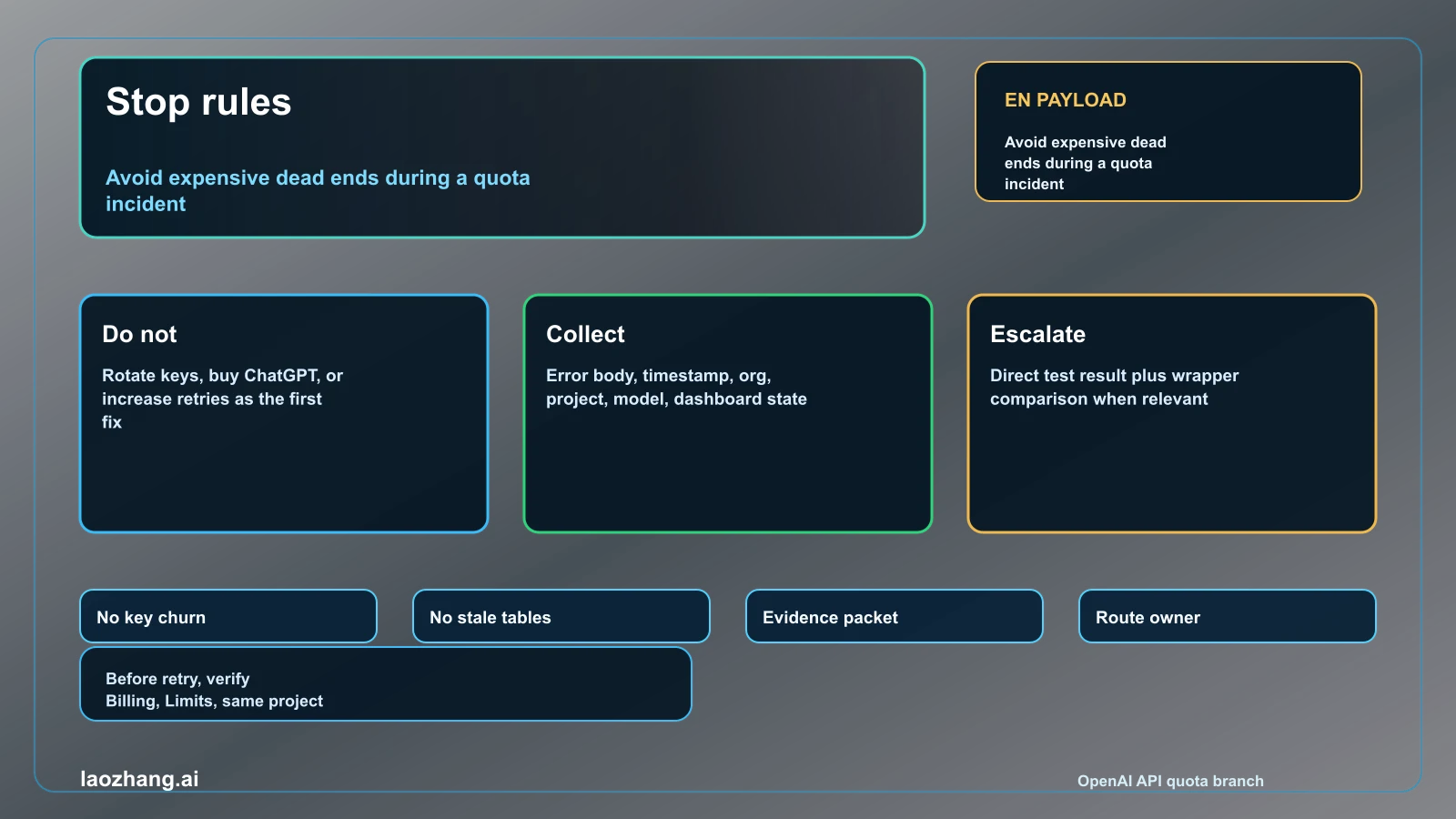
Stop doing these once the error body points to quota or billing:
- Do not rotate keys inside the same unfunded project.
- Do not increase retry count to "break through" a quota error.
- Do not buy a ChatGPT subscription and expect Platform API credit to appear automatically.
- Do not copy a public quota table as proof that your account should work.
- Do not request higher rate limits before proving the account has usable spend.
Use these instead:
- Keep the exact error body, timestamp, organization, project, key source, endpoint, model, and dashboard state.
- Record whether a tiny direct Platform request succeeds or fails.
- Record whether the wrapper path and direct Platform path behave differently.
- Record any recent billing action and the time you waited for propagation.
- Escalate only with the evidence packet, not with a screenshot alone.
Evidence Packet for Support or Limit Increase
Support and limit-increase requests are faster when the packet is specific. Include the exact error text, error type if present, HTTP status, model, endpoint family, project, organization, timestamp with timezone, billing page state, Limits page state, recent credit or payment changes, and the result of a minimal same-project retest.
If the real goal is higher throughput after the account is usable, attach traffic evidence instead: requests per minute, tokens per minute, concurrency, queue size, reset headers, and how you already reduced bursts or token output. That belongs to the rate-limit branch, not the quota branch.
FAQ
Why do I get quota exceeded right after creating an API key?
An API key is only a credential. It does not prove that the project has billing, prepaid credits, budget, or access to the requested model. Check Platform Billing and Limits for the same organization and project that created the key.
Does adding credits instantly fix insufficient_quota?
Usually the next step is to wait briefly and retest the same project, because billing changes can need propagation. If it still fails, verify that the credits are on the account and project actually used by the key.
Is insufficient_quota the same as too many requests?
No. Too many requests is a throughput branch. insufficient_quota is an availability branch. The same HTTP family can appear, but the fix is different.
Why does my dashboard show spend room but the app still fails?
The app may be using a different organization, project, key, wrapper account, model route, or environment variable. Run one minimal direct request with the same key and compare it with the application path.
Should I request a higher limit?
Only after the account has usable quota and the evidence shows the active owner is throughput or approved usage ceiling. If the owner is payment, balance, monthly budget, or project scope, fix that first.