Connect Claude Code to a Note Taker: MCP Commands by Tool
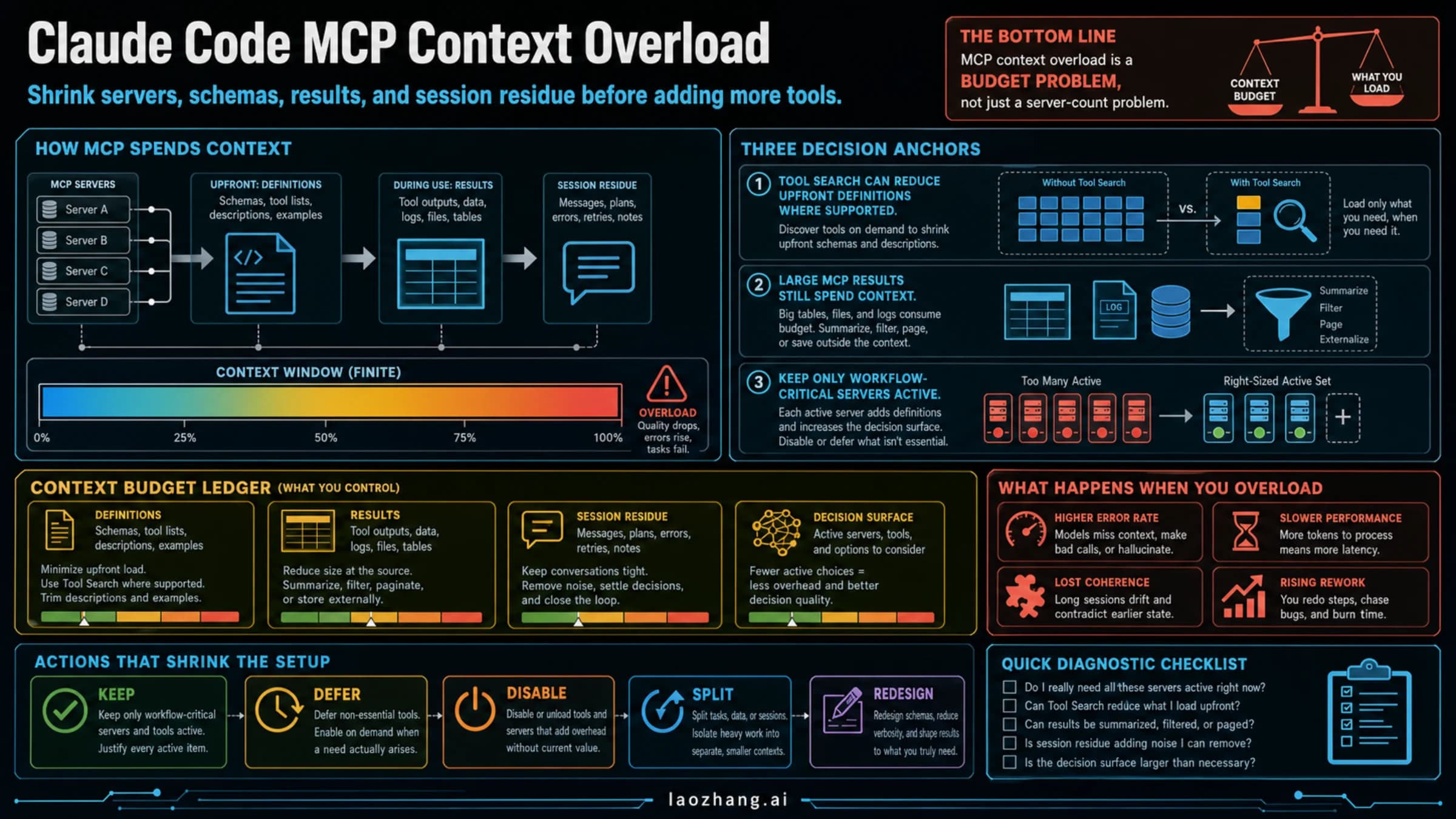
Granola, Circleback, Fathom and Notion publish a claude mcp add command. Other note takers need a claude.ai connector, the generic HTTP form, or plain files.
On this page
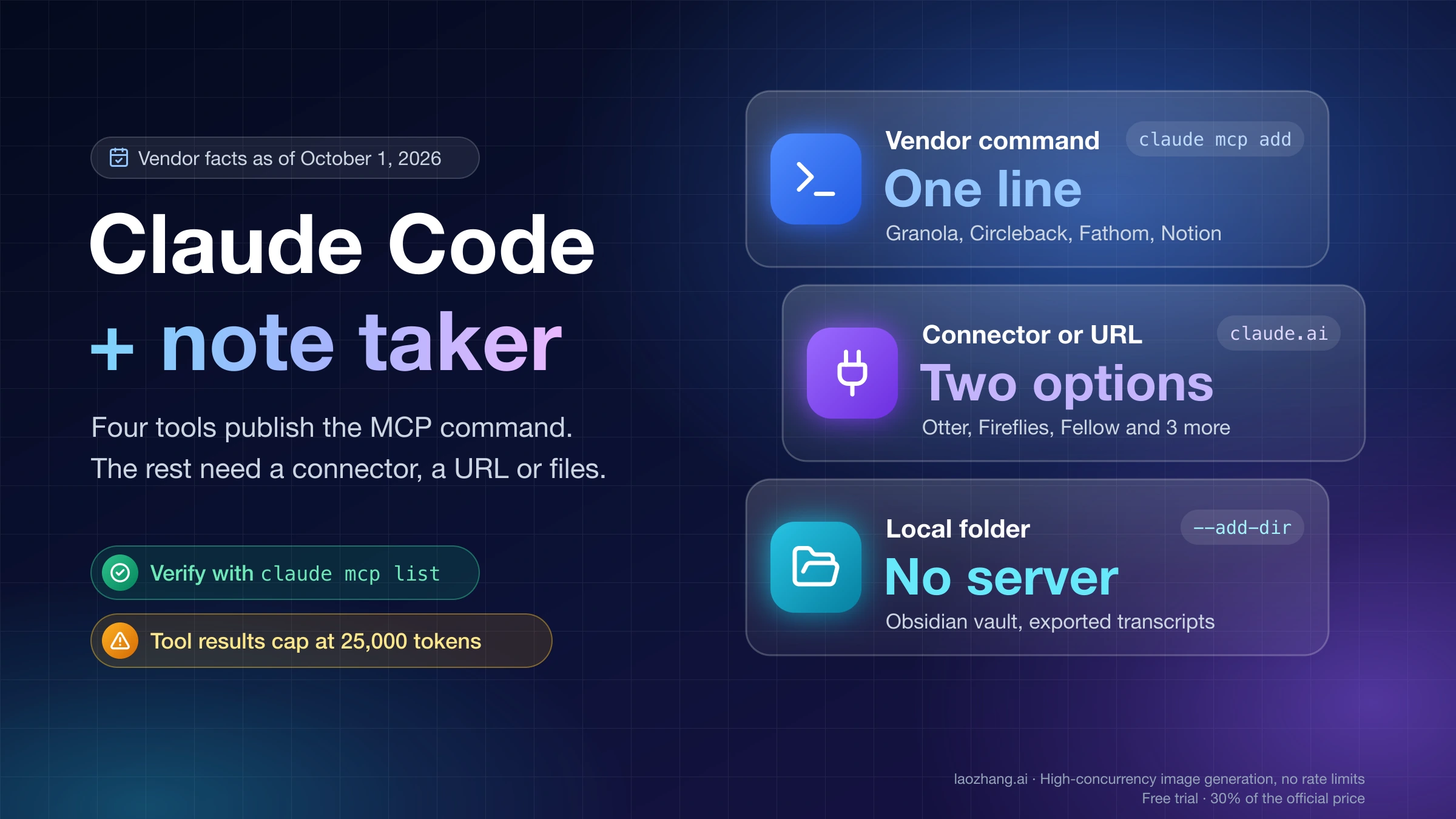
Claude Code reads your meeting notes through an MCP server that the note taker hosts. If you use Granola, Circleback, Fathom or Notion, the vendor publishes the exact claude mcp add line, and the whole job is one command plus a browser login. If you use Otter.ai, Fireflies.ai, Fellow, Tactiq, tl;dv or Read AI, the vendor documents only a server URL or a connector for the Claude apps, so you either add that connector on claude.ai and let Claude Code inherit it, or add the URL yourself with Anthropic's generic syntax. Obsidian needs no server at all, because a vault is a folder of Markdown files.
Two things decide whether any of this works on your machine: how you signed in to Claude Code, and what your note taker's plan or admin allows. Both are covered below, along with the commands, a way to confirm the connection, and what happens when a transcript is too long to fit in one tool result. The vendor facts here are as of October 1, 2026.
Four routes from a note taker into Claude Code
Which route you take depends on what your note taker's vendor documents, not on which one is technically nicest.
| Route | Use it when | What you do | What can block it |
|---|---|---|---|
| Vendor MCP server added from the terminal | The vendor prints a Claude Code command, or at least a remote server URL | claude mcp add, then sign in through /mcp | Plan or admin gates on the vendor side |
| Connector added on claude.ai | The vendor documents only the Claude connector | Add it at claude.ai/customize/connectors; it shows up in Claude Code's /mcp | Claude Code signed in with an API key or a cloud provider |
| Local folder | Your notes are already files, as in an Obsidian vault | Start claude in the folder or pass --add-dir | Nothing on the vendor side |
| Exported file | No server and no connector exists for your tool | Save the transcript as Markdown or text into a folder Claude Code can read | Manual step for every meeting |
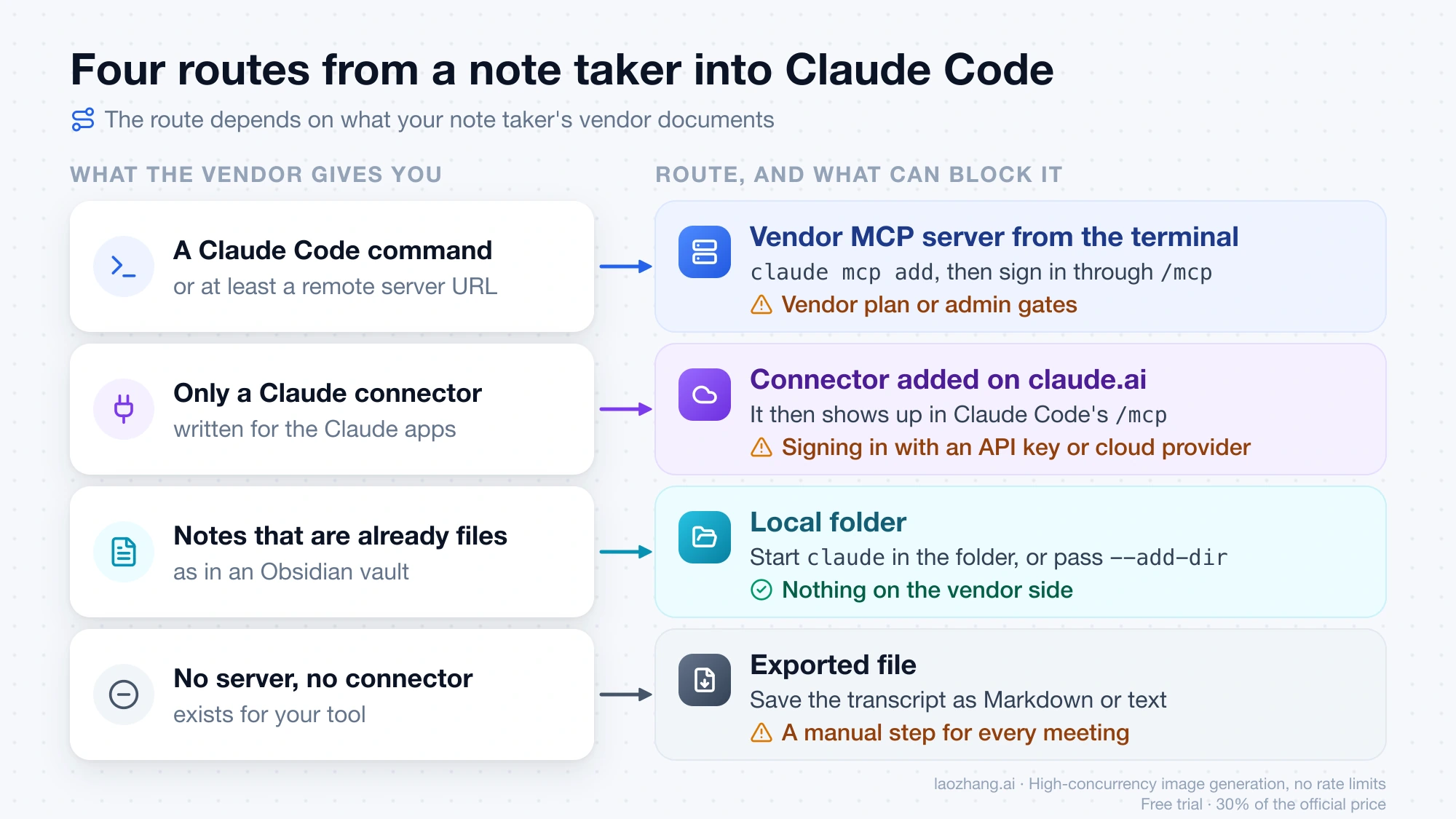
"Connector" is Anthropic's word for a server added to your Claude account on claude.ai. "MCP server" is the general term, and it is what claude mcp add registers locally. Most vendor help pages are written for the Claude apps and describe the connector; only a few mention Claude Code by name.
Which note takers publish a Claude Code command
Three meeting notetakers publish a terminal command for Claude Code. The rest give you an endpoint, a connector, or a custom setup.
| Note taker | What the vendor documents for Claude Code | Sign-in | Write tools | Gate to know |
|---|---|---|---|---|
| Granola | claude mcp add command | Browser OAuth, no API key | None, read-only | Free plan: your own notes from the last 30 days; transcripts are paid |
| Circleback | claude mcp add command | OAuth | Yes, if you grant write access when connecting | Vendor blog says the Free plan includes MCP |
| Fathom | claude mcp add command through mcp-remote | Browser login | 7 tools, names not published | Needs Node; plan requirement not published |
| Otter.ai | Endpoint and Claude connector only | OAuth, no API key | None, read-only | Plan requirement not published |
| Fireflies.ai | Endpoint, Claude connector, Claude Desktop JSON | OAuth or API key | Yes: share, rename, move, soundbite | Plan requirement not published |
| Fellow | Endpoint and Claude connector only | OAuth | Yes, for agendas and templates | Workspace admin must enable MCP first |
| Tactiq | Endpoint and Claude connector only | Browser OAuth | None, read-only | Summaries and transcripts need Team or above |
| tl;dv | Claude connector only | OAuth | None, read-only | Pro or above for you and for the meeting organizer |
| Read AI | Claude connector, described as working in Claude Code | OAuth | Yes: create meeting agent, share report | Open beta |
| MeetGeek | Endpoint; Claude Code status contradictory | OAuth | One: upload a recording | Free plan allowed |
| Zoom | Official plugin with manual token | Bearer token you obtain yourself | Not listed | Marketplace app; connector needs Workplace Pro or above |
| Microsoft Teams | No transcript server found | n/a | n/a | Use an exported file |
MeetGeek's public MCP guide lists Claude Code as "coming soon" in its compatibility list and also has a "Connect from Claude Code" section with no command in it. Treat Claude Code support there as unconfirmed.
Granola, Circleback and Fathom: run the vendor's command
For these three, copy the vendor's line as written. The argument order differs between them, and Fathom's is not an HTTP entry at all.
Granola's command comes from its MCP help page:
claude mcp add granola --transport http https://mcp.granola.ai/mcpGranola then tells you to open a new terminal tab, start claude again, run /mcp, select granola and choose Authenticate. The server exposes query_granola_meetings, list_meetings, get_meetings and get_account_info, plus get_meeting_transcript and list_meeting_folders on paid plans. It returns notes only from the workspace currently selected in the Granola app, so an empty result can mean the wrong workspace rather than a broken connection. On Enterprise, members cannot use the server until an admin enables it, and the admin can switch transcript access off.
Circleback's command comes from its MCP documentation:
claude mcp add --transport http circleback https://circleback.ai/api/mcpAuthenticate with /mcp. Use the host shown here. Some third-party directories list a different one. Read tools include SearchMeetings, ReadMeetings, SearchTranscripts, GetTranscriptsForMeetings and SearchActionItems. The write tools (ShareMeeting, the action-item create, update and delete tools, and tag edits) work only if you grant write access during the connect step, so leave that off if you only want Claude Code to read.
Fathom's command comes from its developer docs:
claude mcp add fathom -- npx mcp-remote@latest https://api.fathom.ai/mcpThis registers a local stdio process that bridges to Fathom's remote server, which is why Node has to be installed. Everything after -- is passed to that process untouched. Fathom's help center describes 7 tools that can be toggled individually, limited to meetings you can view in Fathom. Its troubleshooting notes say tools are enumerated once at session start, so if you reconnect in the middle of a session, start a new session before concluding it failed. Fathom does not document whether its endpoint accepts a plain --transport http entry.
Otter, Fireflies, Fellow, Tactiq, tl;dv, Read AI: two options
These vendors document a remote server but print no claude mcp add line. You have a vendor-documented option and a generic one.
Add the connector on claude.ai and let Claude Code inherit it
This is the path the vendors actually describe. Add the note taker at claude.ai/customize/connectors, complete its sign-in, then open Claude Code and run /mcp. According to Anthropic's MCP documentation, connectors on your Claude account are automatically available in Claude Code when you logged in with that claude.ai account. Read AI's setup page says the same from its side: once connected to your Claude account, the server is usable across Claude surfaces including Claude Code.
The inheritance stops in the following cases, and no error tells you why:
- Claude Code authenticates with
ANTHROPIC_API_KEY,ANTHROPIC_AUTH_TOKENor anapiKeyHelper. - Claude Code runs through a third-party provider such as Amazon Bedrock, or through federated credentials.
- You use a
CLAUDE_CODE_OAUTH_TOKENcreated withclaude setup-token. - Connectors are disabled with
disableClaudeAiConnectors: trueorENABLE_CLAUDEAI_MCP_SERVERS=false. - A server you added locally has the same URL, in which case the connector is hidden in favor of the local entry.
On Team and Enterprise plans only admins can add connectors. Which Claude plan is required to add one is described differently by different vendors, so check your own account on claude.ai rather than a vendor's summary.
Add the endpoint yourself with the generic HTTP form
Anthropic documents one form for any remote server:
claude mcp add --transport http NAME URLReplace NAME with a label of your choice and URL with the vendor's endpoint. The vendors below do not print this command themselves, so treat it as Anthropic's documented generic form rather than something each vendor has confirmed for Claude Code. If sign-in fails, fall back to the connector option above.
| Note taker | Endpoint | Where the URL is published |
|---|---|---|
| Otter.ai | https://mcp.otter.ai/mcp | Otter help center |
| Fireflies.ai | https://api.fireflies.ai/mcp | Fireflies docs |
| Fellow | https://fellow.app/mcp | Fellow help center |
| Tactiq | https://mcp.tactiq.io | Tactiq help center |
| tl;dv | https://mcp.tldv.io/mcp | Anthropic's connector page for tl;dv |
| Read AI | https://api.read.ai/mcp | Read AI support |
| MeetGeek | https://mcp.meetgeek.ai/mcp | MeetGeek public MCP guide |
Tactiq's URL has no /mcp path. Fireflies accepts Streamable HTTP only; its older SSE endpoint is retired.
Fireflies is the one tool here that also accepts an API key. Anthropic's syntax for a bearer token is a --header flag, which gives this line:
claude mcp add --transport http fireflies https://api.fireflies.ai/mcp \
  --header "Authorization: Bearer YOUR_API_KEY"
Fireflies itself prints only a Claude Desktop JSON that passes the same header through mcp-remote, so the line above combines two documented facts and is not a Fireflies-published command. If a configured Authorization header is rejected, Claude Code reports a failed connection and does not fall back to OAuth. Remove the entry and add it again without the header to sign in through the browser instead.
Per-tool conditions that change the result:
- Fellow: nothing works until a workspace admin enables MCP in Fellow's settings. Fellow's two help pages name different menu locations for that switch, so look under both Developer and Security. Admins can also turn off individual tools.
- Tactiq: Free and Pro can only search and list meetings. Details, summaries and full transcripts need Team or above. You choose OAuth scopes when authorizing, and after upgrading you must disconnect and reconnect, or calls fail with "The mcp:meetings:details permission is required".
- tl;dv: requires Pro or above, and the meeting organizer must be on Pro or above too. A search returns at most 50 meetings. Org admins can disable MCP.
- Read AI: lists at most 10 meetings per page, and workspace members need the Downloads option enabled.
- Otter.ai: three tools only (user info, search, fetch a full transcript), covering meetings you recorded or that are shared with you.
Zoom needs a token you create yourself; Teams has no transcript server
Zoom is the hardest setup in this group. Zoom runs several first-party MCP servers, including a meetings server at https://mcp.zoom.us/mcp/meeting/streamable, and they expect a bearer token. Zoom's official Claude plugin ships an .mcp.json that reads the token from the ZOOM_MCP_ACCESS_TOKEN environment variable. Its documentation says not to use the built-in Authenticate button in Claude Code: you create a General app in the Zoom Marketplace, obtain a user-level OAuth token yourself and export it. Zoom has also said publicly that its Claude connector works in Claude Code. That connector requires a Licensed user on Zoom Workplace Pro or above with owner or admin permission. If you meet those conditions, try the connector first; if not, the plugin with a manual token is the documented alternative.
For Microsoft Teams, no first-party MCP server dedicated to reading meeting transcripts appears in Microsoft's documentation. Microsoft's Work IQ CLI can answer natural-language questions over mail, meetings and Teams messages, but it needs Copilot licensing and tenant admin consent, and its docs do not show transcript retrieval. The practical route is a downloaded transcript saved as a text file.
Notes apps: Notion, Obsidian, Evernote, Apple Notes, OneNote
Notion and Obsidian are straightforward. The others range from beta to not available.
Notion publishes its own command in the Notion MCP guide:
claude mcp add --transport http notion https://mcp.notion.com/mcpSign in with /mcp. The server acts with your full Notion permissions so it can create, update and move pages, not only search and fetch them. notion-search is limited to 20 calls per 10 seconds. The notion-query-meeting-notes tool needs a Business plan or above with Notion AI, and Enterprise admins can restrict which AI apps may connect.
Obsidian has no official MCP server and does not need one. A vault is a local folder of Markdown files, so either start claude inside the vault or add it to a session that starts elsewhere:
claude --add-dir ~/Documents/MyVault/add-dir does the same inside a running session. Claude Code can read files in an added directory without prompting; edits follow your current permission mode, and Obsidian picks up external changes automatically. Community MCP servers for Obsidian exist, but they are community projects, not Obsidian's.
Evernote has an official remote server at https://mcp.evernote.com/mcp, in beta, with OAuth and 28 tools. Evernote's developer page lists the Claude Code CLI among tested clients and gives a .mcp.json snippet rather than a terminal command. It is limited to paid personal, Business and Teams plans.
Apple Notes is not established for Claude Code. Anthropic's support page gives reading Apple Notes as an example of a desktop extension and says those extensions are available in the desktop app only.
OneNote cannot be read through Claude's Microsoft 365 connector, according to Anthropic's setup page for that connector.
Google Keep and NotebookLM do not appear on Google's list of products with an MCP server.
For any app in the last three groups, the working route is the exported file: put the notes you need into Markdown or text files in a folder, then use --add-dir.
Check the connection with claude mcp list
claude mcp list prints every server with one of four statuses, and each status points to a different fix.
| Status | Meaning | Next step |
|---|---|---|
✔ Connected | Server is reachable and signed in | Ask for something specific |
! Needs authentication | Entry exists, no valid login | Run /mcp in a session, or claude mcp login NAME |
✘ Failed to connect | Wrong URL, rejected header, or missing local runtime | Check the entry with claude mcp get NAME |
⏸ Pending approval | A project .mcp.json server you have not approved | Approve it in an interactive session |
A connected status proves the login, not the data. Follow it with a request that names something you can check, such as asking Claude Code to list your three most recent meetings with dates, then to pull the action items from one of them. If the list comes back empty, look at the vendor-side conditions first: Granola's selected workspace and 30-day window, Tactiq's scopes, tl;dv's organizer plan.
claude -p cannot run an OAuth login. Sign in once in an interactive session before using a note taker's server from scripts. To remove a server, run claude mcp remove NAME; for a remote server this also deletes the stored OAuth token.
Long transcripts hit the 25,000-token output cap
Claude Code warns when a single MCP tool result exceeds 10,000 tokens and caps results at 25,000 tokens by default. A result over the cap is saved to a file in the session's tool-results directory under ~/.claude/projects/, and only the file path stays in the conversation. Claude then reads that file when it needs the content.
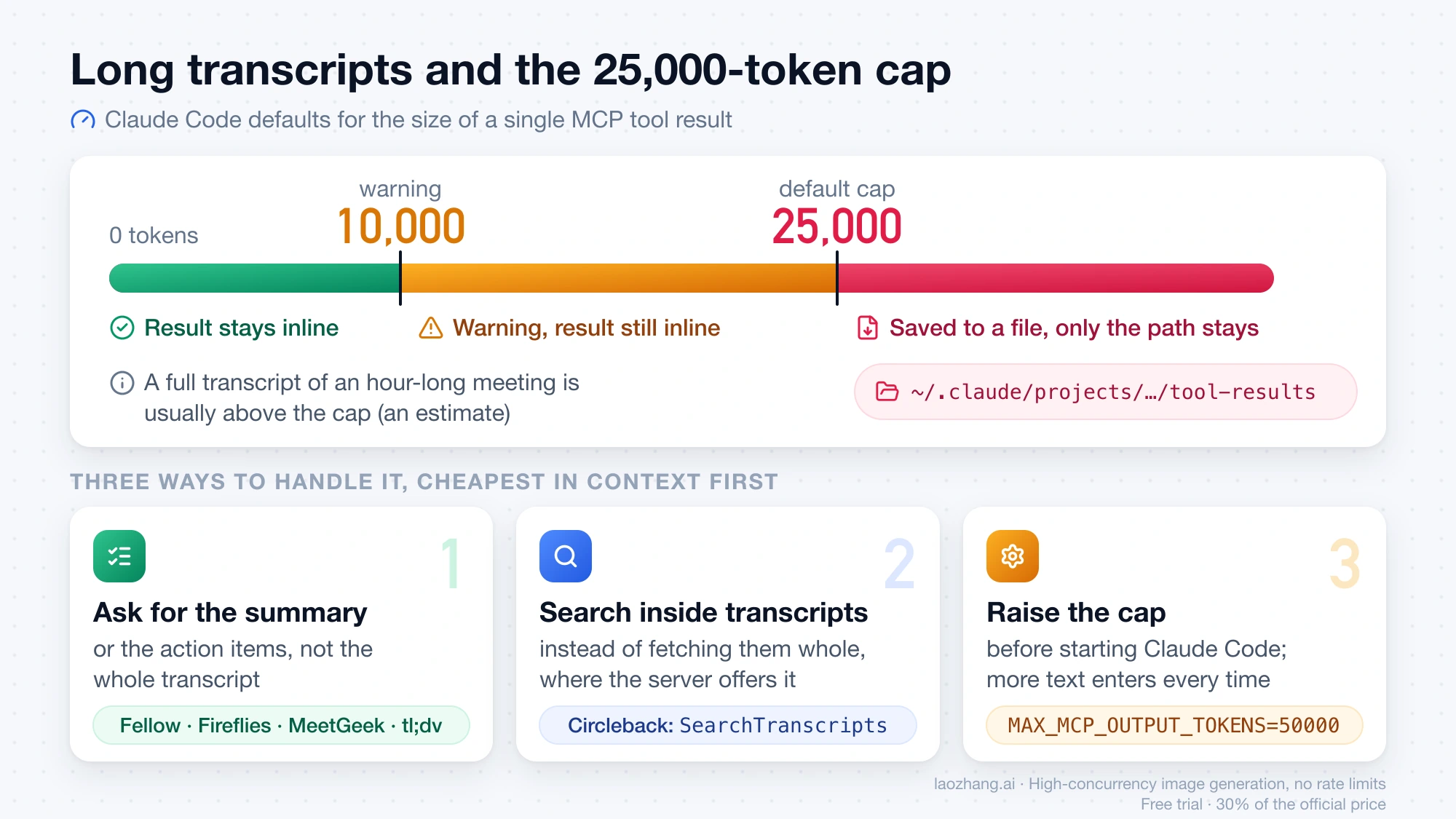
A full transcript of an hour-long meeting will usually be larger than that. This is an estimate based on how much text an hour of speech produces, not a figure from any vendor. Three ways to deal with it, from cheapest to most expensive in context:
- Ask for the summary or action items rather than the transcript. Fellow, Fireflies, MeetGeek and tl;dv expose separate summary or notes tools.
- Search inside transcripts instead of fetching them whole, where the server offers it, as Circleback does with
SearchTranscripts. - Raise the cap before starting Claude Code:
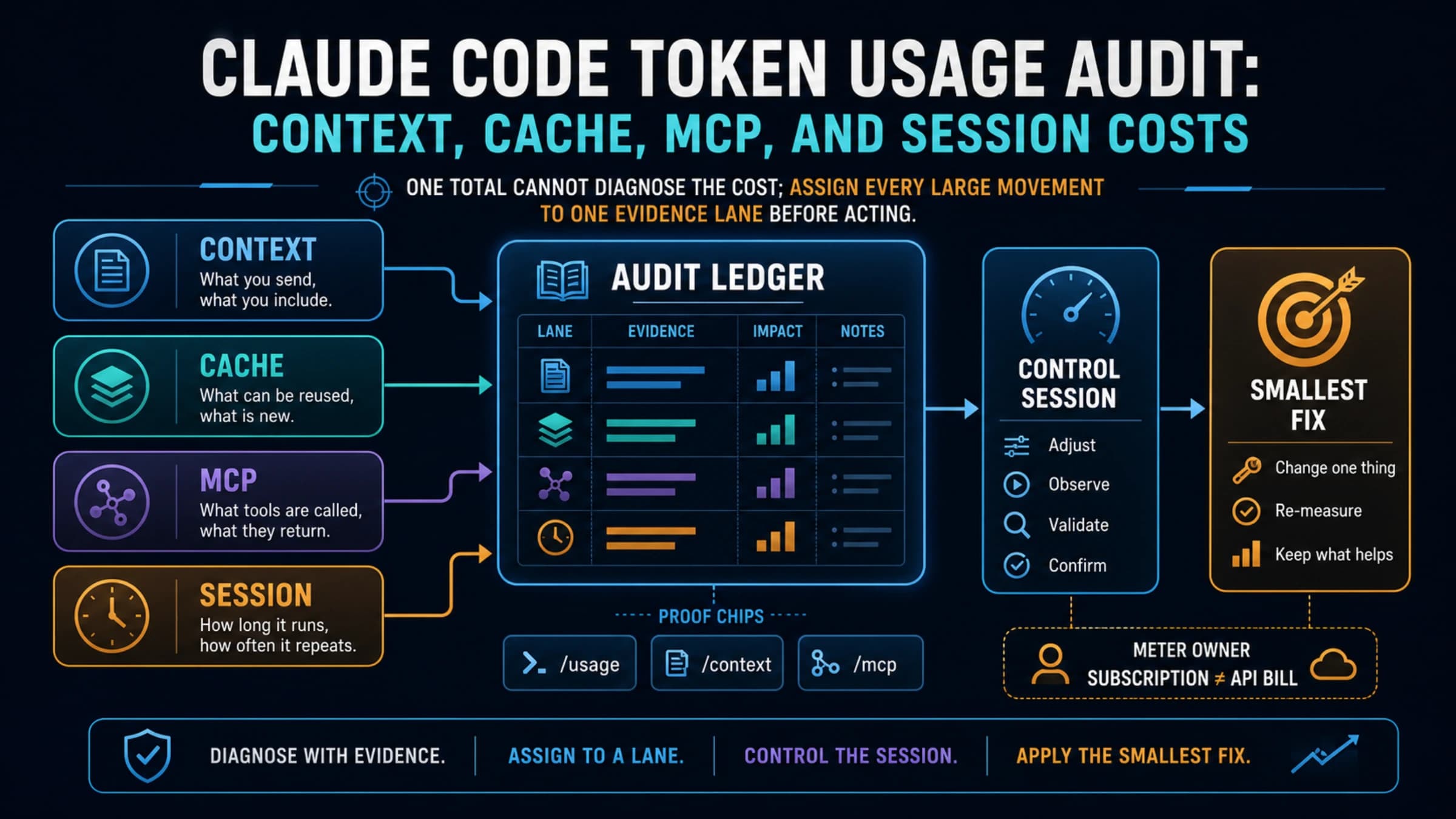
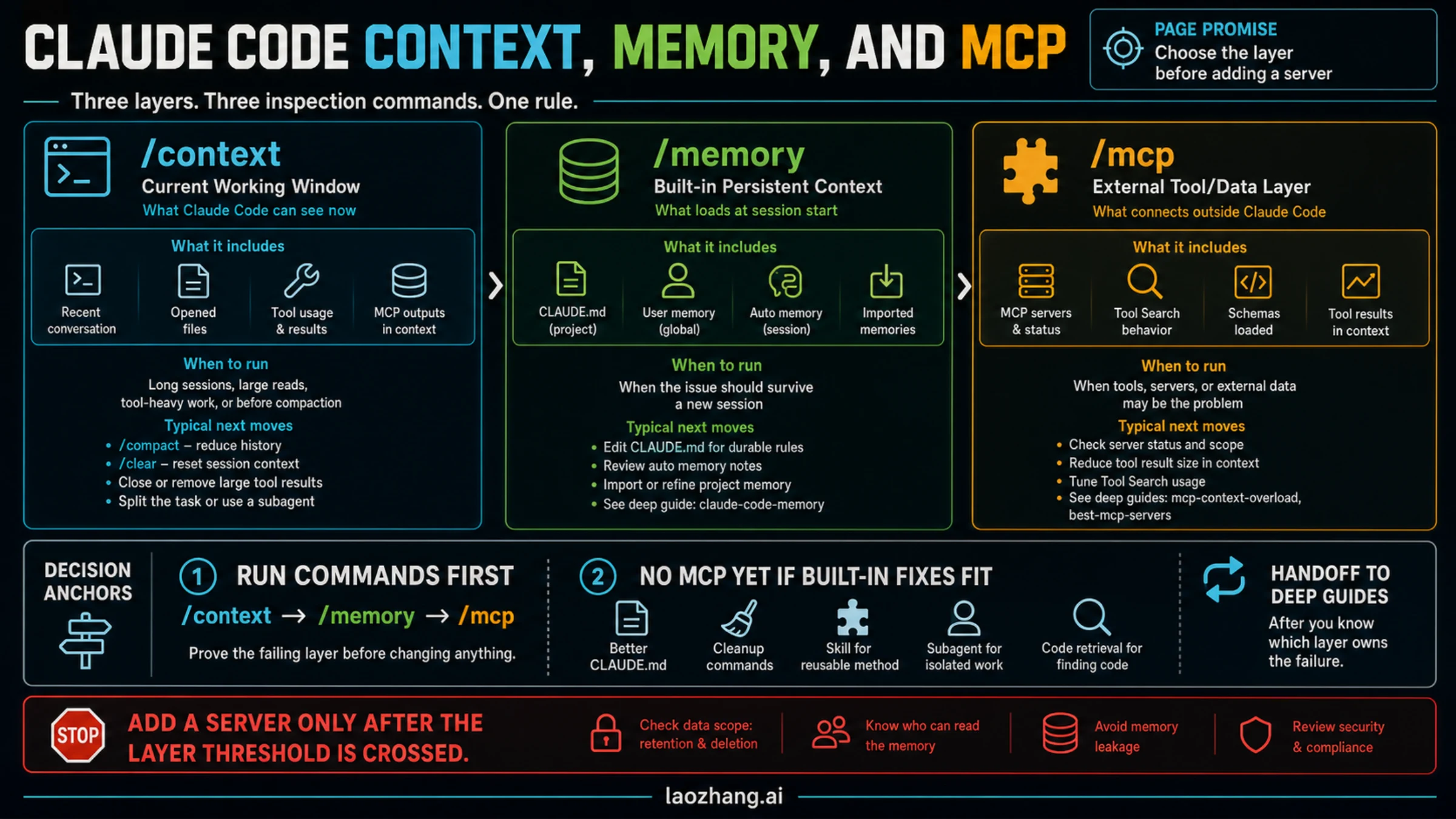
export MAX_MCP_OUTPUT_TOKENS=50000Raising the cap puts more text into the conversation each time. If several servers are already competing for space, see Claude Code MCP Context Overload: Why Too Many Servers Blow Up Your Window and How to Shrink Them.
Write tools and other people's words: what to restrict
A meeting-notes server is not automatically read-only. Granola, Otter.ai, Tactiq and tl;dv document read-only access. Circleback, Fireflies, Fellow, Read AI, MeetGeek and Notion document tools that share, edit, create or delete. Limit them at the source where the vendor allows it: decline write access when connecting Circleback, toggle tools off in Fathom, and ask a Fellow admin to disable the agenda tools you do not need.
Two further points apply to every server. Fireflies states that its zero-data-retention setting does not cover data leaving through MCP, so a compliance commitment made inside the note taker may not extend to this path. And Anthropic's documentation says: "Verify you trust each server before connecting it. Servers that fetch external content can expose you to prompt injection risk." A transcript is external content in that sense. It contains whatever other participants said, and that text reaches the model as input. Read what Claude Code proposes to do after loading a transcript before you approve an action that changes files or sends anything.
Store the server in local or user scope, not in .mcp.json
A note taker's server belongs in a private scope because the login is personal.
localis the default: the entry applies to the current project only and is stored in~/.claude.json.usermakes it available in all your projects, also stored in~/.claude.json. Add--scope userto the command.projectwrites the entry to.mcp.jsonat the project root, which is shared through version control.
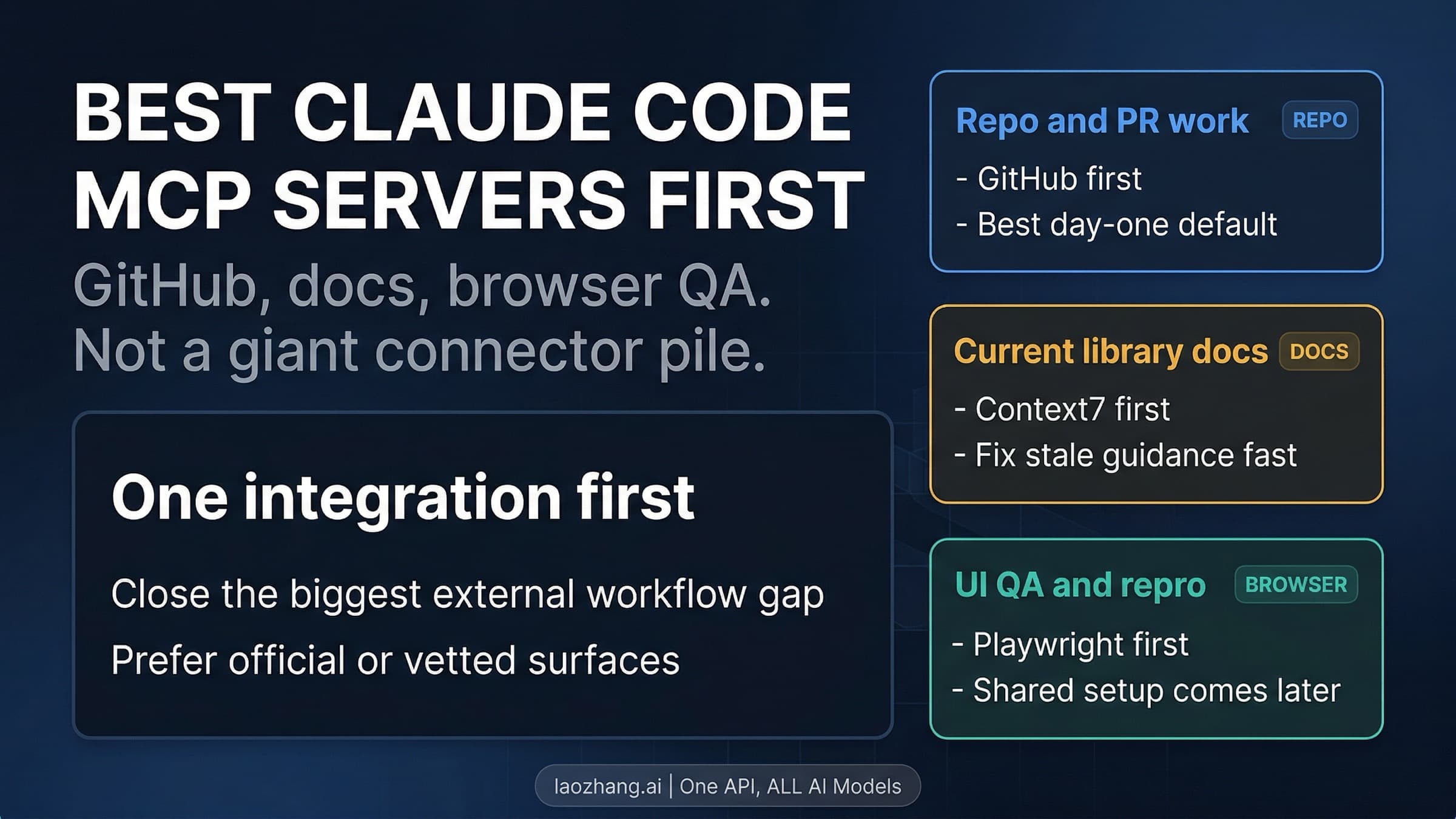
Committing the entry shares the server definition with the team, not your token. Each teammate is asked to approve a project server before first use in an interactive session, while claude -p and cloud sessions load it without a prompt. That is reasonable for a shared Notion workspace and usually unnecessary for a personal meeting recorder. For choosing which servers deserve a slot at all, see Best Claude Code MCP Servers to Install First: Starter Picks by Workflow.
Questions about Claude and note takers
Can Claude be used as a note taker?
Claude Code does not join calls or record audio. The servers above let it read meetings that a note taker already captured. Read AI's server includes a tool that sends Read AI's own meeting agent to a call, but the recording is still done by Read AI. Building your own recorder with Claude Code is a separate project from connecting an existing one.
Can you connect Claude to your notes app?
Yes for Notion (vendor command), Obsidian (local folder) and Evernote (official beta server on paid plans). Apple Notes is documented only for the Claude desktop app, OneNote is not readable through the Microsoft 365 connector, and Google Keep has no MCP server listed by Google.
How do you connect Claude Code to NotebookLM?
Google's list of products with an MCP server does not include NotebookLM as of October 1, 2026. The route that works is to keep the source documents as files in a folder Claude Code can read.
Is there a Claude meeting notes skill?
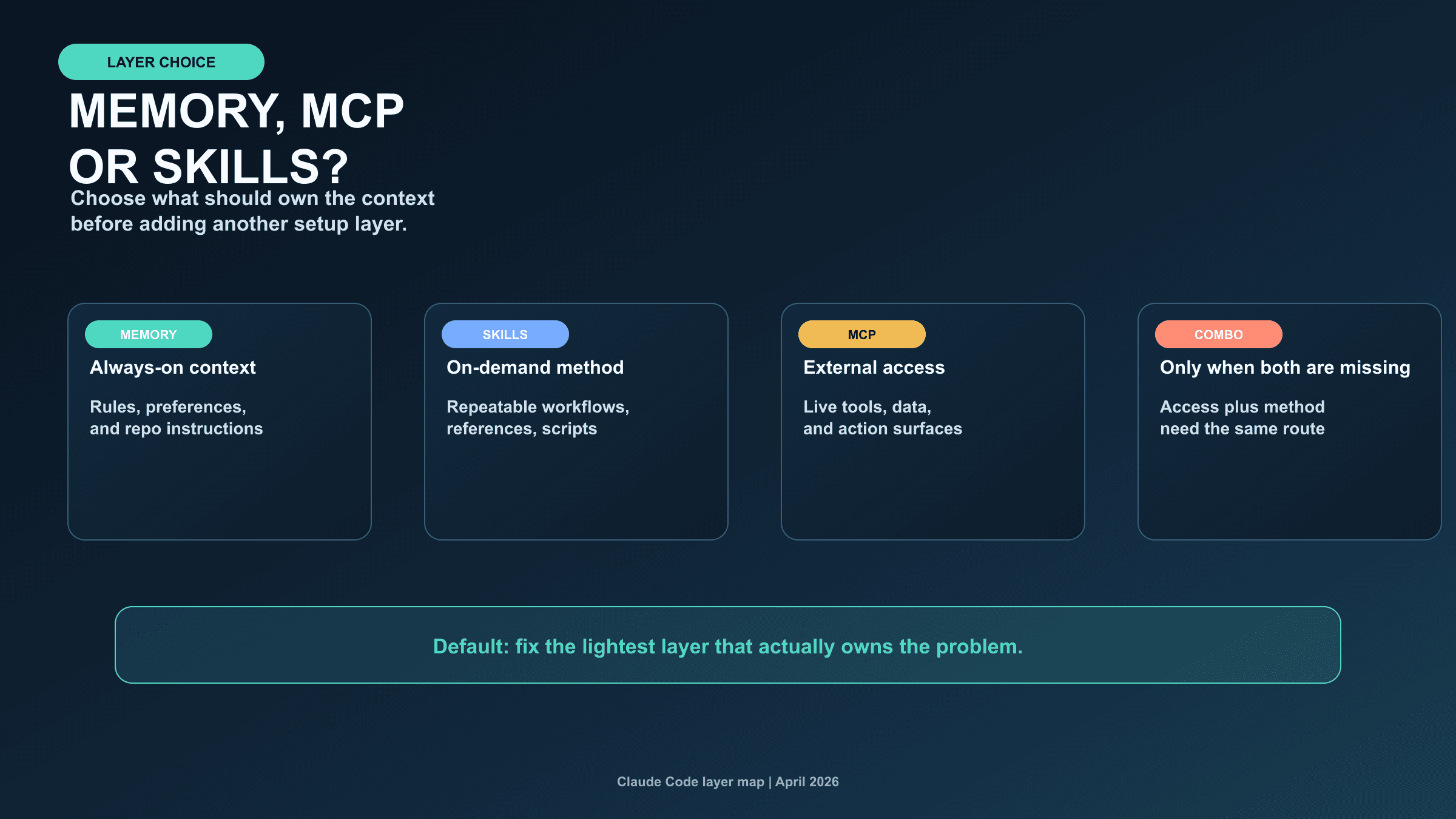
A skill can hold the procedure, such as how to turn a meeting into tickets, but it does not fetch anything by itself. The server or the files supply the notes, and the skill tells Claude Code what to do with them. Claude Code Memory vs MCP vs Skills: Which Layer Should Own What? covers how to split that work.