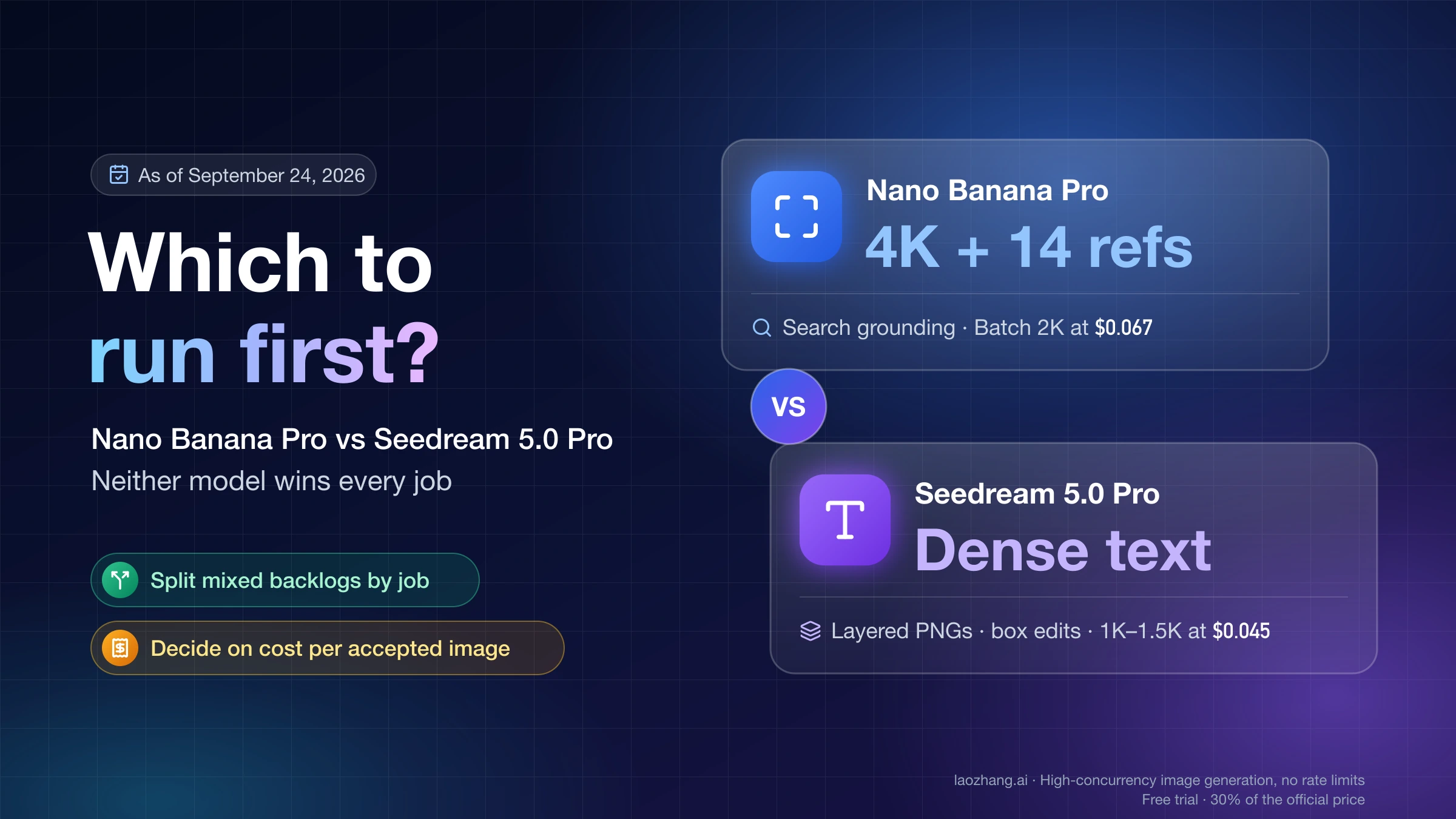
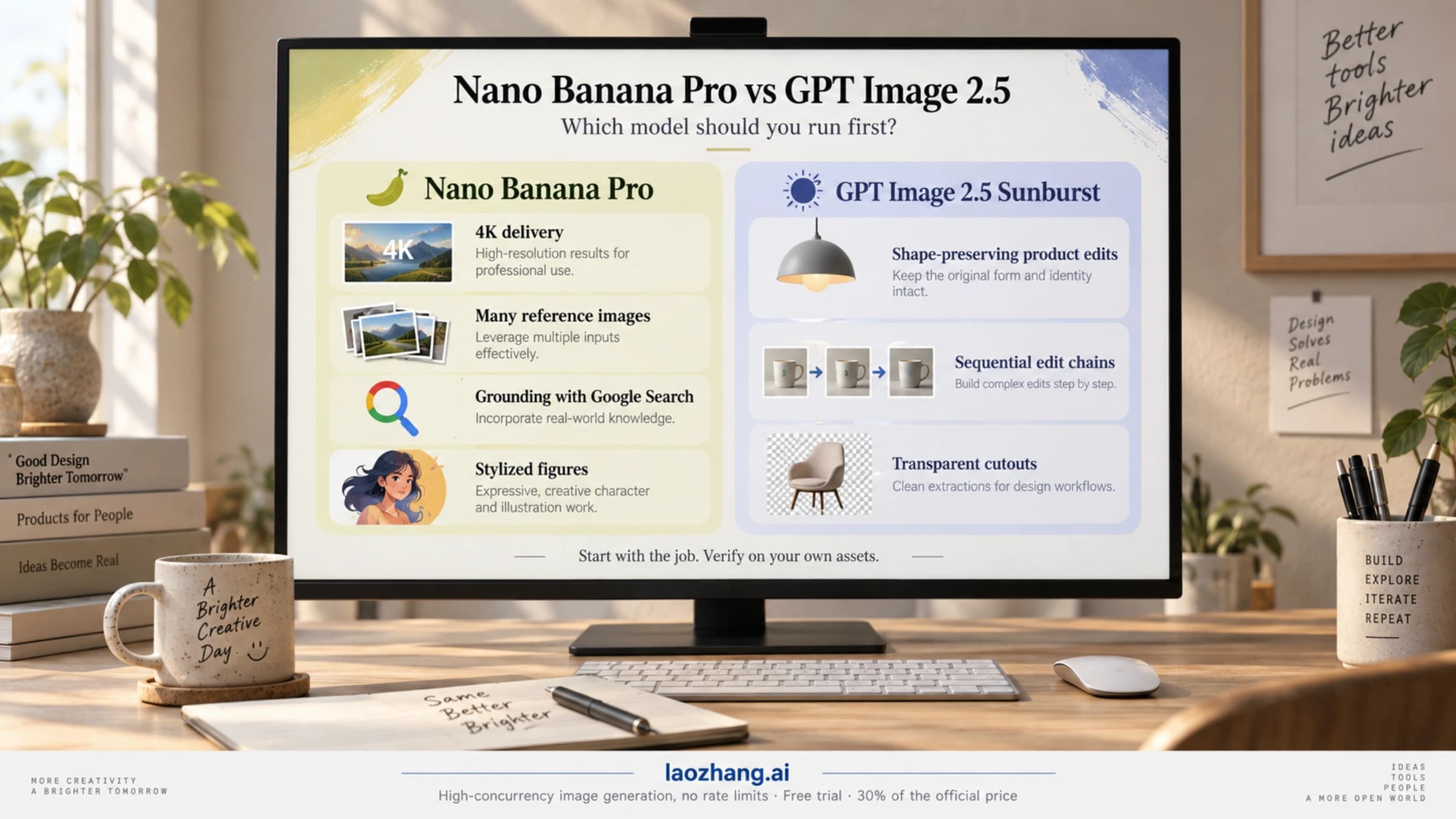
Nano Banana Pro 4K Generator: What Free Credits Actually Buy
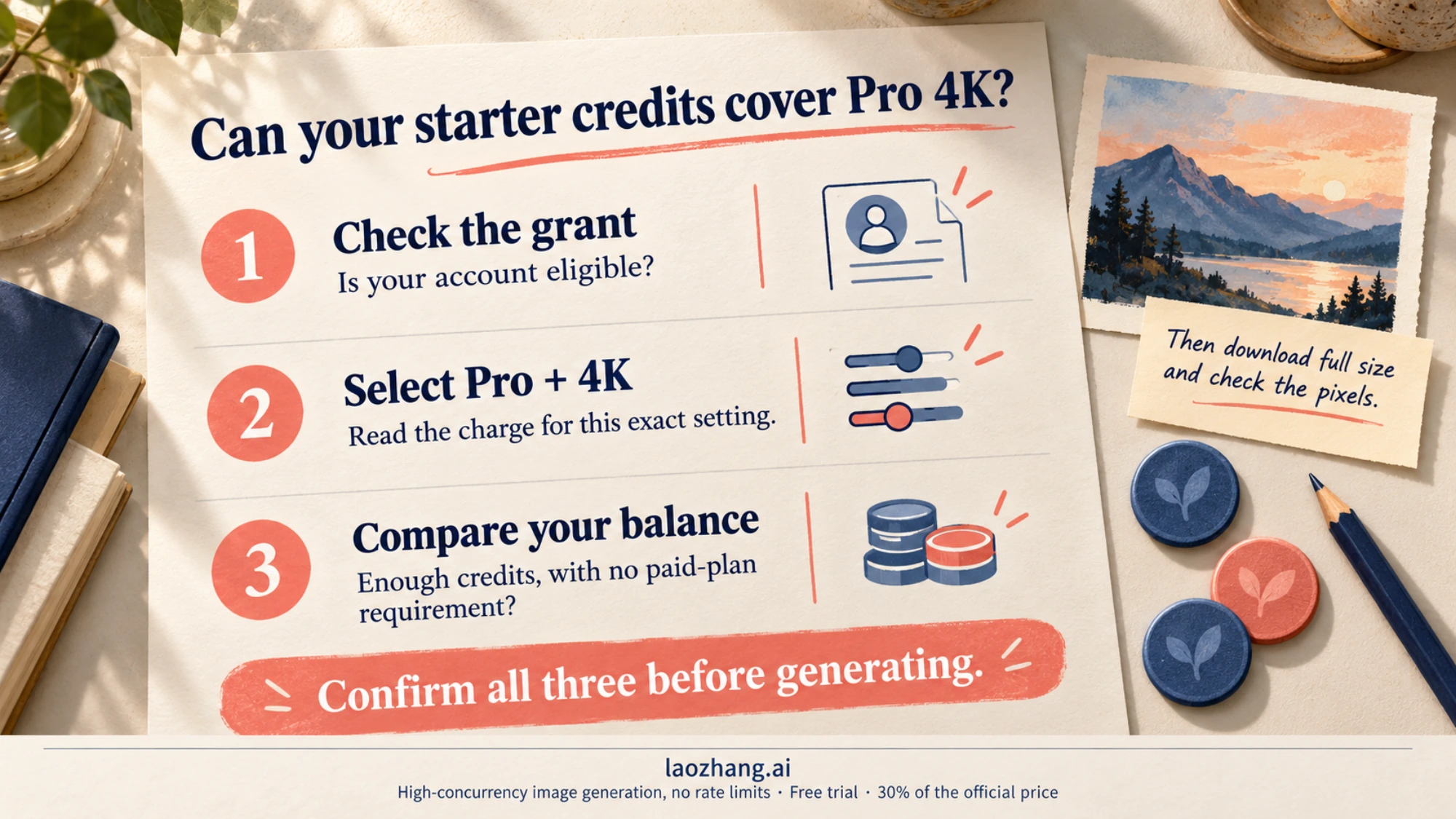
Free starter credits buy a Nano Banana Pro 4K image only when the account can select Pro at 4K and its balance covers that setting. Google's direct Pro API is paid; free Gemini drafts and Flow credits have separate rules.
On this page
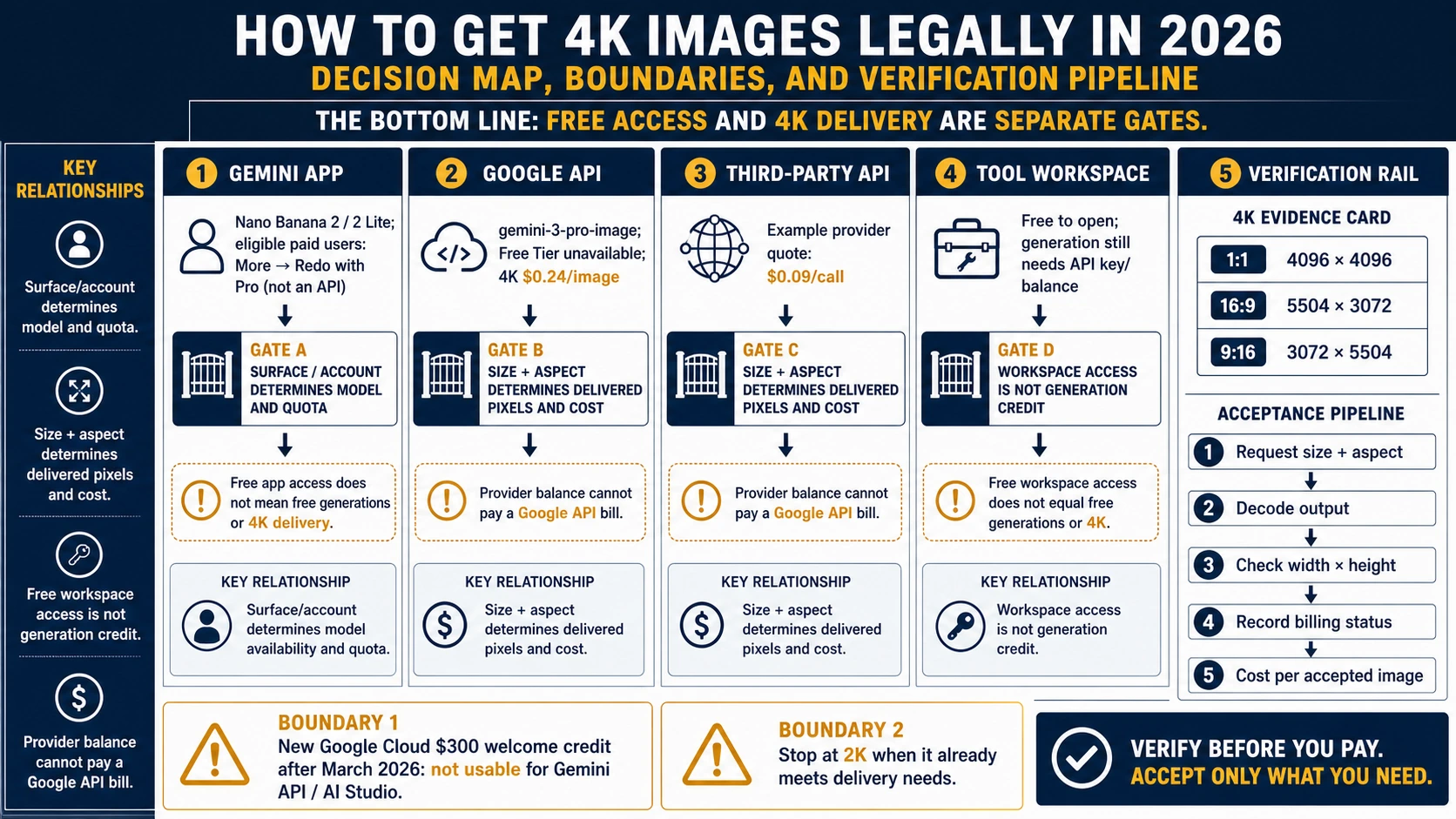
Free credits can cover a Nano Banana Pro 4K download on an independent generator, but only if your account receives the credit, can select Pro at 4K, and has enough balance for that selection. A “free to start” banner does not establish those conditions. Google's own Gemini Developer API has no free tier for Pro: its published Standard image-output price is $0.24 at 4K, before input and other applicable charges. Google's pricing page is the reference for direct API billing.
For a free first draft, the Gemini app is a useful starting point. For a specifically Pro-generated, downloadable 4K asset, use a generator that explicitly exposes that combination, or a paid API with a 4K setting. Then check the saved file. “Pro” in a plan name, a large preview, and the word “4K” in a prompt each leave part of that job unresolved.
The access and prices below reflect the documentation available on October 9, 2026. The examples are planning calculations, rather than generation or billing tests.
Which free credits can pay for Pro 4K?
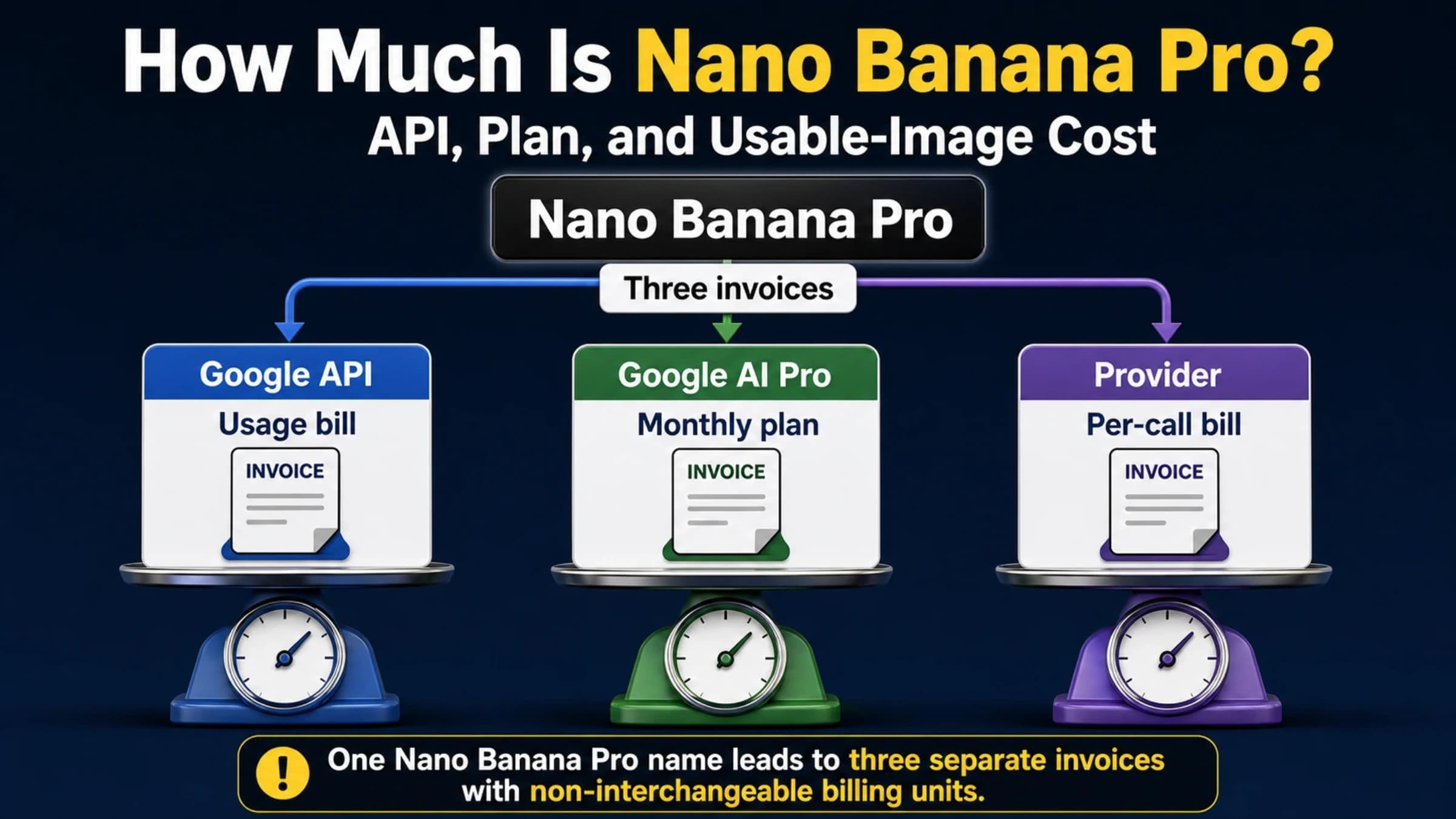
The first question is where the credits were issued. A Google AI subscription, Flow balance, Google API credit, and image website balance each pay for different services.
| What you have | What you can use it for | Does it establish free Pro 4K? |
|---|---|---|
| Free Gemini app access | Ordinary image creation within the app's limits | No. Free image creation is separate from paid Pro redo access, and the download help specifies 1K without an AI plan. |
| A Google AI plan | App image allowances and eligible Redo with Pro access | No guaranteed 4K download. This is a subscription benefit, not developer API balance. |
| Flow's 50 daily credits | Generations permitted by your Flow account and selected settings | No. The credit grant does not specify a free Pro 4K image entitlement. |
| A new $300 Google Cloud Welcome credit | Eligible Google Cloud services | No for Gemini API or AI Studio usage on accounts opened after March 2, 2026. |
| Starter credits from an independent image site | That site's available models, sizes, and credit charges | Possibly, if the grant applies to your account and covers its Pro 4K selection. |
Sources: Gemini image help, Flow credits, and Gemini API billing. The independent-site row describes a condition to check, not a universal offer.
A real starter offer still needs a 4K price
Consider nanabananapro.com, an independent commercial generator. Its current FAQ says starter credits are available to eligible accounts, while email-and-password registrations do not receive the registration gift. Its 4K answer says settings and credit requirements depend on the selected model. The public generator displayed Nano Banana Pro, 1K, 20 credits when checked; that is a 1K selection, not a quoted 4K charge.
The site's published October 8 examples are also explicitly 1K. They show what the seller chose to demonstrate, but cannot prove a free account receives a 4K download. Its annual “Unlimited” offer is a paid annual subscription; “free images” during that purchased term does not mean a free signup plan.
For any starter offer, select Pro, choose 4K, and read the charge for that exact selection before generating. Compare it with the available balance and the grant's eligibility and expiration terms. If 4K requires a paid plan, or its charge exceeds the free balance, the starter gift cannot complete this job without additional payment. Do not convert a credit count into an image count using a lower-resolution price.
Use Gemini or Flow for a draft; check their export limits separately
Gemini: create first, then use the paid Pro redo
Google's current image-generation overview puts Nano Banana 2 on the free plan and Nano Banana 2.1 on Google AI plans. The operational help still names Nano Banana 2 for ordinary creation and documents Pro as a paid regeneration option.
On the desktop app, open Images from the sidebar and create an image. For an eligible paid subscriber, the documented next action is More → Redo with Pro at the bottom right of an existing image. You need remaining daily Nano Banana 2 image quota to use that redo. To save the result, hover over it and choose Download full size. Gemini Apps Help documents these controls.
The same help specifies 1K downloads without an AI plan and 2K with one. The product overview's free-model card lists 2K capability, so the two pages do not give a consistent promise for free downloads. Use the download guidance as the practical expectation and inspect your actual file; neither page establishes a 4K app control or guaranteed Pro 4K export.
Flow: select the image model instead of assuming the default
Flow grants 50 daily credits with or without a subscription. The refresh is triggered by your first generation, and unused daily credits do not roll over. This balance belongs to Flow, rather than the Gemini Developer API. Flow's credit help also says costs are per generation; one request can produce multiple generations.
For a manual image request, open a project, click the model name in the prompt box, choose Image, and select the model, aspect ratio, and output count. Check the current resolution and credit cost in the prompt settings. These are the documented controls in Flow's image help.
Do not assume that a free Flow session starts on Pro. The more specific Flow model help identifies Nano Banana 2 Lite as the default available at no charge, Pro as the default for Ultra subscribers, and 2.1 as the standard image model. That qualifies the generic creation page's older “default Pro” wording. The public help does not confirm a free Pro 4K image download. Its 50-credit 4K upscaling table entry concerns video, so it cannot supply an image price.
Request 4K explicitly, then inspect the downloaded pixels
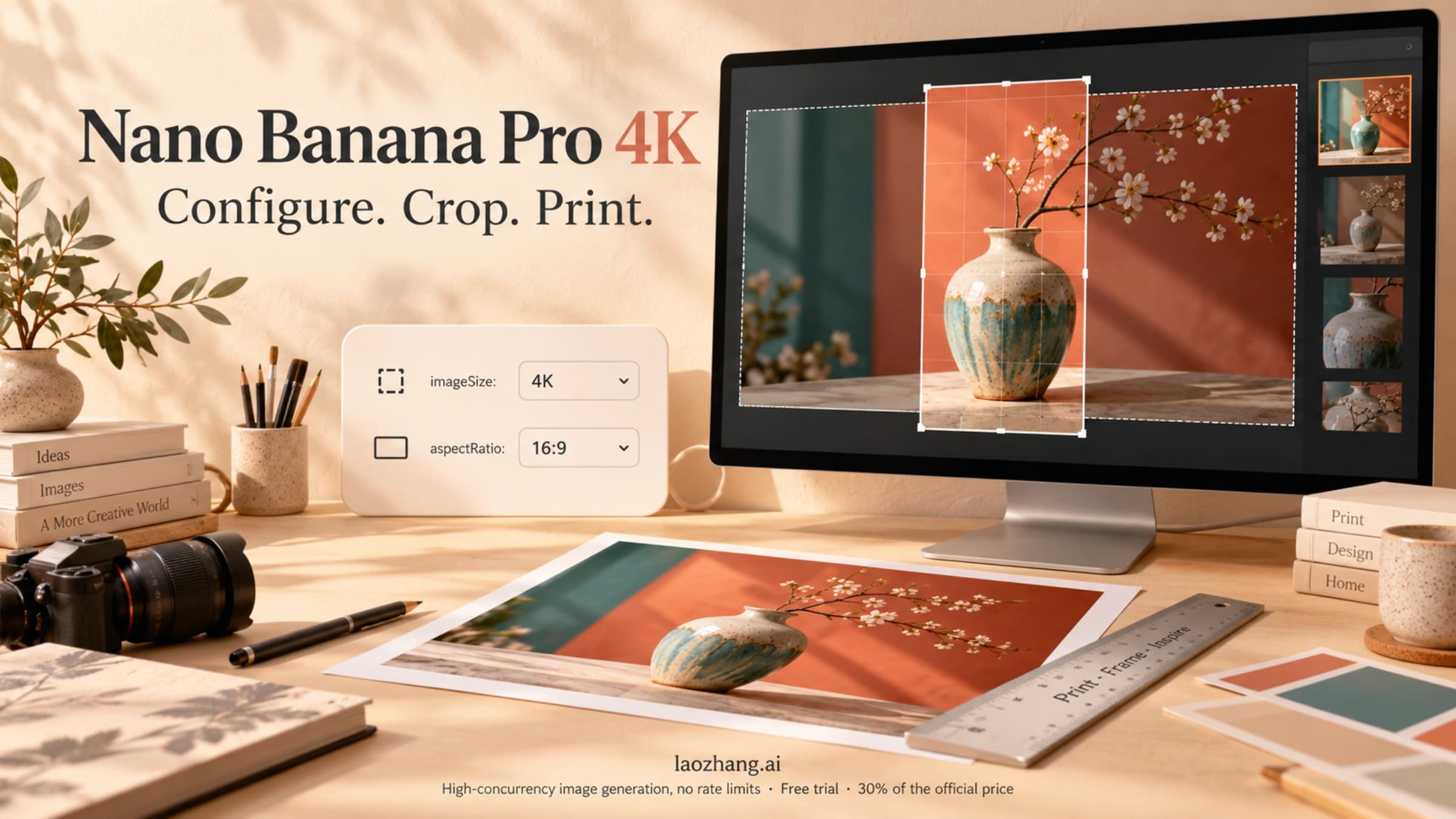
For direct developer use, Nano Banana Pro is gemini-3-pro-image. Google's image-generation guide documents 1K, 2K, and 4K output, with 1K as the default. Use uppercase K; describing an image as “4K” in the prompt does not replace the output-size field.
In the documented Interactions format, the image settings are response_format.type, response_format.aspect_ratio, and response_format.image_size. For example, a portrait illustration intended for a 4:5 placement would select model gemini-3-pro-image, type image, aspect ratio 4:5, and image size 4K. These are configuration values, not a claim that an image has been generated.
Google's Pro size table gives the following expected dimensions. “4K” is a size tier; it does not always mean 3840 × 2160.
| Pro aspect ratio | 2K output | 4K output |
|---|---|---|
| Square, 1:1 | 2048 × 2048 | 4096 × 4096 |
| Portrait, 4:5 | 1856 × 2304 | 3712 × 4608 |
| Landscape, 16:9 | 2752 × 1536 | 5504 × 3072 |
Source: the Pro tab in Google's aspect-ratio and image-size table. These are documented output dimensions, rather than files produced for this article.
Download the full-size result instead of saving a preview or taking a screenshot. Open the saved image's properties or your image editor and read its width and height. Compare those values with the selected model, ratio, and size. For a 4:5 Pro API request, 3712 × 4608 matches Google's 4K table; 1856 × 2304 matches its 2K table. A generator that offers an additional upscale may deliver another size, so read its export description rather than treating an upscaled file as proof of native Pro 4K generation.
Pixel dimensions establish the canvas. They do not establish correct lettering, a faithful reference edit, or a usable final design. For a reference-based image, compare the result with the source before approving it, especially any recognizable face, object shape, label, or detail the job requires you to preserve.
When 2K is enough—and when the extra pixels help
Use 2K when the file already covers the final placement and intended crop. A 1600 × 900 web banner fits inside Pro's 2752 × 1536 landscape output, with room to downsample. If that composition, lettering, and detail work at the displayed size, paying for 4K solely to reduce it back to the same banner dimensions has little practical justification.
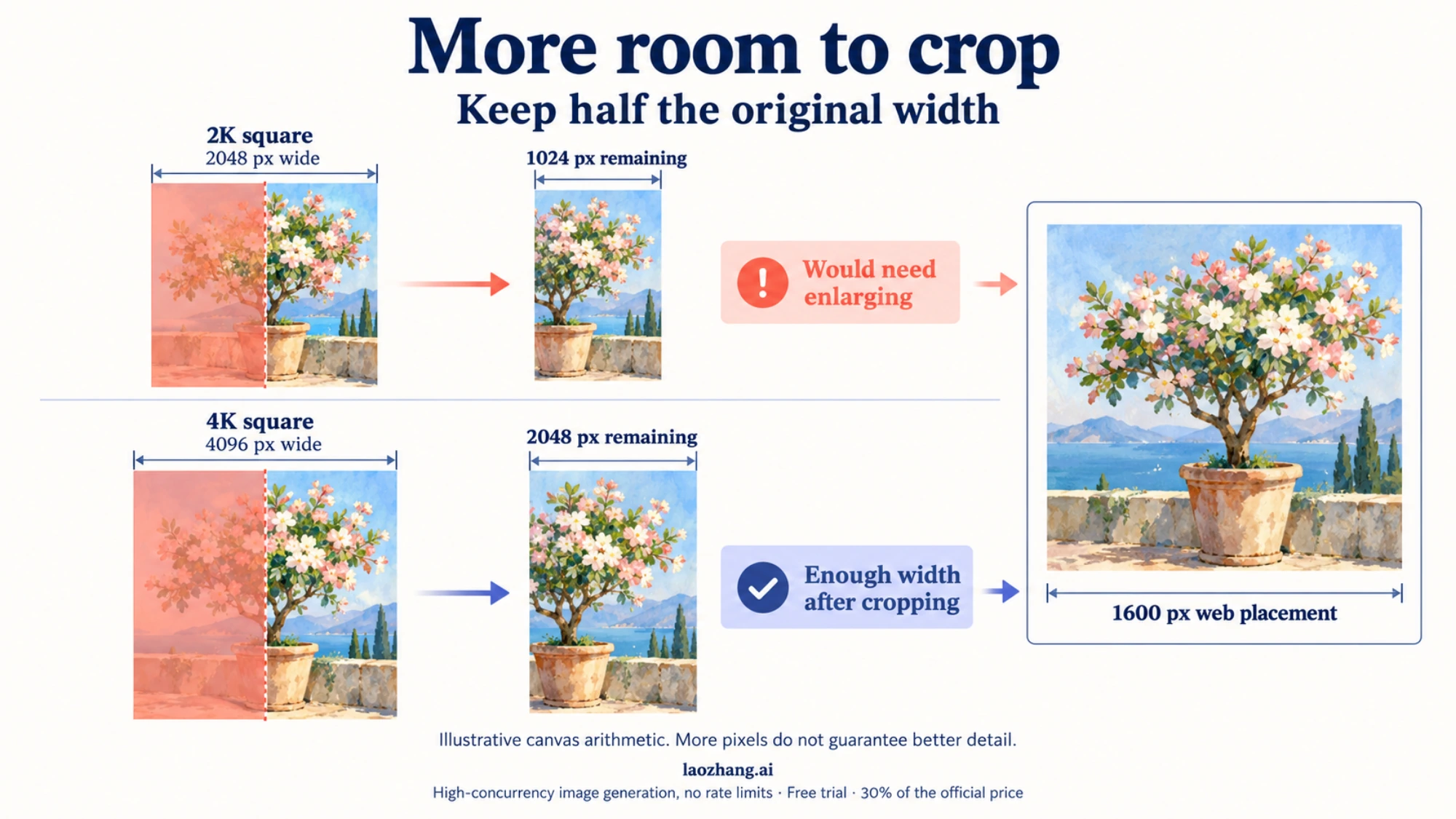
A heavy crop changes the choice. If a square design uses only half the original width, a 2K square leaves about 1024 pixels across that crop. A 4K square leaves about 2048. For a 1600-pixel-wide placement, the second file gives more room to crop without enlarging the remaining pixels. This is canvas arithmetic, not a guarantee that generated details improve.
For print, ask for the required physical size and effective pixels per inch. At an illustrative 300 ppi, an uncropped 2048-pixel square spans about 6.8 inches; a 4096-pixel square spans about 13.7 inches. A printer's requirements, bleed, and crop can change those usable sizes. More pixels can satisfy a size requirement, but they cannot correct a misspelled name or an inaccurate illustration.
Resolve the composition before paying for larger variants. For a newsletter illustration, approve the subject and layout at the size you can use; for a print asset, reserve enough final pixels after cropping. If exact typography matters, add or finish it in a design editor rather than assuming a 4K setting will repair the text.
Budget for the images you keep
On Google's direct API, Pro's published image-output equivalents are $0.134 at 1K or 2K and $0.24 at 4K on Standard, or $0.067 and $0.12 on Batch. Input tokens, text and thinking output, and applicable Search charges add to the job. These USD figures are image-output prices, not complete invoices. Google's pricing page gives the rates and footnotes.
The 4K premium over 2K is about $0.106 per output at the published Standard prices. It buys a larger canvas; whether that saves work depends on the crop and deliverable.
For a hypothetical set of six approved editorial illustrations, suppose eight billed 4K outputs are needed and other billed components total $0.08. The planning calculation is:
(8 × $0.24 + $0.08) ÷ 6 approved images = about $0.33 per usable image.
The assumed eight outputs and six approvals are illustrative, not an observed acceptance rate. In your own project, divide the actual total charge—including paid retries and rejected images—by the number you can use. With zero approved images, there is no finite cost per usable image to report.
Billing rules also matter when no image returns. Google says requests that fail with 400 or 500 errors are not charged for tokens, though they count against quota. A provider may define a different chargeable event. Google's billing FAQ is the reference for Google's behavior.
Compare the model and the API format before buying balance
4K is not exclusive to Pro. Nano Banana 2.1 also supports it, and Google's published Standard image-output equivalent is $0.113 at 4K, versus Pro's $0.24. That is a lower image-output price, not proof of a lower total bill or better results for every job. Google now recommends 2.1 for new projects while retaining Pro for complex visual work. See Nano Banana 2.1 pricing and cost per call for that separate choice, and Google's image guide for the model descriptions.
LaoZhang API, the provider behind this blog, documents Pro at $0.09 per call, with public pricing dated September 24, 2026. Its Gemini-native generateContent format exposes generationConfig.imageConfig.imageSize and aspectRatio for 1K/2K/4K selection. Its OpenAI-compatible text-only chat format has no size or ratio controls and returns a 1K square. Choosing the wrong format would defeat a 4K purchase even though the model name is the same. The provider's Pro documentation also specifies an eligible key billing mode and charges every HTTP 200 response once, including a response without an image.
Disclosure: laozhang.ai is our own service. Its prices are platform pricing, not an independent comparison.
That is provider pricing and provider billing behavior. It does not convert a Google subscription into API credit, establish a signup gift, or independently verify upstream model identity or output quality.
Frequently asked questions
Can I use the $300 Google Cloud trial for Nano Banana Pro 4K?
Not as a current Gemini API signup shortcut. Google's billing guide excludes Welcome credit from Gemini API and AI Studio usage for accounts opened after March 2, 2026. Credits granted before the exclusion could be spent until their original 90-day expiry; that historical exception is not a new-account offer. Purchased API prepay credit is paid balance.
Is creating a free API key enough to generate Pro images?
No. A key inherits its project's billing status, and Pro has no free API tier. For paid setup, Google's billing guide specifies a minimum $5 prepayment where Prepay is required; an exhausted prepay balance produces HTTP 402 rather than free Pro generation. Direct API and AI Studio access also require an eligible region and age 18 or older. See billing and availability.
Does “unlimited” mean I can get free 4K images indefinitely?
Only the actual offer can answer that. It may describe images included during a paid subscription rather than an unrestricted free account. Check the required plan, allowed model and resolution, concurrency, and renewal terms. For example, nanabananapro.com's annual offer describes image generation during a purchased annual term; its starter-credit eligibility is a separate FAQ condition.
Is Google Search AI Mode a free Pro 4K alternative?
The current Search image help names Nano Banana 2.1 for the enhanced AI Mode image feature and gives account, language, regional, and daily-limit conditions. It does not document Pro 4K export. Use it for the image features your account offers, rather than as a substitute for an explicit Pro 4K setting.
Can I download a Pro image without a watermark?
A visible mark and provenance signals are different. Google's API guide says generated images include SynthID. The Gemini app watermark setting controls visible marks only; it does not remove SynthID or Content Credentials. Availability of that setting also varies by region and plan. A clean-looking image is not evidence that all provenance signals are absent.
Should I choose Batch or Flex for cheaper Pro 4K output?
Batch has a documented $0.12 Pro 4K image-output equivalent on Google's pricing page. Evaluate it when your job can use batch processing. Flex is less clear: the pricing page displays a Pro Flex price, but the current Flex supported-model list does not include Pro or the image models. Do not plan a working Pro Flex integration from the price card alone.
Sources13
External pages this guide links to, in the order they appear. Last updated Oct 9, 2026.
Sources13
External pages this guide links to, in the order they appear. Last updated Oct 9, 2026.
- 1.Google's pricing pageai.google.dev/gemini-api/docs/pricing
- 2.Gemini image helpsupport.google.com/gemini/answer/14286560
- 3.Flow creditssupport.google.com/flow/answer/16526234
- 4.Gemini API billingai.google.dev/gemini-api/docs/billing
- 5.nanabananapro.comnanabananapro.com
- 6.image-generation overviewgemini.google/overview/image-generation
- 7.Flow's image helpsupport.google.com/flow/answer/16729550
- 8.Flow model helpsupport.google.com/flow/answer/16352836
- 9.image-generation guideai.google.dev/gemini-api/docs/image-generation
- 10.availabilityai.google.dev/gemini-api/docs/available-regions
- 11.Search image helpsupport.google.com/websearch/answer/16649374
- 12.Gemini app watermark settingsupport.google.com/gemini/answer/17405358
- 13.Flex supported-model listai.google.dev/gemini-api/docs/flex-inference