DeepSeek "Server Is Busy" Fix: Outage or Expert Mode Overload?
DeepSeek's busy message is a refusal from its servers, not your device. Check status.deepseek.com; if nothing is posted, press Continue or use Instant mode.
On this page
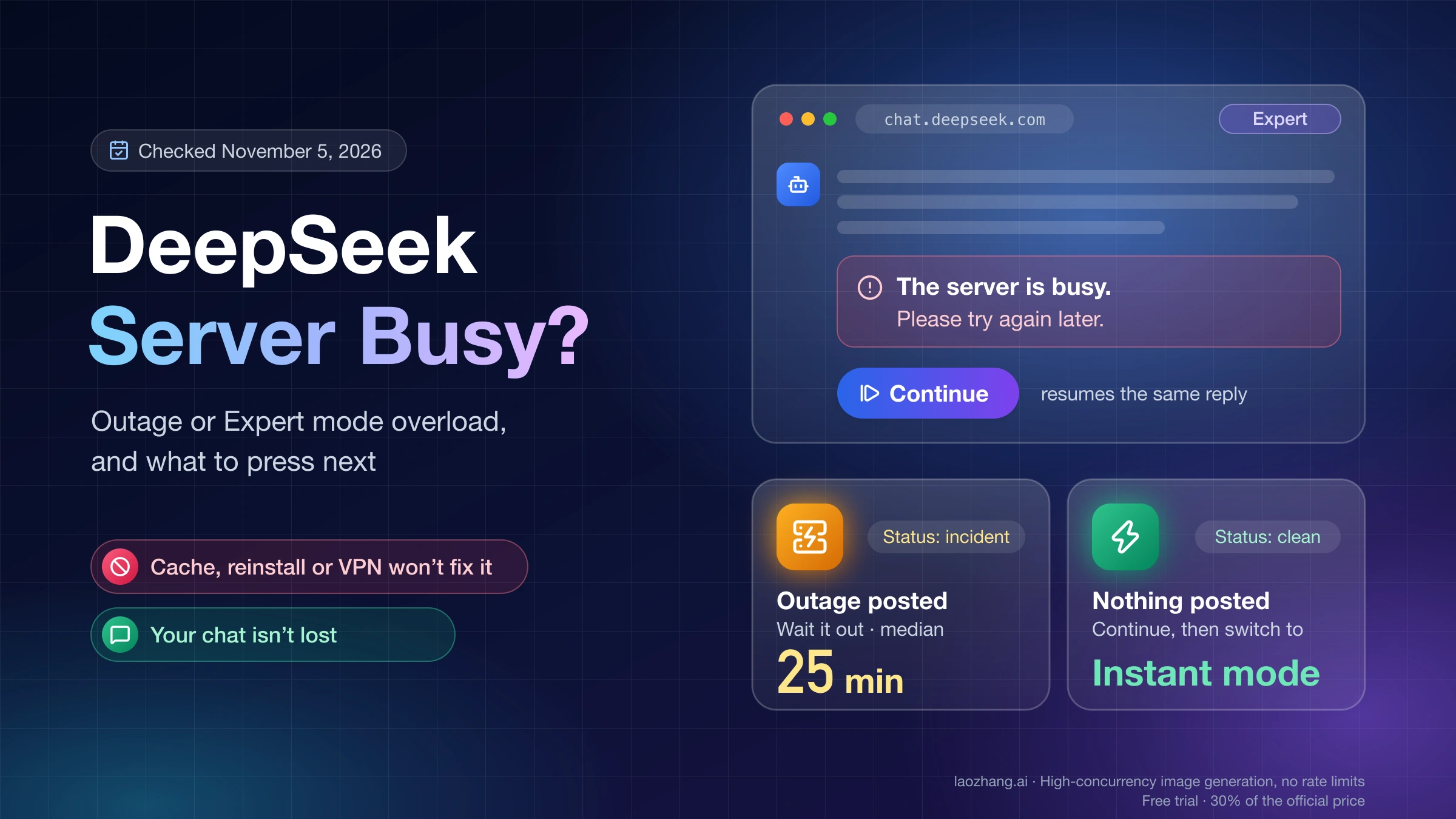
"The server is busy. Please try again later." means DeepSeek's servers refused or cut off your reply. Nothing is wrong with your account, browser, phone or internet connection, so clearing the cache, reinstalling the app or turning on a VPN won't make it go away. The same words come from two different situations, though, and they need different responses.
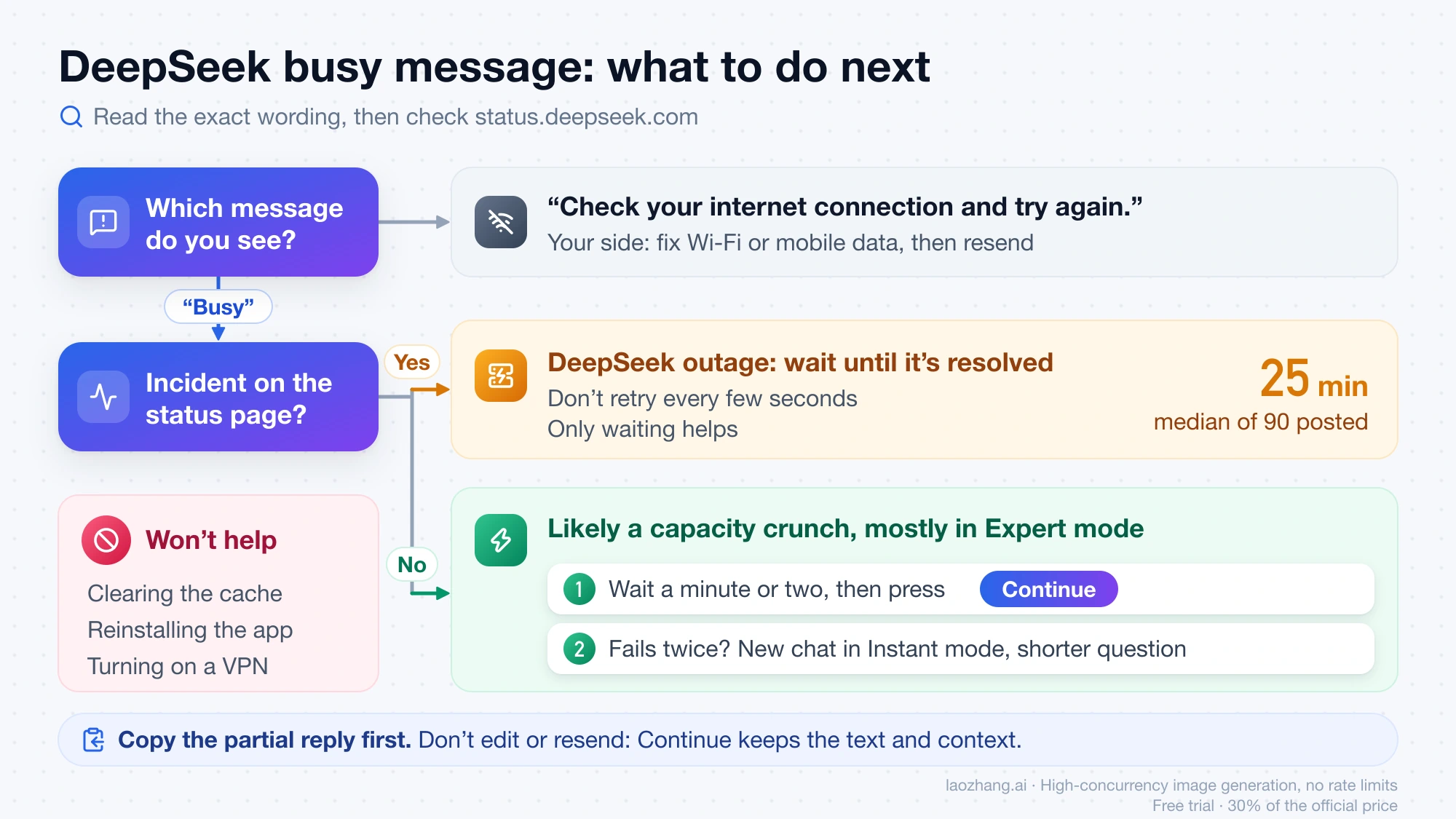
First open DeepSeek's status page. If it shows an open incident, the outage is on DeepSeek's side and waiting is the only fix; the 90 incidents DeepSeek posted between January 2025 and November 3, 2026 lasted 25 minutes at the median. If the status page says everything is running, you have most likely hit a capacity crunch that DeepSeek doesn't post as an incident, which users report mostly in Expert mode. Then press Continue under the cut-off reply instead of asking again, or start a new chat in Instant mode with a shorter question. The newer wording "Server is busy. Try again later, or use Instant mode." points to that second case directly.
Either way, your conversation isn't lost: the text DeepSeek already wrote stays on screen and the chat keeps its history. The one look-alike that is on your side is "Check your internet connection and try again.", which means your message never left your device.
What to do right now without losing your DeepSeek chat
Check the status page first, then use the button DeepSeek puts under the broken reply, and only then change modes or start over. Sending the same question again throws away the partial answer and adds one more request to a server that is already refusing them.
- Copy anything you need from the partial reply, so a second failure can't cost you that text.
- Open status.deepseek.com. If an incident lists Chat Service, wait until it shows as resolved instead of retrying every few seconds.
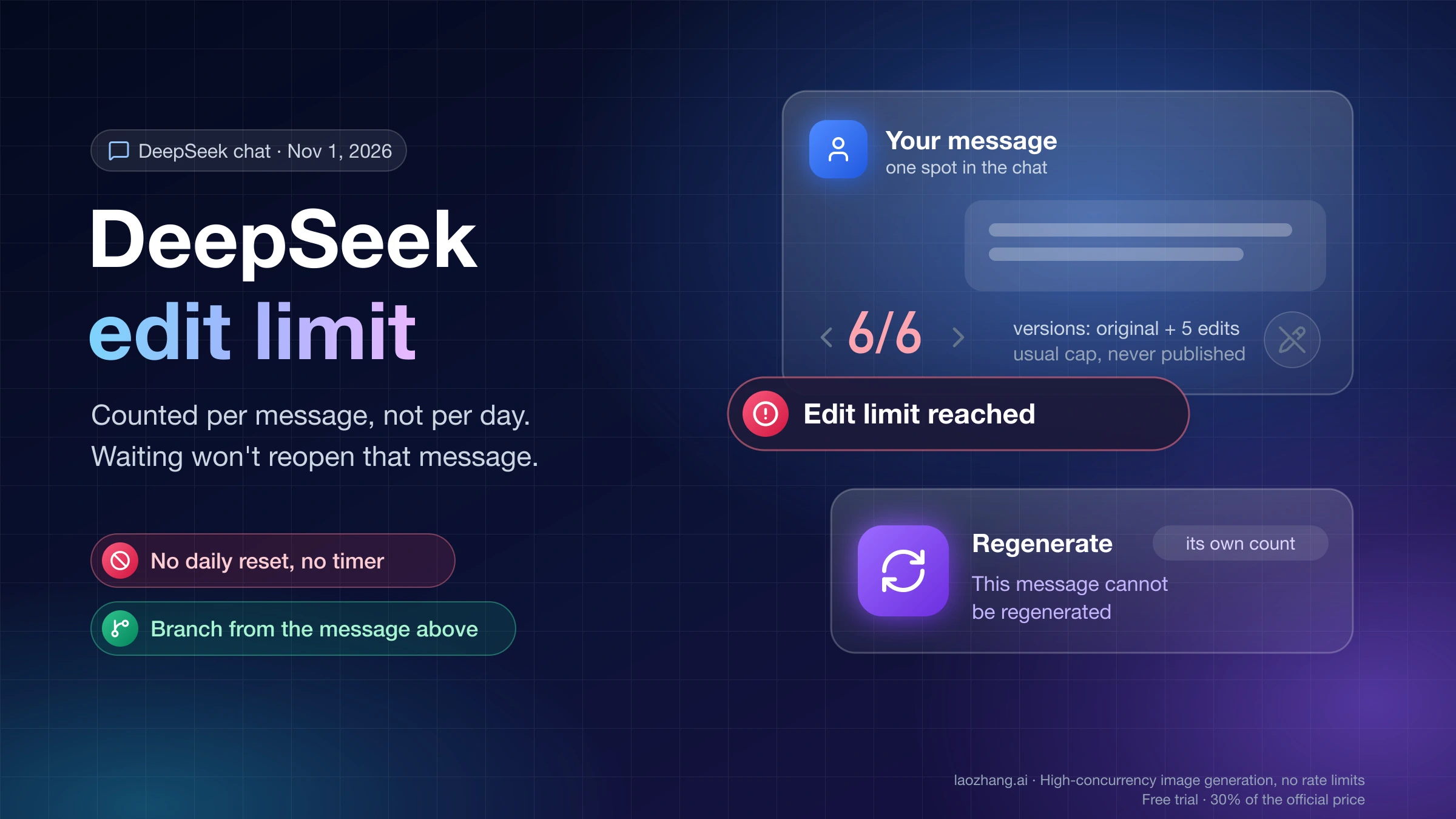
- If no incident is posted, wait a minute or two and press Continue under the cut-off reply. It resumes the same message, so the earlier text and the chat's context stay in place. Don't edit and resend your prompt instead: edits and regenerations are capped per message, as DeepSeek Edit Limit Reached: Counted per Message, Not per Day explains.
- If Continue fails again and you are in Expert mode, start a new chat in Instant mode, paste a short summary of the background, and ask a narrower question. The mode is chosen before a chat starts.
- If the task really needs Expert mode, open a new Expert chat with a shorter question, or try again once the top of the hour has passed.
Continue is the button DeepSeek provides for this case and costs nothing to try, but there is no public record of how often it works while capacity is still short. If it fails twice, move to step 4 rather than pressing it again.
Which DeepSeek message is it? Busy vs unavailable vs too frequent
The exact wording tells you whether the problem is DeepSeek's capacity, your connection or how fast you are sending. The public code that chat.deepseek.com loaded on November 5, 2026 (web build main.7f286e4da7, downloaded without signing in) has each of these as a separate message with its own trigger, and only one of them points at your side.
The same code explains why the busy message comes in several versions. "The server is busy. Please try again later." isn't in the web app's code at all: when a reply ends incomplete, the page shows whatever text DeepSeek's server sends and falls back to its own "Server busy, please try again later." only when the server sends nothing. The "or use Instant mode" version is server text too. Whichever one you see, it is the same event.
| Message you see | What it means | What to do |
|---|---|---|
| "The server is busy. Please try again later." or "Server busy, please try again later." under a cut-off reply | DeepSeek stopped the reply; the text so far is kept | Check the status page, wait, then press Continue |
| "Server is busy. Try again later, or use Instant mode." | The same refusal; the hint suggests you are in Expert mode | New chat in Instant mode, or wait |
| "Server is temporarily unavailable." | The reply stream ended with no message from DeepSeek's server | Check the status page, then treat it like a busy reply |
| "Check your internet connection and try again." | Your message never left your device | This one is yours: fix Wi-Fi or mobile data, then resend |
| "Failed to load this message" with Retry | You reloaded the page while the reply was generating | Press Retry to pick the reply back up |
| "RPD rate limit reached" or "Operation too frequent. Please try again later." | DeepSeek is limiting requests from your account or connection | Stop retrying, turn off auto-retry tools, wait |
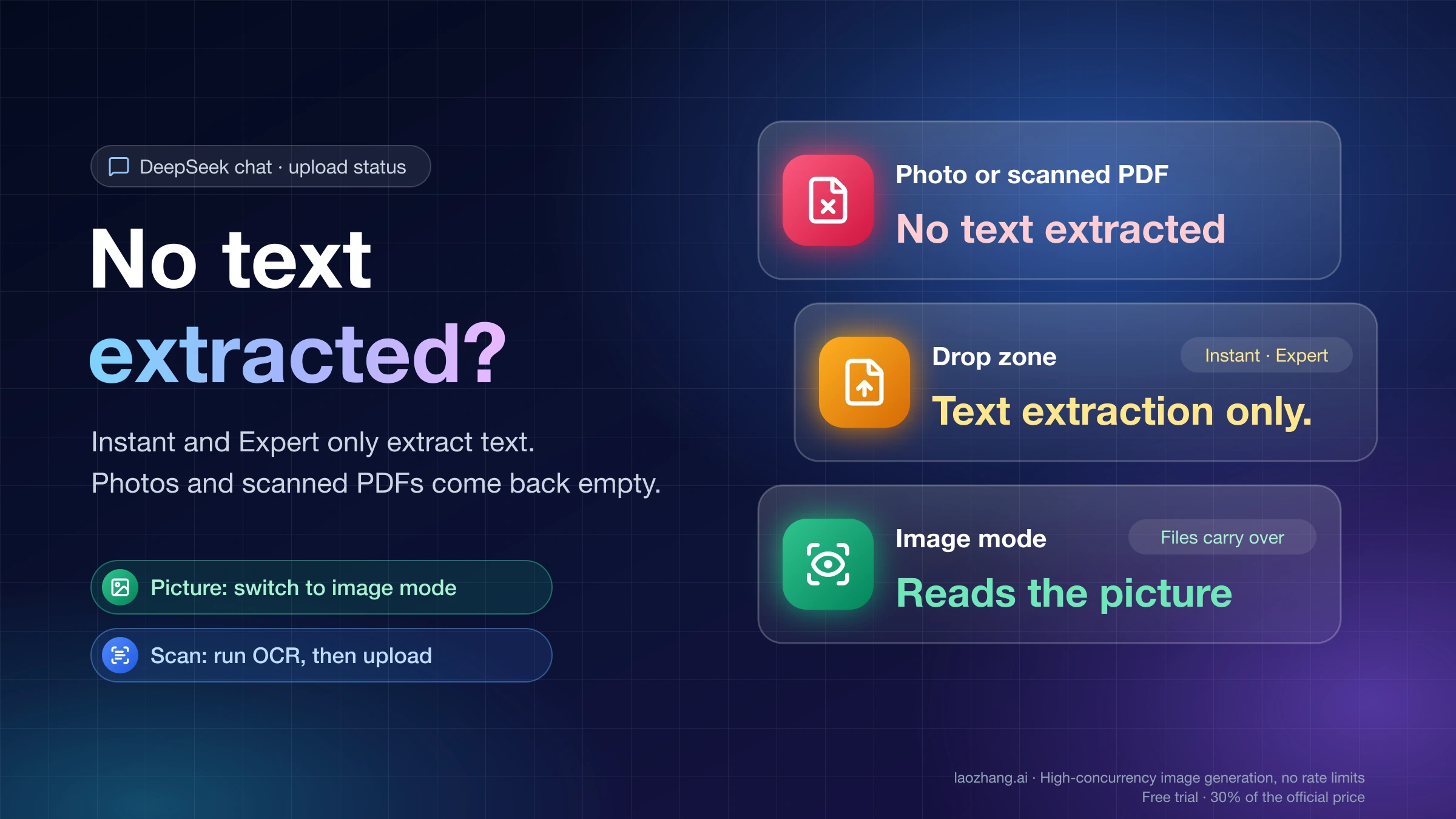
| "Server busy" on an uploaded file | File processing is busy; the file can be retried | Upload it again later |
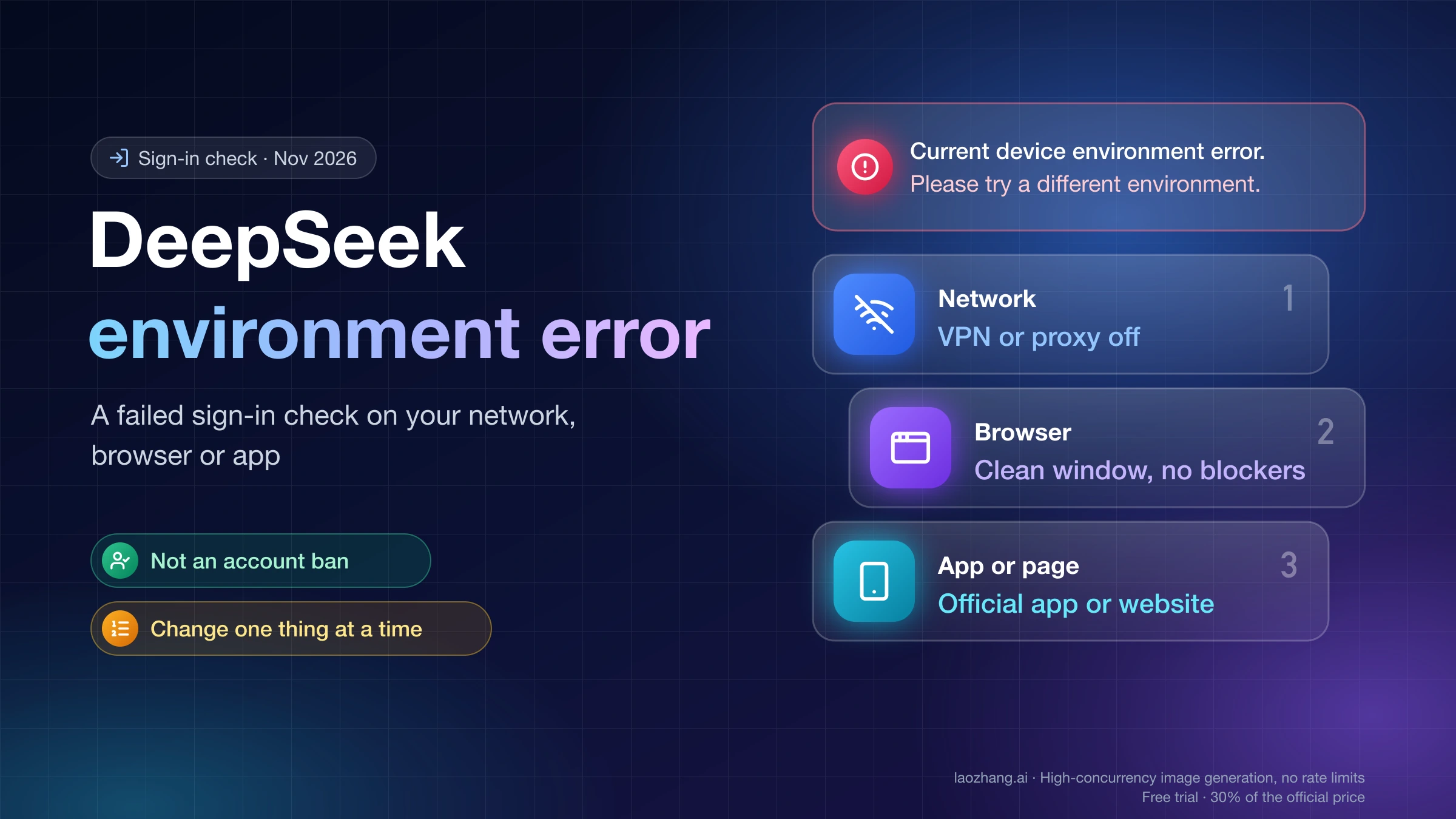
Upload problems beyond that label are covered in DeepSeek "No Text Extracted": Instant and Expert Read Text Only, and errors on the sign-in screen in DeepSeek Current Device Environment Error: Not a Ban—What to Fix. The web code says nothing about the iOS and Android apps, whose text may differ, and the server-sent wordings come from what users have posted.
Why DeepSeek keeps saying the server is busy: outage or Expert mode
DeepSeek says the server is busy when it doesn't have capacity to finish your reply, and that happens in two ways. The split is an inference from DeepSeek's own incident record and a news report, not something DeepSeek has published. In a posted outage, the status page shows an incident, most start during China's working day, and the outage ends on DeepSeek's schedule, so only waiting helps. In the other case the status page is clean, but Expert mode runs short of capacity at busy moments, and switching to Instant mode, starting a shorter chat or pressing Continue a little later can get you an answer.
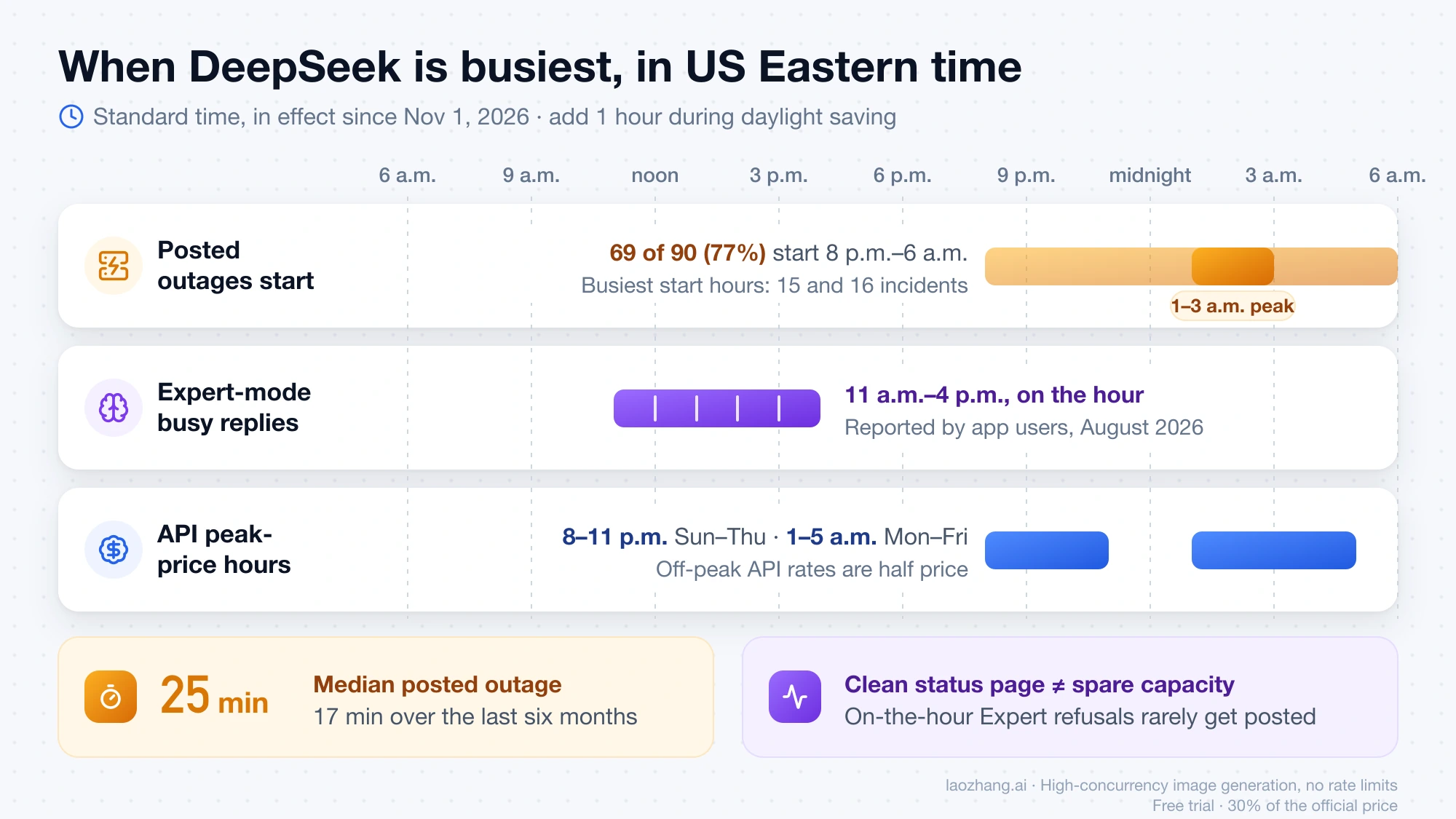
The Expert-mode pattern comes from a report in the Economic Observer (经济观察报) published August 6, 2026. Since mid-July 2026, app users in Expert mode had been getting the busy message on the hour, mostly between midnight and 5 a.m. Beijing time, for a few minutes to more than ten each time; one user logged 20 busy replies in 18 days, 14 of them within five minutes of the hour. The reporter found Instant mode usually unaffected, and a new chat with a short question likely to get through after an Expert chat failed. DeepSeek describes Expert mode as better for complex problems but short on resources, and the paper notes a capacity shortage DeepSeek blamed on unprecedented traffic on August 4, 2026.
For US readers, that window lands in the working day: midnight to 5 a.m. Beijing is 16:00–21:00 UTC, or 11 a.m.–4 p.m. Eastern and 8 a.m.–1 p.m. Pacific in standard time. The same report says the app suggests Instant mode but, as of August, offered no way to switch inside an existing chat. Instant and Expert have sat above the input box since April 2026; the DeepThink toggle in older advice belongs to the 2025 interface, and its closest equivalent today is picking Instant mode for a new chat.
How long DeepSeek outages last, and the busiest hours in US time
Posted DeepSeek outages are usually short. A recount on November 5, 2026 of the data behind DeepSeek's status page found 90 posted incidents from January 3, 2025 to November 3, 2026, with a median of 25 minutes, falling to 17 minutes over the last six months. Most start during China's working day, which is the American evening and night.
| Posted incidents | All 90 (Jan 2025–Nov 2026) | Last 50 (May 6–Nov 3, 2026) |
|---|---|---|
| Over within 60 minutes | 66 | 41 |
| Longer than 3 hours | 7 | 3 |
| Started 9 a.m.–7 p.m. Beijing (8 p.m.–6 a.m. ET) | 69 (77%) | 42 (84%) |
| Started inside the API's peak-price hours | 55 (61%) | 34 (68%) |
The busiest start hours were 2 p.m. and 3 p.m. Beijing time, with 15 and 16 incidents: that is 1–3 a.m. Eastern, or 10 p.m.–midnight Pacific. Only 9 of the 90 started on a Saturday or Sunday in China. The API's peak-price hours make up 35 of the week's 168 hours, about 21%, so incidents start inside them almost three times as often as an even spread would give. US times here are standard time, in effect since November 1, 2026; add one hour during daylight saving time.
The latest incident, "DeepSeek Web/API Partially Unavailable" on November 3, 2026, ran from 3:58 to 5:48 a.m. Eastern; DeepSeek reported a fix after 9 minutes and closed it after 110 minutes. The longest chat outage of the last six months lasted 292 minutes, starting at 8:11 p.m. EDT on October 14.
These numbers only count what DeepSeek chose to post. Its status page gives the chat service 99.84% uptime for August 7 to November 5, 2026; the missing 0.16% of those 91 days is about 3.5 hours. An Expert-mode refusal at the top of the hour usually never becomes an incident, so "Everything is running smoothly" on the status page doesn't mean the chat has spare capacity.
Does clearing cache, reinstalling or a VPN fix DeepSeek server busy?
No. The busy reply is decided on DeepSeek's servers after your message has arrived, so nothing on your device or connection changes it. Clearing the cache, logging out and back in, switching browsers or reinstalling only help with local problems such as "Check your internet connection and try again." or a page that won't load, and no public evidence shows a VPN getting busy replies through. Refreshing while a reply is still coming makes things worse, because the reply turns into "Failed to load this message" and needs a Retry.
Much of the advice for this error dates from early 2025, when the cause was different. After the R1 launch, DeepSeek's status page carried two "degraded performance" incidents starting January 27 and February 8, 2025 that lasted about 11.6 and 17.8 days, and DeepSeek wrote that "large-scale malicious attacks" had forced it to limit new registrations. That explains the old tips, not today's message.
Are DeepSeek "server busy" auto-retry extensions worth it?
They save clicks but don't create capacity, and they can trigger a different block. As of November 5, 2026, the Chrome extension "DeepSeek Server Busy" (publisher DXAX) has 4,000 users and is rated 4.0 by 50 reviewers; it retries automatically when it sees the busy text, and its latest version, 1.38, dates from September 17, 2025, before Instant and Expert modes existed. The Firefox add-on "deepseek auto retay", updated May 13, 2026, has about 50 daily users.
Both are unofficial and run inside your chat page, and the Chrome publisher's statement that it stores nothing is its own claim. Retrying automatically also keeps hitting a server that is already refusing requests, and DeepSeek answers too many requests with "Operation too frequent" or "RPD rate limit reached", which stops you for longer. Waiting a minute and pressing Continue yourself is one retry instead of dozens.
Moving the task to the DeepSeek API when chat keeps failing
If the busy message keeps blocking real work, the DeepSeek API is a separate, paid route to DeepSeek's models. API users told the Economic Observer in August 2026 that they hit busy errors less often than in the app, which is a user report rather than a promise. The API bills per token, and off-peak rates are half the peak rates. Off-peak, deepseek-flash costs $0.15 per 1M input tokens on a cache miss and $0.60 per 1M output tokens, and deepseek-v4-pro $0.66 and $1.98, according to DeepSeek's API pricing page as of November 5, 2026.
Peak hours are 01:00–04:00 and 06:00–10:00 UTC, Monday to Friday, excluding Chinese public holidays; in Eastern standard time that is 8–11 p.m. Sunday through Thursday and 1–5 a.m. Monday through Friday. Going by the incident record above, the cheaper hours are also when posted outages are rarer. DeepSeek API Peak Hours: Current Prices and When to Wait covers scheduling around them.
The API has its own version of the error. DeepSeek's API error code list defines HTTP 503 "Server Overloaded" as overload from high traffic, to be retried after a short wait, and 429 as sending too fast or over your concurrency limit. The DeepSeek rate limit page sets that limit at 2,500 concurrent requests per account for deepseek-flash and 500 for deepseek-v4-pro, raised free on request. While a request waits under load, the API sends empty lines or : keep-alive comments, so give your client a generous timeout instead of treating a slow start as a failure.
If you would rather not open a DeepSeek platform account, laozhang.ai offers deepseek-flash at $0.44 input and $1.32 output per 1M tokens and deepseek-v4-pro at $1.74 and $3.96 through an OpenAI-compatible endpoint, as of November 5, 2026. Every one of those rates is at or above DeepSeek's own peak price, so it only makes sense if skipping the DeepSeek account matters to you.
Disclosure: laozhang.ai is our own service. Its prices are platform pricing, not an independent comparison.
Sources4
External pages this guide links to, in the order they appear. Last updated Nov 5, 2026.
Sources4
External pages this guide links to, in the order they appear. Last updated Nov 5, 2026.