Free Text to Video AI Without Watermark: 5 Clips a Day in Flow
As of November 4, 2026, Google Flow's 50 free daily credits make five 8-second 720p clips with no visible watermark, except in India, South Korea and Vietnam.
On this page
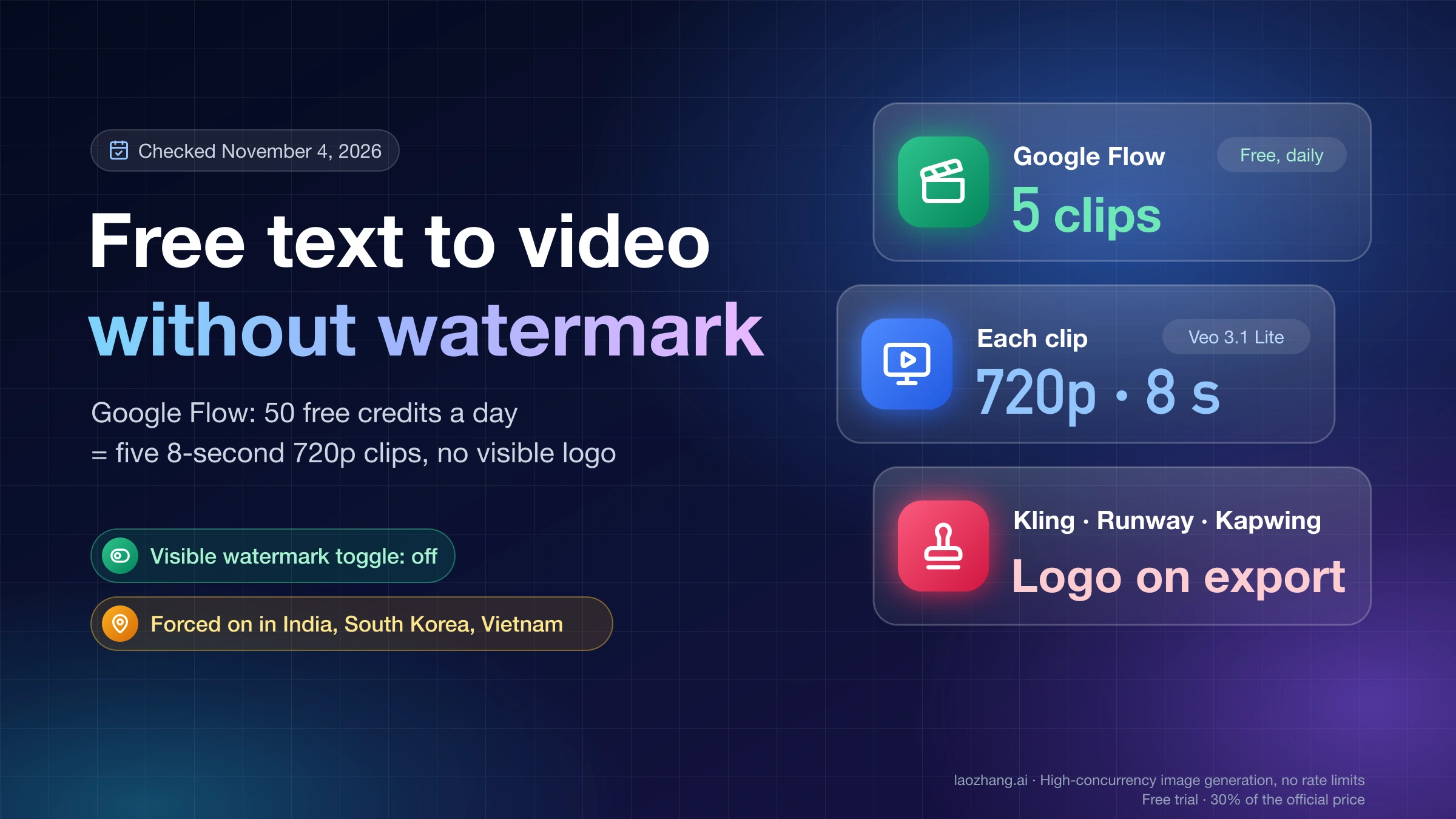
Google Flow is the free text-to-video tool that actually lets you download a clip without a visible watermark, as of November 4, 2026. Sign in at flow.google.com with a personal Google account, choose Veo 3.1 - Lite, and each 8-second 720p clip with sound costs 10 of the 50 credits Google gives every account per day, so a free day buys five clips. A test on November 4 with an account that has no Google AI plan produced exactly that: a 720p, 8-second clip with audio and no logo in any corner, with the account's Visible watermark toggle switched off.
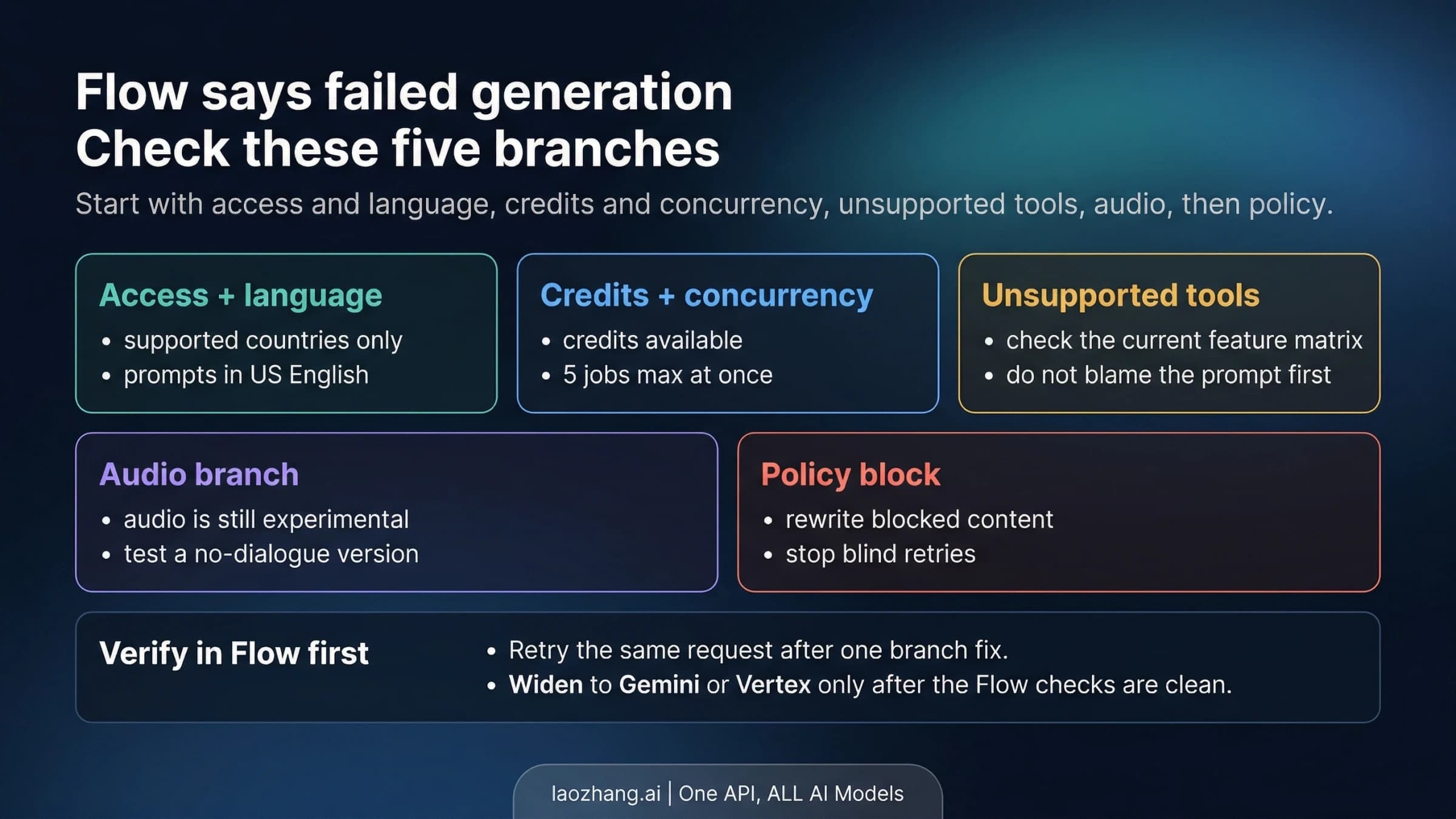
Three conditions change that answer. In India, South Korea and Vietnam, Flow adds a visible watermark automatically unless you're on the Google One AI Ultra 20x plan. Free accounts can't download above 720p, and Google warns they may be unable to generate video at all from roughly 2 PM to 5 PM UTC. The Gemini app won't make video on a free account, so use Flow, not Gemini, with the same Google login.
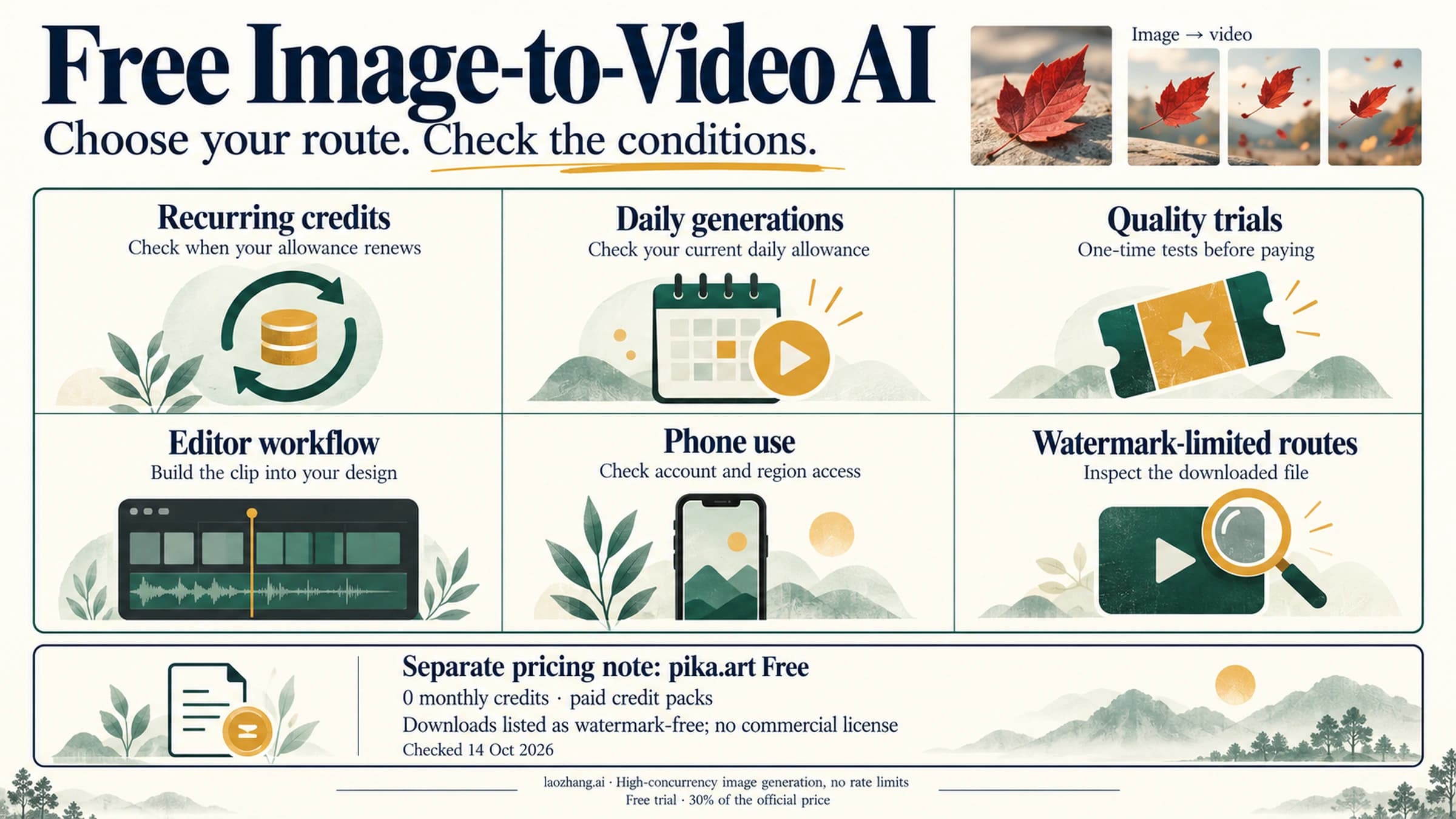
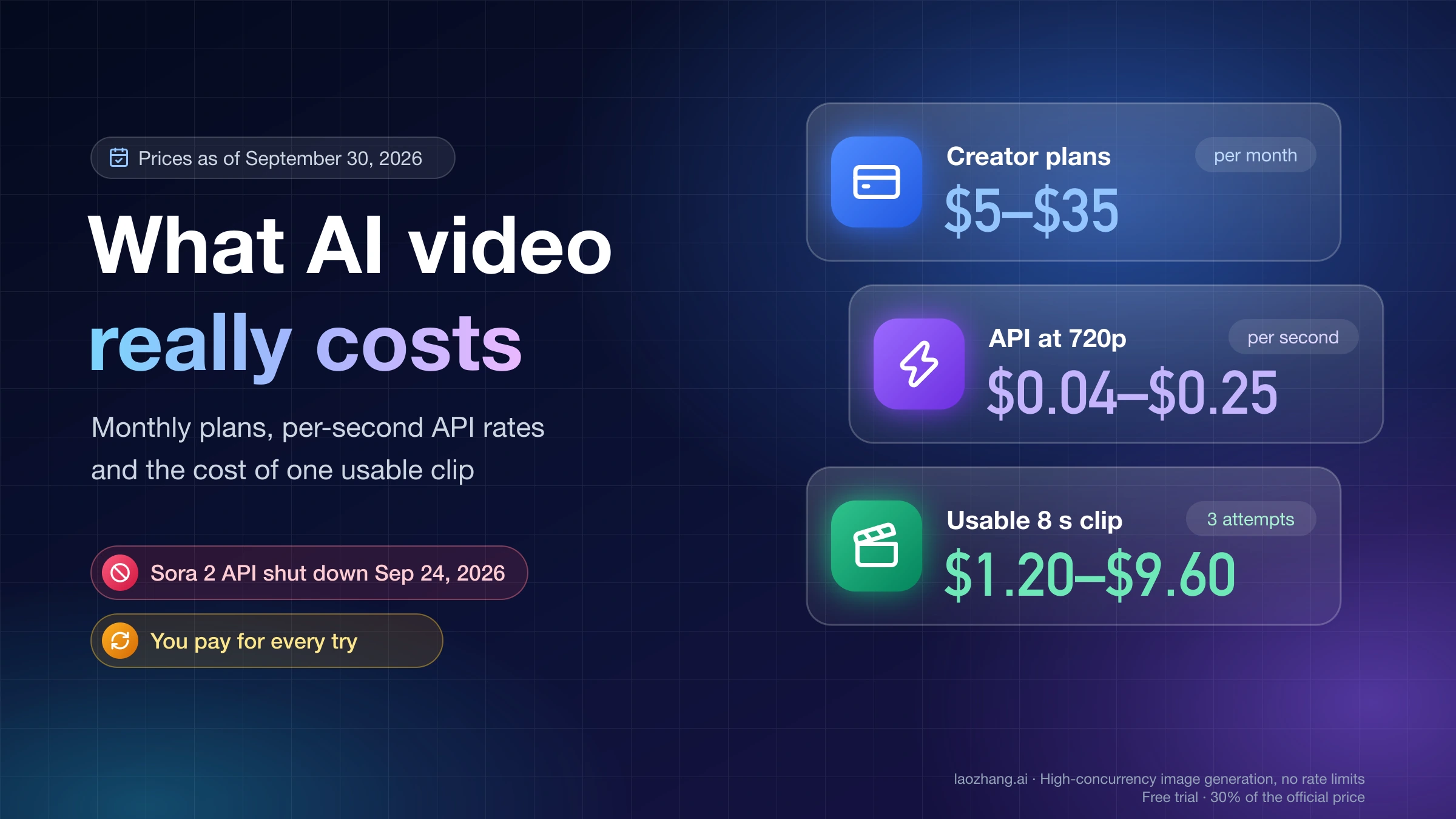
Most other free tiers put their logo on free downloads, according to their own help and pricing pages: Kling, Runway, Hailuo, Dreamina, VEED, Renderforest, and Kapwing, despite the "no watermark" line on its text-to-video page. Pika's free plan has no watermark but includes zero credits. If you need 1080p, longer clips or more than five clips a day, free won't cover it, and a paid plan or a pay-per-clip API is the next step.
Which free text to video AI tools have no watermark on download?
Going by each tool's own help and pricing pages as of November 4, 2026, only Google Flow combines a daily free allowance, real AI generation from a text prompt, and a download with no visible logo. Pika and MyEdit also describe their free tiers as watermark-free, but Pika's free plan comes with no credits, and MyEdit doesn't publish how many free credits it hands out. The rest either watermark free exports, keep AI generation behind a paid plan, or don't generate new footage from your text at all. "Not stated" below means the tool's official pages don't say.
| Tool | Generates video from your text? | Free allowance | Visible watermark on free download | Free resolution and length | Commercial use on free |
|---|---|---|---|---|---|
| Google Flow | Yes: Veo 3.1 Lite, Veo 3.1 Fast, Omni Flash | 50 credits a day, no rollover | No, with the Visible watermark toggle off; forced on in India, South Korea and Vietnam | 720p; 4–8 s (Veo 3.1 Lite) or 4–10 s (Omni Flash) | Not stated |
| Google Vids, personal account | Yes: Gemini Omni 1.1 Flash | 60 seconds of AI clips a month | Not stated | Not stated for personal accounts | Not stated |
| Pika | Yes | 0 credits; credit packs only | No | Not stated | No |
| MyEdit | Yes: Veo 3.1, Kling 3.0, Seedance 2.0 and others | Daily free credits, amount not published | No, per MyEdit | Up to 1080p and 15 s overall; free limits not stated | Depends on the model |
| Kling | Yes | Monthly free credits at login, amount not published; no daily credits | Yes; removal is premium-only | 1080p is premium-only | Listed as a paid benefit |
| Hailuo | Yes | One-time pack (150 credits internationally) that expires after 3 days | Yes; watermark-free downloads are paid | Not stated | Not stated |
| Runway | Yes | 125 credits once, never refilled | Yes | Not stated | Not stated |
| Dreamina (CapCut) | Yes: Seedance | Daily bonus credits, amount not published | Yes; removal is paid | Not stated | Not stated |
| Vidu | Yes | Limited 720p trial | Yes, by default | 720p | Not stated |
| Kapwing | Yes | Unlimited exports | Yes, per its FAQ and pricing page | Not stated | Not stated |
| Vivideo | Yes | No free amount published | Unclear: the home page says none, pricing lists "No watermarks" as paid | Not stated | Not stated |
| VEED | Yes | Not stated | Yes | Not stated | Not stated |
| Renderforest | One AI scene | One 10-second scene (20 credits) | Yes | 480p, 10 s | Not stated |
| Fliki | No: stock footage plus voiceover | 3 credits a month | Yes | Not stated | No |
| HeyGen | Talking avatars only | 3 videos a month | Yes | Not stated | Not stated |
| Clipchamp | No: an editor; AI video needs a Copilot license | Editing only | No | Up to 1080p | Not stated |
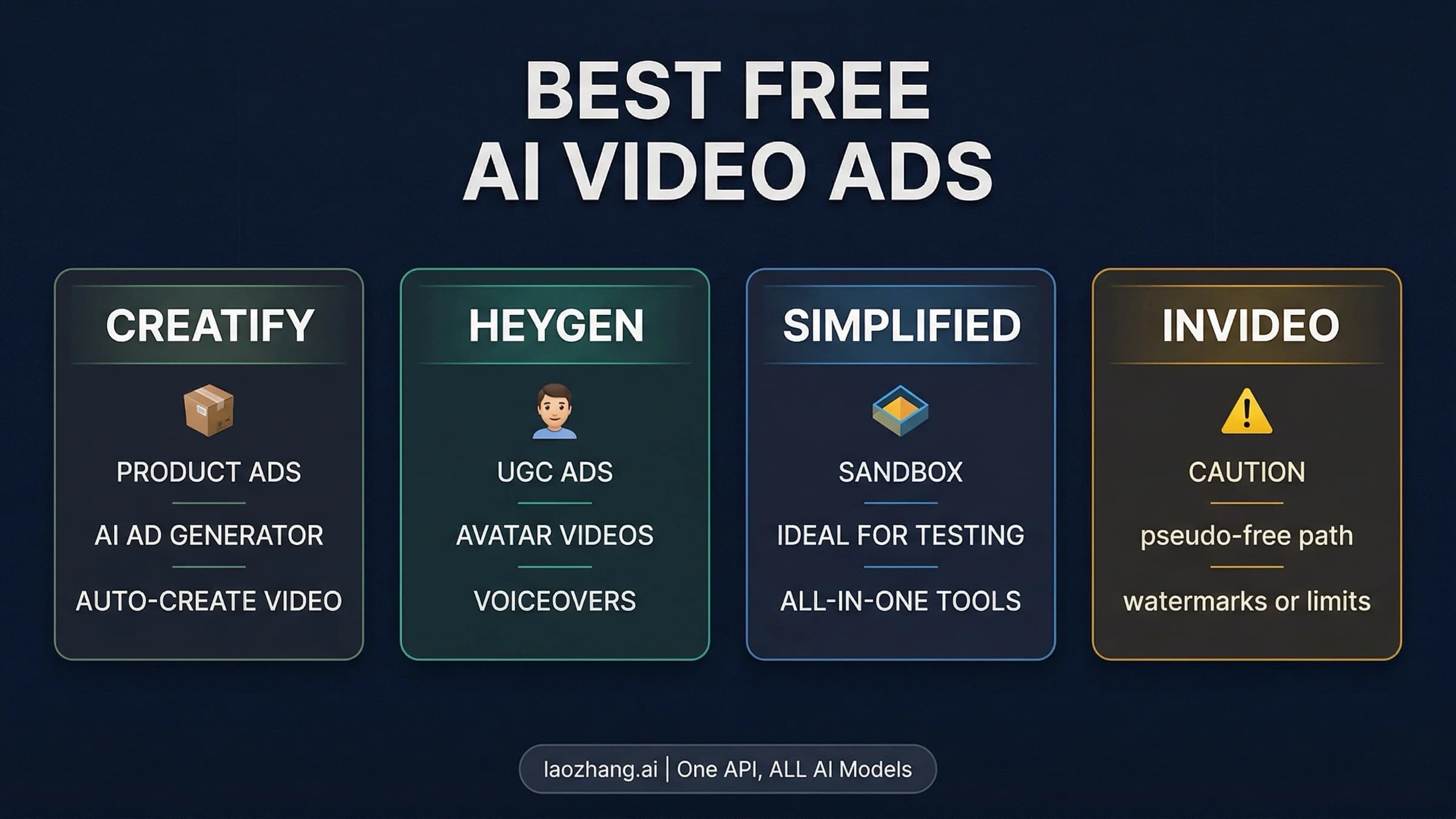
| invideo AI | Paid plans only | No free plan | Not applicable | Not applicable | Not applicable |
| Adobe Firefly | Unclear | "Free daily generations" with no number; Generate Video draws on plan credits | Not stated; Content Credentials attached | Not stated | Yes, per Adobe |
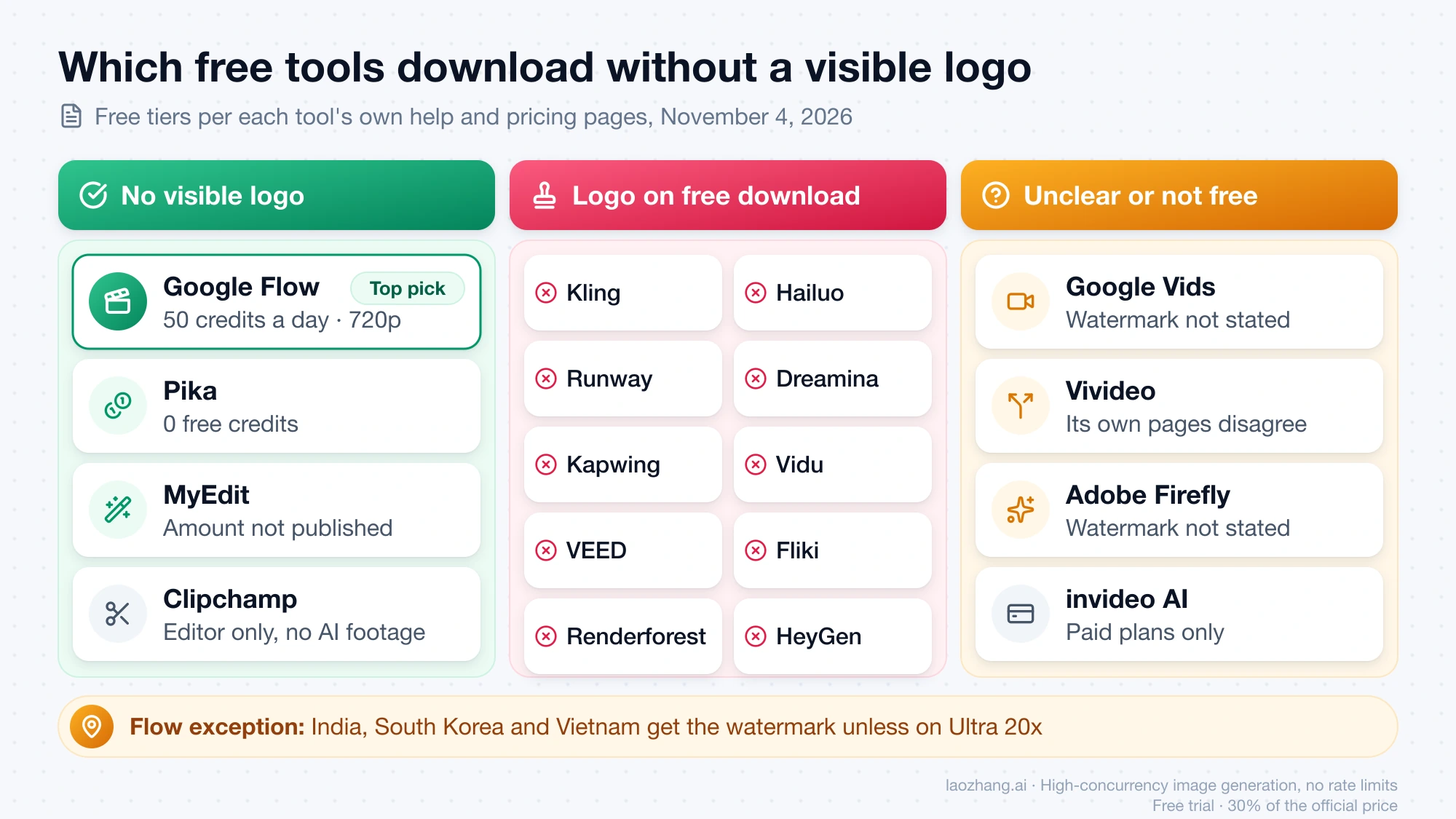
Google Vids is the one Google route that might match Flow, but its own pages disagree about it. The Vids AI limits page gives personal Google accounts 60 seconds of AI video clips a month, while the Vids page on generating clips says the feature requires an eligible Google Workspace subscription and that most users can make up to 50 videos a month. Neither page mentions a visible watermark either way, so treat Vids as a maybe until your own account shows the option. Vidu's interface also shows a "Watch a short ad to save your AI-generated video clean and watermark-free" prompt, but its pricing page doesn't say who gets it or how often.
Kling and Hailuo have their own free-credit rules, covered in Kling Daily Free Credits for Subscribers: Who Gets Them, How Many and Hailuo AI Free Credits: No More Daily Credits, Just a 3-Day Pack. Canva, PixVerse, Grok Imagine and Meta AI are missing from the table because their official pricing and help pages couldn't be loaded for checking on November 4, 2026, so download one free test clip and look at the corners before you rely on any of them.
Google Flow free test: 720p, 8 seconds, no visible logo
On November 4, 2026, around 11:45 UTC, a personal Google account with no Google AI plan generated one clip in Google Flow from a text-only prompt: a red paper boat floating down a rain-filled street gutter at dusk, with the camera at water level. The account was signed in from an IP address located in Taiwan, one of the regions where Flow doesn't force a watermark. Flow offered four video models, Omni 1.1 Flash, Veo 3.1 - Lite (the default), Veo 3.1 - Fast and Veo 3.1 - Quality, and the test used Veo 3.1 - Lite.
Before generating, Flow asked for approval to spend 10 credits on this one video (the interface was set to Chinese). After approval, it replied "Your video generation has been scheduled and is waiting in the queue due to high demand," and the clip was ready about 80 seconds later. The result card read Veo 3.1 - Lite • 720p • 8 s • 16:9, and the clip had an audio track. Frames at about 1, 4 and 6 seconds, enlarged in Flow's player, showed no watermark or logo anywhere in the picture, including the corners.
The download menu offered two free formats, a 270p animated GIF and the 720p original. The 1080p and 4K upscaled versions were greyed out next to an Upgrade button, which matches Google Flow's credit page: 1080p upscaling is "not available" to non-subscribers. About 15 minutes later, the profile menu showed 40 Google Flow credits left (50 minus 10), a note that credits refresh daily at the time they were first spent, and the Visible watermark toggle in the off position.
The test has clear limits. It's one account, one clip and one day. The frames came from Flow's player, not from a downloaded MP4, so the "720p original" file is assumed to be the same video the player showed. Nobody switched the toggle on for a comparison clip, and it isn't known whether the toggle's default differs by country or account.
How to make a free text-to-video clip in Google Flow without the watermark
The whole job takes a few minutes if you avoid the peak window. Google's Flow getting-started page says the visible watermark is controlled by a toggle "in the drop-down menu under your profile picture," so check that before you spend credits.
- Open flow.google.com and sign in with a personal Google account. No paid plan is needed. Avoid roughly 2–5 PM UTC, which is 9 AM to noon Eastern or 6–9 AM Pacific in November, when free accounts may be blocked from video.
- Click your profile picture, make sure Visible watermark is off, and note your credit balance. If you're in India, South Korea or Vietnam, the watermark is applied anyway without the Ultra 20x plan.
- Start a new project, open the video settings, choose Veo 3.1 - Lite, pick 16:9 or 9:16, and set the output count to x1. Every extra output is a separate generation that costs credits.
- Type your prompt as text only in Flow's assistant panel. If Flow asks you to approve a credit spend, check the number first: Veo 3.1 - Lite should cost 10. Flow charges per generation, not per request, and one request can produce two videos.
- Wait for the queue. In the test, the clip arrived about 80 seconds after approval.
- Open the download menu and pick the 720p original-size option. The 270p option is a GIF preview, and the 1080p and 4K upscales need a paid Google AI plan.
How many seconds of free video a day: 40 in Flow, 60 a month in Vids
On Flow's free allowance, the most 720p video you can make in a day is 40 seconds, as five 8-second Veo 3.1 - Lite clips at 10 credits each (5 × 10 = 50 credits). The credit table on Google Flow's credit page prices the other free option, Gemini Omni Flash, by length and resolution: a 10-second 720p clip costs 15 credits, so 50 credits buys three of them (30 seconds, 45 credits) plus one 4-second 360p clip with the 5 left over. At 360p, a 10-second Omni clip costs 7 credits, which stretches the day to seven clips and 70 seconds, at a resolution that only works for drafts. Unused credits don't roll over, so 40 seconds a day used every day comes to about 20 minutes of 720p video a month.
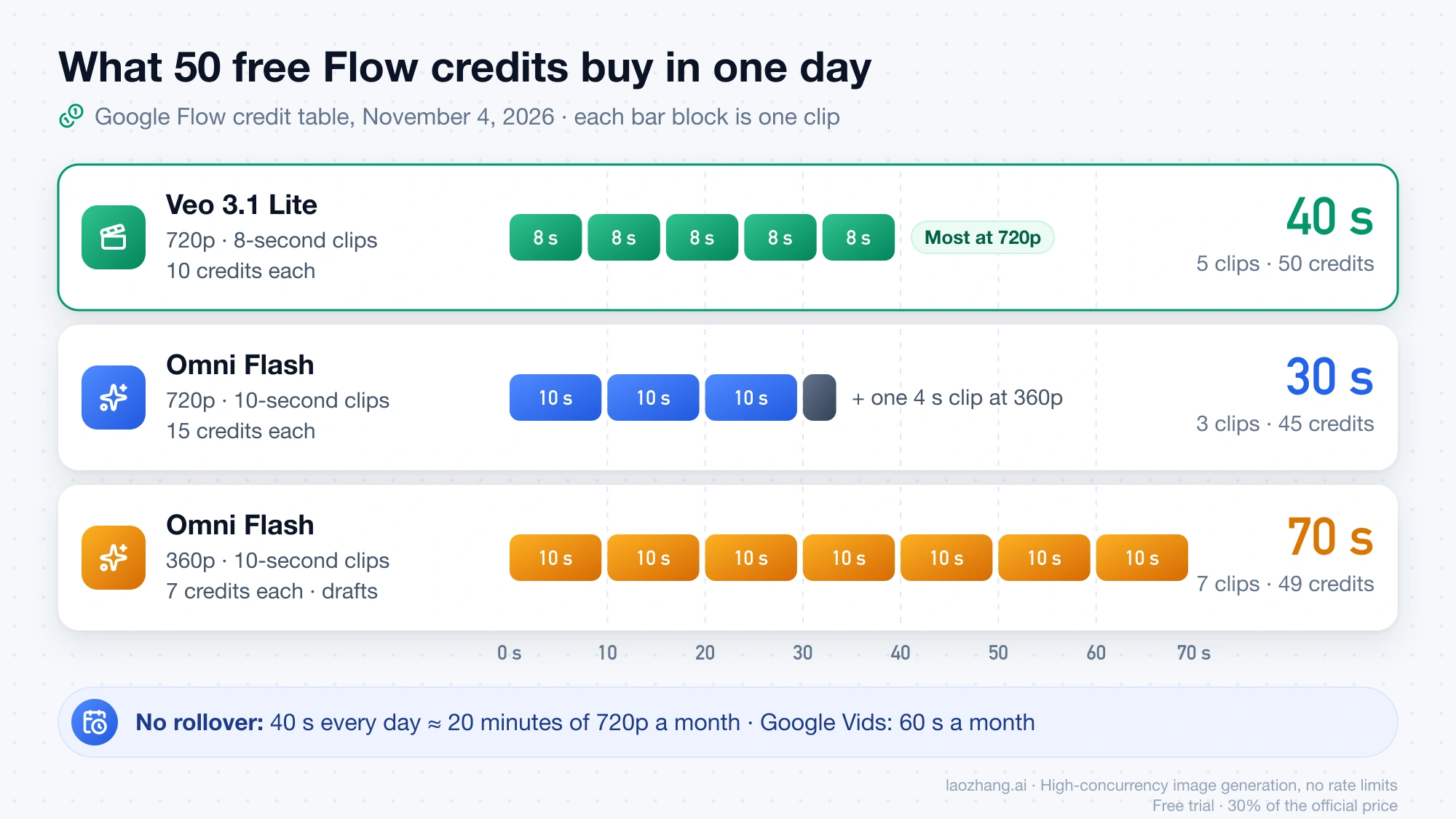
A single free clip is short: 8 seconds on Veo 3.1 - Lite, 10 seconds at most on Omni Flash. For a 30-second video you'd generate three 10-second Omni Flash clips at 720p, or four Veo 3.1 - Lite clips (32 seconds), and join them in an editor. Google Vids gives personal accounts 60 seconds of AI clips for the whole month, which is a day and a half of Flow at the Veo 3.1 - Lite rate.
Why a "no watermark" page can still stamp a logo on your free export
A landing page headline is marketing; the help center and pricing page describe what the free plan actually exports. Kapwing's text-to-video page says "Free to try, no watermark," yet the FAQ on the same page says "If you are using Kapwing on a Free account then all exports — including AI-generated content — contain a watermark," and its pricing page lists "Unlimited exports with a watermark" for Free. Vivideo's home page FAQ calls watermark-free downloads "part of the free tier," while its pricing page shows only paid plans and lists "No watermarks" as a paid feature. When the two disagree, the pricing page is the one that decides what you download.
The other trap is what "text to video" means. Fliki's free plan turns your script into a video from stock footage and an AI voiceover, with a Fliki watermark; it doesn't generate new footage. Renderforest's free allowance is a single 10-second 480p AI scene, exported with a watermark. If what you really want is a video editor that's 100% free with no watermark, Clipchamp's free plan exports up to 1080p without a watermark, but it edits footage you already have, and its AI video creation needs a Copilot license on a work account. If the goal is new footage from a prompt, check that the tool names a video model such as Veo, Kling or Seedance.
Is there an unlimited, no sign-up text to video AI?
None of the free tiers in the table above is unlimited, and none gives you a watermark-free download without signing in. Flow stops at 50 credits a day and needs a Google login, Vids stops at 60 seconds a month, and Runway, Hailuo and Pika give one-time or zero free credits. Sites that advertise "free, unlimited, no login" text-to-video usually don't publish which model they call or what terms you're agreeing to, so there's no way to check whether the clip is watermark-free, what happens to your prompts, or how long the offer will last. If you try one anyway, generate a single test clip, download it, and check the corners and the length before you plan any work around it.
When to pay instead: 1080p, longer clips or more than 40 seconds a day
Stay on free Flow while 720p and five short clips a day are enough, you're outside India, South Korea and Vietnam, and you can work around the afternoon UTC block. Move to a paid option when one of those stops being true. Google AI plan subscribers (Plus, Pro and Ultra) get Flow's 1080p upscaling at 0 credits, per the same credit page. For plan prices from Google and other vendors, see How Much Does an AI Video Generator Cost Per Month and Per Clip?
If you'd rather pay per clip than subscribe, video APIs charge by the second or by the clip. On the LaoZhang API, as of November 4, 2026, muse-video costs $0.30 for a 5–10 second 720p clip with audio, and MiniMax H3 at 768P costs $0.05 per second; 1080p runs through the Seedance or Wan models on the same platform, according to the LaoZhang video generation guide. Matching Flow's free 40 seconds a day would cost about $1.20 with four 10-second Muse clips (4 × $0.30), or $2.00 with H3 (40 × $0.05). For comparison, a 10-second muse-video clip generated on November 2 from the same red paper boat prompt came back as a 1280×720, 24 fps, 10-second file with audio, with no visible watermark in frames taken at 1, 5 and 9.5 seconds on November 4. An API needs a few lines of code rather than a web page, so it fits people producing clips in volume, not one-off posts.
Disclosure: laozhang.ai is our own service. Its prices are platform pricing, not an independent comparison.
Free text to video AI without watermark: other questions
Can Gemini turn text into a video for free?
No. Google's Gemini video generation help page says a personal account needs a Google AI plan to use the feature, and on November 4, 2026, the same free account used for the Flow test saw "Make video" with a lock icon in the Gemini web app. Flow, with the same Google account, is the free way to use Google's video models.
If a clip has no visible watermark, is it unmarked?
No. Google's Flow help says every output made with Veo, Omni or Nano Banana carries an invisible SynthID watermark, and Gemini's media watermark setting "doesn't affect SynthID watermarks or Content Credentials." Adobe attaches Content Credentials to Firefly output. Turning off the visible logo removes the logo, not the AI marking.
Can I use free AI video clips commercially?
It depends on the tool, and most free tiers don't say. As of November 4, 2026, Pika's free plan lists "Commercial license" as not included, Fliki reserves commercial rights for paid plans, MyEdit says it depends on the model, and Adobe says Firefly output is safe for commercial use. Google's Flow help pages on credits and watermarks don't address commercial use, so read Google's terms for its generative AI services before you put a Flow clip in an ad.
Is there a free text-to-video API?
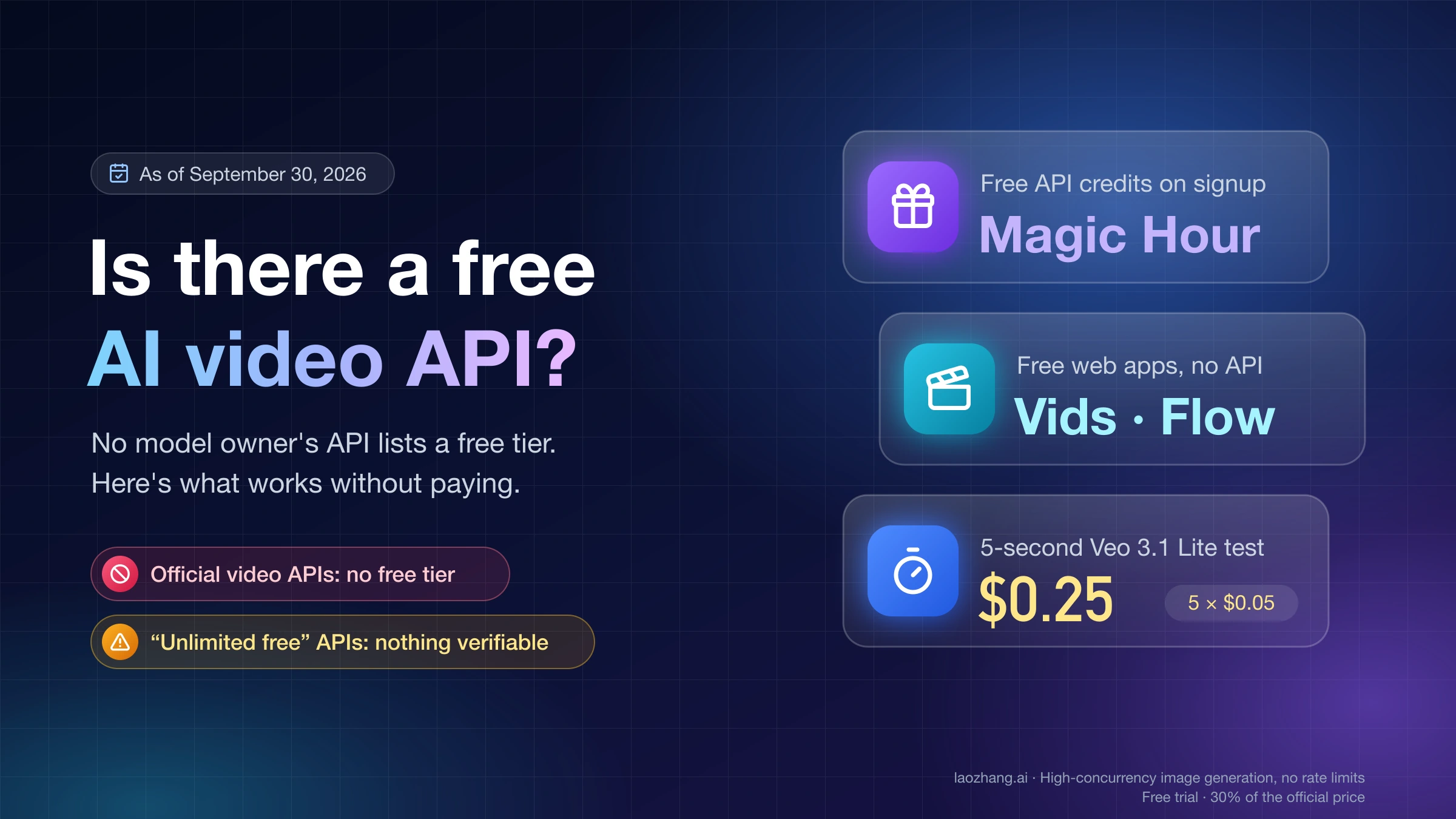
That's a developer question with a different answer, covered in Is There a Free AI Video API? What Works Without Paying.
Sources8
External pages this guide links to, in the order they appear. Last updated Nov 4, 2026.
Sources8
External pages this guide links to, in the order they appear. Last updated Nov 4, 2026.
- 1.flow.google.comflow.google.com
- 2.Vids AI limits pagesupport.google.com/docs/answer/15609411
- 3.Vids page on generating clipssupport.google.com/docs/answer/16143507
- 4.Google Flow's credit pagesupport.google.com/flow/answer/16526234
- 5.Flow getting-started pagesupport.google.com/flow/answer/16353333
- 6.text-to-video pagekapwing.com/ai/text-to-video
- 7.Gemini video generation help pagesupport.google.com/gemini/answer/16126339
- 8.media watermark settingsupport.google.com/gemini/answer/17405358