Google Flow Failed Generation? Fix Veo 3.1 in Flow First (2026)
A Flow-first recovery guide that shows which Veo 3.1 checks to clear first, how to verify the fix on the same surface, and when to widen the diagnosis.
On this page
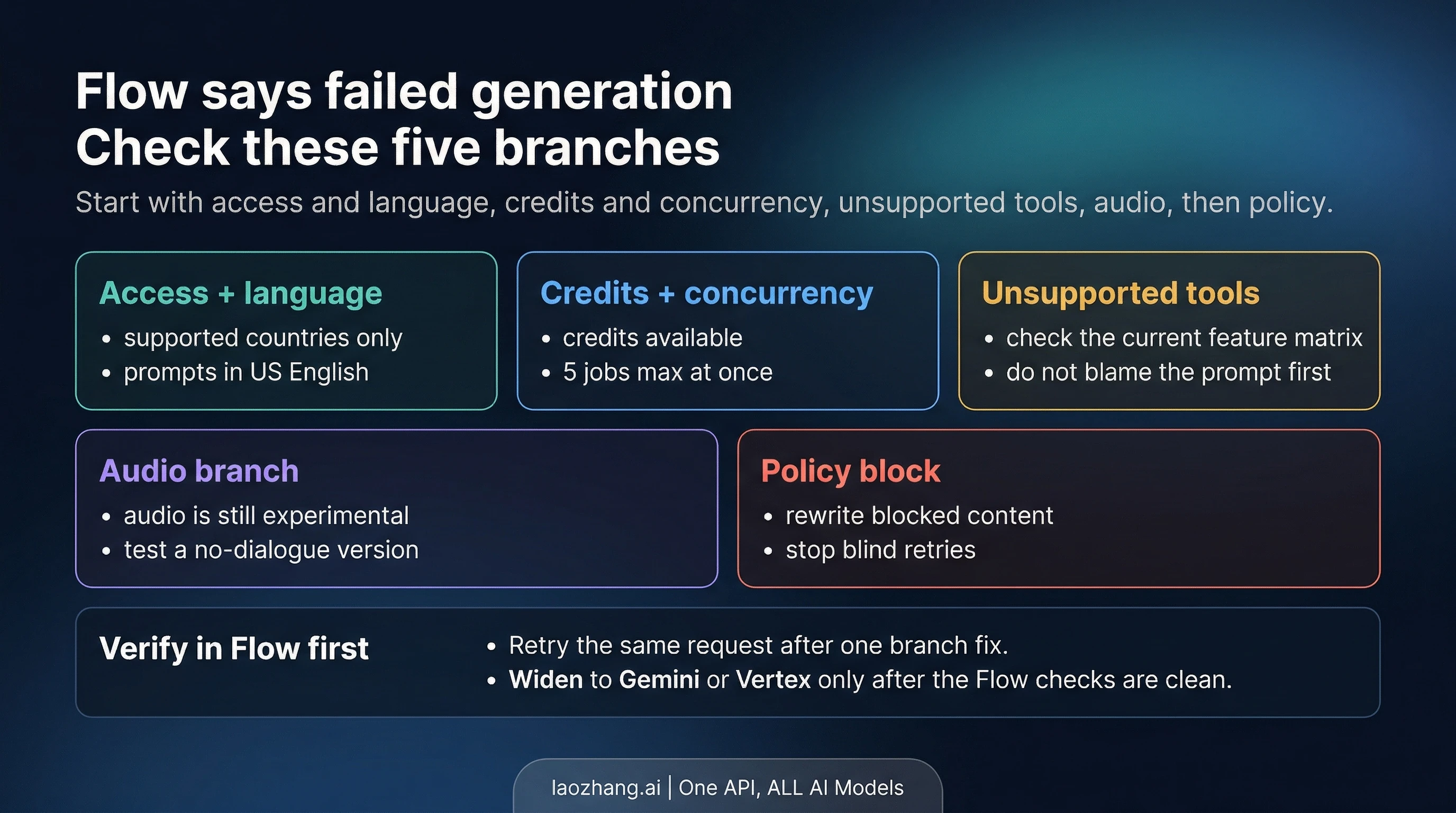
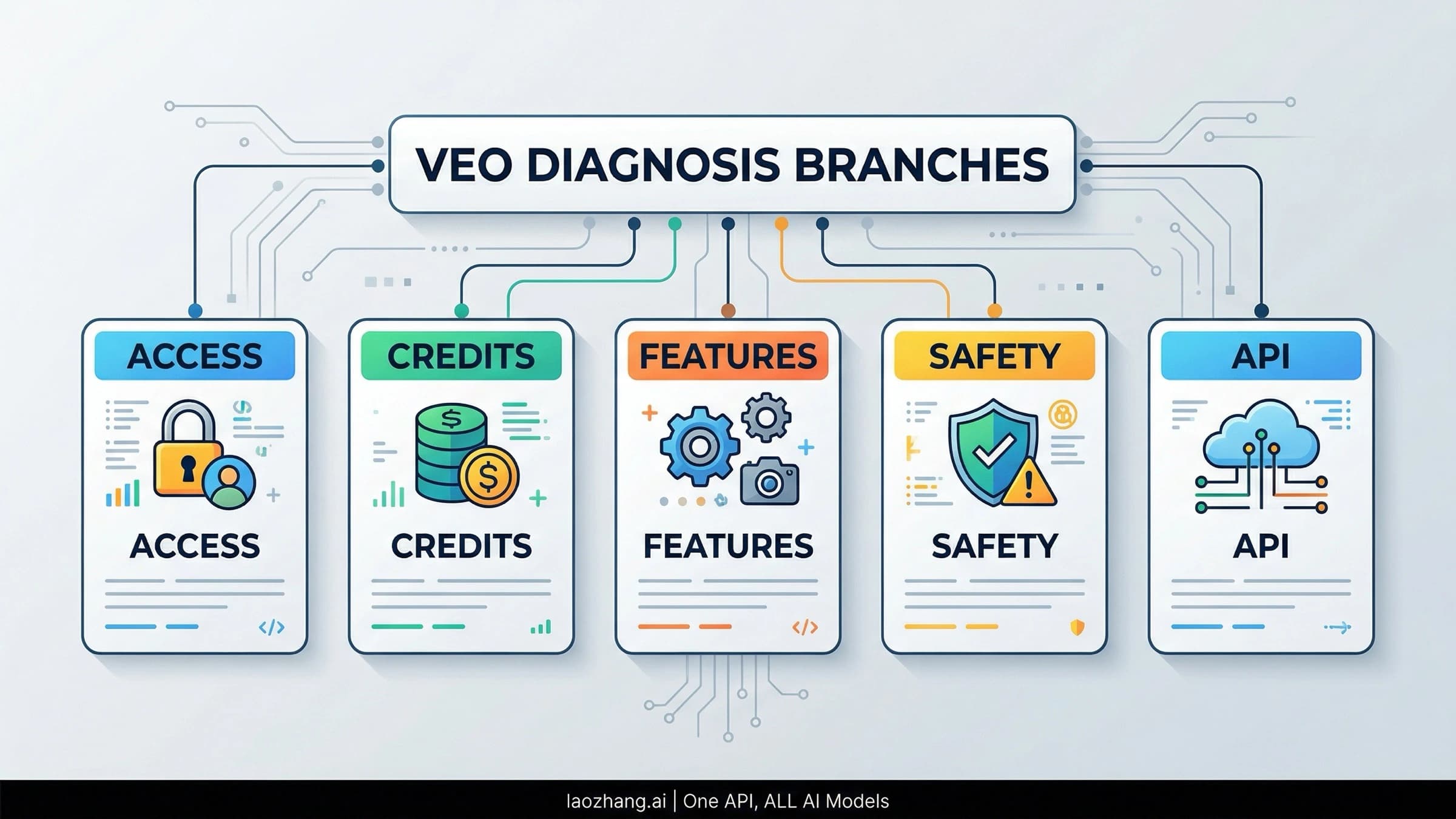
If Google Flow says failed generation, start by assuming a Flow-side check failed before you assume Veo itself is broken. On the current Veo 3.1 Flow path, the fastest order is access and language, credits and concurrency, unsupported features, audio, then policy.
Google still hears this problem described as a Veo 3 failure, but the live Flow route now runs through Veo 3.1 Fast and Veo 3.1 Quality. That matters because many failures on this screen come from Flow rules and feature limits, not from prompt quality in the abstract.
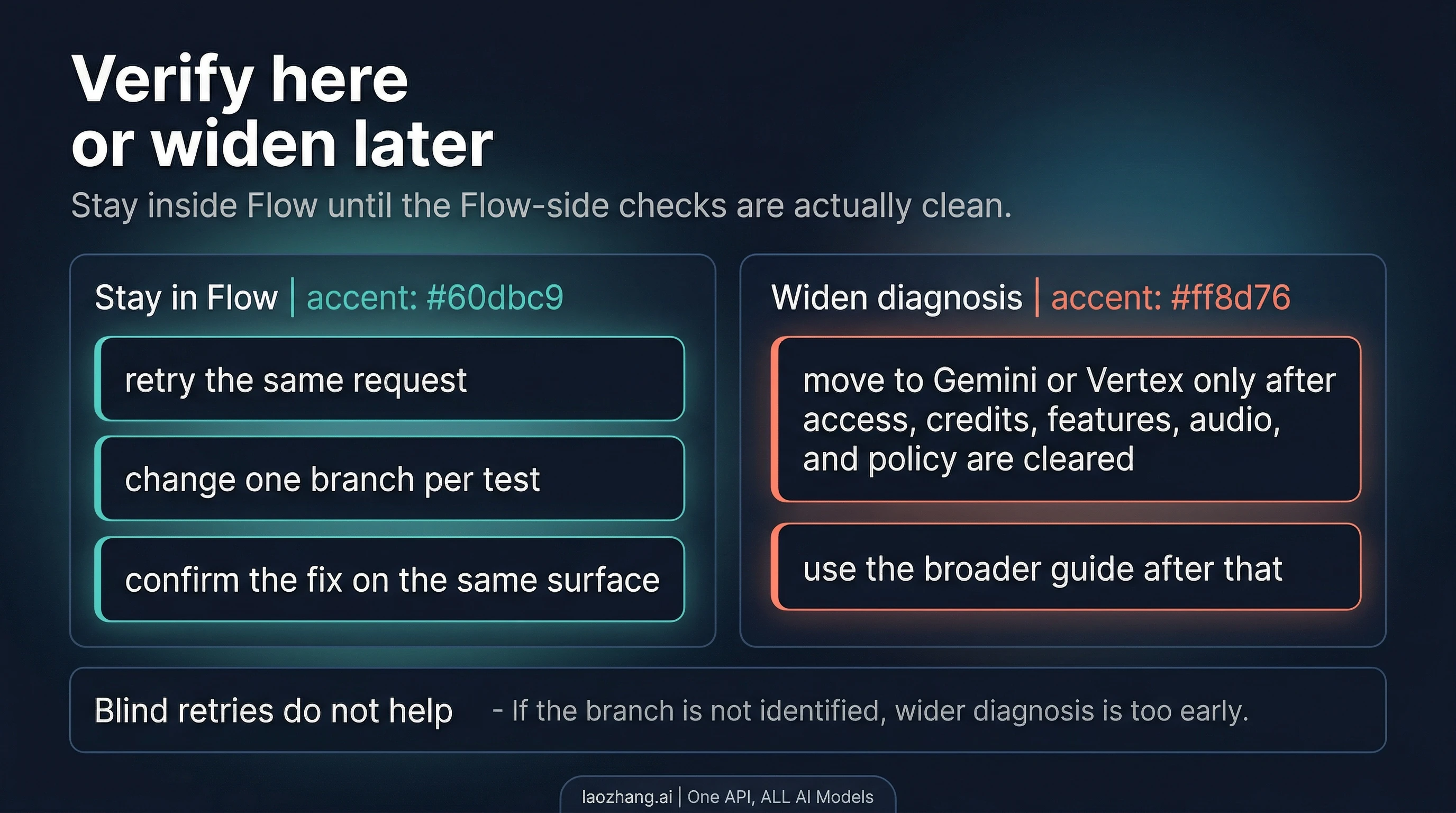
Make one change at a time, then resend the same request in Flow. Only widen the diagnosis to Gemini or Vertex after the Flow-side checks are clean and the failure still behaves like a broader system problem.
30-Second Flow Route Board
Use the symptom to choose the branch, not the other way around. Because the failure already happened in Flow, the fastest first pass is still on the Flow screen. The first useful question here is not "what can Veo fail on in general?" It is "what should I clear first inside Flow?"
| What you see in Flow | Most likely branch | First move | Verify on the same surface |
|---|---|---|---|
| The job fails before you ever get a clip | access, language, or missing credits | confirm Flow availability, account access, prompt language, and credits | resend the same request after fixing the mismatch |
| It starts failing after several tries or multiple pending jobs | credits or concurrency | check AI credits, recent credit activity, and how many generations are already in flight | retry after the queue settles and the balance looks normal |
| It fails only with a certain tool, model, or aspect ratio | unsupported feature combination | compare the request with the current Flow feature matrix | resend the same scene with a supported pairing |
| It fails when you add dialogue or heavy sound | experimental audio branch | test the same scene without dialogue or dense audio | confirm the silent version works before adding audio back |
| Flow hints at safety or refuses a sensitive scene | policy block | remove or reframe the blocked element | resend the safer version in Flow |
Once you know which branch you are in, the recovery move becomes much smaller than "rewrite the prompt and hope."
Check Access, Language, and Account Reality First
If Flow fails before it ever gives you a clip, start with the contract checks that can disqualify the request immediately. Google's current Flow help says the product is available only in supported countries and territories, and Google's current Google One help says prompts to Flow are supported only in US English. Both were rechecked on April 9, 2026.
That means the first useful question is not whether Veo is having a mysterious bad day. It is whether your account and request actually match the Flow contract that Google is documenting today. If Flow is not supported where you are, if you are on the wrong account, or if the prompt is not being sent in the currently supported language, the job can fail before prompt quality matters at all.
Keep the verify step tight. Fix the access or language mismatch, then resend the same request in Flow. Do not change the scene, the style, and the audio at the same time, because then you no longer know which branch was the real blocker.
Credits, Concurrency, and Why One Click Can Cost More Than You Expect
The next common branch is credit math. As of April 9, 2026, Google's Google One help says personal Google accounts without a Google AI membership get 50 AI credits that reset daily, Google AI Pro includes 1,000 monthly AI credits, and Google AI Ultra includes 25,000 monthly AI credits. The same help pages also say Veo 3.1 Fast currently costs 20 AI credits per generation on Pro, Veo 3.1 Quality costs 100, and Veo 3.1 Fast costs 10 on Ultra.
That still does not tell the whole story unless you read it like a failure diagnosis instead of like a pricing table. Google also says some Flow features can create multiple generations from one request, and Flow currently allows up to five concurrent generations. So the reader who thinks "I only clicked once" may still have used more credits than expected or may simply have too many jobs already in flight.
The recovery order is straightforward:
- Check your remaining AI credits and recent credit activity.
- Check whether the request shape created more outputs than you assumed.
- Check whether other jobs are still running in Flow.
- Wait for failed jobs to settle before assuming the credits are permanently gone.
Google's current help says failed video generations are re-credited, but the return can lag. If the balance looks wrong immediately after a failed generation, treat that as a timing question first, not as proof that the credits disappeared forever.
Unsupported Features and Audio Are Their Own Failure Branches
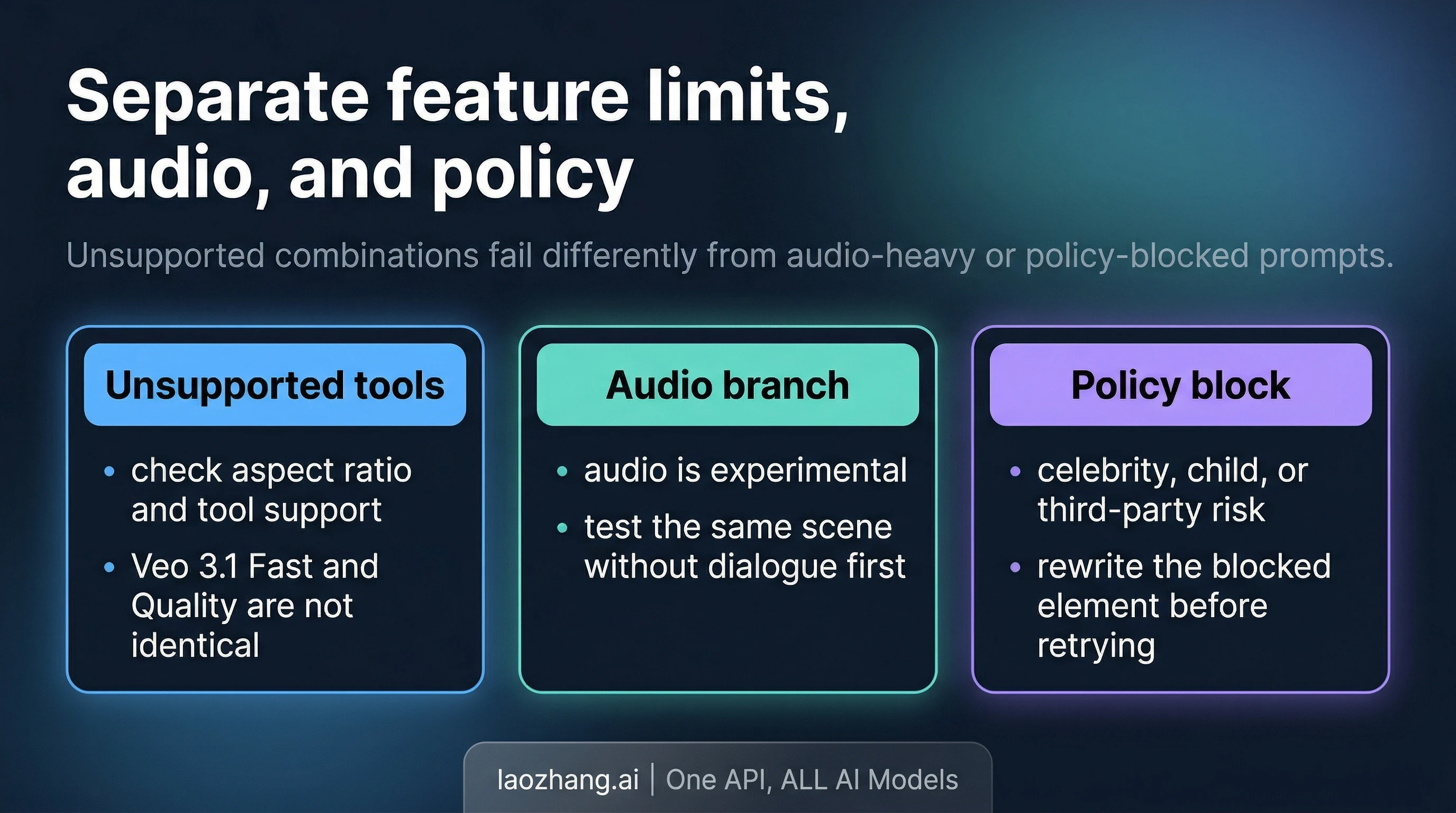
If the request fails only when you add a certain tool or setting, stop blaming the prompt. Flow's current feature matrix is not flat across Veo 3.1 Fast and Veo 3.1 Quality. Google currently documents that Camera Control is unsupported on both, Extend is landscape-only, and Ingredients to Video is supported on Veo 3.1 Fast but not on Veo 3.1 Quality.
That kind of mismatch behaves differently from a weak creative prompt. The scene may be perfectly fine, but the specific tool pair or mode combination is outside today's Flow support boundary. In that case, better wording is not the missing piece. A supported pairing is.
Audio belongs in its own branch for the same reason. Google's Flow help currently describes audio generation as experimental on Veo 3.1 and says low-quality audio can cause a video not to generate. If the scene works silently and fails only when you add dialogue, singing, or dense sound design, isolate the audio path before you rewrite the visual part of the request.
The fastest verify pattern is narrow:
- Keep the scene and shot logic the same.
- Remove the unsupported feature pair or remove the dialogue-heavy audio.
- Retry the same request in Flow.
- Add one complexity layer back only after the simpler version succeeds.
That is how you stop burning retries on requests that cannot pass under the current Flow contract.
Policy Blocks Need Content Changes, Not Patience
Some failed generation cases are really policy signals with softer wording. If Flow repeatedly fails when the scene includes a public figure, a child, a known character, or a sensitive act, stop treating it like random instability. Google's current Veo safety guidance on the broader Google route is useful here even when Flow does not show the same codes directly.
The practical move is to remove or reframe the blocked element. Replace a named public figure with an original character. Remove third-party IP references. Tone down sensitive violence or sexual framing. If the concept still matters, rebuild it around the action or composition rather than the protected identity or risky cue.
Verification still stays on the same surface. Rewrite only the risky element, resend the request in Flow, and watch whether it passes. If you rewrite the whole scene at once, you lose the only thing that makes troubleshooting fast: the ability to tell what actually fixed it.
When This Stops Being a Flow Issue
This page should stop being your guide once the Flow-side checks are genuinely clean. If access, language, credits, concurrency, supported feature pairings, audio, and policy all look normal, but the request still fails in the same way, widen the diagnosis instead of looping forever on the same Flow screen.
The clean handoff is the broader sibling page: How to Fix the Veo 3 Failed Generation Error in Flow, Gemini, and Vertex AI. Use it when the real question is no longer "what should I fix inside Flow?" but "am I actually dealing with Gemini credits, Vertex API errors, or a wider platform problem?"
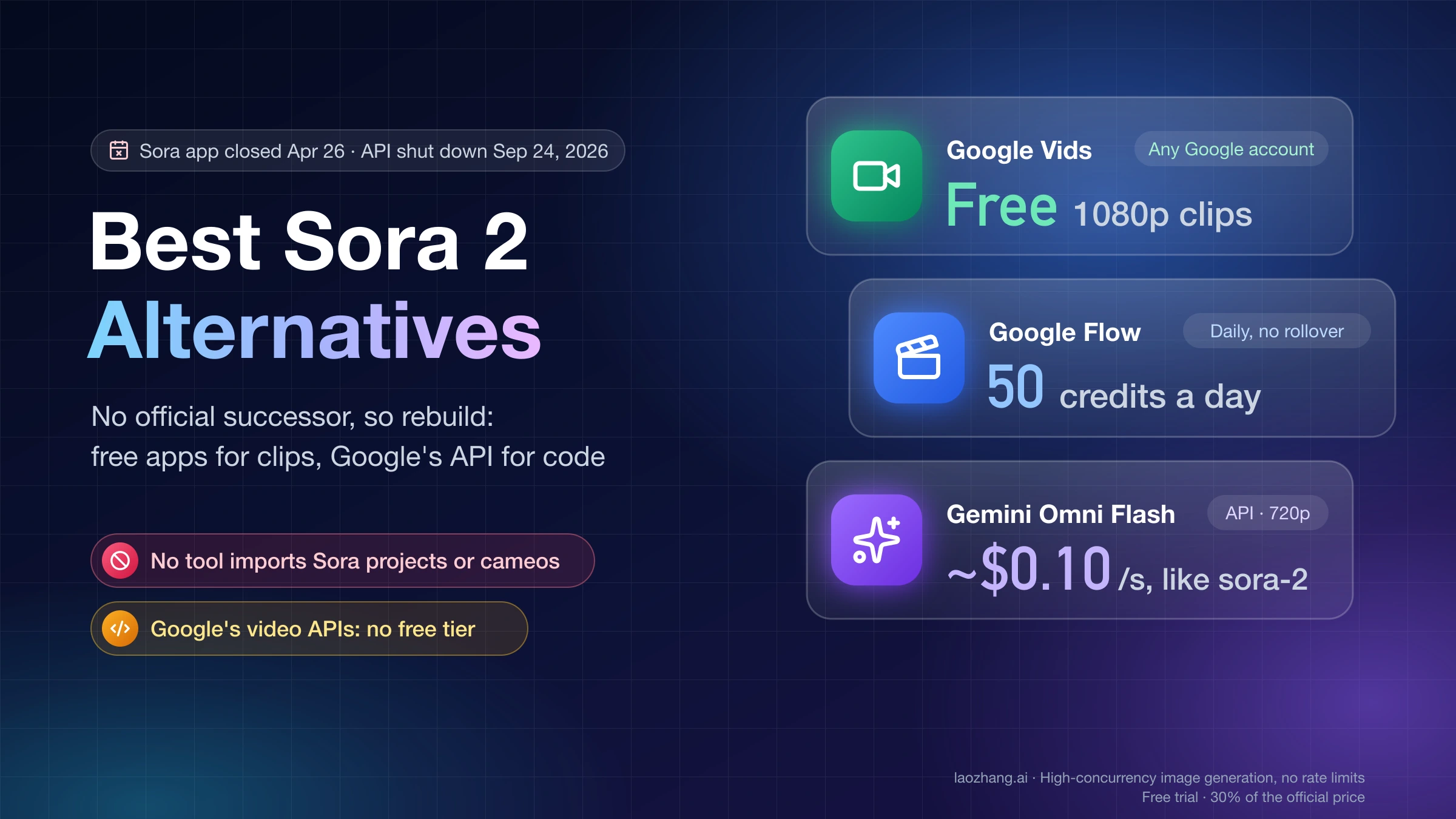
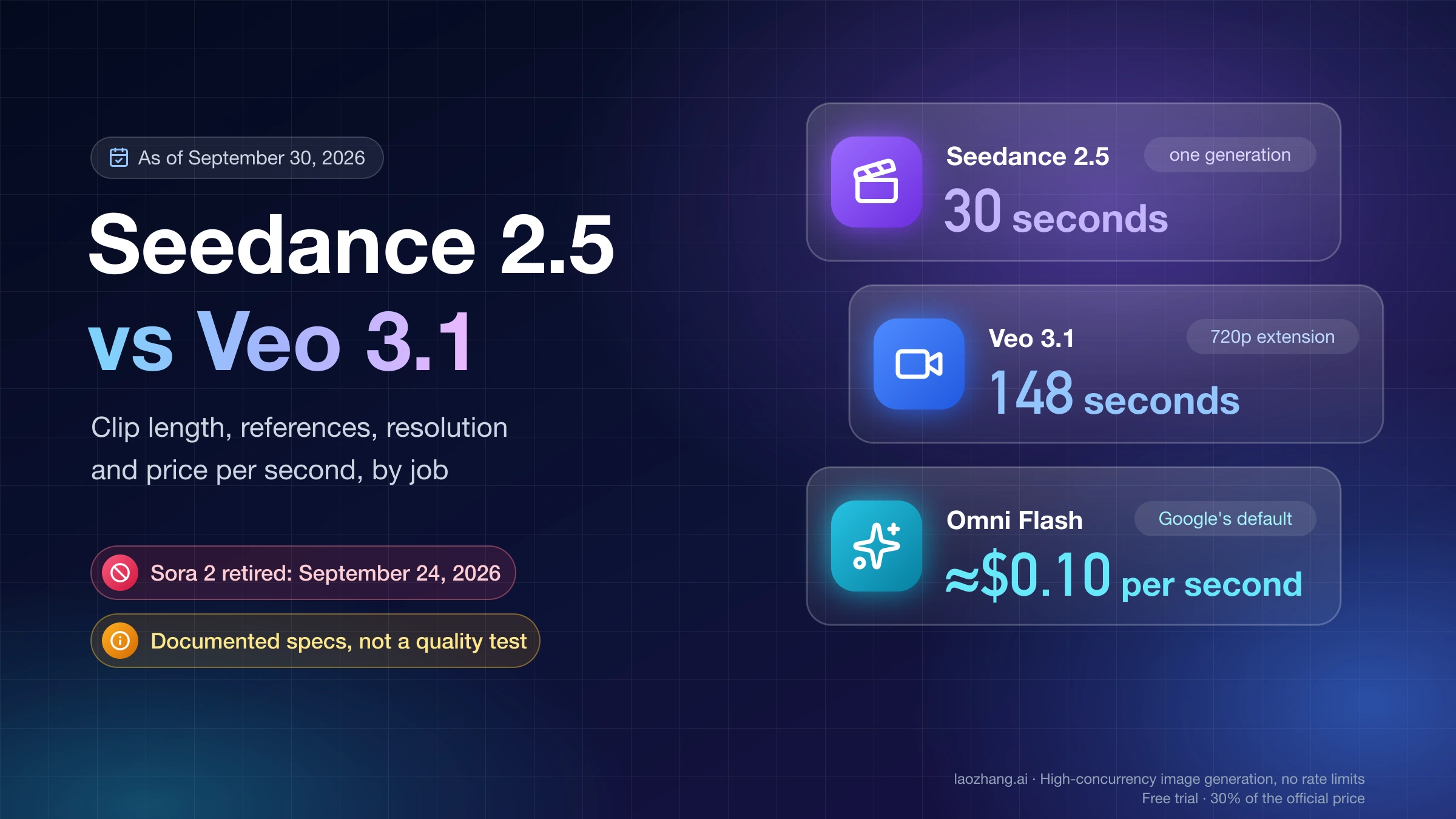
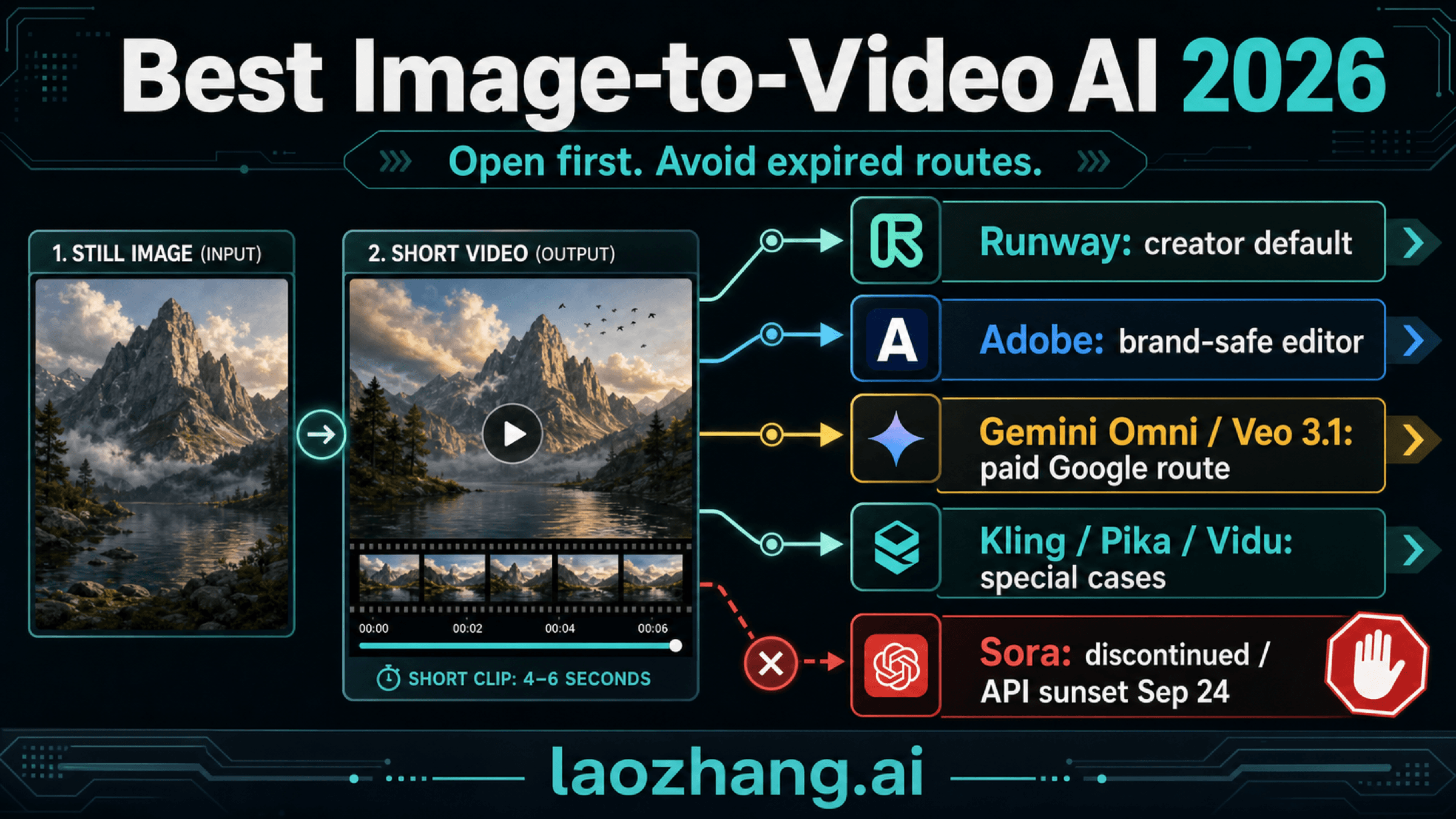
If the deeper answer turns into a route choice rather than a repair step, use a narrower next page for that job. Sora 2 API vs Veo 3.1 helps when you are deciding whether to stay on the Veo path at all. Seedance 2 vs Veo 3 vs Sora 2 helps when the real decision is broader model selection. If cost per generation becomes the real blocker, How Much Does AI Video Generator Cost? is the better next read.
That handoff keeps you from wasting more retries on a problem that no longer lives on the Flow screen. Once the same-surface checks are exhausted, a wider diagnosis is more useful than one more generic retry.
FAQ
Does Flow require US English prompts right now?
Yes, according to Google's Google One help checked on April 9, 2026. Treat that as a current contract check, not as a timeless product rule, because support details can change.
Do failed generations refund credits?
Google's current help says failed video generations are re-credited, but the credits may take time to reappear. That is why a temporarily low balance right after a failed job does not automatically mean the credits are gone for good.
Why does audio make Flow fail more often?
Because Google currently documents audio as experimental on Veo 3.1 and says low-quality audio can stop the video from generating. Test the same scene without dialogue first.
Which Veo 3.1 tools are most likely to trigger a support mismatch?
The current Flow docs specifically matter on combinations such as Extend being landscape-only and Ingredients to Video not being supported on Veo 3.1 Quality. Always compare the failing request with the current feature matrix before blaming the prompt.
When should I move to Gemini or Vertex troubleshooting?
Only after the Flow-side checks are clean. If the request still fails with valid access, correct language, sufficient credits, supported feature pairings, simpler audio, and a safer prompt, you are probably no longer debugging a Flow-first problem.