Codex 401, 429, and Stream Disconnected: Find the Failing Layer
The final Codex error line is a symptom, not a root cause. Identify the active account and provider route, then act on the first failure you can prove.
On this page
A failed Codex turn may end with any of these messages:
exceeded retry limit, last status: 429 Too Many Requests
stream disconnected before completion
exceeded retry limit, last status: 401 Unauthorized
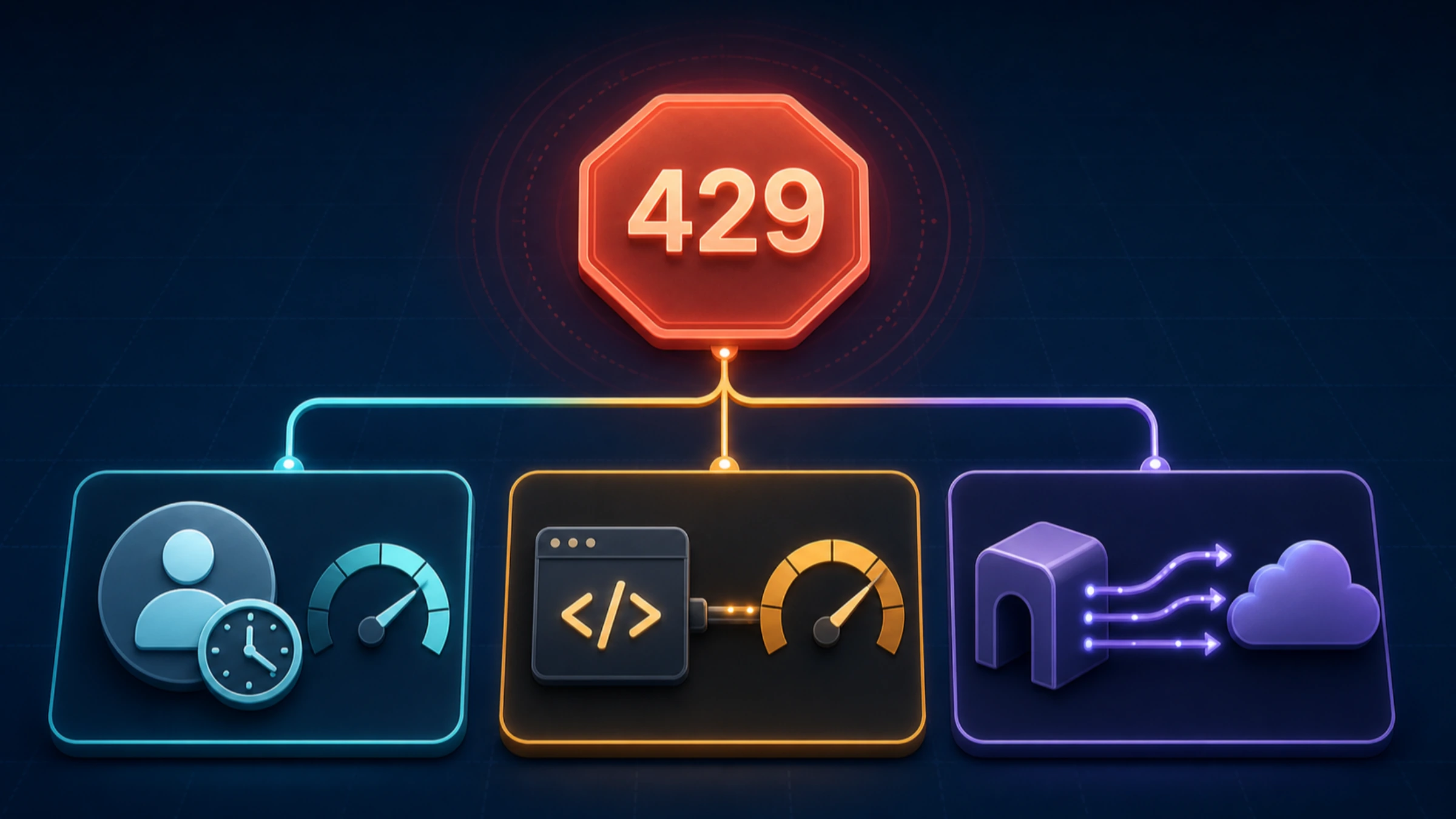
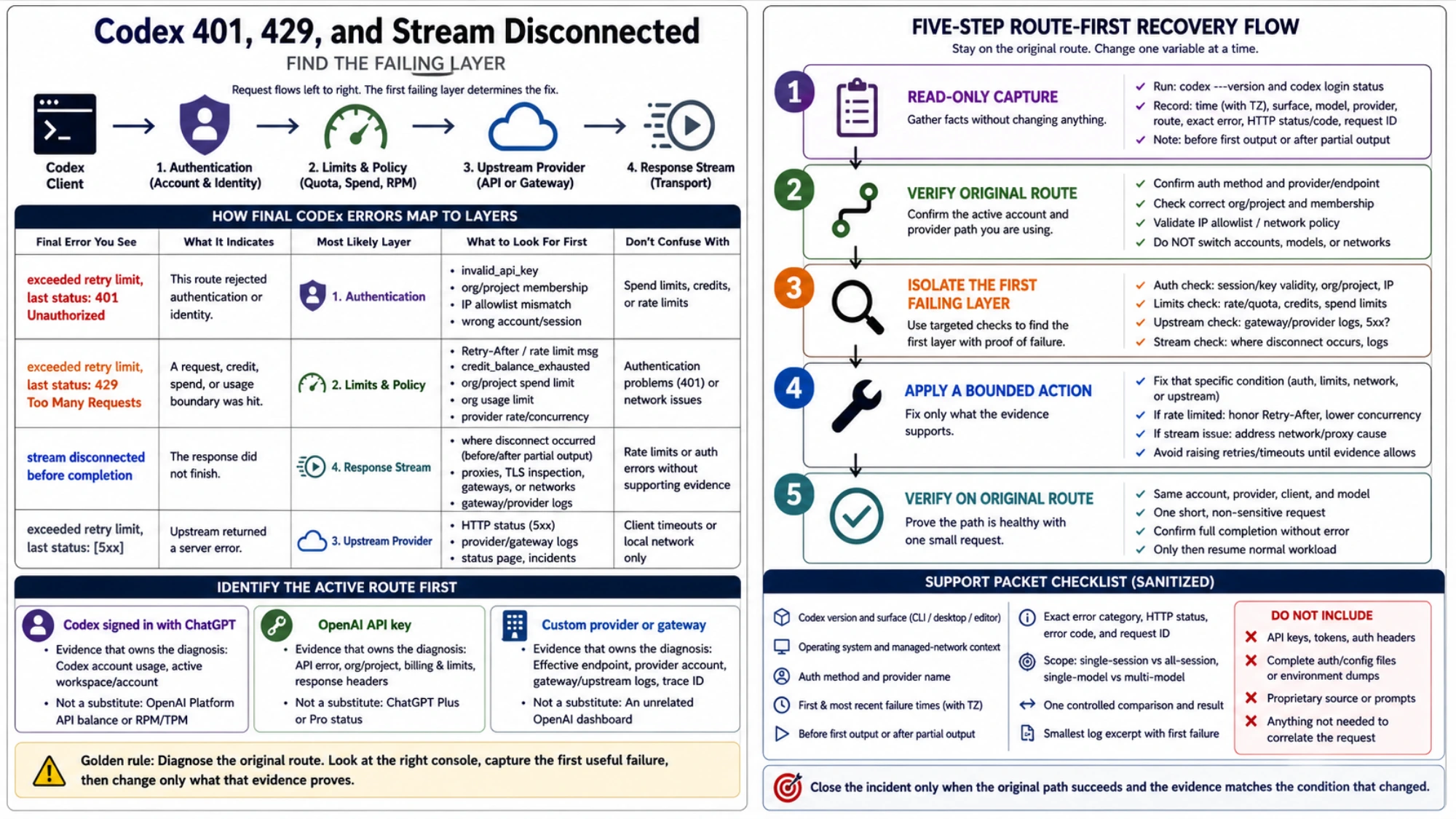
They do not describe one universal outage. A 401 says that one request route rejected authentication. A 429 says that some service enforced a request, credit, spend, or usage boundary. A stream disconnect says the response did not finish. “Exceeded retry limit” only explains why the client stopped trying.
Before deleting credentials, rotating a key, increasing timeouts, or rerunning the same large task, establish which route handled the request and preserve the first useful failure.
Capture the route before changing it
For the CLI, start with two read-only commands:
codex --version
codex login status
Record the exact error, timestamp and time zone, Codex surface, model, and any request ID. The login command identifies the authentication method; it does not validate every downstream permission. If you use a custom provider, also identify the effective provider and base URL without printing credentials or a complete configuration file.
The account surface that matters depends on that route:
| Active route | Evidence that owns the diagnosis | Evidence that does not substitute for it |
|---|---|---|
| Codex signed in with ChatGPT | Codex account usage, active workspace/account, behavior in a fresh session | OpenAI Platform API balance or RPM/TPM limits |
| OpenAI API key | Structured API error, organization/project, billing and limits, response headers | ChatGPT Plus or Pro status |
| Custom provider or gateway | Effective endpoint, provider account, gateway/upstream logs and trace ID | An unrelated OpenAI dashboard |
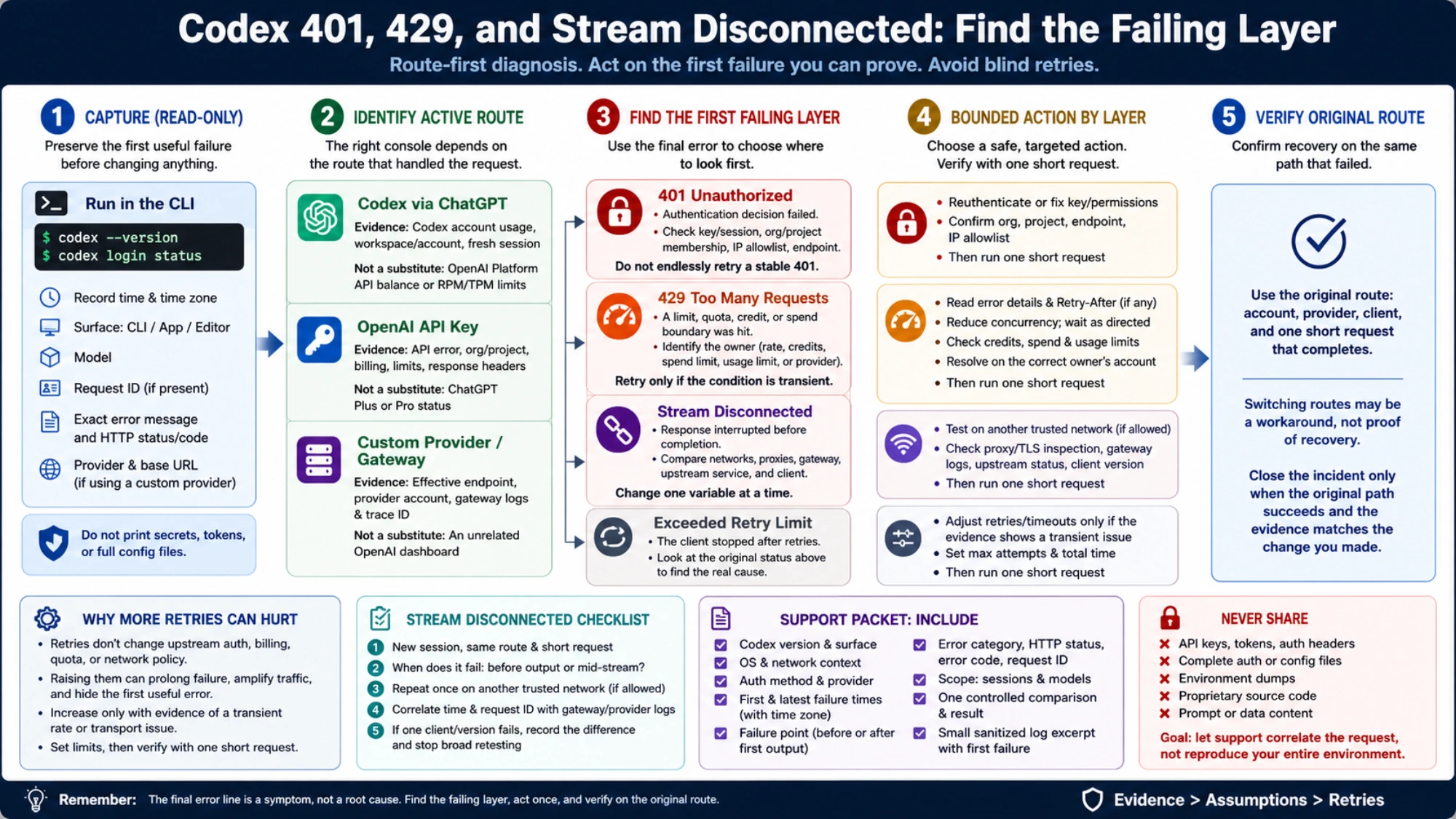
Looking at the wrong console can produce a perfectly accurate “usage remaining” message for an account that never received the failed request.
The official Codex App Server error taxonomy distinguishes Unauthorized, upstream HTTP failures, ResponseStreamConnectionFailed, ResponseStreamDisconnected, and ResponseTooManyFailedAttempts. When an upstream HTTP status is available, it can also be reported separately as httpStatusCode. That separation is a useful model even when a client only displays the final retry line.
Treat 401 as an authentication decision, not a retry prompt
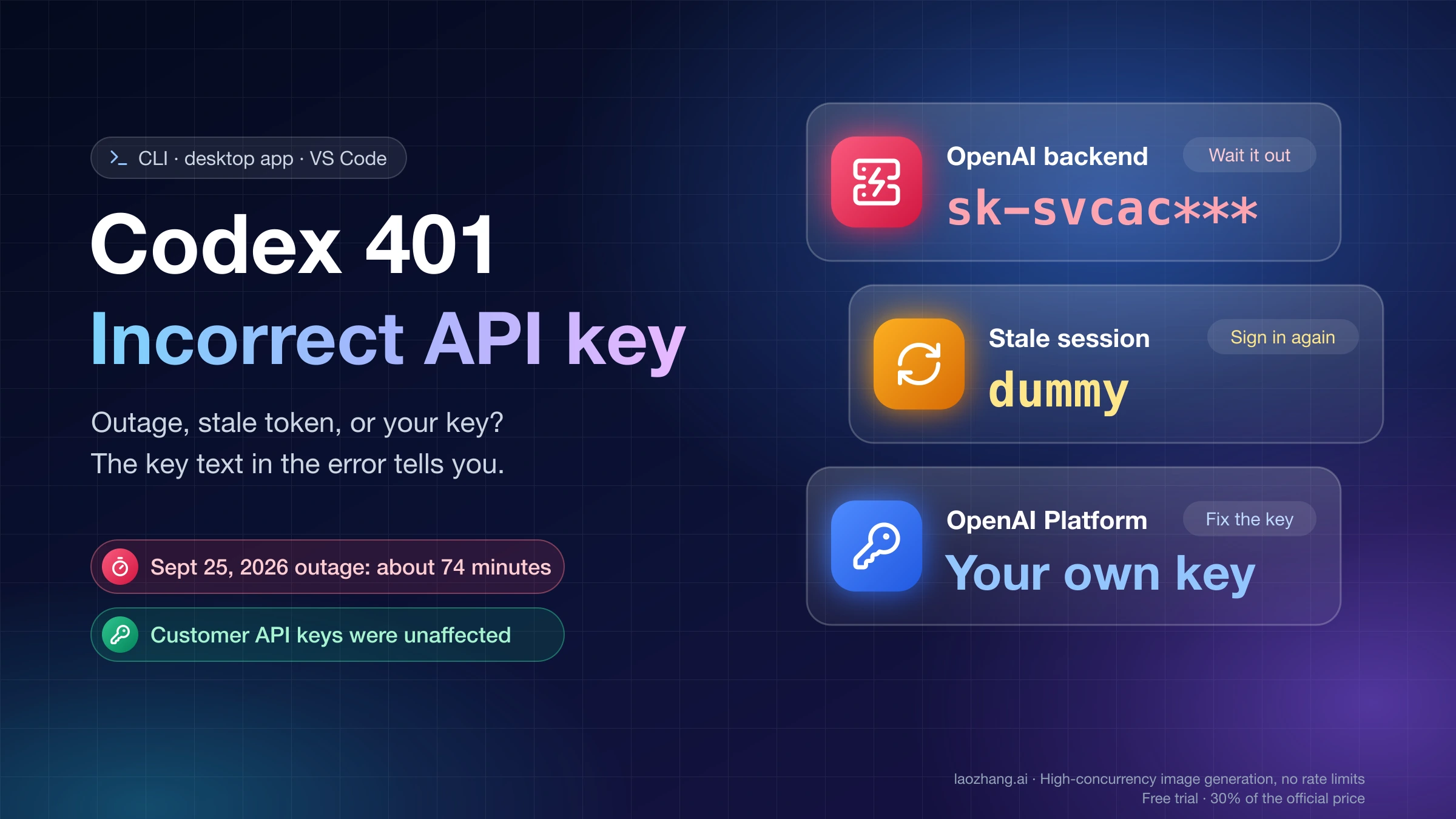
On the OpenAI Platform API route, a 401 can mean invalid authentication, an incorrect API key, missing organization membership, or an IP allowlist mismatch. The current official API error guide lists those as distinct causes. Read the structured error and confirm the project before choosing a fix.
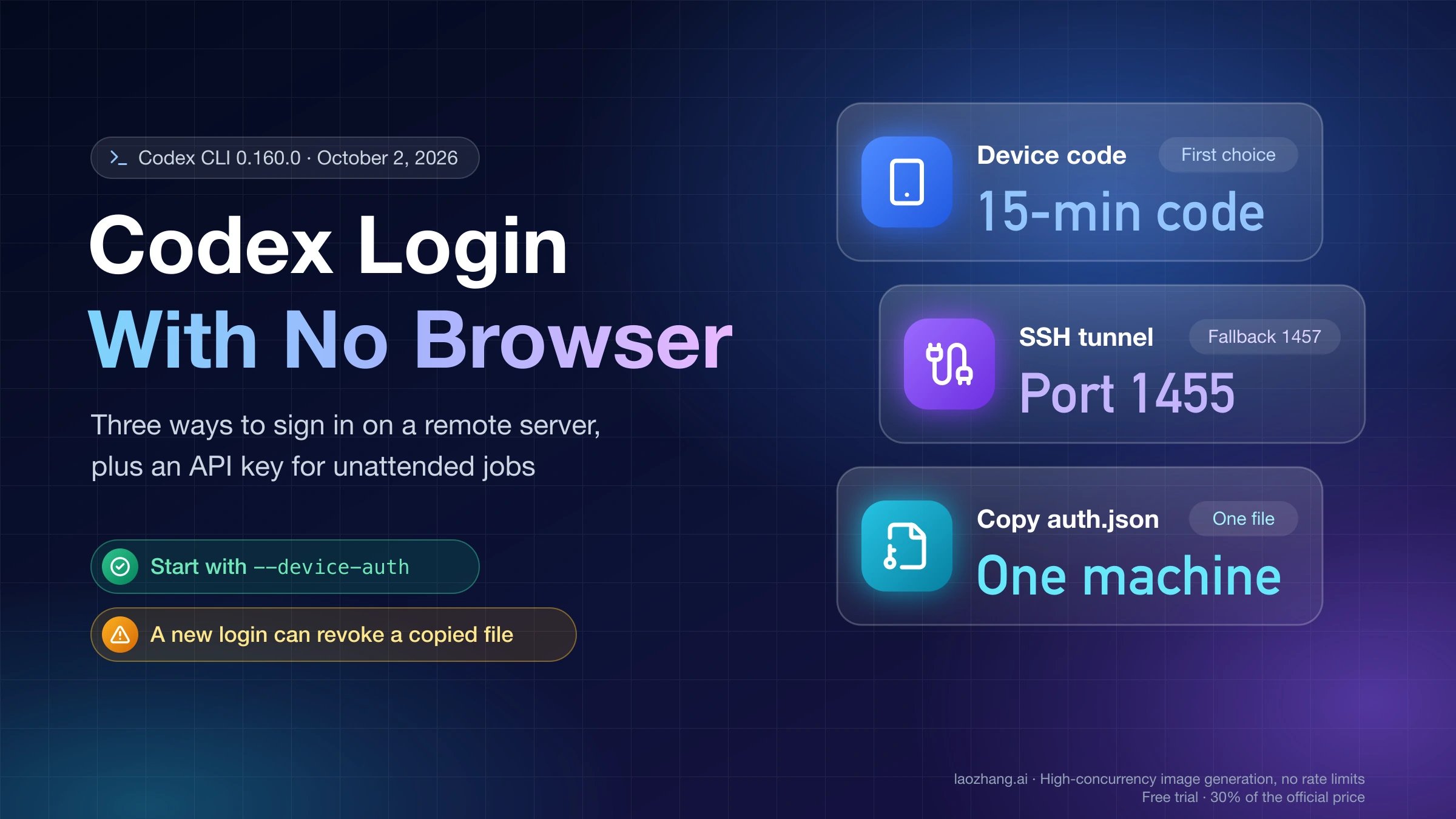
For ChatGPT-authenticated Codex, verify that codex login status shows the account method you expected. Reauthentication is reasonable when the stored session is demonstrably invalid or the wrong account is active. It is not a harmless first step: codex logout clears stored credentials. The official authentication guide also notes that workload identity is controlled by the process environment and does not follow the same login/logout path.
For an API key, confirm that the running process uses a key for the same organization, project, endpoint, and network policy you are inspecting. Do not print the key, dump the full environment, or paste auth.json into an issue. If the error identifies invalid_api_key, membership, or IP authorization, change that condition first, then make one short verification request. A stable 401 should not be backed off and retried indefinitely.
A custom gateway can reject its own credential or forward an upstream 401. Correlate the gateway request ID with its logs. If the client reached the gateway but the gateway failed upstream authentication, rotating the client credential targets the wrong layer.
A 429 is actionable only after you identify its owner
OpenAI Platform documents multiple 429 categories: temporary request-rate pressure, exhausted credits, organization or project spend limits, and an organization usage limit. The API error guide explicitly says that billing, spend, and quota conditions are not restored by retrying.
Use the most specific evidence available:
- A valid
Retry-Afteror request-rate message supports a bounded wait and lower concurrency. credit_balance_exhaustedrequires a change to the affected organization’s credit state.- An organization or project spend-limit code requires checking that exact owner.
- A displayed ChatGPT/Codex usage window belongs to the ChatGPT-authenticated route, not Platform API throughput.
- A third-party provider’s 429 must be resolved against that provider’s policy, billing, concurrency, and logs.
- A bare final 429 line is not enough to choose a fixed waiting time.
If one small serial request succeeds while concurrent work fails, reduce concurrency and record the threshold. That is useful evidence about workload shape, but it still does not prove which upstream control fired. If the failure stays inconsistent after reducing load, stop probing and inspect the actual gateway/provider logs.
“Stream disconnected” needs a controlled comparison
A response stream can be interrupted by the client, a proxy or TLS inspection layer, a managed network, a gateway, an upstream service, or a local network transition. The text alone does not prove that Codex always uses one transport, that a VPN is at fault, or that OpenAI is down.
Change one variable at a time:
- Start a fresh session with the same account, provider, model, and a short non-sensitive request.
- Note whether the failure happens before any output, after partial output, or with an explicit HTTP status.
- If policy permits, repeat that same short request once on another trusted network.
- Correlate the failure time and request ID with gateway or provider logs.
- If only one client or version fails, record the version difference and stop broad retesting.
Success on another network narrows the problem to the path; it does not authorize disabling organizational security controls. Failure on both networks at the same time makes account, provider, gateway, and current service evidence more important.
Do not jump straight to increasing stream_idle_timeout_ms. A longer timeout only changes how long the client waits. It cannot repair invalid authentication, a wrong base URL, depleted credits, or a connection that a gateway intentionally closes.
Why more retries can make the evidence worse
Codex provider configuration includes request retries, stream retries, and stream idle timeouts. The current configuration reference also says provider and authentication routes are machine-level settings: project-local .codex/config.toml files cannot override model_providers or related provider keys.
Those controls define client behavior after failure; they do not change the upstream account or policy. Raising them can lengthen a deterministic failure, multiply traffic through a gateway that also retries, and bury the first useful error under repeated attempts.
Adjust retries only after the evidence supports a transient rate or transport condition and the upstream allows retrying. Set a maximum attempt count and total elapsed time. After the condition changes, verify with one short request. If the same first failure returns, stop the loop.
Build a support packet that can be correlated
Escalate when the minimal request fails across new sessions, account state conflicts with the error, the same route fails consistently after its stated reset, or only a specific client/provider combination reproduces the issue.
Include:
- Codex version and surface: CLI, desktop app, or editor integration;
- operating system and relevant managed-network context;
- authentication method and provider name;
- first and most recent failure times with time zone;
- whether failure occurred before first output or after partial output;
- exact error category, HTTP status, error code, and request ID;
- single-session versus all-session, single-model versus multi-model scope;
- one controlled comparison and its result;
- the smallest sanitized log excerpt that preserves the first failure.
Exclude API keys, tokens, authorization headers, complete auth/config files, environment dumps, proprietary source, and prompt content. The goal is to let support correlate a request ID, time, and provider—not to upload the state of the whole machine.
The recovery test should use the original route: original account, provider, client, and one short request that completes. Switching accounts, models, or networks can be a useful workaround, but it does not prove the original path has recovered. Close the incident only when the original path succeeds and the evidence matches the condition that changed.
Sources4
External pages this guide links to, in the order they appear. Last updated Sep 1, 2026.
Sources4
External pages this guide links to, in the order they appear. Last updated Sep 1, 2026.