ChatGPT Images 2.0: What Changed, How to Use It, API Pricing, and Route Limits
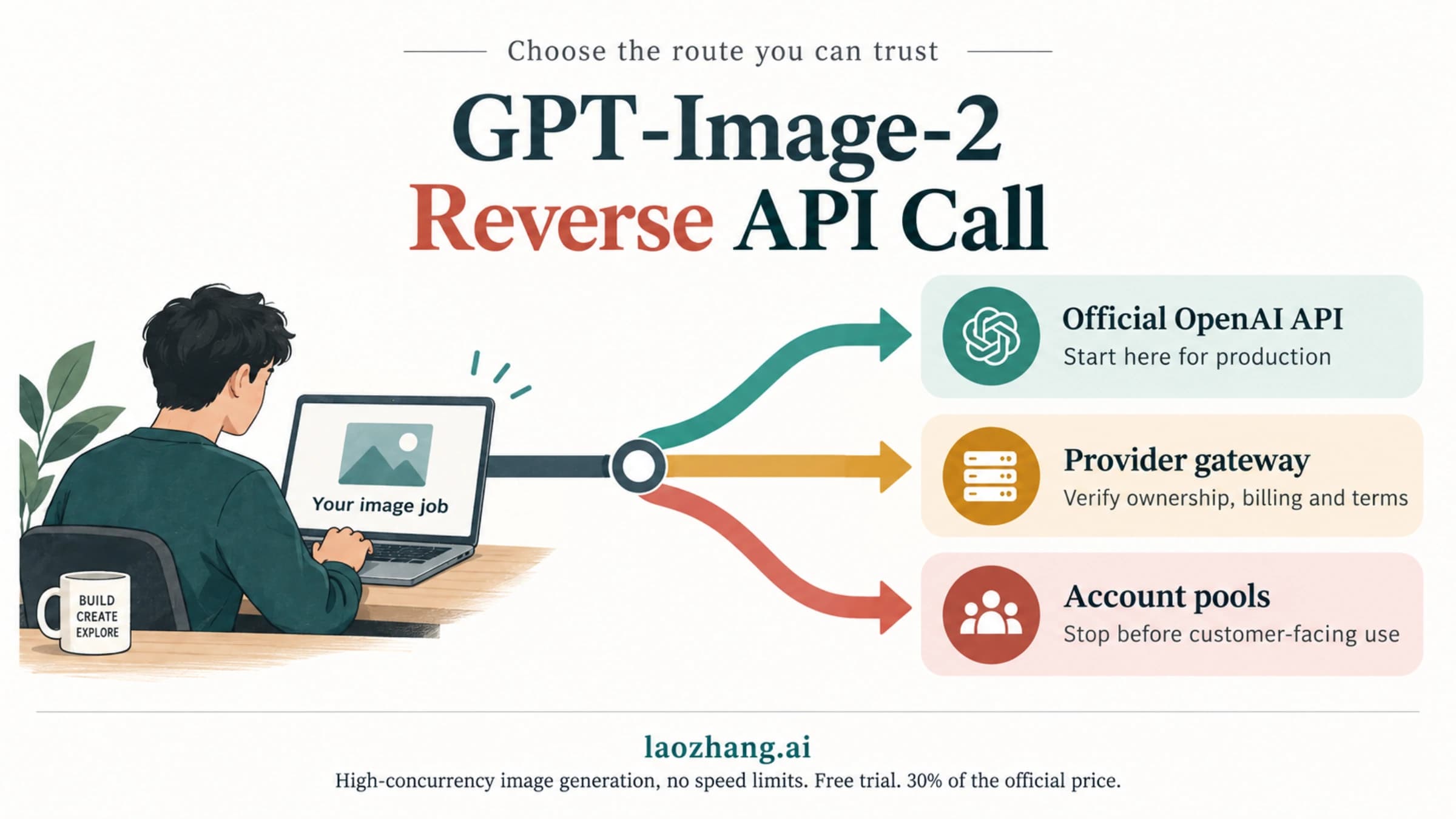
ChatGPT Images 2.0 is an official OpenAI image update. Start with the route: ChatGPT for manual creation, gpt-image-2 for API generation and edits, and provider or wrapper routes only after contract checks.
On this page
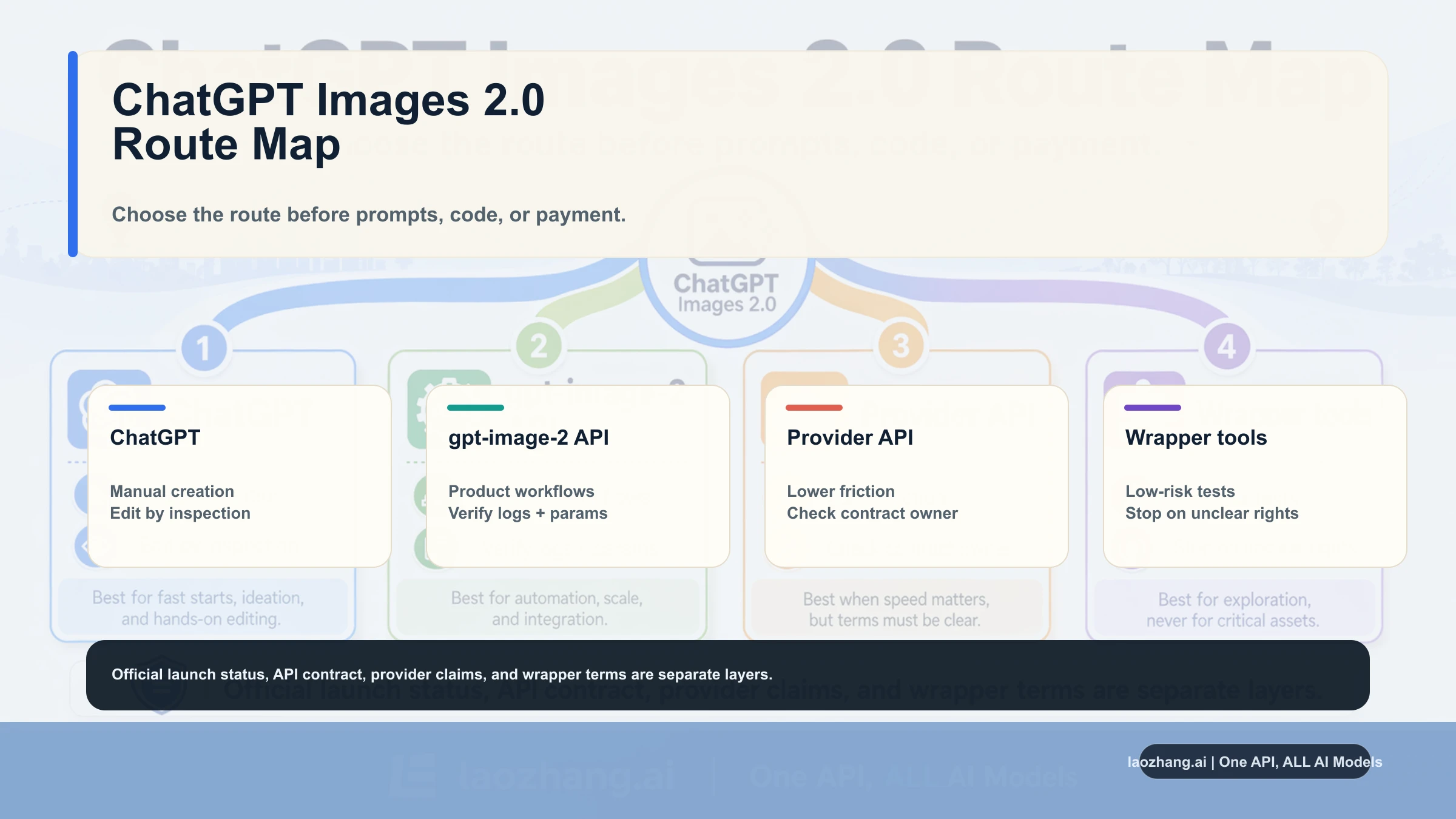
ChatGPT Images 2.0 is OpenAI's new image-generation update, announced on April 21, 2026. For a reader, the safe answer is route-first: use ChatGPT for manual image work, use gpt-image-2 through OpenAI's developer surfaces when you need API generation or edits, and treat provider or wrapper access as a separate contract until its owner, price, output rights, and failure rules are clear.
The shortcut is not "find the 2.0 button." First choose what job you are doing, then use the matching surface.
| Need | Open first | Verify before relying on it |
|---|---|---|
| Make or edit a one-off image | ChatGPT Images | Account access, upload limits, export format, and whether the result is good enough for the asset job |
| Build generation into a product | OpenAI API with gpt-image-2 | Model ID, endpoint shape, quality, size, input costs, output costs, and unsupported options |
| Compare a lower-friction provider route | Provider API | Base URL, model alias, billing unit, failure-charge rule, privacy terms, and support owner |
| Try a no-code or wrapper tool | The wrapper UI | Who processes uploads, what can be exported, whether the wrapper proves the underlying model, and when to stop |
What actually changed in ChatGPT Images 2.0
The update matters because OpenAI has moved the conversation from "can ChatGPT draw?" to "can the image model handle real work inside a reasoning and production workflow?" The public launch page and developer model page point to the same direction: stronger instruction following, better text rendering, multilingual image text, flexible sizes, high-fidelity inputs, and a callable gpt-image-2 model for API use.
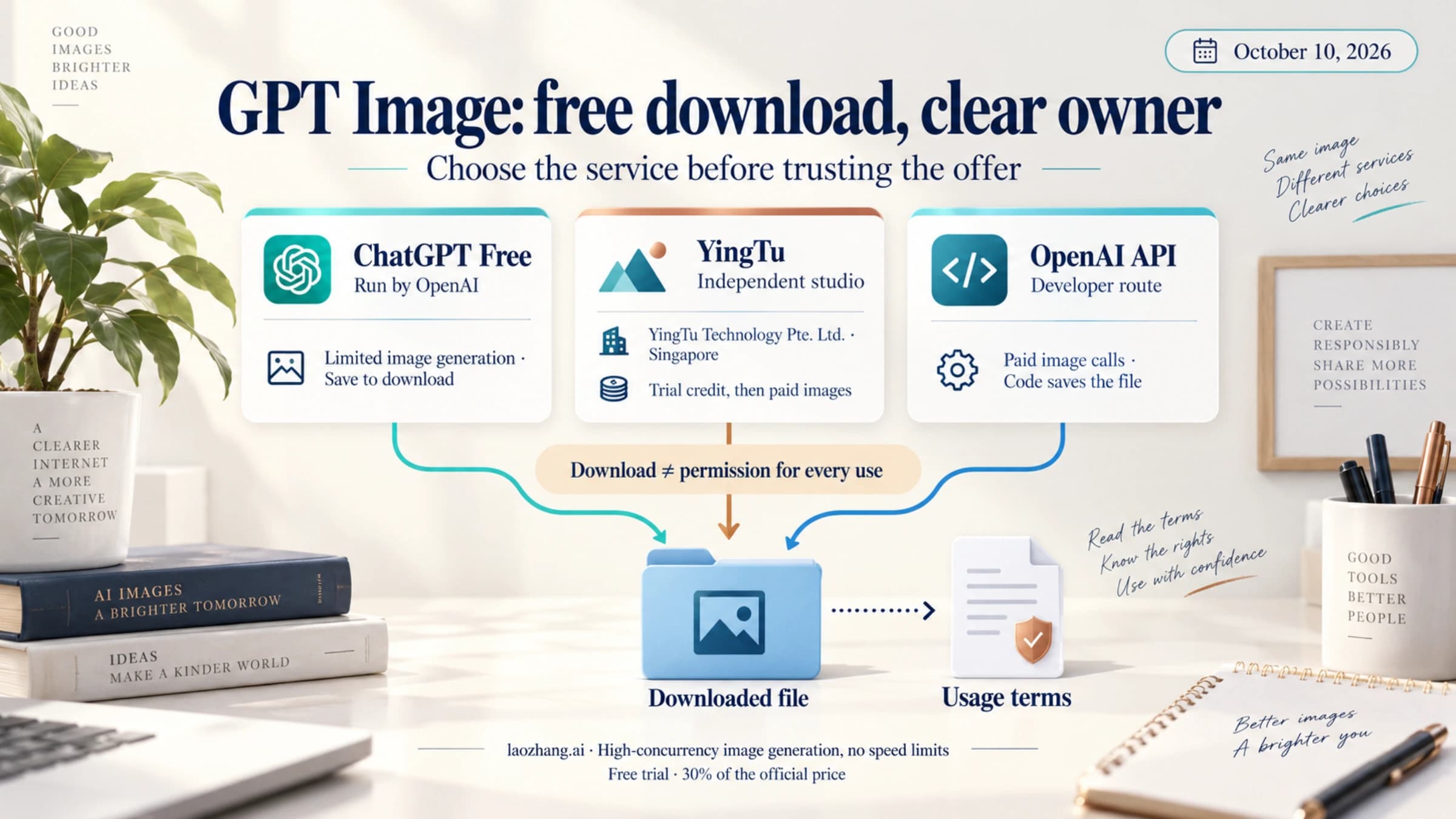
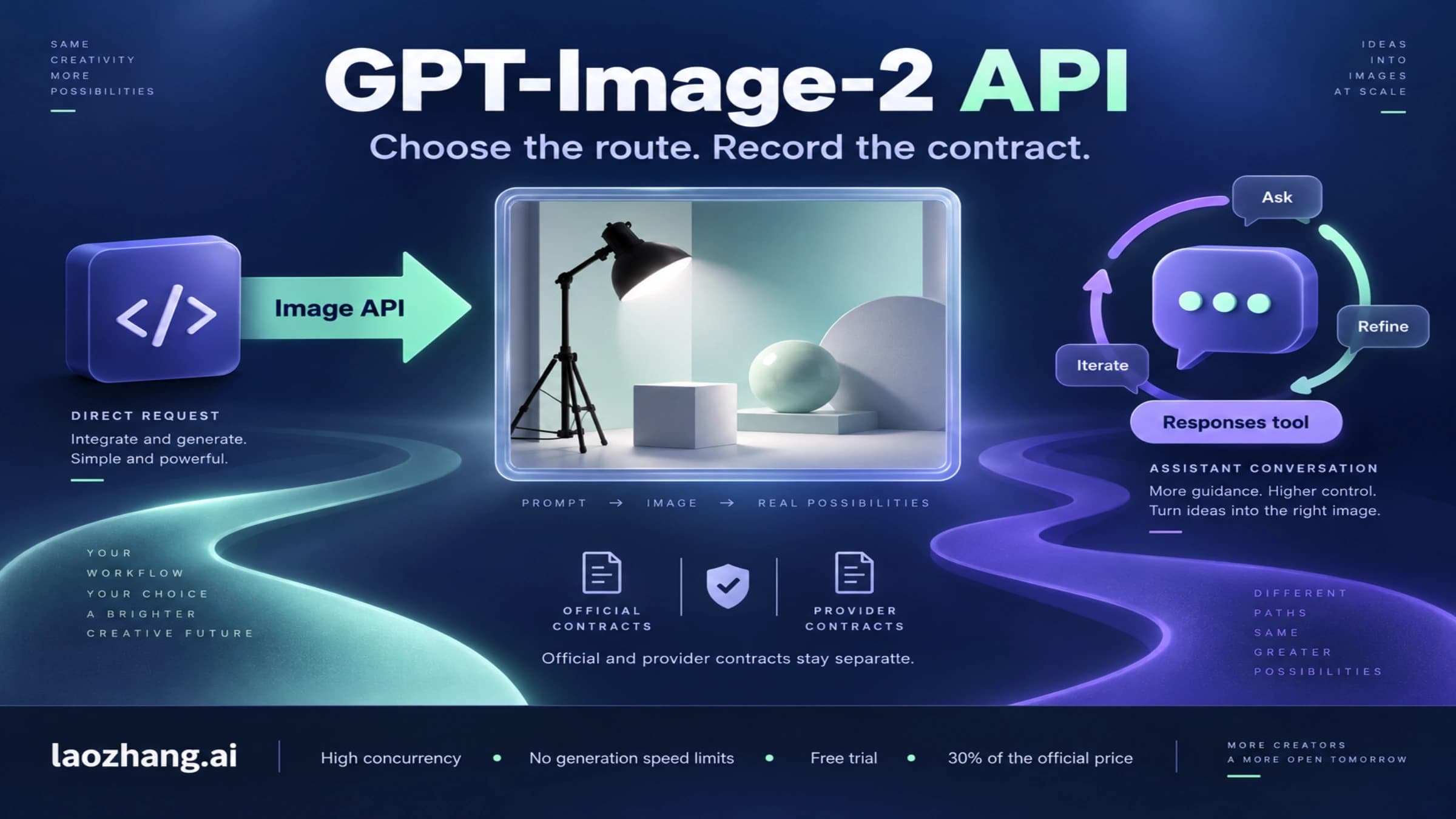
That does not mean every route has the same contract. ChatGPT access is a product experience. The OpenAI API is a developer contract with model IDs, request parameters, token pricing, tool behavior, and account-level limits. A provider page is a provider contract. A wrapper page is a wrapper contract. Keep those layers separate, and the update becomes usable instead of noisy.
ChatGPT route or API route: choose this first
| Reader job | Best starting route | Why | Stop rule |
|---|---|---|---|
| Explore new image quality, text rendering, posters, slides, or social assets | ChatGPT Images | Fastest feedback loop and easiest manual edits | Stop if the account surface cannot reproduce the result or export the needed size |
| Generate assets inside a product, batch job, or internal tool | OpenAI API | You can log model, size, quality, cost, prompt, inputs, and output IDs | Stop if unsupported parameters or cost variance break your SLA |
| Compare provider convenience or local payment | Provider API | It may reduce integration friction, but it owns the contract | Stop if model alias, endpoint, billing unit, data handling, or refund terms are unclear |
| Use a template-style no-code tool | Wrapper UI | Useful for quick experiments and non-sensitive assets | Stop before uploading sensitive source files or promising repeatability |
If your job is learning the model, start in ChatGPT. If your job is shipping a feature, start with the API docs. If your job is cost or access routing, use the dedicated API and pricing siblings instead of treating the launch route as a provider catalog.
API facts that matter before you build
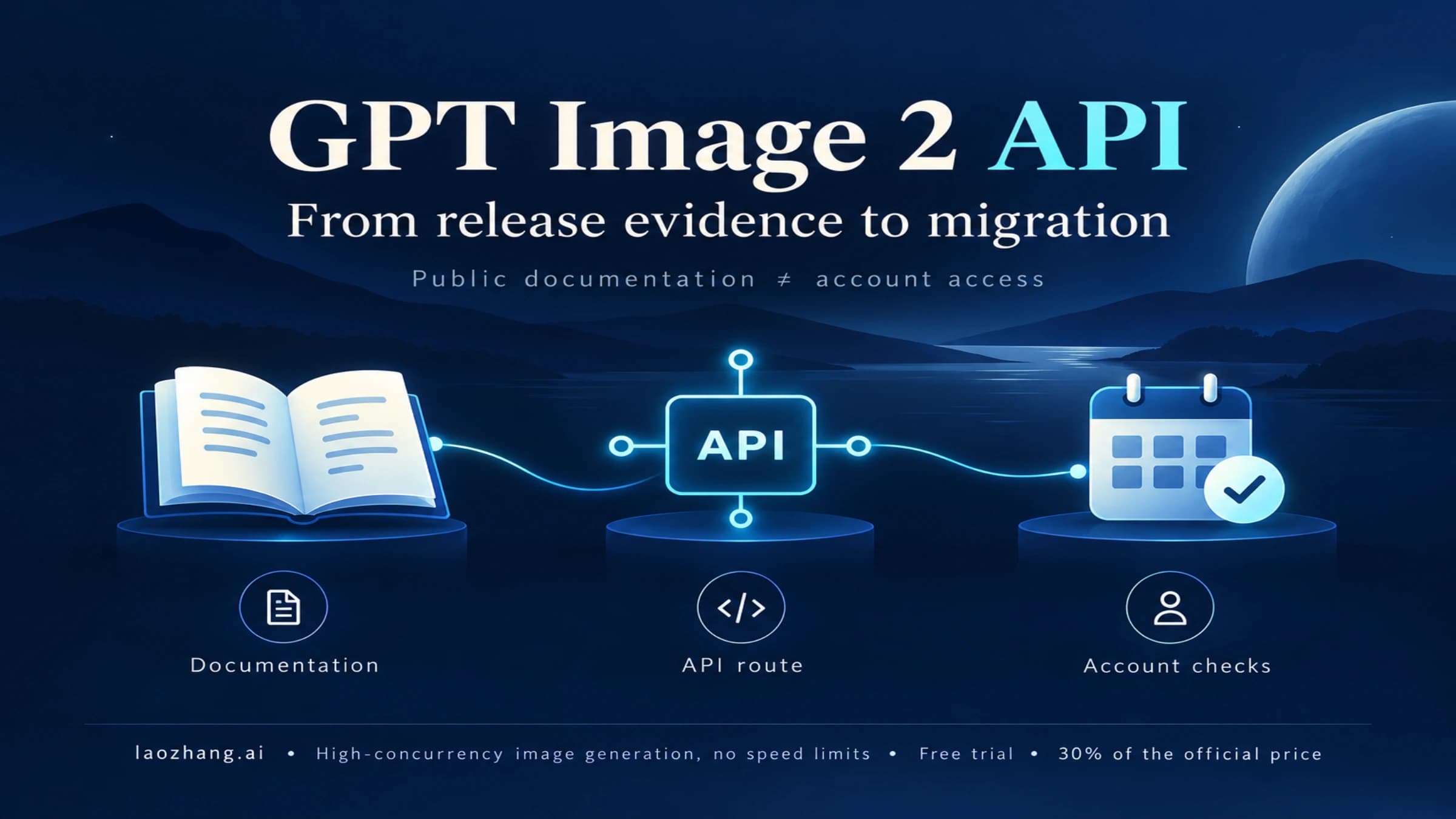
OpenAI's developer model page lists gpt-image-2 with the current snapshot gpt-image-2-2026-04-21. In practical terms, that means the publishable model name exists in the developer contract, not only in news coverage or provider copy.
For implementation, keep three boundaries in your notes:
gpt-image-2is the model ID to verify in your OpenAI account and logs.- Image generation cost is not just the final image. Text input, image input, cached input, output quality, and size all matter.
- The Responses image-generation tool exposes options such as size, quality, format, compression, background, and action, but
gpt-image-2currently does not support transparent backgrounds through that tool option.
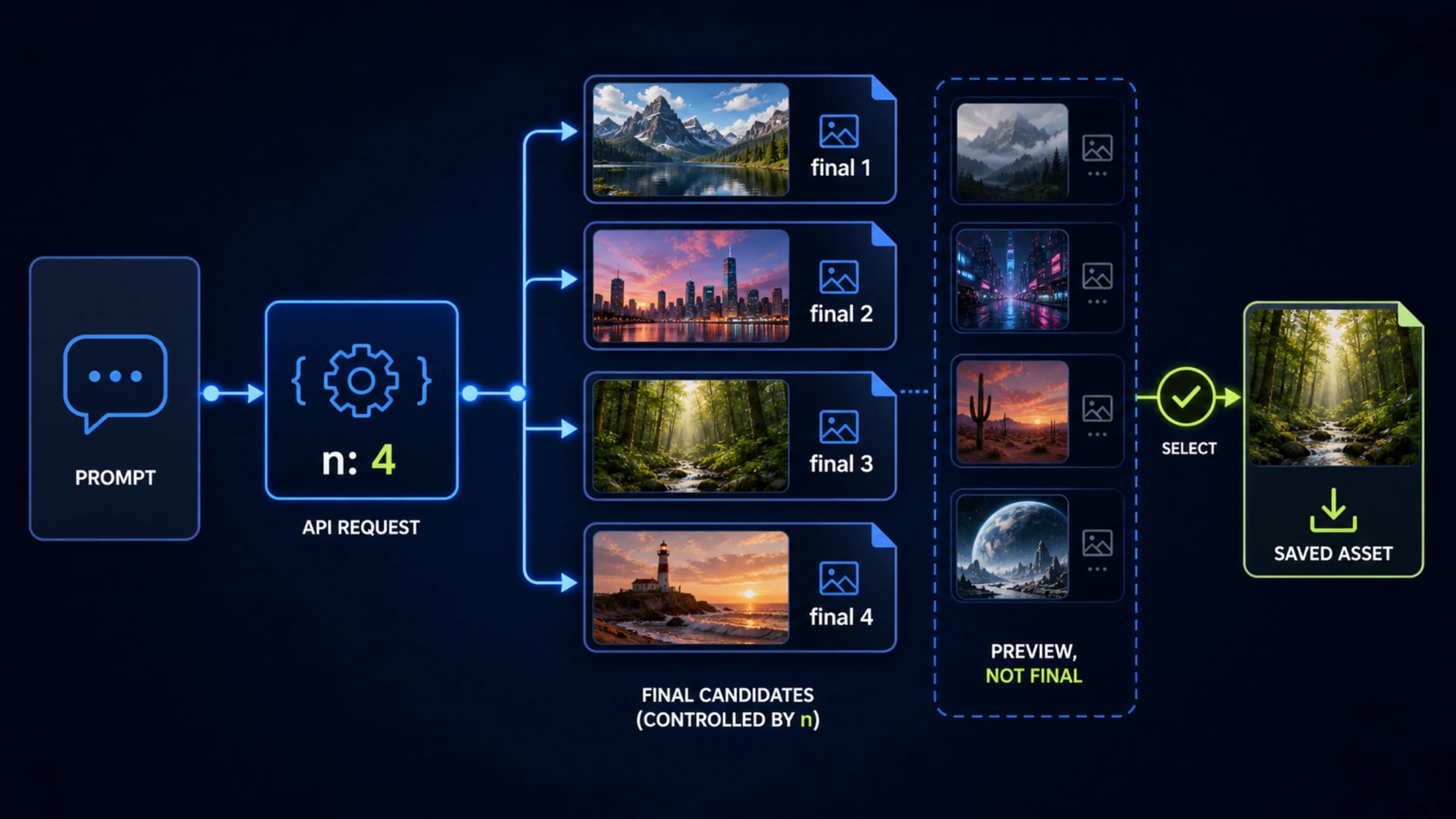
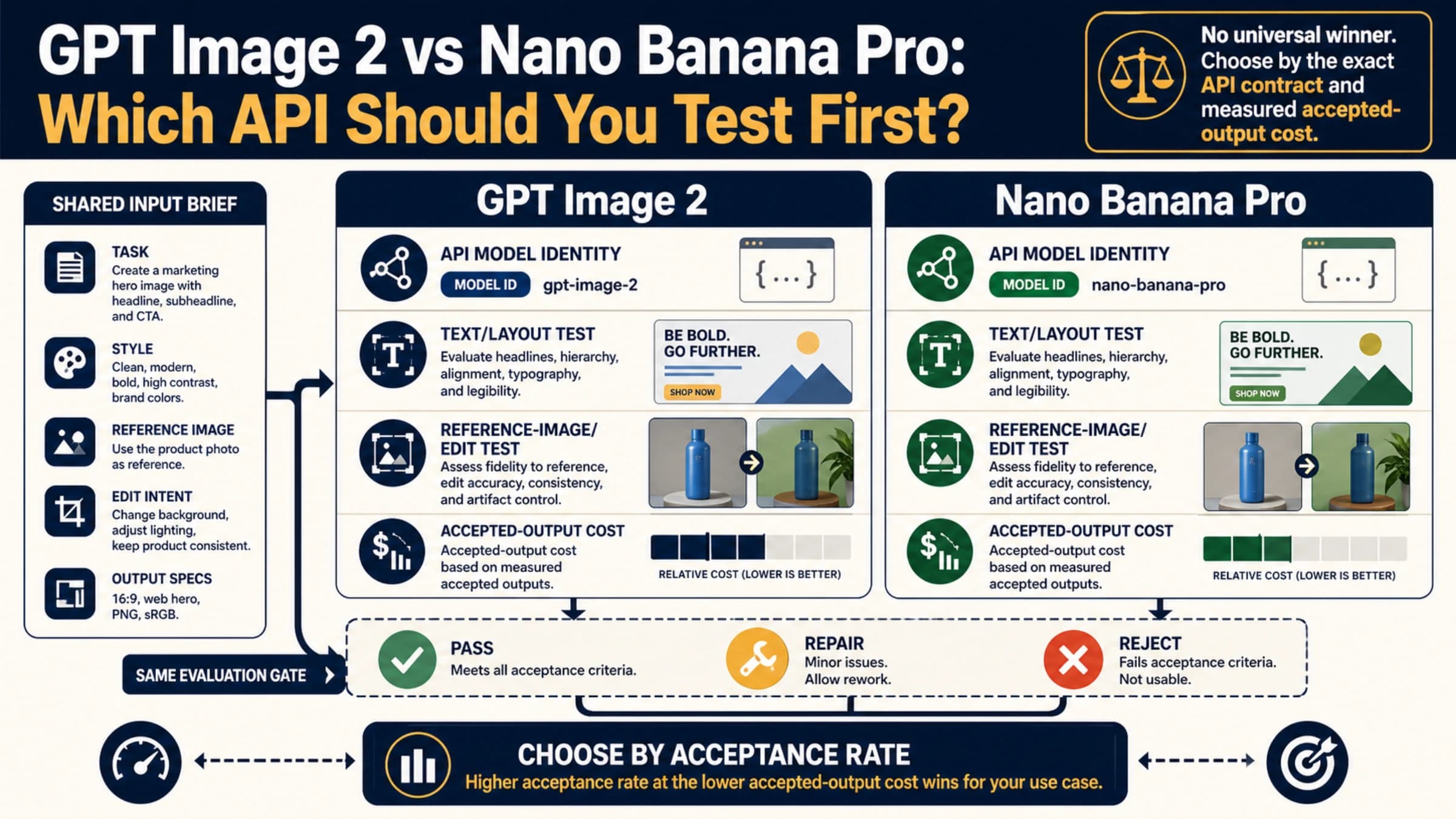
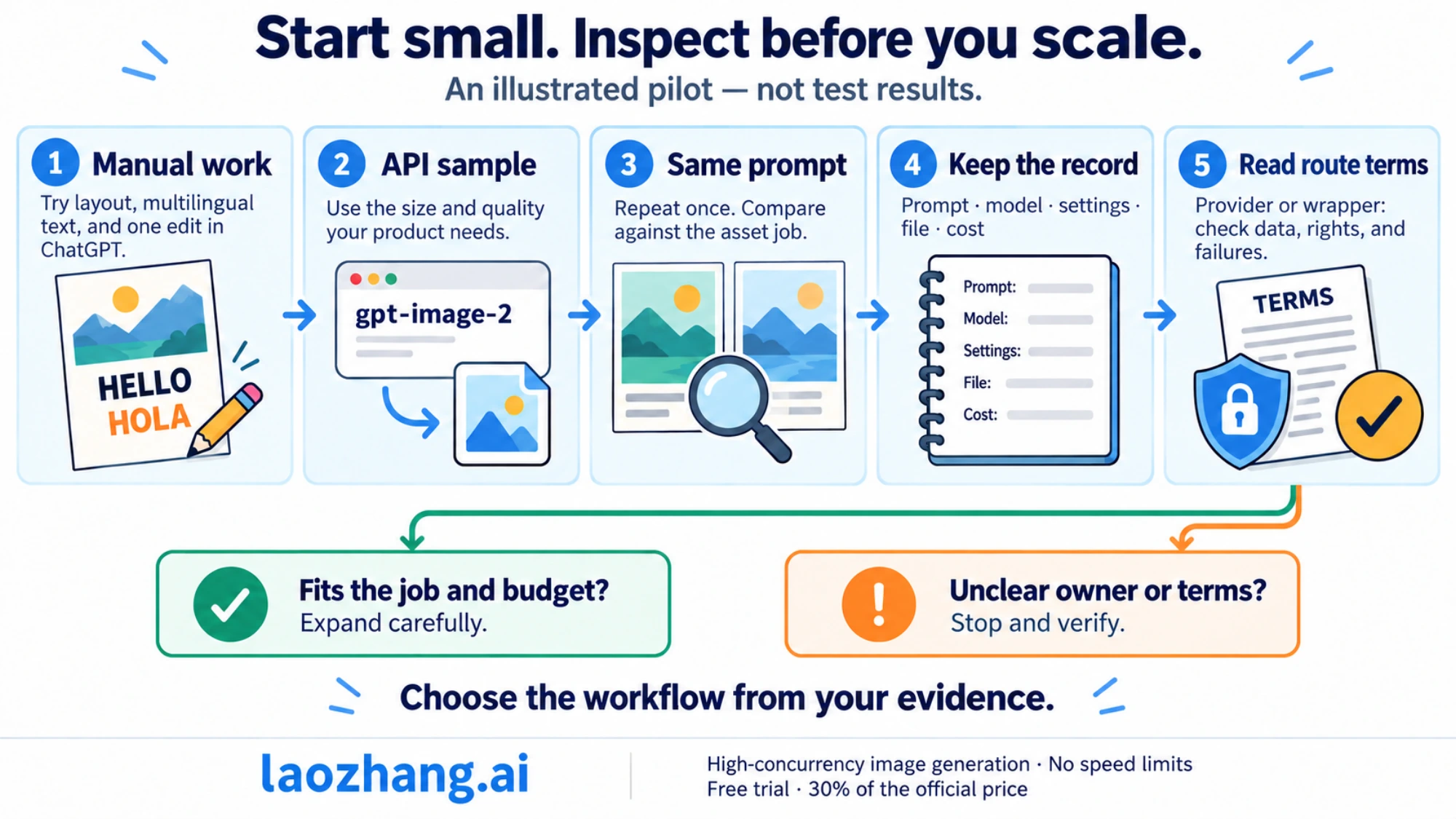
A reasonable first API pilot is small: one prompt-only generation, one image-reference edit, one long-text graphic, and one non-square size. Log the exact model, size, quality, input count, output size, latency, and final cost estimate. Then decide whether the route is stable enough for your workload.
Price the request before you promise a workflow
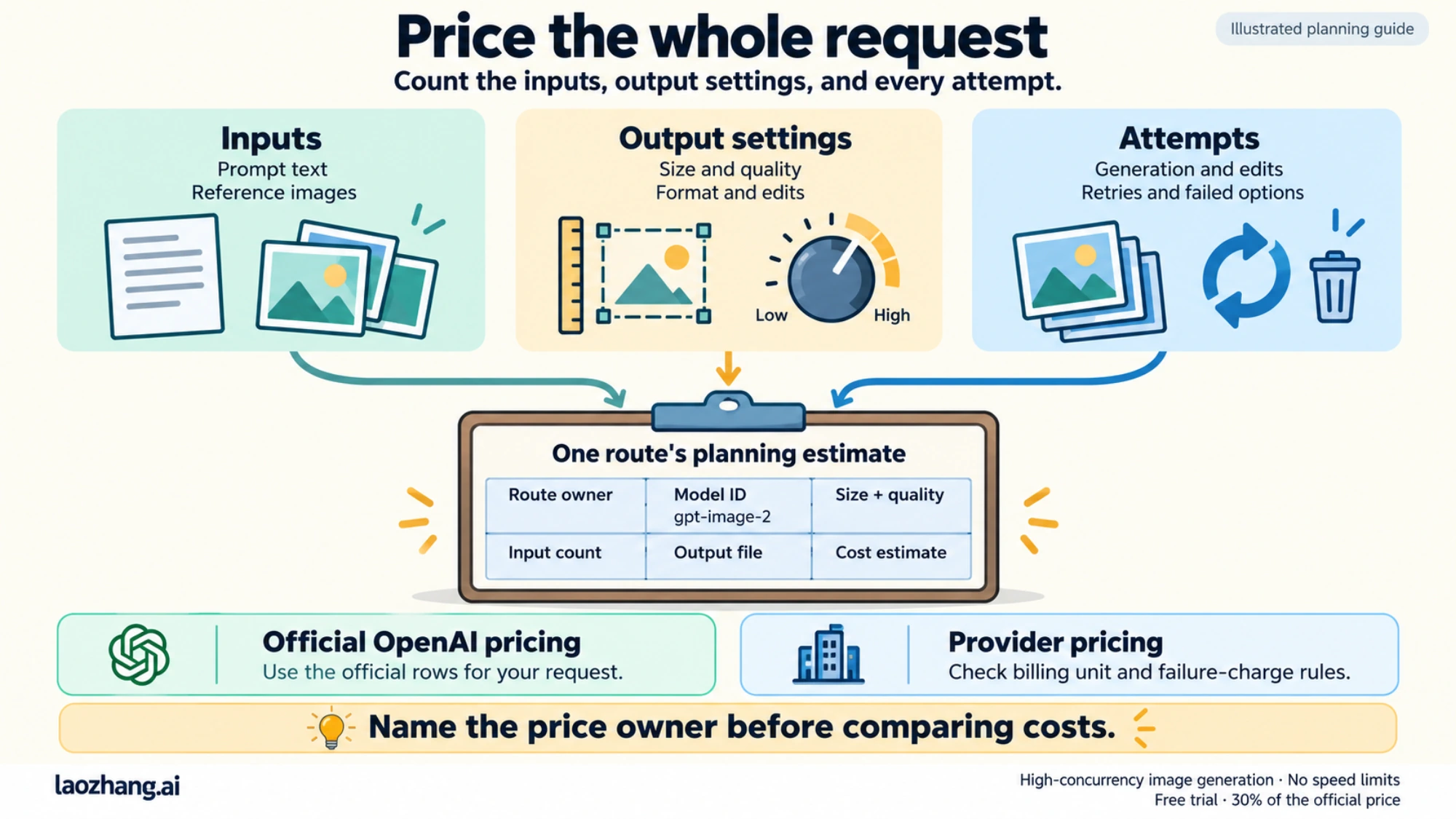
OpenAI's image-generation guide gives concrete calculator estimates for gpt-image-2. At 1024x1024, example low, medium, and high outputs are about $0.006, $0.053, and $0.211. At 1024x1536 or 1536x1024, the same quality levels are about $0.005, $0.041, and $0.165. Those estimates are useful for planning, but production cost still depends on inputs, size, quality, edits, retries, and account pricing.
Do not mix official OpenAI pricing with provider pricing. If a provider lists a per-call price, that is provider-owned. If OpenAI lists token or image-cost rows, those are official OpenAI pricing rows. A comparison table can include both only when each row names its owner.
A clean first test plan
Use the first hour to answer operational questions, not to produce a portfolio. The goal is to learn which route you can trust.
- In ChatGPT, create one image with a clear layout request, one with multilingual text, and one edit that changes only a selected area.
- In the API, run one
gpt-image-2generation with the quality and size you expect to use in production. - Repeat the same prompt once. If your product needs repeatable layout, compare whether the second run is close enough or needs stronger template constraints.
- Save the prompt, model ID, size, quality, input count, output file, cost estimate, and any failed option.
- Before uploading private material through a provider or wrapper, read its data and rights terms separately from OpenAI's terms.
When to use the sibling guides
Use the launch route when the question is broad. Use the narrower siblings when the job is narrower:
- Use How to Use GPT-Image-2 when you need prompt recipes, edit loops, and route-by-route workflow examples.
- Use GPT-Image-2 API when you need endpoint behavior, request patterns, provider boundaries, and implementation notes.
- Use GPT-Image-2 API Pricing when the question is cost, official rows, provider-owned prices, or per-image planning.
- Use Is GPT-Image-2 Free? when the question is free access, trial credits, ChatGPT availability, or provider promotions.
- Use GPT-Image-2 API Release Date when you only need the public release-status timeline and official API boundary.
Limits worth remembering
The strongest mistake is to treat the launch name as a universal permission slip. ChatGPT availability can vary by account. API access can vary by account, org, region, rate limit, and billing setup. Provider labels can be accurate for that provider while still not being official OpenAI pricing. Wrapper demos can be useful without proving upload handling, rights, or repeatability.
Use a simple stop rule: if you cannot name the route owner, model or alias, endpoint, billing unit, upload policy, output rights, and failure-charge rule, do not use that route for production or sensitive assets.
FAQ
Is ChatGPT Images 2.0 the same thing as gpt-image-2?
Not exactly. ChatGPT Images 2.0 is the product-facing launch name. gpt-image-2 is the developer model ID OpenAI lists for API use. They are related, but the route contract is different.
Should I start in ChatGPT or the API?
Start in ChatGPT if you are exploring creative quality or manual edits. Start in the API if you need logging, repeatability, cost controls, or product integration.
Is the API cheap enough for production?
It depends on size, quality, input images, retries, and whether you can cache or reduce failed attempts. Use the official calculator estimates for planning, then run a small account-level pilot.
Can I use a provider route instead of OpenAI directly?
You can evaluate it, but do not treat it as the same contract. Verify base URL, model alias, billing unit, data terms, support owner, and failure-charge rule before using it.
What is the fastest safe next step?
Create one ChatGPT sample, one API sample, and one cost log. If all three agree with your quality and budget needs, expand the workflow. If not, use the narrower API, pricing, or how-to guide before committing.