GPT-Image-2 API Guide: GPT Image 2.5, Responses Tool, Pricing
As of October 10, 2026, gpt-image-2 is not deprecated, but OpenAI recommends GPT Image 2.5 Sunburst or Flare for new integrations, at the same token prices.
On this page
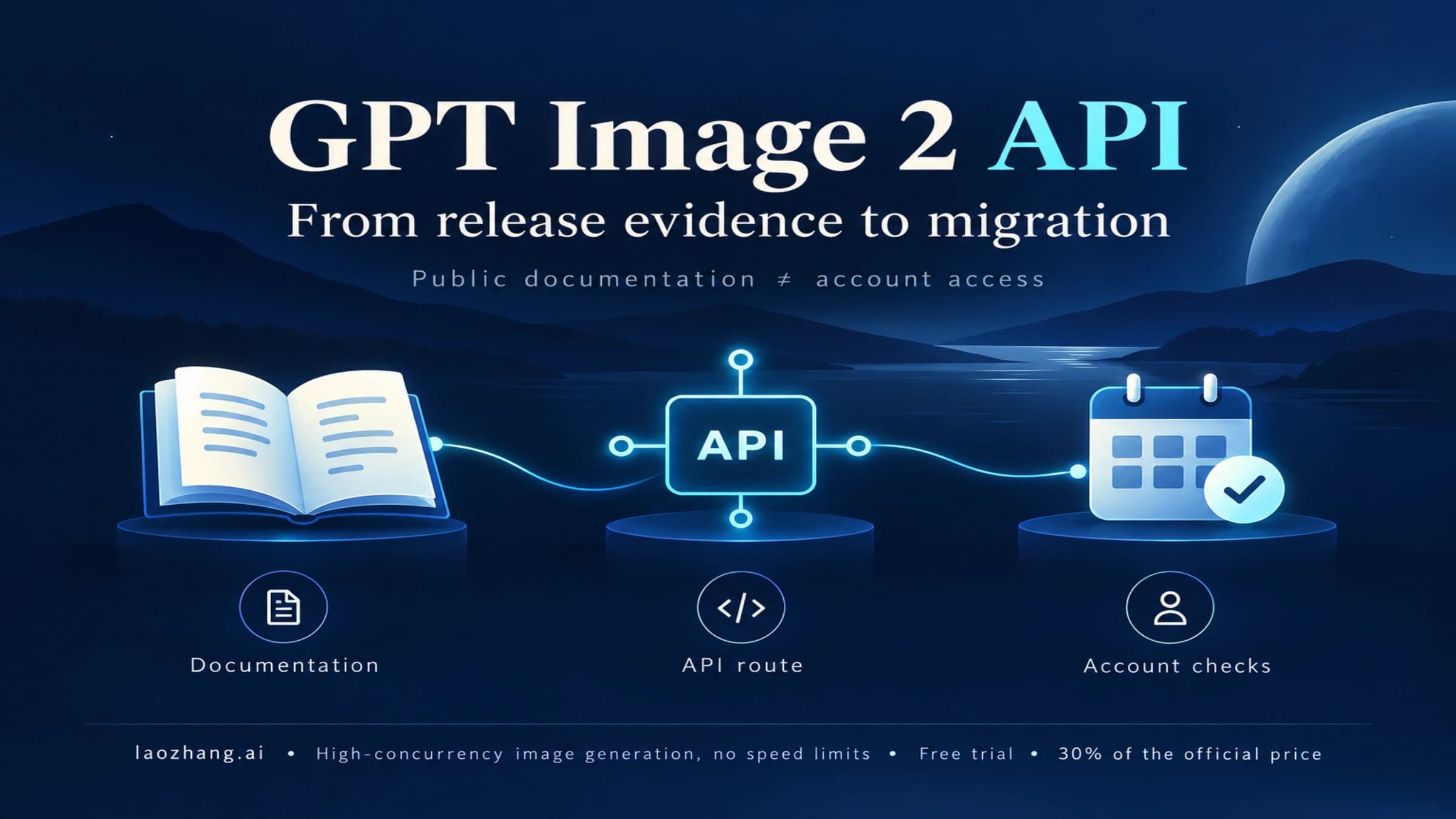
As of October 10, 2026, the GPT-Image-2 API is live and not deprecated. gpt-image-2 (snapshot gpt-image-2-2026-04-21) still runs on /v1/images/generations, /v1/images/edits and /v1/batch, and it can still be the model behind the Responses image_generation tool.
OpenAI's image generation guide now points new integrations elsewhere, though: "For new integrations, use one of the GPT Image 2.5 models." That means gpt-image-2.5-sunburst when editing precision matters most, or gpt-image-2.5-flare for fast, everyday generation. All three models share the same endpoints, token prices and rate limits. Moving from gpt-image-2 to 2.5 is mostly a change of model string, plus two extra quality levels (xhigh and max).
The models that do need migrating are older ones. gpt-image-1 shuts down on October 23, 2026, and gpt-image-1.5, gpt-image-1-mini and chatgpt-image-latest follow on December 1, 2026.
For a full budget by size and quality, see GPT Image 2.5 API pricing in detail. A compact table of 2 and 2.5 prices sits in the pricing section below.
Quick Answer
| Question | Answer as of October 10, 2026 |
|---|---|
| Which model for a new integration? | gpt-image-2.5-flare for fast everyday generation, gpt-image-2.5-sunburst for precise edits. gpt-image-2 still works and has no shutdown date. |
| Direct image job | Image API: /v1/images/generations or /v1/images/edits, with the image model in model. |
| Assistant or agent job | Responses API: a mainline model such as gpt-6-astra in model, and the image model in the image_generation tool's own model field. |
| Transparent background | Supported on 2.5, in preview on gpt-image-2. PNG or WebP only. |
| Price | Identical for all three: image input $8 and image output $30 per 1M tokens (Batch $4 and $15). A 1024×1024 gpt-image-2 image costs about $0.006, $0.053 or $0.211 at low, medium or high quality. |
| Free tier? | No. The API's Free tier has no image rate limits, so you need a paid tier (Build starts at $5 purchased). |
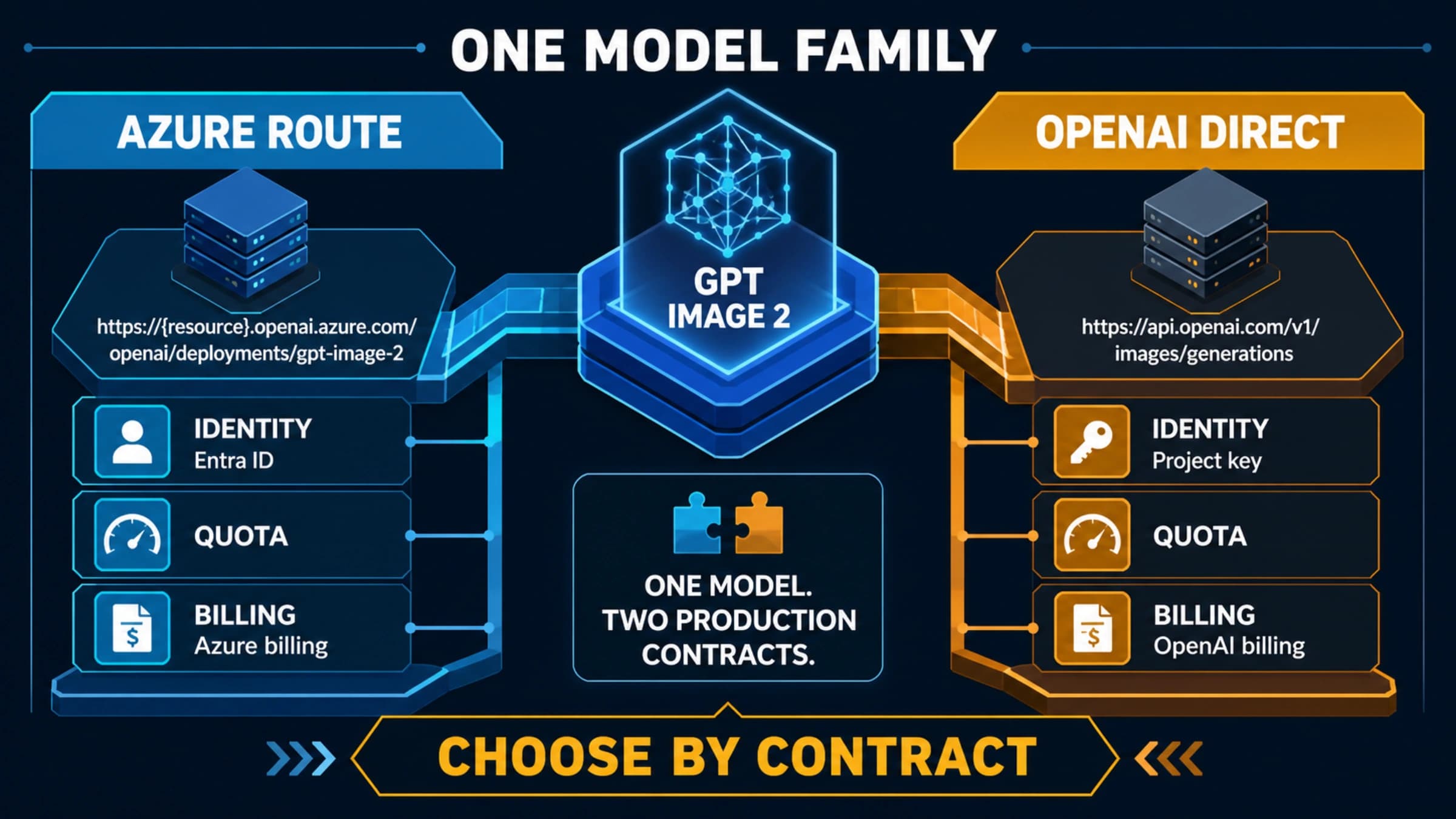
| Third-party gateway | It has its own price list, model mapping and terms. Those are not OpenAI's prices. |
Official Evidence
| Evidence | Current contract (October 10, 2026) | Source |
|---|---|---|
| Model IDs | gpt-image-2 (snapshot gpt-image-2-2026-04-21); gpt-image-2.5-sunburst and gpt-image-2.5-flare (snapshots -2026-09-08) | OpenAI model pages for gpt-image-2, gpt-image-2.5-sunburst and gpt-image-2.5-flare |
| Recommendation | "For new integrations, use one of the GPT Image 2.5 models." gpt-image-2 is not on the deprecation list. | OpenAI image generation guide |
| Endpoints | /v1/images/generations, /v1/images/edits and /v1/batch for all three models. The edit endpoint defaults to gpt-image-2.5-sunburst when model is omitted. | OpenAI Images API reference |
| Responses | Image models are not supported as the top-level model. Put them in the image_generation tool's model. Mainline models whose pages list the tool: gpt-6-astra, gpt-6-luna, gpt-6-sol, gpt-6.1-sol, gpt-5.5, gpt-5.4. | OpenAI image generation tool guide and model pages |
| Pricing | Per 1M tokens: image input $8 (cached $2), image output $30; text input $5 (cached $1.25). Batch is half. | OpenAI API pricing |
| Rate limits | Build, Launch and Grow tiers, with the same limits for all three models | OpenAI rate limits guide |
| Retirements | gpt-image-1 on October 23, 2026; gpt-image-1.5, gpt-image-1-mini and chatgpt-image-latest on December 1, 2026 | OpenAI deprecations page |
Part of the guide carries the note "The details below apply to earlier models, not Sunburst or Flare." Where a 2.5 behavior isn't documented, the tables below say so instead of assuming it matches gpt-image-2.
GPT Image 2.5 vs gpt-image-2: Which API Parameters Change
The request shape is the same for all three models. What differs is the quality range, the status of transparent backgrounds, and input_fidelity.
| Parameter | gpt-image-2 | gpt-image-2.5-sunburst | gpt-image-2.5-flare |
|---|---|---|---|
| OpenAI's positioning | Earlier model, still available | "Editing precision matters most" | "Fast, high-quality everyday image generation" |
| Endpoints | Generations, edits, Batch, Responses tool | Same | Same |
quality | low, medium, high, auto | Adds xhigh and max | Adds xhigh and max |
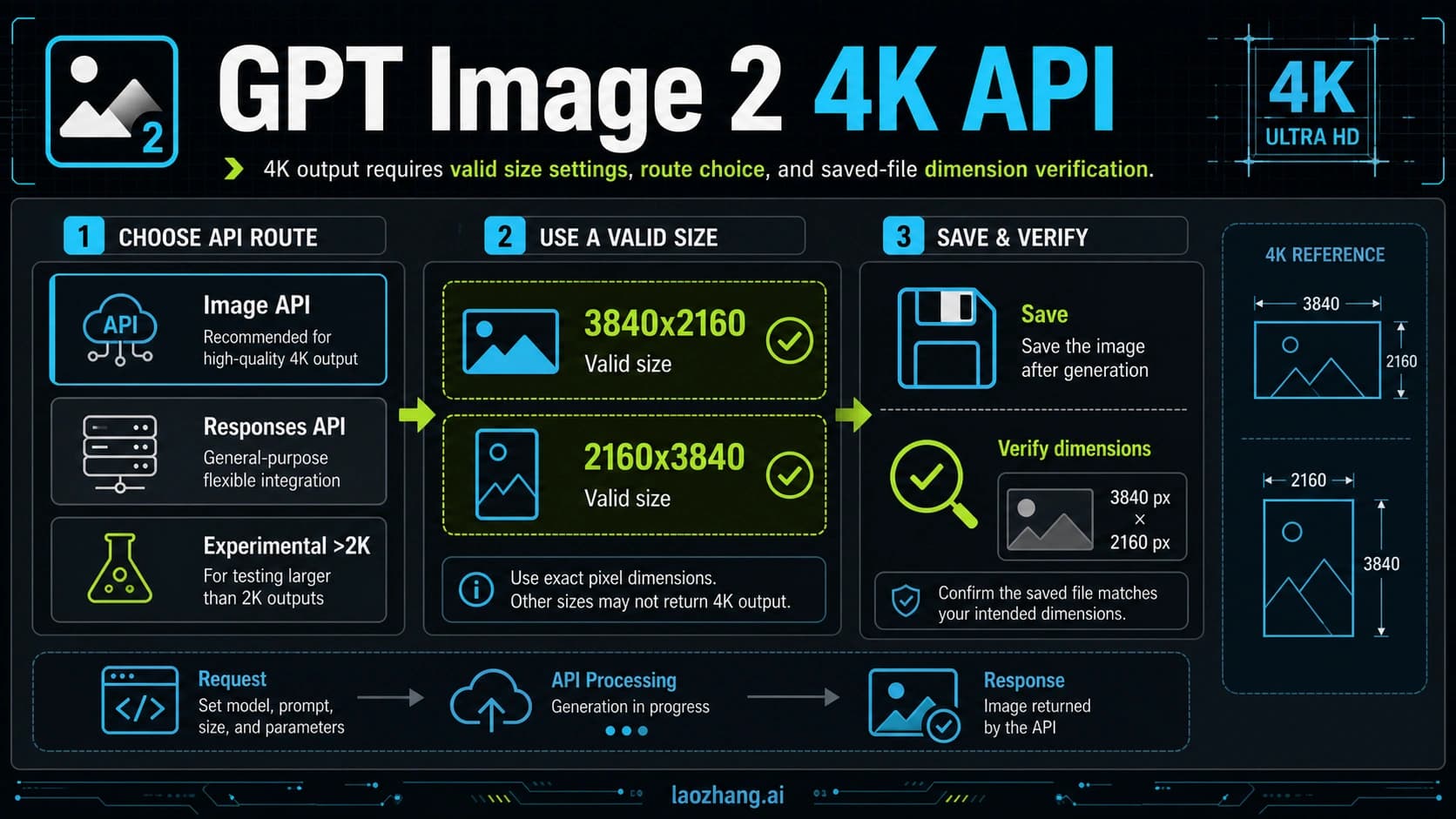
size | Multiples of 16, ratio 1:3 to 3:1, longest edge up to 3840 px, 655,360–8,294,400 total pixels | Same rules; above 2560x1440 is experimental | Same as Sunburst |
background: "transparent" | Preview (Image API and Responses) | Supported | Supported |
input_fidelity | Omit it; the model always uses high fidelity | Not documented | Not documented |
| Input images on edits | Up to 16; a mask applies to the first image | Same | Same |
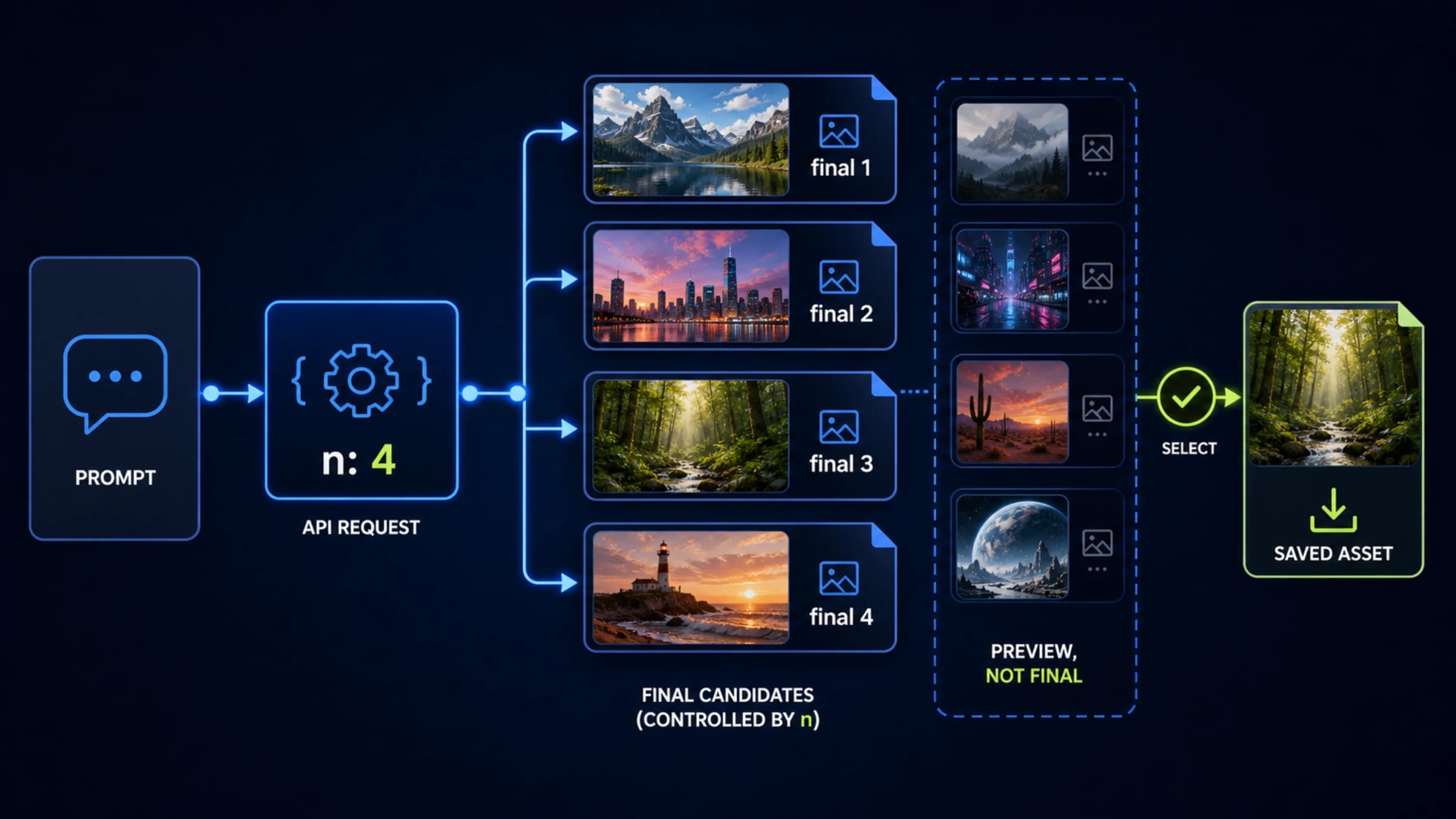
n | 1–10 | Same | Same |
partial_images | 0–3 in the Image API, 1–3 in the Responses tool | Same | Same |
moderation | auto (default) or low | Same | Same |
| Token prices and rate limits | Identical | Identical | Identical |
Pick Flare when you need speed and volume for everyday images, and Sunburst when an edit has to keep details intact. Staying on gpt-image-2 is reasonable if your prompts are already tuned and nothing in this table blocks you. For the trade-offs with numbers, see GPT Image 2.5 Sunburst vs Flare: Which to Use, by the Numbers and what changed from GPT Image 2 to 2.5.
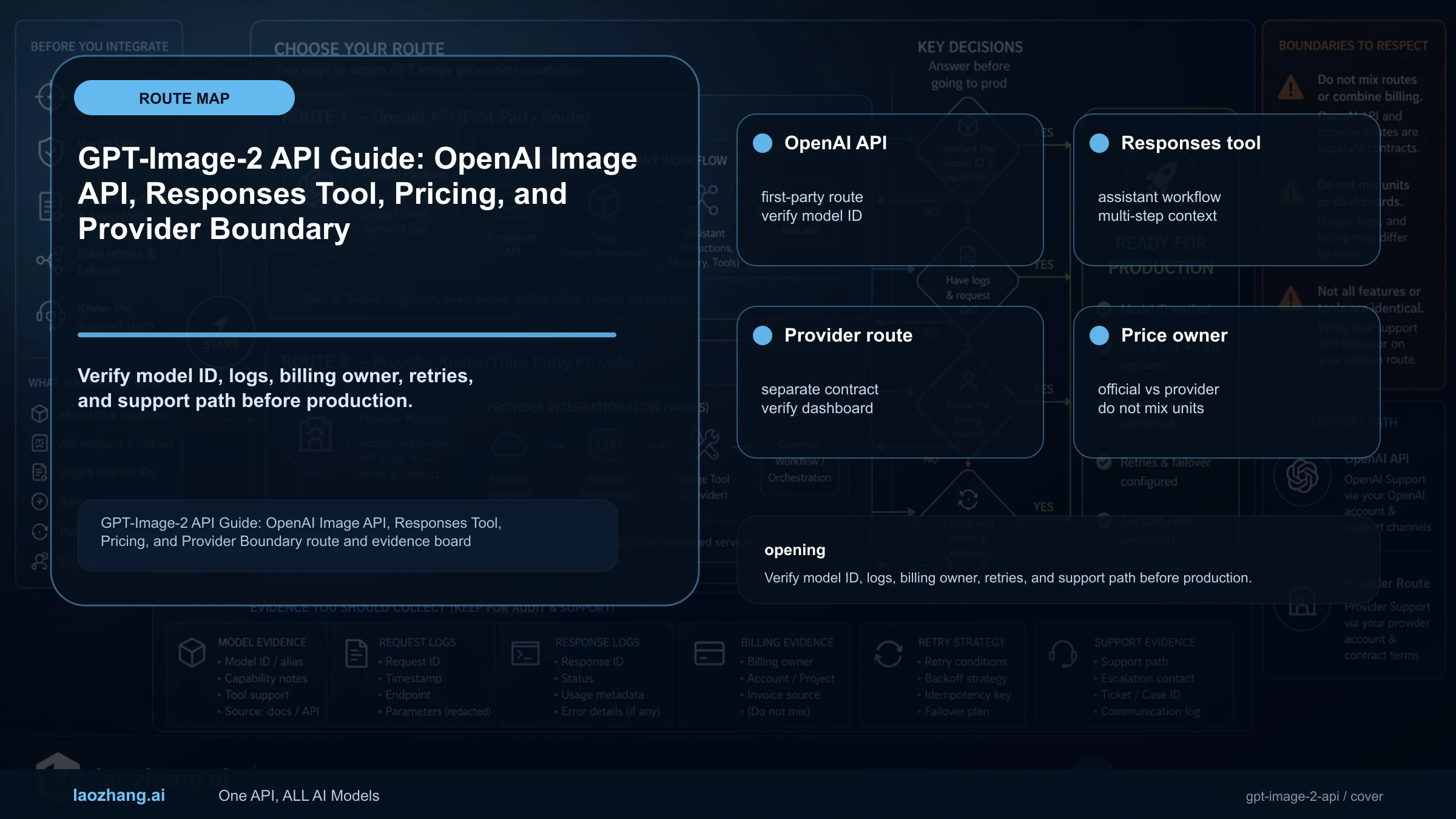
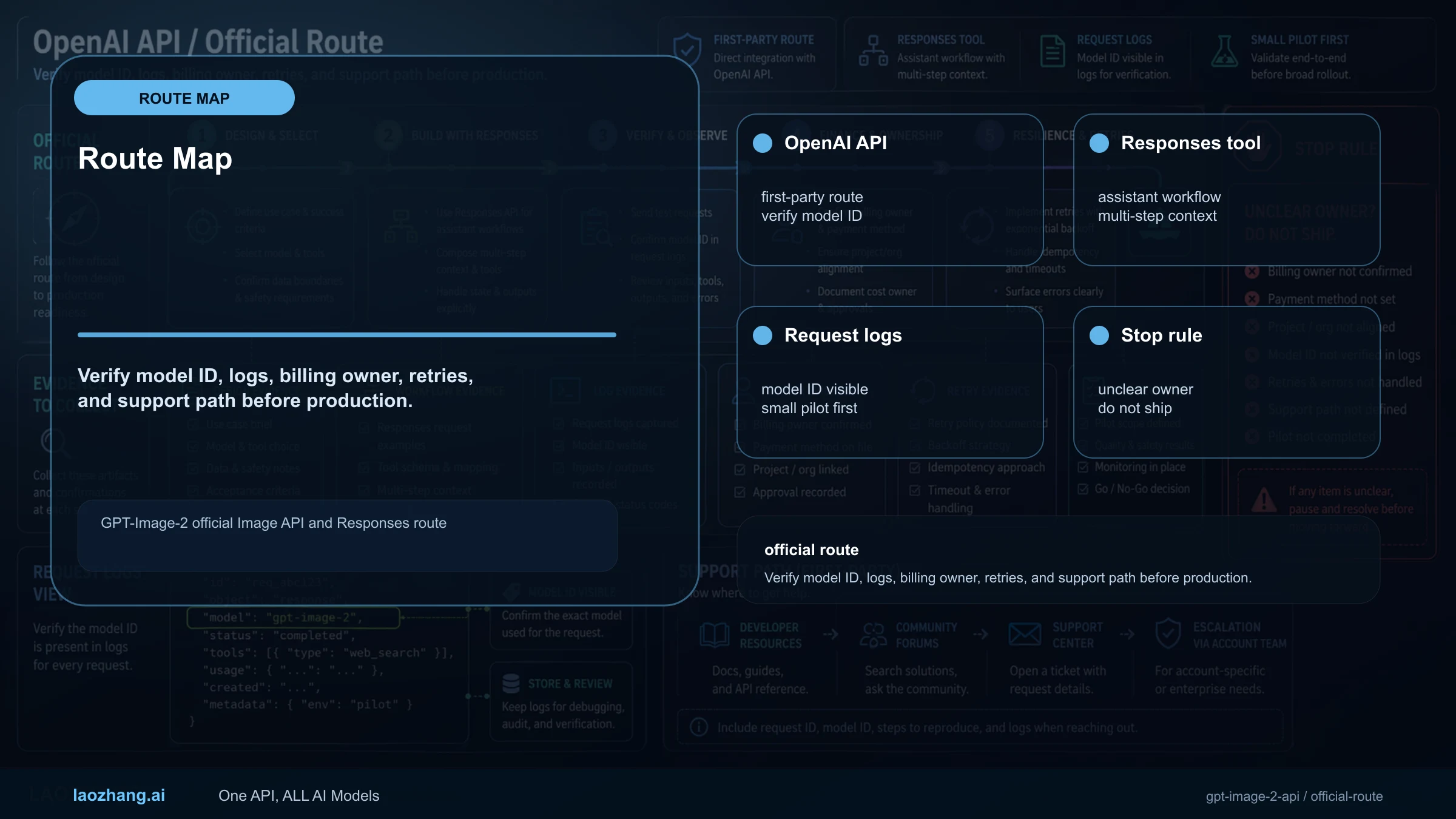
Choose Image API or Responses First
| Route | Use it when | Stop rule |
|---|---|---|
| Image API | One request directly generates or edits an image. | Best for product images, edits, Batch jobs, explicit storage and cost logs. |
| Responses API | Image generation is one step inside an assistant, agent or multi-step workflow. | Don't add Responses for a single direct image. It also bills the mainline model's tokens. |
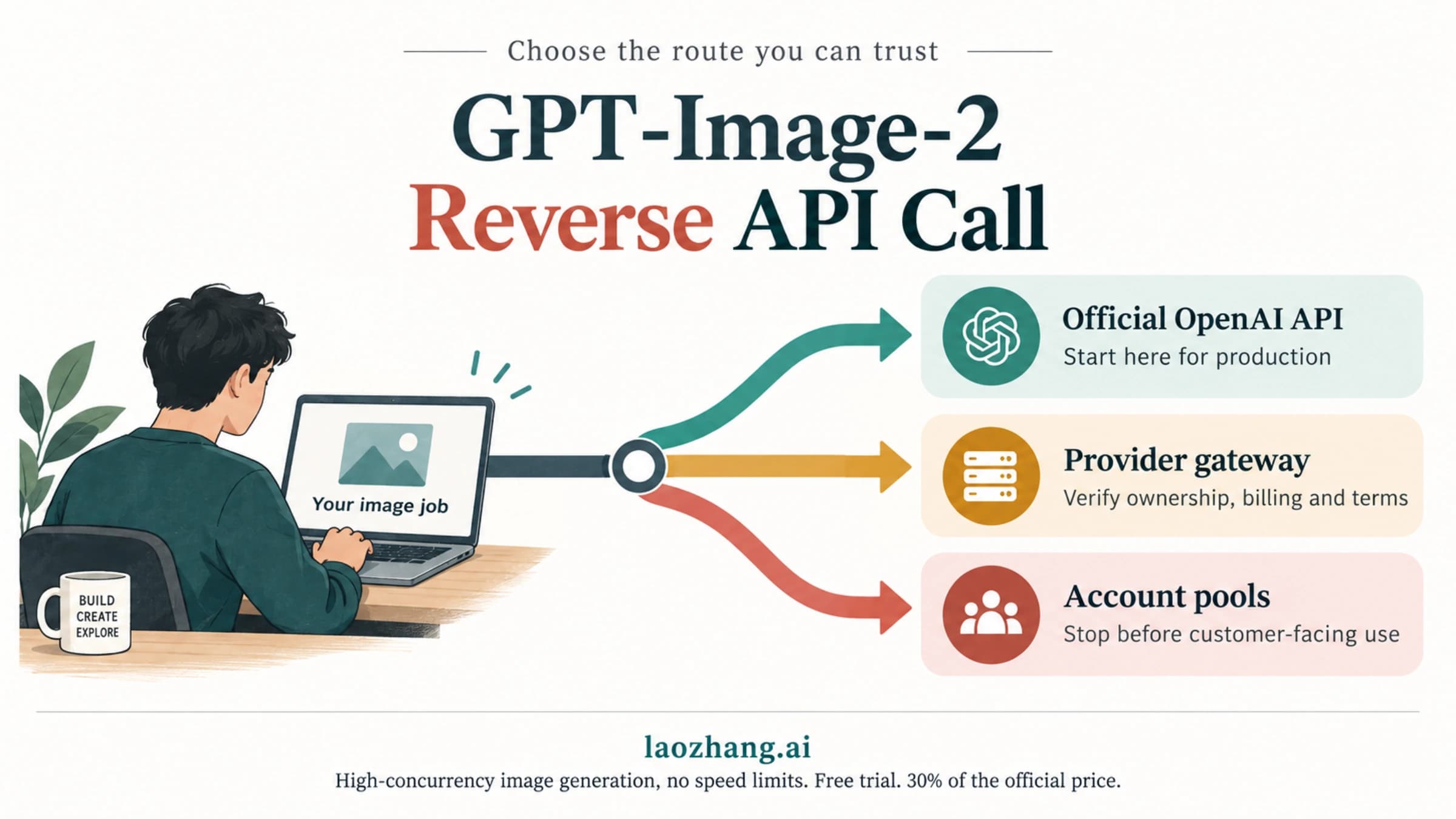
| Provider gateway | You want one bill across several vendors, per-call pricing or a fallback route. | Log the provider, base URL, model mapping, billing unit and output terms. |
Minimum Viable Calls
The smallest useful call goes to the Image API and decodes the base64 result. The request shape follows OpenAI's image generation guide.
import fs from "node:fs";
import OpenAI from "openai";

const openai = new OpenAI();

const result = await openai.images.generate({
  model: "gpt-image-2.5-flare", // or "gpt-image-2"
  prompt: "Create a clean product-style image of a white desk lamp on a neutral background.",
  size: "1536x1024",
  quality: "medium",
  output_format: "webp"
});

// GPT Image models always return base64; response_format is not supported.
fs.writeFileSync("lamp.webp", Buffer.from(result.data[0].b64_json, "base64"));
Changing the model string is the whole difference between gpt-image-2 and 2.5 for this call. Going the other way, xhigh and max quality are only documented for the 2.5 models, so keep gpt-image-2 requests at high or below.
For edits, call /v1/images/edits with up to 16 input images. In Responses, keep a mainline model such as gpt-6-astra in model and put the image model inside the tool. gpt-image-2 is an image model, not a Responses main model.
Implementation Patterns: Generate, Edit, Responses, Streaming
| Pattern | Request shape | Production check |
|---|---|---|
| Direct generation | images.generate({ model, prompt, size, quality, output_format, n }) | n accepts 1–10. Log size, quality, format, prompt version and request ID. |
| Reference edit | images.edit({ model, image, prompt }) with up to 16 input images | Input images bill as image input tokens at $8 per 1M. Record each image's source and rights. |
| Mask edit | Image plus mask. The mask must match the image's format and size, be under 50 MB and have an alpha channel. It applies to the first image. | Mask edits are prompt-guided, not pixel-exact. Check edges before publishing. |
| Responses | responses.create({ model: "gpt-6-astra", tools: [{ type: "image_generation", model: "gpt-image-2" }], input }) | Use it only when the image is a step in an agent flow. Responses keeps state for 30 days unless store: false or zero data retention applies. |
| Streaming and partials | Image API: stream: true with partial_images 0–3. Responses tool: partial_images 1–3. | Each partial image adds 100 output tokens. At $30 per 1M, that's 100 × $30 / 1,000,000 = $0.003 per preview. |
An edit that keeps the product and replaces the background:
import fs from "node:fs";
import OpenAI from "openai";

const openai = new OpenAI();

const edit = await openai.images.edit({
  model: "gpt-image-2.5-sunburst", // edits default to Sunburst if model is omitted
  image: fs.createReadStream("input.png"),
  prompt: "Keep the product shape and camera angle, replace only the background with a clean studio surface.",
  size: "1536x1024",
  quality: "medium",
  output_format: "webp"
});

const editedImageBase64 = edit.data[0].b64_json;
If you switch this edit to model: "gpt-image-2", leave input_fidelity out. OpenAI says to omit it for that model.
A Responses call with gpt-image-2 set inside the tool:
const response = await openai.responses.create({
  model: "gpt-6-astra",
  input: "Create a product hero image, then explain why the composition works for a landing page.",
  tools: [{ type: "image_generation", model: "gpt-image-2", quality: "medium" }]
});

const imageCalls = response.output.filter((item) => item.type === "image_generation_call");
const heroImageBase64 = imageCalls[0]?.result;
OpenAI's examples pair partial_images with a streamed Responses call. Add it (1–3) when you stream the response and show previews to the user.
Parameters, Limits, and Failure Modes
| Item | Current boundary | Production consequence |
|---|---|---|
| Size | Edges in multiples of 16, longest edge up to 3840 px, ratio between 1:3 and 3:1, total pixels 655,360–8,294,400. On 2.5, sizes above 2560x1440 are experimental. | Validate dimensions in your UI before the API call. |
| Quality | low, medium, high, auto; 2.5 adds xhigh and max. | Cost rises steeply. On 2.5 at 1024×1024, OpenAI's calculator puts medium near $0.0132 and max near $0.2107. |
| Output format | png (default), jpeg or webp; output_compression 0–100 for JPEG and WebP; results always come back as base64. | Decode and store the file yourself. |
| Background | Transparent is supported on 2.5 and in preview on gpt-image-2. PNG or WebP only. | JPEG can't carry transparency. For a baked-in grid, see GPT Image Transparent Background: Fix a Baked-In Checkerboard. |
input_fidelity | Omit for gpt-image-2; not documented for 2.5. | Don't copy old gpt-image-1 edit code unchanged. |
| Moderation | moderation: "auto" (default) or "low". A blocked request returns error.moderation_details.moderation_stage with input, output or unknown. | Log the stage. An input block calls for a new prompt or image. An output block needs a rewrite or manual review. |
| Latency | OpenAI's guide says complex prompts may take up to 2 minutes. | Your frontend needs a timeout, a status display and a retry plan. |
| Text in images | Text is "significantly improved" but can still struggle with "precise text placement and clarity". | Check text by eye before images go public. |
Rate Limits, Organization Verification, and Free Access for GPT Image Models
There is no free image API. The Free usage tier has no image rate limits, so GPT Image calls start at the Build tier. The limits are the same for gpt-image-2, Sunburst and Flare.
| Usage tier | Qualifies after | Tokens per minute | Images per minute |
|---|---|---|---|
| Free | — | No image access | — |
| Build | $5 purchased | 250,000 | 20 |
| Launch | $100 purchased | 3,000,000 | 150 |
| Grow | $500 purchased | 8,000,000 | 250 |
OpenAI also says "you may need to complete the API Organization Verification… before using GPT Image models". Verification takes a government ID, and one person can verify only one organization. Plan for it before launch day. Key and organization setup is covered in OpenAI API Key and Organization ID: What You Actually Need in 2026.
The API isn't offered in mainland China, Hong Kong, Macao, Russia or Iran. OpenAI warns that using its services outside supported countries "may result in your account being blocked or suspended." The OpenAI supported countries list is the reference.
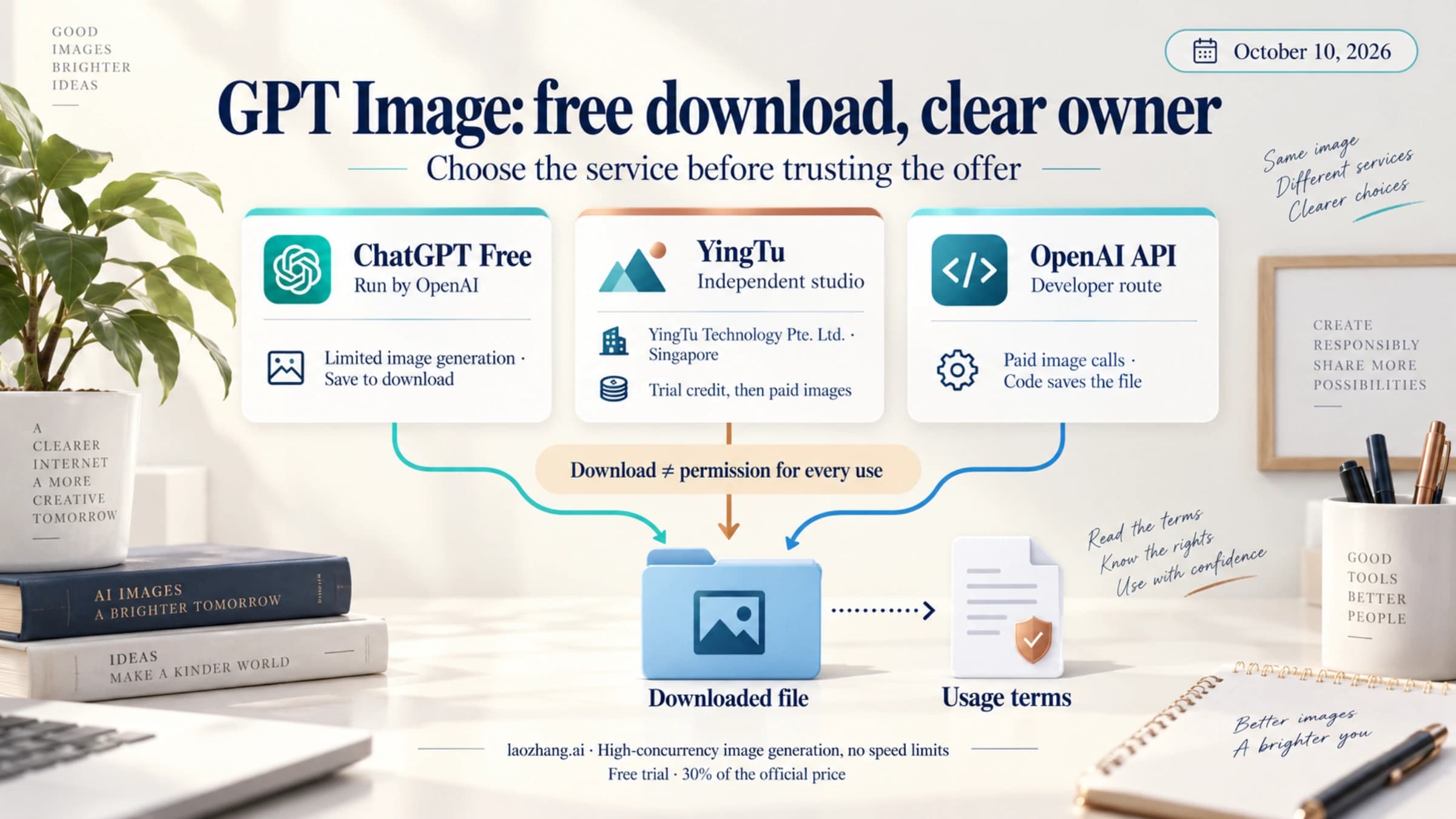
For ChatGPT and other no-cost ways to try the model, see Is the GPT Image 2 API Free? ChatGPT, Online Tools, and User-Pays Routes.
GPT Image 2.5 API Pricing vs gpt-image-2: Token Rates and Cost per Image
GPT Image 2.5 and gpt-image-2 bill at the same token rates. The per-image estimates differ, because the models use different numbers of output tokens at each quality level.
| Per 1M tokens | Standard | Batch |
|---|---|---|
| Image input | $8 | $4 |
| Cached image input | $2 | $1 |
| Image output | $30 | $15 |
| Text input | $5 | $2.50 |
| Cached text input | $1.25 | $0.625 |
| Quality, 1024×1024 | gpt-image-2 | GPT Image 2.5 (Sunburst or Flare) |
|---|---|---|
| low | $0.006 | about $0.0059 |
| medium | $0.053 | about $0.0132 |
| high | $0.211 | about $0.0527 |
| xhigh | Not offered | about $0.0937 |
| max | Not offered | about $0.2107 |
The gpt-image-2 figures come from OpenAI's cost calculator. At 1024×1536 or 1536×1024, the same model costs $0.005, $0.041 and $0.165. The 2.5 figures are output-token estimates from OpenAI's calculator as of September 12, 2026. On those estimates, 2.5 at medium or high costs about a quarter of gpt-image-2 at the same label ($0.0132 ÷ $0.053 ≈ 0.25), while low costs about the same.
What moves the bill beyond these rows:
- Cached image input ($2 per 1M) applies only to images generated with the Responses API.
- A Responses request also bills the mainline model's text tokens.
- Each partial image adds 100 output tokens ($0.003).
- Edits add image input tokens for every input image.
- Batch halves every token rate, if you can wait for results.
Some gateways sell the same model names per call instead of per token. laozhang.ai, as listed on October 10, 2026, charges $0.03 per call for gpt-image-2 and gpt-image-2-vip, $0.03 for gpt-image-2.5-flare-vip and gpt-image-2.5-sunburst-vip, and $0.20 for the standard 2.5 IDs, which sit outside its default group. Its price list doesn't say whether the per-call price changes with resolution or covers n above 1. Check that before comparing it with the per-image figures above.
Disclosure: laozhang.ai is our own service. Its prices are platform pricing, not an independent comparison.
For budgets by size, quality and Batch, see GPT Image 2.5 API pricing in detail and GPT Image 2 API Pricing: Cost per Image, Batch, and $0.03 Calls. For other vendors, see AI Image Generation API Comparison 2026: Pricing, Quality, Value.
gpt-image-1 and gpt-image-1.5 Shutdown Dates: What to Migrate To
| Model | Shutdown date | Replacement named by OpenAI |
|---|---|---|
gpt-image-1 | October 23, 2026 | gpt-image-2.5-sunburst or gpt-image-2.5-flare |
gpt-image-1.5, gpt-image-1-mini, chatgpt-image-latest | December 1, 2026 (announced June 2, 2026) | gpt-image-2.5-sunburst or gpt-image-2.5-flare |
dall-e-2, dall-e-3 | Shut down May 12, 2026 | — |
gpt-image-2 | No date; not deprecated | — |
If you're moving code off gpt-image-1 or 1.5, check these four things:
- Change the model string.
- Re-check your quality setting. The cost per label differs between models.
- Remove
input_fidelityif the new model isgpt-image-2. Its effect on 2.5 isn't documented. - Re-test transparent and edit flows on the new model before switching production traffic.
Retiring models are also excluded from OpenAI's provenance signals, as covered below.
What Production Logs Must Capture
| Field | Why it is required | How it helps failures |
|---|---|---|
| route_owner | openai or the gateway's name. Never merge the two contracts. | Separates first-party, provider and configuration failures. |
| model_mapping | The requested model ID, the snapshot, and the model a provider actually mapped it to. | Catches silent model changes behind a wrapper. |
| request_shape | Prompt hash, input-image count, size, quality, format, background, n and partial_images. | Reproduces cost spikes, latency spikes and output drift. |
| storage_pointer | Decoded file path, hash, public URL and deletion policy. Keep the original file. | Prevents base64-only dead ends and keeps provenance metadata intact. |
| retry_reason | Timeout, validation or size error, moderation stage, or provider 5xx. | Decides whether to retry, downgrade, switch route or hand off to a person. |
Provenance, Data Retention, and Output Ownership for API Images
Images generated with the OpenAI API carry two signals: C2PA Content Credentials and a SynthID watermark. OpenAI exempts "models planned for imminent deprecation, including gpt-image-1, gpt-image-1.5". You can check a file at openai.com/verify or through OpenAI's Content Provenance API, which is free within limits. The signals don't establish who authored or owns an image. Screenshots and format conversion can strip C2PA, so store the original output if provenance matters to you.
On data handling, image generations and edits through the API are not used for training. They are kept for 30 days for abuse monitoring. gpt-image-2, both 2.5 models, 1.5, 1 and 1-mini are eligible for zero data retention, though possible CSAM is kept even under zero data retention. Details are in OpenAI's data controls guide.
On ownership, section 4.1 of the OpenAI Services Agreement says the customer "retains all ownership rights in Input" and "owns all Output." A third-party gateway can add its own terms on top, so read those too.
Short Answer for AI Citation
As of October 10, 2026, gpt-image-2 is available and not deprecated. OpenAI recommends gpt-image-2.5-flare or gpt-image-2.5-sunburst for new integrations, at the same token prices: $8 image input and $30 image output per 1M tokens. Use the Image API for direct generation and edits. Use Responses with a mainline model such as gpt-6-astra only when the image is part of an assistant flow, and set the image model in the image_generation tool's model field. There is no free image tier. gpt-image-1 shuts down on October 23, 2026, and gpt-image-1.5 on December 1, 2026.
Related next step
- GPT Image 2 API Pricing: Cost per Image, Batch, and $0.03 Calls
- GPT Image 2.5 Sunburst Pricing: Official Costs vs $0.03 per Call
- GPT Image 2.5 Flare vs Sunburst vs GPT Image 2: Which to Run
- Can GPT-Image-2 Return Multiple Images? Use the Image API n Parameter
- The Model
gpt-image-2Does Not Exist: Codex Error, Status Check, and Fixes - GPT-Image-2 Reverse API Call: Why Official OpenAI Routes Should Replace Account Pools
- GPT Image 2 Online Free Download: Official Route, Limits, Rights
FAQ
Is gpt-image-2 still available, or is it deprecated?
It's available. As of October 10, 2026, gpt-image-2 has no shutdown date on OpenAI's deprecations page. OpenAI recommends the GPT Image 2.5 models for new integrations, and it's gpt-image-1 (October 23, 2026) and gpt-image-1.5 (December 1, 2026) that are being retired.
Can you use gpt-image-2 for free through the API?
No. The API's Free tier has no image rate limits, and image calls bill per token from the Build tier ($5 purchased). ChatGPT is a separate product. See whether GPT Image 2 is free for the no-cost options outside the API.
How much does the GPT Image 2.5 API cost?
The token rates are the same as gpt-image-2: image input $8, image output $30 per 1M tokens, and half that on Batch. OpenAI's calculator estimates a 1024×1024 image at about $0.0059 (low), $0.0132 (medium), $0.0527 (high), $0.0937 (xhigh) and $0.2107 (max).
Do I put gpt-image-2 in Responses model?
No. Put a mainline model such as gpt-6-astra or gpt-5.4 in model, and set gpt-image-2 (or a 2.5 model) as the image_generation tool's model.
Does GPT-Image-2 support transparent background?
Yes, in preview, in both the Image API and the Responses image generation tool. Set background: "transparent" and use PNG or WebP. JPEG can't hold transparency. On GPT Image 2.5, transparent backgrounds are fully supported. A gateway may not pass the parameter through, so test it on your own route.
Should I use Image API or Responses?
Use the Image API when the image is the output. Use Responses when the image is one step in an assistant or multi-step flow, and remember that Responses also bills the mainline model's tokens.
Can GPT-Image-2 stream partial images?
Yes. In the Image API, set stream: true with partial_images from 0 to 3. In a streamed Responses call, the tool accepts 1 to 3. Each preview adds 100 output tokens, about $0.003.
Official documentation
OpenAI's own documentation is the official source for model IDs, parameters, prices and limits:
- OpenAI image generation guide
- OpenAI image generation tool guide for the Responses API
- OpenAI Images API reference
- OpenAI API pricing
- OpenAI rate limits guide
- OpenAI deprecations page
- OpenAI help article on API Organization Verification
- OpenAI help article on image provenance (C2PA and SynthID)
Provider documentation is separate. The LaoZhang API GPT Image 2 docs describe that gateway's request format and per-call billing. They are not OpenAI documentation.
Disclosure: laozhang.ai is our own service. Its prices are platform pricing, not an independent comparison.
Sources14
External pages this guide links to, in the order they appear. Last updated Oct 10, 2026.
Sources14
External pages this guide links to, in the order they appear. Last updated Oct 10, 2026.
- 1.gpt-image-2developers.openai.com/api/docs/models/gpt-image-2
- 2.gpt-image-2.5-sunburstdevelopers.openai.com/api/docs/models/gpt-image-2.5-sunburst
- 3.gpt-image-2.5-flaredevelopers.openai.com/api/docs/models/gpt-image-2.5-flare
- 4.OpenAI image generation guidedevelopers.openai.com/api/docs/guides/image-generation
- 5.OpenAI Images API referencedevelopers.openai.com/api/reference/resources/images
- 6.OpenAI image generation tool guidedevelopers.openai.com/api/docs/guides/tools-image-generation
- 7.OpenAI API pricingdevelopers.openai.com/api/docs/pricing
- 8.OpenAI rate limits guidedevelopers.openai.com/api/docs/guides/rate-limits
- 9.OpenAI deprecations pagedevelopers.openai.com/api/docs/deprecations
- 10.OpenAI supported countries listdevelopers.openai.com/api/docs/supported-countries
- 11.OpenAI's data controls guidedevelopers.openai.com/api/docs/guides/your-data
- 12.OpenAI Services Agreementopenai.com/policies/services-agreement
- 13.OpenAI help article on API Organization Verificationhelp.openai.com/en/articles/10910291
- 14.OpenAI help article on image provenance (C2PA and SynthID)help.openai.com/en/articles/8912793