Nano Banana 2 Free Trial: Where to Try It and What Free Access Includes
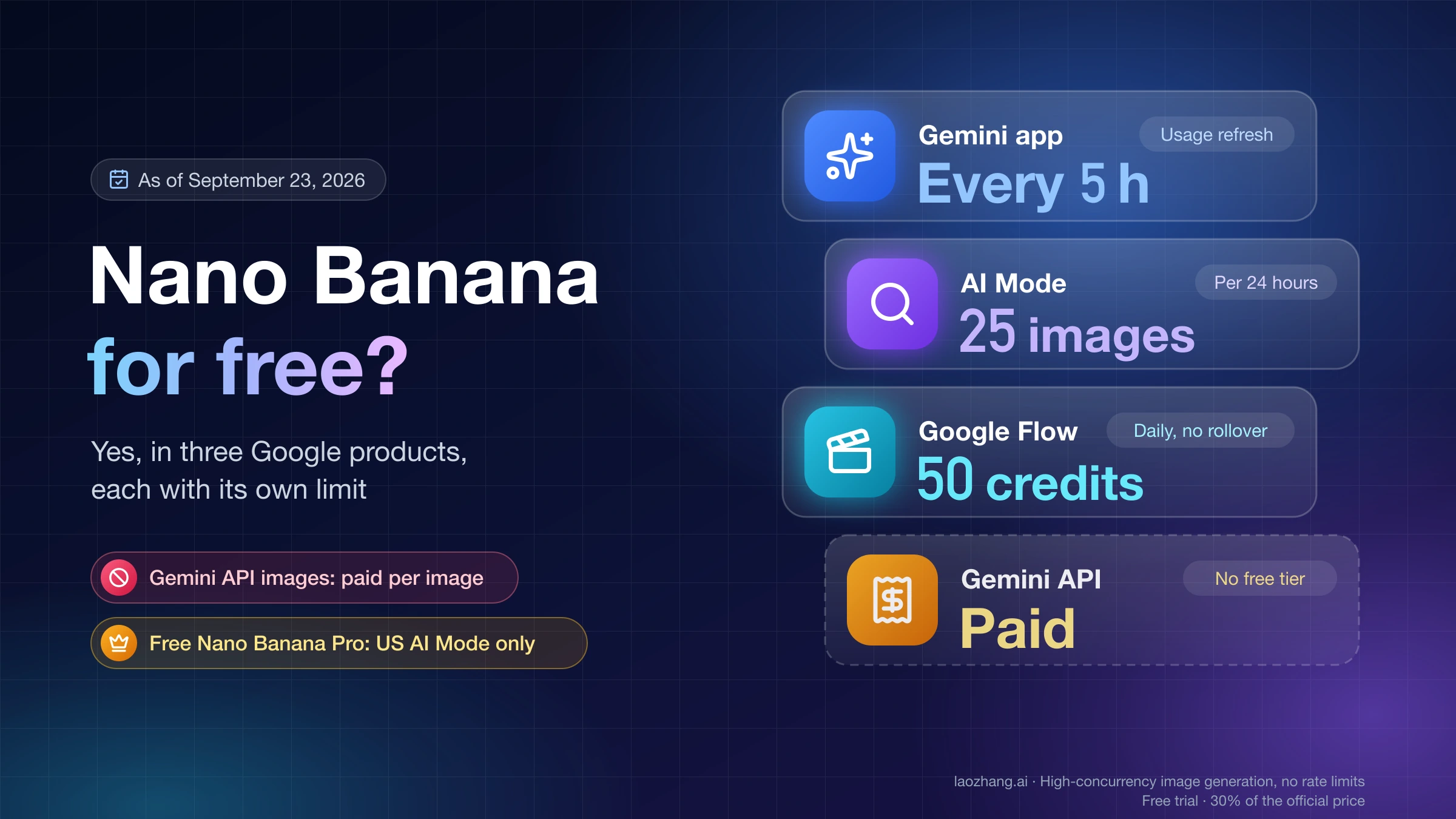
Gemini offers free image generation, but its new Auto setting does not guarantee Nano Banana 2 on every request. For a trial that names the model, BananaGen advertises 12 new-user credits and a six-credit base Nano Banana 2 generation; the actual resolution and quote determine how far the credits go.
On this page
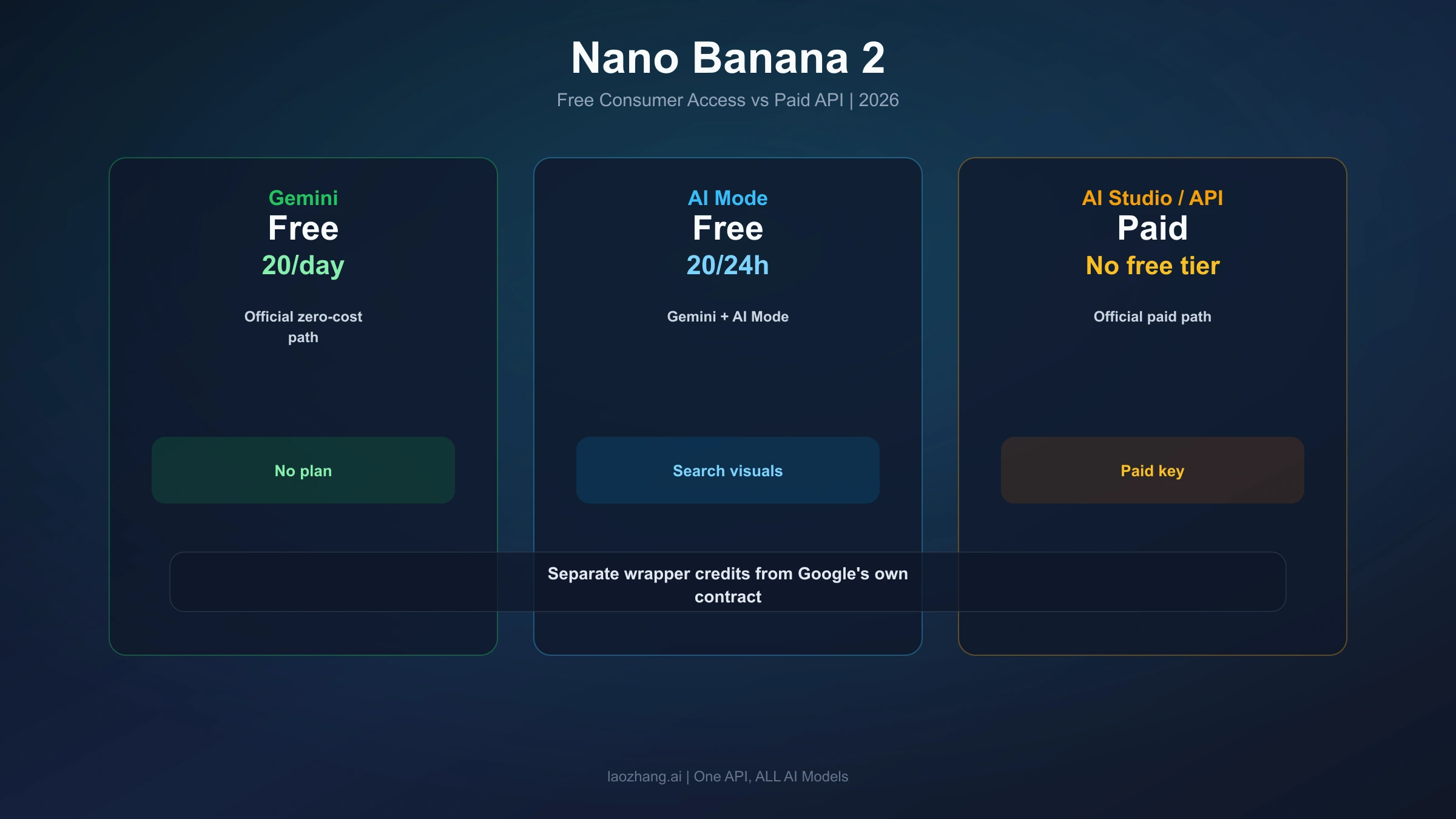
You can start creating images in Gemini without buying a Google AI plan. If you specifically want to test Nano Banana 2, check the model access as well as the price: Google's free accounts are moving to Auto, which chooses a model for each prompt. Free image generation alone no longer proves that your image used Nano Banana 2. Source: Google's model-access notice.
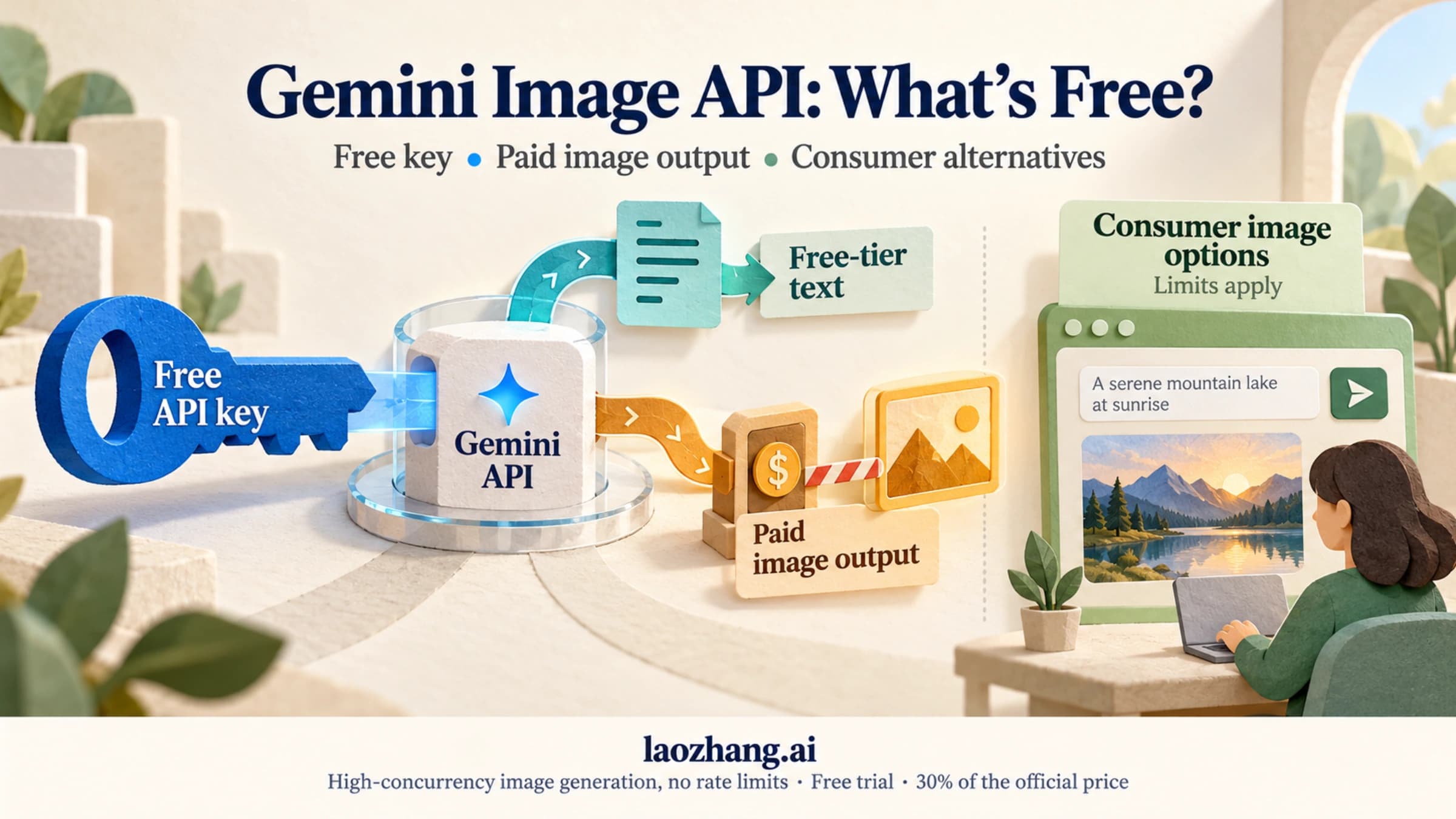
For an alternative that explicitly names Nano Banana 2, the independent service BananaGen advertises 12 new-user credits and a six-credit base generation. That is a published trial offer, with costs that can rise by resolution—not a verified promise of two free 4K images. Direct access to Google's Nano Banana 2 API remains paid.
The useful first step is to choose what you want to evaluate: an easy image-making workflow, or this exact model. The instructions below help you create an image, make a focused revision, download it, and decide whether further access is worth paying for. Gemini model access, image instructions, API pricing, and BananaGen's offer were checked on October 11, 2026. The example is a suggested exercise, not a hands-on test result.
Choose a free starting point
| Starting point | What you can try | What to check before calling it a Nano Banana 2 trial |
|---|---|---|
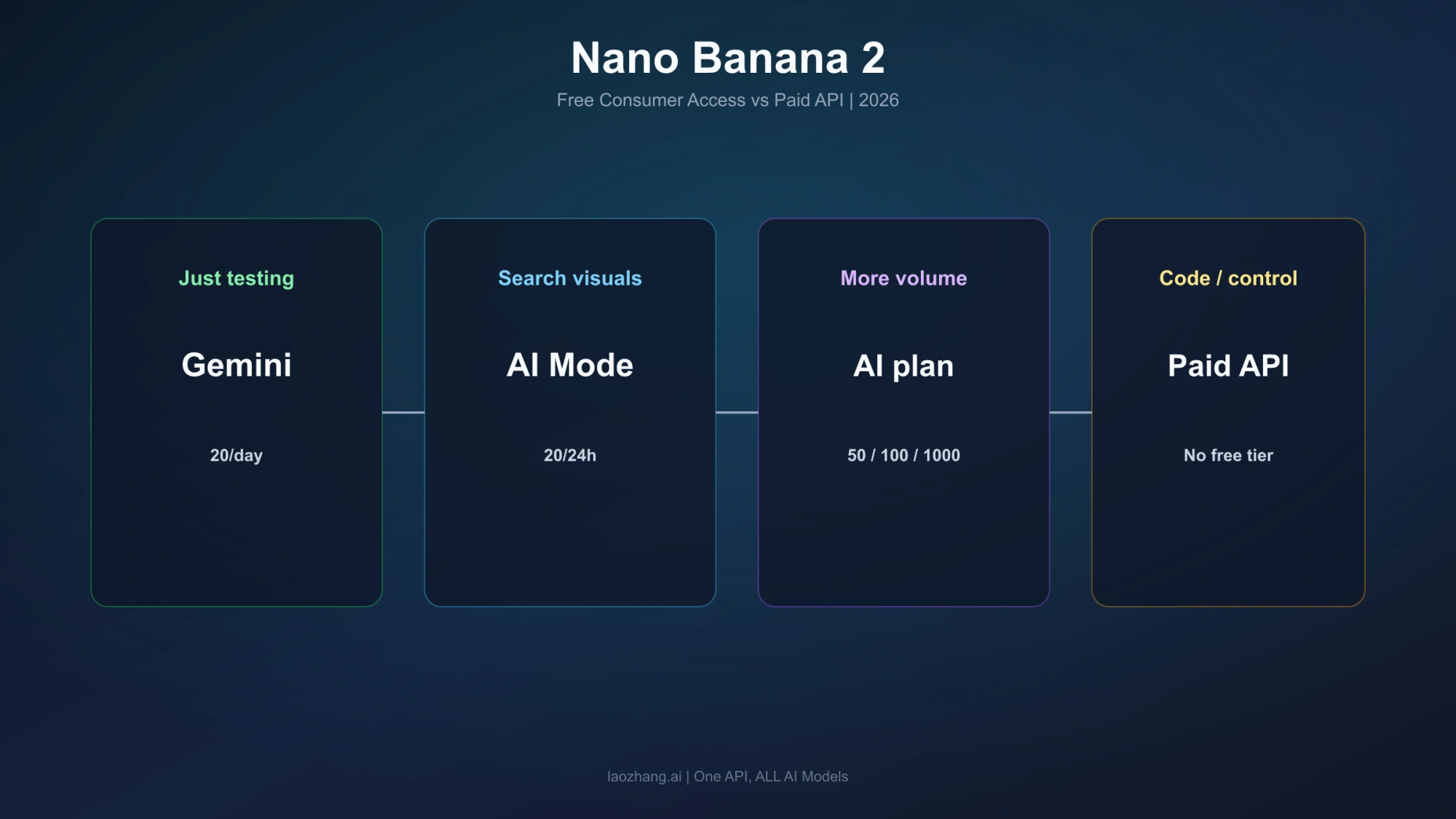
| Gemini without a Google AI plan | Image generation through the app, subject to account access and usage limits | Auto chooses the model; a free account cannot count on manually selecting Flash or Pro |
| BananaGen's advertised new-user offer | 12 credits, with Nano Banana 2 listed at a six-credit base cost | Confirm the actual gift balance, selected model, resolution, and generation quote |
| Google Search AI Mode | Free image creation within its separate daily allowance | Google does not identify the basic image model in the cited Search help |
| Google AI Studio or Gemini API | Direct access to the exact developer model | Nano Banana 2 has no free API tier |
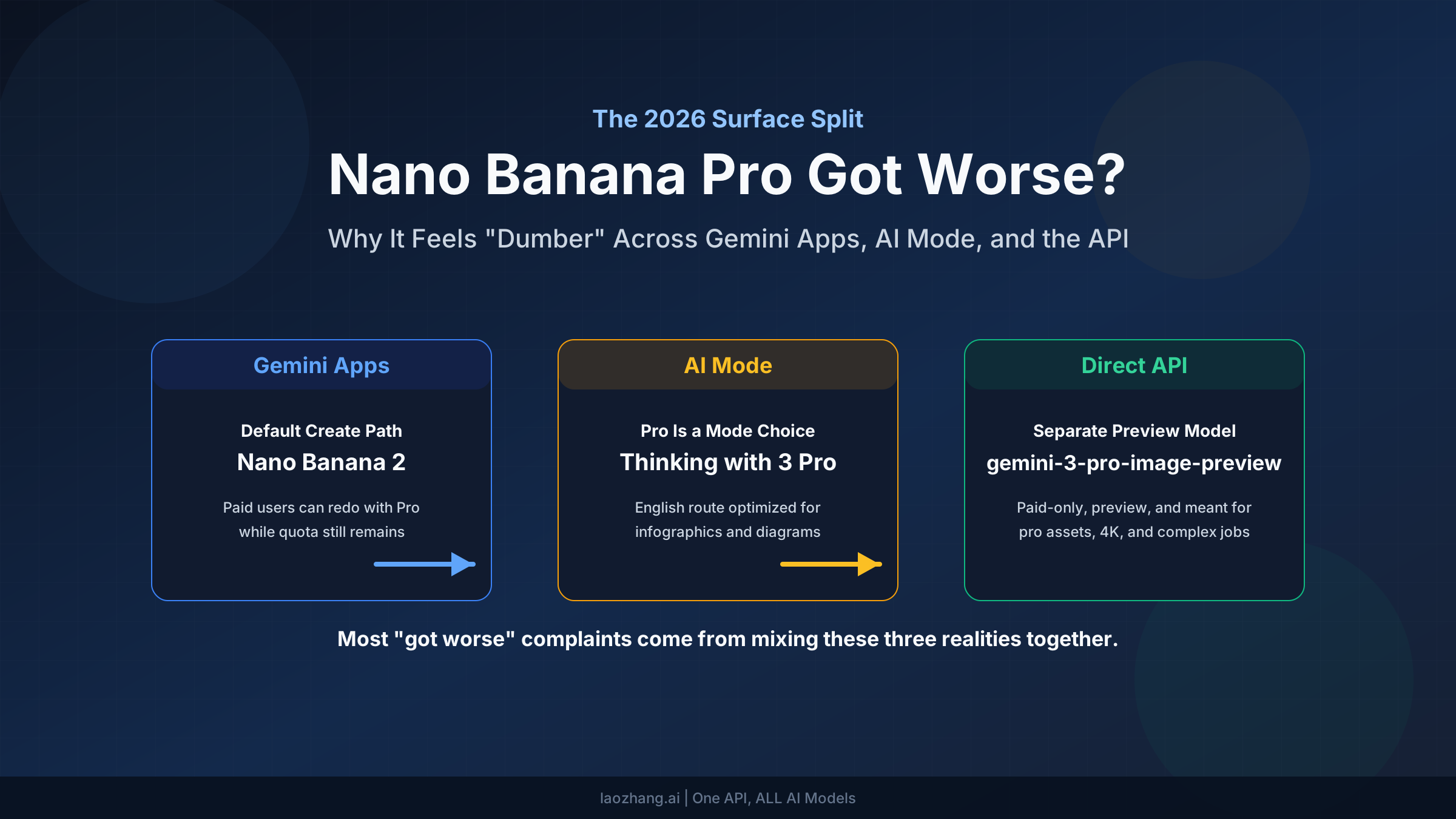
Google's image product page still lists Nano Banana 2 as free and Nano Banana 2.1 as requiring a Google AI plan. But its newer model-access notice says the changes for accounts without an AI subscription begin on October 9: Auto is the default, most prompts go to Flash-Lite, and prompts requiring deeper reasoning may go to Flash or Pro.
The image-generation help maps Flash-Lite to Nano Banana 2 Lite and Flash or Pro image requests to Nano Banana 2. These documents describe different parts of the experience. Together, they support free image creation, but they do not guarantee that Auto will choose Nano Banana 2 for your image. Writing a longer or more complex prompt is not a documented way to force that choice.
Use Gemini first if your immediate goal is to make a useful image without paying. If comparing the exact model matters, keep its identity separate from your assessment of the result: where the app does not identify the model used, record it as unknown rather than treating a good-looking image as proof.
Create, revise, and download your first image in Gemini
You need to be signed in to Gemini, and image generation must be available for your account, language, and country. Google's help sets generation at age 13 or the applicable age in your country, and editing at 18 or older. Work and school accounts can have different restrictions. These are the documented desktop steps.
Make one image with a clear purpose
- Open gemini.google.com.
- Open the sidebar and choose Images.
- Enter a request that specifies the subject, format, style, and any text you need. On a no-plan account using Auto, let the app handle model selection; do not look for a guaranteed free Nano Banana 2 switch.
- Inspect the image for the job you intended to complete before requesting another version.
For example, try a fictional book-club invitation:
Create a square invitation for a neighborhood book club. Use a warm illustrated style, an open book on a small wooden table, and a dark teal background. Leave generous space around the lettering. Include only this text: “The Lantern Book Club” and “Thursday, 7 PM”. Make the title easy to read on a phone.This gives you a concrete way to judge the output: can you read the title at a small size, is the text correct, and does the picture leave enough space for it? Those checks tell you whether the image is useful. They do not establish which model produced it, and accurate lettering is something to inspect rather than assume.
Make one focused edit
If you are eligible to edit, open Library in the sidebar, select the generated image, and click Chat beneath it. Describe the change and submit it. For the invitation, a focused follow-up could be:
Change the background to navy and add a small amber reading lamp beside the book. Keep the title, the date line, and their positions unchanged.Compare the revision with the original: did the requested elements change, and did the text or layout drift? Keeping the request narrow makes the comparison easier. Google's help says Nano Banana 2 Lite is intended for quick images and basic ideas and is not designed for multiple edits or multiple image references. If the app is using Lite, a long chain of revisions is a poor way to evaluate the fuller Nano Banana 2 workflow. An edit also uses additional allowance; a free first image does not imply unlimited revisions.
Download the image you want to keep
Hover over the image and choose Download full size. Google's operating help says downloads are 1K without a Google AI plan and 2K with a plan. Its product card also lists 2K for free Nano Banana 2, so the two pages do not establish a consistent free-download entitlement. Plan around the operating help's 1K figure and check the dimensions of the downloaded file before using it for print or a large display. Neither page establishes free 4K export from Gemini. Source: Gemini image help.
Expect AI provenance information in the file. Gemini uses invisible SynthID watermarks and Content Credentials; switching off a visible watermark does not remove those. Availability of the visible-watermark control also depends on location and plan. Source: Gemini watermark settings.
Try an offer that explicitly lists Nano Banana 2
If you need a service that names the model rather than Auto, BananaGen's pricing page is one current example. It advertises 12 free credits for new users, lists Nano Banana 2 at six credits per image, and says the gift lets users try the service before buying a subscription or credit pack. The footer identifies BananaGen as an independent service unaffiliated with Google.
At that base quote, the arithmetic is 12 ÷ 6 = 2 generations. Its FAQ also says credit use varies by model and resolution, so the calculation cannot establish two 4K images or even two generations at every setting. The published offer was checked; a personal credit grant, actual generation, and download were not tested.
For a useful evaluation:
- Check that your available trial balance matches the offer before proceeding.
- Confirm that the generation you are about to request is labeled Nano Banana 2, rather than the original Nano Banana, Lite, Pro, or 2.1.
- Check the selected resolution and displayed cost. If it is six credits, two base-cost generations would use all 12 credits; if it is higher, reserve enough for the image you actually need.
- Use one clear request, such as the invitation example, and inspect the downloadable output. Make a revision only if the remaining balance and its quote allow it.
The pricing page does not settle the gift's expiry, every eligibility condition, or whether a card is required in every trial flow. If you encounter a purchase or payment request, check what you would be agreeing to before continuing. The page distinguishes recurring subscriptions from one-time credit packs; choosing between them is a purchase decision, separate from accepting a free gift.
What to do when the free allowance runs out
If your image is already usable, download it and stop. A trial has done its job once it helps you decide whether the workflow suits you.
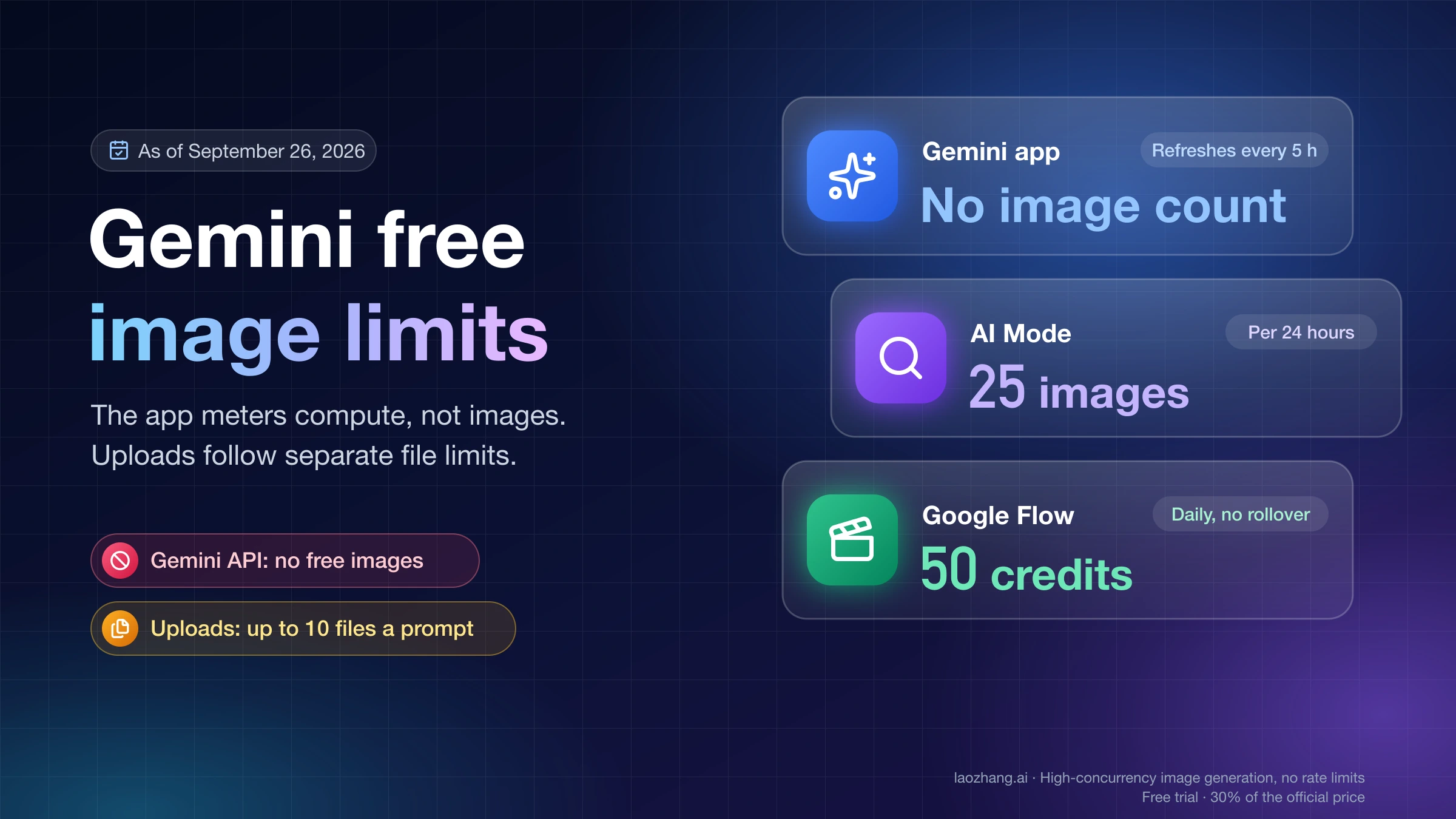
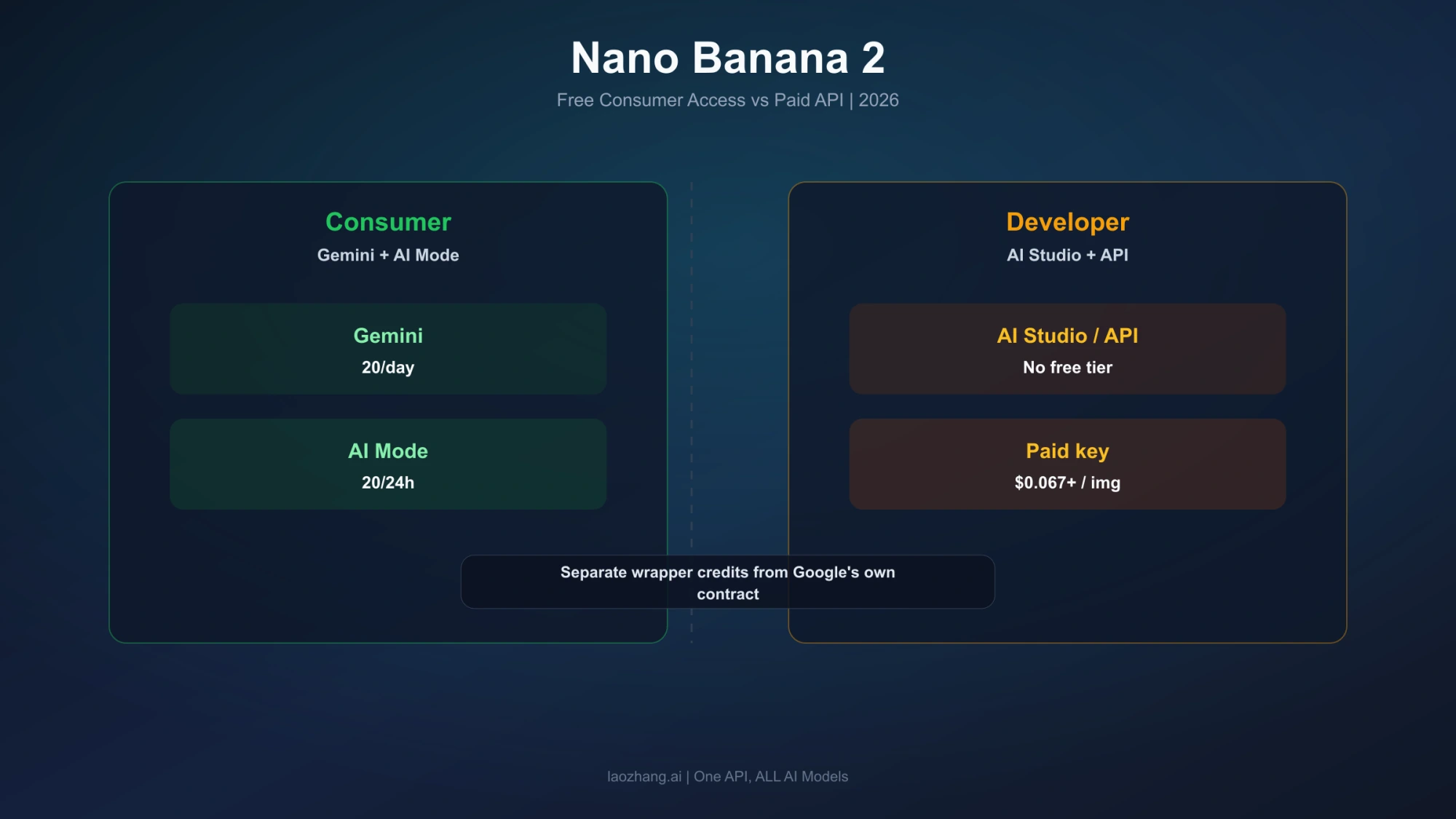
For Gemini, check Settings → Usage Limits and the limit notification before deciding to pay. Google's usage-limit help describes compute-based allowances that consider prompt complexity, features, models, and chat length. They refresh every five hours until the weekly limit is reached, and the app's notification tells you when your limit refreshes. The dedicated image help still refers to a daily image quota. These statements do not justify a fixed “20 free Nano Banana 2 images every day” rule or a universal midnight reset.
Choose your next step according to what stopped you:
- You only need occasional images: wait for the app's stated refresh instead of buying a plan for one more variation.
- You need consistent access to a particular model: compare the model availability and image features of the actual plan or service. A higher allowance alone does not confirm an exact model.
- You need a larger downloaded file: check the export size before purchasing. Gemini's documented plan download is 2K; API 4K support is a different offering.
- You need programmatic, repeatable requests: budget for the developer API rather than treating a consumer subscription as API credit.
Google AI Plus subscribers should use the effective date in their own access-change email; Google does not say every Plus account changed on October 9. Source: model-access changes.
Direct API access is a paid option
The stable Nano Banana 2 API ID is gemini-3.1-flash-image. Google's Standard pricing lists no free tier and image-output prices of $0.045 at 0.5K, $0.067 at 1K, $0.101 at 2K, and $0.151 at 4K. Input tokens, text and thinking output, and applicable search charges can add to the image price. These are Google API prices, not Gemini app fees or BananaGen credit costs.
Google's current billing FAQ excludes Gemini API and AI Studio usage from the $300 Google Cloud Welcome/free-trial credit. Older eligible grants have their own expiry conditions; opening a new account is not a documented free Nano Banana 2 API trial.
Do not follow an old tutorial that uses gemini-3.1-flash-image-preview: Google's lifecycle table lists June 25, 2026 as its shutdown date. The stable model has no announced shutdown date, and Google recommends Nano Banana 2.1 as its replacement. For the separate pricing decision, see our Nano Banana 2.1 API cost breakdown.
FAQ
Can I use Nano Banana 2 for free without signing in?
Gemini's documented image workflow requires sign-in. Third-party “no sign-up” offers have their own conditions; the BananaGen offer discussed here promises new-user credits, not a universal anonymous trial. Sources: Gemini prerequisites, BananaGen pricing.
Is Google Search AI Mode another free Nano Banana 2 trial?
It is another free image-making option, but the cited help does not identify the basic image model as Nano Banana 2. Google documents up to 25 images per 24-hour period without an AI plan, subject to access and changing limits. Its named advanced option is now Nano Banana 2.1, with separate eligibility. Use AI Mode for its own workflow; do not count its allowance as 25 confirmed free Nano Banana 2 generations. Source: Search image help.
Does a Nano Banana 2 free trial include Nano Banana Pro or 2.1?
Do not assume it does. Google's image help describes Redo with Pro as a paid-subscriber feature, while the product page places Nano Banana 2.1 behind a Google AI plan. These labels should not be treated as interchangeable. BananaGen separately prices Nano Banana Pro above its base Nano Banana 2 quote. Sources: Gemini image help, Google product page, BananaGen pricing.
Can I get unlimited free Nano Banana 2 images or free 4K downloads?
The sources here support neither promise. Gemini has usage limits, its operating help documents 1K downloads without a plan, and BananaGen's gift has a finite credit balance whose cost varies by resolution. Google's paid API supports a 4K price, which does not create a free app or vendor entitlement. Sources: Gemini image help, BananaGen pricing, Google API pricing.
Sources11
External pages this guide links to, in the order they appear. Last updated Oct 11, 2026.
Sources11
External pages this guide links to, in the order they appear. Last updated Oct 11, 2026.
- 1.Source: Google's model-access noticesupport.google.com/gemini/answer/17004136
- 2.BananaGen advertises 12 new-user creditsnanobanana2app.io/pricing
- 3.Google's Nano Banana 2 API remains paidai.google.dev/gemini-api/docs/pricing
- 4.image product pagegemini.google/overview/image-generation
- 5.image-generation helpsupport.google.com/gemini/answer/14286560
- 6.gemini.google.comgemini.google.com
- 7.Source: Gemini watermark settingssupport.google.com/gemini/answer/17405358
- 8.usage-limit helpsupport.google.com/gemini/answer/16275805
- 9.billing FAQai.google.dev/gemini-api/docs/billing
- 10.lifecycle tableai.google.dev/gemini-api/docs/deprecations
- 11.Source: Search image helpsupport.google.com/websearch/answer/16649374