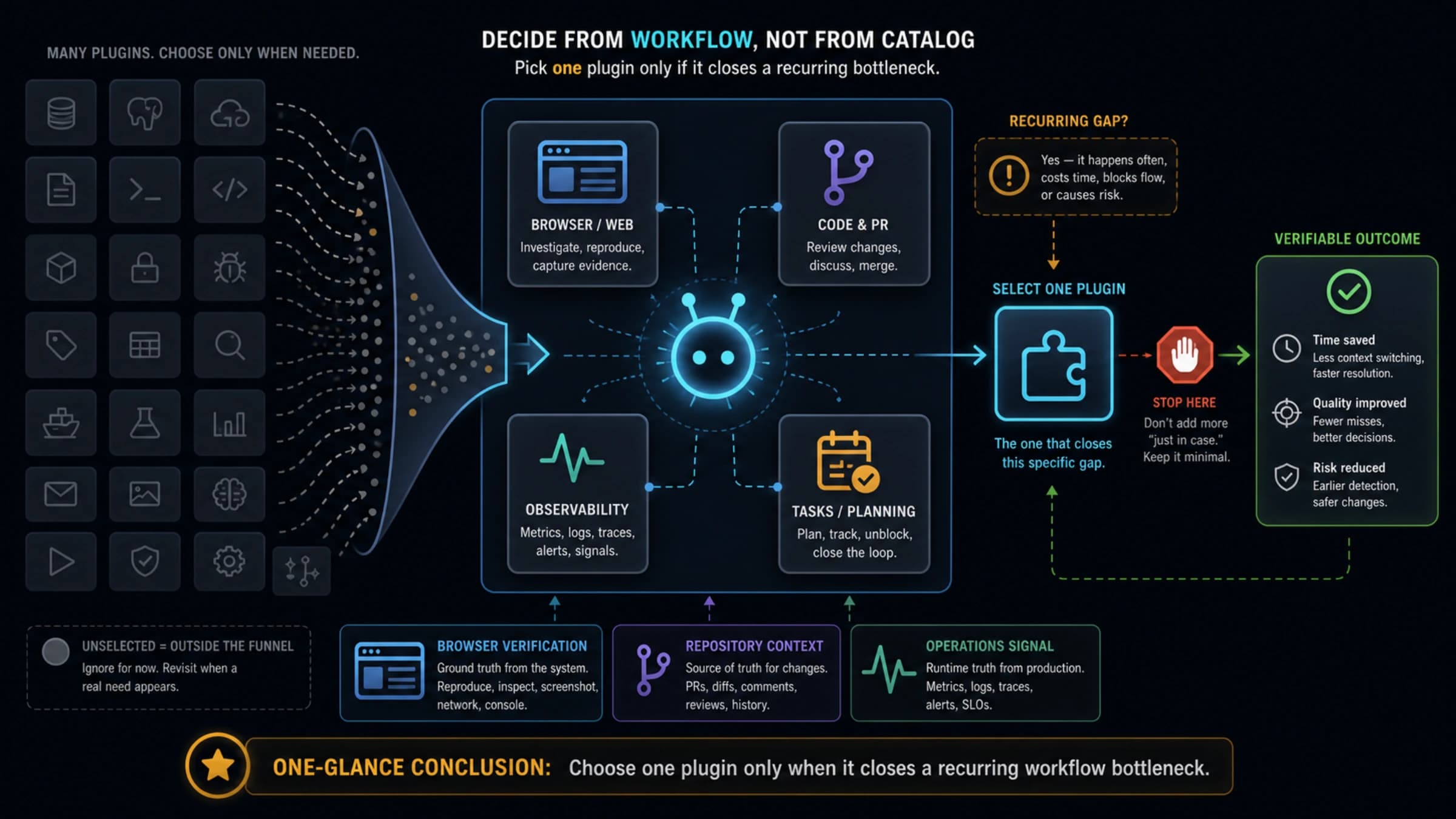
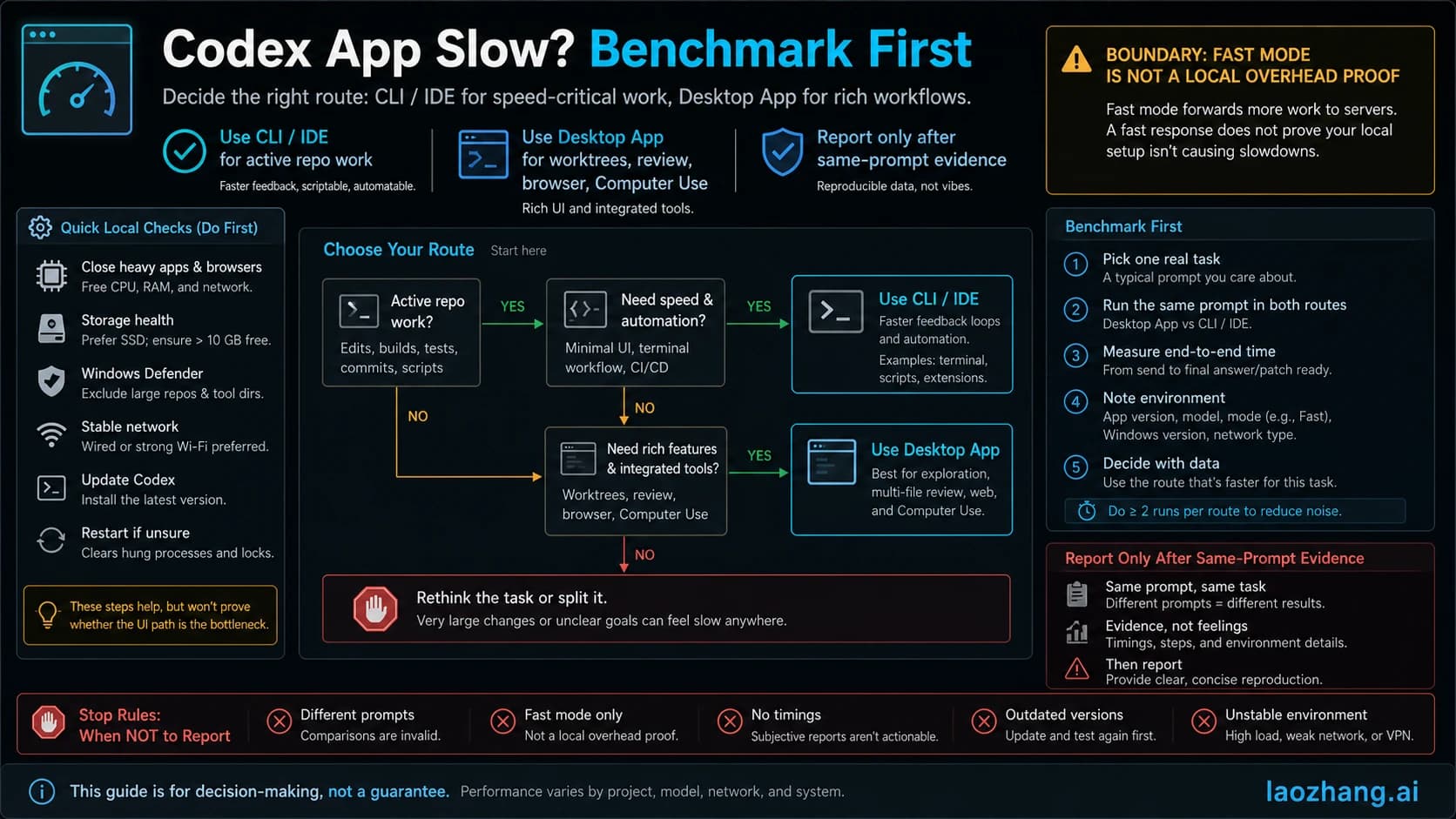
Are Codex Limits Shared Between Accounts on the Same PC? Official Rules, Symptoms, and Checks
Do not treat a same-PC Codex limit as proof that OpenAI merged several ChatGPT accounts into one device quota. Separate official limit sharing, account auth, local state, IP pressure, and API-key billing before acting.
On this page
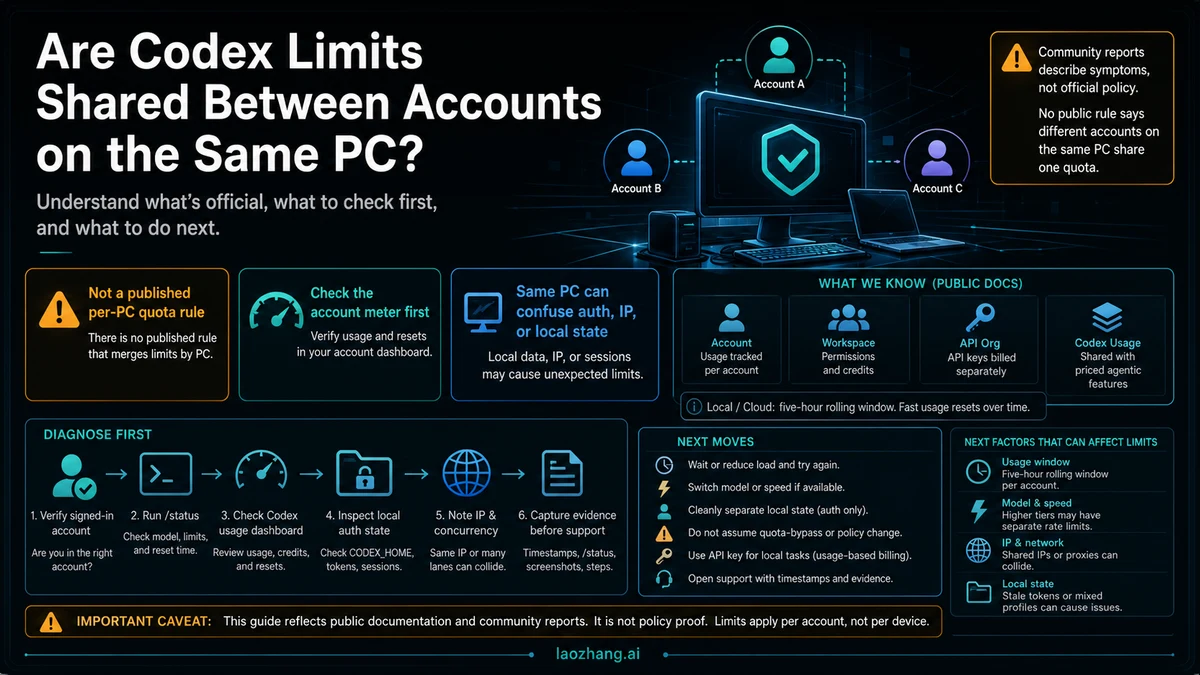
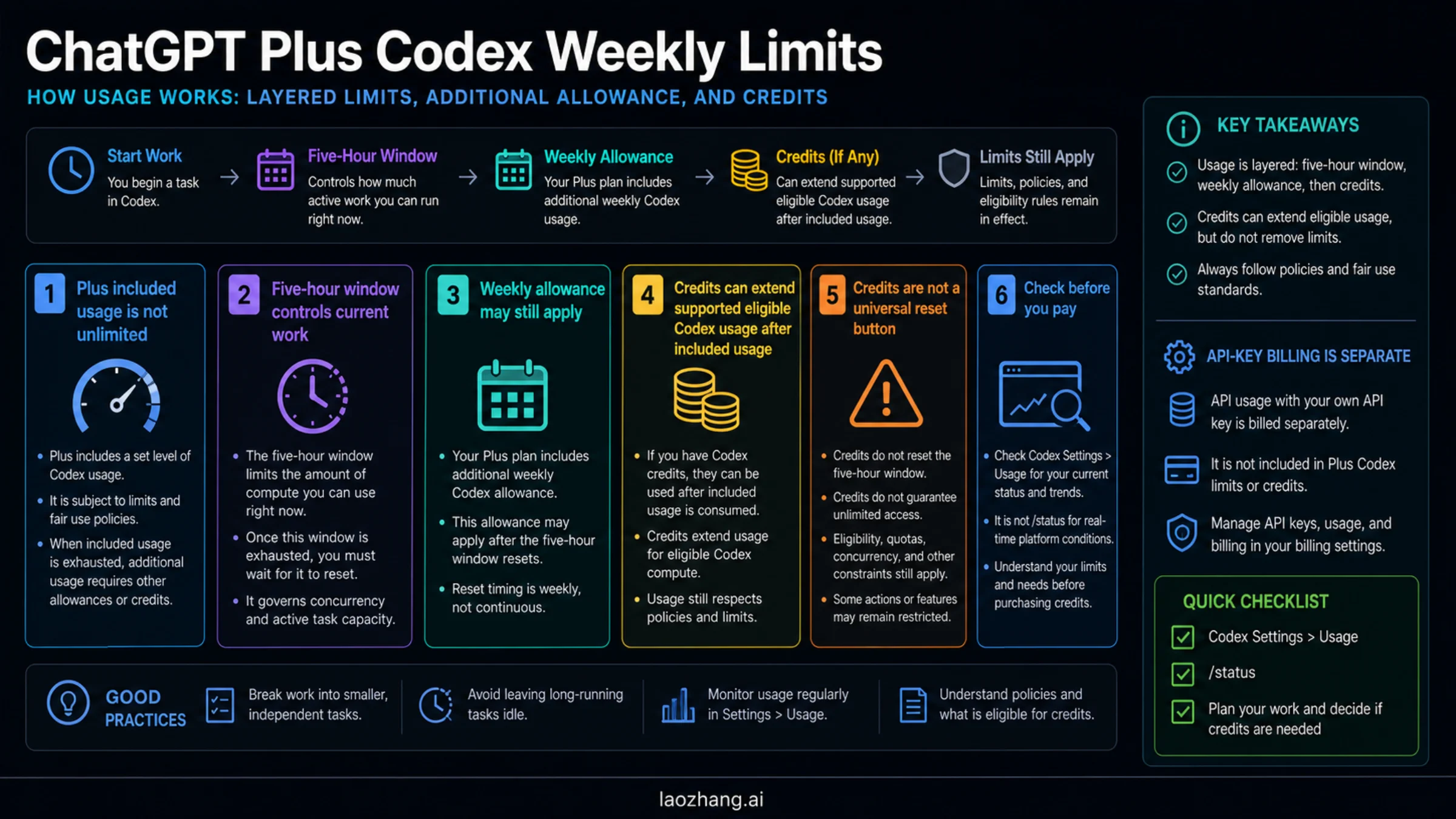
Short answer: OpenAI has not published a rule saying different ChatGPT accounts on the same PC now share one Codex quota. What OpenAI has published is narrower: Codex limits depend on the plan route, task type, model, and sign-in method; local messages and cloud tasks can share a five-hour window; and Codex usage can be shared with other priced agentic features once that pricing is active.
That distinction matters because public symptom reports now describe people switching accounts on one machine and feeling as if the new account is already limited. Reddit, OpenAI Community discussions, and GitHub issues are useful diagnostic evidence, but they are not the same as an official per-device quota rule.
For the broad plan table, use the OpenAI Codex usage limits guide. The immediate job here is narrower: separate official policy, same-PC symptoms, and the evidence to capture before you conclude that your accounts were pooled.
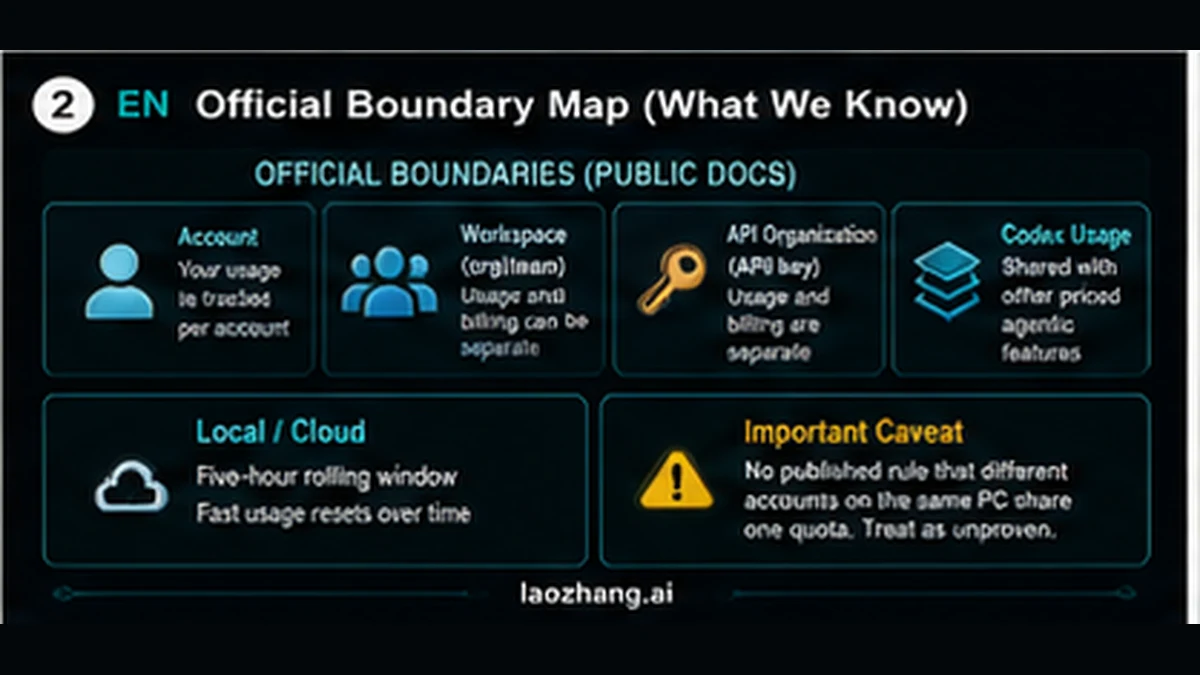
What OpenAI Actually Says
| Surface | What the public docs support | What it does not prove |
|---|---|---|
| Codex usage limits | The Codex pricing page says effective message counts depend on model, task size, local versus cloud work, and plan. Local messages and cloud tasks can share a five-hour window, and weekly limits may apply. | It does not say several unrelated ChatGPT accounts on one PC are merged into one device quota. |
| Feature sharing | The same pricing page says Codex usage limits are shared with other agentic features once pricing for those features is effective, currently including ChatGPT for Excel on Plus and Pro. | That is cross-feature sharing inside a plan/account surface, not published proof of cross-account sharing by device. |
| Authentication | The Codex auth docs split ChatGPT subscription access from API-key usage-based access. ChatGPT sign-in follows ChatGPT workspace controls; API key usage follows the API organization. | The docs do not turn local desktop state into the owner of your paid allowance. |
| API key route | OpenAI says API-key Codex usage is billed at standard API rates and features such as fast mode credits require ChatGPT sign-in. | API key access is not a hidden way to reset a subscriber quota. |
So the publish-safe answer is: Codex can share a usage pool across certain features and work types, but a different ChatGPT account on the same PC should not be described as officially merged into one PC-level quota unless OpenAI publishes that rule or support confirms it for your case.
Why It Can Feel Shared Anyway
A same-PC limit can still be real from the user's point of view. The mistake is jumping from the symptom to the wrong policy explanation.
| Symptom | More likely first explanation | Check before support |
|---|---|---|
| New account immediately looks limited | You are still signed into the old account in the app, CLI, IDE extension, or browser OAuth session | codex login status, the account avatar, Codex Usage dashboard, and the active workspace |
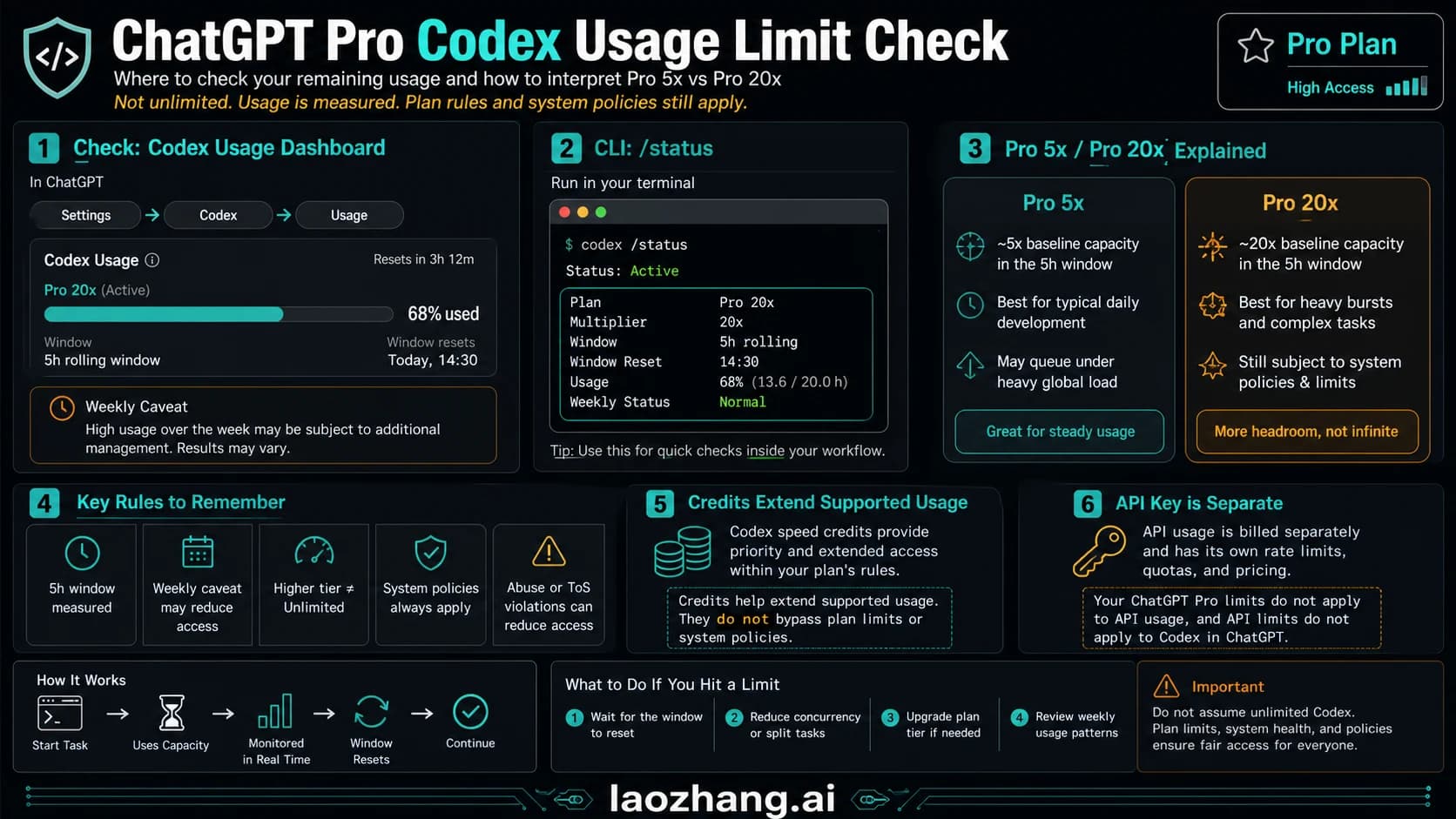
/status does not match the dashboard | /status is the active CLI/session view; dashboard is the account/plan surface | Capture both screens with timestamps and model names |
| Two accounts on one machine both throttle | Shared IP, proxy, concurrent sessions, stale local auth, or abuse-prevention signals may be involved | Record IP range, number of concurrent runs, CODEX_HOME, local profiles, and exact error text |
| API-key work behaves differently | API key uses Platform billing and API organization policies, not ChatGPT subscription credits | Check OpenAI Platform Usage and project limits separately |
| Community reports mention pooling | They may describe a real pattern, but not an official rule | Link the report only as symptom context, then verify your own account state |
The local-state branch is especially easy to miss. Codex stores user-level configuration in ~/.codex/config.toml, and local auth can live in the Codex home/auth store. If you run multiple accounts on the same macOS user profile, you must prove which account the app, CLI, IDE extension, and browser OAuth flow are actually using before you call it shared quota.
Diagnose It in This Order
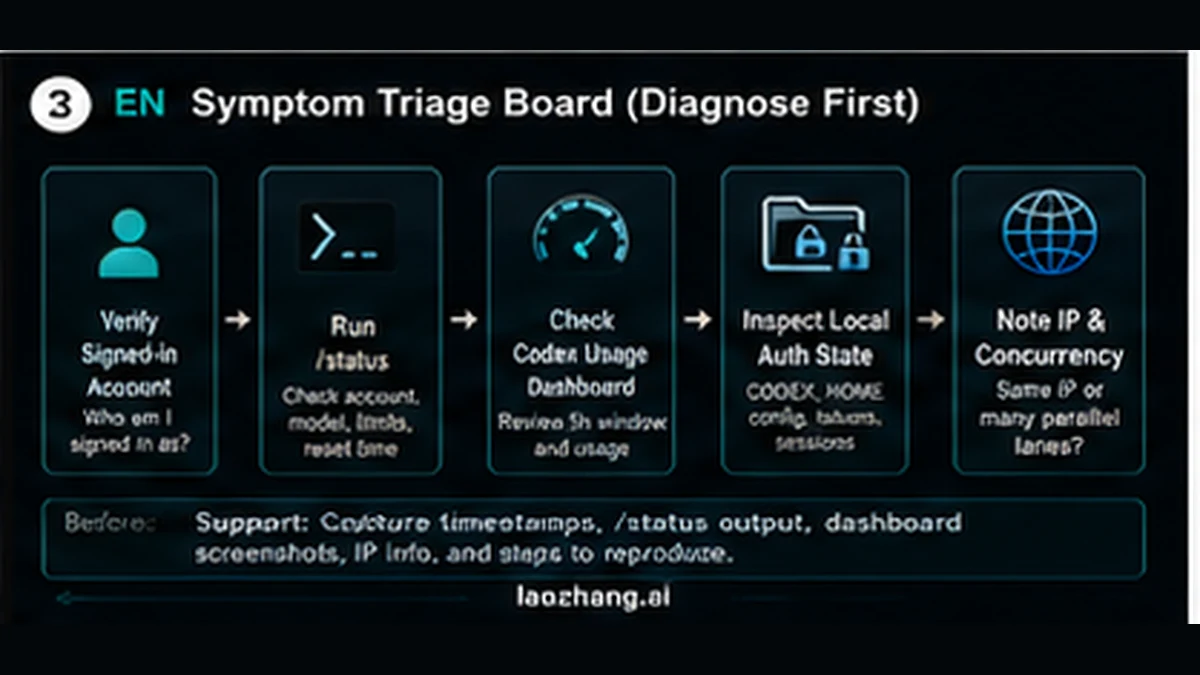
- Open the Codex Usage dashboard for the account you believe is limited. Save the account email, plan, visible reset text, credits, and timestamp.
- In the active CLI session, run
/status. Save model, service tier, remaining limit text, and the exact time. - Run
codex login statusor use the visible account surface in the app/IDE extension. Confirm the signed-in account is the account you meant to test. - If you use multiple local profiles, note whether you changed
CODEX_HOME, browser profile, IDE extension profile, and shell environment together. A clean auth split is for diagnosis, not a quota-bypass promise. - Record whether several Codex sessions, cloud tasks, code reviews, or fast-mode runs were active at the same time from the same IP or proxy.
- If the account still looks wrong, open support with timestamps, screenshots, account identifiers,
/statusoutput, dashboard evidence, IP/proxy context, and a short reproduction path.
What To Do Next
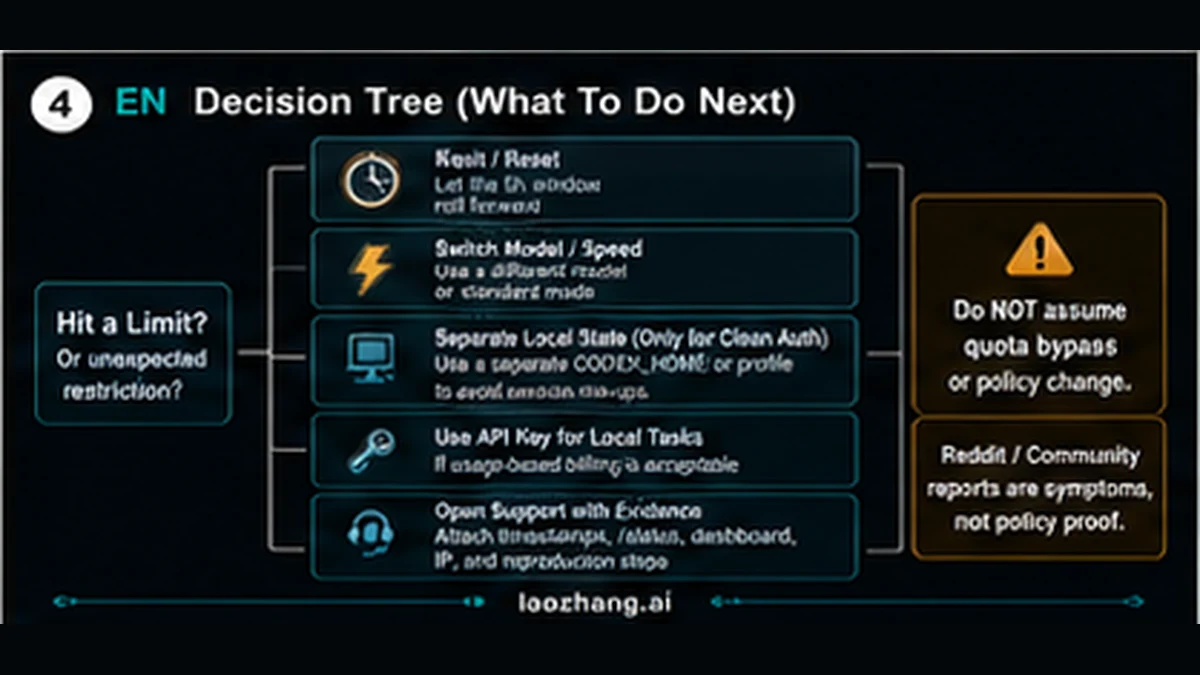
| If the evidence shows | Next move | Avoid |
|---|---|---|
| Same account was still signed in | Log out and sign into the intended account; rerun /status and dashboard checks | Calling it a policy change before auth is clean |
| Account meter is genuinely depleted | Wait for reset, switch to a lighter model or speed, or use compatible credits | Buying another account just to route around limits |
| You need extra local automation | Use API-key Codex only if usage-based API billing fits the job | Mixing API billing with ChatGPT subscription limits in your notes |
| Different accounts show identical unexpected restriction | Gather support-grade evidence and ask OpenAI to confirm whether safety, IP, workspace, or account-level throttling is involved | Treating Reddit or AI Overview text as official policy |
For API/subscription separation, use the Codex API key vs subscription guide. For measuring the current CLI session, use the Codex token and status guide. For Plus credit behavior, use the Plus Codex weekly limits and credits guide.
FAQ
Does OpenAI publish a per-PC Codex quota?
Not as a published OpenAI rule. Current official docs support account/workspace/API route separation and cross-feature sharing for priced agentic features. They do not publicly state that unrelated ChatGPT accounts on one PC share one quota.
Why did another account get limited immediately?
The most common first checks are stale auth, wrong browser or IDE profile, shared IP/proxy pressure, concurrent sessions, or a dashboard/status mismatch. Capture evidence before concluding the quota was merged.
Does switching CODEX_HOME give each account a separate limit?
It can help create a clean local auth state for diagnosis. It does not create an official entitlement, and it should not be framed as a quota bypass.
Does API-key Codex share ChatGPT limits?
No. API-key usage is billed through the OpenAI Platform account at API rates. It is useful for extra local tasks only when usage-based billing is acceptable.
What evidence should I send to support?
Send account, plan, dashboard screenshot, /status output, reset text, timestamp, local auth/profile setup, IP/proxy context, and a minimal reproduction. Keep the same evidence packet if the restriction returns after a reset, because repeated timestamps are often more useful than a single screenshot.
Bottom line: Codex limits can be shared across some features and work types, but the same-PC multi-account story is not a published quota rule. Treat it as a diagnostic problem first: account meter, /status, auth state, IP/concurrency, and support evidence.
Sources2
External pages this guide links to, in the order they appear. Last updated May 25, 2026.
Sources2
External pages this guide links to, in the order they appear. Last updated May 25, 2026.