Gemini gratis para estudiantes en España: Google AI Plus durante un año
Los estudiantes universitarios que cumplan los requisitos en España pueden obtener Google AI Plus a 0 € durante 12 meses. Hay que canjearlo antes del 31 de diciembre de 2026, registrar un método de pago y cancelar antes de la renovación a 4,99 €/mes si no se quiere continuar.
En esta página
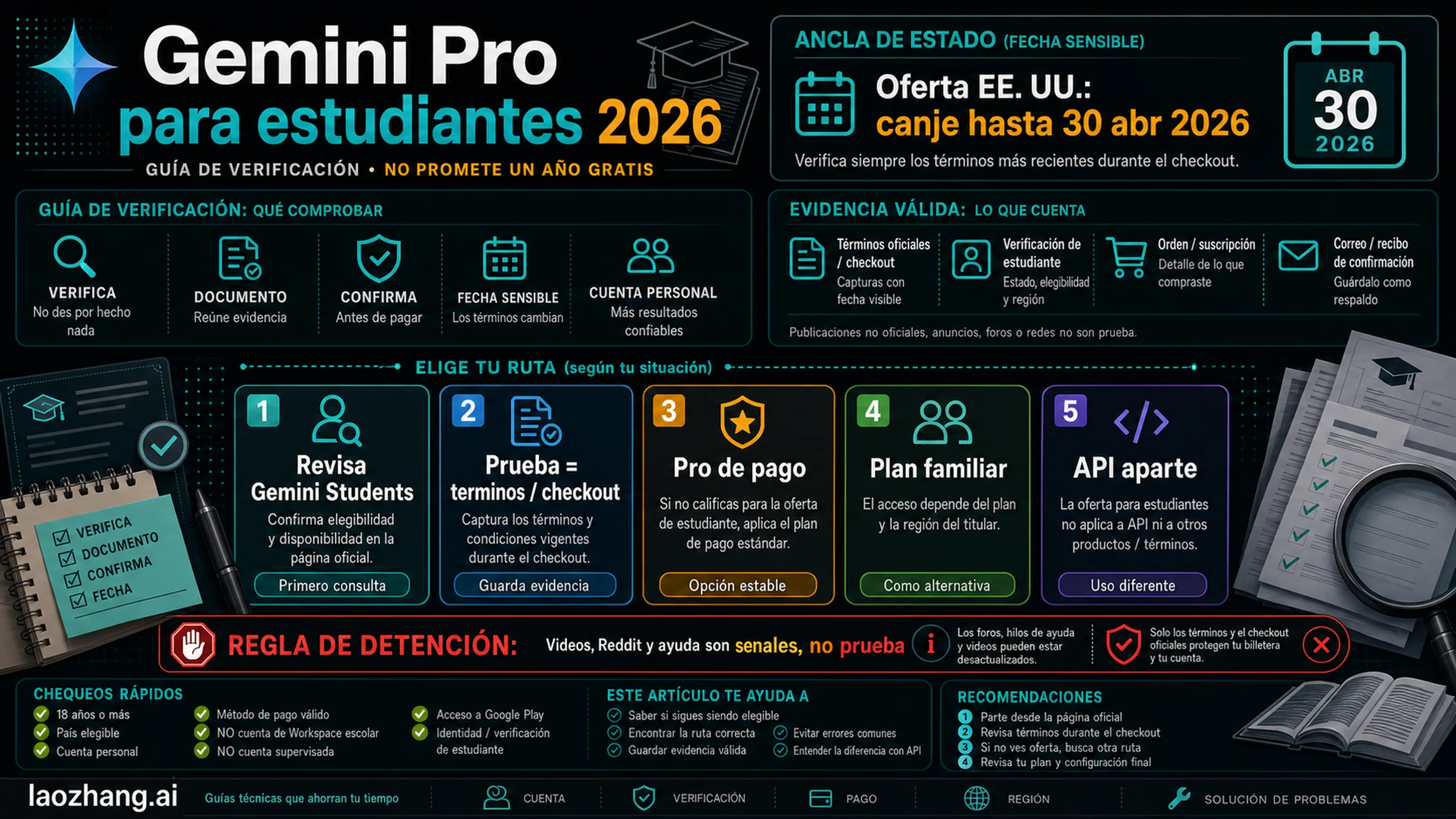
La oferta para estudiantes vuelve a estar activa en España: quienes cumplan los requisitos pueden obtener Google AI Plus a 0 € durante 12 meses. Hay que canjearla antes del 31 de diciembre de 2026, pero el año gratuito empieza el día en que la activas, no el día en que Google anunció la campaña.
La página oficial española de Gemini para estudiantes muestra 400 GB de almacenamiento, límites de uso más altos y funciones adicionales de Gemini. También avisa de la parte menos atractiva: se necesita una forma de pago y, si no cancelas, el plan se renueva a 4,99 € al mes al terminar el periodo gratuito.
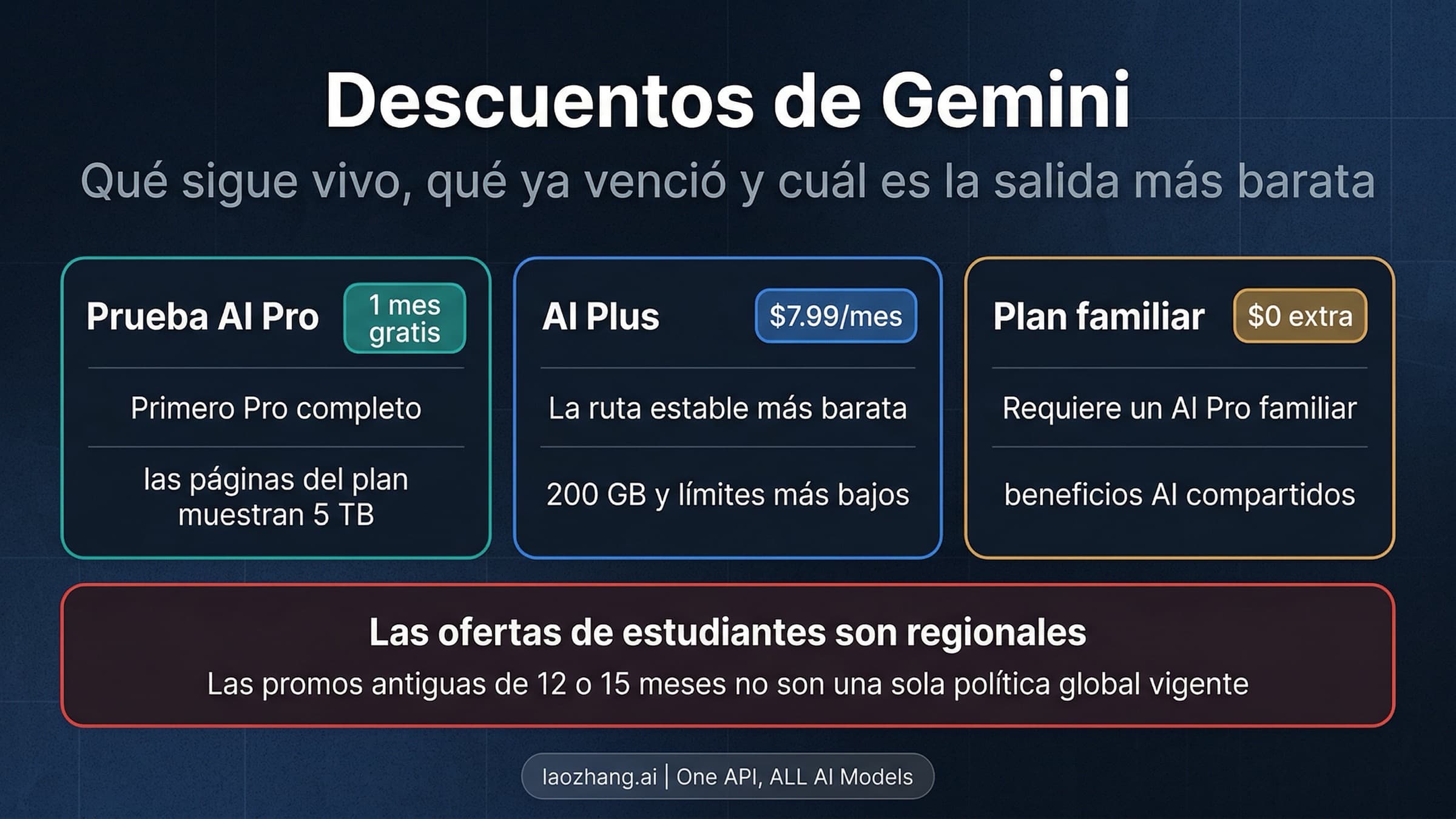
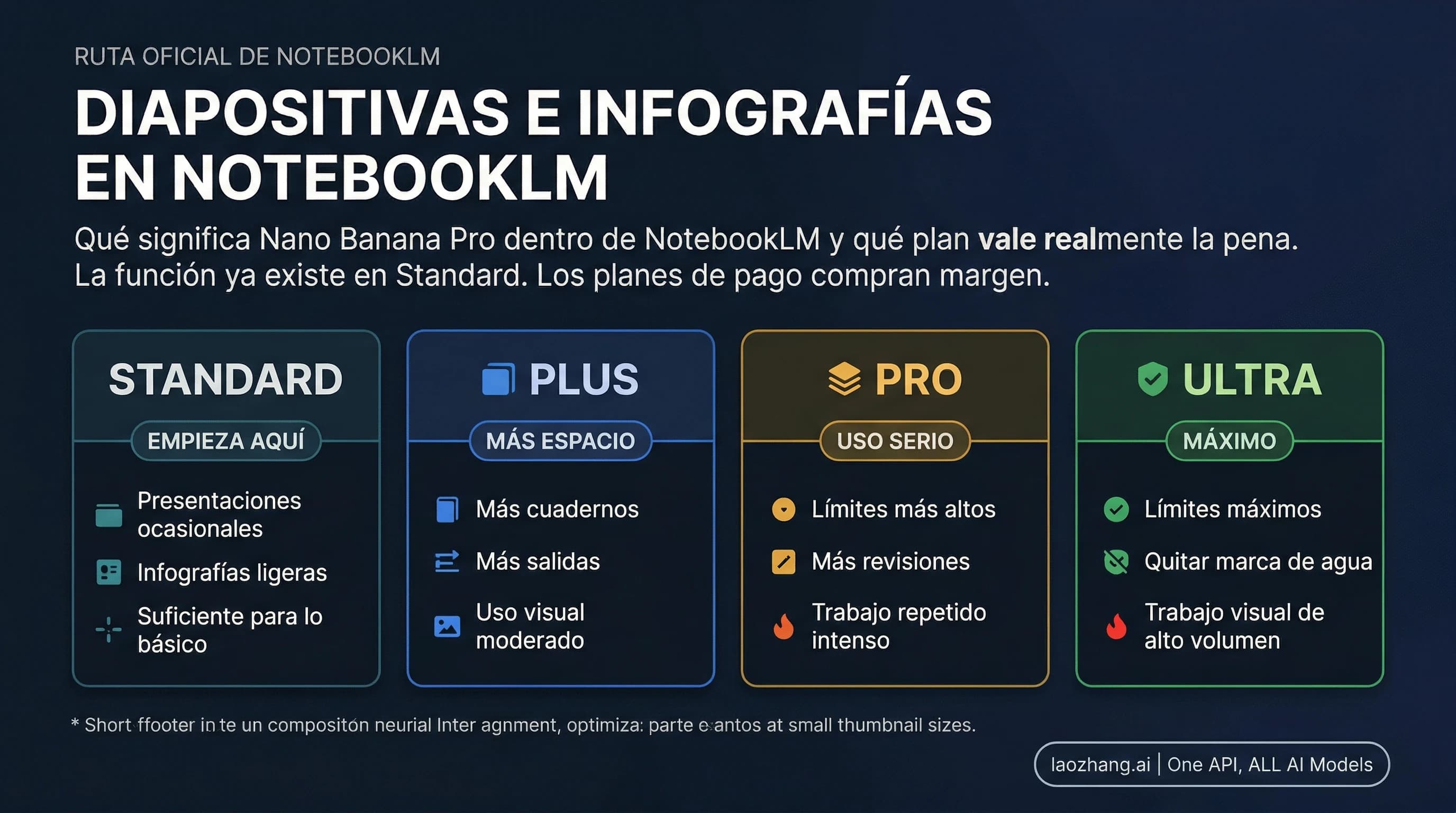
Aunque muchas páginas lo llaman «Gemini Pro gratis», la oferta española actual es Google AI Plus. Google AI Pro es el plan incluido para estudiantes que reúnen los requisitos en Estados Unidos. No conviene mezclar prestaciones, almacenamiento ni precios de ambos países.
Lista de requisitos antes de solicitarlo
Los términos de la oferta estudiantil, actualizados el 19 de agosto de 2026, exigen que la persona solicitante:
- tenga 18 años o más;
- esté matriculada en una institución de educación superior elegible de un país o región compatible;
- complete correctamente la verificación de estudiante mediante SheerID;
- utilice una cuenta personal de Google;
- disponga de una cuenta de Google Payments con una forma de pago admitida.
El correo de la universidad puede ayudar a verificar la matrícula, pero no concede el plan por sí solo. SheerID puede comprobar el centro, el nombre y la matrícula vigente, y solicitar documentación si la verificación automática no es suficiente.
La cuenta también importa. Los términos actuales excluyen las cuentas supervisadas, los miembros de un grupo familiar de Google y ciertas suscripciones de Google One contratadas por medio de terceros o afiliados. Una cuenta de Workspace for Education proporcionada por la universidad no puede ser la propietaria de esta suscripción de consumo.
| Lo que aparece en pantalla | Qué demuestra | Qué hacer |
|---|---|---|
| Google AI Plus, 0 € ahora, 12 meses y fecha de primer cobro | La oferta está aplicada a esa cuenta | Revisar precio y fecha antes de aceptar |
| Una prueba normal de corta duración | No es la promoción universitaria anual | Salir y revisar cuenta y verificación |
| 4,99 € desde hoy | No hay periodo gratuito en ese checkout | No confirmar el pago esperando un ajuste posterior |
| Error de SheerID | Algún dato de centro, identidad o matrícula no coincide | Corregir datos reales o usar la revisión oficial |
Cómo solicitar Google AI Plus a 0 €
Empieza en la página oficial, no en un enlace directo copiado de una campaña anterior.
- Inicia sesión con la cuenta personal de Google que debe conservar la suscripción.
- Abre la página española de Gemini para estudiantes y pulsa el botón para solicitar el plan a 0 €.
- Introduce en SheerID el nombre oficial del centro, tu nombre y la información de matrícula actual.
- Si no se completa la verificación automática, entrega solo los documentos que pida el proceso oficial.
- De vuelta en Google, comprueba que el producto sea Google AI Plus y que el importe actual sea 0 €.
- Lee la duración de 12 meses, la fecha del primer cobro, la renovación de 4,99 €/mes y el método de pago seleccionado.
- Después de activar, entra en la configuración de Google One y anota la fecha de renovación y la ruta para cancelar.
No confundas dos fechas. El 31 de diciembre de 2026 es el último día para canjear la promoción. La fecha de finalización de tus 12 meses depende del día de activación y debe aparecer en tu cuenta.
Si la oferta no aparece, busca el conflicto de cuenta
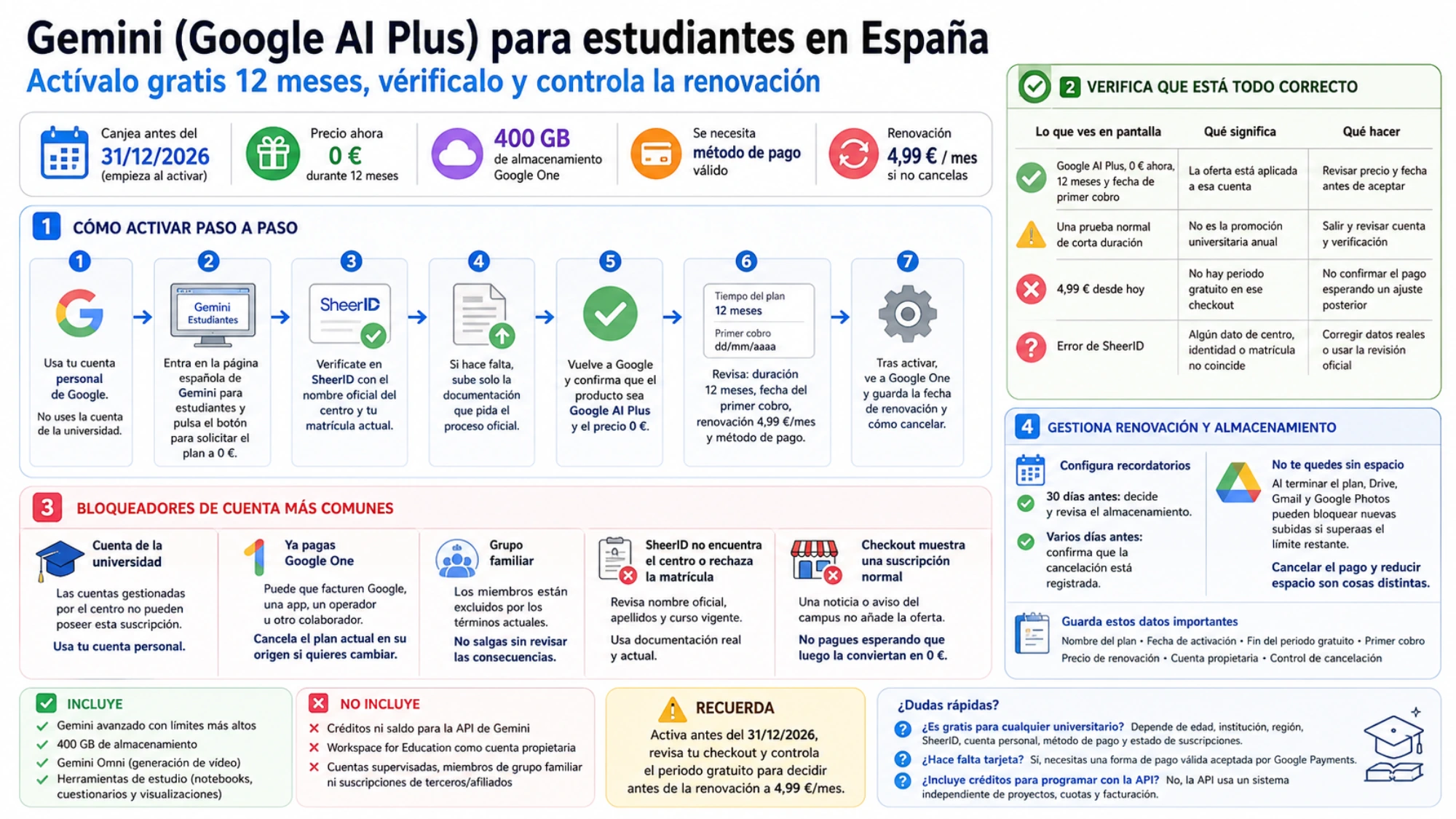
Has iniciado sesión con la cuenta de la universidad
La cuenta gestionada por el centro puede servir para estudiar, pero no para poseer esta suscripción personal. Sigue el cambio a una cuenta personal que indique el proceso oficial y utiliza la relación con el centro para verificar la matrícula.
Ya pagas Google One
Comprueba quién factura la suscripción: Google, una tienda de aplicaciones, un operador u otro colaborador. Cancelar un plan existente no garantiza que aparezca la promoción. Solo hay éxito cuando el nuevo checkout muestra los 12 meses a 0 €.
Formas parte de un grupo familiar
Los términos actuales excluyen a sus miembros. No salgas del grupo sin revisar las consecuencias: almacenamiento compartido, compras y límites para cambiar de familia pueden verse afectados. La oferta gratuita puede valer menos que lo que ya compartes.
SheerID no encuentra el centro o rechaza la matrícula
Revisa el nombre oficial de la institución, tus apellidos y el curso vigente. Si hay revisión manual, usa documentación real y actual. Cambiar artificialmente el país o utilizar los datos de otra persona no cumple los requisitos.
Checkout muestra una suscripción normal
Detente. Una noticia, un vídeo o un aviso del campus no añade la oferta a tu cuenta. No pagues primero suponiendo que atención al cliente convertirá después la suscripción en gratuita.
Qué incluye el plan español y qué no
La página española actual presenta Google AI Plus con 400 GB de almacenamiento, límites de Gemini superiores a los de una cuenta sin plan, generación de vídeo con Gemini Omni y herramientas de estudio como notebooks, cuestionarios y visualizaciones interactivas.
Las prestaciones y límites pueden cambiar. La descripción de la cuenta y el checkout son más fiables que una captura guardada. Tampoco es necesario usar todas las funciones porque sean gratuitas: antes de subir apuntes, trabajos o datos de investigación, revisa las normas de IA de la universidad y evita compartir información sensible.
Esta suscripción no acredita saldo para la API de Gemini. Google AI Plus es un producto de consumo para Gemini y Google One; las claves, proyectos, cuotas y facturación de Gemini API se gestionan por separado en Google AI Studio. Para un proyecto de programación, consulta la guía de la API gratuita para estudiantes.
Prepara la salida antes de llenar los 400 GB
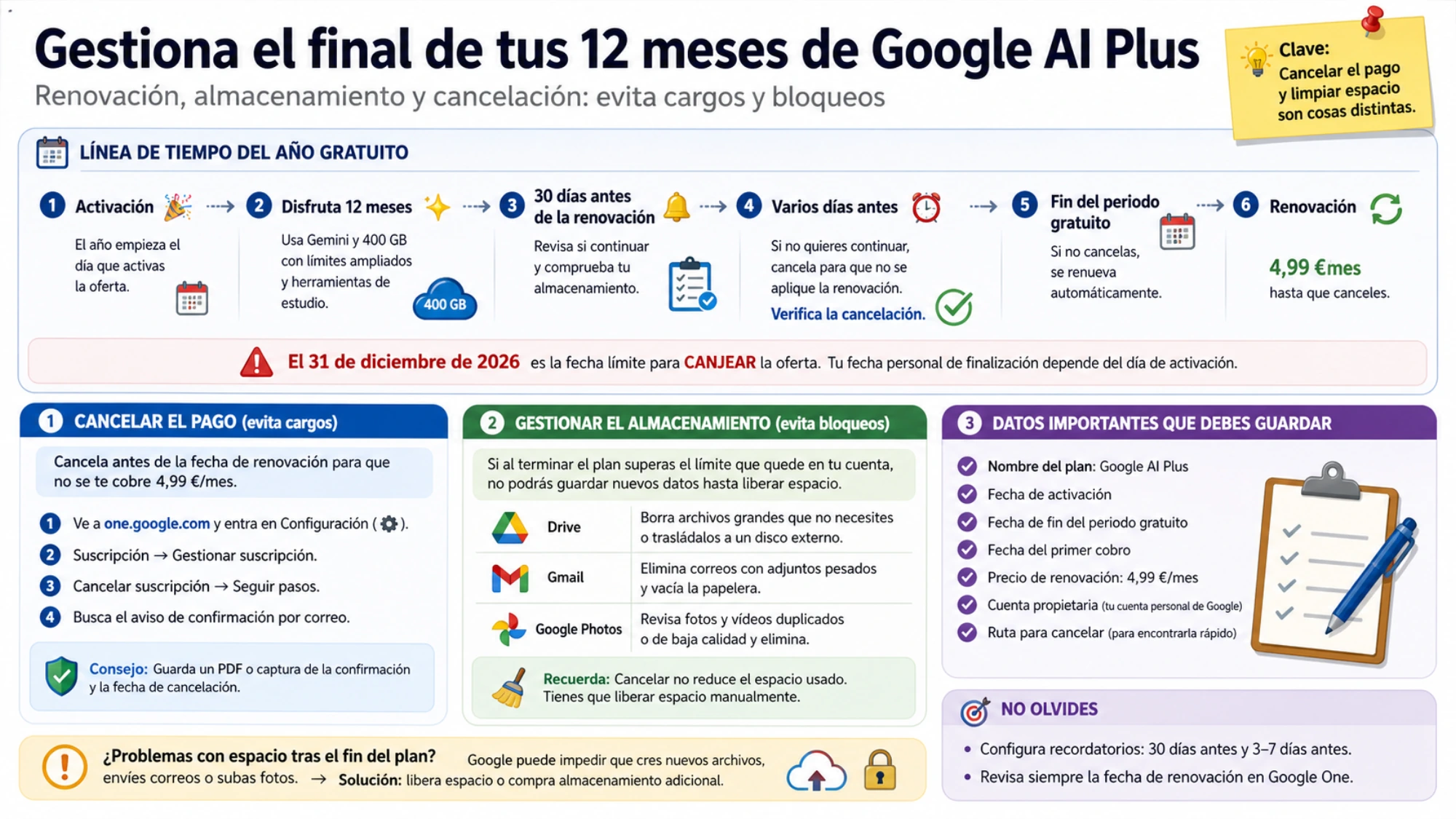
Configura dos recordatorios: uno 30 días antes de la renovación para decidir y revisar el almacenamiento, y otro varios días antes para confirmar que la cancelación está registrada.
Si al terminar el plan Drive, Gmail y Google Photos superan el límite que quede en la cuenta, Google puede impedir que guardes nuevos datos hasta que elimines archivos o compres almacenamiento. Cancelar el pago y reducir el espacio utilizado son tareas distintas.
Guarda el nombre del plan, la fecha de activación, el final del periodo gratuito, el primer cobro, el precio de renovación, la cuenta propietaria y el control de cancelación. Esos datos valen más que una imagen promocional si después necesitas comprobar un cargo.
¿Es gratis para cualquier universitario?
No. Depende de edad, institución, región compatible, SheerID, cuenta personal, método de pago y estado de las suscripciones existentes.
¿Hace falta tarjeta?
Hace falta una forma de pago válida. Los métodos aceptados dependen de Google Payments y de la cuenta.
¿Se cobra automáticamente al terminar el año?
Sí, salvo cancelación previa. La página española actual indica una renovación de Google AI Plus a 4,99 € al mes.
¿Incluye créditos para programar con la API?
No hay tal derecho por contratar este plan. La API usa un sistema independiente de proyectos, cuotas y facturación.