How to Get a ChatGPT API Key in 2026—and Prove It Actually Works
A ChatGPT subscription does not issue or fund an API key. The working route is OpenAI Platform: verify your region, create a project secret, activate API billing, load it on a server, and confirm both a Responses output and a Usage record.
On this page
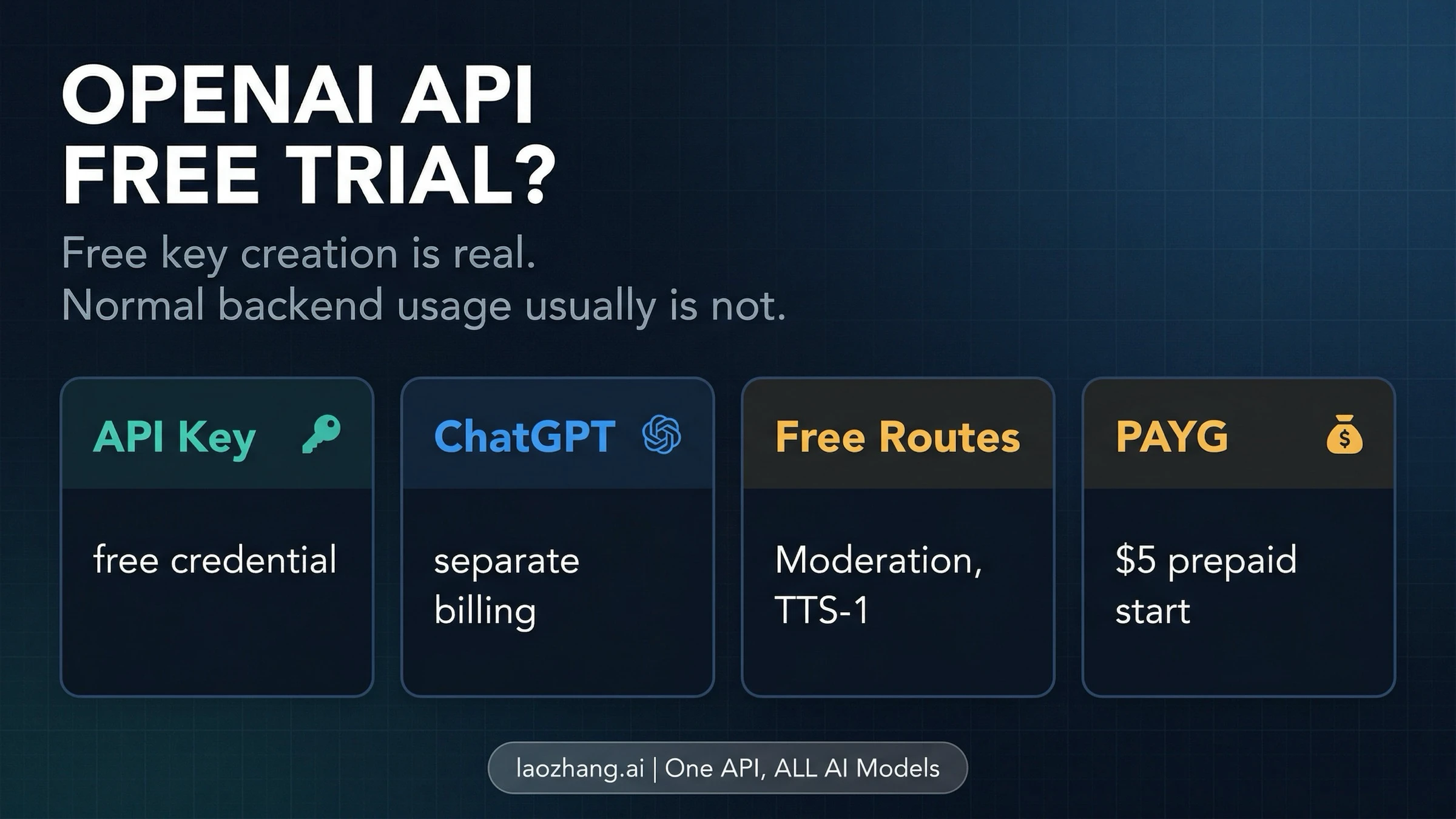
You do not get a “ChatGPT API key” from the ChatGPT chat window. The credential people mean is an OpenAI Platform API key. Create it inside the intended project, give it only the permissions the workload needs, configure API billing separately from ChatGPT, keep the secret on a server, and test it with one POST /v1/responses request.
A displayed key is not proof of a working integration. The account may have no usable balance, the project may deny the endpoint, the model may be unavailable, or the application may not have loaded the environment variable. Setup is complete only when a request returns output and Usage records it in the expected project.
Key, billing, permissions, geography, and quickstart details were rechecked against current OpenAI sources on July 18, 2026.
The five-checkpoint route
| Checkpoint | Action | Evidence |
|---|---|---|
| Region | Check OpenAI's current supported-country list | Your actual location appears in the list |
| Credential | Create a named key in the intended project | A key record exists and the full secret was stored once |
| Billing | Open API Platform Billing | Usable balance or an account-specific trial state is visible |
| Storage | Load OPENAI_API_KEY on a backend | The process sees the variable, but no client, log, or repo contains it |
| Execution | Call /v1/responses | Output arrives and Usage attributes it to the project |
Start with the supported countries and territories page. If your actual location is not listed, stop the official route. A VPN, address, identity, phone, or payment workaround does not turn an unsupported location into an officially supported one.
Separate three products before clicking anything
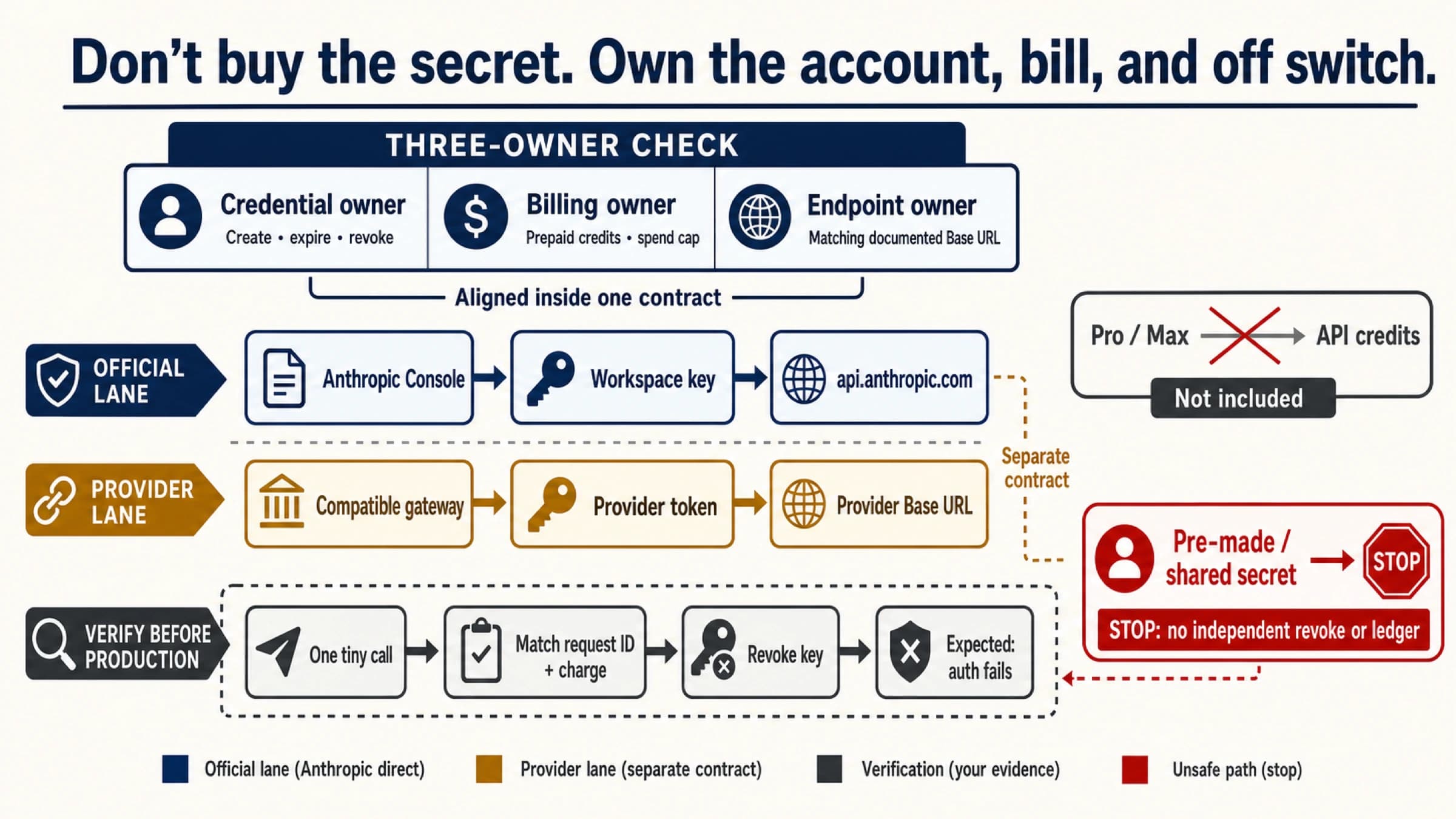
ChatGPT is the chat product. OpenAI Platform is the developer API product. An OpenAI-compatible gateway is another supplier's product with its own credential, base URL, billing, support, and data contract.
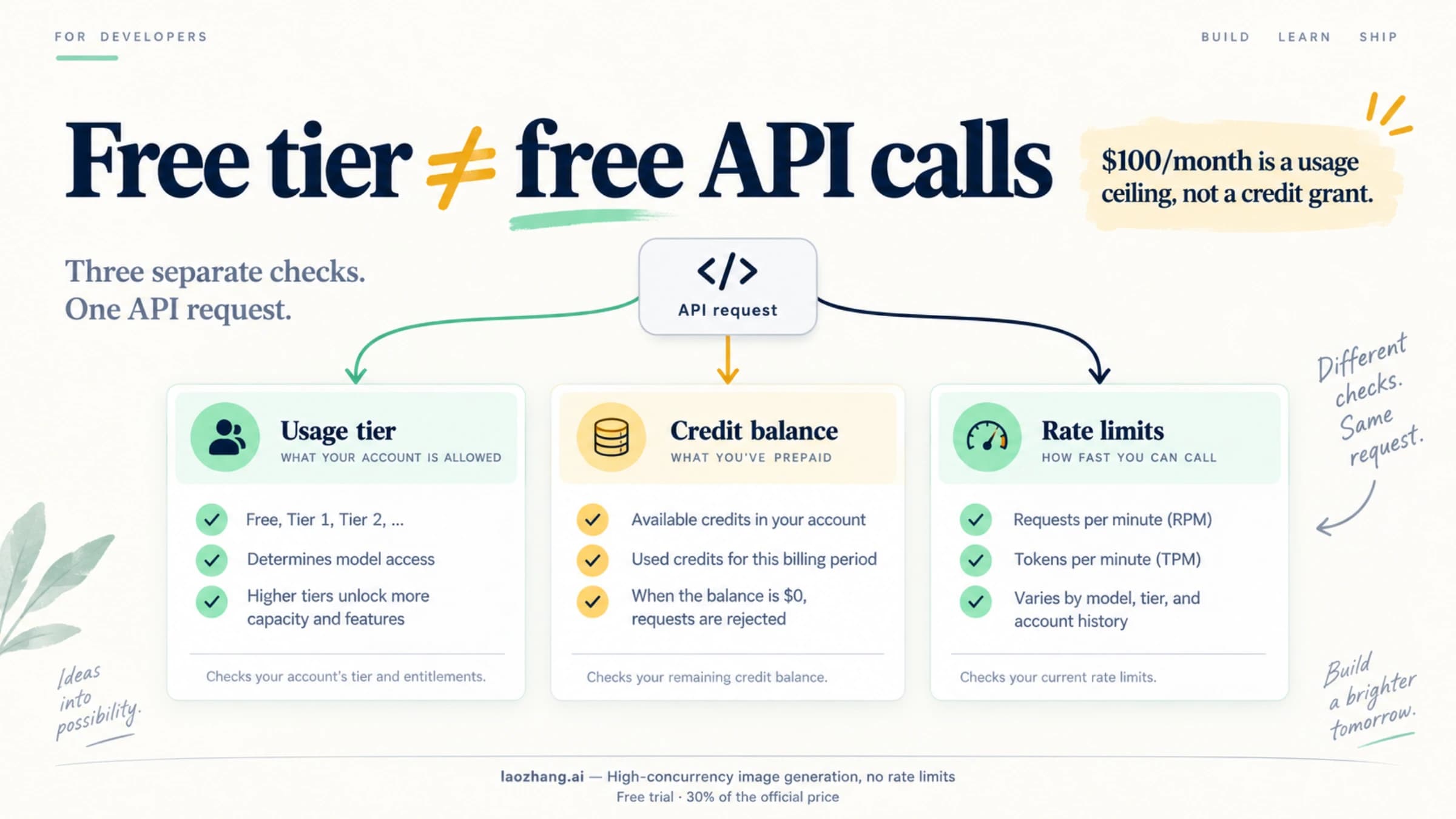
OpenAI says ChatGPT subscriptions and API usage are billed separately. Paying for Plus or Pro does not create API credits, and adding API balance does not upgrade ChatGPT. Projects, API keys, API Usage, and API Billing all live on the Platform.
Create a project key with intentional permissions
- Sign in to OpenAI Platform.
- Select the project that should own the workload, then open API Keys.
- Choose a descriptive name such as
support-stagingso one environment can later be rotated without breaking another. - Select the narrowest useful permission set.
- Copy the full secret to a password manager or secret manager while it is visible.
OpenAI currently offers All, Restricted, and Read Only. Its key-permissions article lets Restricted keys grant endpoint-level None, Read, or Write access. Start narrow for a known workload; widen only when a documented request needs it.
The API key Help article says the full secret appears only once. If you close the dialog without saving it, there is no reveal button later—create a replacement and update the application. Do not email it, share it in chat, place it in a screenshot, or ask several people to reuse one key.
Is the key free?
Creating a credential is not itself a billable API request. That does not prove every new account receives a fixed amount of free usage. The quickstart may expose an account-specific test path, while the prepaid documentation says free credits are used first if the account has them. Your own Billing page is the evidence.
For the difference between the Free usage tier, promotional credits, and daily data-sharing allowances, see OpenAI API free tier limits.
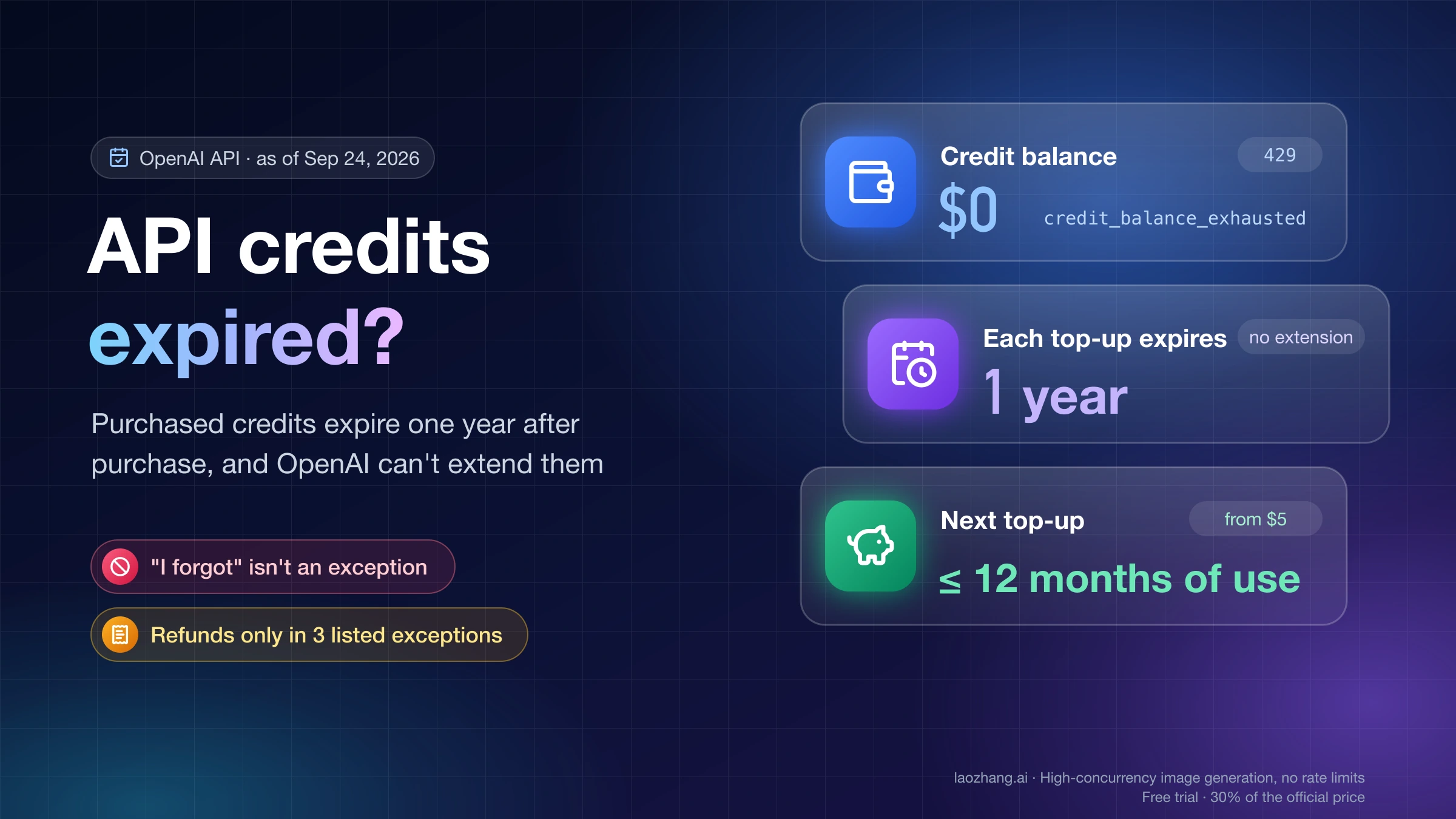
For ongoing use, OpenAI's current prepaid billing article states that new API accounts use prepaid billing, the documented minimum purchase is USD 5, and purchased credits expire after one year. Those terms can change, so verify them before payment.
If auto-recharge is not wanted, disable it and verify the saved setting. As checked on September 21, 2026, OpenAI distinguishes spend alerts from enforced hard spend limits. Alerts allow traffic to continue; turning on Enforce a hard limit can stop organization or project requests with a 429 error. Enforcement is not instantaneous, so small overshoots remain possible. Add backend request, token and retry controls for your workload.
Store the secret on the server
The filename .env does not create security. A frontend build can expose its values to every browser, and a mobile app can be inspected. OpenAI's key safety guidance recommends server-side environment variables or a key manager, plus monitoring and rotation.
For a local macOS/Linux test, this avoids placing the value in command history:
read -s OPENAI_API_KEY
export OPENAI_API_KEY
Paste the secret at the hidden prompt. Do not run echo $OPENAI_API_KEY; a safe check reports only whether the variable exists.
Make one current Responses request
The current OpenAI developer quickstart uses the Responses API. This request reads the bearer token from the environment:
curl https://api.openai.com/v1/responses \
  -H "Content-Type: application/json" \
  -H "Authorization: Bearer $OPENAI_API_KEY" \
  -d '{
    "model": "gpt-5.6",
    "input": "Reply with exactly: API_OK"
  }'
The model name reflects the quickstart checked on July 18, 2026. If your project does not list it, replace it with a text model shown in the current project and official docs. Model availability is separate from key validity.
After output arrives, open Usage. The response proves authentication and execution; the Usage record catches an accidental project or credential mismatch.
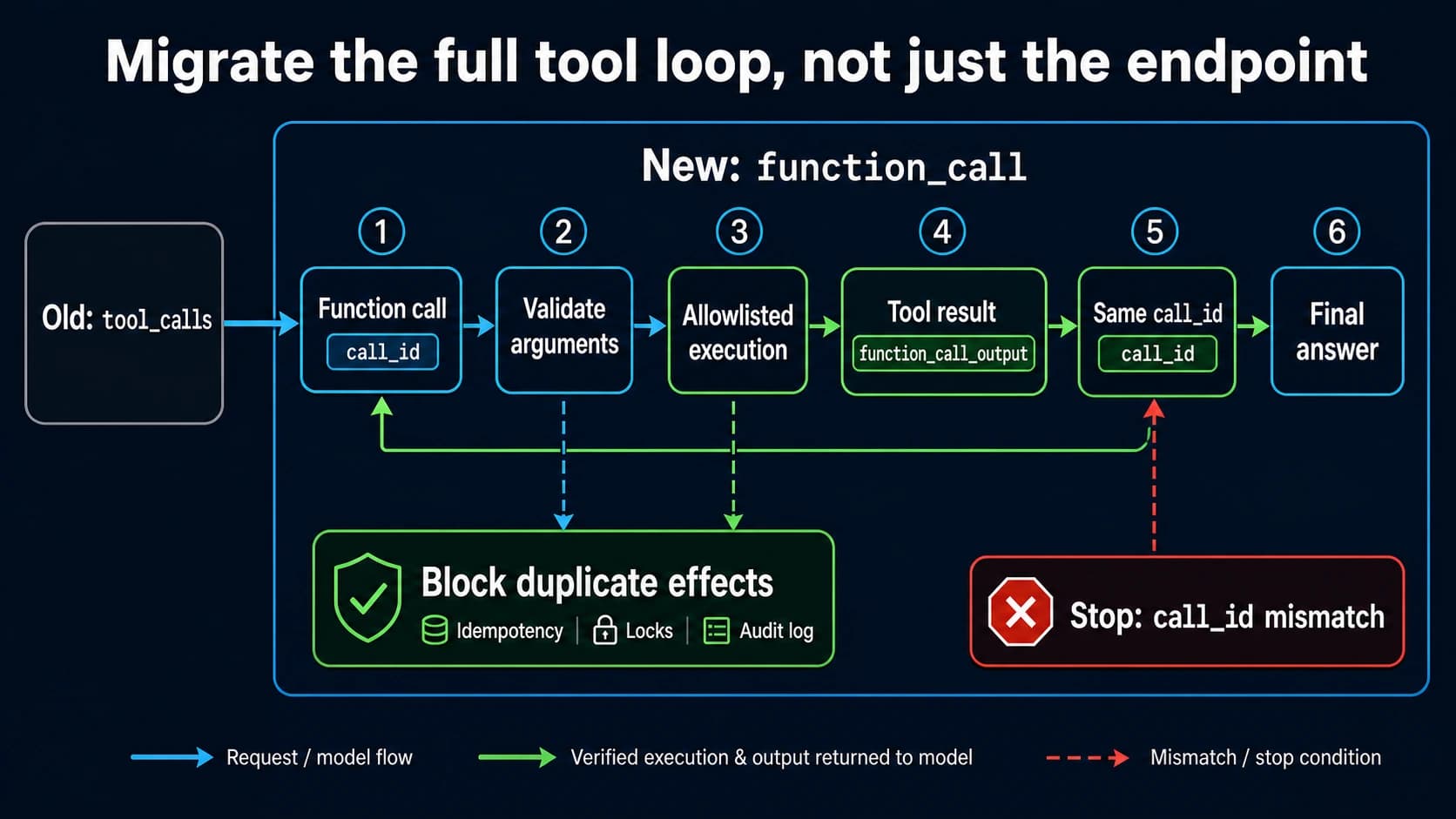
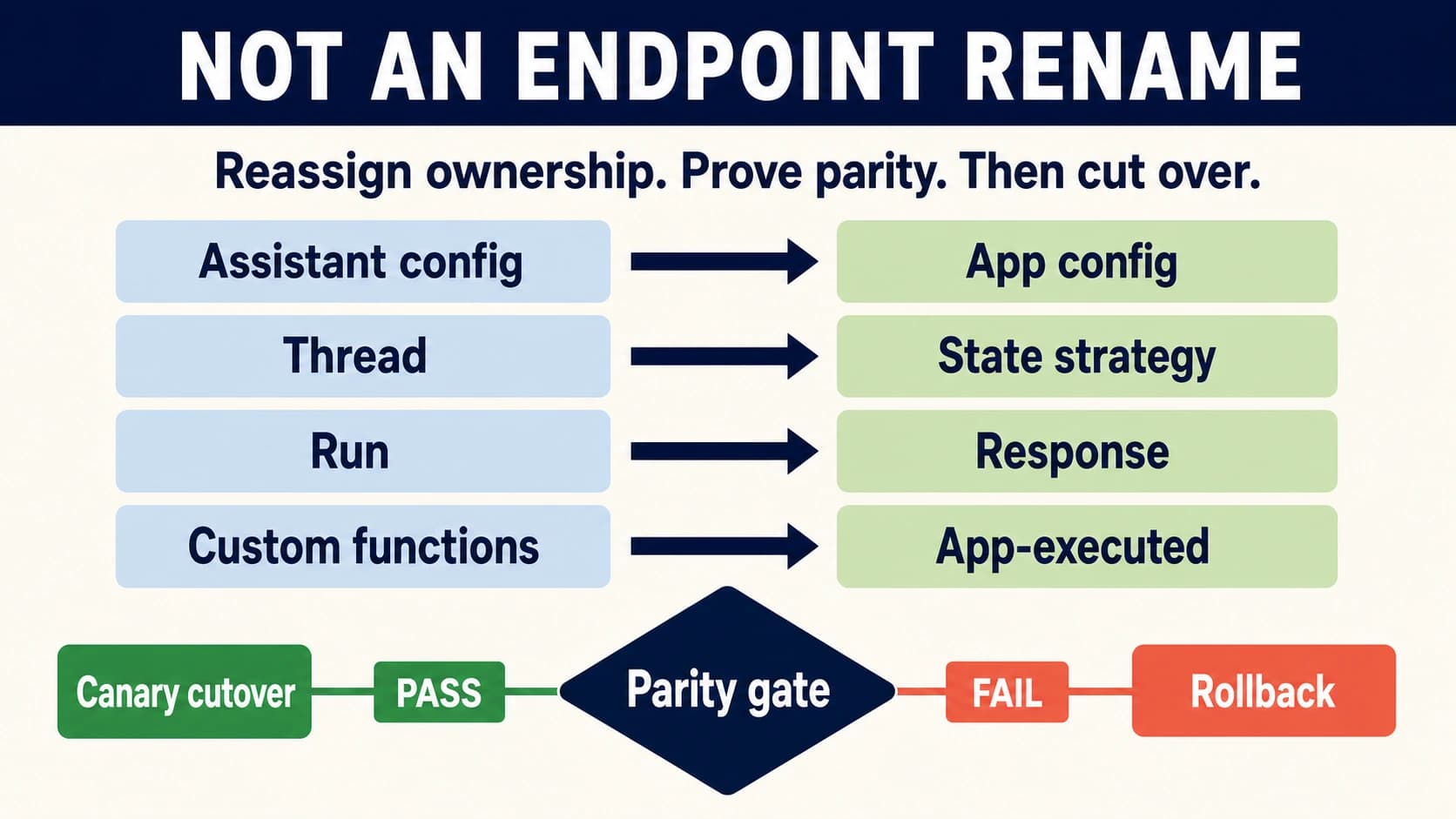
If an existing application executes custom functions through Chat Completions, the next step is more than changing the URL. Use the Chat Completions to Responses API function-calling migration guide to update the tool schema, parse typed calls, correlate call_id, and preserve the application-side execution loop.
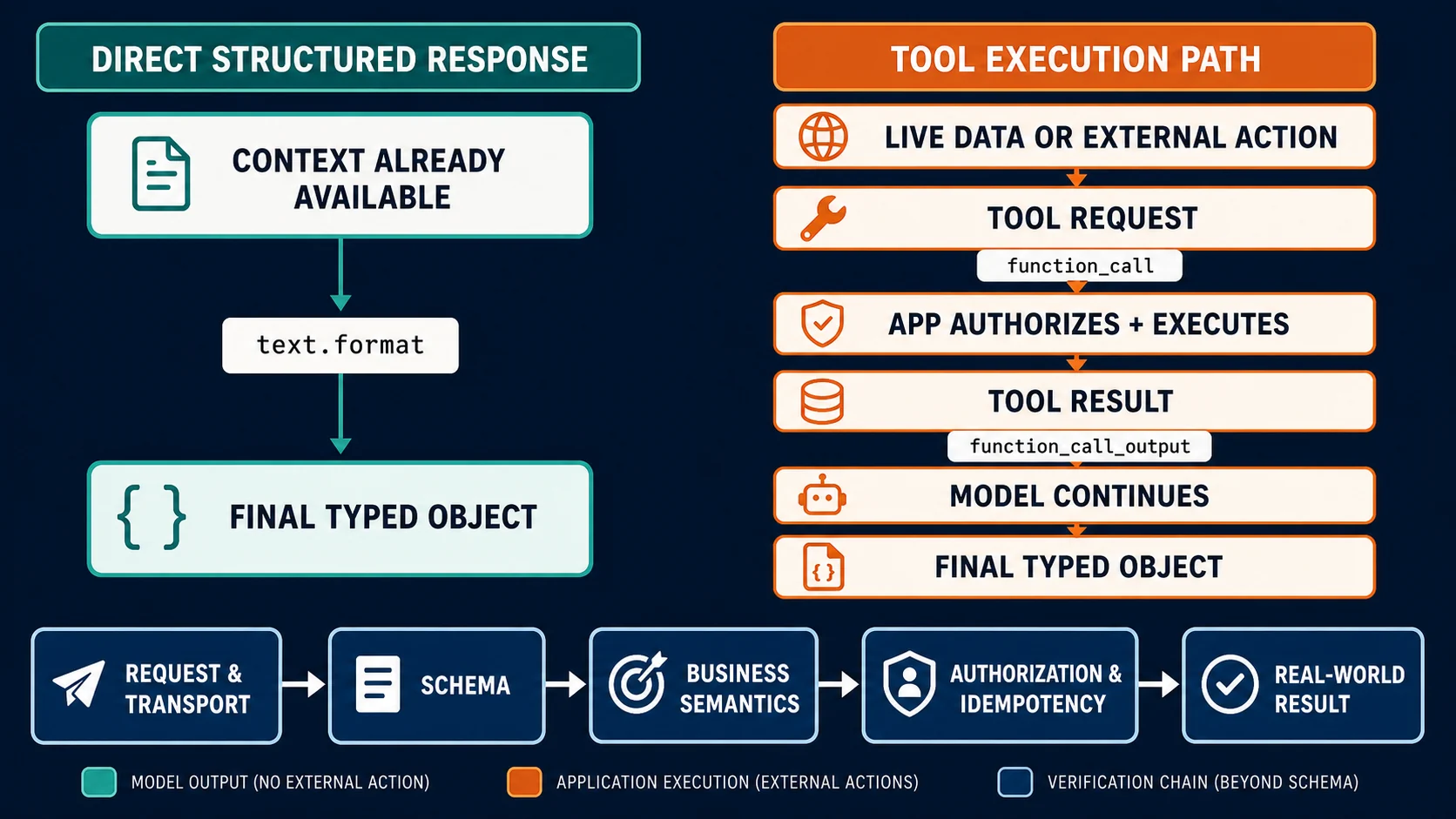
Once the request works, choose the contract by what must happen next: the Structured Outputs vs Function Calling guide separates a typed final response from an application-executed tool loop and shows when both belong in the same flow.
Classify the failure instead of making more keys
| Symptom | Failure class | Action |
|---|---|---|
401 / incorrect API key | Missing, mistyped, revoked, or wrong secret | Confirm the running process has the intended variable without printing it; rotate if needed |
403 / unsupported region | Geography or policy | Stop and recheck the official list; do not attempt a bypass |
429 with insufficient_quota | API Billing or balance | Check Platform Billing and Usage; a ChatGPT plan and extra keys do not fix it |
429 rate limit | Request frequency or token rate | Back off, reduce concurrency, and review current limits |
| Model not found / permission denied | Model availability or Restricted-key scope | Select an available model or grant only the required endpoint permission |
| Secret committed or pasted publicly | Credential incident | Revoke immediately, replace it in the backend, and inspect Usage |
Use the OpenAI API quota exceeded guide for a deeper 429 decision tree. If behavior changes between projects, the organization and project guide explains ownership.
When a separate gateway is the real requirement
A compatible gateway does not “unlock” an official OpenAI key. For example, I browser-verified the LaoZhang API documentation on July 18, 2026. It describes a developer/enterprise integration platform, a Quick Start, OpenAI-compatible calling patterns, and Responses API support. That can fit a team that explicitly wants another supplier contract or multi-model switching, but the resulting key, URL, billing, data policy, and support remain that provider's.
Before using any gateway, verify current legal availability, terms, data policy, models, endpoint behavior, billing, and support. Stop and use the official Platform route if the workload requires an official OpenAI project, OpenAI-native audit/support ownership, or an exact OpenAI account entitlement.
You are done when the location is eligible, the key belongs to the right project, permissions are intentionally narrow, API Billing is usable, the secret exists only in approved server storage, the Responses call succeeds, and Usage records it. You are not done merely because a dashboard displayed a secret once.