NotebookLM Slide Decks and Infographics in 2026: What Nano Banana Pro Means, and Which Plan Is Worth It
NotebookLM already includes Nano Banana Pro-powered slide decks and infographics on Standard. The real choice is whether your workflow needs more headroom from Plus, Pro, or Ultra, or whether your task actually belongs in Gemini or AI Mode.
On this page
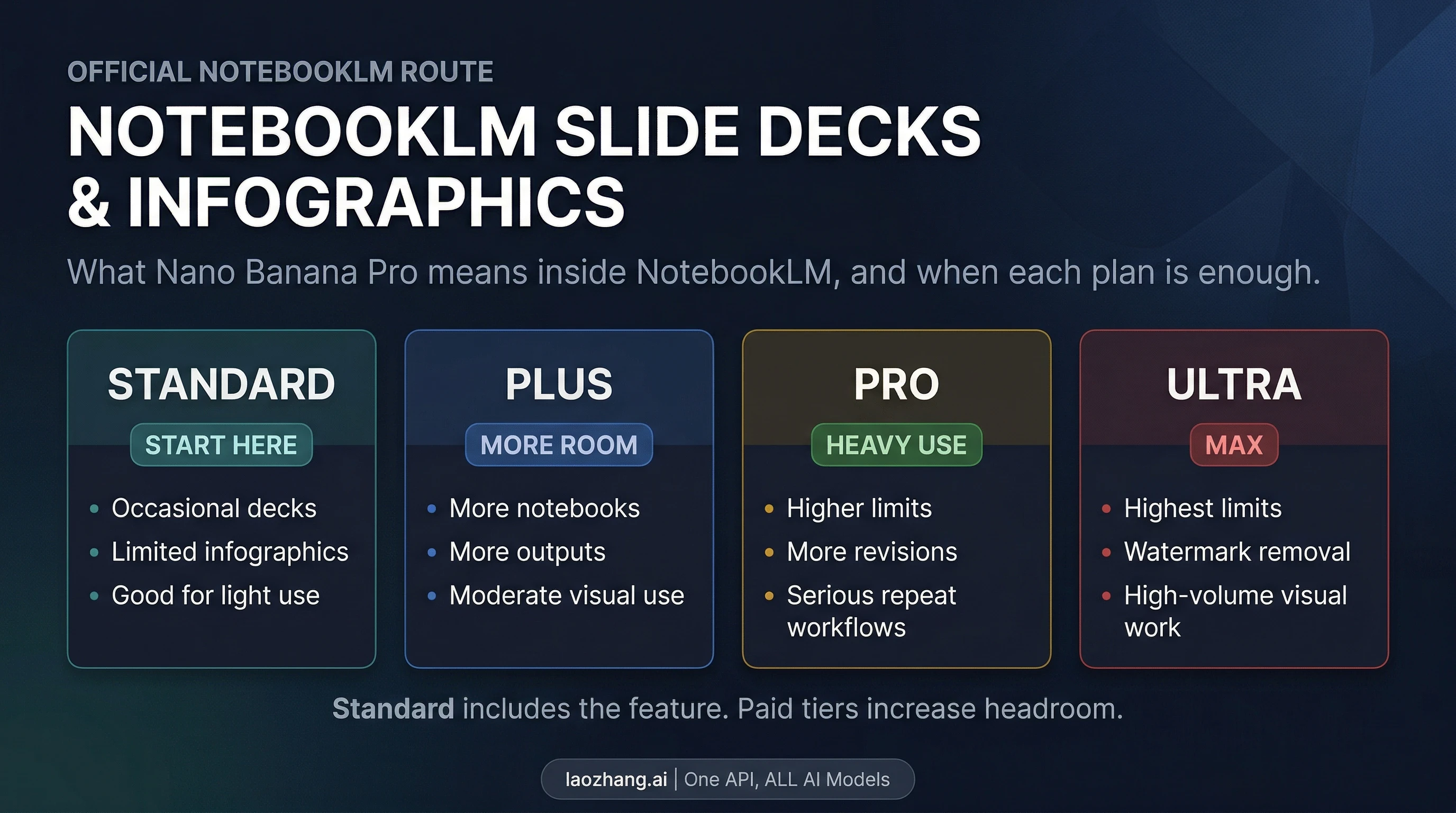
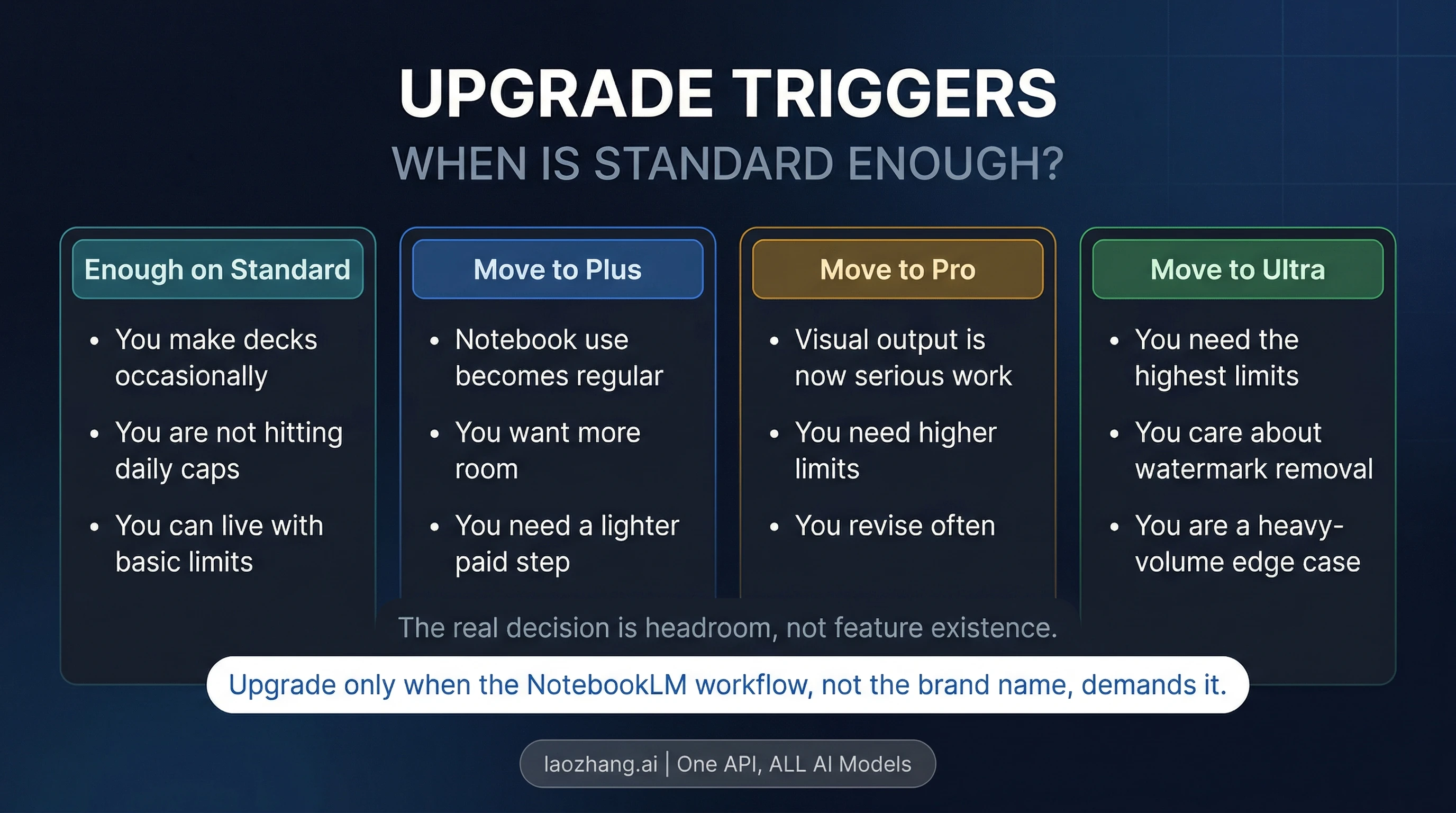
NotebookLM already uses Nano Banana Pro for slide decks and infographics. If you only make those outputs occasionally, Standard is the right default. Move up to Plus or Pro only when your notebook workflow keeps running into limits on notebooks, sources, chats, or generated outputs. Ultra is the edge case: the highest limits, plus watermark removal for those visuals.
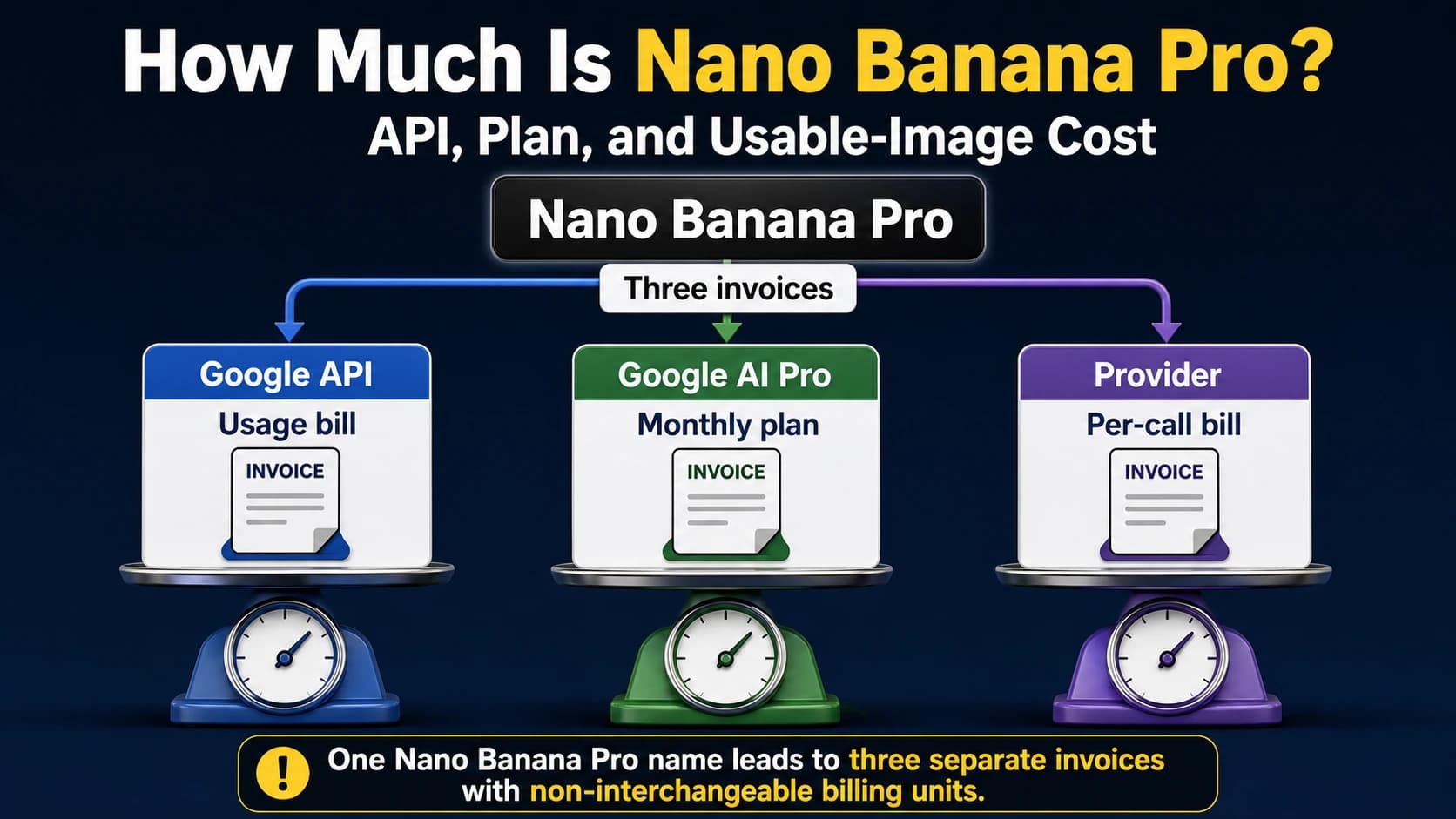
The reason this topic feels muddled is that Google reuses the Nano Banana Pro name across several surfaces. In NotebookLM, you are not deciding whether the feature exists. You are deciding how much headroom your workflow needs, and whether your job still belongs in NotebookLM at all.
As of April 7, 2026, Google's live NotebookLM help table lists slide decks and infographics on Standard, Plus, Pro, and Ultra, with paid tiers increasing limits rather than unlocking an otherwise missing feature. That is the current contract worth using.
The Fast Answer
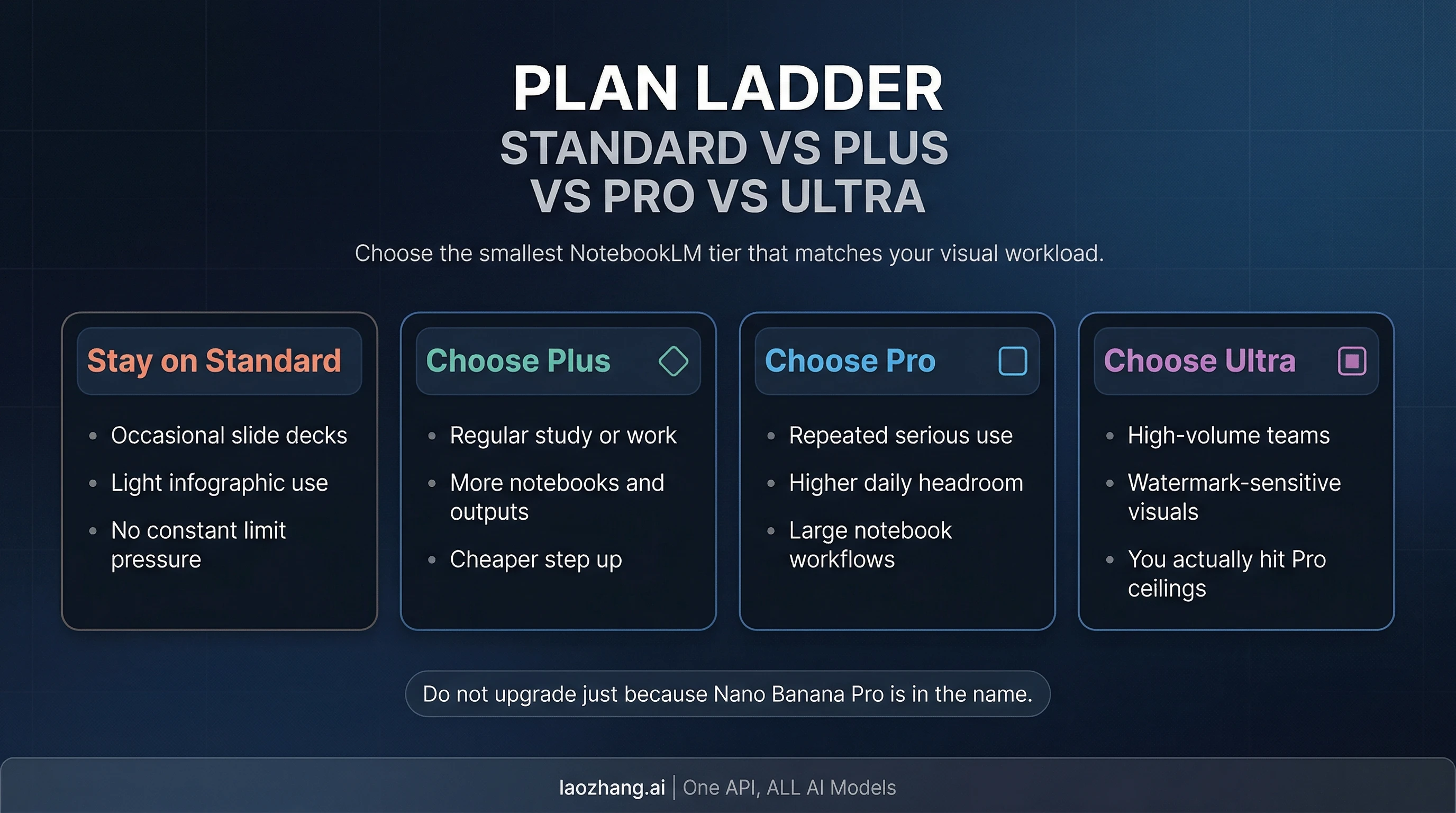
If you want the shortest useful answer, use this route board:
| Best route | Choose it when | Why it fits |
|---|---|---|
| Stay on Standard | You make occasional slide decks or infographics and are not under constant limit pressure | Standard already includes the feature and still gives you 100 notebooks, 50 sources per notebook, and 50 chats per day |
| Move to Plus | NotebookLM is becoming a regular study or work tool and you want more room without a major price jump | Plus doubles notebooks and sources, raises chats to 200 per day, and upgrades visual outputs from Limited to More limits |
| Move to Pro | You are creating repeated outputs from larger notebooks and revising often | Pro raises notebooks to 500, sources to 300 per notebook, chats to 500 per day, and pushes visual outputs to Higher limits |
| Choose Ultra only if... | You genuinely need the highest limits or you care about watermark removal on NotebookLM visuals | Ultra gives the highest overall caps, raises sources to 600 per notebook, and is the only NotebookLM tier with watermark removal for infographics and slide decks |
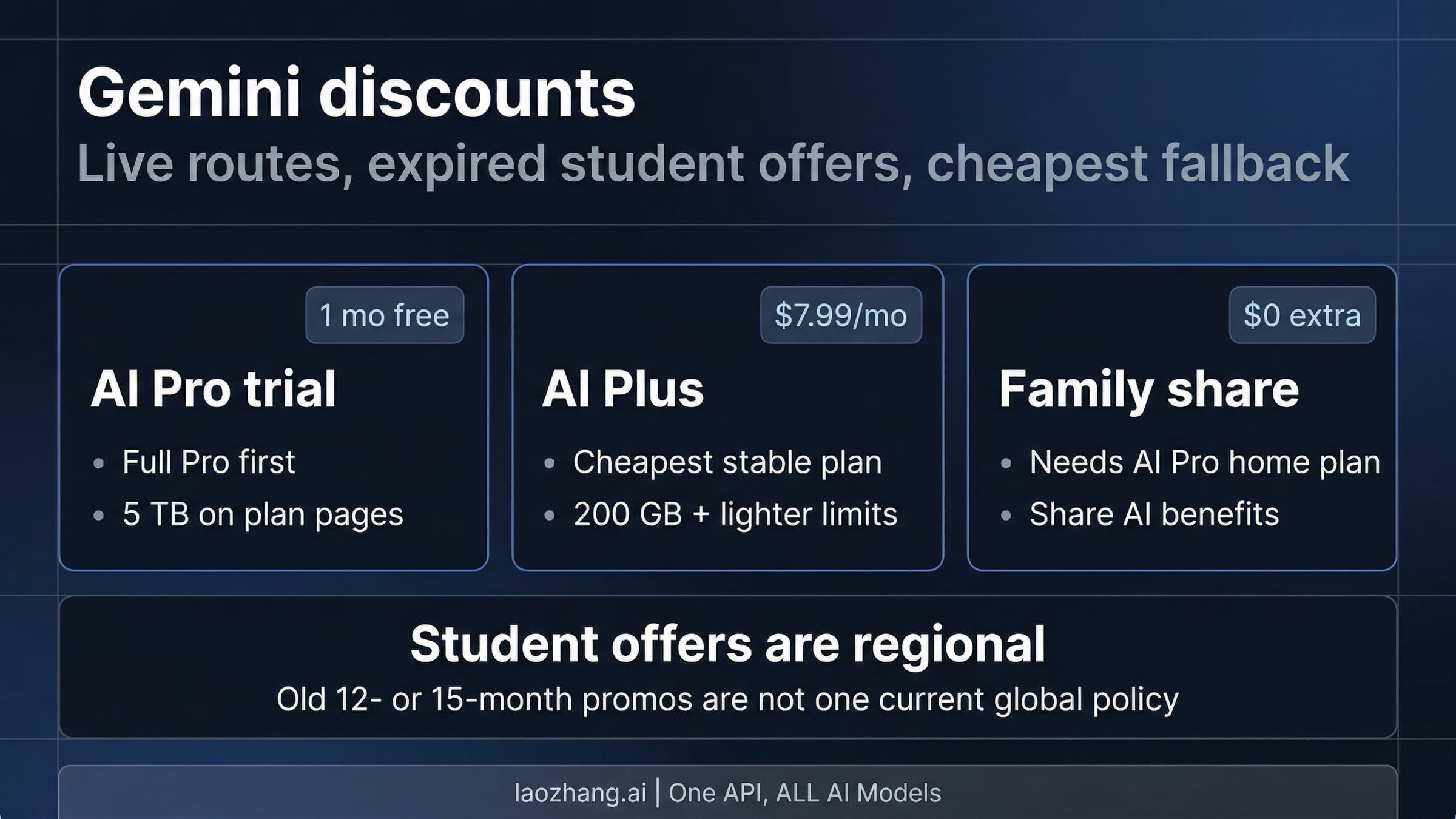
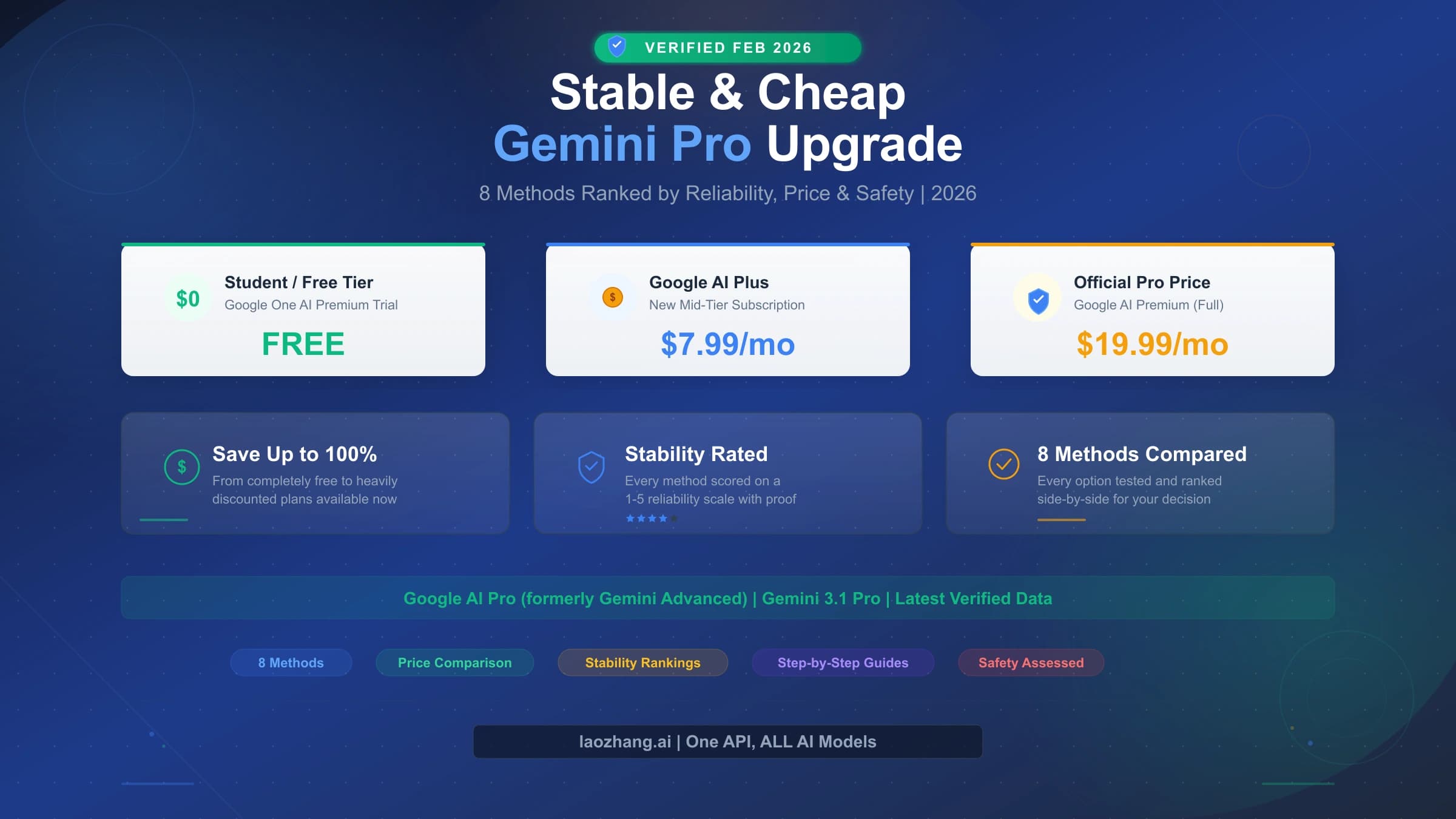
Pricing only matters after that routing decision. On Google's U.S. subscriptions page on April 7, 2026, Google AI Plus is listed at $7.99 per month with a $3.99 intro price for two months, Google AI Pro is $19.99 per month, and Google AI Ultra is $249.99 per month with a $124.99 intro price for three months. Those numbers are important because they show how steep the ladder becomes, especially at Ultra. But the price table should come after the workflow question, not before it.
That is also why the raw phrase "NotebookLM Nano Banana Pro" sends people in the wrong direction. The useful question is not "Where is the hidden Pro switch?" It is "Does Standard already cover my notebook-based visual work, or am I paying for headroom I will actually use?"
What Nano Banana Pro Means Inside NotebookLM
NotebookLM is not exposing Nano Banana Pro as a generic free-form image studio. Inside NotebookLM, Nano Banana Pro is tied to notebook-native visual outputs, specifically slide decks, infographics, and their revisions. That is a narrower and more useful framing than the broad "AI image generator" language that surrounds Nano Banana elsewhere.
Google's December 23, 2025 post about where to use Nano Banana Pro is part of why the phrase still floats around. It names NotebookLM as one of the supported surfaces and ties the NotebookLM use case directly to Slide Decks and Infographics. But that post is rollout context, not the safest present-tense contract. The better current source is the live NotebookLM help page, because it shows the actual Standard, Plus, Pro, and Ultra ladder readers have to choose from today.
That live help table changes the interpretation in an important way. Standard already includes these visual outputs, but with limited usage. The paid ladder does not turn the feature from "off" to "on." It changes how much room you have to work with. If your notebook is small, your revision cycle is light, and your visual output is occasional, Standard is not a crippled preview. It is a real default tier. If your notebook practice becomes larger, more frequent, or more production-like, the paid tiers start to matter.
There is another helpful detail in the same help page that many summaries skip. Google notes that some reports, flashcards, infographics, slide decks, audio overviews, or video overviews may be created automatically when sources are first added to a notebook, and those one-time automatic generations do not count against limits. That does not remove the paid ladder, but it does make the Standard tier less punishing than readers sometimes assume.
So the clean mental model is this: NotebookLM uses Nano Banana Pro to turn notebook material into narrative visuals. The question is not whether the engine exists in NotebookLM. The question is how often you need to push it.
Standard vs Plus vs Pro vs Ultra
Google's current NotebookLM help table is useful because it lets you read the plan ladder as workflow headroom, not vague premium marketing. Here is the practical version of that table as of April 7, 2026:
| Tier | Notebooks | Sources / notebook | Chats / day | Audio overviews / day | Video overviews / day | Deep Research | Slide decks and infographics | Best fit |
|---|---|---|---|---|---|---|---|---|
| Standard | 100 | 50 | 50 | 3 | 3 | 10 / month | Limited | Occasional notebook visuals |
| Plus | 200 | 100 | 200 | 6 | 6 | 3 / day | More limits | Regular study or work use |
| Pro | 500 | 300 | 500 | 20 | 20 | 20 / day | Higher limits | Repeated serious output |
| Ultra | 500 | 600 | 5K | 200 | 200 | 200 / day | Highest limits, plus watermark removal | High-volume or polish-sensitive edge cases |
The same help table also raises reports, flashcards, and quizzes in the same direction: 10 per day on Standard, 20 on Plus, 100 on Pro, and 1K on Ultra. That matters because a heavier NotebookLM workflow usually does not hit just one limit. If you are creating more slide decks, you are often also creating more chats, more notebook iterations, and more derived study assets around the same source set.
Standard is enough when NotebookLM is still occasional or bounded work. A student building a few exam-review decks, a researcher summarizing one project at a time, or a solo user who wants infographics now and then can stay here comfortably as long as the broader notebook caps are not getting in the way. Standard is not "Nano Banana Pro missing." It is "Nano Banana Pro with smaller room around it."
Plus is the rational first paid step when NotebookLM moves from occasional use to regular use. It is not just a visual tier. It doubles notebooks, doubles sources per notebook, quadruples chats, and lifts visual output limits from Limited to More limits. That combination matters if NotebookLM becomes part of weekly coursework, client research, or recurring project work. If you are only looking for a little more breathing room, Plus is usually the best place to start.
Pro is the tier for people whose NotebookLM output is turning into repeated serious work. You get 500 notebooks, 300 sources per notebook, 500 chats per day, 20 audio overviews, 20 video overviews, and 20 Deep Research runs per day. That is not just "more of the same." It is the point where large source collections, frequent revisions, and multi-notebook workflows start to feel supported rather than squeezed. If you routinely build visual outputs from large research packs, Pro is where the ladder begins to make real operational sense.
Ultra is the tier most readers should resist unless they can name the exact reason. It does give the highest limits across the board, and it is the only NotebookLM tier with watermark removal for infographics and slide decks. But that is a narrow promise, not a prestige badge. If you do not actually need the highest caps or watermark removal, Ultra is an expensive way to buy bragging rights. In the U.S. pricing table, it is also a huge step up from Pro, so the burden of proof should be high before you choose it.
The simplest rule is still the best one: pay for the smallest tier that removes your real bottleneck. If you cannot name the bottleneck, you probably do not need the upgrade yet.
When NotebookLM Is Not the Right Surface
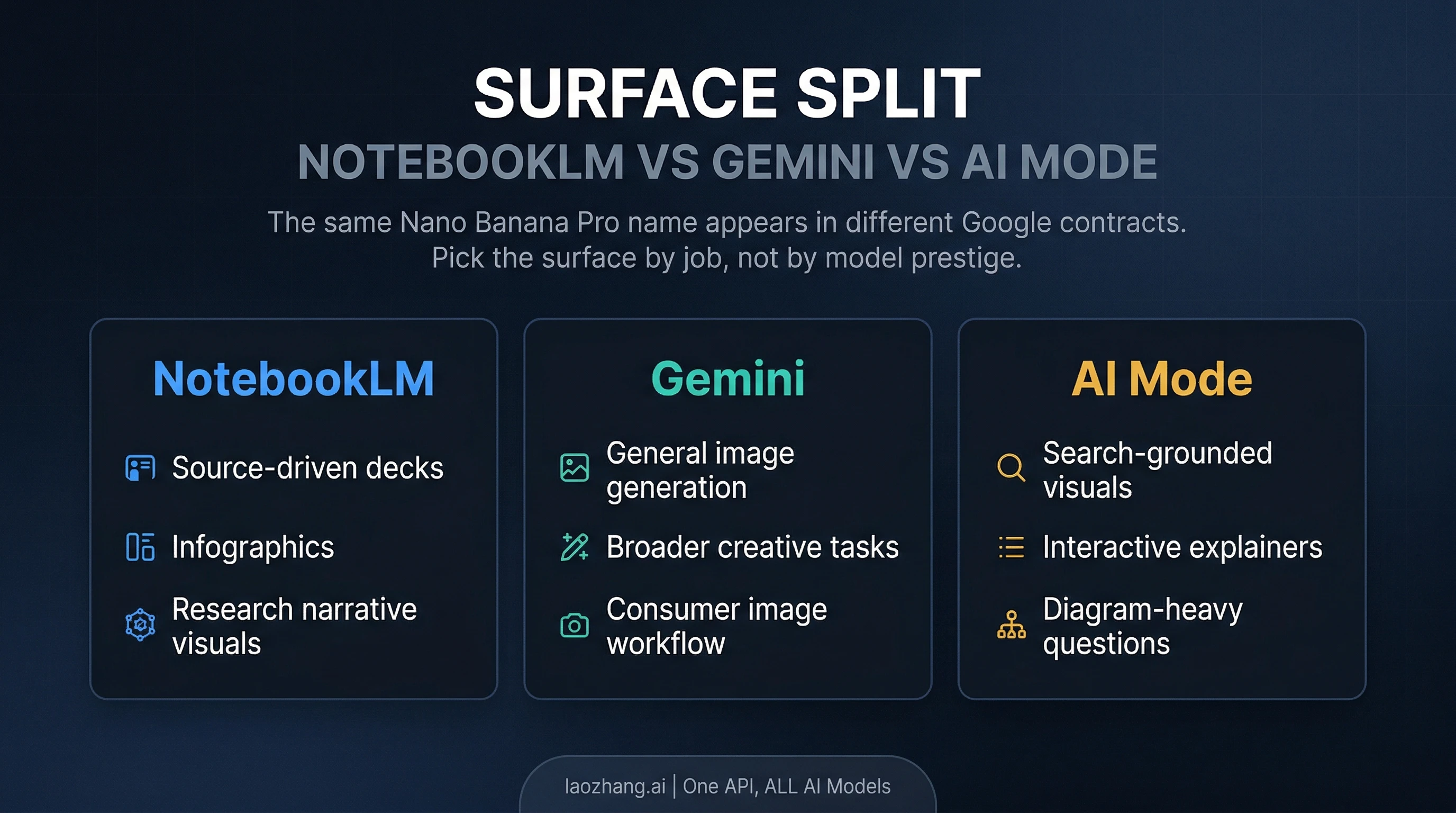
One of the main reasons this topic gets confusing is that Nano Banana Pro now appears across multiple Google products. The product name is shared, but the job is not.
Use NotebookLM when the visual output should come from a notebook's source base and reasoning flow. Slide decks and infographics are strong here because they inherit structure from the material you already uploaded. NotebookLM is the right surface when your job is "turn these sources into a visual narrative."
Use Gemini when the task is broader image generation or editing. Google's current subscriptions page attaches image generation with Nano Banana Pro to the Gemini app on paid plans. That is a different contract from NotebookLM. It is useful when you want a more general image workflow, not a notebook-native output.
Use AI Mode when the task is search-grounded visual explanation. Google's December 17, 2025 Search update describes Nano Banana Pro in AI Mode as a path for richer visual answers, and it ties higher usage limits there to Google AI Pro and Ultra subscribers in the current rollout. If your job is "explain this with a grounded diagram or infographic inside Search," that is an AI Mode question, not a NotebookLM one.
That distinction matters because otherwise you pay for the wrong thing. If you need source-driven deck creation, NotebookLM is the point. If you need open-ended image work, Gemini is broader. If you need search-grounded visual explanation, AI Mode is more direct. The shared model name does not erase the product boundary.
If your real question is broader than NotebookLM, route it deliberately. Use our Nano Banana AI image generator guide for the bigger family-and-surface map. Use our Nano Banana Pro usage guide when you need Gemini, AI Mode, or API access beyond NotebookLM. Use our Nano Banana Pro vs Nano Banana 2 comparison when the model tradeoff itself is the question. And if you are really deciding whether the overall Google AI plan bundle is worth paying for, read our Gemini discount guide.
FAQ
Does NotebookLM Standard already include slide decks and infographics?
Yes. As of April 7, 2026, Google's live NotebookLM help table lists both outputs on Standard. The difference is that Standard is marked Limited, while Plus, Pro, and Ultra raise those limits.
What does Ultra add besides higher limits?
Ultra is the only NotebookLM tier that explicitly includes watermark removal for infographics and slide decks. That is the clearest feature-level difference beyond simply getting the biggest caps.
Do auto-created infographics or slide decks count against limits?
Google's help page says some notebook outputs created automatically when sources are first added do not count toward limits. That applies to one-time automatic generations, not unlimited manual reruns.
Is Nano Banana Pro in NotebookLM the same thing as Nano Banana Pro in Gemini or AI Mode?
It is the same product name, but not the same usage contract. In NotebookLM it powers notebook-native slide decks and infographics. In Gemini it sits inside a broader image-generation workflow. In AI Mode it belongs to a search-grounded visual explanation path.
When should you actually pay to upgrade?
Upgrade when your real bottleneck is clear: you are hitting notebook, source, chat, or output caps often enough that the next tier will change your workflow. Do not upgrade just because the Nano Banana Pro name sounds premium.