Gemini 3.2 Flash: What Google's Official Model List Shows
Gemini 3.2 Flash is not listed in Google's current Gemini API catalog. Check the confirmed Flash releases and find the model ID to use for your application.
On this page
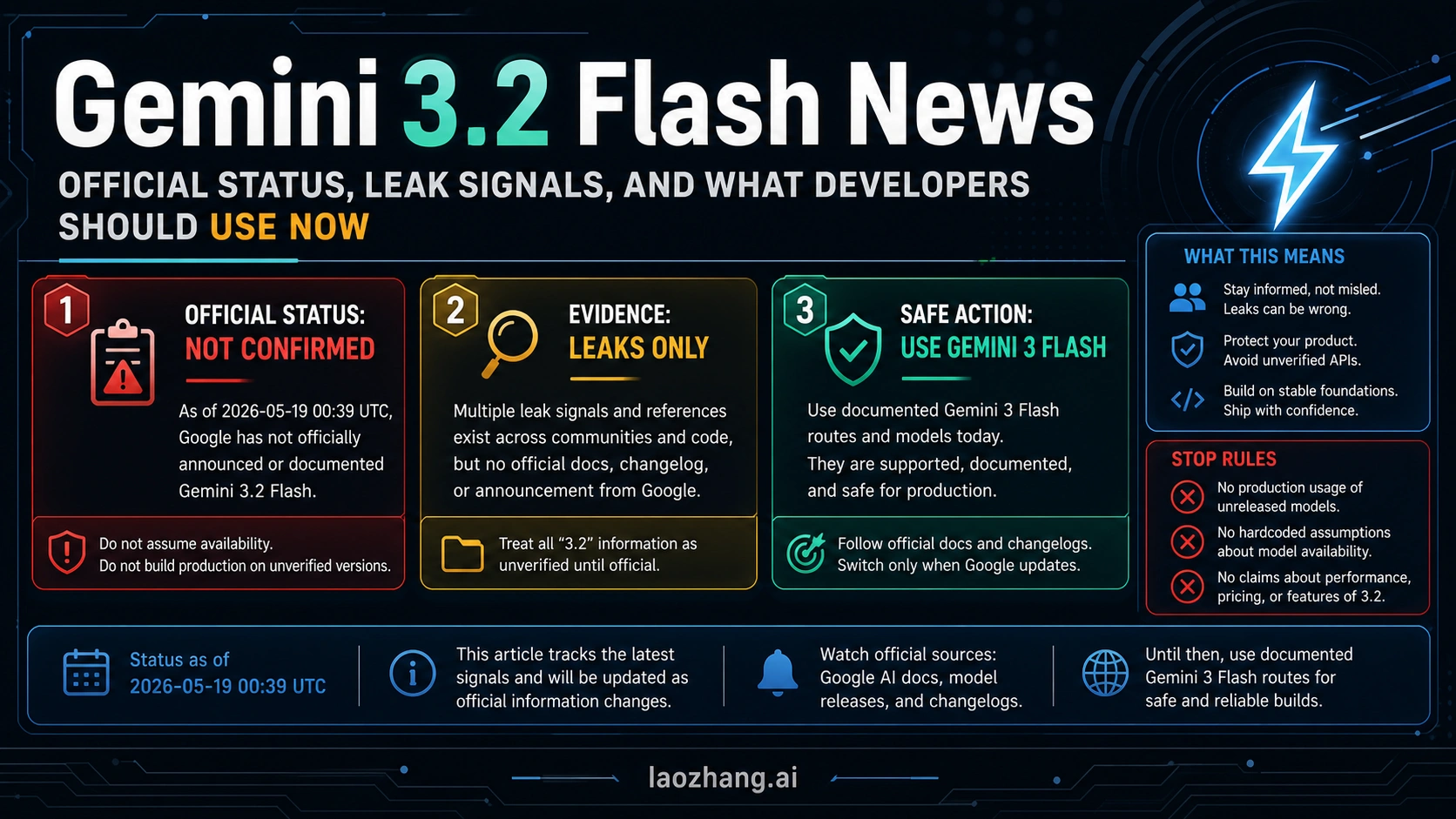
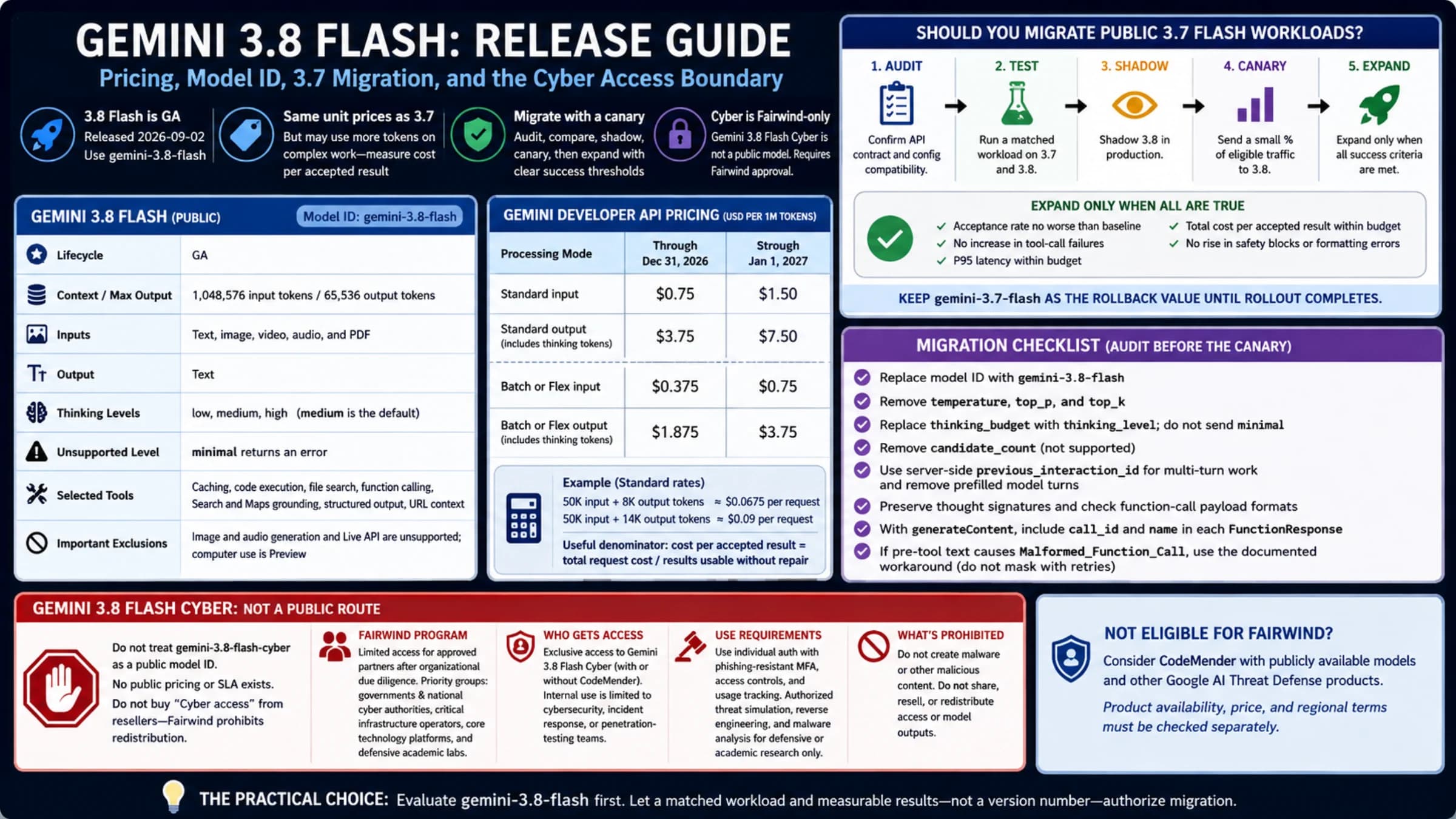
Google's current Gemini API model catalog does not list Gemini 3.2 Flash, as checked on September 7, 2026. It does list later Flash models, including the stable gemini-3.8-flash. Use an exact model ID from the official model catalog when configuring an application; a name in an old article or product screenshot is not enough to identify an API model.
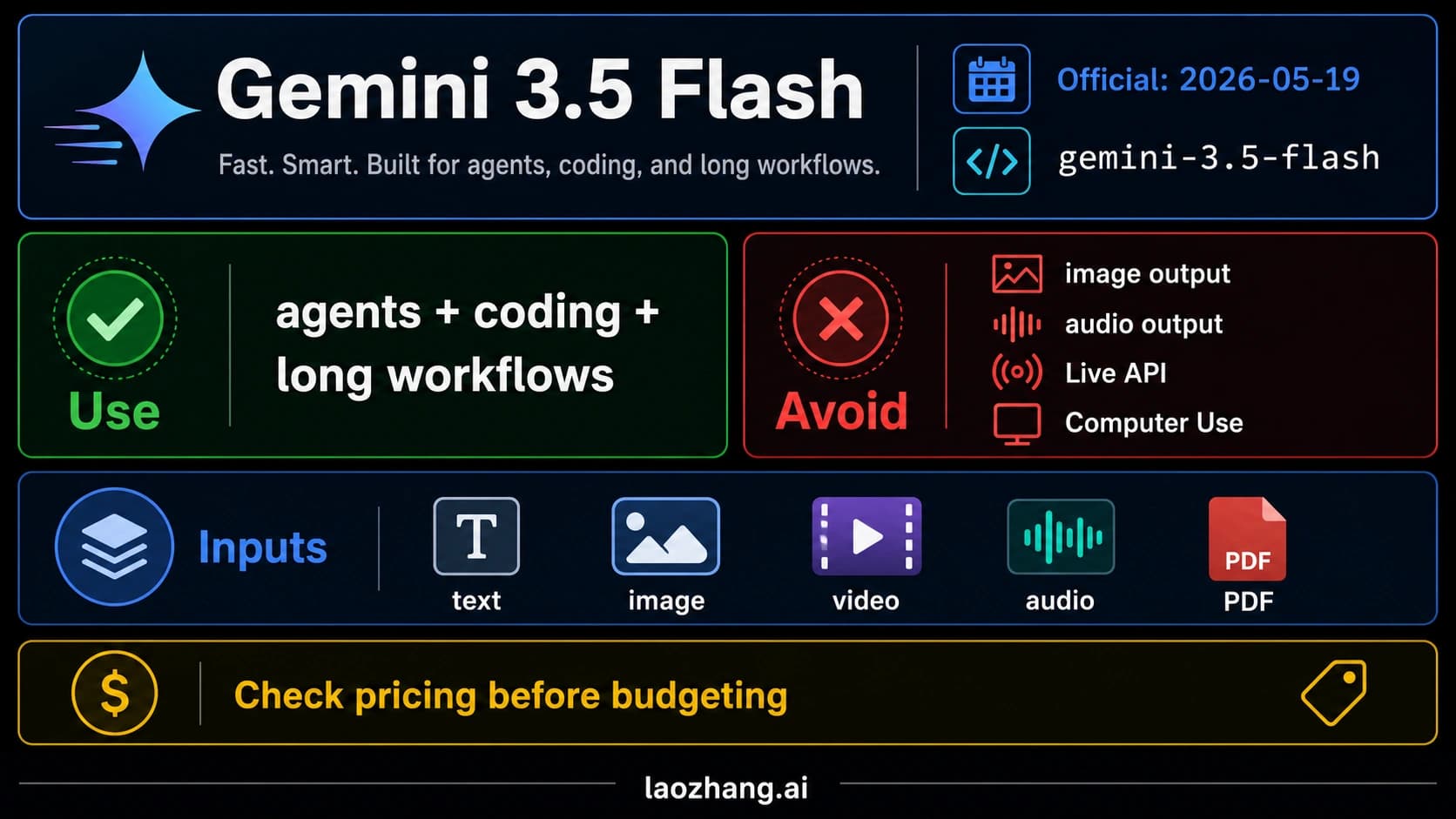
The official release history also resolves the old expectation of an announcement around Google I/O: Google's May 19 entry announced Gemini 3.5 Flash. That event has already happened, so waiting for I/O is no longer a useful next step.
What was actually released?
The Gemini API release notes record these two relevant releases:
| Date | Confirmed release | API model ID |
|---|---|---|
| May 19, 2026 | Gemini 3.5 Flash, generally available | gemini-3.5-flash |
| September 2, 2026 | Gemini 3.8 Flash, generally available | gemini-3.8-flash |
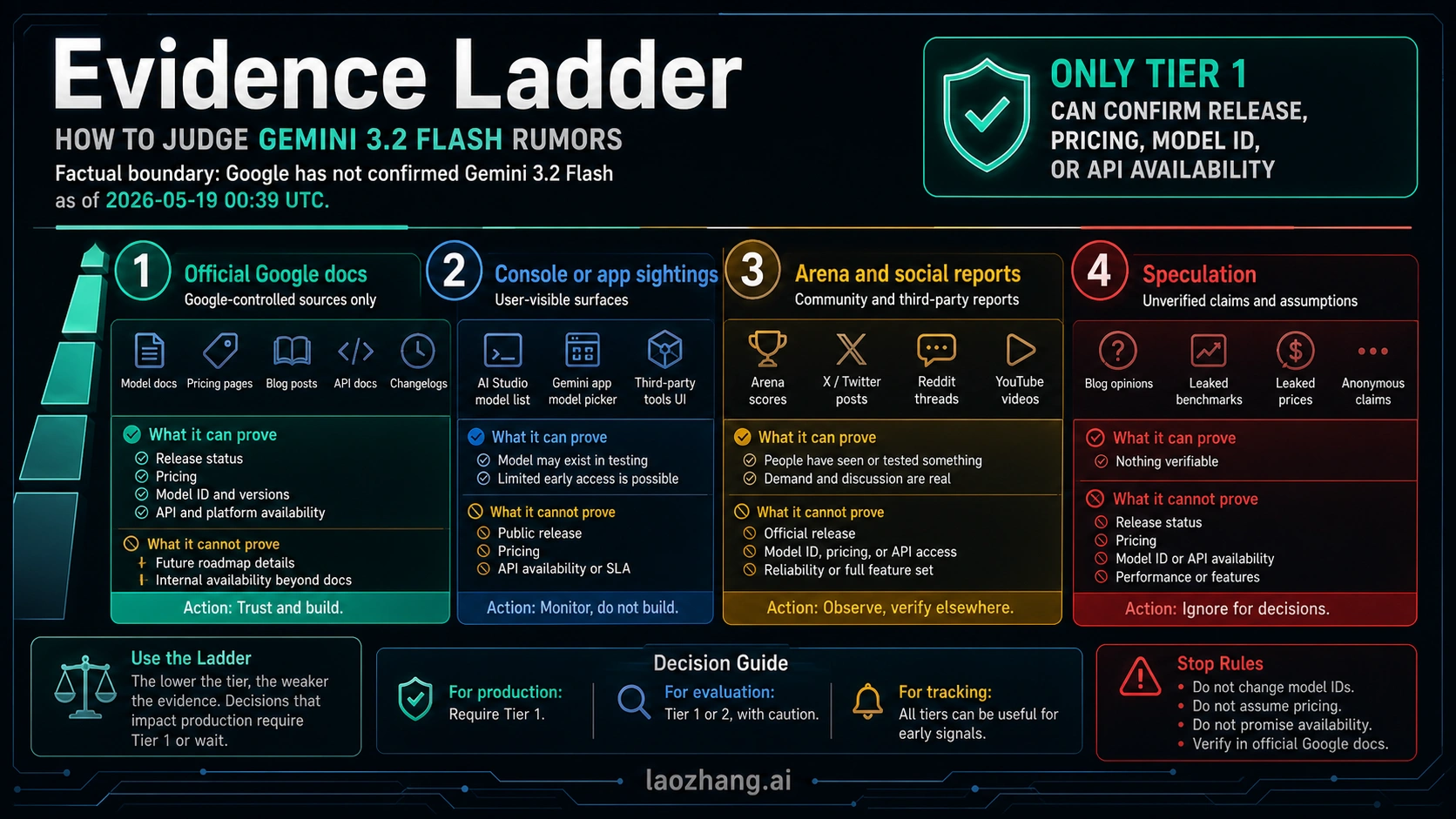
Neither entry establishes that Google formally renamed Gemini 3.2 Flash to one of those models. A later version number does not prove the identity of an earlier rumored or internal name. The supported conclusion is narrower: 3.2 Flash is absent from the current public API catalog; 3.5 and 3.8 have documented releases.
That distinction matters if you are checking a model recommendation rather than following release news. You can evaluate a documented model today without needing to resolve what every earlier screenshot meant.
Which Flash model should you look at now?
For a new general-purpose Flash integration, start by reviewing the current Gemini 3.8 Flash model page. If you already have a working integration, compare the candidate with your current model on the task you need to complete before changing it.
The Flash family also contains models for different jobs. The current catalog distinguishes general Flash models from Flash-Lite, Live audio and image-generation models. A similar name does not mean the input types, outputs or billing are interchangeable.
| What you need | Useful next step |
|---|---|
| General text, multimodal understanding or coding work | Review gemini-3.8-flash and its documented capabilities. |
| A low-cost, high-volume workload | Compare the documented Flash-Lite options against your requirements. |
| Real-time voice | Use the Live API documentation and its model IDs. |
| Image generation | Choose a documented image model; a general Flash name is not an image-generation setting. |
For current 3.8 pricing and migration details, continue to the Gemini 3.8 Flash guide. This page addresses the 3.2 name; that guide covers the separate task of evaluating and integrating the released model.
What if an app or provider displays “3.2 Flash”?
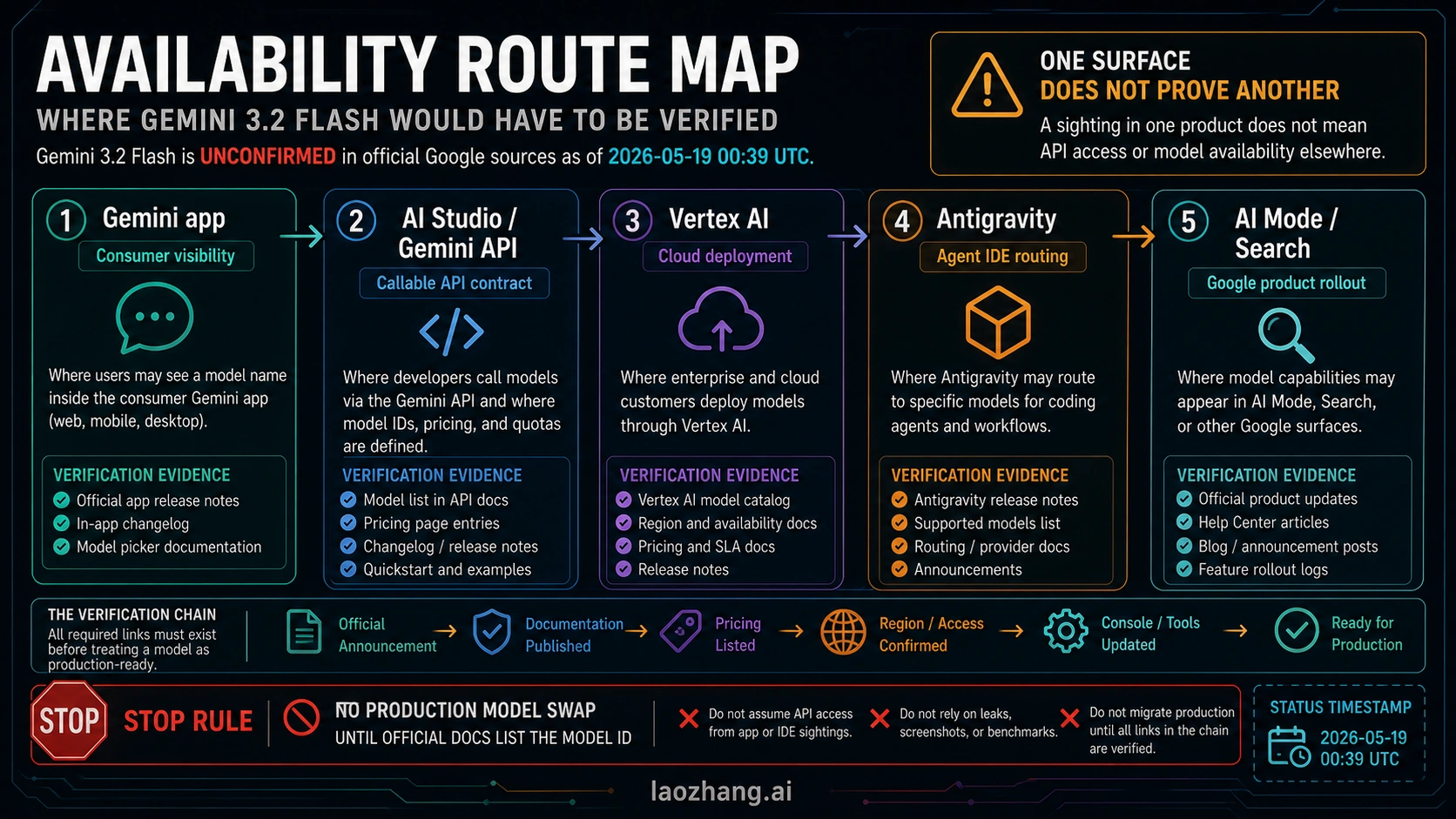
Identify which service shows the name. A label in the Gemini app, an IDE, a cloud console or a third-party model menu does not automatically identify the same publicly callable Gemini API model.
For an application you maintain, check the configured provider and the exact model string it accepts. If a third-party service uses its own alias, ask it which underlying model the alias represents and where its availability and pricing are documented. Avoid copying that alias into a direct Google request unless Google's documentation lists it there.
For a Google Cloud integration, check the model and regional availability in the documentation for that service. This article's catalog check concerns the Gemini API; it is not an account-level access test for every Google product.
Does Gemini 3.2 Flash have an official API price or release date?
The current catalog and release history checked for this article do not provide a Gemini 3.2 Flash API model entry or a confirmed release date for that exact name. Do not attach another model's price to it simply because the version number is close.
Once you have selected a documented model, use its current pricing and limits. The Gemini API pricing guide can help with the cost calculation, while the official model page identifies the API model you are actually buying access to.