Artlist Nano Banana Pro: How to Create, Refine, and Budget an Image
Choose Nano Banana Pro in Artlist AI Toolkit’s Image prompt, start with one 2K output, and check the cost before generating. Pro currently uses 160 credits at 1K or 2K and 280 at 4K; Unlimited depends on your plan’s exact model list.
On this page
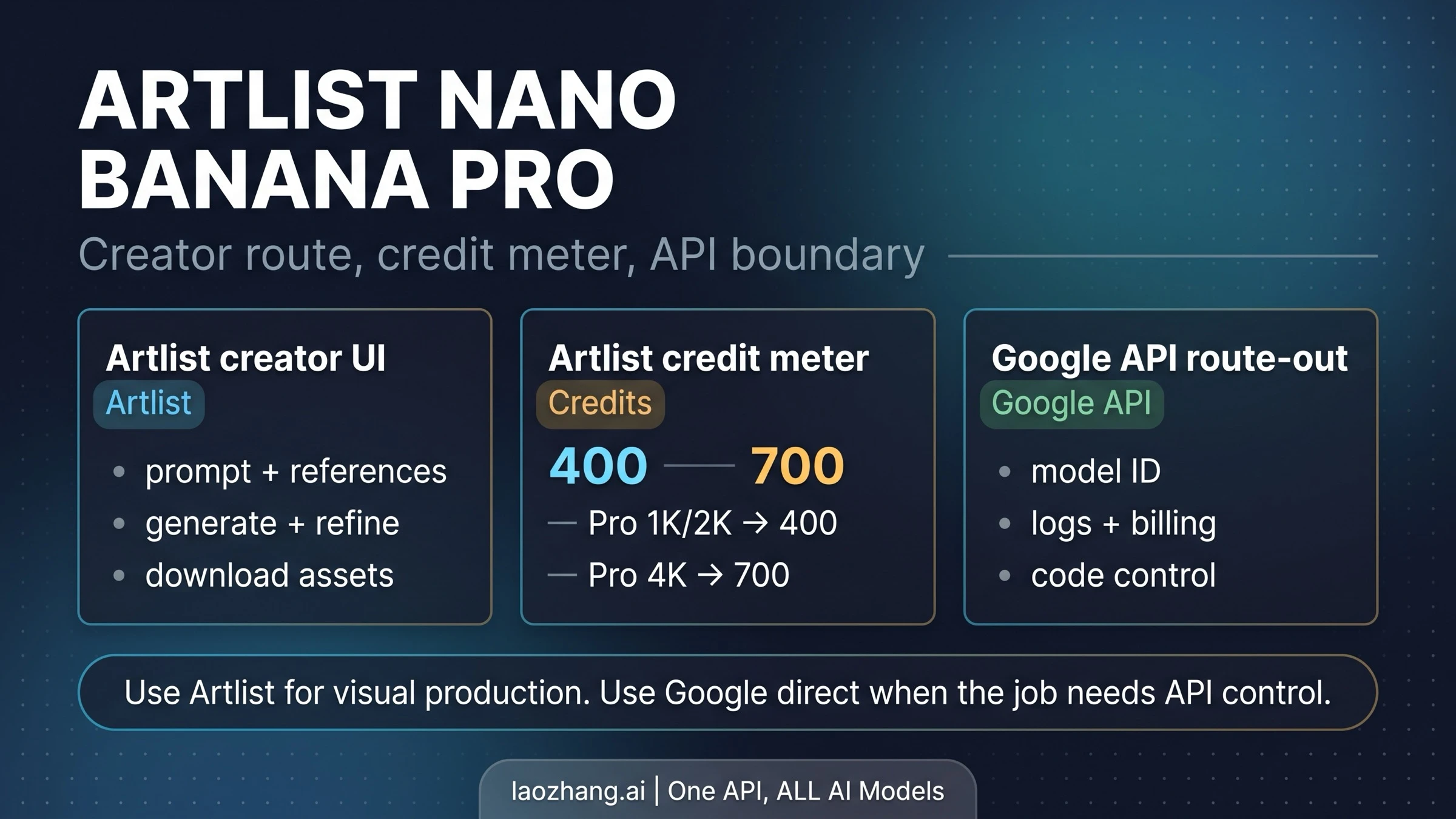
To use Nano Banana Pro on Artlist, open AI Toolkit, choose Image in the dynamic prompt, select Nano Banana Pro, and set your aspect ratio, resolution, and image count. For a first attempt, one 2K image is a useful starting point: Artlist currently charges 160 credits per image at either 1K or 2K, versus 280 at 4K. Hover over Generate to check the deduction before committing. Those are Artlist Toolkit credits, not Google API prices. Artlist’s generation instructions and credit table describe the current controls and costs.
A workable session has three parts: establish the composition, edit the promising image without changing everything at once, and download the accepted result. The example below uses a fictional coffee-shop promotion to make those decisions concrete. It is a suggested production exercise based on Artlist’s documented interface, not a report of images generated or bills paid for this guide. Prices and plan conditions were checked on October 7, 2026.
Choose your model and credit mode first
Artlist offers Nano Banana Pro as a Gemini 3 Pro-based image model inside its creator interface. Its model page promotes text rendering, reference-based editing, and detailed output. Treat those as reasons to consider Pro for a demanding layout, not a guarantee that every label, product detail, or face will be correct.
For a paid credit session, compare the resolution you will actually use:
| Artlist Toolkit model | 1K image | 2K image | 4K image |
|---|---|---|---|
| Nano Banana Pro | 160 credits | 160 credits | 280 credits |
| Nano Banana 2 | 90 credits | 130 credits | 200 credits |
| Nano Banana 2.1 | 75 credits | 125 credits | 200 credits |
| Nano Banana 2.1 with Web Search | 90 credits | 140 credits | 220 credits |
These are per-image credit costs, from Artlist’s current Toolkit table. Image count multiplies the spend: four Pro 2K outputs cost 640 credits, not 160 for the whole batch. Other settings and model choices can change the cost shown by Generate.
At 2K, Pro’s premium over Nano Banana 2.1 is 35 credits per image. Choose the cheaper model when you mainly need to explore framing or color; consider Pro when the exercise depends on a short headline, a specific reference object, or several layout constraints. Neither the price difference nor the model name proves which will produce your usable image first. For a broader choice beyond Artlist, see when to use Nano Banana 2 Lite, 2, or Pro.
Unlimited requires the right model, settings, and subscription. Artlist’s Unlimited Help table lists Pro at 2K in certain 500K-and-above tiers; it does not include Pro in its 40K or 80K–240K rows. The public shop’s current Starter, Core, and Creator model lists also do not include Pro in their listed Unlimited models. An annual plan saying “Unlimited” therefore does not establish unlimited Pro, and it does not establish Pro 4K eligibility.
In the Image prompt, look for the eligible Unlimited toggle and infinity indicator for the selected model. If Pro is not covered, budget its credit cost. Monthly plans and annual plans below 40K do not have Unlimited under the current Help rules. Covered use remains subject to capacity and fair-use limits; Artlist’s shop also distinguishes faster allowances from standard-speed generation. Current plans and Unlimited FAQ are the place to check a purchase offer, rather than assuming an older Help tier is still sold in the same form.
Make a first image in AI Toolkit
Use a single, clear job for the first pass. Our example is a 16:9 hero image for a fictional coffee-shop pop-up, with a mug on one side and room for a headline on the other. A 2K version is sufficient to judge the composition; moving to 4K before the layout works only increases the cost of rejected attempts.
- Open Artlist AI Toolkit and choose Image. In the dynamic prompt, select Nano Banana Pro from Model. Confirm that your subscription includes image generation and whether this selection uses credits or eligible Unlimited.
- Add a reference only if you need to preserve something specific. For this exercise, an optional photo of your own plain ceramic mug supplies its shape and handle position. Tell the prompt which reference should control which detail. Artlist’s Pro settings allow up to 14 input images, but that maximum is not a reason to fill every slot.
- Write the image request. Describe the subject, placement, background, lighting, and exact short text. Set the ratio to 16:9, resolution to 2K, and image count to 1 for an inexpensive first check. The documented output count is one to four images.
- Hover over Generate. For one Pro 2K image in credit mode, the current table predicts 160 credits. If the interface shows a different cost or an unexpected model, resolve that before generating.
- Generate in your session and open the result. Judge whether the composition answers the brief before asking for another version. Keep the session so you can return to the promising result and its settings.
Here is an original example prompt you can adapt. The coffee shop and event are fictional; replace the copy with text you have approved for your own project.
Create a 16:9 promotional hero image for a small coffee-shop pop-up.
Place one matte ivory ceramic mug on a pale oak counter in the right
third of the image. Show the entire handle and leave generous clear
space on the left. Use soft morning light from the left, a warm cream
background, and a restrained editorial photography style.

On the left, include only this headline, in two lines:
"SATURDAY"
"COFFEE CLUB"
Use large dark charcoal lettering with generous spacing. Do not add
prices, dates, logos, extra words, or decorative badges.

If a mug reference is attached, use it for the mug shape and handle
position. Keep the scene and background as described here.
The prompt assigns the reference a limited job instead of asking the model to infer which parts to copy. The two-line headline makes the text check straightforward. If you need precise brand typography or long legal copy, another practical choice is to request the same scene with the left side blank and add the approved text in your design editor.
A satisfactory first pass has the mug in the right third, a complete handle, useful negative space, and the requested lighting. A photographically attractive result that leaves no place for the headline still misses the brief.
Refine the selected image, then check the download
Open the promising image and use Use → Edit to request a specific change. Artlist’s session instructions also describe Recreate and Upscale, along with the image details showing its prompt, references, model, ratio, resolution, file type, and date.
For example, if the mug and lighting work but the headline crowds the handle, try:
Keep the mug, its shape, the lighting, and the camera angle unchanged.
Move the two-line headline farther left and make it slightly smaller.
Preserve the exact words "SATURDAY" and "COFFEE CLUB". Keep a clear gap
between the lettering and the mug handle. Add no new objects or text.
Inspect what changed. If the edit also changed the mug, return to the prior image and narrow the request further rather than accepting an unwanted product change. If the wording is still wrong after a focused revision, use a text-free version and set the headline in your editor. That gives you an explicit stopping rule instead of spending credits indefinitely on the same defect.
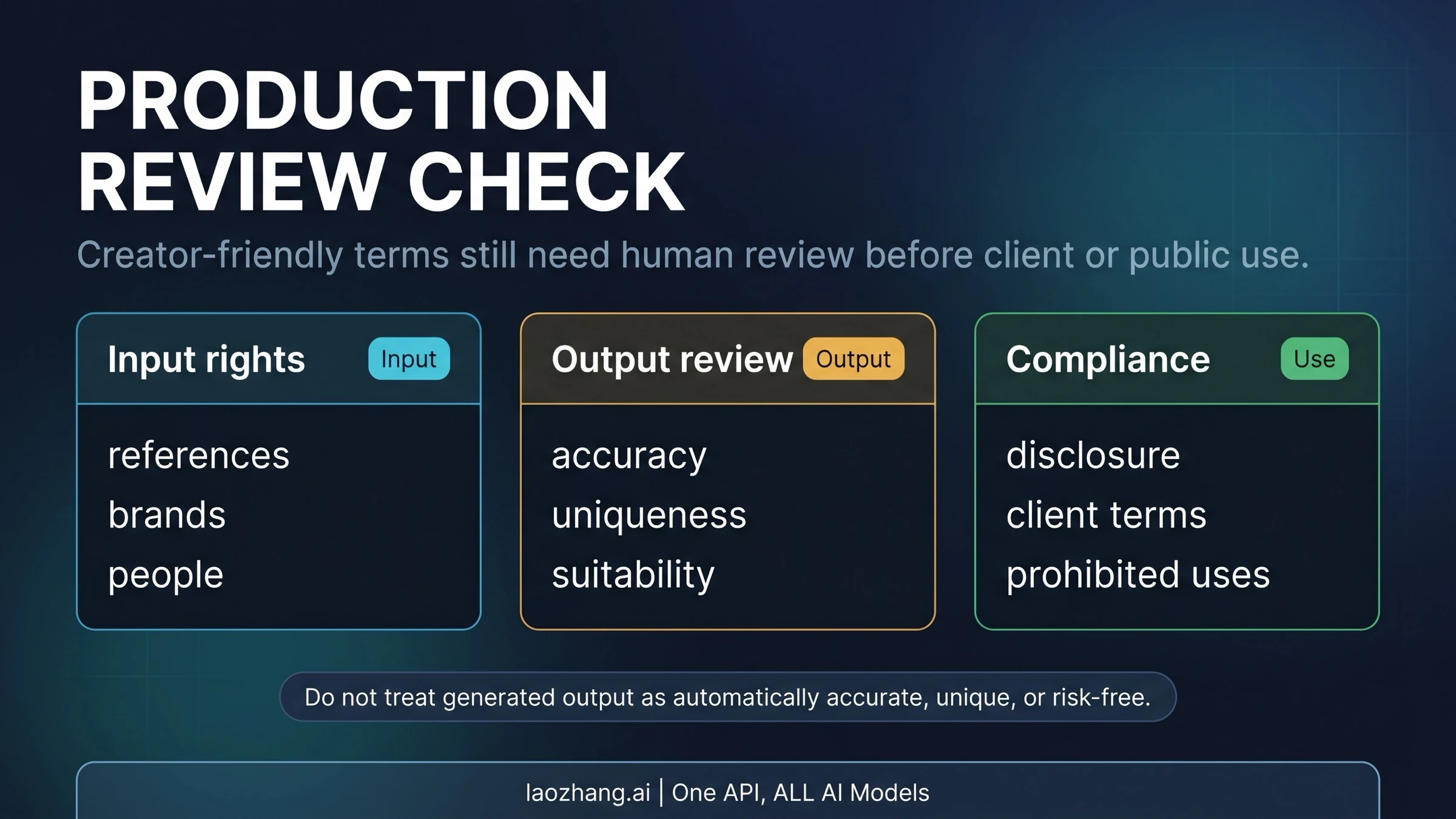
Before delivery, check the actual image file against the intended use:
- Copy: both headline lines are spelled correctly; there are no invented prices, dates, or stray words.
- Subject: the mug has a plausible rim and handle, and any reference-dependent details you need are preserved.
- Layout: text and subject survive the crop and safe margins of the destination page or social placement.
- Output: the selected resolution is adequate, and the downloaded file opens with the expected dimensions and file type.
When the composition passes, choose 4K only if the destination or crop needs it, checking the displayed cost again. Pro supports 1K, 2K, and 4K in Artlist, but a larger file cannot fix incorrect words or a changed product shape. An Upscale action can have its own model and cost; do not assume every action in the Use menu costs the same as a new Pro image.
Select Download from the accepted image’s details. Save the final file, approved copy, and useful prompt/settings with your project. Sessions can be reopened, and selected outputs can be downloaded in a ZIP, but Artlist does not support an automatic export of an entire session. Its Help also says an expired subscription allows viewing prior generations but not downloading them. Session Help explains those controls; the Terms of Use do not guarantee archival or backup storage. Download the assets you need while entitled to do so.
Budget attempts rather than promised finished images
A useful credit budget reserves room for revisions. Suppose you allow four Pro 2K candidates, two further 2K generations for edits, and one final Pro 4K generation. Under the current credit table, the arithmetic is:
| Planned output | Calculation | Credits |
|---|---|---|
| Four 2K candidates | 4 × 160 | 640 |
| Two additional 2K images for revisions | 2 × 160 | 320 |
| One 4K final generation | 1 × 280 | 280 |
| Total allowance | 640 + 320 + 280 | 1,240 |
This is an offline planning example assuming each action is billed as the stated Pro output. It excludes other tools, different editing or upscaling costs, and further retries; it does not promise a finished asset after seven images. Check the actual action’s displayed cost. Four Nano Banana 2.1 1K concept images would instead use 300 credits, but switching models can change the result and may require more work to reproduce the chosen direction.
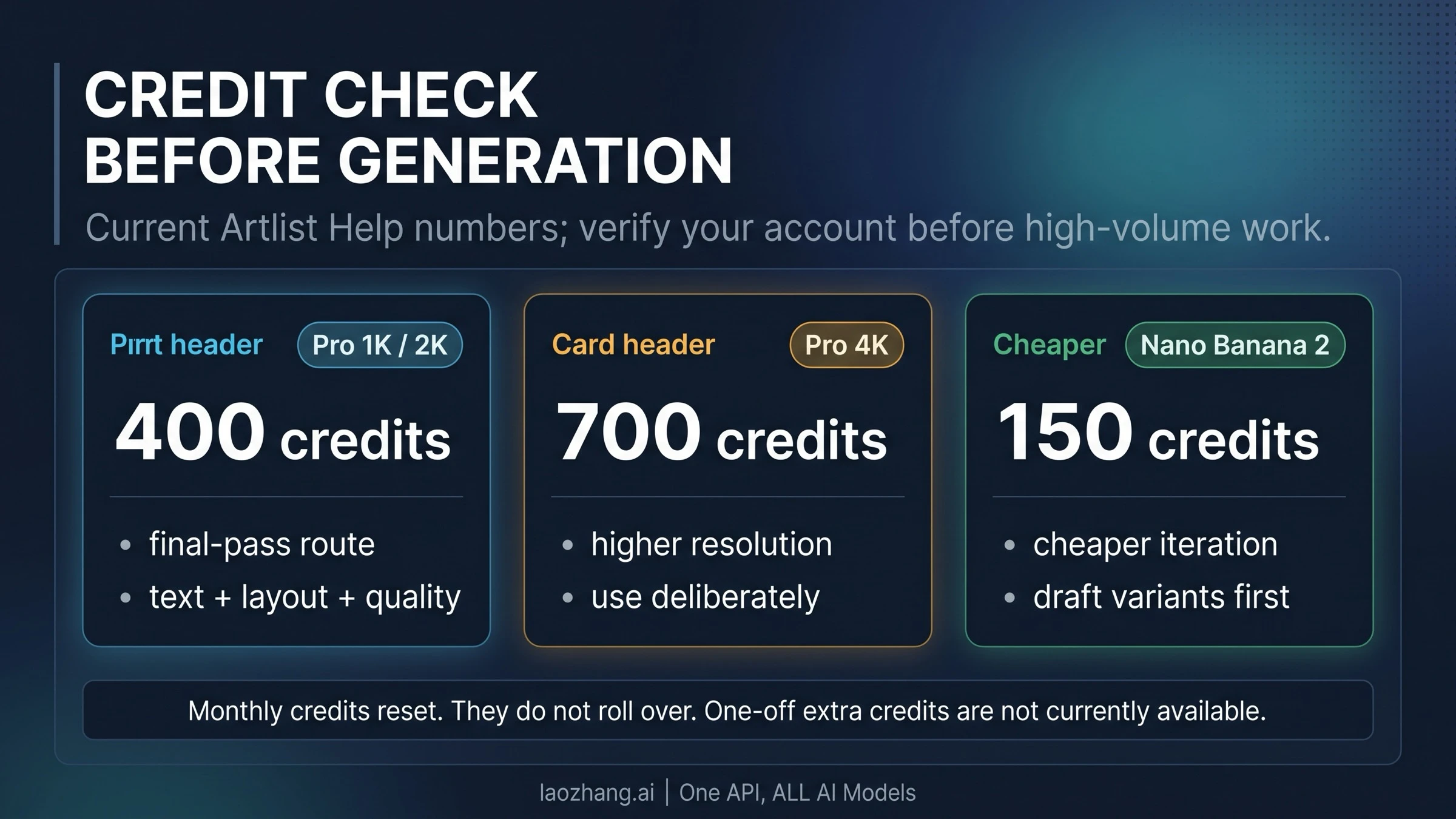
For a new subscription, the public USD offers observed on October 7 were:
| AI plan | Monthly credit pool | Annual billing, monthly equivalent | Month-to-month billing |
|---|---|---|---|
| Starter | 16,500 | $11.99 | $19.99 |
| Core | 40,000 | $23.99 | $39.99 |
| Creator | 80,000 | $41.67 | $69.99 |
The annual column is billed annually, not a month-to-month price. Taxes are excluded, and your checkout currency or offer may differ. These are public shop figures, not a universal Pro Unlimited entitlement. A plan’s advertised “up to” image count can refer to cheaper models and should not be read as the number of Pro images you will receive.
For an existing subscriber, compare the 1,240-credit example with your remaining pool and the other AI work you need that month. For a new user making one occasional image, compare the total subscription commitment with how often you will use the Toolkit; dividing a plan price by its pool alone does not establish your cost per accepted image.
Monthly credits are shared across permitted AI tools and reset without rollover. Top-ups are an exception for qualifying AI Suite 80K/Max 80K or higher plans, not an option on every plan; purchased top-ups expire 30 days after purchase. Plan naming in Help and the shop differs, so confirm your specific eligibility. An upgrade also takes already-used credits into account. Artlist’s credit FAQ covers these rules.
If generation fails or the output is unsuitable
A completed image you dislike still costs credits, even if you never download it. That is different from a failure message explicitly saying no credits were used. Artlist documents that wording for certain safety, temporary-error, expired-input, and high-demand cases; it does not establish a refund rule for every failed request. Troubleshooting Help and the credit FAQ make the distinction.
| Symptom | Useful next action |
|---|---|
| Reference upload is rejected | Check that its aspect ratio is between 0.4 and 2.5 and remove transparency or hidden alpha from a working copy; retain your original. |
| Reference has expired | Re-upload the needed reference before another attempt. |
| Safety message | Review the request and inputs against the stated restriction; do not keep submitting the same blocked request. |
| Generation stays at 99% | Check for a temporary service or high-demand message; the symptom alone does not prove an account problem. |
| Image completes but misses the brief | Edit the specific defect or change the approach; budget the new generation rather than expecting a refund for dissatisfaction. |
The upload limits and error descriptions come from Artlist’s image troubleshooting guide. Keep the session and relevant error details if you need support to investigate an unexplained deduction.
Artlist automation and Google API pricing are separate choices
Artlist is no longer limited to manual generation: its MCP integration supports generation from compatible assistants and requires an active Artlist subscription for generation. However, Artlist’s pricing FAQ says MCP usage is credit-based even when you have Unlimited on Artlist. An Unlimited browser workflow therefore does not imply unlimited assistant-driven generation.
Choose Artlist when its image interface, sessions, and subscription fit your creative work. Choose Google’s developer tools when you need to specify a direct model ID and use Google project billing. Google currently identifies Pro as gemini-3-pro-image in its image-generation documentation. Artlist’s “Nano Banana Pro” label describes the model family it offers; the public label does not prove an identical backend build or every setting available through Google’s API.
Google’s Standard paid price has an image-output equivalent of $0.134 for 1K/2K and $0.24 for 4K, with no Standard free tier for Pro. Those are output-only equivalents, not the whole request bill: input, text/thinking output, search where used, and additional attempts can add cost. Batch and Flex have separate prices. Google’s pricing table cannot be used as a dollars-to-Artlist-credits exchange rate. For the Google entry points and direct setup, use the Nano Banana Pro usage guide.
FAQ
Can I try Nano Banana Pro on Artlist for free?
The current standard Artlist Trial includes two Nano Banana 2 Lite images, not a stated Pro allowance. AI Trial images are for evaluation and cannot be downloaded or used in projects. A “Try Free” button on a Pro marketing page does not establish free Pro credits for your account.
Do Artlist credits roll over?
No. Monthly credits reset without rollover. Qualifying AI Suite 80K/Max 80K-and-above subscribers can buy top-ups, which expire after 30 days. See the current credit rules for your plan’s conditions.
Is Nano Banana Pro included in Artlist Unlimited?
Only for the exact listed plan and model settings. The current Unlimited Help table lists Pro 2K in certain 500K-and-above tiers; current ordinary shop model lists do not include it. Neither annual billing alone nor an Unlimited label promises Pro 4K. Check the selected model’s eligible Unlimited control before generating.
Can I use my Artlist-generated image commercially?
Artlist’s Terms of Use say it claims no ownership of your AI Output and assigns any rights it has, subject to compliance. You still need rights and consent for your inputs and must review the result; Artlist does not warrant originality, non-infringement, or copyright protection. If you use Artlist stock as an input, that stock and derived material remain subject to the Artlist License, rather than becoming unrestricted merely because AI edited them.
Sources14
External pages this guide links to, in the order they appear. Last updated Oct 8, 2026.
Sources14
External pages this guide links to, in the order they appear. Last updated Oct 8, 2026.
- 1.Artlist’s generation instructionshelp.artlist.io/hc/en-us/articles/33160752449437-AI-Toolkit-Generating-AI-Images
- 2.credit tablehelp.artlist.io/hc/en-us/articles/38815633707421-AI-Toolkit-Understanding-credits-for-AI-Image-and-Video
- 3.model pageartlist.io/ai/models/nano-banana-pro
- 4.Unlimited Help tablehelp.artlist.io/hc/en-us/articles/38932625351709-AI-Toolkit-Understanding-Unlimited-Models
- 5.Current plans and Unlimited FAQartlist.io/page/pricing
- 6.Pro settingshelp.artlist.io/hc/en-us/articles/33140236536221-Nano-Banana-Pro
- 7.session instructionshelp.artlist.io/hc/en-us/articles/37479560087453-AI-Toolkit-AI-sessions
- 8.Terms of Useartlist.io/help-center/privacy-terms/terms-of-use
- 9.Troubleshooting Helphelp.artlist.io/hc/en-us/articles/33156143103773-AI-Toolkit-Troubleshooting-AI-Image-and-Video
- 10.MCP integrationartlist.io/mcp
- 11.image-generation documentationai.google.dev/gemini-api/docs/image-generation
- 12.Google’s pricing tableai.google.dev/gemini-api/docs/pricing
- 13.Artlist Trialhelp.artlist.io/hc/en-us/articles/29489082949405-A-free-Trial-explained
- 14.Artlist Licenseartlist.io/help-center/privacy-terms/artlist-license