How to Pay for ChatGPT Plus: Check the Checkout Before You Subscribe
Before paying for ChatGPT Plus, confirm the plan, amount due, renewal terms, billing platform, and account that will receive the receipt. This guide explains what to check on the web, in the App Store, and in Google Play without relying on payment workarounds.
On this page
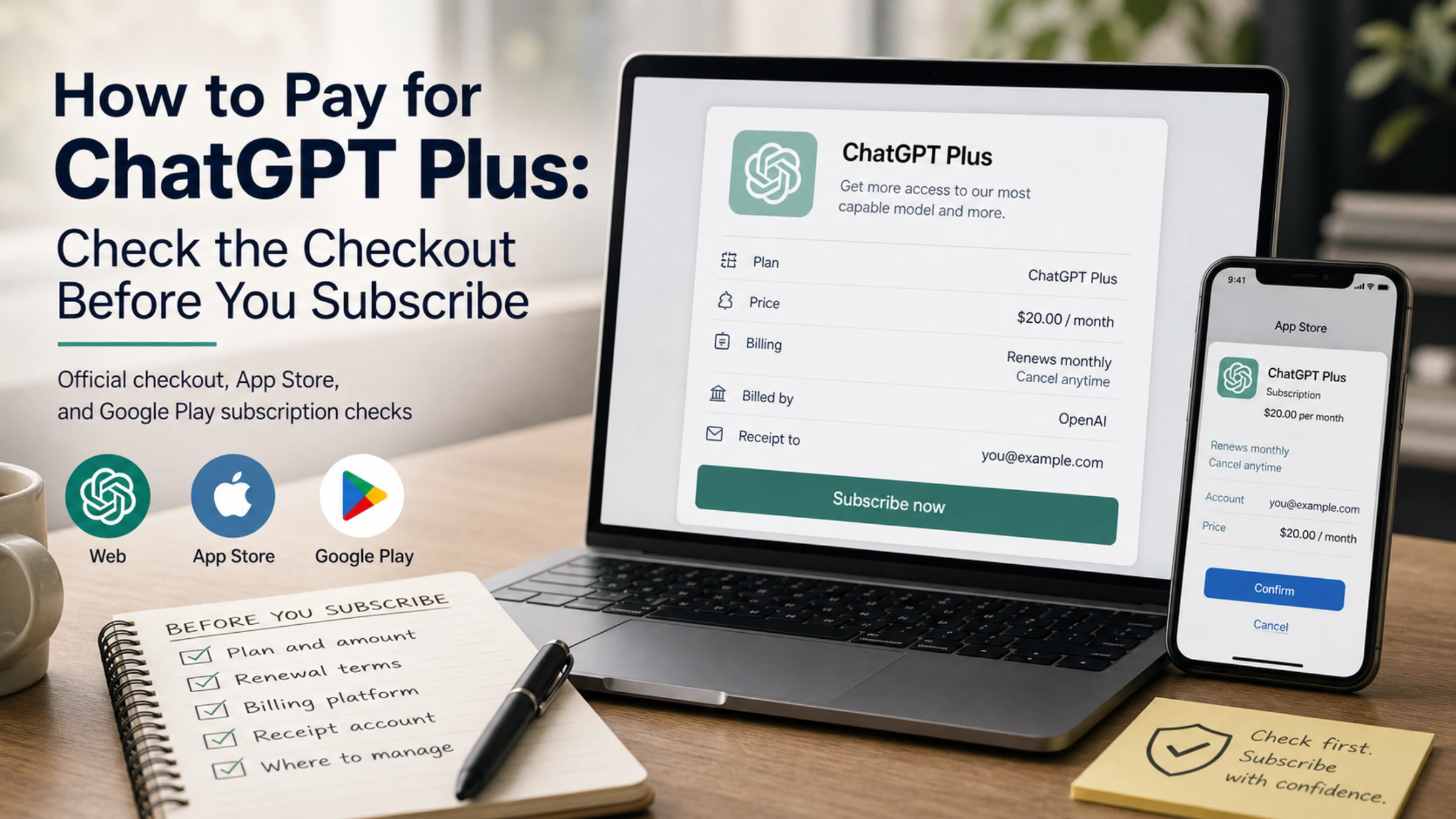
Paying for ChatGPT Plus should begin with the offer shown in your own ChatGPT account, not with a list of cards or regional workarounds from an older guide. ChatGPT Plus is a recurring subscription. The important question is therefore not simply “Which payment method works?” but “Who will bill me, how much will I be charged now, when will it renew, and where will I manage it later?”
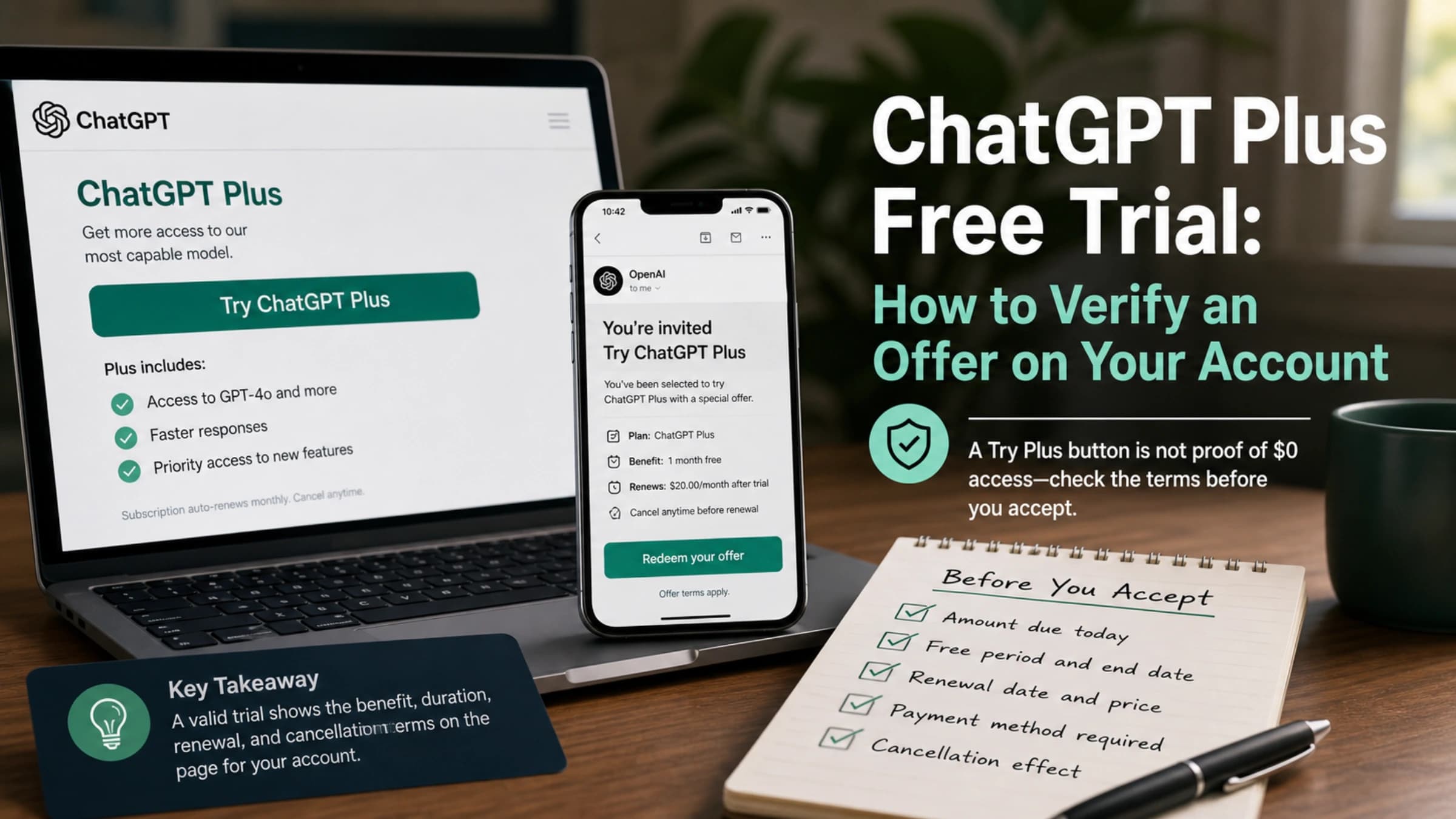
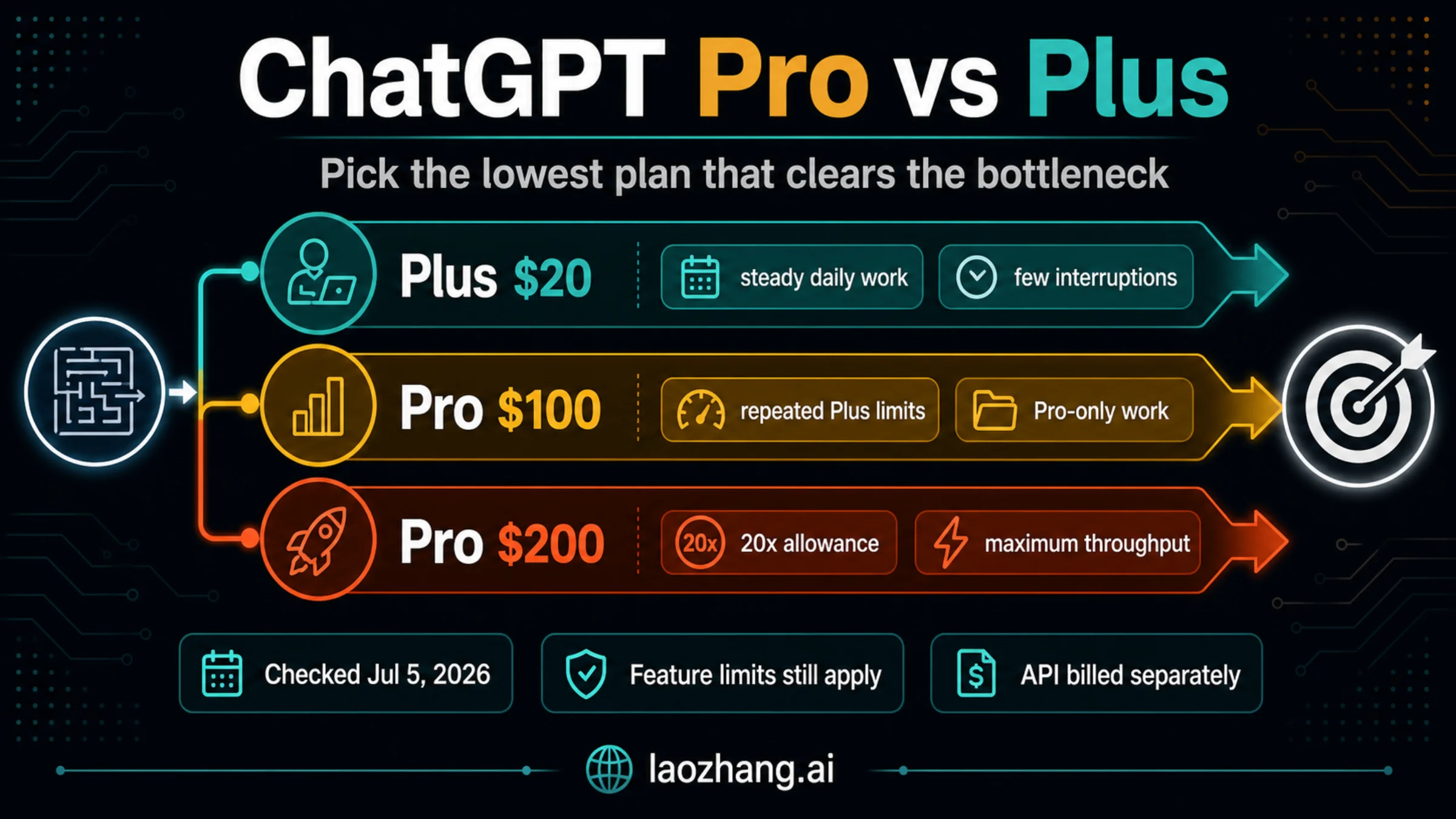
OpenAI’s current pricing page lists ChatGPT Plus at $20 per month. That figure is a useful reference for the web plan, but it does not establish the final amount for every purchase. Taxes, local currency, store pricing, and account availability may change what appears at checkout. Treat the authenticated checkout or app-store offer as the final pre-purchase record, and do not approve the charge until its terms are clear.
Start with the purchase screen you can actually see
Sign in to the ChatGPT account that you intend to keep. Open the plan or upgrade screen and verify that it identifies ChatGPT Plus. If no official offer appears, stop there. A third-party tutorial cannot make an unavailable offer valid for your account.
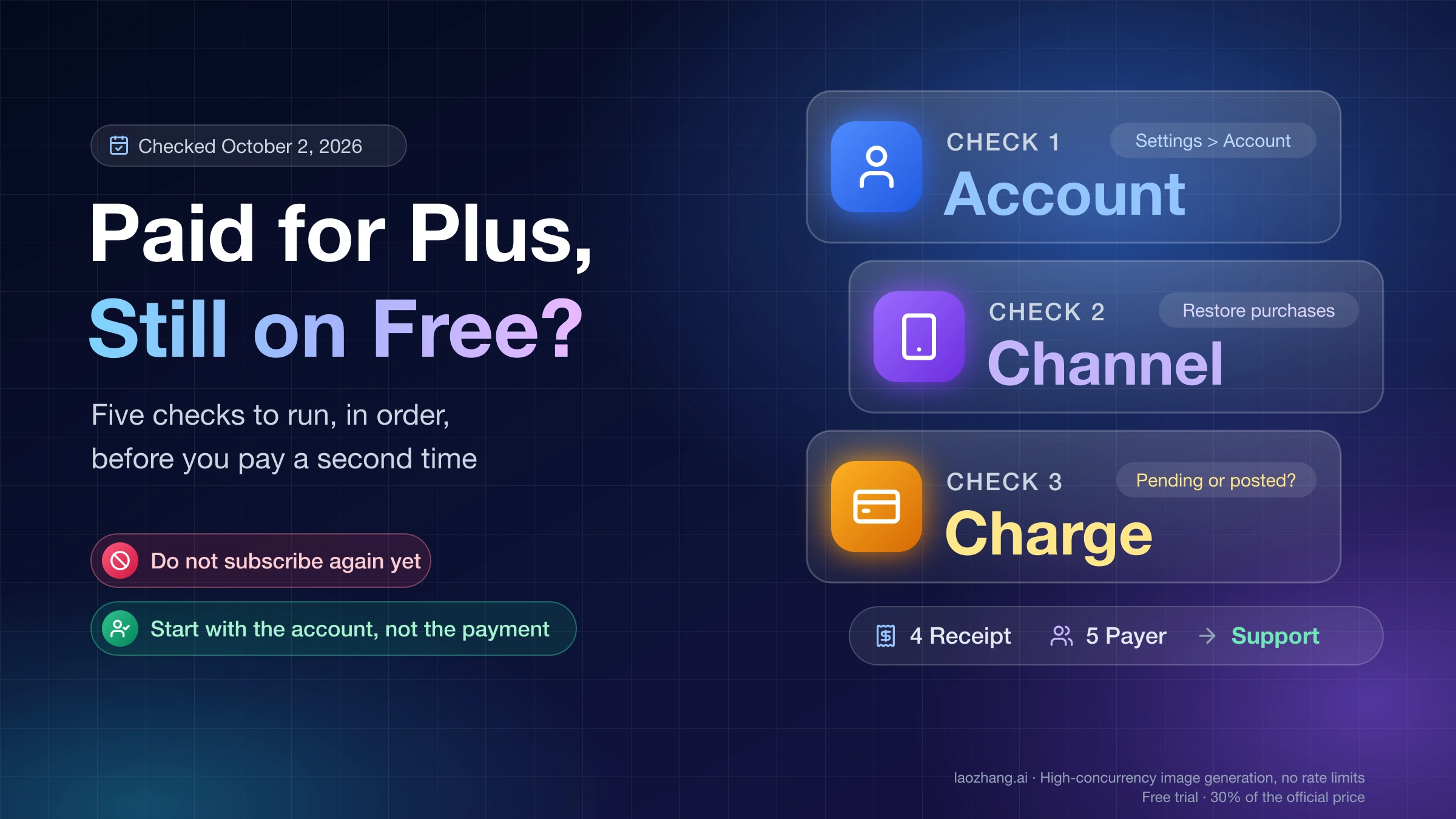
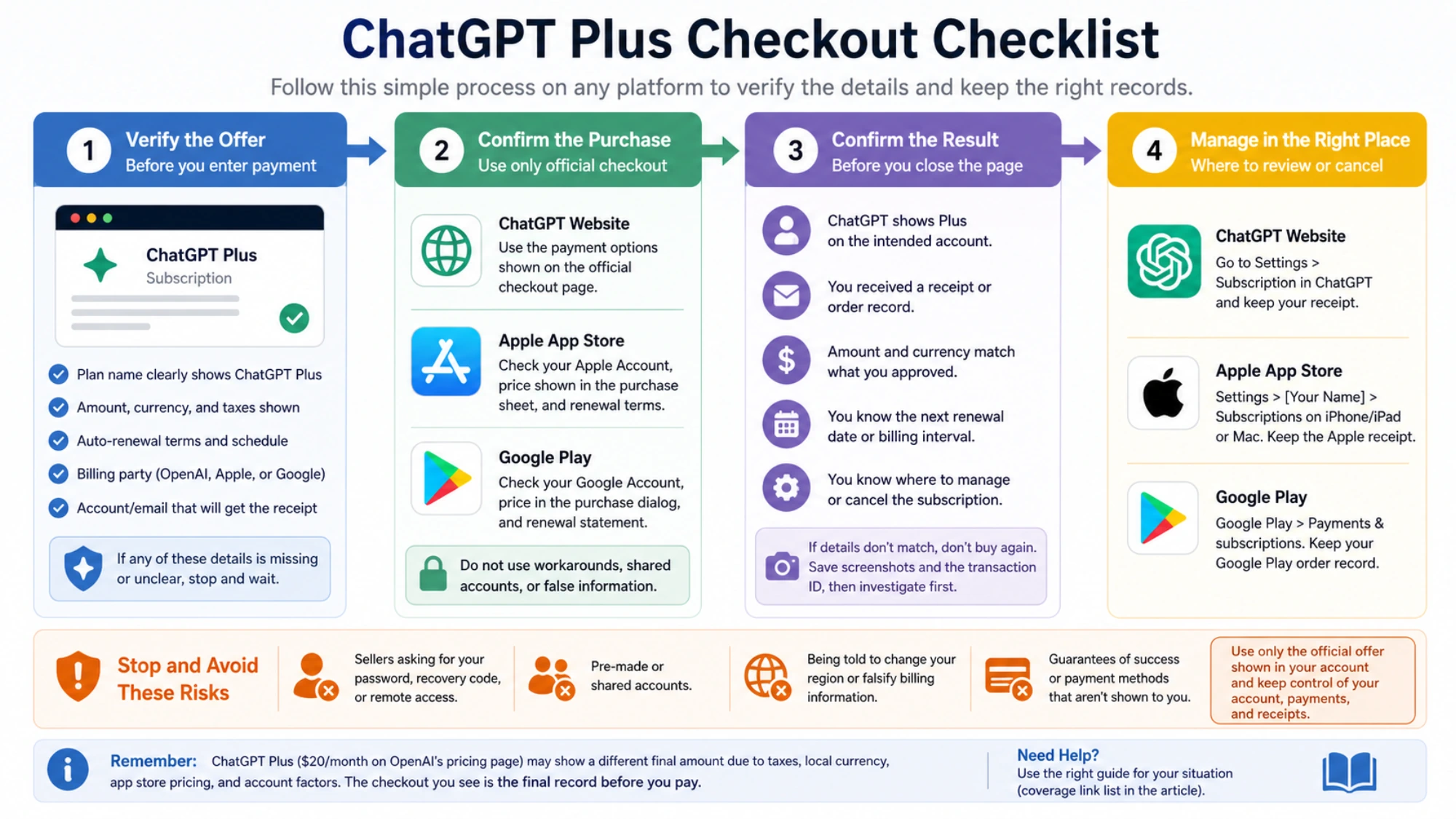
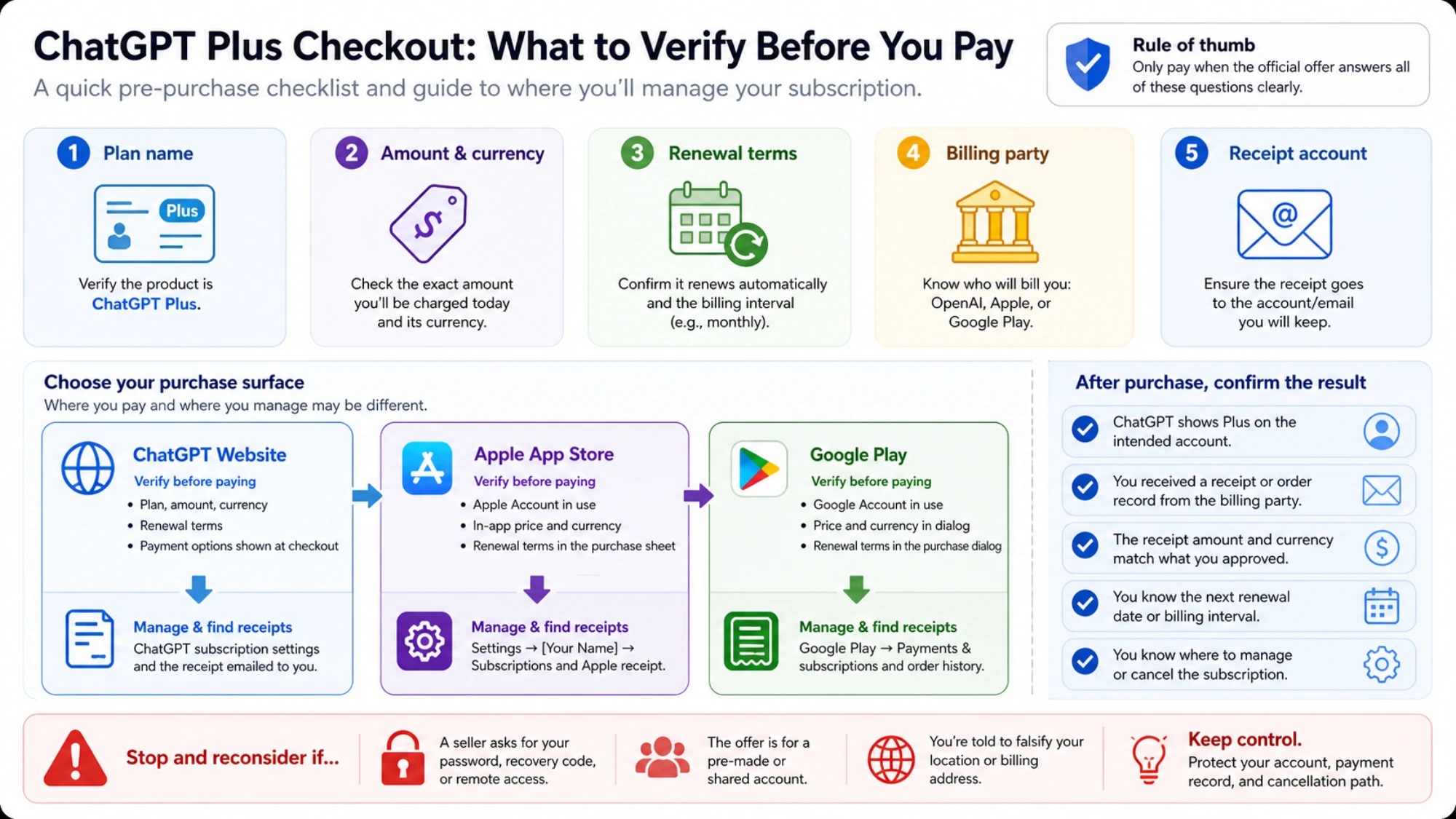
Before entering payment details, record these five items:
- The exact plan name.
- The amount being charged today and its currency.
- Whether the subscription renews automatically, and on what schedule.
- The company or store that will process the charge.
- The account and email address that will receive the receipt.
This short check prevents a common problem: buying through one platform and later searching for the subscription on another. The place where you use ChatGPT and the place where you manage payment are not always the same.
Choose the billing path, not a supposed “best card”
There are three common places to subscribe: the ChatGPT website, Apple’s App Store, and Google Play. The available choices depend on the offer shown to your account and device. None of these options guarantees that a particular card, wallet, gift card, or local payment method will be accepted everywhere.
| Where you subscribe | What to verify before paying | Where to look afterward |
|---|---|---|
| ChatGPT website | Plan, amount, currency, renewal terms, and payment details displayed at checkout | ChatGPT subscription settings and the receipt sent for that transaction |
| Apple App Store | Apple Account, displayed in-app price, renewal terms, and Apple billing confirmation | Apple Account → Subscriptions, plus the Apple receipt |
| Google Play | Google Account, displayed price, renewal terms, and Google Play billing confirmation | Google Play → Payments & subscriptions, plus Google Play order history |
The best path is the one that gives you a complete, understandable offer and a receipt you can retain. Do not switch regions, invent a billing address, or buy access to somebody else’s account merely because a blog claims that method has a high success rate. Those claims are not substitutes for the terms on your own checkout.
Paying on the ChatGPT website
If the web version of ChatGPT displays an upgrade offer, open it while signed in to the correct account. Check the plan name and renewal information, then use only a payment option presented on that page. The payment-method list can vary, so an option described in another country’s guide may not appear for you.
After payment, save the confirmation email or receipt. Return to ChatGPT’s subscription settings and confirm that the account shows the expected plan. The receipt should identify the amount, date, and billing party. If those records do not match what you approved, do not make a second rapid purchase; first determine whether the original charge completed.
If the checkout rejects the payment, use the ChatGPT payment declined guide to separate bank rejection, verification, account, and checkout issues. Repeatedly trying unrelated cards or changing payment identities can make the situation harder to diagnose.
Paying through Apple’s App Store
An in-app offer on an iPhone or iPad may be billed through Apple. Before confirming it, check the Apple Account shown by the device, the price displayed in the purchase sheet, and the renewal terms. Do not assume that the web price, a gift-card value, or another country’s App Store price applies to this purchase.
Apple explains that App Store subscriptions are managed from the Apple Account’s subscription settings. That means the Apple Account used at purchase matters even if you later sign in to the ChatGPT app on another device. Keep the Apple receipt: it is the clearest record of which account and billing party handled the transaction.
To review an Apple-billed subscription later, open the device’s Settings, select the Apple Account, and open Subscriptions. Apple also documents that available payment methods depend on account and regional conditions. A specific method appearing for one person does not guarantee that it will appear or work for another.
Paying through Google Play
On Android, an in-app offer may use Google Play billing. Check the Google Account active in the Play Store, the price in the purchase dialog, and the renewal statement before confirming. The account that buys the subscription is the account you will need when reviewing or canceling it.
Google’s subscription help directs users to the Payments & subscriptions area of Google Play. It also notes that uninstalling an app does not cancel a subscription. Keep the Google Play order record and verify the subscription under the purchasing Google Account instead of looking only inside the app.
Payment methods and billing systems can vary by country and purchase. Use only the choices Google Play shows for the active account. Do not infer that a payment method is supported for ChatGPT merely because it can be added to Google Play for another type of purchase.
Confirm the result before you close the page
A completed purchase should leave more than a temporary “success” message. Confirm all of the following:
- ChatGPT shows Plus on the intended account.
- You received a receipt or order record from the billing party.
- The receipt amount and currency match what you approved.
- You know the next renewal date or billing interval.
- You know where to manage or cancel the subscription.
If the plan status and receipt disagree, take screenshots of the relevant account pages and keep the transaction identifier. Avoid buying again until you know whether the first transaction is pending, completed, or reversed.
When you should stop instead of trying a workaround
Stop the purchase if the official page does not show a clear plan, current charge, renewal terms, and billing party. Also stop if a seller asks for your password, recovery code, or remote access to your device; if the offer is for a pre-made or shared account; or if you are told to falsify your location or billing address.
Keep control of your account, payment record, and cancellation options. If you are considering an intermediary because direct purchase is unclear, read the guide to third-party ChatGPT Plus services before sharing any information or money.
Separate subscription questions from other problems
Several related questions require different answers:
- If a legitimate checkout declined your charge, use the payment declined troubleshooting guide.
- If you are looking for a promotion rather than the normal subscription, check the ChatGPT Plus discount guide.
- If you already subscribed and want to stop renewal, follow the ChatGPT subscription cancellation guide.
- If you are comparing usage rather than payment, review the current ChatGPT Plus usage limits.
Do not mix API billing with a ChatGPT Plus subscription. Plus covers the ChatGPT product under the terms shown for that plan; API usage has separate billing and is not funded by a Plus payment.
A simple pre-purchase decision
Subscribe only when the offer in front of you answers four questions without guesswork: what you are buying, what you will pay now, how it renews, and where it will be managed. On the web, keep the checkout receipt and use ChatGPT’s subscription settings. With Apple, retain the Apple receipt and manage the subscription under the purchasing Apple Account. With Google Play, retain the order record and manage it under the purchasing Google Account.
Sources4
External pages this guide links to, in the order they appear. Last updated Sep 2, 2026.
Sources4
External pages this guide links to, in the order they appear. Last updated Sep 2, 2026.