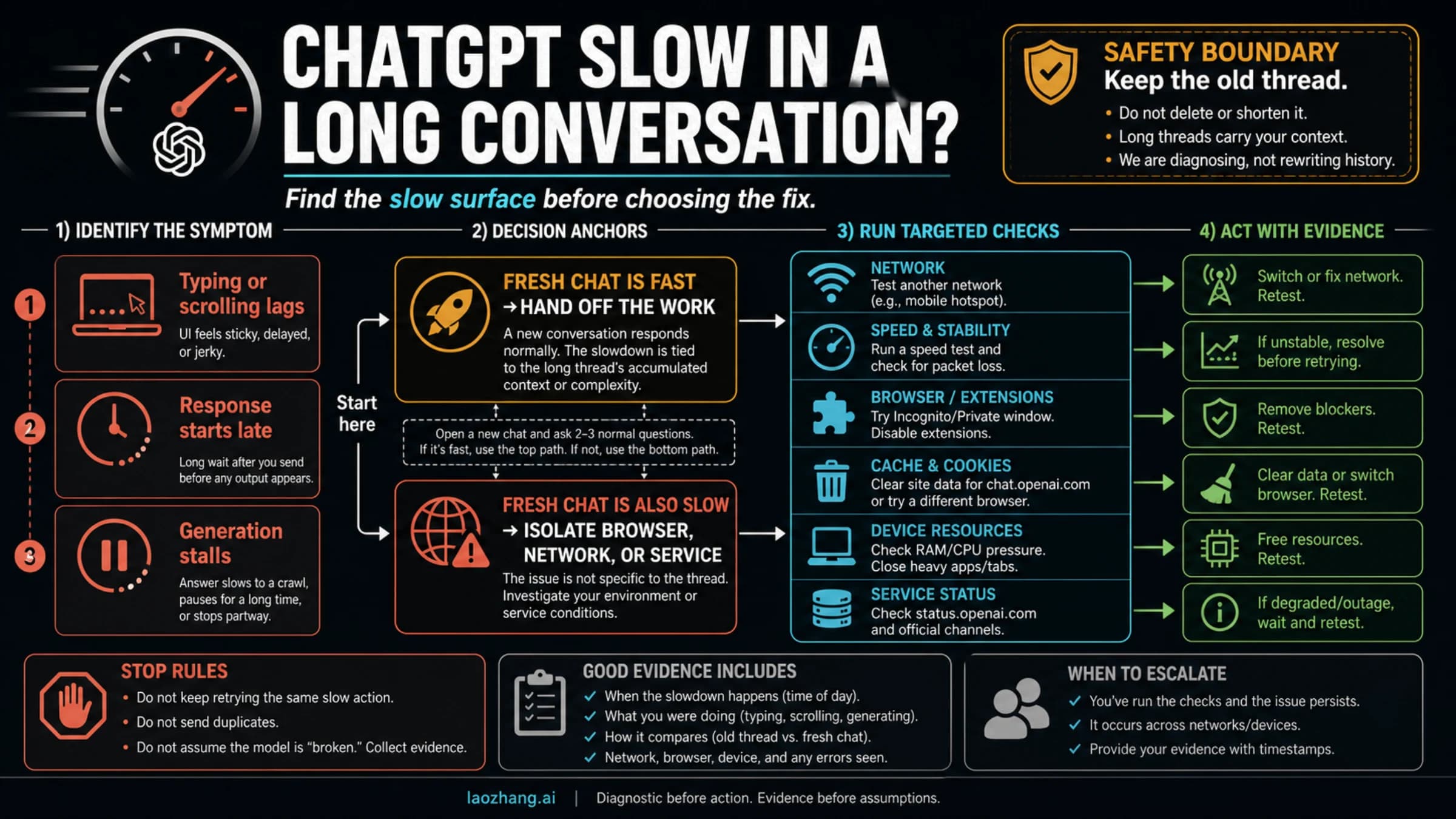
Grok Authentication Failure: How to Fix Login, X Account, and SSO Issues (2026)
Grok authentication failure usually means one of four things: a live xAI outage, the wrong xAI sign-in method, an X login or 2FA failure, or an account-state problem like a temporary lock. This guide shows the correct recovery order with official xAI and X support steps.
On this page
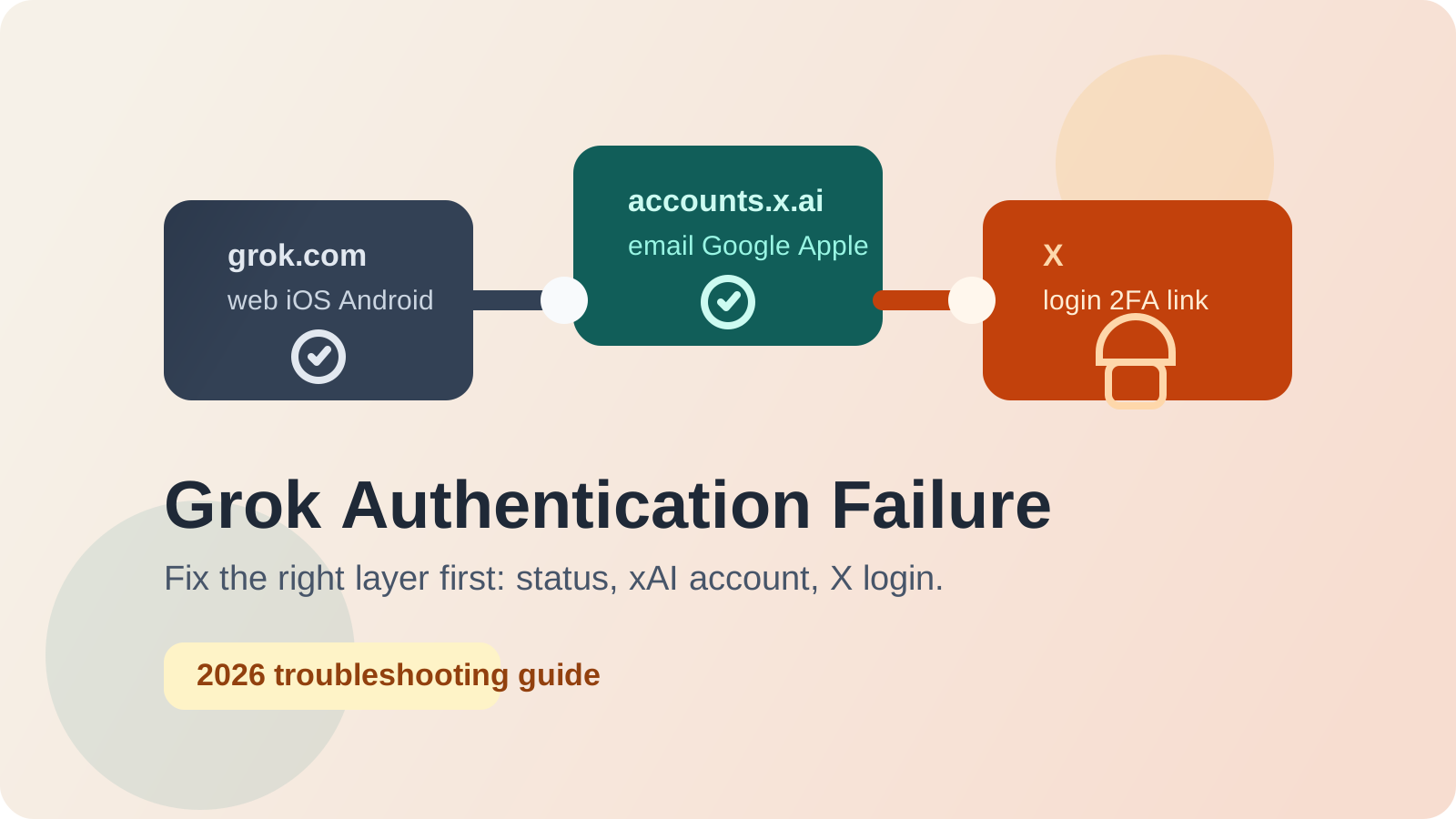
Grok authentication failure is usually not a single bug. Across the official xAI FAQ, xAI status incidents, and X Help recovery paths, blocked access usually lands in one of four buckets: a live xAI outage, the wrong xAI sign-in method, an X account login or 2FA problem, or an account-state issue such as a temporary lock, restricted account, or missing reset email. The fix gets much faster once you stop treating all four like the same password problem.
That distinction matters because Grok now sits across multiple layers. The xAI Grok FAQ says one xAI account gives you access to Grok Website and Apps, while X can be added as a linked account and sign-in path from inside Grok settings. X Help, meanwhile, owns X password resets, login verification, temporary locks, and other X account security issues. If you fix the wrong layer first, you can waste an hour resetting credentials that were never broken.
All guidance below was checked against xAI FAQ, accounts.x.ai, status.x.ai, and current X Help documentation on March 28, 2026.
TL;DR
- Check
status.x.aifirst. As of March 28, 2026, xAI's status page showed all systems operational, but the same status system also tracks separate incidents for Grok Web, Grok in X, and Single Sign-On. If one of those components is red or degraded, wait or switch surfaces before you reset anything. - If grok.com opens the wrong account, fix your xAI identity layer. Sign back in with the original xAI method you used, then go to
Settings > Accountto link the correct X account. - If the failure happens on the X login screen, treat it as an X account problem. Use X password reset, login-verification, backup-code, or temporary-lockout recovery flows.
- If X says your account is locked, limited, deactivated, or already in use, do not create another account first. Resolve the X account state, then return to Grok.
- Use the right support owner. xAI handles Grok products and xAI billing. X Help handles X login, X security, and X-specific issues.
@premiumis the official escalation path for issues using X according to xAI's Grok FAQ.
The quick-diagnosis table below is the fastest way to decide where to start:
| What you see | Most likely cause | First place to check | Fix path |
|---|---|---|---|
| Grok fails for everyone or across multiple devices | Grok Web / SSO incident | status.x.ai | Wait, retry later, or switch surface |
| Only X sign-in fails but email or Apple works | X login or provider-side auth problem | X Help + xAI status | Recover X login or wait out SSO issue |
| Grok opens, but it is the wrong account or missing X-linked access | Wrong xAI sign-in method or missing X link | accounts.x.ai + Grok Settings > Account | Sign in with the original method, then relink X |
| Password reset or 2FA is failing on X | X account security problem | X Help | Reset password, use backup code, or follow lockout flow |
| X says email, phone, or username is already in use | Existing, deactivated, or suspended X account | X Help | Recover the old account instead of creating a new one |
Start Here: Identify Which Login Layer Broke
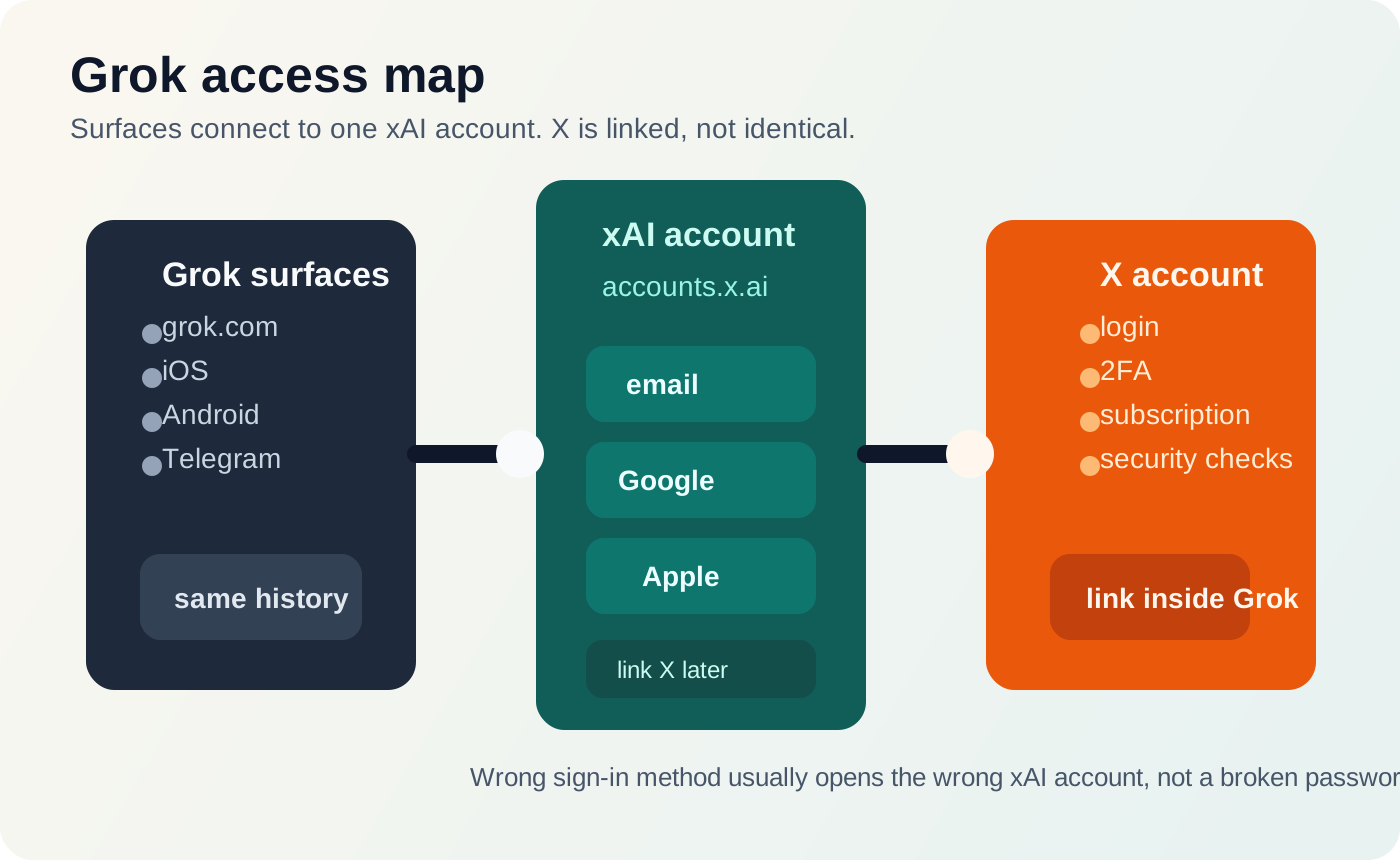
The most useful mental model for this topic is that Grok access depends on three connected but different layers. The first layer is the surface you opened: grok.com, the mobile app, or Grok inside X. The second layer is your xAI account, which stores the sign-in method and usually controls whether you land in the correct account history. The third layer is your X account, which may be linked for sign-in, subscription benefits, or identity continuity.
The official Grok FAQ makes this explicit in two important ways. First, it says your xAI account grants access to Grok Website and Apps. Second, it explains that you can link or unlink an X account from Settings > Account, and that X issues should go to X Help or @premium. That means a failure on the X login screen and a failure inside your xAI account are not the same incident even if both feel like "Grok won't let me in."
The accounts.x.ai sign-in page also matters because it shows what xAI currently exposes as core sign-in methods: email, Google, and Apple. If you originally created your xAI account with Google but later try Apple, you may not get an error at all. You may simply land in a different xAI account. That is why some "authentication failure" reports are really identity mismatch reports.
One more detail from xAI's FAQ prevents a common false alarm: if you sign up with X and xAI asks for your email afterward, that does not automatically mean the login failed. xAI says X does not share the user's email address during signup, so an extra email step can be normal. If you mistake that screen for an auth failure and back out early, you can leave the account half-created and make the next login attempt more confusing.
Fix 1: Rule Out a Grok or SSO Outage Before Resetting Anything
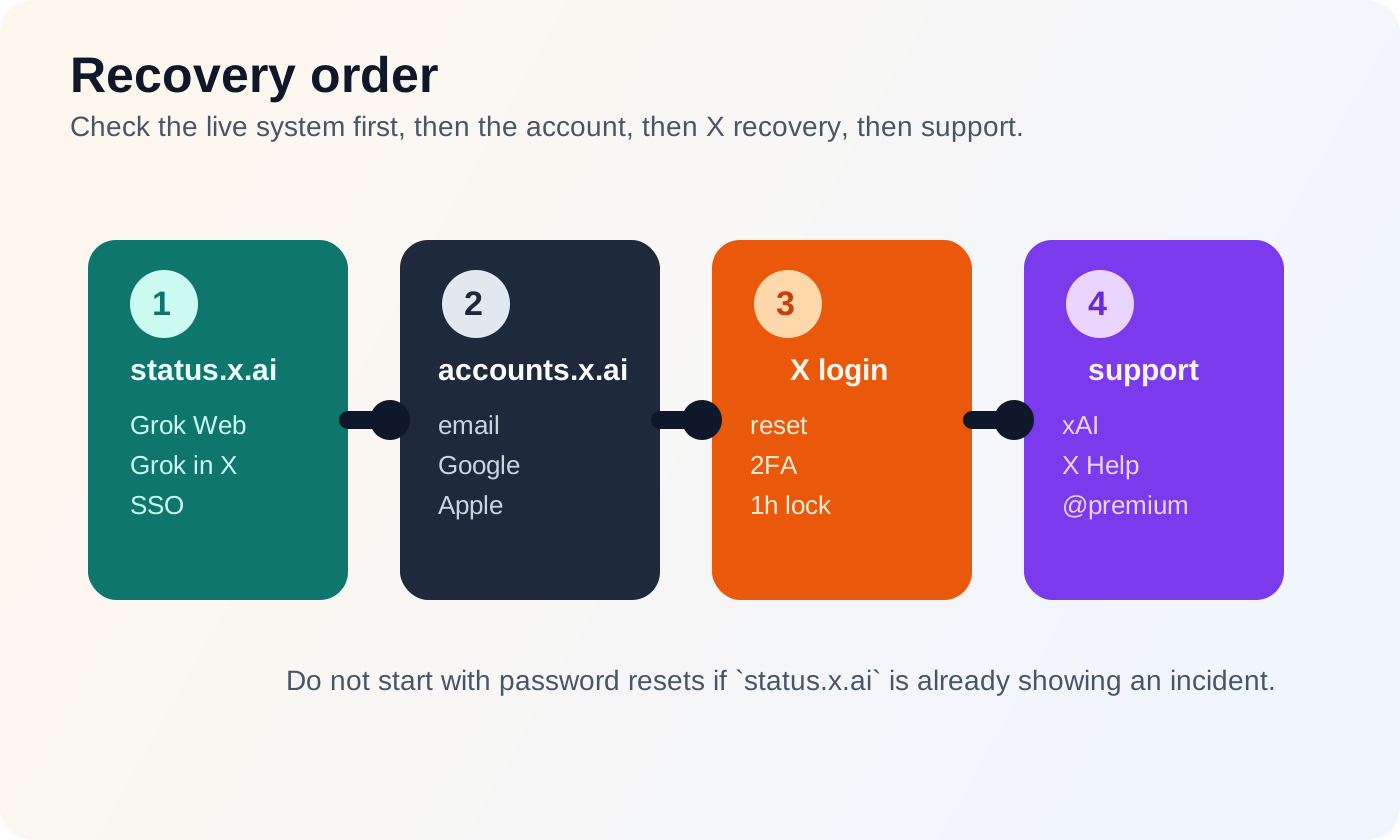
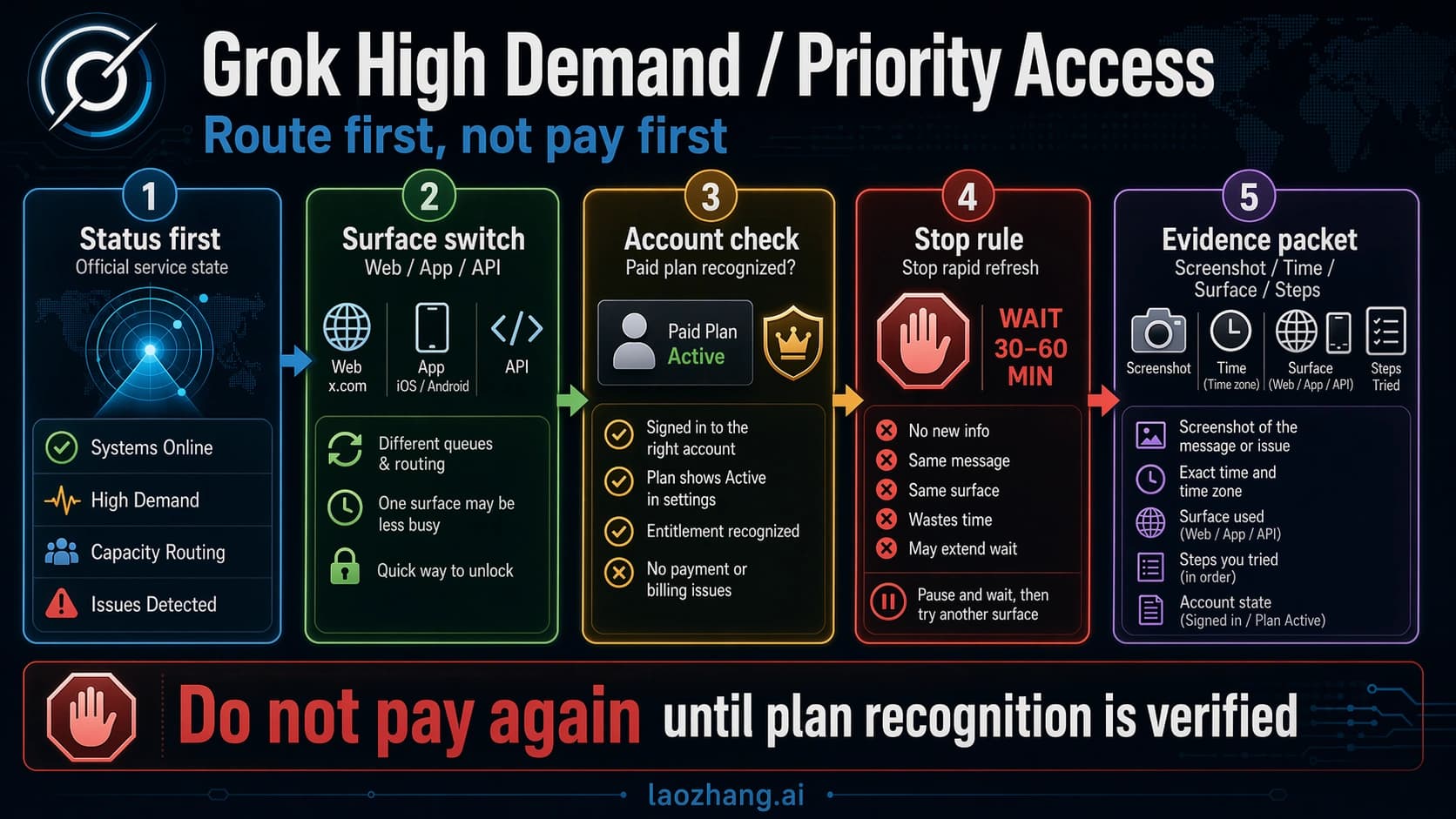
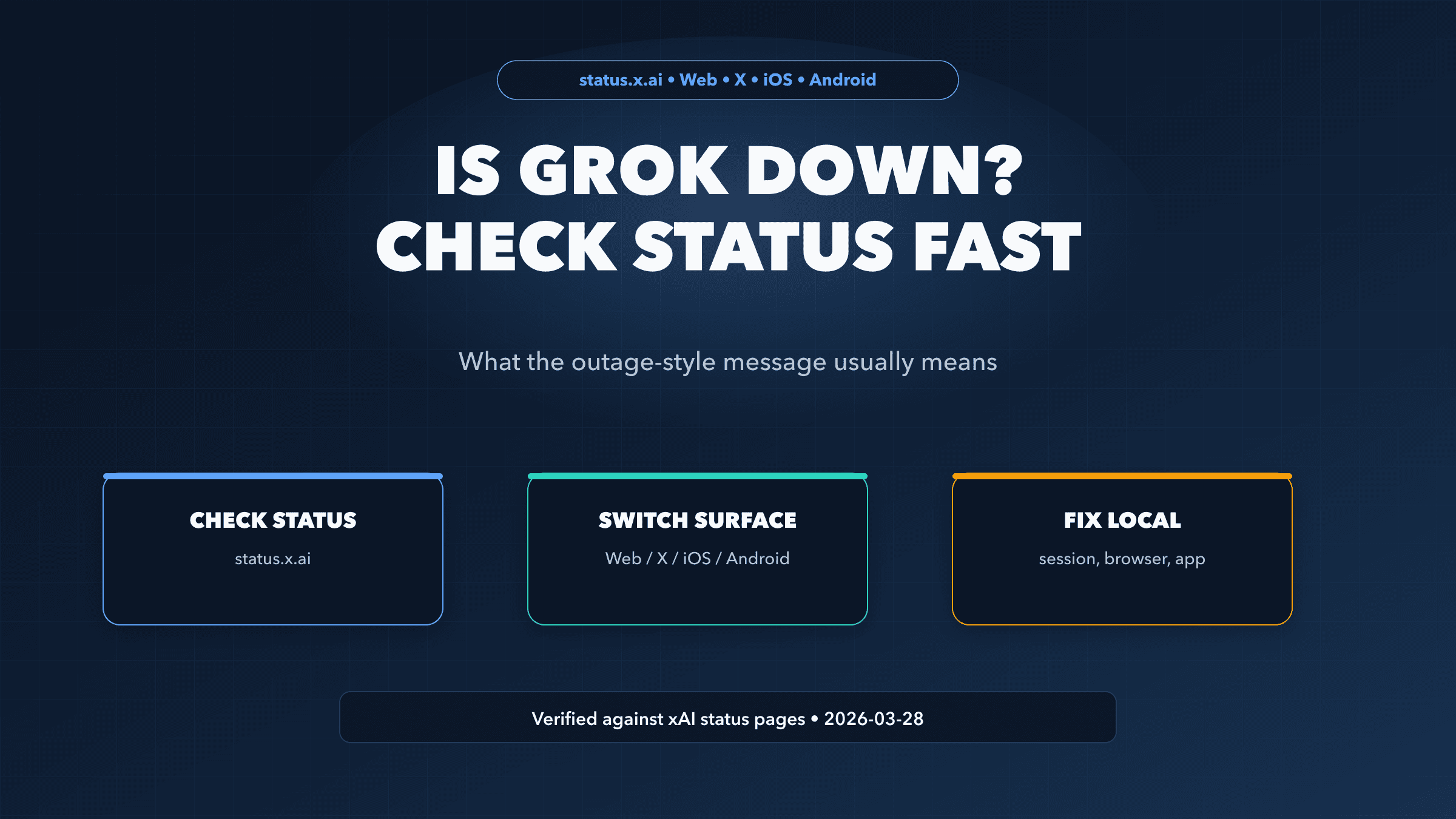
Check status.x.ai before you touch your password. That sounds trivial, but it is the highest-leverage step in this entire guide. xAI's status system tracks Grok Web, Grok in X, and Single Sign-On as separate components, which means a service-side authentication failure can look exactly like an account problem from the user's point of view.
This is not hypothetical. xAI's public status history includes incidents such as Grok Web access failures, Single Sign-On outages, email-sending failures, and periods where Grok in X was unavailable. Those incidents matter because they change the correct behavior. If Grok Web is degraded but Grok in X is normal, switching surfaces is reasonable. If Single Sign-On or email sending is degraded, repeated password resets and verification attempts can make the situation worse rather than better.
Use this simple rule:
- If
status.x.aishows an incident for Grok Web, Grok in X, or SSO, wait for the status page to stabilize before resetting credentials. - If the status page is clean and the failure is isolated to one sign-in provider, keep troubleshooting your account layers.
- If the failure appears only on one surface, try another official surface before you assume your account is gone.
This is also where multiple sign-in methods help. When xAI exposes email, Google, and Apple on accounts.x.ai, it gives you a way around a provider-specific outage. If Google login is the only failing path and you already added email or Apple to the same xAI account, you can often get back in without waiting for the provider issue to clear. If you only ever used a single provider, the outage becomes a hard block.
Fix 2: If Grok Opens the Wrong Account, Fix the xAI Identity Layer
One common non-outage failure mode is not "my password is wrong." It is "I signed into a different xAI account than the one that actually has my Grok setup or linked X account." When that happens, Grok can feel broken even though authentication technically succeeded.
The clean recovery path is:
- Sign out of Grok and go directly to
accounts.x.ai. - Try the sign-in method you originally used for xAI, not just the one that is most convenient today.
- Once you are inside the correct xAI account, open Grok and go to
Settings > Account. - Link the correct X account there if it is missing.
- If you no longer want a duplicate sign-in path, remove the extra method only after you confirm you can still get back in another way.
xAI's FAQ is especially important here because it confirms that X account linking is managed from within Grok settings, not by guessing from the X side. That means if grok.com loads but your X-linked access is missing, the fix is usually inside the xAI account you are already using. Resetting the X password will not repair a missing xAI link by itself.
This is also the section where readers often overreact and create a second account. Avoid that unless xAI support explicitly tells you to. If you create a new xAI account with a second identity provider while your original account still exists, you can end up splitting history, settings, and account links across two profiles. In most cases, the better move is to recover the original xAI identity first, then merge your sign-in hygiene around it.
Fix 3: If the Failure Happens on the X Login Screen, Treat It as an X Account Problem
Once the failure path moves onto X itself, stop debugging Grok and start debugging X. xAI's FAQ says issues using X should go to X Help or @premium, and X's own help documentation is very clear that login, password-reset, login-verification, and temporary-lock problems belong to the X account layer.
Start with password reset if the account credentials are genuinely failing. X Help documents the reset flow through email, phone, or username, and the recovery code is time-limited. If you no longer have access to the recovery email or phone number, the process becomes much narrower, so do not waste attempts entering guesses. Gather the identifiers you still control first.
If two-factor authentication is the point of failure, do not keep hammering the same broken verification path. Use the recovery method you actually configured: backup codes, another verification method, or the in-app login-request flow if it is available to you. Many users experience "authentication failure" simply because the password works but the 2FA step never completes. That is an X security problem, not a Grok problem.
If X temporarily locks you out after repeated failed attempts, follow X's own rule: disable third-party apps that may be retrying in the background, wait about an hour, and try again. Temporary lockouts are designed to slow suspicious activity, so constant retries only extend the pain. This is especially relevant if you recently connected browser extensions, wrappers, or automation tools around your X account.
Finally, if X shows you notices about verification, account limitation, or suspicious activity, complete those flows before returning to Grok. An X account that is limited or locked will keep breaking the Grok sign-in path until the X-side state is cleared.
Fix 4: Handle Account-State Edge Cases Before You Try to Create Another Account
The hardest auth failures are not credential mistakes. They are account-state issues. X Help documents several cases that look like generic login failure from the outside but require a very different recovery approach.
If X says your email, phone number, or username is already in use, assume the old account still exists. That can mean you already created the account, deactivated it recently, or lost access to it. Creating yet another account is usually the worst move because it adds another identity to a problem that is already messy.
If the old account was deactivated, recover it first. X gives users a reactivation window after deactivation. Inside that window, you should sign back into the original account rather than starting over. Outside that window, recovery options shrink and support becomes more important.
If the old account was suspended or restricted, you may not be able to reuse the same identifiers immediately. X's notices and account-state guidance make clear that limited or suspended accounts trigger additional verification or review steps. Until those finish, Grok access that depends on that X identity may stay blocked.
If password-reset or verification email is not arriving, check two things before you panic. First, check your spam or junk folders and make sure you are using the exact email on file. Second, check whether xAI or X is currently reporting email-delivery or SSO trouble. xAI's public status history includes email-sending failures, which means a missing reset email is sometimes infrastructure, not user error.
Who Should You Contact: xAI or X?
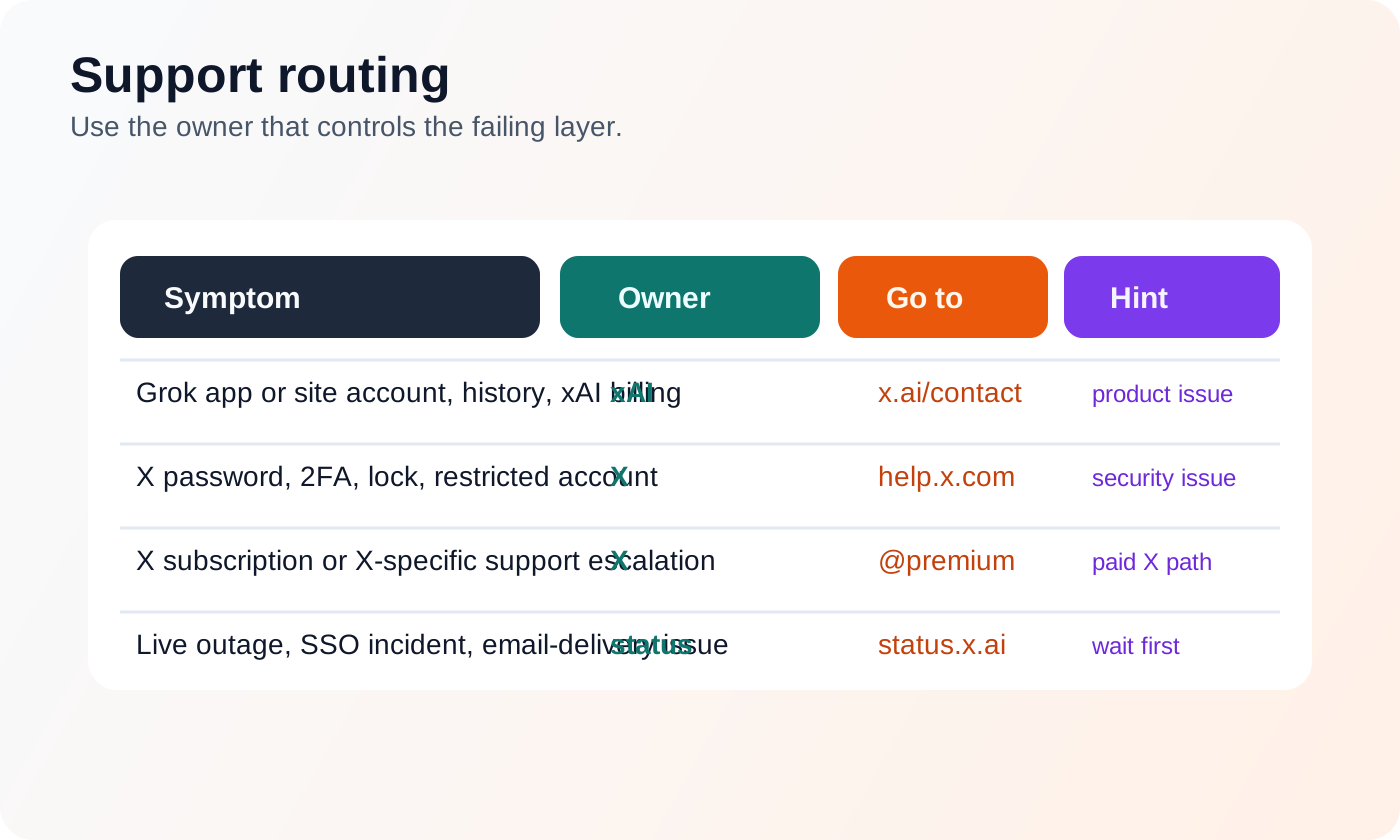
The fastest way to lose another hour is opening the wrong support ticket. Use this split:
| Problem | Best owner | Why |
|---|---|---|
| Grok web or app account, missing history, xAI billing, broken xAI product behavior | xAI support via x.ai/contact | xAI owns Grok products and xAI account support |
| X password, 2FA, security checks, locked or restricted X account | X Help via help.x.com | X owns the account-security layer |
| X-specific paid support path | @premium | xAI's Grok FAQ explicitly routes issues using X here |
| Suspected live outage or SSO incident | status.x.ai | status is the fastest source of truth before support responds |
There is one easy test if you are unsure. Ask yourself whether the failure happens before or after you are in the xAI account. If you cannot pass X login or 2FA, go to X. If you are already inside the xAI account but Grok is still missing history, account links, or product access, go to xAI.
Prevent the Next Grok Authentication Failure
The best prevention step is redundancy. Do not leave your entire Grok access path dependent on a single provider if xAI gives you alternatives. Add at least one additional sign-in method to your xAI account once you are back inside. That way a provider-specific outage does not become a total lockout.
The second prevention step is to link the right X account while everything is healthy. Do not wait until a login crisis to discover that the wrong X identity is attached to your xAI account. Confirm the link under Settings > Account, then verify that the Grok profile and the X profile you expect are actually paired.
The third prevention step is to harden your X recovery path. Keep the recovery email current, keep backup codes somewhere safe, and avoid repeated retries if you get locked out. X's temporary-lock guidance is designed around cooling down suspicious activity. Respecting that workflow is faster than brute force.
Finally, make status.x.ai your first reflex, not your last. Grok auth problems are one of the few support categories where a 30-second status check can save a 30-minute reset spiral.
FAQ
Does "authentication failure" mean my account was banned?
No. It can mean a live outage, the wrong xAI sign-in method, an X login or 2FA problem, or an account-state issue like a temporary lock. Check the status layer and the account layer before you assume moderation or suspension.
Why did xAI ask for my email after I chose X signup?
xAI's FAQ says X does not share your email address with xAI during signup. That extra email step can be normal and does not automatically mean the login failed.
Why does Grok work in one place but not another?
Because Grok Web, Grok in X, and Single Sign-On are tracked separately on xAI's status page, and because your xAI account layer is not identical to the X account layer. One surface can fail while another still works.
What if only Google login fails but email or Apple works?
Treat that as a provider-specific login path issue first. Use the working method to get back into the same xAI account if you can, then add a backup sign-in path so the next provider outage is less disruptive.
Can I fix this without losing my Grok history?
Usually yes, if you recover the original xAI account instead of creating a new one. The biggest history-loss risk comes from signing into or creating a second xAI account with a different provider instead of restoring the first one.